Teaching & Classroom
How to make a custom spelling word search for your class
By Jobi · Creator & Maintainer, PrintablesWorld · Updated 2026-07-30 · 7 min read
The word searches at the back of a workbook are built around somebody else's word list, which is why they so often read as filler. A custom spelling word search is a different proposition: the same ten words students will be tested on, tucked into a grid they can work through on their own. This guide walks through how to build one from your own list, a full worked example you can copy, and the small things that separate a useful puzzle from a frustrating one.
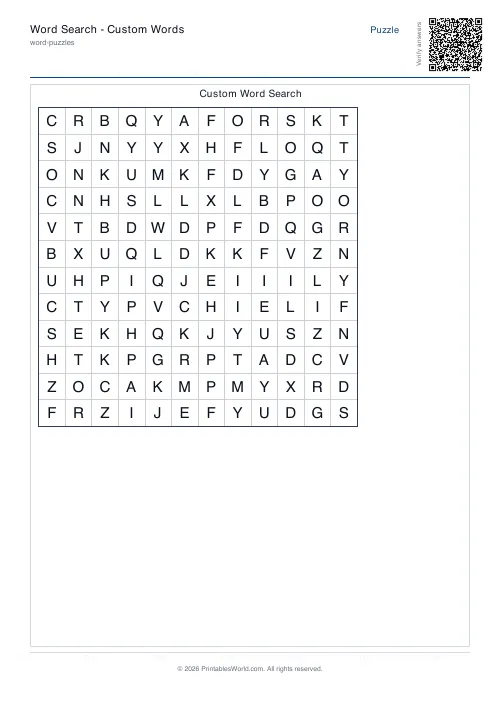
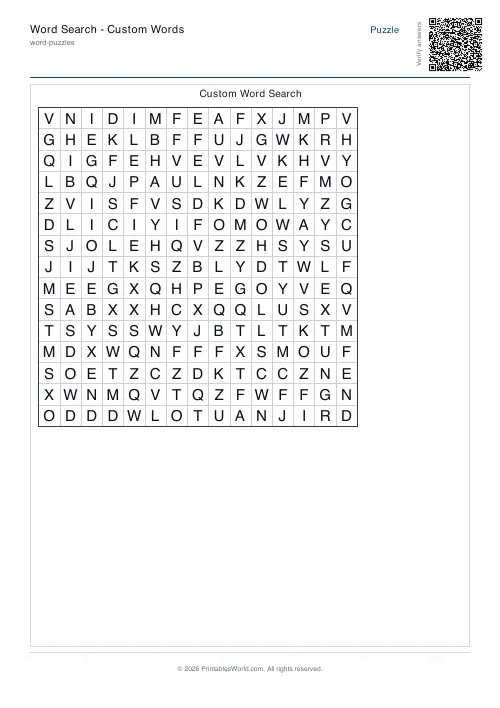
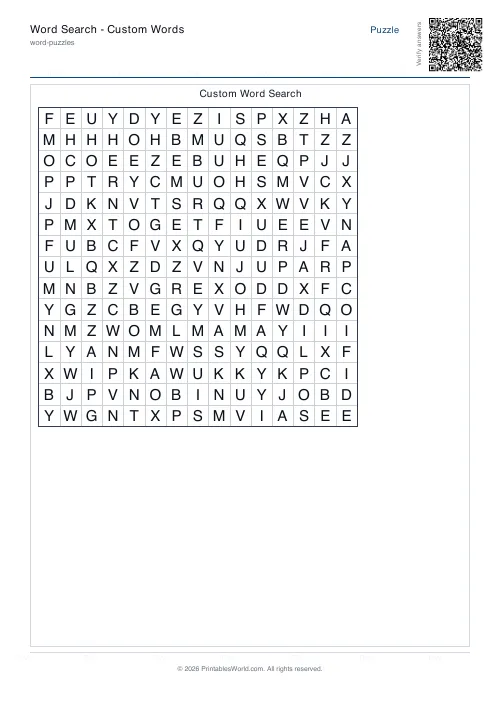
What goes into a good classroom word search?
Three things, really. It has to be readable at print size, so the grid cannot be so dense that the letters blur together. Every hidden word should come from the list students are actually studying, which turns the hunt into quiet review instead of filler. And it helps to print a word bank next to the grid, so the task runs itself while you deal with the inevitable interruptions. Get those right and a single spelling list can stretch your quick finishers while still giving the students who struggle a way in.
Why custom lists beat generic puzzles
A puzzle pulled from a book almost never matches what your class is learning this week. When the hidden words are the exact spellings coming up on the test, every minute spent searching is extra exposure to the right letter patterns. That repeated, low-pressure contact with target words is one of the quieter workhorses of spelling practice, and students tend to learn words faster when they meet them in more than one place. A word search will not teach spelling on its own, but it earns its spot in the mix.
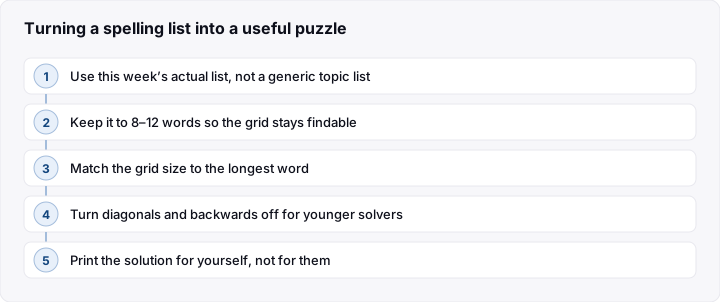
How to make a custom spelling word search, step by step
- Gather the list: collect this week's spelling words, usually eight to fifteen of them.
- Open the generator: head to the word puzzle makers and pick the word search tool.
- Paste the words: one per line, or separated by commas.
- Size the grid: make it at least as wide as your longest word.
- Set the difficulty: choose the directions words can run, and whether they go backward or diagonal.
- Turn on the answer key: for fast marking later.
- Generate and print: download the PDF and run off a class set.
A worked example with a real word list
Say you are running a weather theme. Your list has ten words: sun, rain, cloud, wind, snow, storm, fog, frost, hail and thunder. The longest is thunder at seven letters, so the grid has to be at least seven cells across. Anything narrower and the word simply cannot be placed.
Paste the ten words one per line and choose a 12 by 12 grid. That gives 144 cells, and the ten words take up 44 of them, so the answers sit in a little under a third of the grid while the generator fills the rest with random letters. Open enough for younger solvers, busy enough to feel like a challenge. For a mixed group, set the difficulty to medium: words run forward and diagonally, but not backward. Switch on the answer key and generate. Out comes a PDF with the grid, a word bank down the side, and a separate marked-up key. Print one, check it reads cleanly, then run off a set for the class plus one key for yourself. Start to finish, about five minutes.
How to use the Word Search Generator
The word search generator is free, needs no account, and works straight from a list. Paste your words, set the grid size and the directions, and toggle the optional answer key. It outputs a printable PDF sized for both A4 and US Letter, so it prints correctly wherever you are. The puzzle page carries the grid and the word bank; the key page shows the same grid with every word marked.
Tailoring the puzzle for different groups
Early readers
For five and six year olds, Year 1 in the UK or kindergarten in the US, stick to around six short words on a small grid, with words running only left to right and top to bottom.
Middle primary and up
From roughly Year 2 to Year 4, or second through fourth grade, ten words on a medium grid with a few diagonals fits comfortably inside a lesson. For older students, add backward words and some less familiar spellings.
Mixed-ability classes
Generate two versions from the same list: an easier grid for students who need support, and a tougher one to keep fast finishers busy.
Common mistakes to avoid
- Grid too small for the longest word: size the grid to your longest entry first, or that word has nowhere to go.
- Cramming in too many words: a crowded grid is hard on the eyes, so stay near ten and keep that word bank visible beside it.
- Forgetting the answer key: marking thirty sheets by eye is slow, so generate the key at the same time as the puzzle.
Frequently asked questions
What word count works best for a custom spelling word search?
Eight to fifteen words is the sweet spot for most classes. Fewer than eight and the grid looks half empty; more than fifteen and it gets cramped and fiddly, especially for younger solvers. For a weekly list, ten is a safe middle. Drop to six short words for very early readers, and go longer with older students who can handle a mix of word lengths.
Can I add a solution key to the printable?
Yes. The generator builds an answer key from the same word list, with every hidden word marked on the grid. It saves you marking time and lets students check their own work once they are done. Most teachers print a key or two for themselves and hand out key-free copies so the challenge stays intact. Because the key comes from your list, it always matches the puzzle, even after a reshuffle.
What paper size does the PDF use?
The PDF prints cleanly on both A4 and US Letter, which covers the UK, US, Canada, Australia, Ireland and New Zealand without any cropping. Since it is a PDF, it looks the same on every device and printer, and it prints fine in black and white, because the puzzle relies on letters rather than color, so you save ink. No account, no watermark, and the whole class set comes out in one run.
How do I make the puzzle easier or harder?
It comes down to three levers: grid size, the directions words can run, and how much the words overlap. The gentlest setup is a small grid with words going only left to right and top to bottom, which suits early readers. To raise the difficulty, enlarge the grid and allow diagonal and backward placement so solvers scan in every direction, and reach for longer, less familiar words. From a single list you can spin up an easy version and a stretch version in a couple of minutes.
Sources and further reading
If you want to dig into how vocabulary and word study sit within reading instruction, these are good starting points:
- Reading Rockets: vocabulary and word study
- Education Endowment Foundation: literacy guidance reports
Before you print
A word search is only ever as good as the list behind it, so start with the spellings your class is on and let the generator handle the rest. Match the grid to your longest word, keep the list near ten, pick a difficulty that suits the group, and turn on the answer key before you print. Run a single test copy, check it reads, then print the set. Built this way, a printable spelling word search is a five-minute job you can repeat every week: quiet, useful review that slots in alongside your other printable classroom activities.
Related tools
Continue reading
Literacy & Spelling
Do word searches help spelling? What works
Do word searches help spelling, or just fill time? What they practise, what the evidence suggests, and how to turn a spelling list into useful recall practice.
8 min read
Word Puzzles
Crosswords for kids: age-by-age difficulty guide
The grid size matters less than the clues. Here is what suits each age, and the four clue types that work with children. Plus the one that does not.
5 min read