Scan to get


 Scan to get



 Scan to get






What this tool does
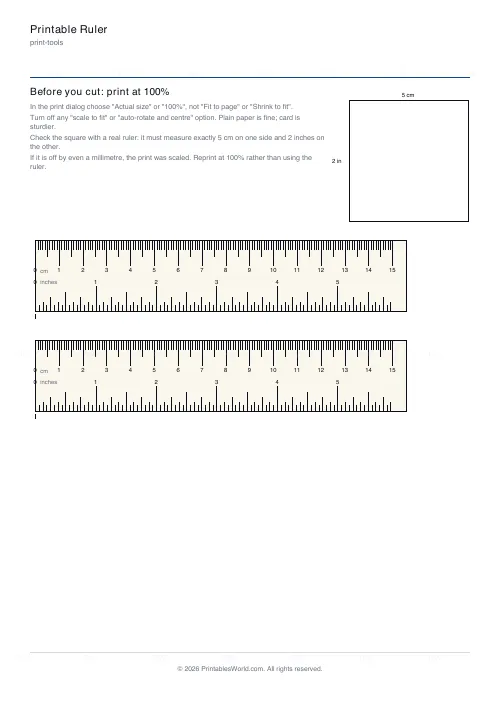
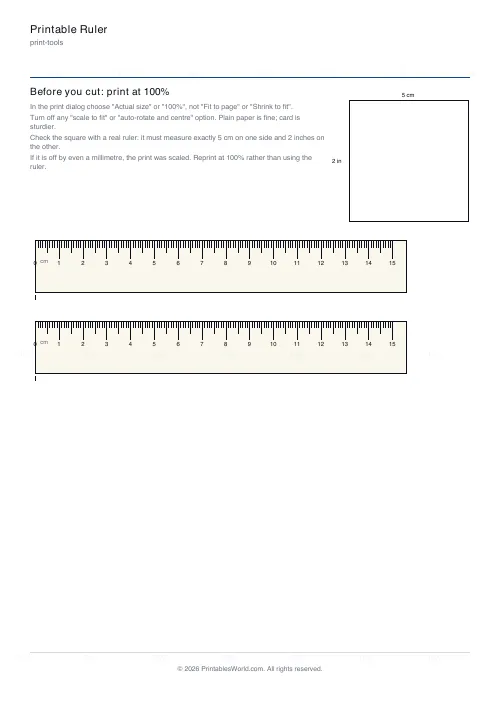
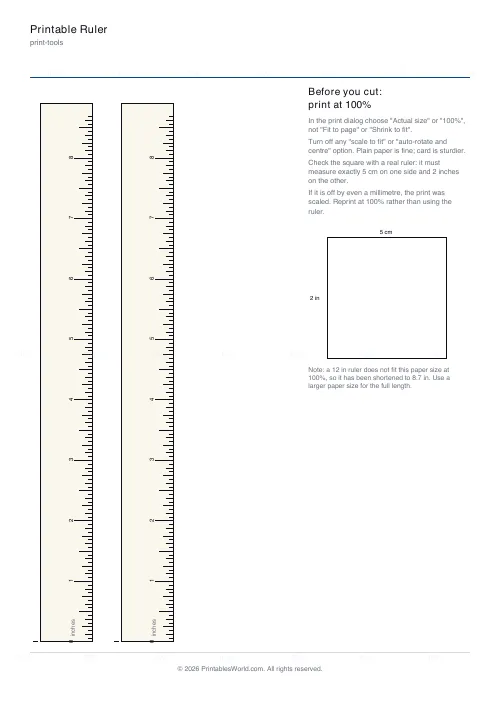
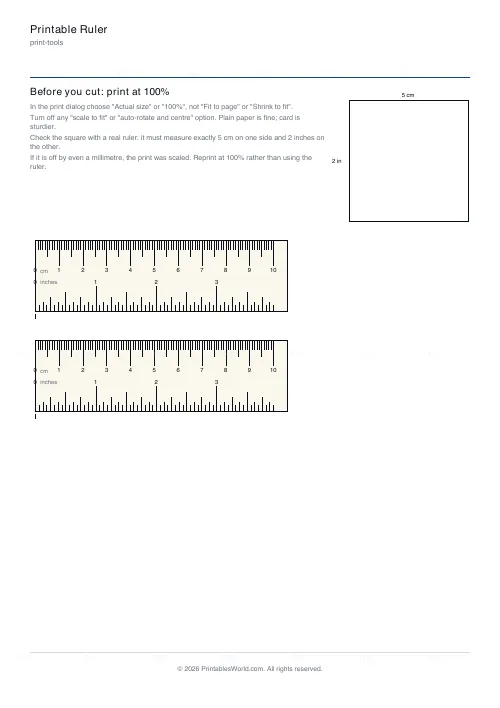
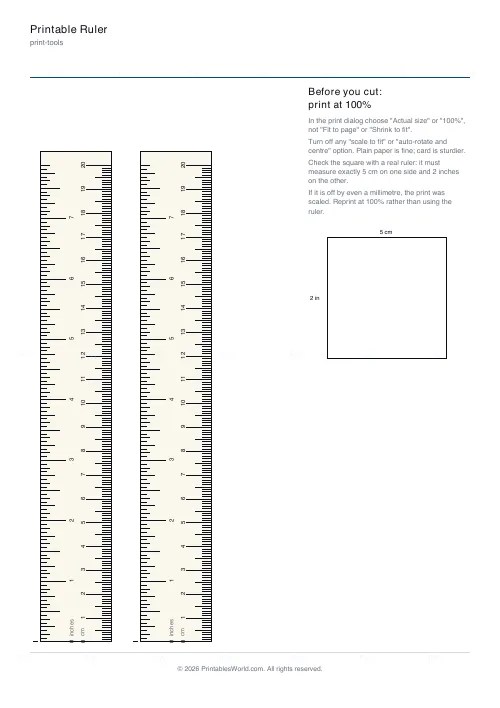
A ruler you can trust because the sheet tells you whether to trust it. Every tick is placed from the exact conversion, the page carries a square that must measure 5 cm by 2 inches, and the guidance says which print settings scale a page without asking. Centimetres and millimetres, inches to sixteenths, or both edges on one ruler.
People also used
Feedback
Spotted something off with this tool?
The only thing that matters is the scale
A printable ruler is worthless if the printer shrank it by three percent, and printers do that by default. Fit to page, shrink to fit, scale to printable area: any of them turns 15 cm into 14.6. This sheet is built around that fact. The ticks are placed in the PDF from the exact conversions (72 points to the inch, 28.35 to the centimetre) with no rounding to a pixel grid, and the page carries a check square that is exactly 5 cm wide and 2 inches tall. Measure it with a real ruler, or a credit card (85.6 mm), before you cut. If it is short, the print was scaled; reprint at 100 percent rather than using the ruler.
Units
Centimetres with millimetre ticks and a longer tick at every half centimetre. Inches divided to sixteenths, with the eighths, quarters and halves stepped longer so the fractions can be read without counting. Or both: centimetres along the top edge, inches along the bottom, which is the ruler most people actually want.
Length and layout
Ten, fifteen, twenty, twenty-five and thirty centimetres, or four to twelve inches. Up to twenty centimetres prints across the page. Anything longer turns vertical to fit; thirty centimetres needs Legal paper, since A4 and Letter are not tall enough for it at true size. Several rulers stack on one sheet, so cut one out and keep the rest.
Zero at the edge
By default the zero mark sits on the cut line, so the ruler can be butted against the thing being measured. If you would rather have a margin before zero, as on a wooden ruler, turn that off and zero moves in by five millimetres.
Printing it right
Choose Actual size or 100 percent. Turn off any option that mentions fitting, scaling or auto-rotating. Plain paper works; card is easier to hold straight. Print, measure the square, then cut.
The other measuring tools
The printable protractor uses the same exact-scale approach for angles. The print scaling calculator and DPI calculator are the other side of the same problem: working out what a printer is doing to a page.
FAQs
Quick answers
How do I know it printed at the right size?
Measure the check square on the sheet. It must be exactly 5 cm on one side and 2 inches on the other. A bank card is 85.6 mm long if you have no ruler to check with.
Which print setting do I need?
Actual size or 100%. Turn off Fit to page, Shrink to fit and Scale to printable area, which all resize the page.
Can I get a 30 cm ruler?
On Legal paper, yes, printed vertically. A4 and Letter are too short for 30 cm at true size; 25 cm fits A4 vertically.
How fine are the inch divisions?
Sixteenths, with eighths, quarters and halves drawn progressively longer.
Why is zero on the edge?
So the ruler can be pushed up against an object and read from zero. Untick Zero at the cut edge for a 5 mm margin instead.
Is a paper ruler accurate enough for anything?
Printed at true size it is accurate to well under half a millimetre, which is better than most people can read a ruler. The printer setting is the only real source of error.
Related tools
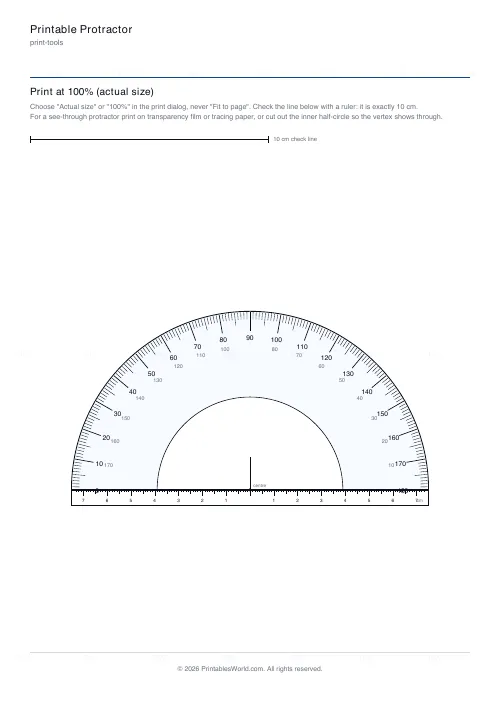
Printable Protractor
180° and 360° protractors, 8 to 15 cm across, with degree ticks, dual numbering and a cm base scale.
Print Scaling Calculator
Scale any document to fit your chosen paper size.
DPI Calculator
Calculate DPI, print size, or required pixels for sharp, print-ready images.
Paper Sizes Calculator
Compare paper sizes and convert dimensions to pixels for accurate print design at any resolution.
Graph Paper Generator
Create custom graph paper PDFs with square or rectangular grids, dot styles, and axis numbering.