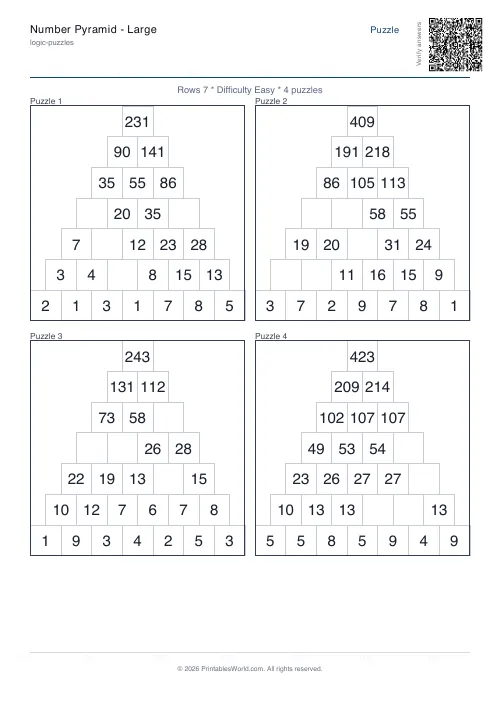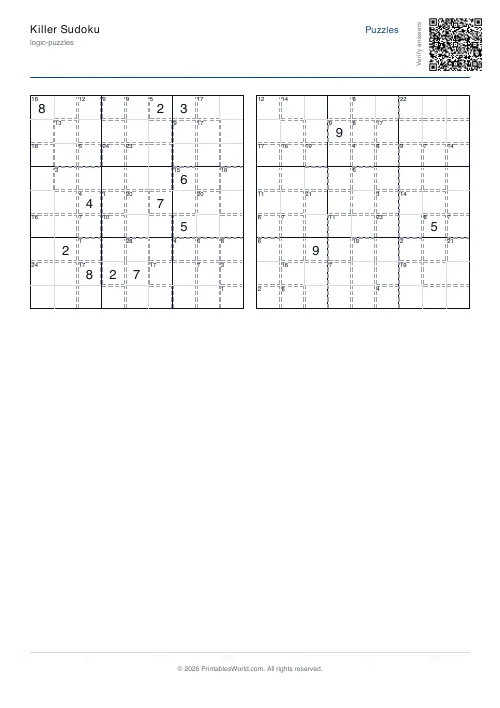
What this tool does
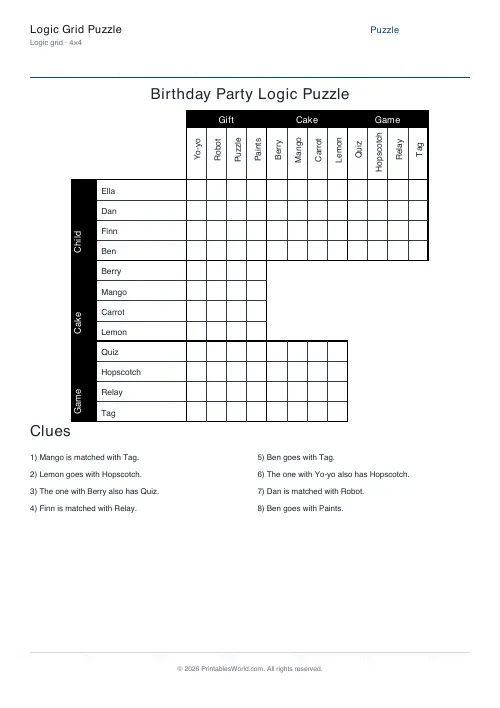
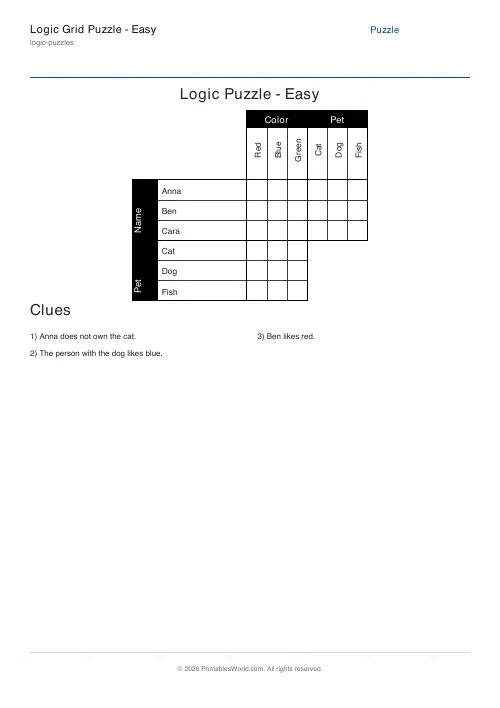
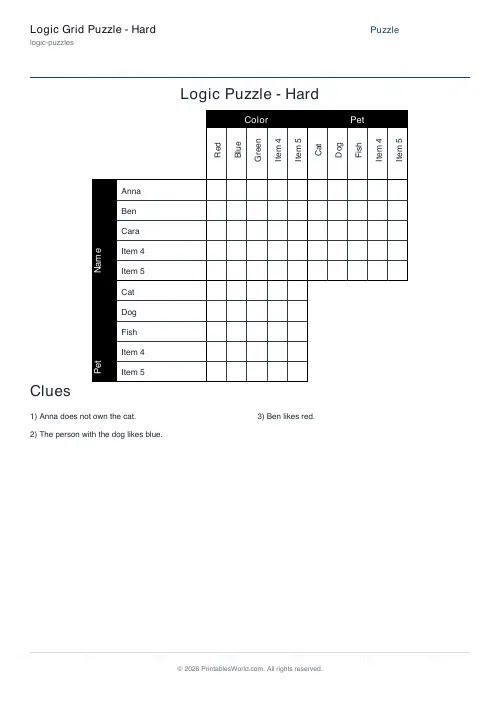
Build a logic grid puzzle: 3 to 5 categories with 3 to 7 items each, your own names and clues, and an optional answer page. Changing the size regenerates the puzzle.
People also used
Sudoku Generator
Generate printable Sudoku puzzles with six per page, multiple difficulty levels, and optional solutions.
Binary Puzzle Generator: Printable
Create printable binary logic puzzles (Takuzu/Binairo) with customisable grid sizes and difficulty levels.
Light Up (Akari) Puzzle
Place bulbs to light every cell. A classic logic puzzle.
Feedback
Spotted something off with this tool?
How the puzzle is built
Choose how many categories you want, anywhere from three to five, and how many items sit in each — three up to seven. Name them yourself, or take what the generator suggests, then write or edit the clues.
The sheet prints the cross-referenced grid, the clue list and, if you want it, a results page.
The clues are yours, and that is the important part
Unlike most generators here, this one does not invent a puzzle behind your back and hand you the answer. The clues are editable text and the engine prints them exactly as written.
That gives you complete freedom over the difficulty and the theme. It also means the puzzle is only as consistent as your clues — a set that contradicts itself will print quite happily, so work the grid through yourself before handing it out.
One consequence to know about: changing the grid size regenerates the clues, because a 3×3 puzzle's clues are meaningless on a 5×5 grid. Set the size first, then write the clues. Doing it the other way round loses your work.
Solving one
The grid is the method rather than the answer sheet.
Mark a definite yes with a cross or a tick, and mark every no. That second part is where solvers go wrong — a confirmed yes eliminates the whole rest of that row and column, and failing to fill in those noes leaves you unable to see the next deduction. The eliminations carry more information than the confirmations.
Then look for indirect links. If Anna is not the teacher and the teacher drives a blue car, Anna does not drive a blue car, even though no clue said so. Those chained inferences are the actual puzzle.
Writing good clues
Mix the types. Direct statements ("Ben plays the cello"), negatives ("Clara is not the youngest"), and relational clues ("the pianist is older than Ben") each require different reasoning.
Relational clues are what make a puzzle interesting, and they are also where a puzzle most easily becomes unsolvable, so add them one at a time and re-check.
Aim for exactly enough information. A puzzle with a redundant clue is easier than intended; one with a clue too few has several solutions and is not a puzzle at all.
Sizing it
Three categories of three is a five-minute puzzle and the right place to start with children. Four by four is a substantial adult puzzle. Five by seven is a long evening.
Related: the sudoku generator and binary puzzles for logic that needs no clue-writing.
FAQs
Quick answers
What grid sizes can I create?
You can build puzzles from 3×3 (three factors, three items each) up to 5×7 (five factors, seven items per factor). Larger grids offer more challenge but require more careful clue writing to ensure a unique solution.
Do I need to write my own clues?
Yes. The generator does not create clues automatically. You type or paste your clue sentences into the text box, one per line, and the tool formats them on the PDF.
What is the difference between Easy and Standard clue styles?
Easy mode highlights important words in bold to help younger or less experienced solvers spot key information quickly. Standard mode prints all clues in plain text.
Can I include an answer key?
Yes. Toggle the "Include results page" option to add a second page with a completed solution table showing every correct match. You can print both pages or keep the answer page private.
Will my puzzle fit on A4 and US Letter paper?
The PDF layout suits both A4 (210 × 297 mm) and US Letter (8.5 × 11 in) without scaling. Cell sizes and fonts adjust automatically to fit the grid on one page.
How do I make sure my puzzle has only one solution?
The generator does not validate logic or uniqueness. After you generate the PDF, solve the puzzle yourself or use a logic-grid solver tool to confirm your clues lead to exactly one answer.
Can I change the puzzle title?
Yes. There is a title field where you can type a custom heading. This text appears at the top of the puzzle page above the grid.
Related tools
Sudoku Generator
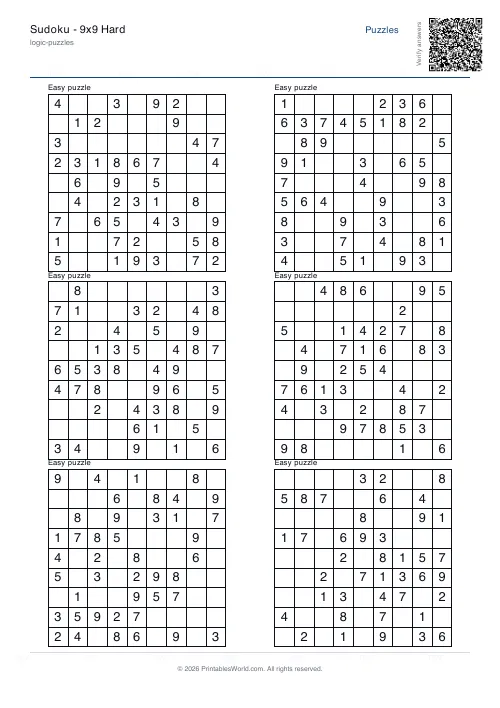
Generate printable Sudoku puzzles with six per page, multiple difficulty levels, and optional solutions.
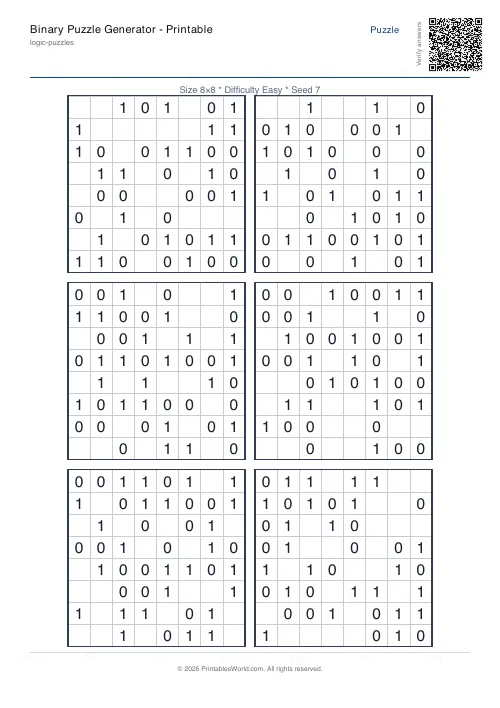
Binary Puzzle Generator: Printable
Create printable binary logic puzzles (Takuzu/Binairo) with customisable grid sizes and difficulty levels.
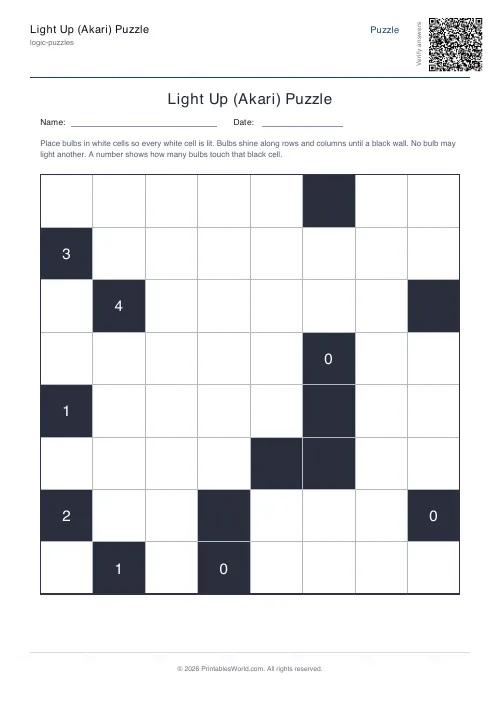
Light Up (Akari) Puzzle
Place bulbs to light every cell. A classic logic puzzle.
Further reading
Logic Puzzles
The benefits of logic puzzles for developing brains
Logic puzzles teach deduction and persistence, which are worth having. The claim that they make children generally smarter is weaker than the marketing suggests.
5 min read
Puzzles & Brain Games
Printable brain games for seniors: a free puzzle pack
A free printable puzzle pack for older adults, with a sample seven-day plan, large-print and easier-difficulty tips, and how to use the Logic Puzzles collection.
7 min read
Logic Puzzles
Kakuro, killer sudoku and other number puzzles explained
If sudoku has stopped being a challenge, these are the natural next steps. And unlike sudoku, most of them genuinely involve arithmetic.
5 min read