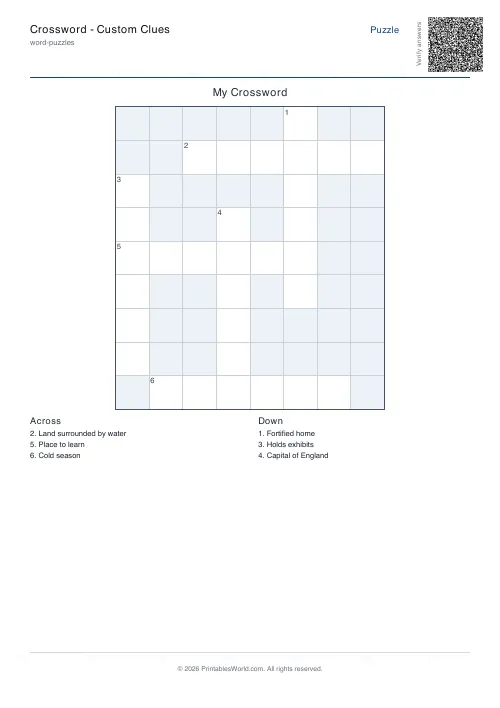
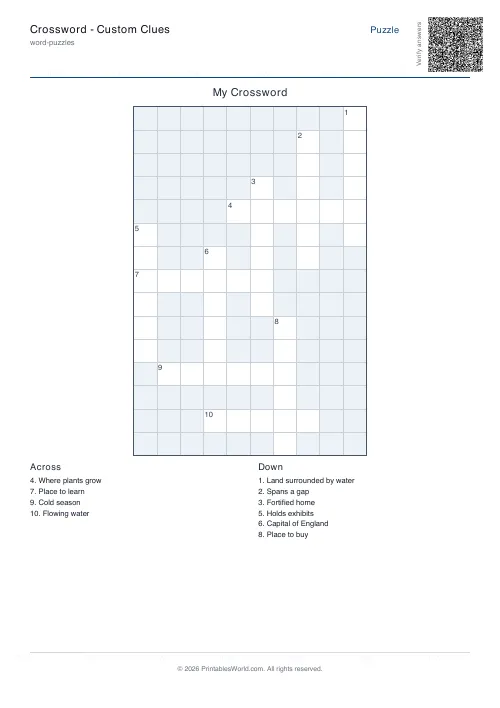
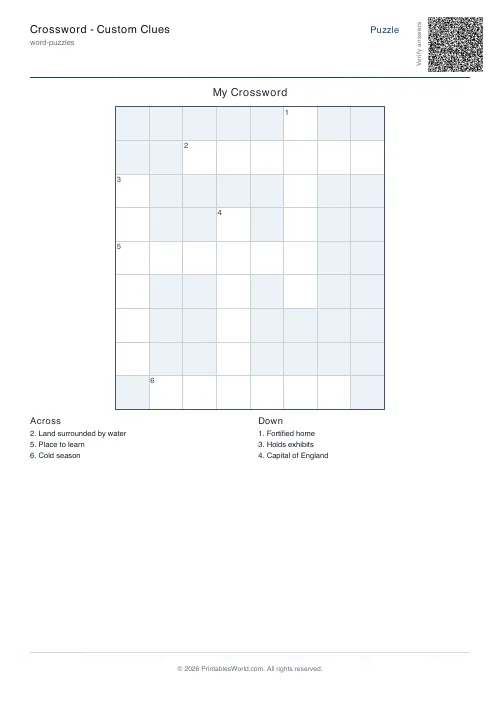
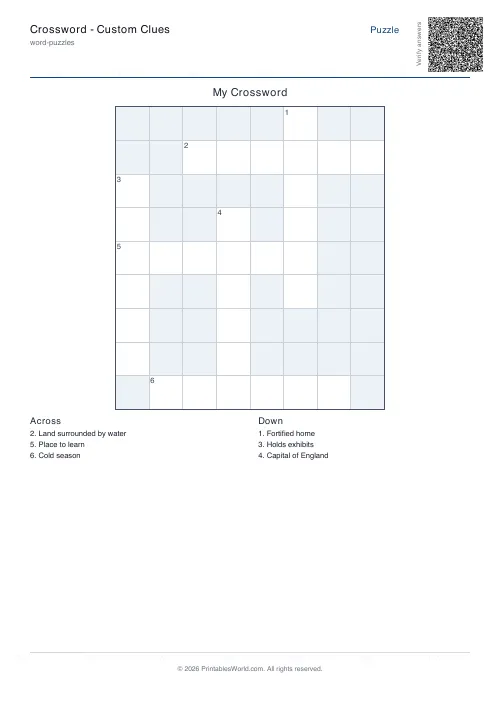
What this tool does
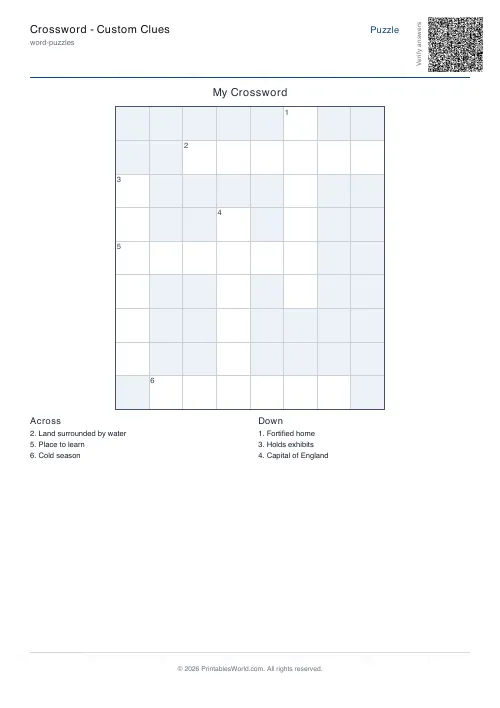
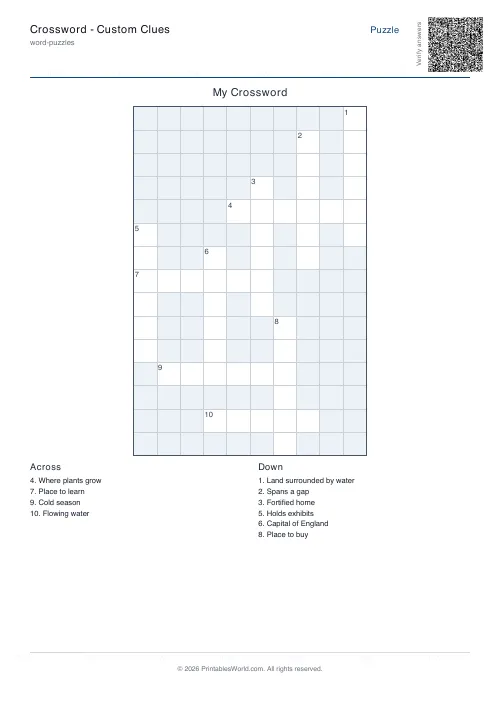
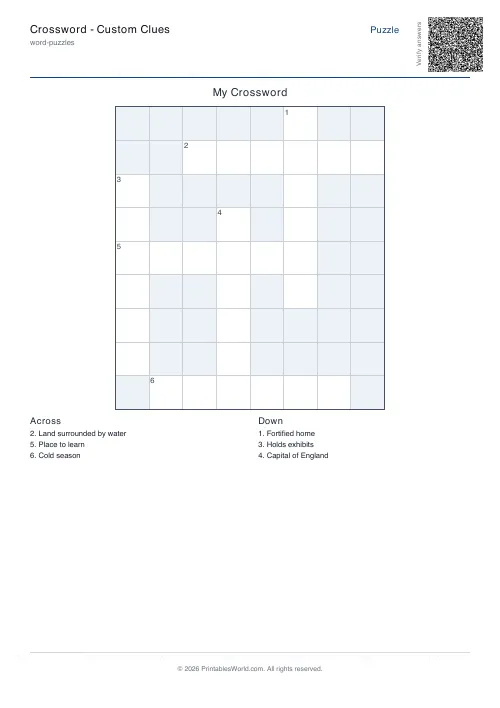
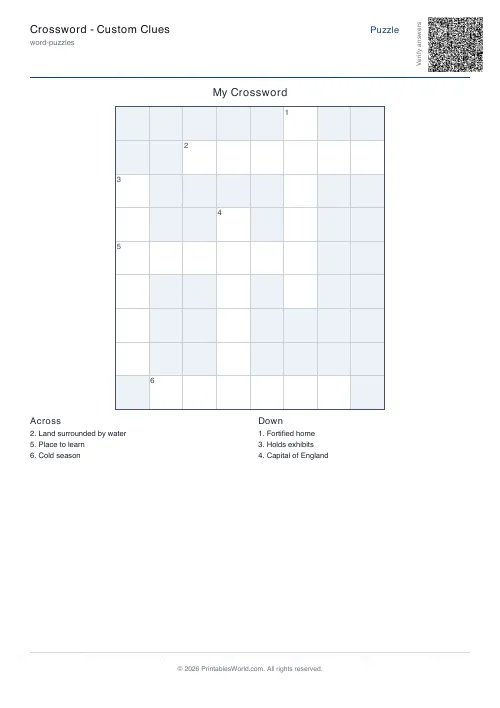
Build a crossword from your own words and clues. Paste the words one per line and the clues as WORD=Clue, then tune the grid size, the intersection rules and how hard the placer works. Numbered Across and Down lists included.
People also used
Feedback
Spotted something off with this tool?
Your words, placed into a grid
Paste a word list one per line, then the clues in WORD=Clue format. The generator searches for an arrangement where the words interlock, numbers the entries, and prints the Across and Down lists underneath. A solution page is optional.
Up to twenty words, three letters and longer.
Word choice decides whether it will place
Crossword generation is a search problem, and the search succeeds or fails on your list rather than on the settings.
Words interlock on shared letters, so a list rich in vowels and common consonants places easily. A list of long, unusual words with few letters in common will not, however hard the placer tries — there is simply nowhere for them to cross.
Practical rules: keep most words between four and eight letters, avoid having several that start with the same rare letter, and include a few short common words as connectors. If a list refuses to place, shorten the longest words before touching any of the settings.
The placement controls
- Grid size — leave it at 0 to let the generator choose one that fits.
- Require intersection — on, every word must cross another, which is what makes it a crossword rather than a word list on a grid.
- Minimum intersections — raise it for a denser, more connected puzzle and a harder search.
- Backtracking effort — how long the placer keeps trying alternatives before it gives up. High is worth it for an awkward list.
- Minimum length and maximum words.
Writing the clues
The clue is the puzzle. The grid is only the scaffolding.
A dictionary definition is the safe option and gives you a vocabulary test. A clue that makes the solver think gives you something better: for a revision crossword, describe what the thing does rather than what it is, so the solver has to reconstruct the concept to reach the word.
Say what kind of answer you want. If it is a person, hint at that. Solvers work partly from letter counts and partly from category, and a clue that gives neither is unfair rather than hard.
What it is for
Revision, mostly, and it is one of the few revision formats students will do voluntarily. A crossword of this term's key terms takes ten minutes to make and gets completed in a way a glossary does not.
Also: a personalised puzzle for a birthday or a wedding, where the words are names and in-jokes. Those place badly and are worth the fight.
Settings and printing
A title, your words, your clues, and the placement controls. A4 or US Letter, printed at 100%.
For a quick eight-word version there is the mini crossword, which uses the same engine with a smaller grid.
FAQs
Quick answers
How do I write my own clues?
Use the format WORD=Clue text on each line, or separate the answer and clue with a tab. Words without a matching clue print the word itself as the clue.
How big should my word list be?
Around 12-25 words gives a comfortable, well-interlocked grid. Longer words make for bigger, easier-to-read crosswords.
Why are some of my words missing from the grid?
Words that cannot intersect cleanly with the placed words are skipped. Try a higher backtracking effort, lower the minimum intersection count, or rephrase your list.
Can I get the answers?
Yes. Toggle the solution option and the PDF prints a second page with every letter filled in.
Related tools
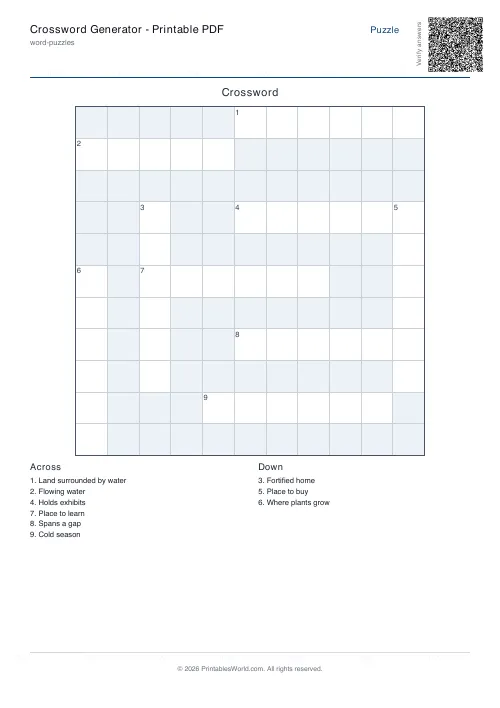
Crossword Generator: Printable PDF
Custom word lists into printable crossword puzzles with numbered clues.
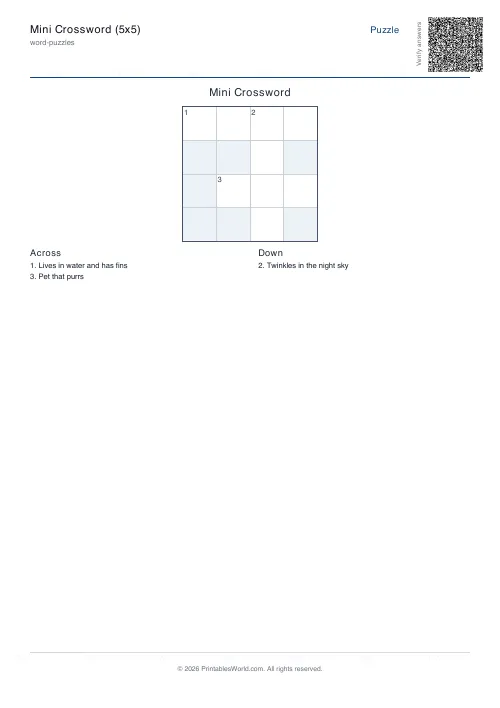
Mini Crossword
A short crossword that fits on one page — quick warm-ups, brain breaks and early finishers.
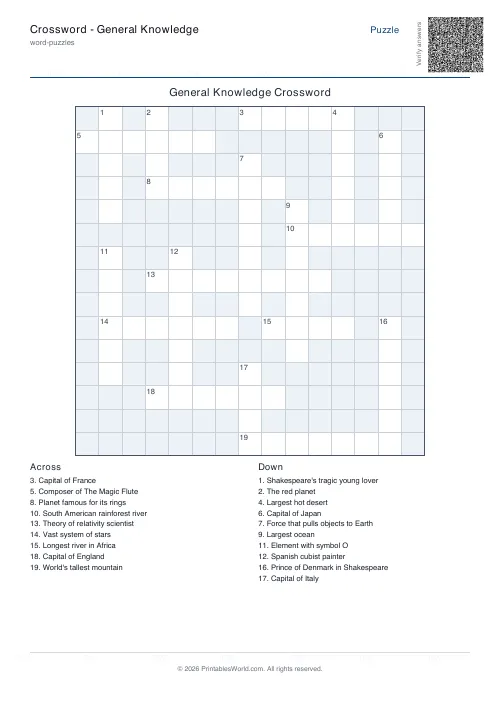
Crossword: General Knowledge
Auto-generated general knowledge crossword for trivia lovers.
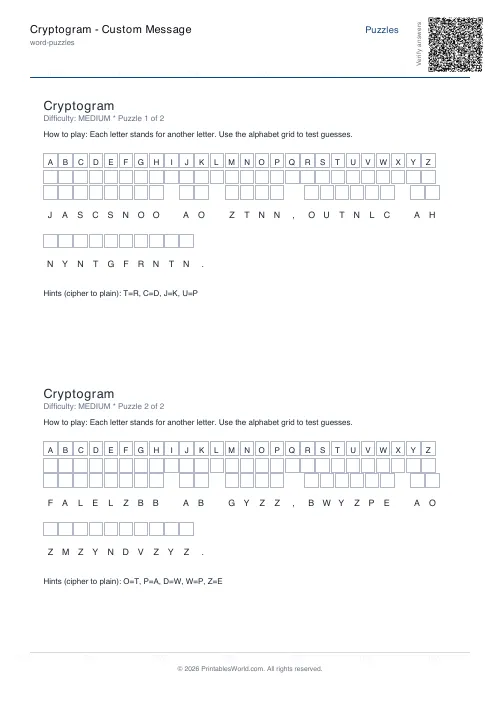
Cryptogram: Custom Message
Enter your own message and generate a printable cryptogram puzzle.
Further reading
More like this
- Crossword Generator: Printable PDF
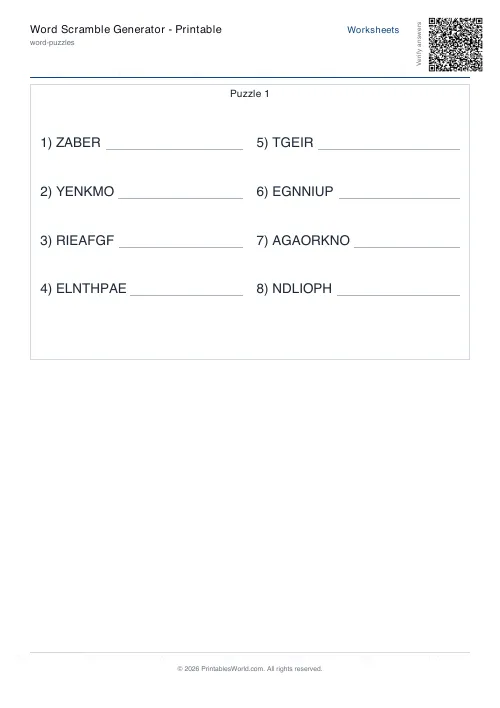 Word Scramble Generator: Printable
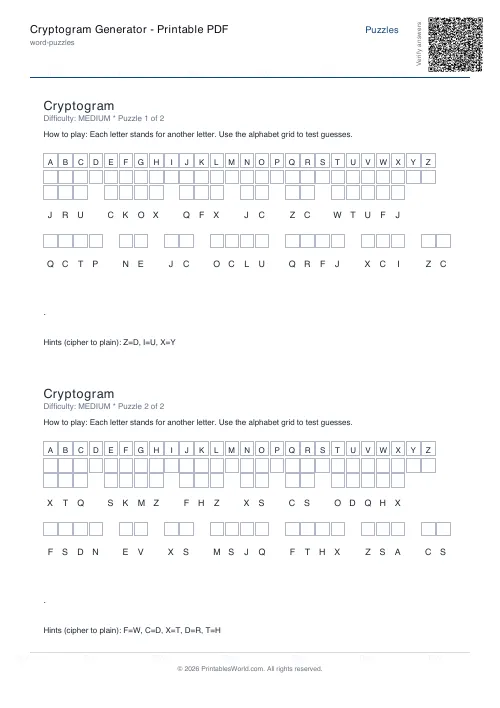 Cryptogram Generator: Printable PDF
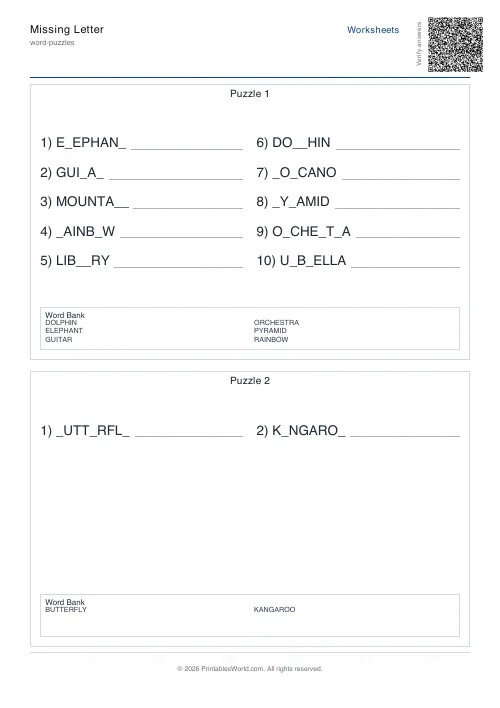 Missing Letter Generator
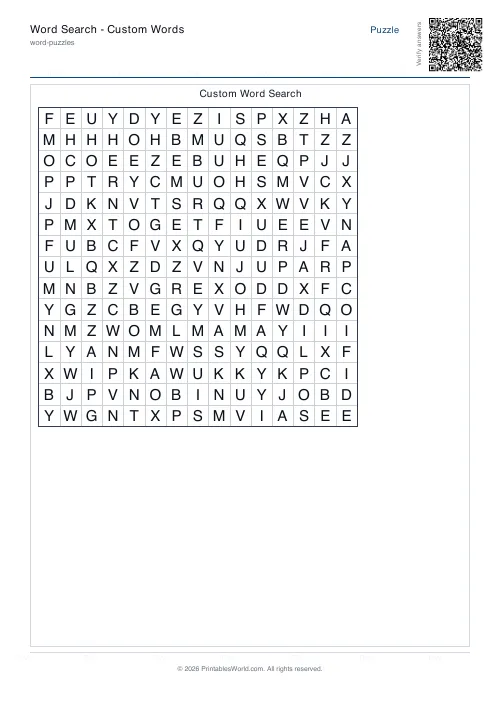 Word Search: Custom Words
- Cryptogram: Custom Message
- Crossword: General Knowledge
- Mini Crossword
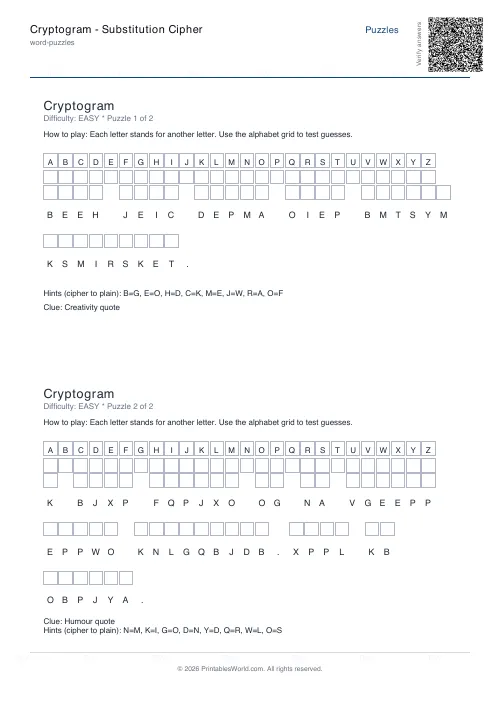 Cryptogram: Substitution Cipher
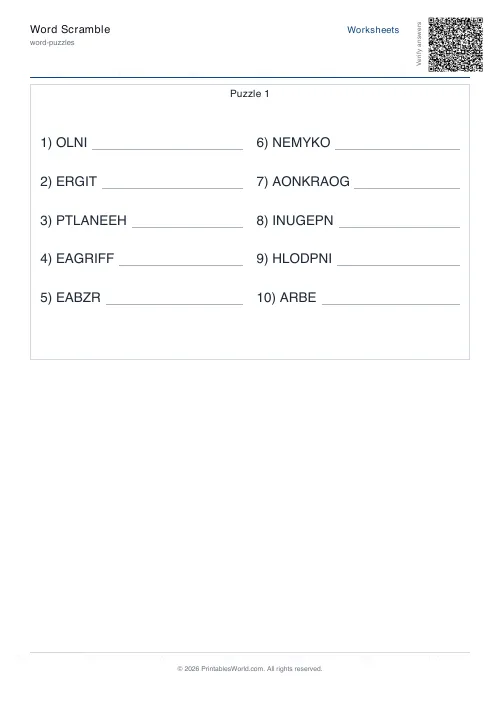 Word Scramble Generator
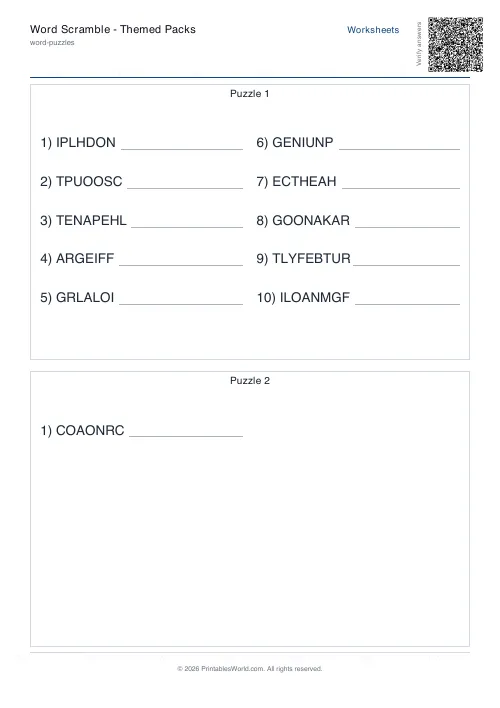 Word Scramble: Themed Packs
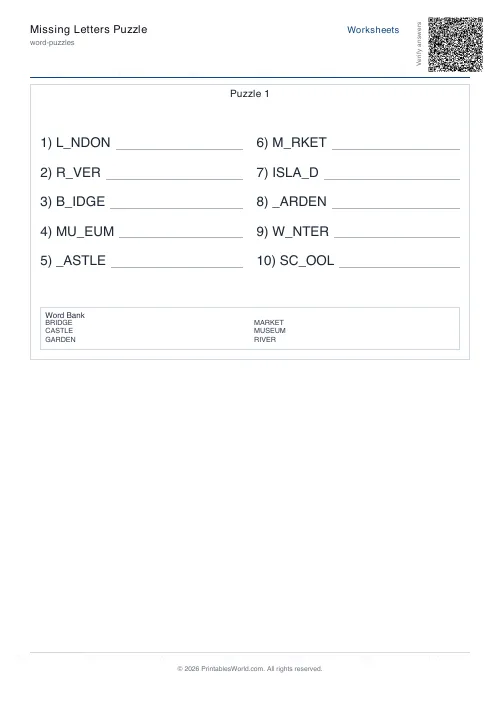 Missing Letters Puzzle
 Acrostic Poem Template
 Alphabetical Order Worksheet