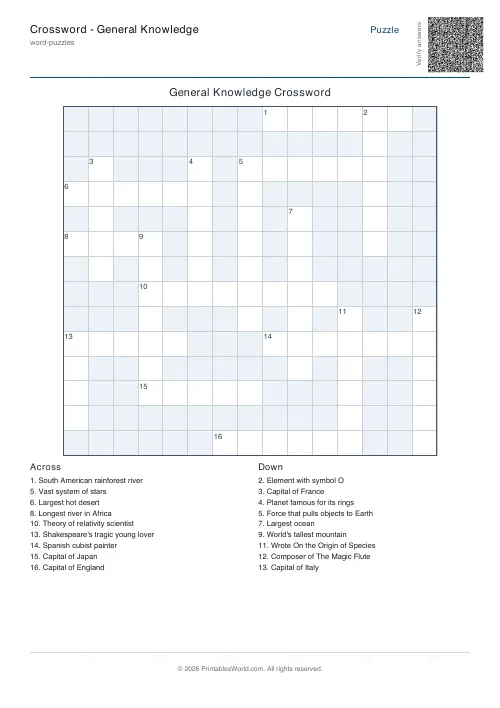
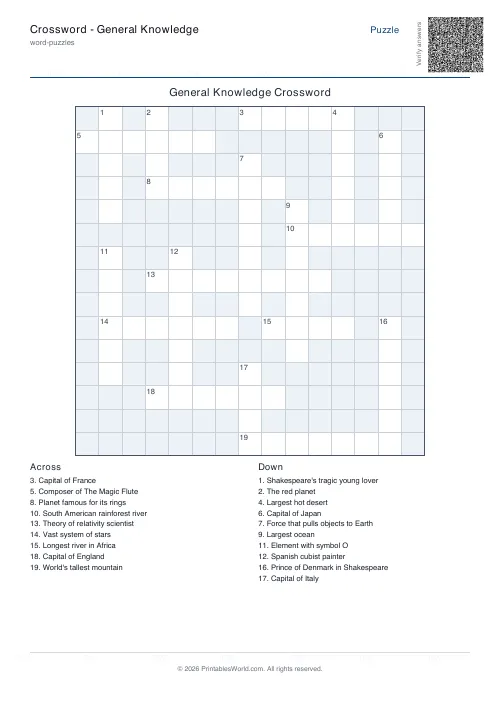
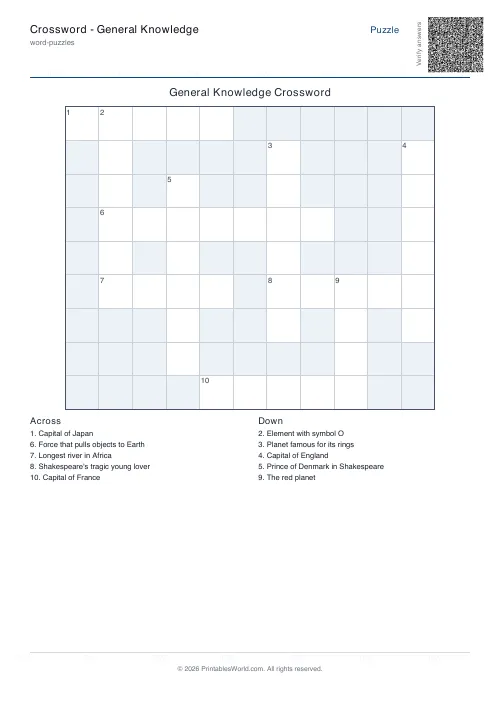
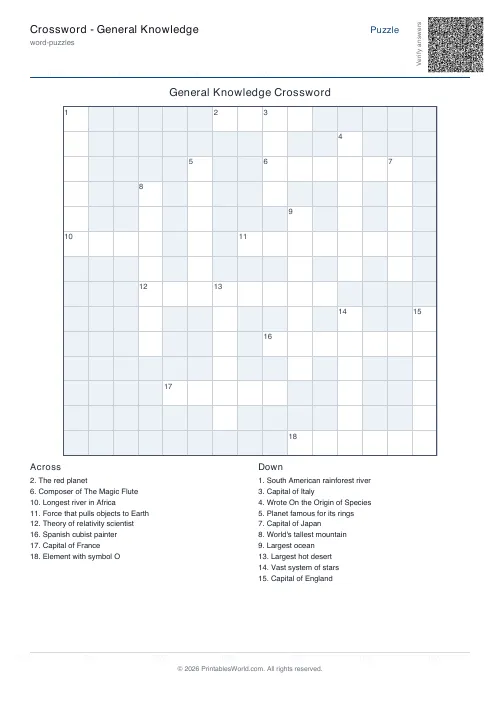
What this tool does
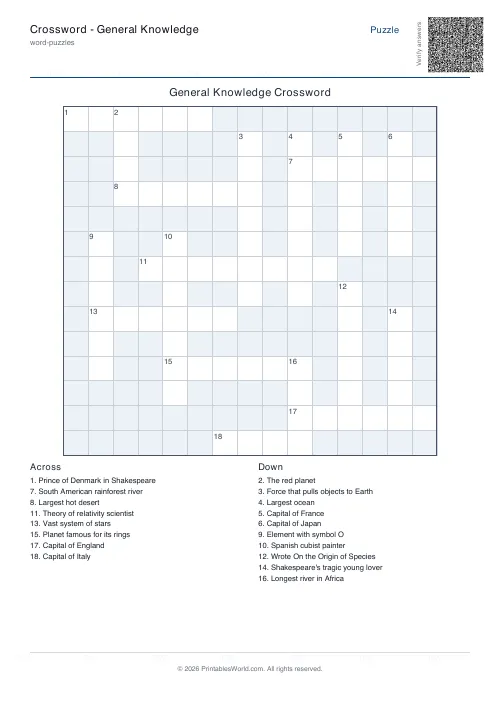
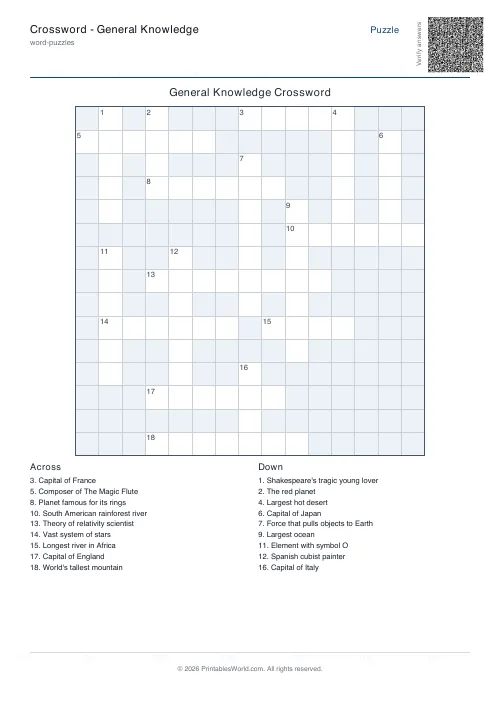
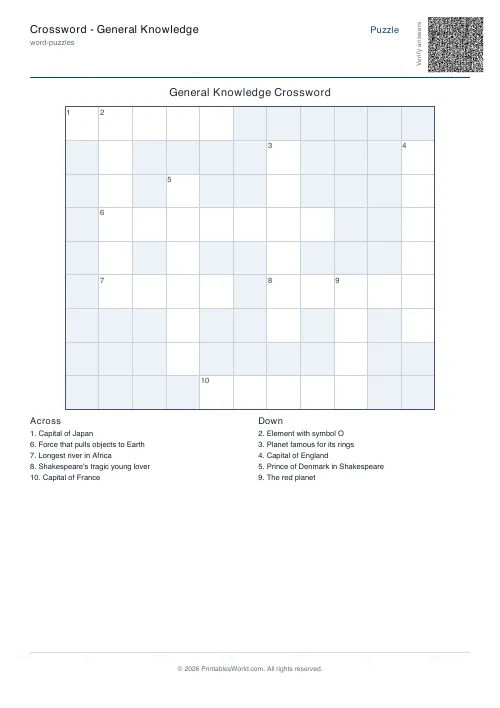
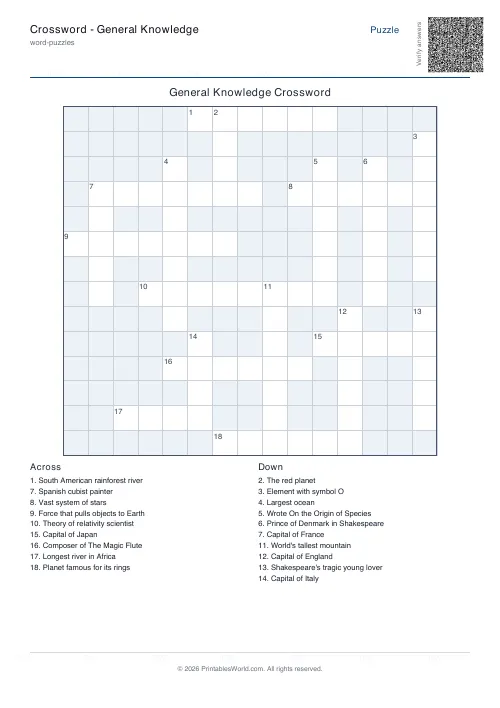
A trivia crossword built from a twenty-word general knowledge bank covering capitals, rivers, planets, writers and scientists. Words and clues are both editable. Best for older children and adults.
People also used
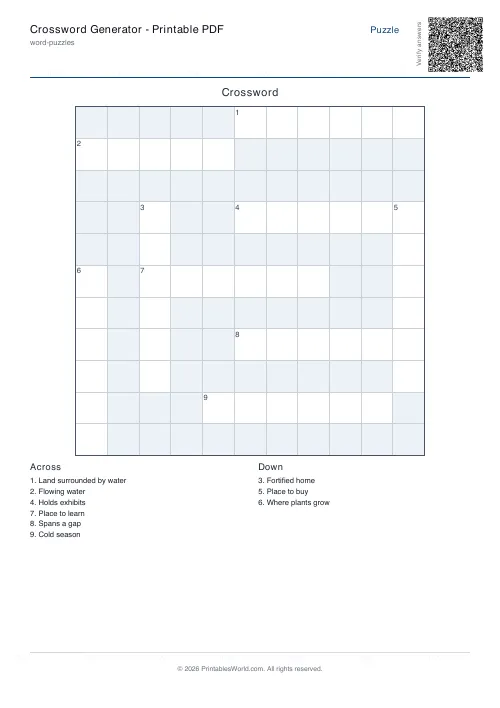
Crossword Generator: Printable PDF
Custom word lists into printable crossword puzzles with numbered clues.
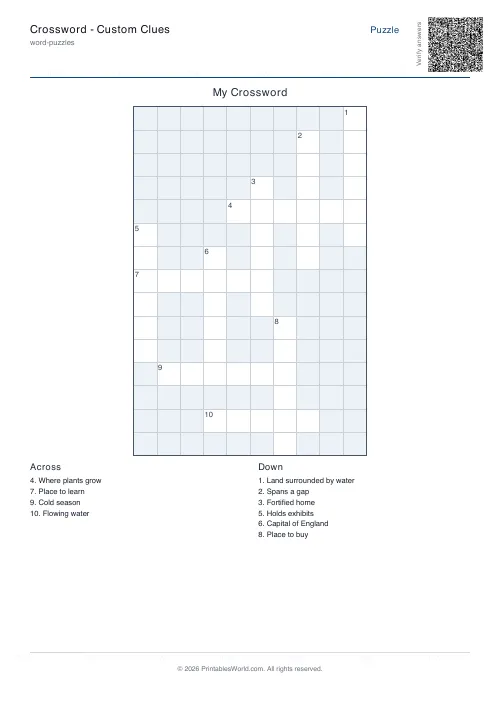
Crossword: Custom Clues
Enter your own clues and answers to generate a printable crossword grid.
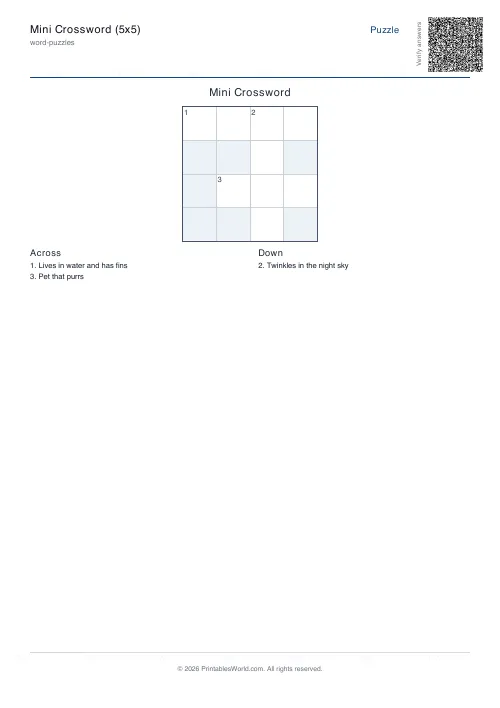
Mini Crossword
A short crossword that fits on one page — quick warm-ups, brain breaks and early finishers.
Feedback
Spotted something off with this tool?
Twenty general knowledge words, ready to print
The bank runs across capitals and rivers, planets, an element, a force, two Shakespeare characters, a painter, a composer, two scientists, the highest mountain, the largest ocean and the largest hot desert. Twenty words in all: London, Paris, Tokyo, Nile, Amazon, Mars, Saturn, Galaxy, Oxygen, Gravity, Romeo, Hamlet, Picasso, Mozart, Einstein, Darwin, Everest, Pacific, Sahara, Rome.
Every word arrives with a clue already written, so the sheet prints without you typing anything.
The pitch of the clues
They are deliberately straightforward. "Capital of Japan." "The red planet." "Composer of The Magic Flute." Nothing cryptic, so nobody needs to learn a second skill before they can start.
That makes it a knowledge test rather than a puzzle-solving one, which is the right level for a family session, a pub-quiz warm-up, or a class where the point is what people know rather than how well they parse a clue.
The words and clues are both editable, so you can pitch it higher by rewriting them. The same grid with harder clues is a completely different puzzle.
Editing the bank
Words go one per line; clues go as WORD=Clue. Change either and the grid is rebuilt around your list.
The obvious use is a themed version — twenty words from a topic, a decade, a book, a country. The general knowledge set is a starting point, and it is more useful as a working example of the format than as a fixed puzzle.
Keep an eye on letter variety when you swap words in. A themed list often shares a lot of letters or shares almost none, and the second kind will refuse to place.
The grid controls
Grid size, whether every word must cross another, how many crossings each needs, and how hard the placer works before giving up.
Raise the intersection requirement and you get a denser, more satisfying grid, along with a much better chance that an awkward list fails to place at all. When a rebuild fails, the fix is nearly always a shorter word rather than a looser rule.
Running it
In pairs beats individually. Two people with different knowledge get further than either alone, and the arguing is where the answers actually come from.
Solutions print on their own page and are worth withholding until people have properly stopped, which takes longer than you expect.
Print at 100% on A4 or US Letter. For a puzzle built entirely from your own list, use the custom crossword.
FAQs
Quick answers
What kind of clues are included?
A mix of geography, science, history, the arts and pop culture, aimed at general knowledge solvers age 10 and up.
Can I edit the word list?
Yes. The defaults are loaded for you, but you can replace any word and clue (use the WORD=Clue format) before generating.
Will the PDF include answers?
Yes. Keep "Include solution page" turned on and the PDF prints a second page with the grid filled in.
Can I make it smaller or larger?
Yes. Pick a fixed grid size (11×11 to 21×21) or leave it on Auto and the engine picks one based on your longest word.
Related tools
Crossword Generator: Printable PDF
Custom word lists into printable crossword puzzles with numbered clues.
Crossword: Custom Clues
Enter your own clues and answers to generate a printable crossword grid.
Mini Crossword
A short crossword that fits on one page — quick warm-ups, brain breaks and early finishers.
Further reading
More like this
- Crossword Generator: Printable PDF
 Word Scramble Generator: Printable
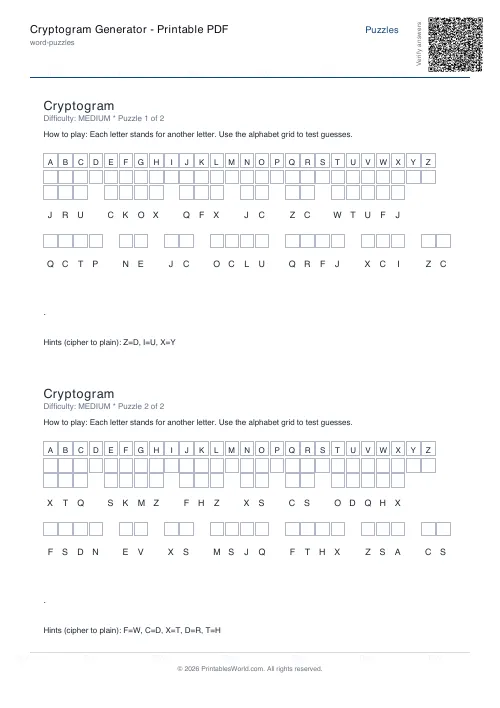 Cryptogram Generator: Printable PDF
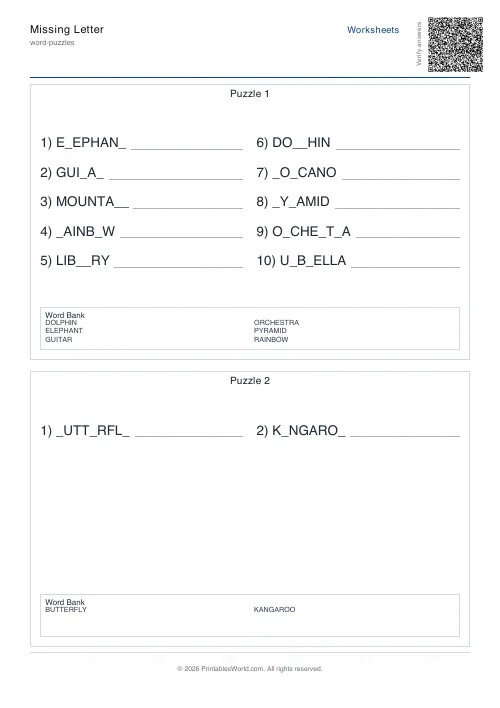 Missing Letter Generator
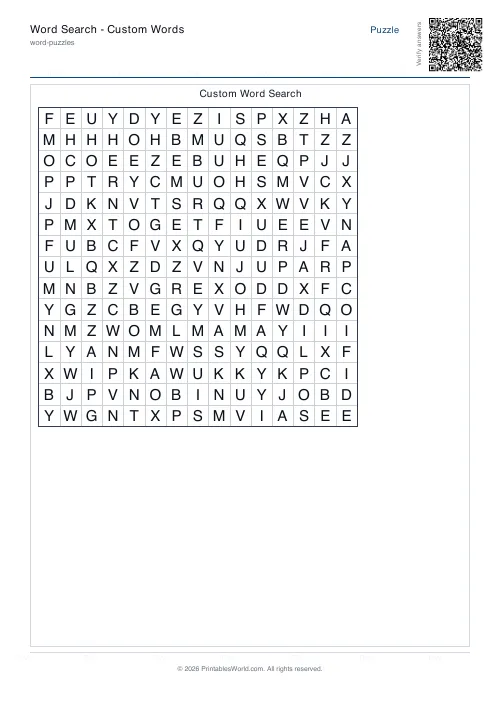 Word Search: Custom Words
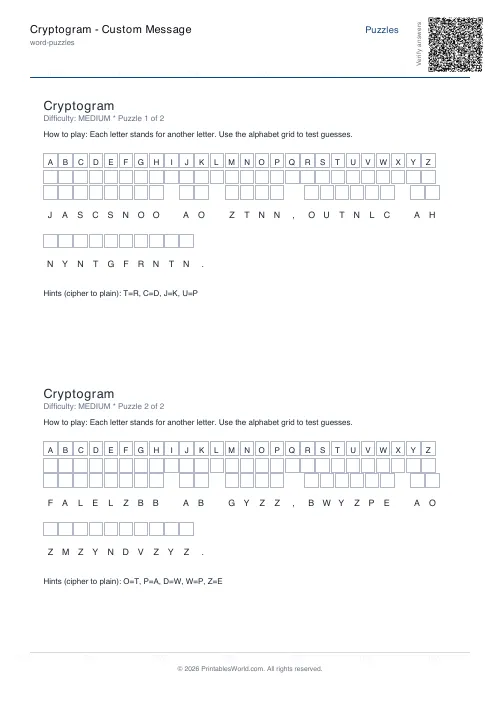 Cryptogram: Custom Message
- Crossword: Custom Clues
- Mini Crossword
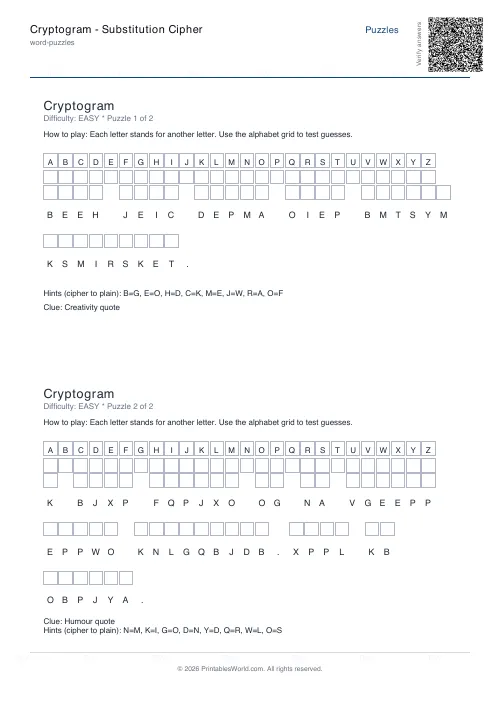 Cryptogram: Substitution Cipher
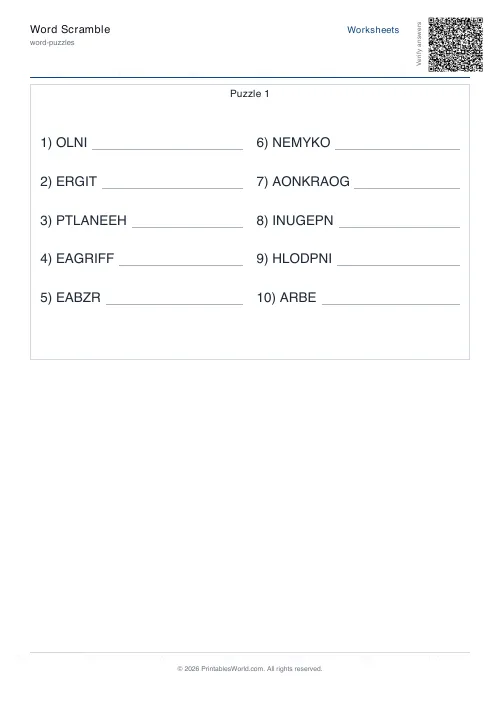 Word Scramble Generator
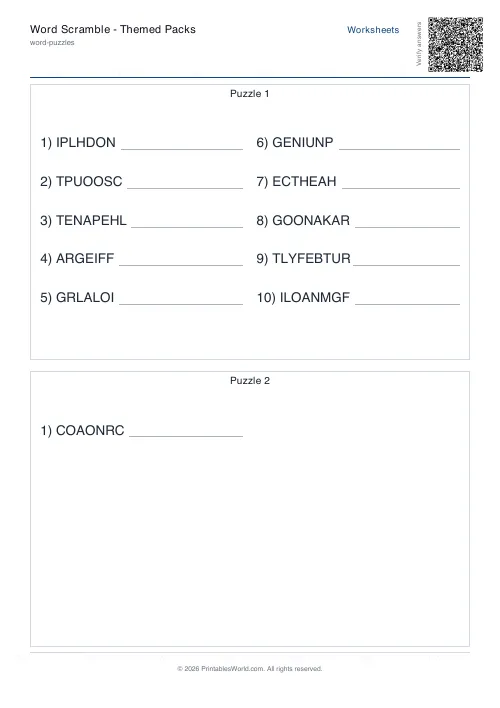 Word Scramble: Themed Packs
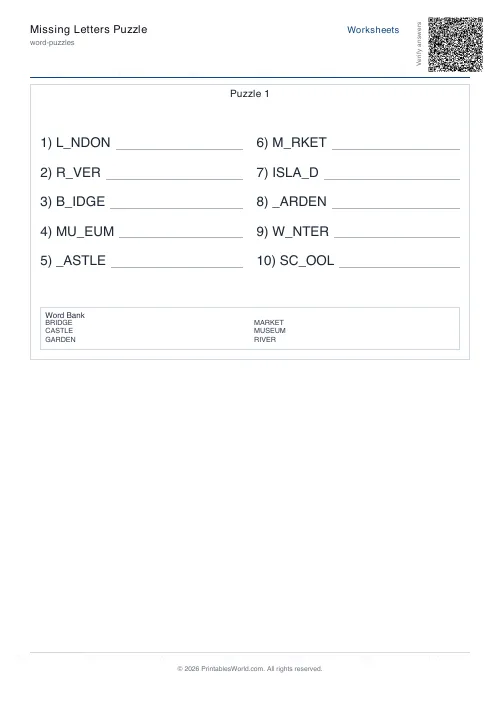 Missing Letters Puzzle
 Acrostic Poem Template
 Alphabetical Order Worksheet