


 Scan to get


 Scan to get



 Scan to get






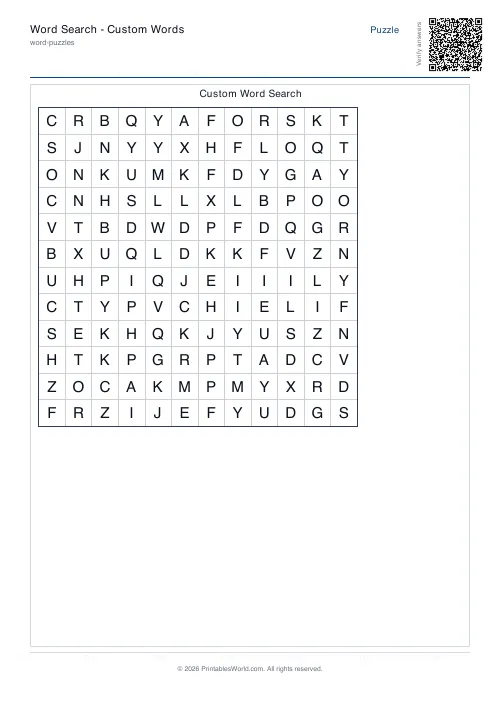
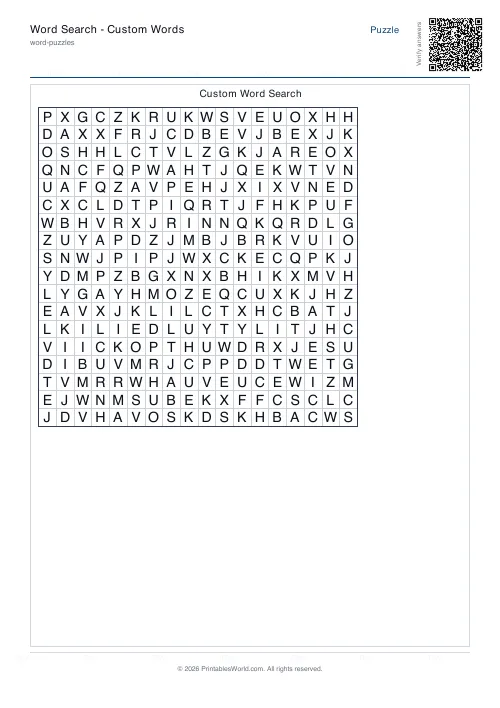
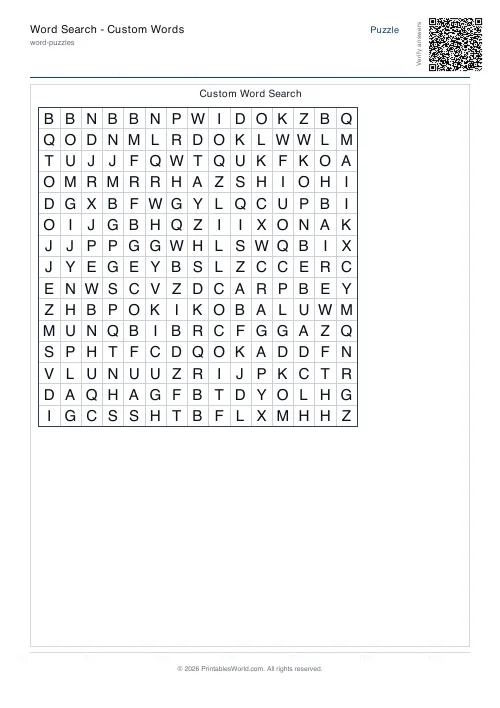
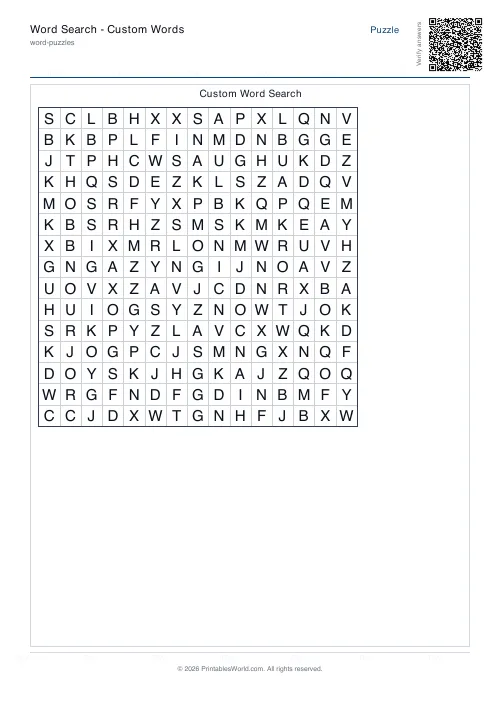
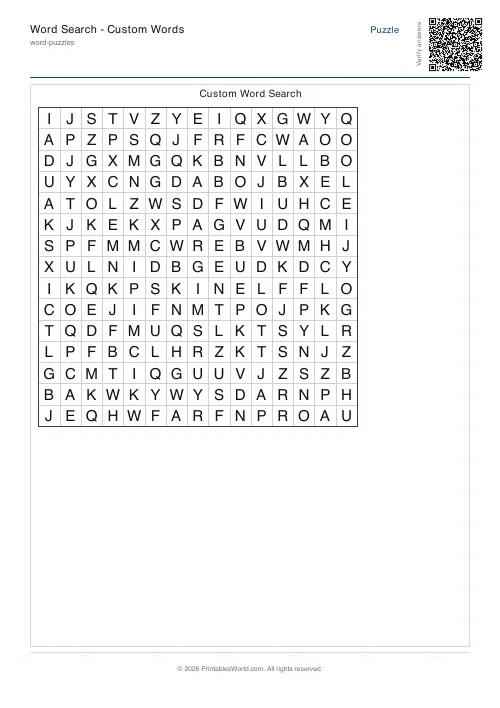
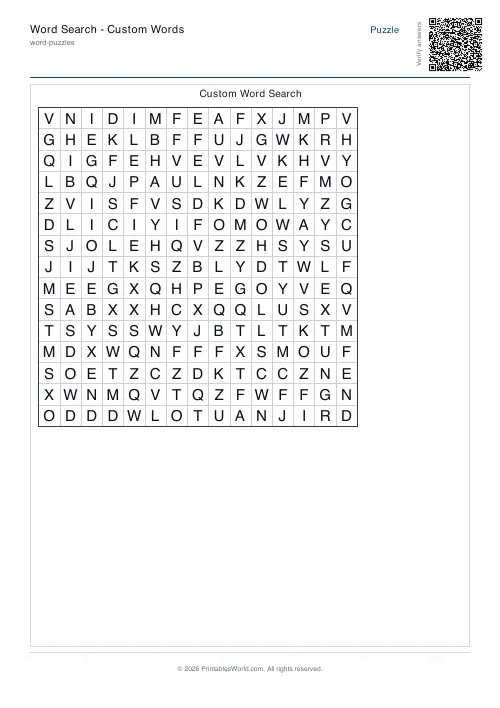
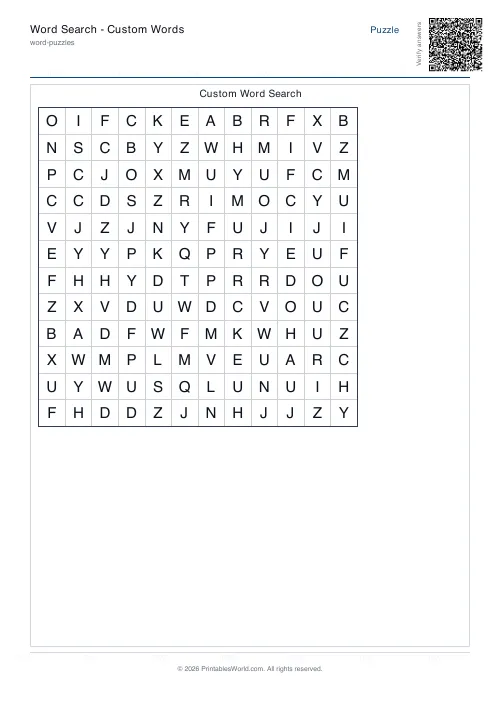
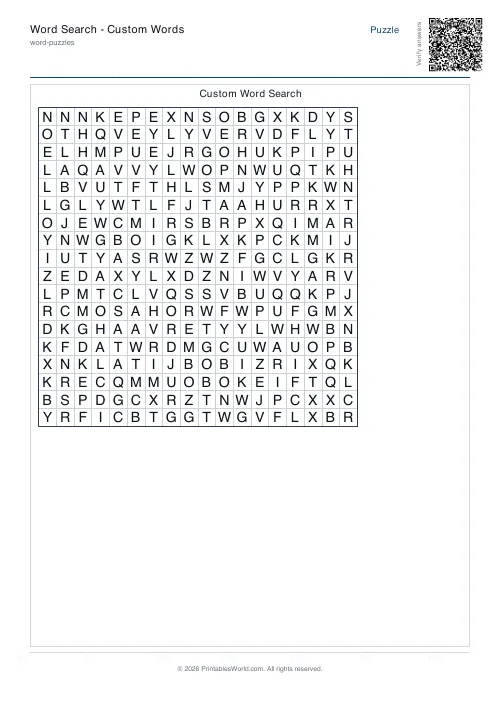
What this tool does
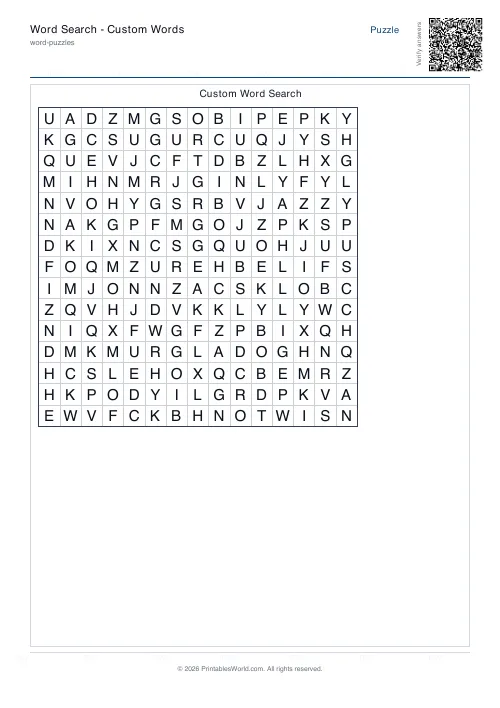
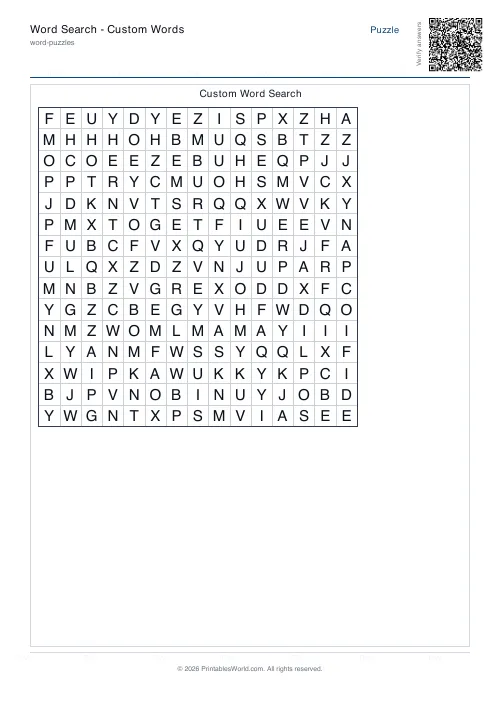
Build a word search from any list you paste in. Set the grid size and which directions words may run, and print with or without a colour answer key. This is the site's single word-search tool.
People also used
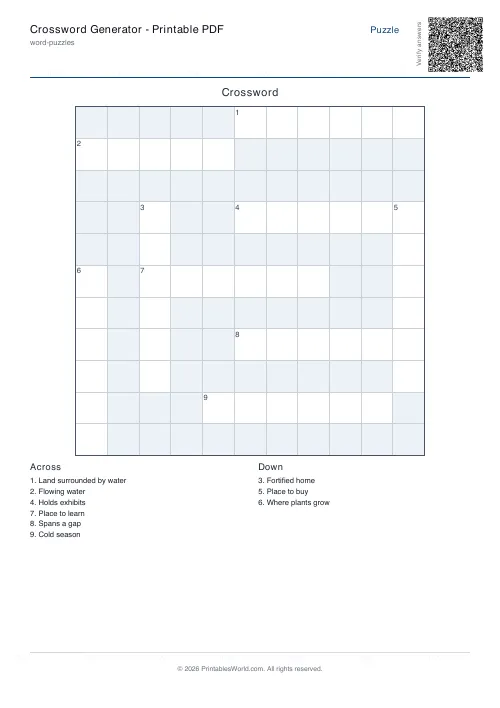
Crossword Generator: Printable PDF
Custom word lists into printable crossword puzzles with numbered clues.
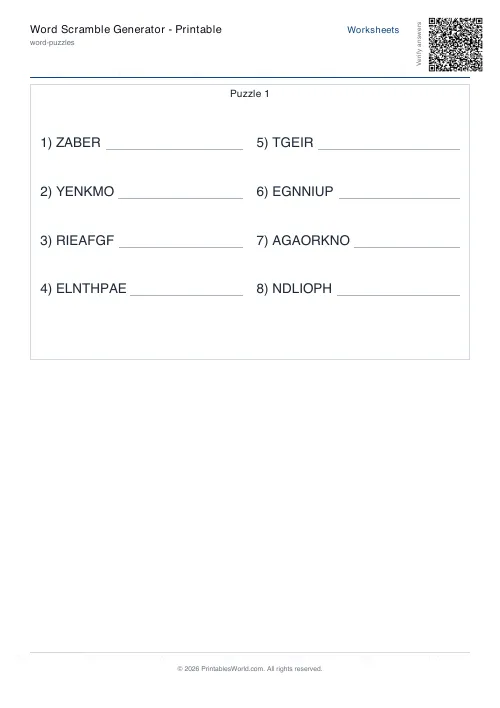
Word Scramble Generator: Printable
Turn your word list into printable scrambled-letter worksheets with optional answer keys.
Cryptogram Generator: Printable PDF
Create printable cryptogram puzzles from famous quotes or your own text with customisable difficulty and hints.
Feedback
Spotted something off with this tool?
Your list, hidden in a grid
Paste any words — spelling lists, topic vocabulary, family names, a class register — and the generator places them into a grid and fills the gaps with random letters.
Grid size and the direction rules are yours to set, and a colour answer key prints on request.
Direction settings are the difficulty
Left-to-right and top-to-bottom only is the easy sheet, and the right one for a five-year-old: every word reads the way words normally read.
Add diagonals and the search stops being a scan and becomes a proper hunt, because the eye has no habit for reading at 45 degrees. Add backwards and it gets harder again, since a familiar word arriving in reverse is genuinely difficult to spot — fluent readers are worse at this than you would expect, because the recognition that makes them fast is working against them.
Turn backwards off for young children. Turn everything on for adults.
Grid size against word count
The two settings interact and getting them wrong produces a bad sheet in a specific way.
Too small a grid for the number of words and the placements overlap heavily, which makes the puzzle easier rather than harder — a letter shared by three words is a strong clue. Too large and the words sit isolated in a sea of filler, which is tedious rather than difficult.
A rough guide: the grid side wants to be at least a couple of letters longer than your longest word, and about half as many cells again as the total letters you are hiding.
What word searches are and are not good for
They are visual search, and they train visual search. Scanning systematically, holding a target while checking a field, and not losing your place are all real skills, and they are why these turn up in vision therapy as well as in classrooms.
They do not teach spelling, and it is worth being honest about that. A child can find PHOTOSYNTHESIS without reading it — they are matching the letter P and then following. The word is being recognised as a shape rather than decoded.
If you want spelling practice, hand out the grid without the word list and read the words aloud instead. That single change forces the child to hold the spelling in mind while they search, and it turns a matching exercise into a recall one.
Where the list should come from
This week's spellings. The key terms from a topic. The names of everybody in the class, which is a first-week activity that gets used every year.
Also: a word search is one of the few puzzle formats that survives being made about the recipient. A grid of a family's names, or the words from a particular book, is a small personal thing rather than a generic sheet.
The controls
Your word list, a title, grid size, the direction rules and the answer key. A4 or US Letter, printed at 100%.
FAQs
Quick answers
How do I add words?
Type or paste them into the word list, one per line. Letters only. Punctuation and spaces are ignored.
How big can the grid be?
Anywhere from 10×10 to 25×25. Bigger grids fit more or longer words.
Can I include a solution page?
Yes. Toggle "Include solution page" for a colour-coded answer grid.
What if some words do not fit?
They will be listed as "Unplaced" and you can shorten the list or grow the grid.
Further reading
Teaching & Classroom
How to make a custom spelling word search
Turn any spelling list into a printable class set in minutes. A practical guide to making a custom spelling word search, with a worked example and difficulty tips.
7 min read
Literacy & Spelling
Do word searches help spelling? What works
Do word searches help spelling, or just fill time? What they practise, what the evidence suggests, and how to turn a spelling list into useful recall practice.
8 min read
Puzzles & Brain Games
Sudoku for kids: which difficulty to start at, by age
A practical guide to picking the right sudoku difficulty for a child by age, with a copyable first session and free printable grids in seconds.
7 min read
More like this
 Crossword Generator: Printable PDF
 Word Scramble Generator: Printable
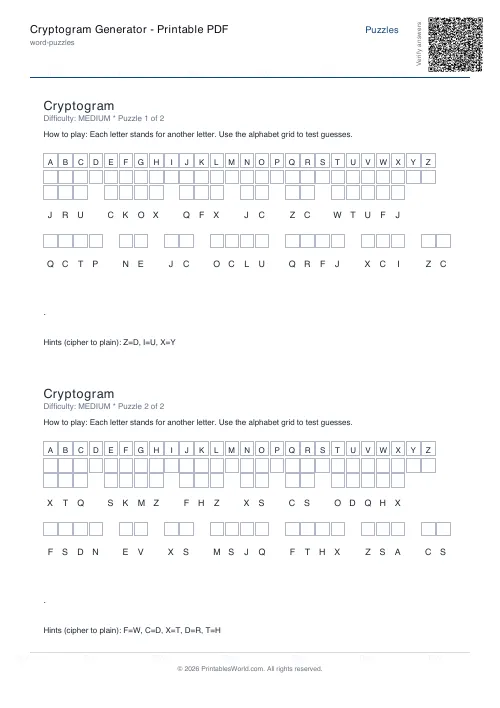 Cryptogram Generator: Printable PDF
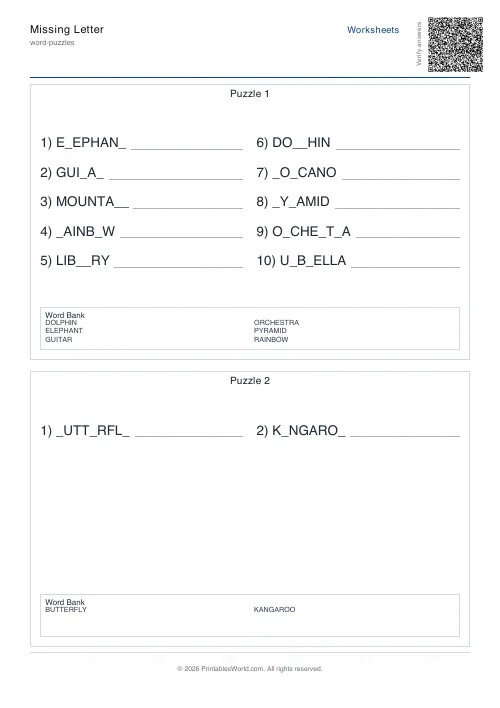 Missing Letter Generator
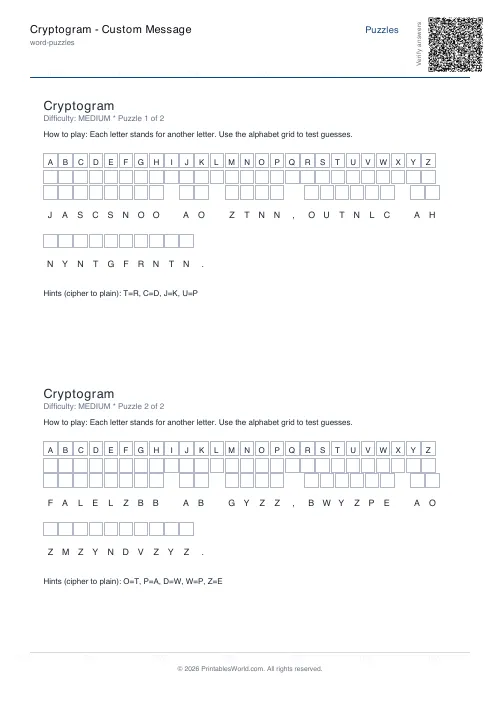 Cryptogram: Custom Message
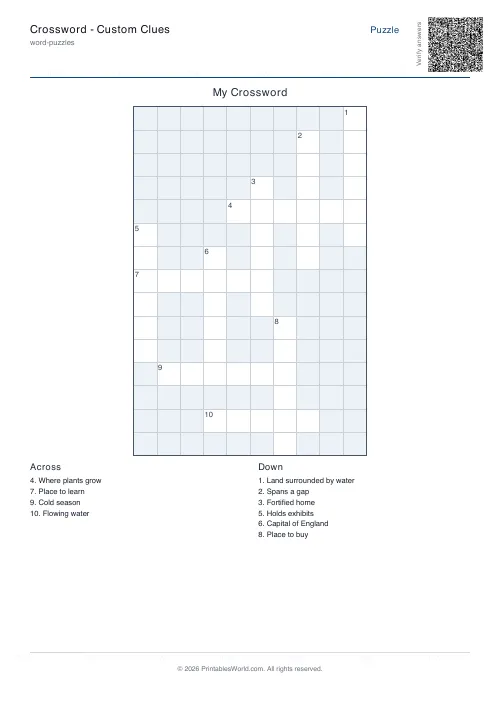 Crossword: Custom Clues
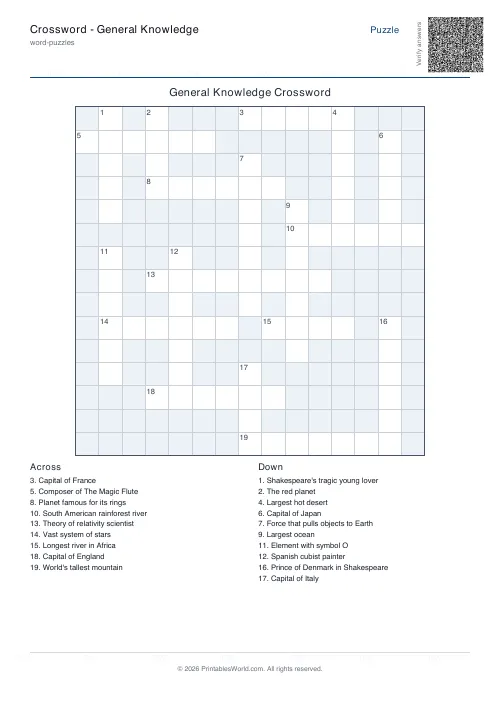 Crossword: General Knowledge
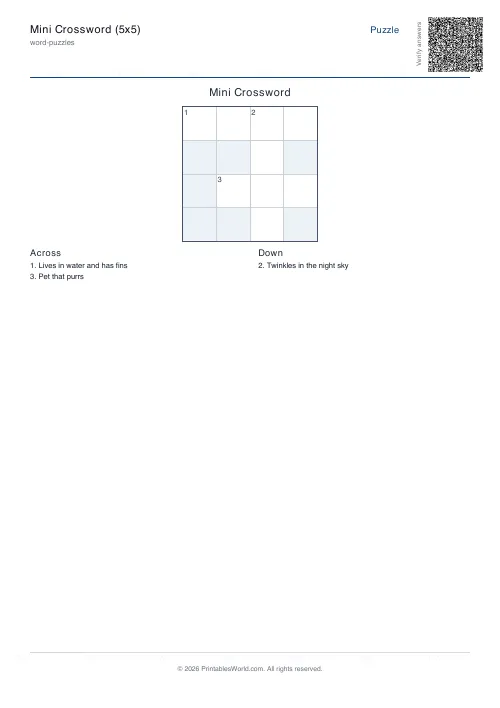 Mini Crossword
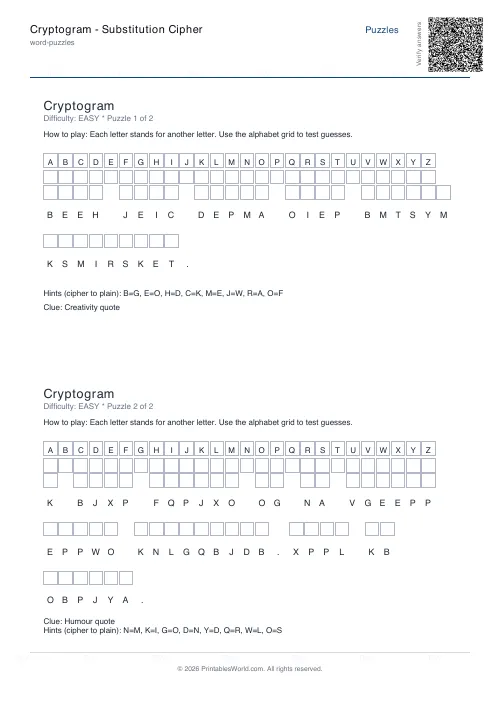 Cryptogram: Substitution Cipher
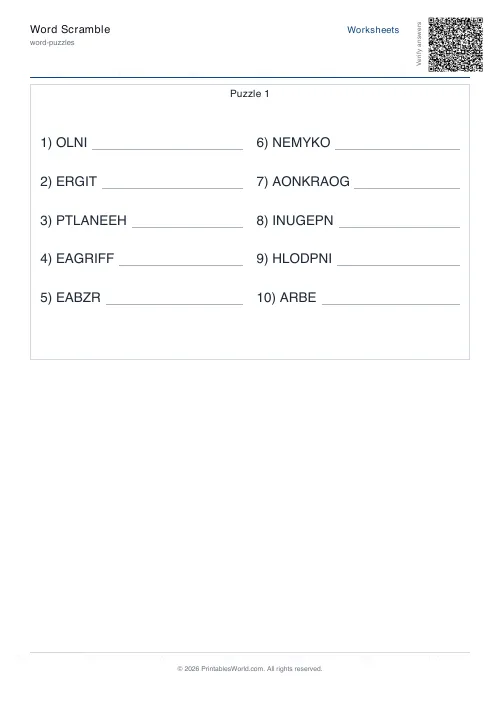 Word Scramble Generator
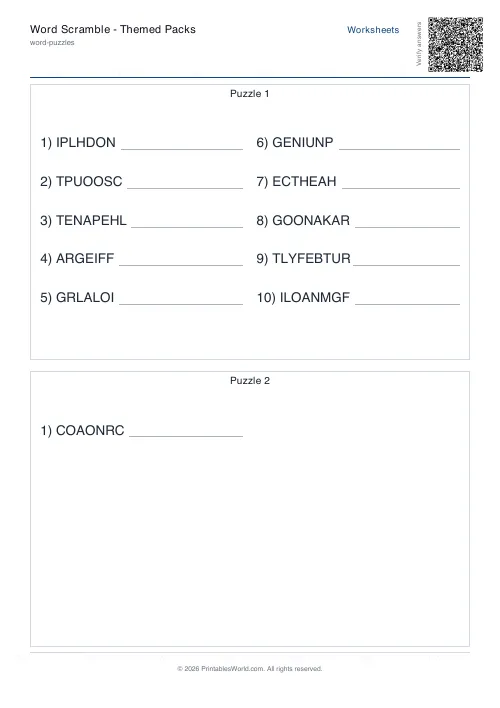 Word Scramble: Themed Packs
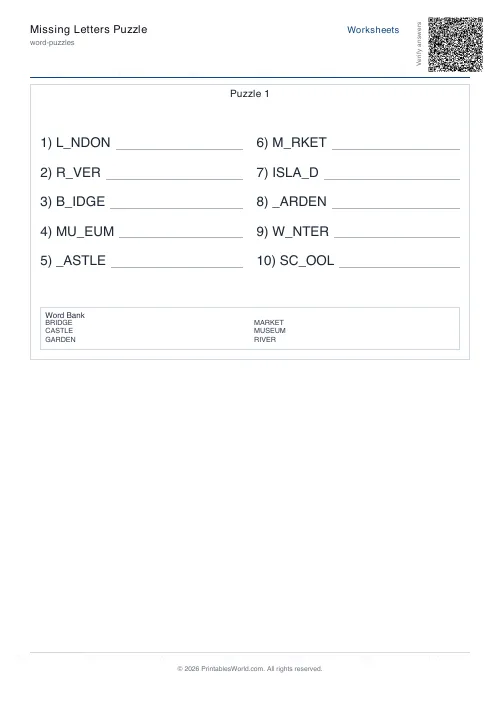 Missing Letters Puzzle
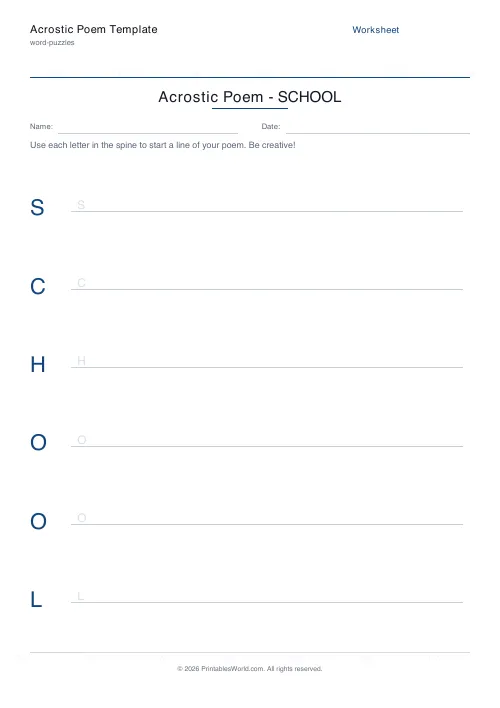 Acrostic Poem Template
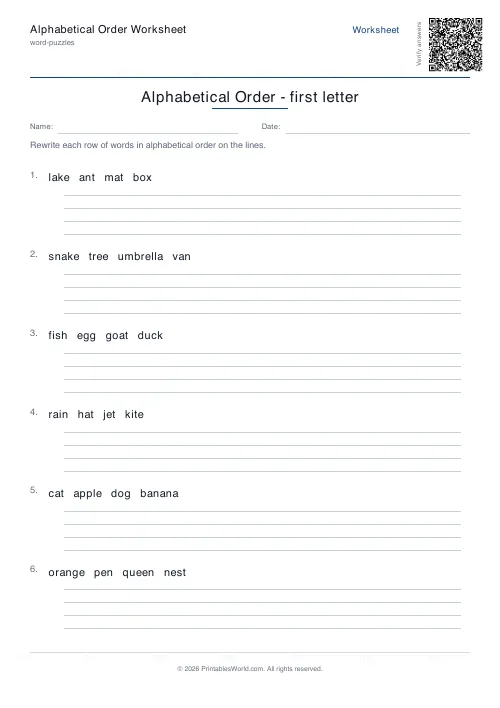 Alphabetical Order Worksheet