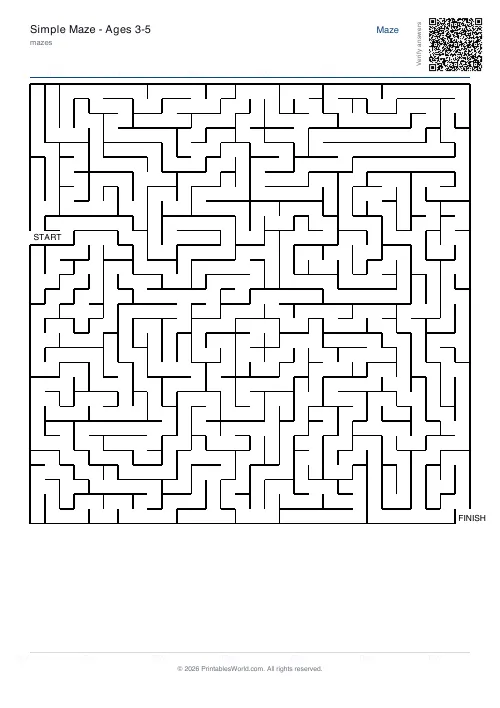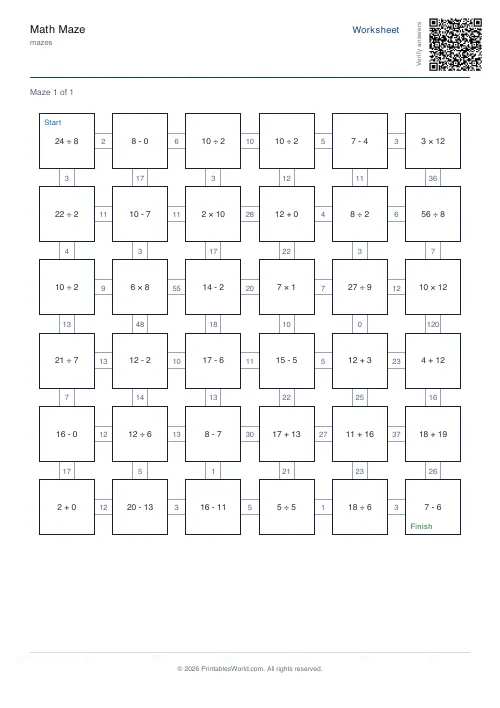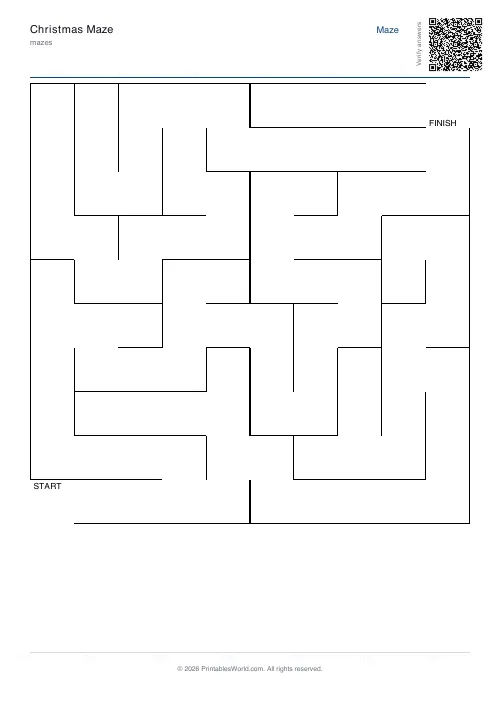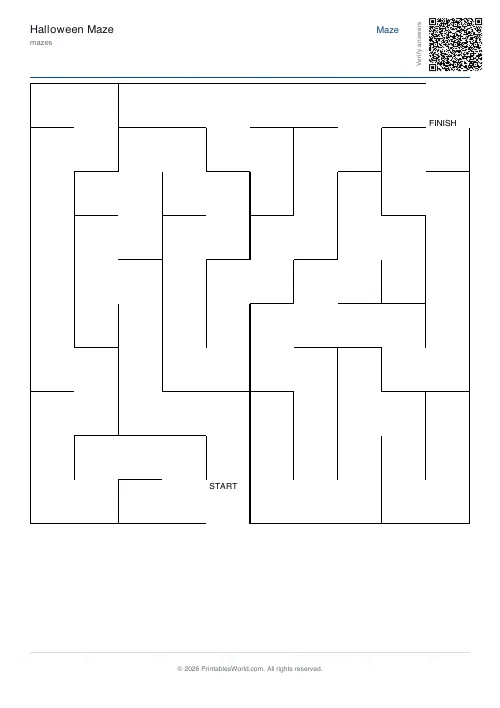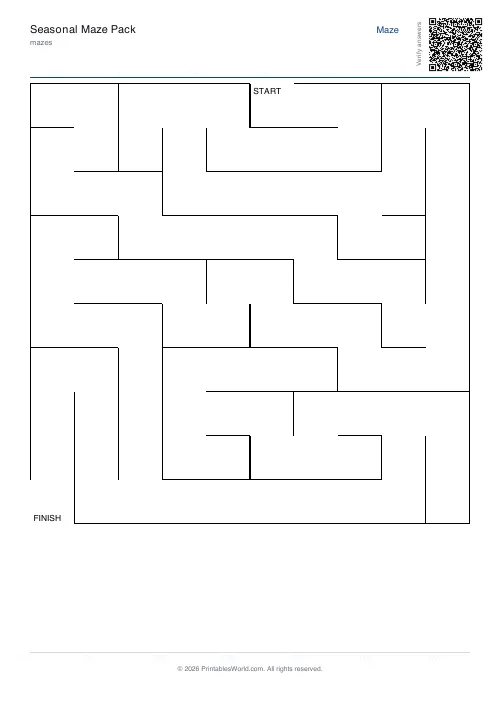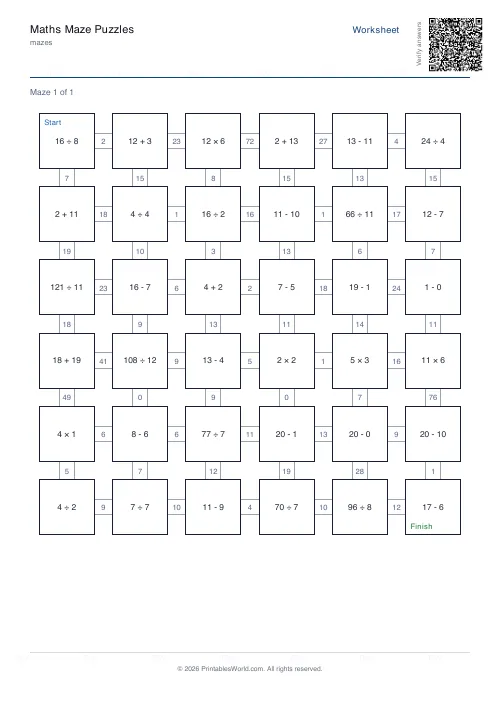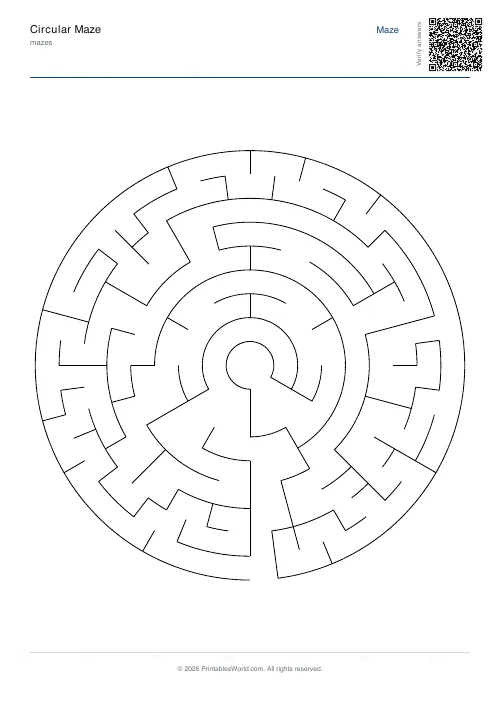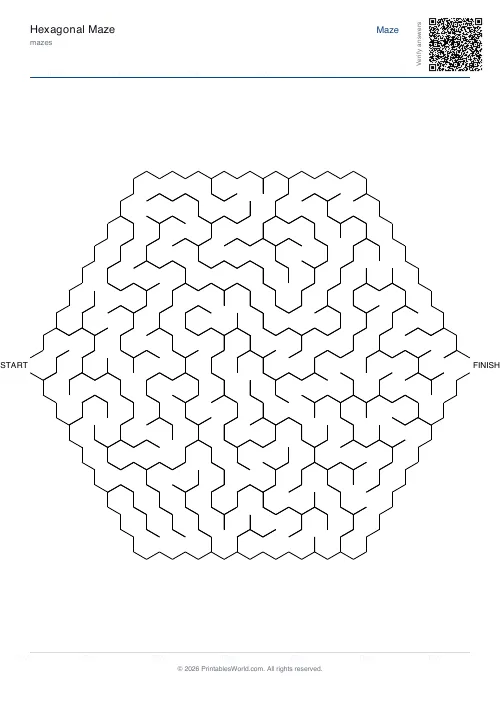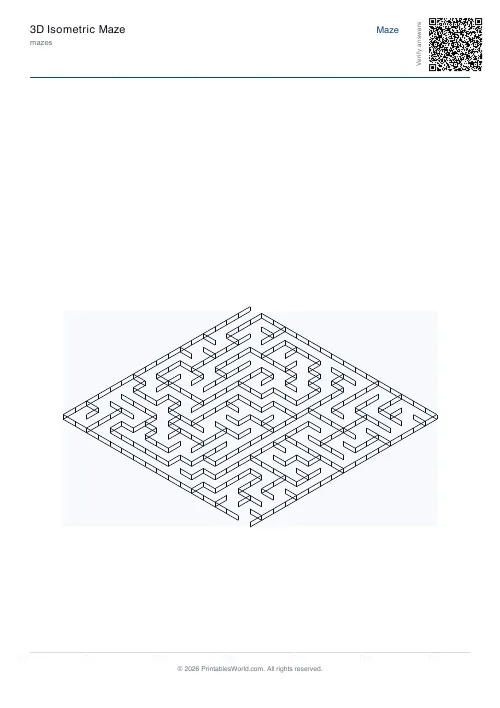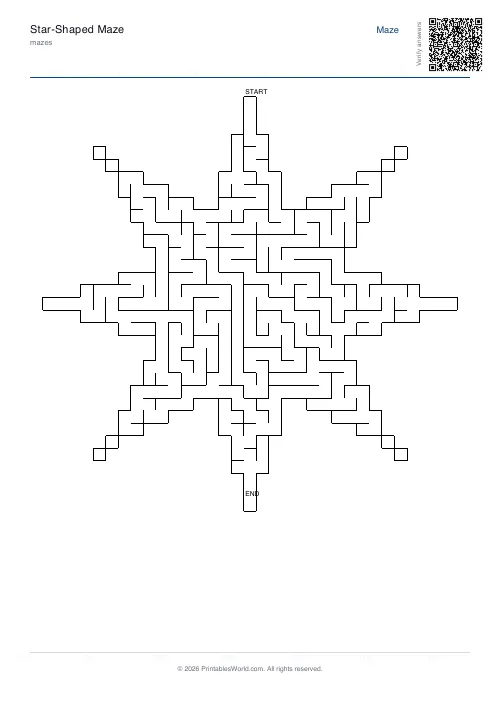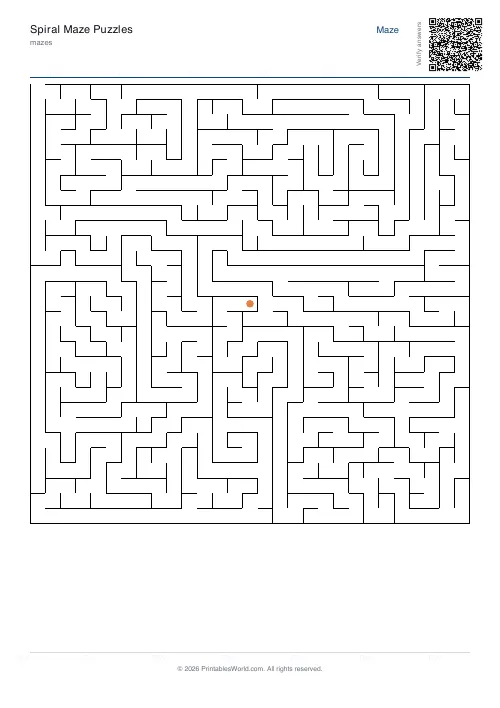
What this tool does
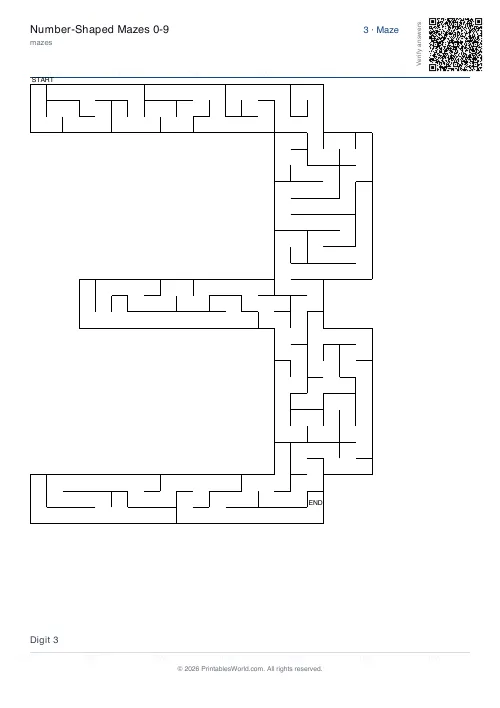
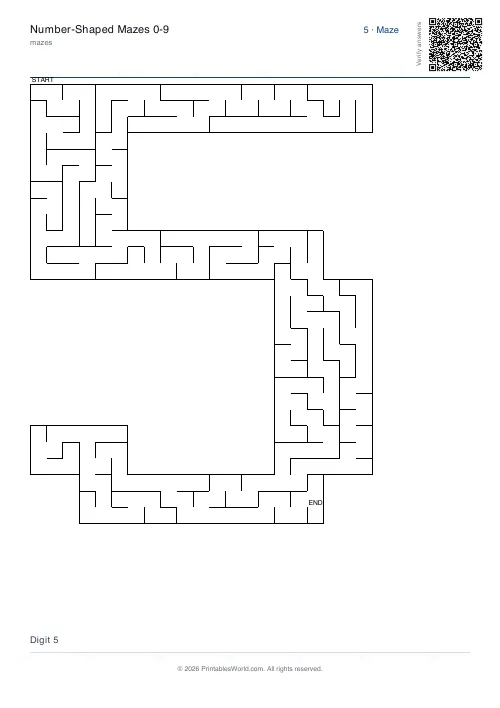
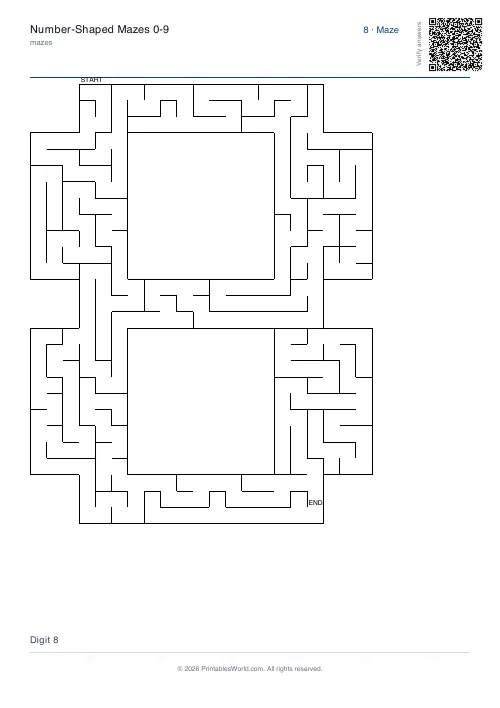
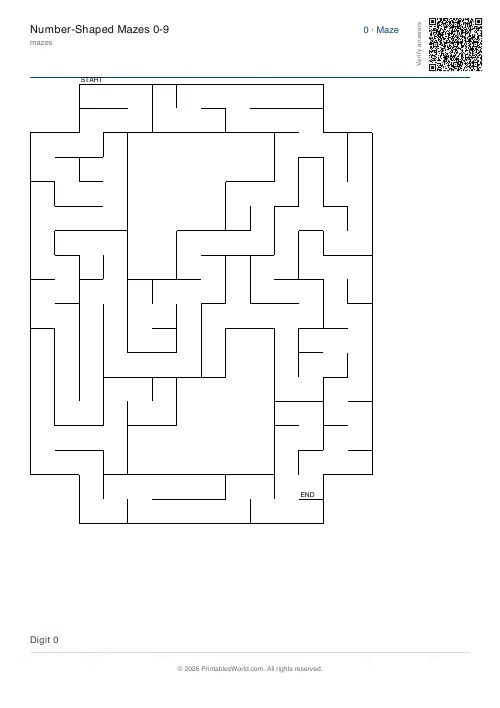
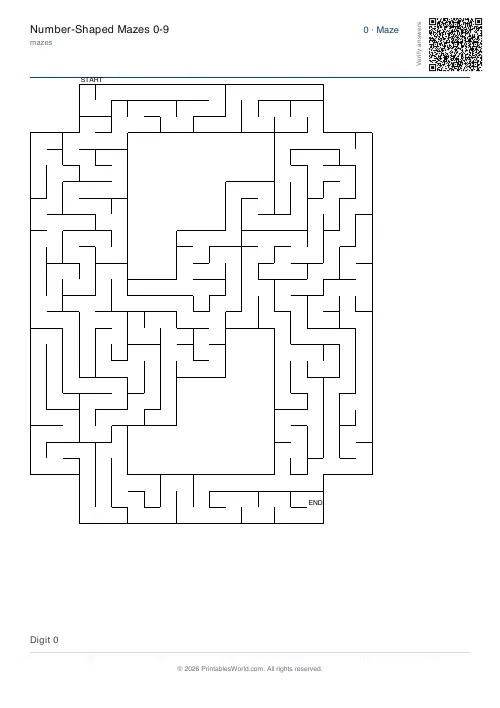
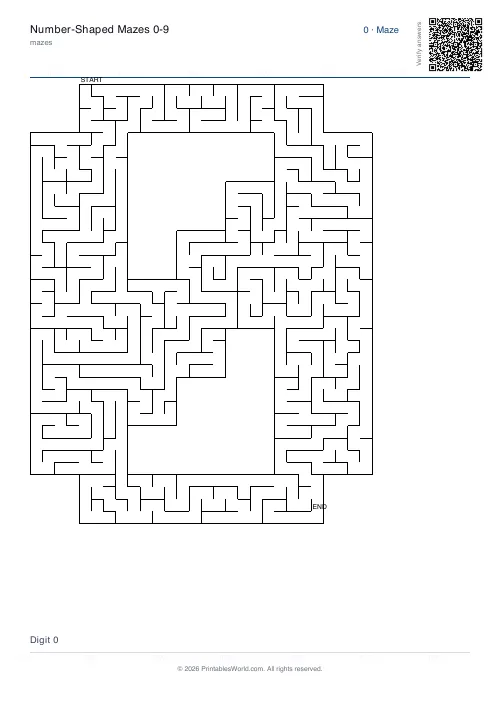
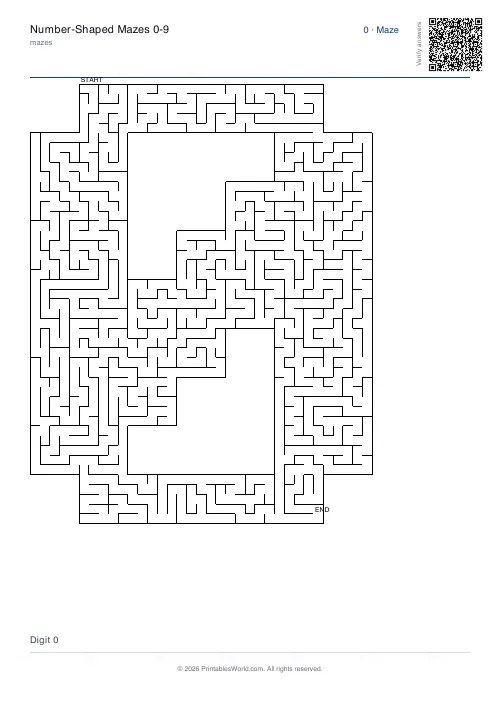
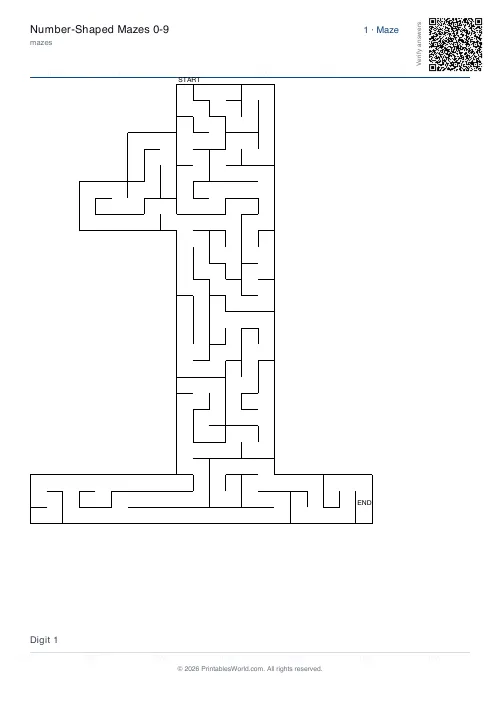
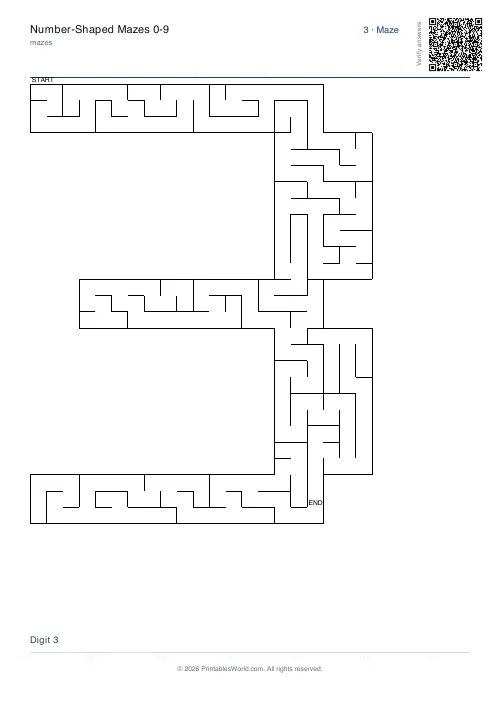
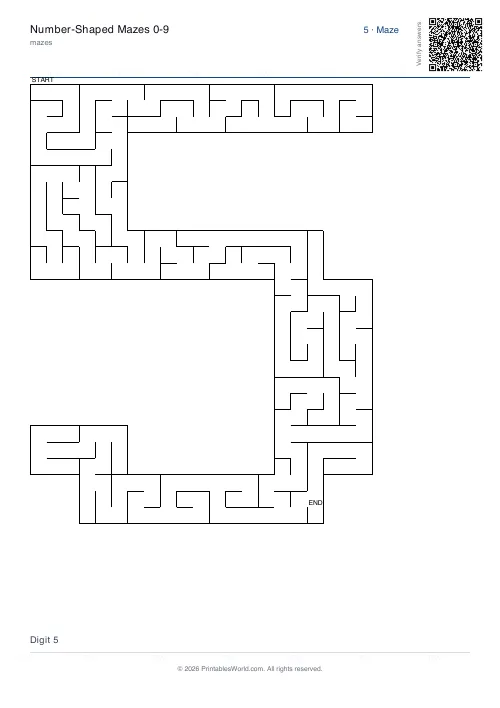
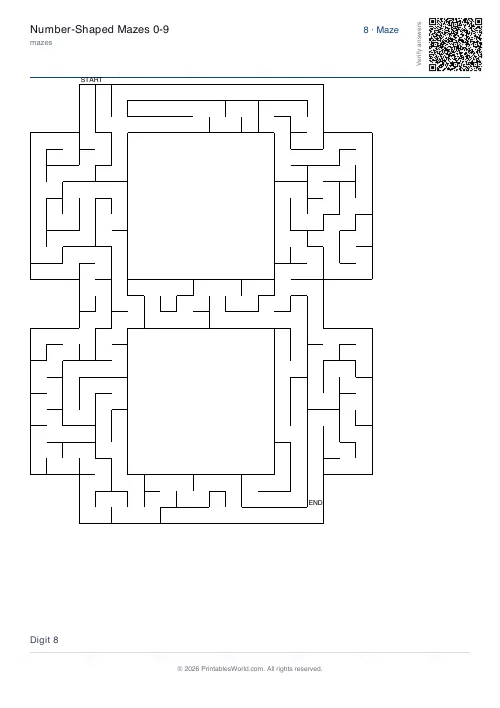
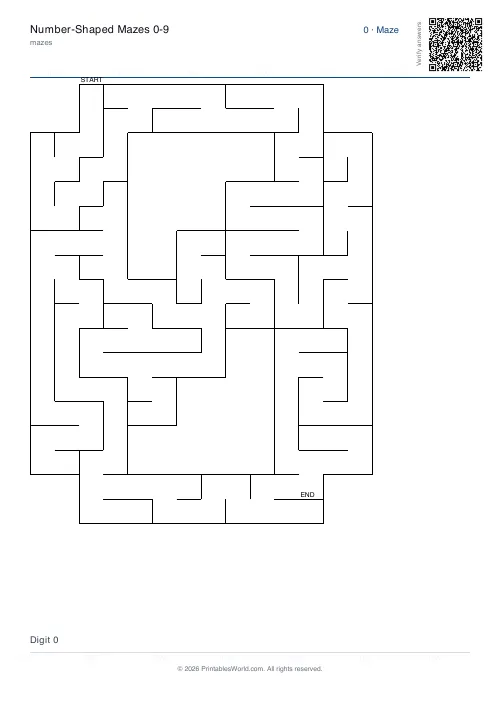
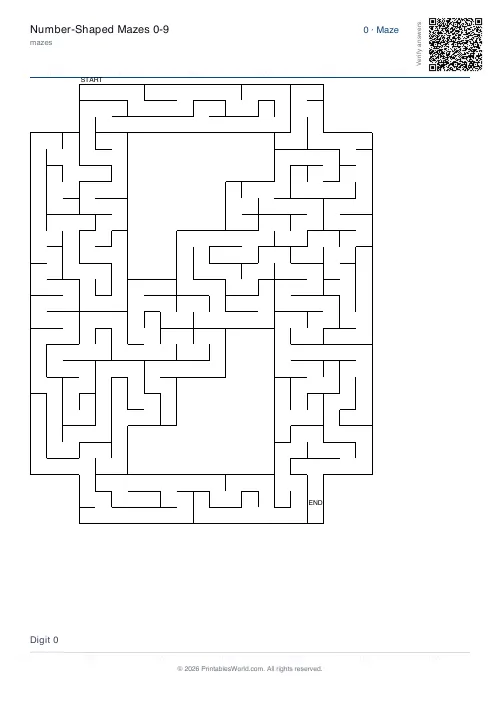
A maze carved inside each digit, 0 to 9. Pick the digits you want or print all ten, one per page, at four levels of detail.
People also used
Feedback
Spotted something off with this tool?
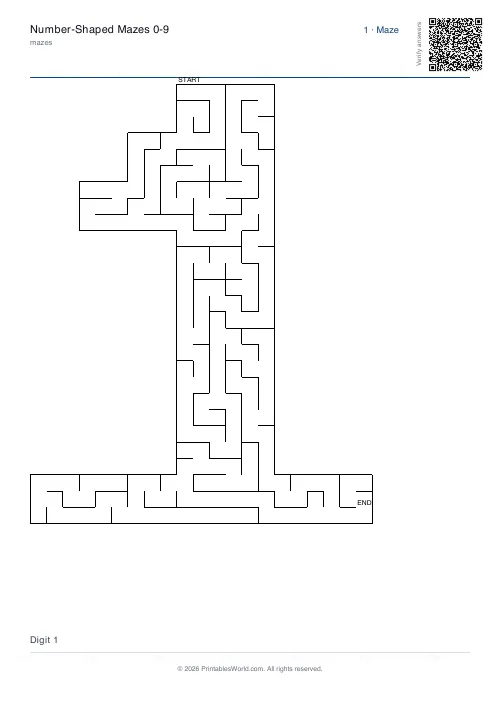
The digit is the maze
Corridors are cut only into the cells inside the digit's outline, so the walls trace the shape of a 4 or an 8 and nothing sits outside it.
Type the digits you want — a birthday, a house number, an age, or ALL for the full set — and each prints on its own page.
Digits are a smaller alphabet, which changes what it is good for
Ten shapes rather than twenty-six, which means a child meets each one far more often and gets to know it properly.
The pairs worth printing together are the ones children mix up: 6 and 9, which are the same shape turned round, and 2 and 5, which are not but look it in a hurry. Tracing the inside of each on separate sheets buys more attention on the difference than a flashcard will.
It also suits the obvious personal use. A child's age, printed as one big maze, is a birthday activity that takes ten seconds to make.
Scale
Two to six, setting how many maze cells each unit of the digit becomes.
At 2 the digit is bold and the maze inside it is short, which is right for a four-year-old with a fat pencil. At 6 the same digit holds several times as many cells and the solve runs long, while the outline gets fine enough to lose its shape from across a room.
Generate a 3 at 2 and again at 6 before printing a set. They look like different products.
Which digits are hardest to carve
1 is the awkward one. It is a narrow shape, so at low scale there is barely room for corridors and the maze is over in seconds. Print 1 at a higher scale than the rest if you want it to be a real puzzle.
0 and 8 are the most satisfying, because the enclosed loops give the carver somewhere to wander and produce genuinely long routes.
Solutions are off by default
Deliberate, because these get printed in stacks for children and an answer page stapled behind each maze does not survive contact with them.
Turn the toggle on and the solutions print as a matching stack at the end, so you can pull the back half off and keep it.
How it is built
Each digit is stored as a small pixel mask, scaled up by your setting into a grid of cells. A depth-first backtracker then carves that region, visiting every cell inside the digit exactly once — which guarantees a single route between entrance and exit and no pockets sealed off inside the hole of a 0 or a 6.
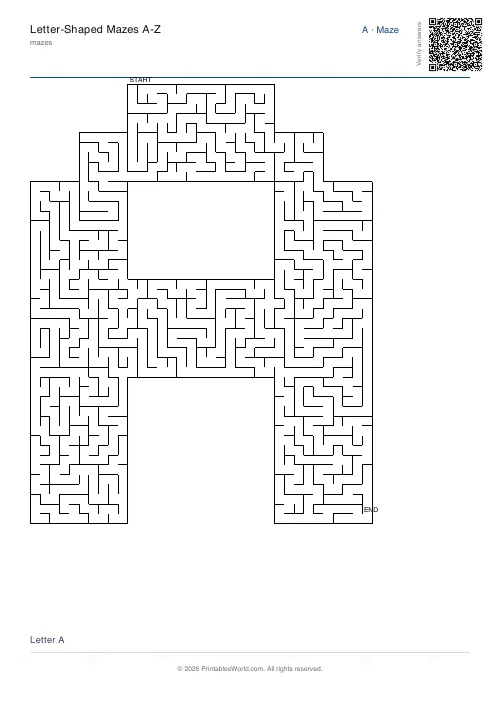
For letters rather than digits, the letter mazes work the same way. Print at 100% on A4 or US Letter.
FAQs
Quick answers
How is the digit shape made?
Each digit is a small bitmap stencil. The maze backtracker walks only inside the stencil so the path is bounded by the digit outline.
Can I print a subset of digits?
Yes. Type any subset like "024" or "9" into the Digits field.
How do I make the maze harder?
Bump the scale factor. It upscales the bitmap, giving more cells inside the digit.
Can I print solutions?
Yes. Toggle solutions to add a page per digit with the route highlighted.
Related tools
Further reading
Mazes
Why mazes are great for kids' development
Mazes are one of the few activities that exercise pencil control and forward planning at the same time. Which is why they suit the years just before formal handwriting.
4 min read
Mazes
Printable maze difficulty: matching mazes to ages
Maze difficulty has two independent dials, and confusing them is why a maze is either too fiddly or too easy. Here is which to turn for which child.
4 min read