Scan to get


 Scan to get



 Scan to get






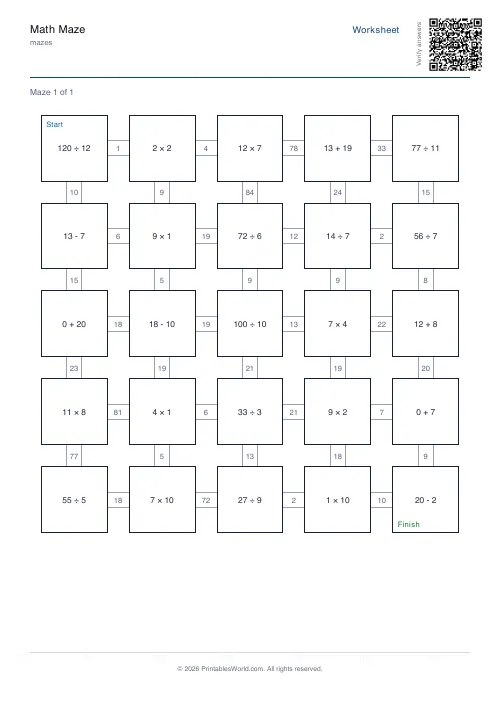
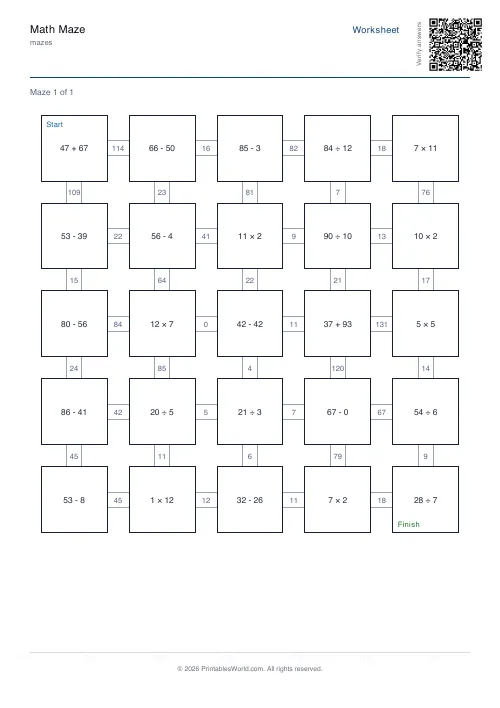
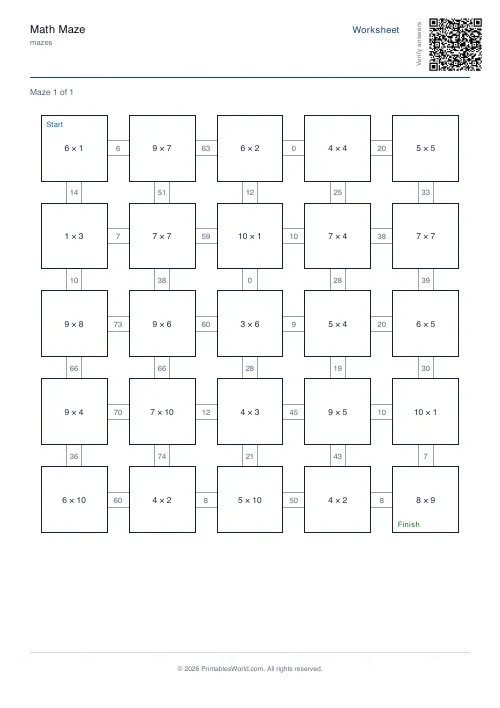
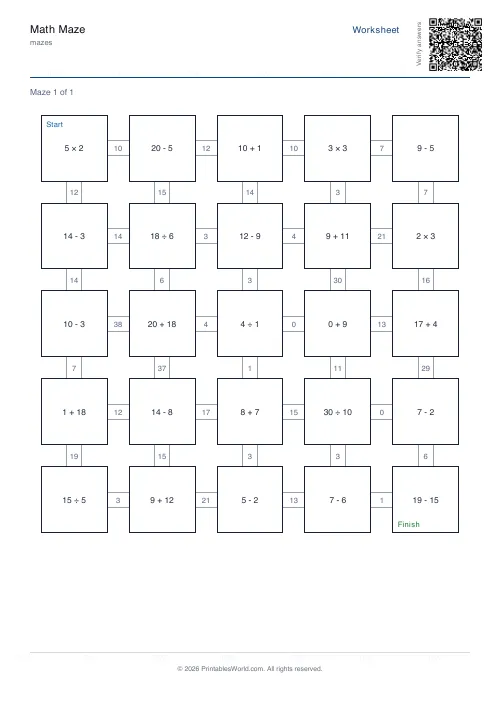
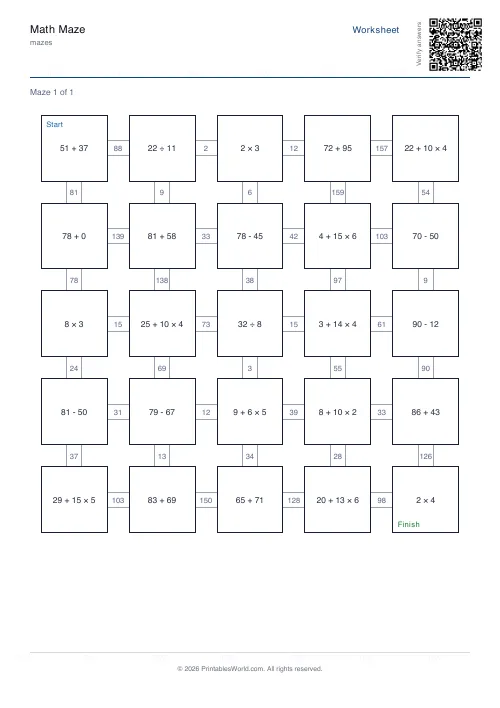
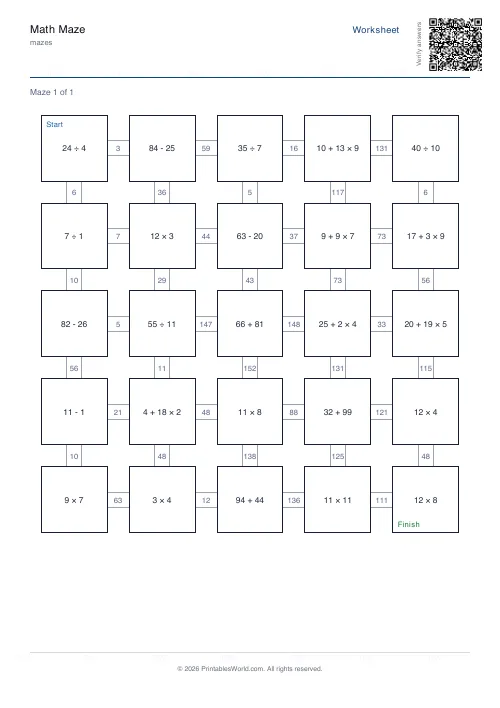
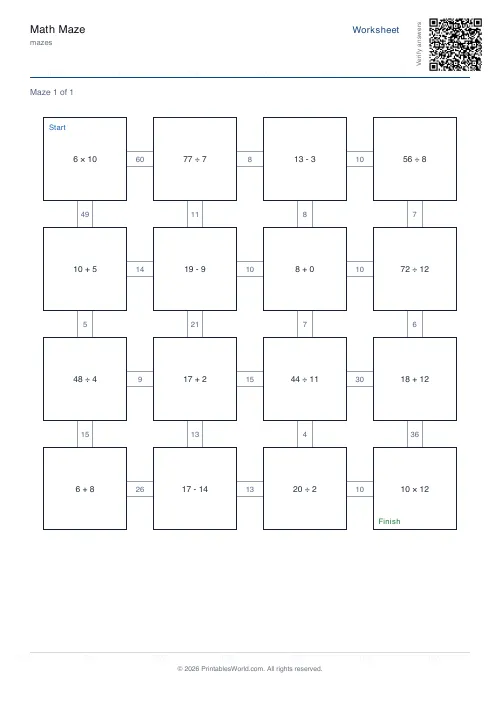
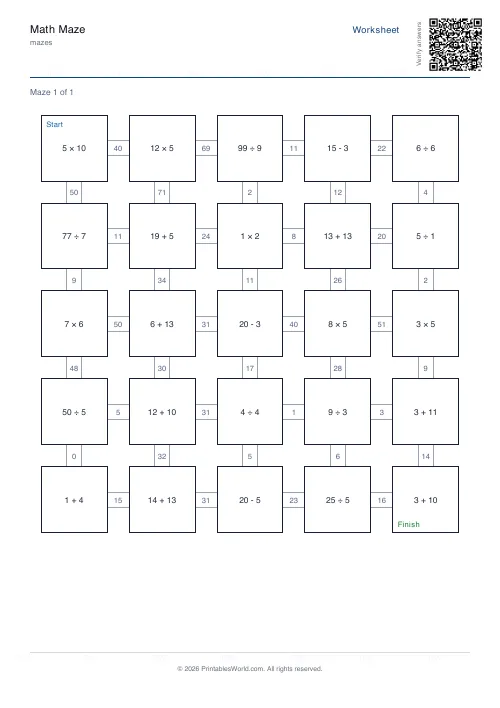
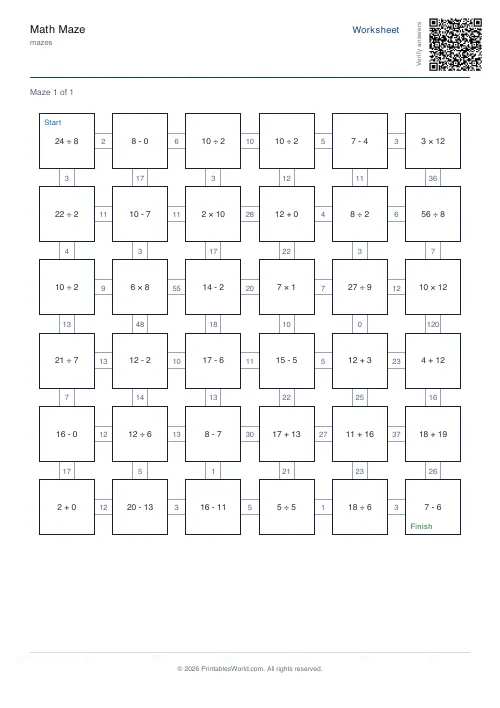
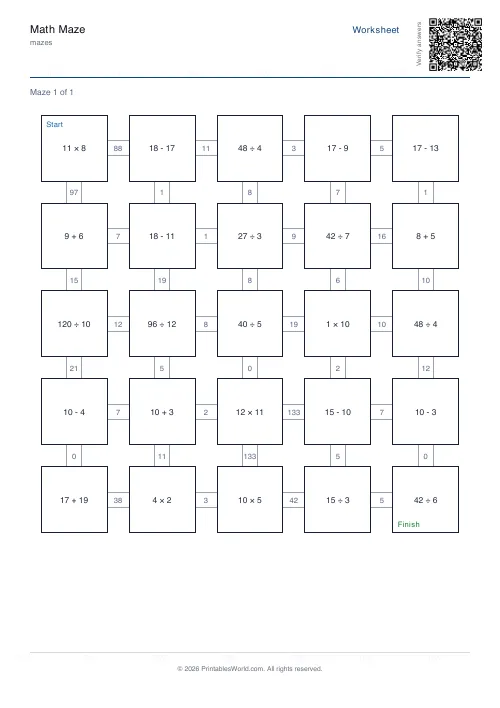
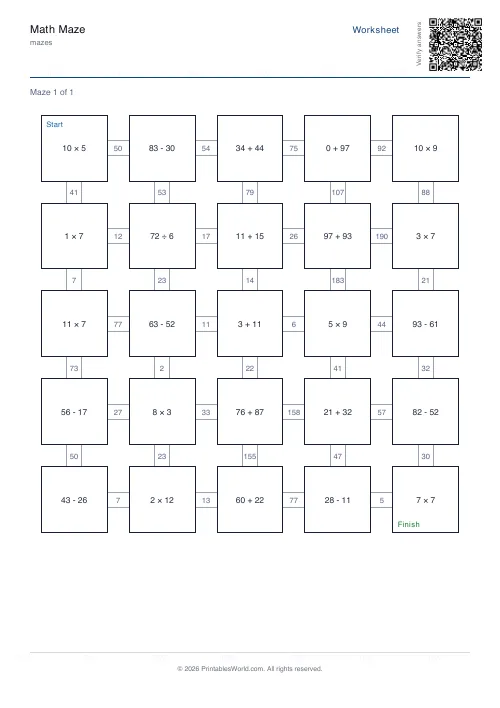
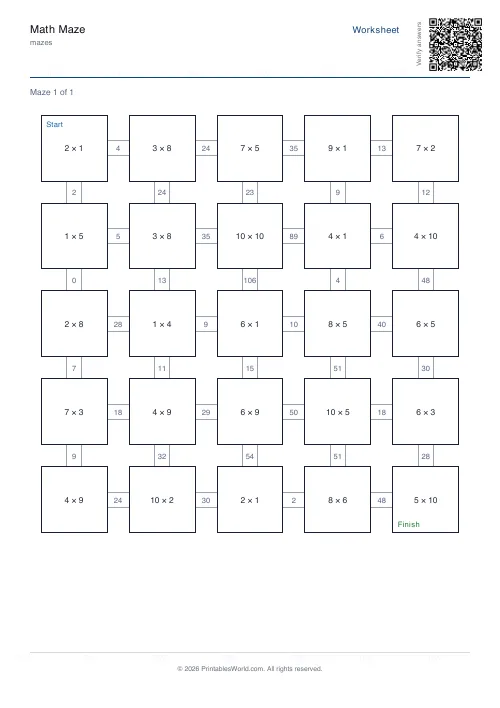
What this tool does
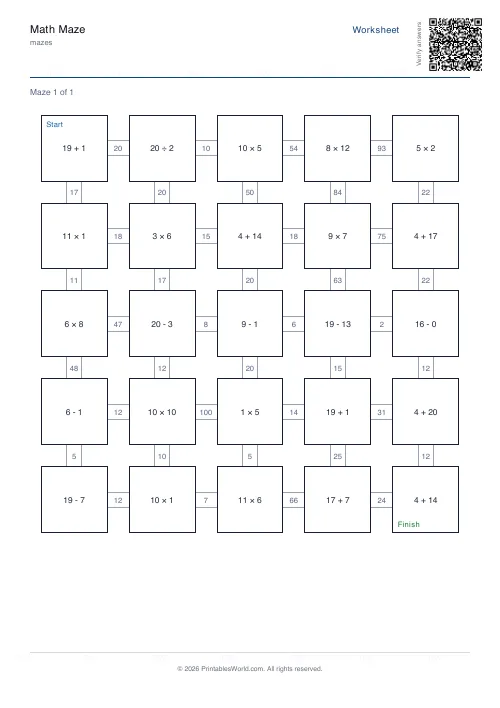
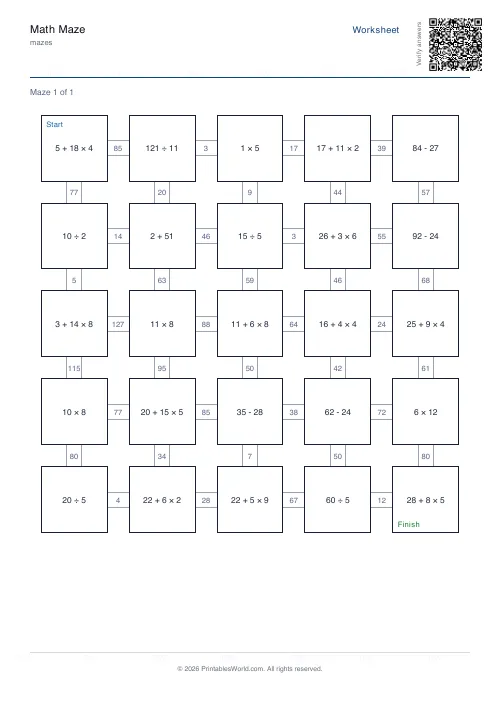
A maze where the route is decided by arithmetic: solve each cell to know which way to go. Eight topics, three sizes, year-group presets, and an answer key.
People also used
Maze Generator: Printable PDF
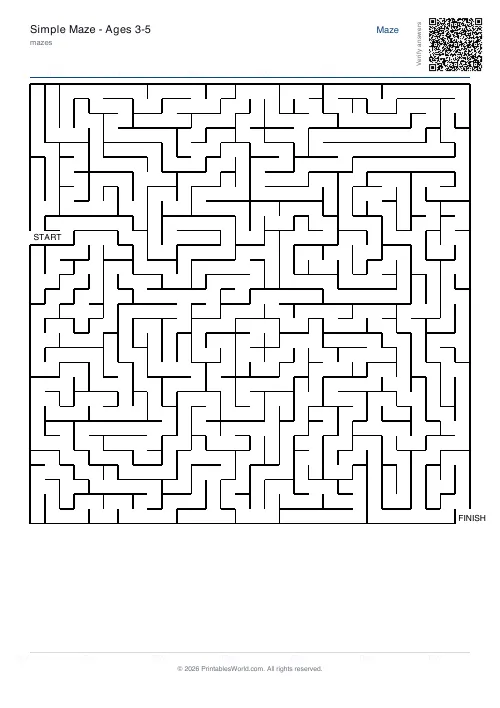
Generate printable maze PDFs with custom grid size, difficulty, and layout. Perfect, braided, or room-based.
Number Pyramid Generator
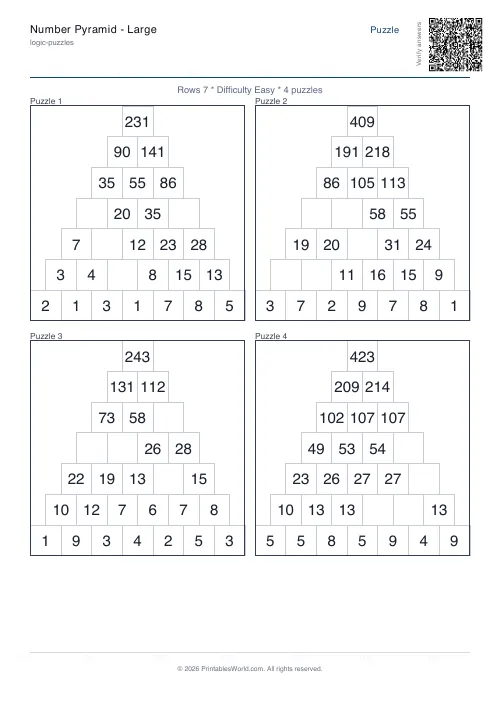
Create printable addition pyramid puzzles with adjustable rows, difficulty, and optional answer keys.
Alphabet Order Maze
Follow A to Z through a grid of letters.
Feedback
Spotted something off with this tool?
Arithmetic as the route
Every step is gated by a calculation. Get the sums right and the path appears in front of you; get one of them wrong and you are two moves down a corridor that leads nowhere at all, which is exactly the moment the sheet starts doing something a worksheet cannot.
Eight topics. Addition, subtraction, multiplication, division, a mixed set, times tables, then factors and primes. Three maze sizes, three difficulties, and year-group presets from Year 1 to Year 6 that set the number range for you.
Why this beats a page of sums
The arithmetic is identical. What changes is that the sheet answers back.
On a worksheet, a wrong answer produces nothing at all until an adult marks it, sometimes days later. Here it produces a dead end inside a step or two. The child goes back and rechecks their own working — self-correction, immediately, which is worth a great deal more than the same correction in red pen on Thursday.
The year presets
Picking Year 3 is quicker than setting a range by hand, and it is what most teachers want.
Choose custom when you need something specific: a child working below or above their year, an intervention group, a summer catch-up. Ranges run 0–10, 0–20, 0–100. Topic and range together do far more to set the difficulty than the difficulty control does.
Factors and primes are the interesting ones
Addition and multiplication mazes are recall drills in costume. Fine, and it is most of what the tool gets used for.
Factors and primes are different. They ask for a judgement rather than a calculation: the child has to test a number instead of computing one, which is closer to reasoning than to arithmetic. Those two settings are worth a lesson of their own rather than a warm-up.
Print the key
Not only for marking. A maze is quick to check, since you follow one line. But a child who is genuinely stuck needs to see where they went wrong, not be told that they did.
Compare the two routes. Better than redoing it.
Practicalities
Ask for several worksheets at once if you want a set. Use the large-font option for younger children, and for anyone printing at A5, where the numbers in the cells get very small indeed.
Related: the plain maze generator for mazes without the arithmetic, and the mixed tables generator for the same facts on a conventional sheet.
FAQs
Quick answers
Can I choose which times tables appear in the maze?
The times-tables topic draws from the full range you select. For 0–10, you'll see products up to 10 × 10. The tool doesn't isolate individual tables, but you can use the 0–10 range to keep questions within the easier groups (2, 5, 10) more frequently.
What does the difficulty setting actually change?
Difficulty affects question complexity and path length. Easy mode uses simpler numbers, shorter solution paths, and more obvious wrong answers. Hard mode introduces larger numbers, longer paths, and distractor answers that are closer to the correct result, making wrong turns harder to spot.
How many mazes fit on one page?
Each maze occupies one full page. If you generate five worksheets, you'll get five pages of puzzles plus five answer-key pages if you've ticked that option. The grid fills the printable area to keep questions readable.
What happens if my student picks the wrong answer?
Wrong answers lead to cells that either dead-end (no onward path) or loop back to earlier parts of the grid. Students realize they've gone wrong when they can't reach the finish or when the path stops making sense. They backtrack, try the other options, and continue.
Can I use this for division if students haven't learned remainders yet?
The division topic generates questions with whole-number answers only. You won't see 7 ÷ 2 or other problems that produce remainders. The algorithm selects divisors that divide evenly into the dividend, keeping answers clean.
Do the grade presets override my custom settings?
Yes. Choosing a grade preset automatically sets topic, range, and difficulty to match typical curriculum expectations for that year. If you want full control, leave the grade on custom and adjust the other options individually.
How do I prevent students from just guessing the path without solving?
You can't eliminate guessing entirely, but hard difficulty and larger grids make blind guessing inefficient. Many wrong answers look plausible, and dead ends multiply quickly. For accountability, ask students to write their working or check their path against the answer key and mark any mistakes.
Related tools
Maze Generator: Printable PDF
Generate printable maze PDFs with custom grid size, difficulty, and layout. Perfect, braided, or room-based.
Number Pyramid Generator
Create printable addition pyramid puzzles with adjustable rows, difficulty, and optional answer keys.
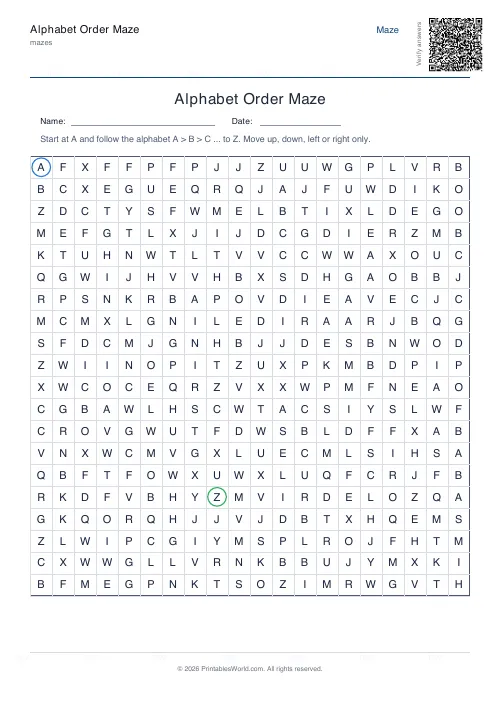
Alphabet Order Maze
Follow A to Z through a grid of letters.
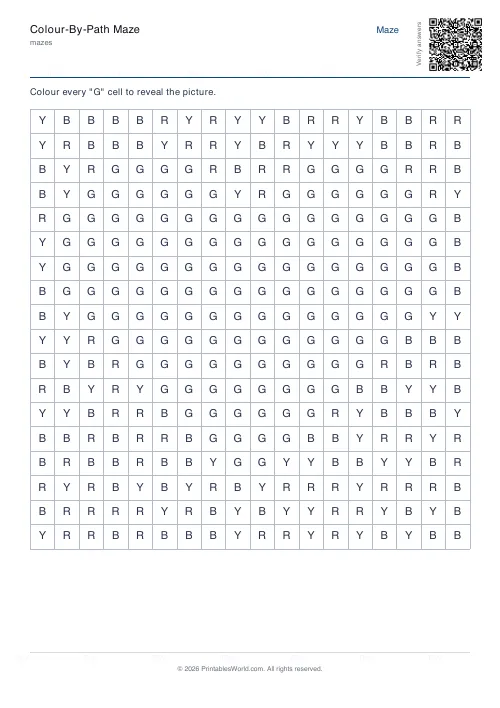
Colour-By-Path Maze
Colour every letter cell to reveal the hidden picture inside the grid.
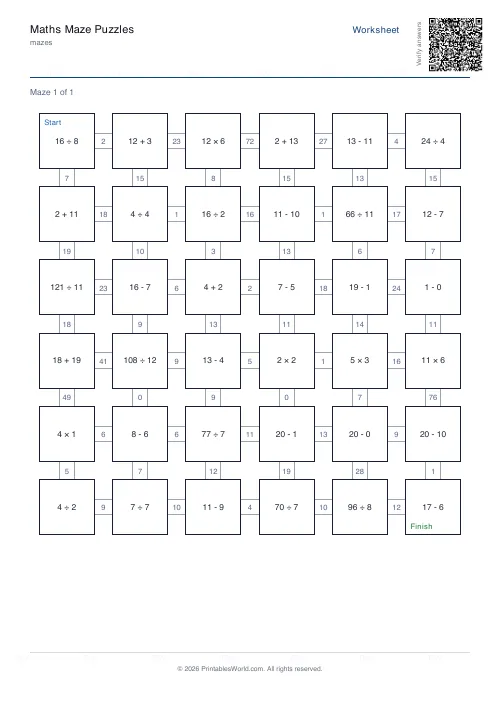
Maths Maze Puzzles
Solve arithmetic problems to choose the path through the maze.
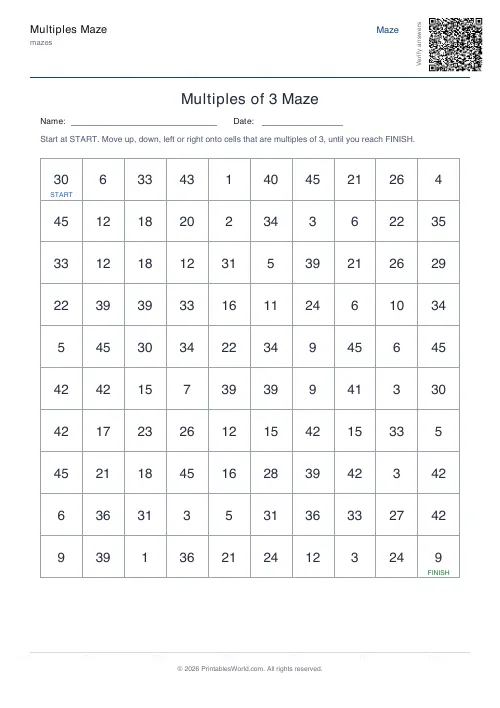
Multiples Maze
Find a path through the grid by stepping only on multiples.
Further reading
Mazes
Why mazes are great for kids' development
Mazes are one of the few activities that exercise pencil control and forward planning at the same time. Which is why they suit the years just before formal handwriting.
4 min read
Mazes
Printable maze difficulty: matching mazes to ages
Maze difficulty has two independent dials, and confusing them is why a maze is either too fiddly or too easy. Here is which to turn for which child.
4 min read