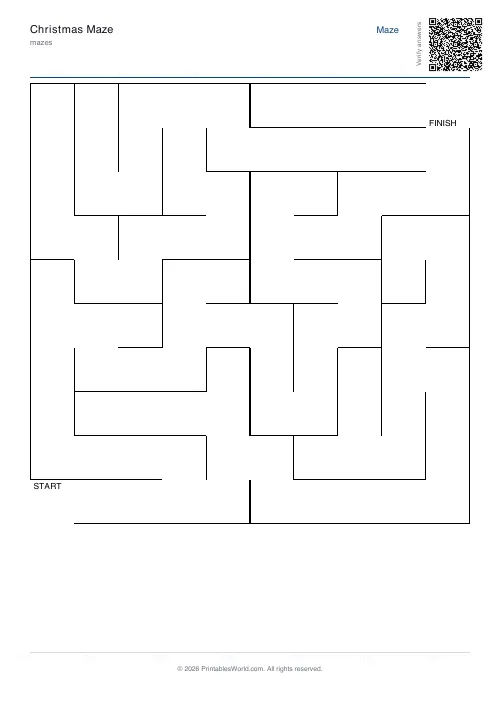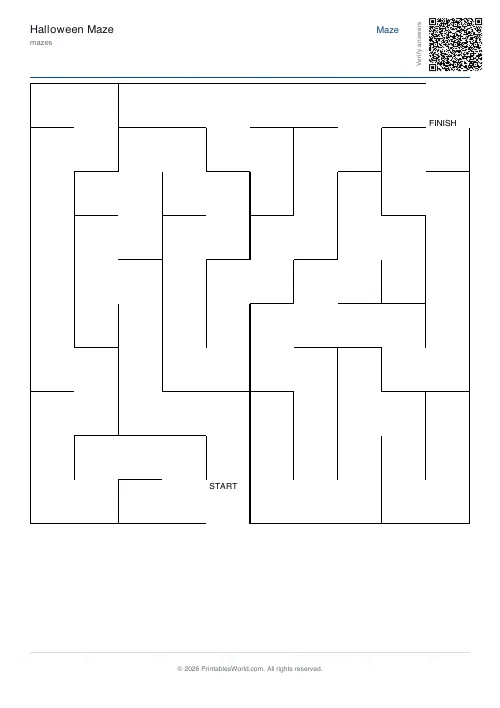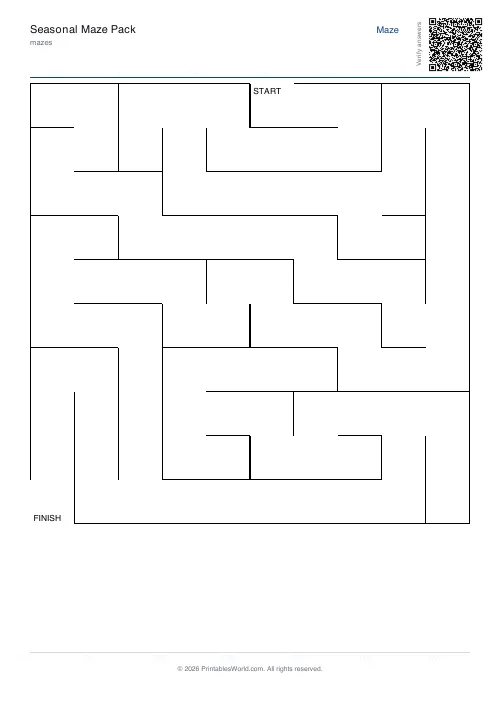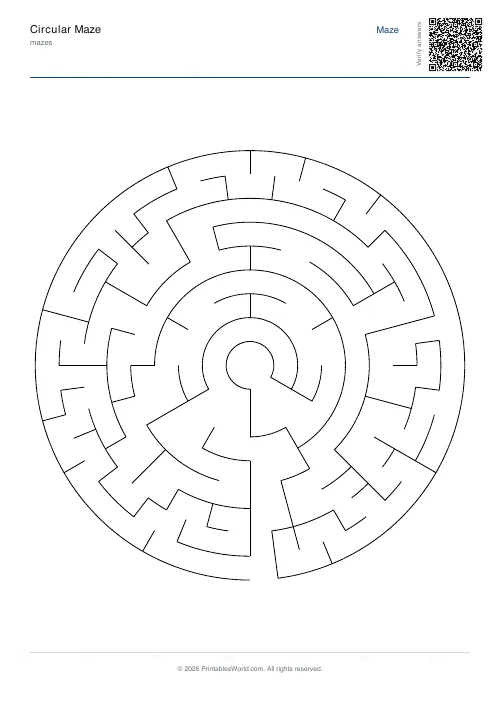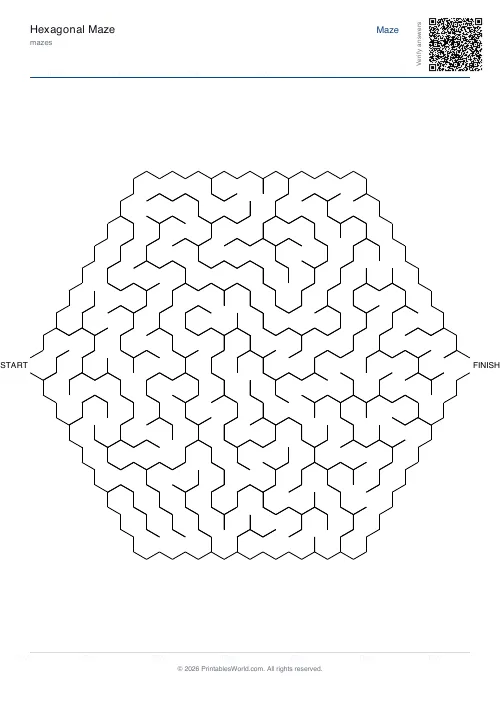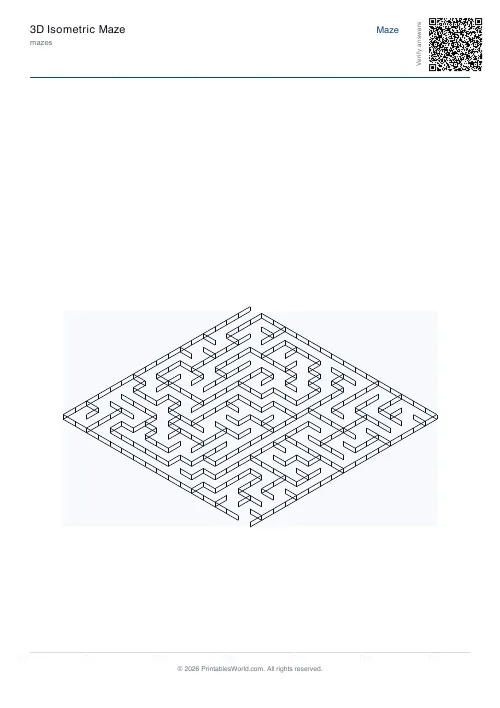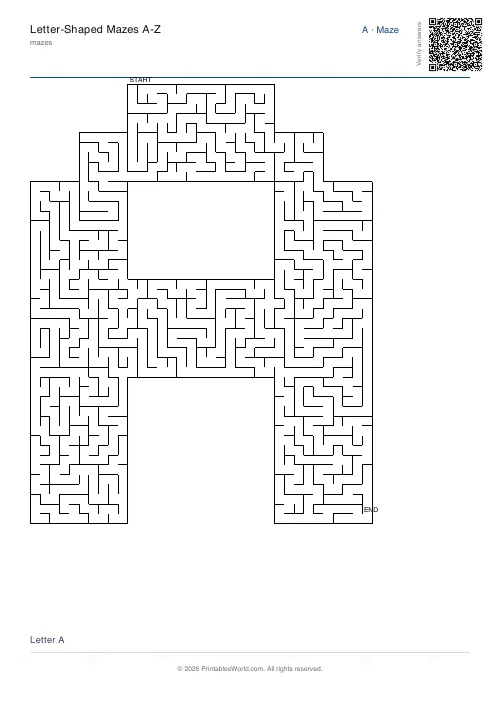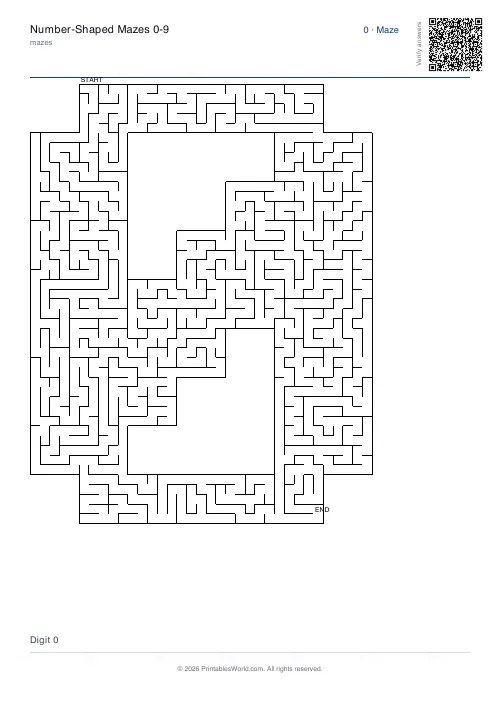
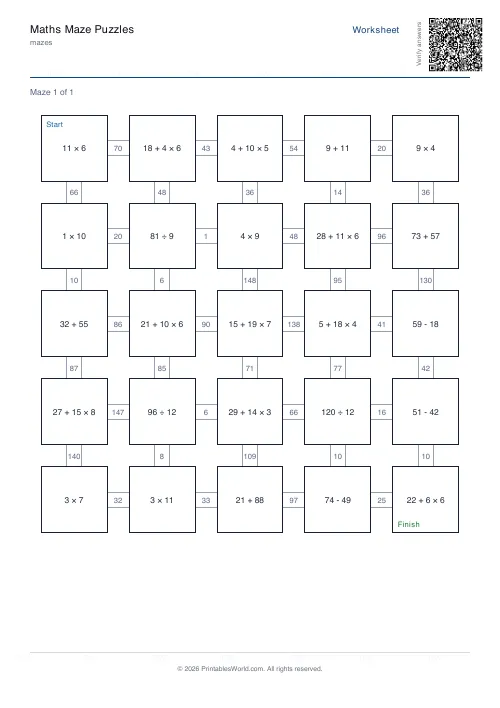
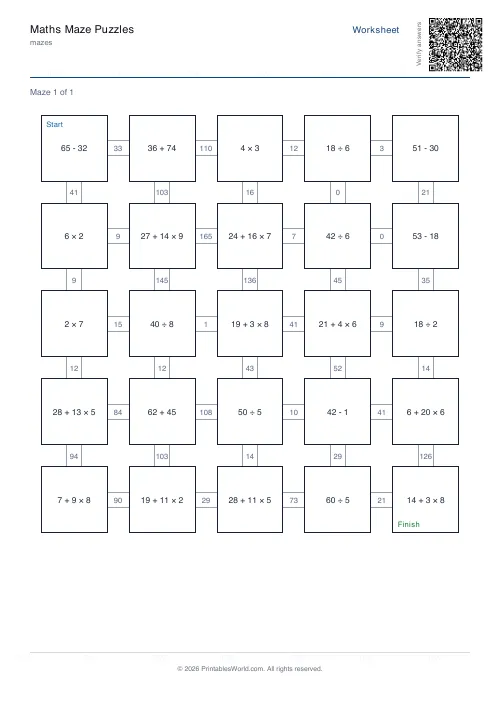
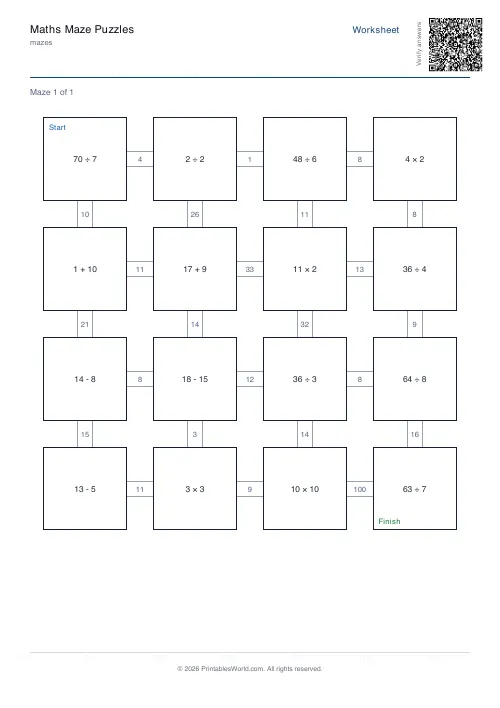
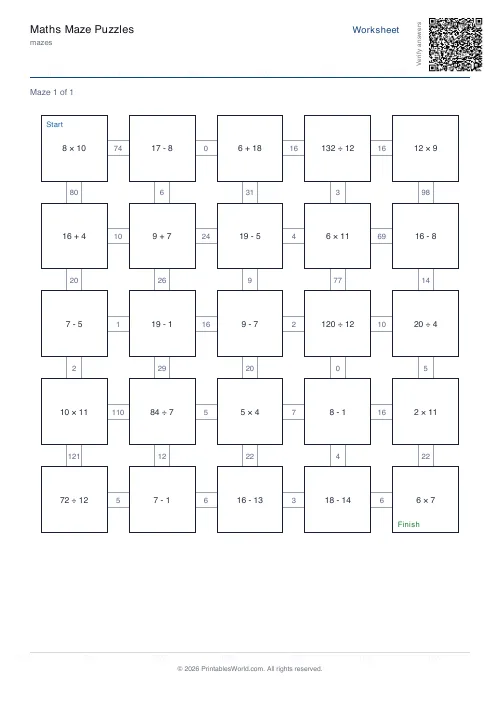
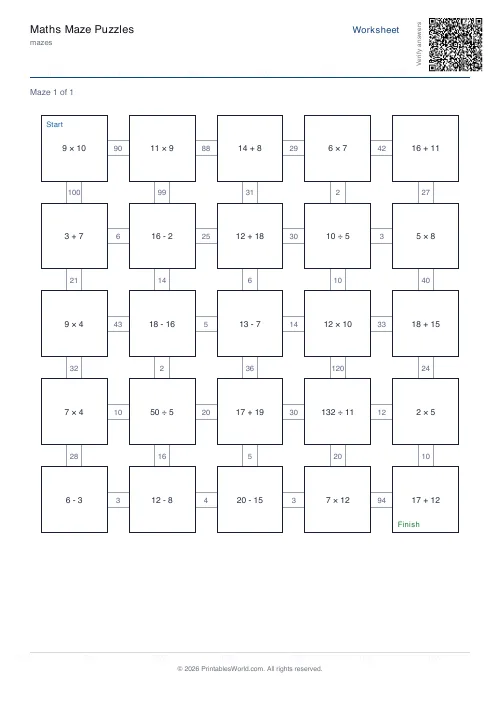
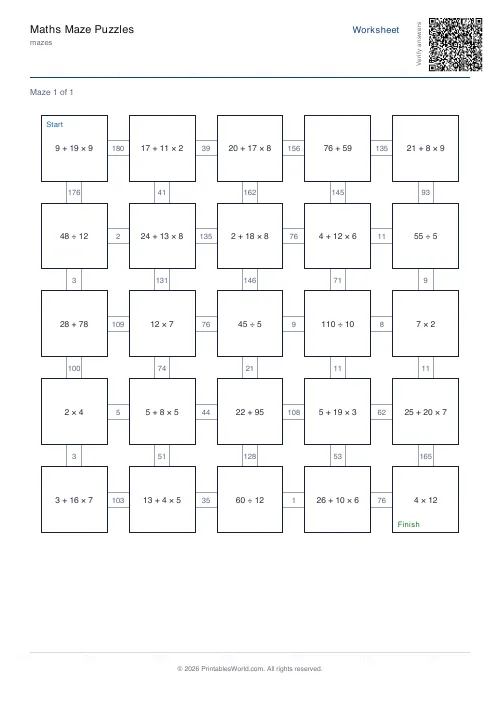
What this tool does
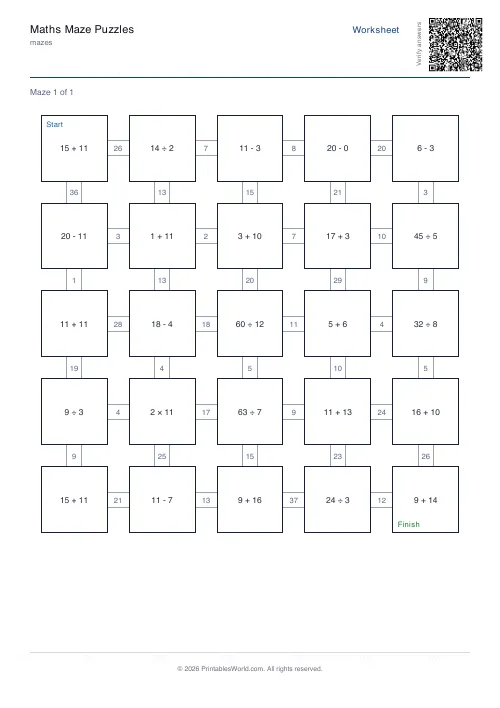
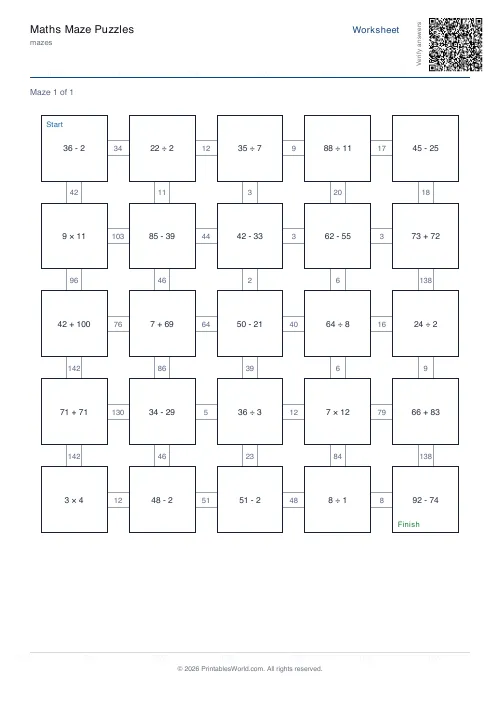
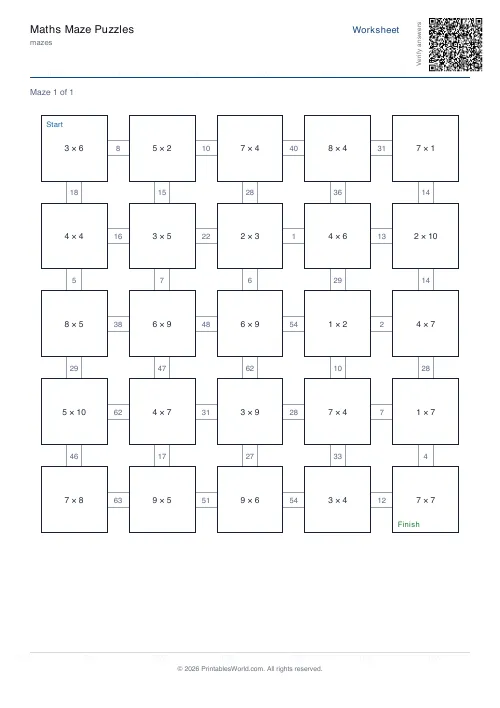
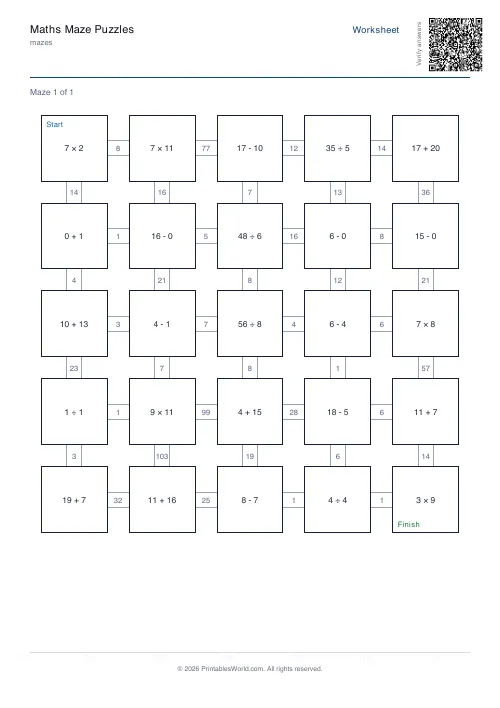
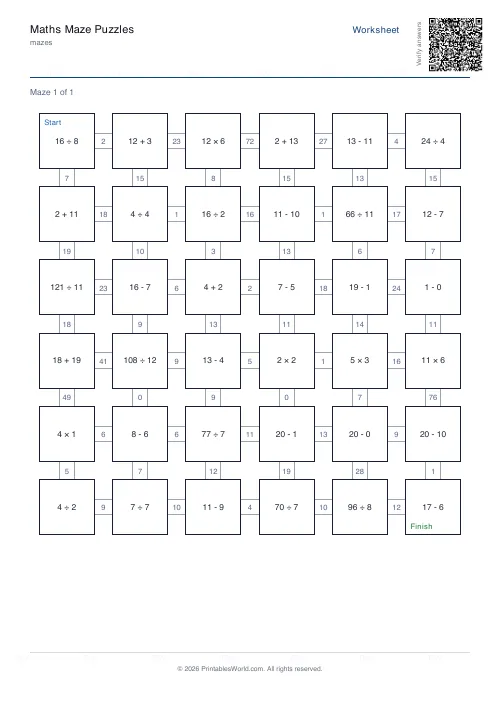
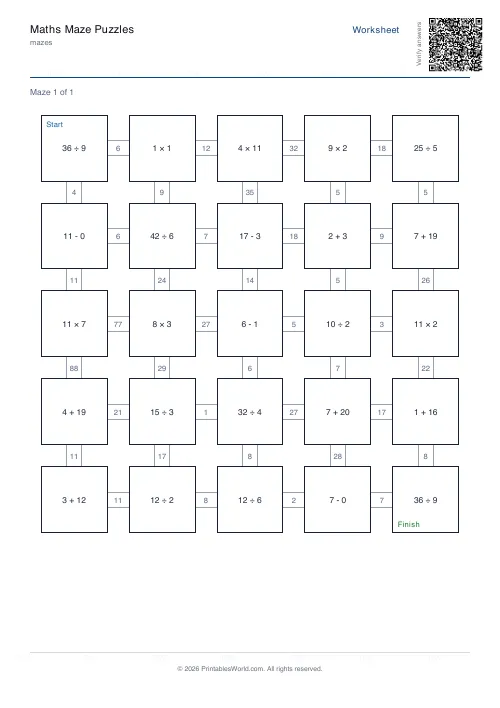
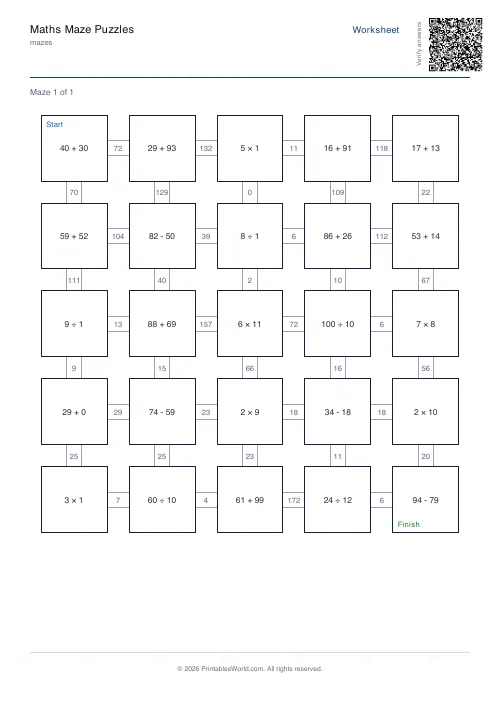
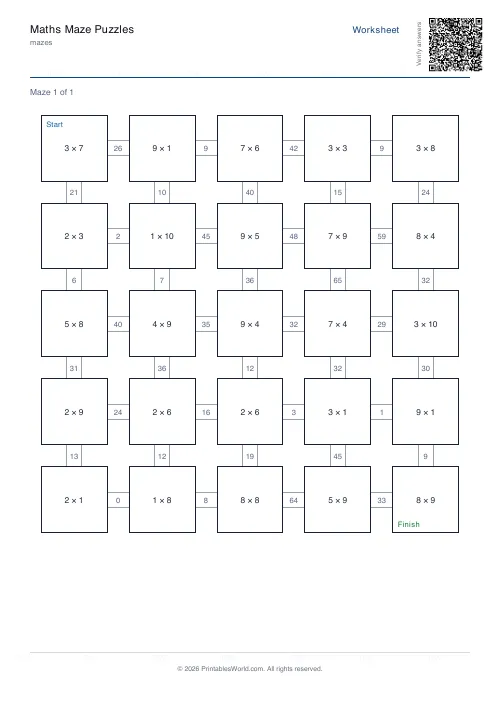
A maze where every step is a sum. Each cell poses a question and you take the exit labelled with the correct answer. Eight topics, three number ranges, year-group presets and an optional answer key.
People also used
Math Maze Generator
Print math maze worksheets where students solve arithmetic to find the correct path through the grid.
Maze Generator: Printable PDF
Generate printable maze PDFs with custom grid size, difficulty, and layout. Perfect, braided, or room-based.
Addition Worksheets Generator
Free printable addition worksheets in tables or line-by-line layouts.
Feedback
Spotted something off with this tool?
The wrong answer takes you the wrong way
Every cell carries a small arithmetic question, and the routes leading out of it are labelled with numbers. Take the one matching your answer. Get it wrong and the maze walks you somewhere else.
That is the whole design, and it is what separates this from a worksheet with a maze printed round it: the arithmetic is not decoration, it is the only way to navigate.
Why the feedback matters
On an ordinary worksheet a wrong answer sits there quietly until somebody marks it, which might be tomorrow.
Here it has a consequence straight away. A wrong turn leads somewhere the route does not continue from, the pupil notices inside a couple of cells, and back they go to check the working — with no adult having said a word. That self-correction is the habit you are actually trying to build, and it is unusually hard to arrange on paper.
Eight topics
The four operations, plus a mixed sheet drawing from all of them. Then three topics that are not operations at all — times tables, factor recognition, and primes.
The last three are worth knowing about. A factors maze asks whether a number divides another, which is a different question from calculating and is where a lot of pupils are shaky. A primes maze is a recognition task, and it exposes the usual gaps — the pupils who think 1 is prime, or 9 is, or that all odd numbers are.
Range and year presets
Three ranges: 0–10, 0–20 and 0–100. There are also presets for Year 1 through Year 6, which set the topic and range together to something appropriate rather than making you work it out.
Use the year preset first and adjust from there. The custom setting is for when you know exactly what you want, which is usually after a class has already shown you what they cannot do.
Size and difficulty are separate
Size controls the grid, at three settings, and therefore how many questions land on the sheet. Difficulty controls how hard each individual question is inside whatever range you picked.
A large maze of easy questions is a stamina exercise. A small maze of hard ones is a thinking exercise. Both are useful and they are not the same lesson, which is why the two dials are separate.
The large-font option
Worth using more often than it is. A maze packs a lot onto a page, and a pupil who is squinting at a question is spending attention on reading it rather than answering it.
Turn it on for younger children, for anyone with a visual difficulty, and for any sheet that will be shown on a visualiser to a class.
Adjustments
Topic, range, year preset, size, difficulty, large font, the answer key, and how many worksheets to generate at once — up to fifty, which is a term of daily starters in a single download.
Print at 100% on A4 or US Letter.
FAQs
Quick answers
How does the maths maze work?
Each cell shows an arithmetic question. The edges leading out of the cell are labelled with possible answers. The solver follows the edge whose label matches the cell's correct answer.
Can I change the maths topic?
Yes. Pick addition, subtraction, multiplication, division, mixed, times tables, factors, or primes. Or use the year-group presets to set a sensible default.
Is there an answer key?
Yes. Toggle "Include answer key" to add a solution page per maze with the correct path highlighted.
How many worksheets can I print at once?
Up to 50 worksheets in a single PDF. Each one is a fresh maze with fresh questions.
Related tools
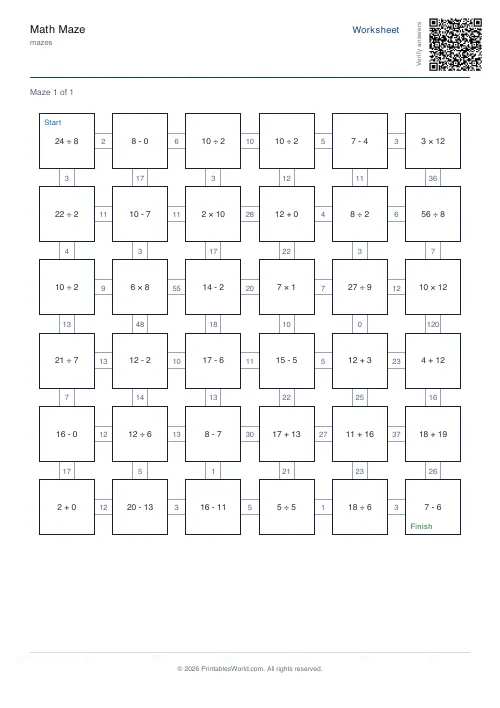
Math Maze Generator
Print math maze worksheets where students solve arithmetic to find the correct path through the grid.
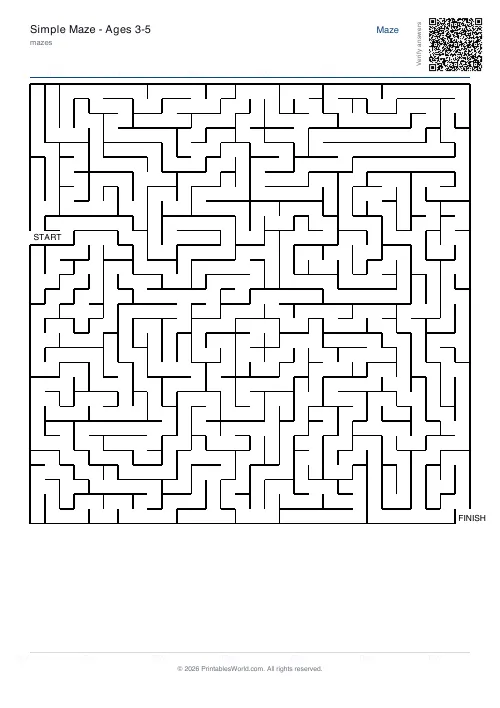
Maze Generator: Printable PDF
Generate printable maze PDFs with custom grid size, difficulty, and layout. Perfect, braided, or room-based.
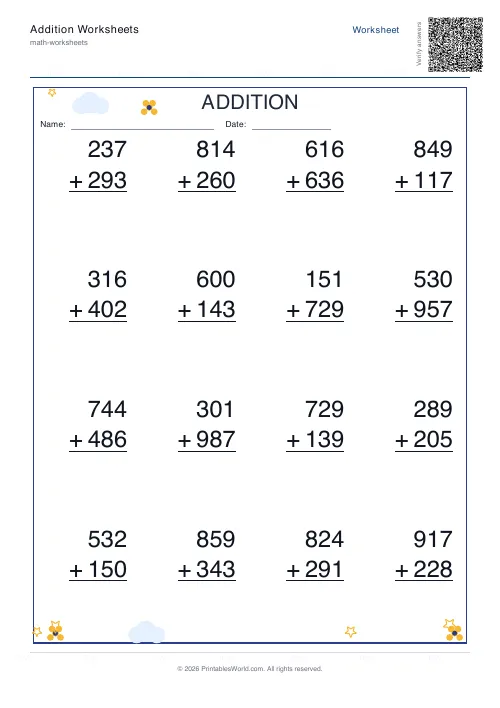
Addition Worksheets Generator
Free printable addition worksheets in tables or line-by-line layouts.
Further reading
Mazes
Why mazes are great for kids' development
Mazes are one of the few activities that exercise pencil control and forward planning at the same time. Which is why they suit the years just before formal handwriting.
4 min read
Mazes
Printable maze difficulty: matching mazes to ages
Maze difficulty has two independent dials, and confusing them is why a maze is either too fiddly or too easy. Here is which to turn for which child.
4 min read