Scan to get


 Scan to get



 Scan to get






What this tool does
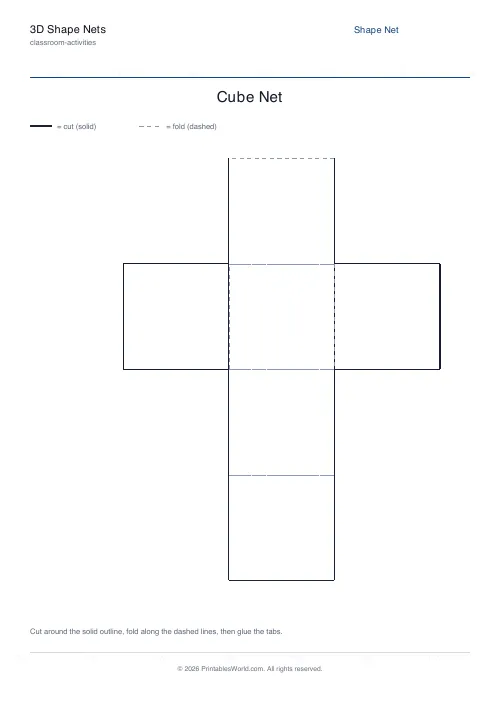
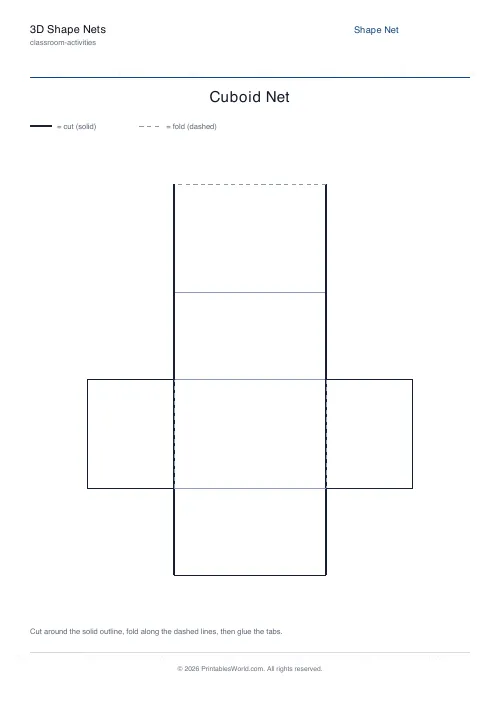
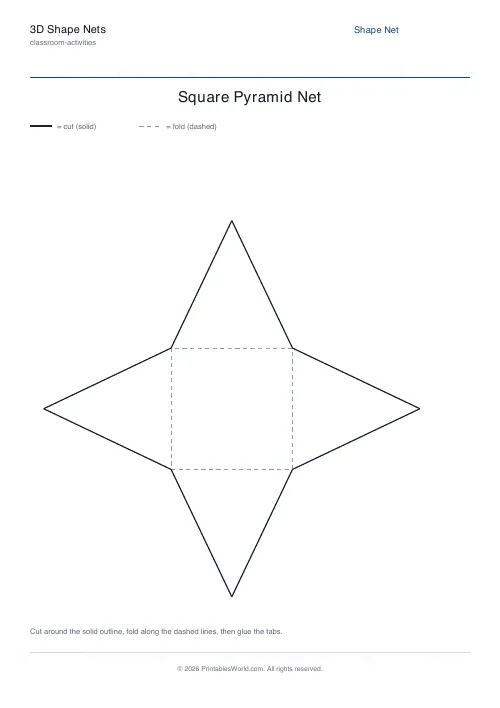
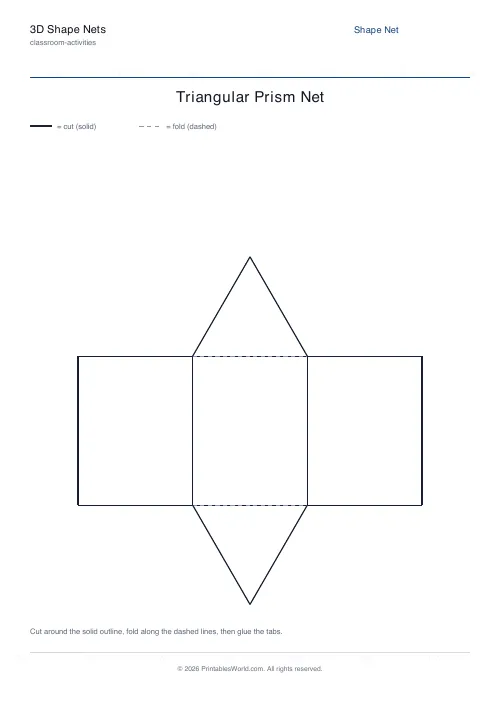
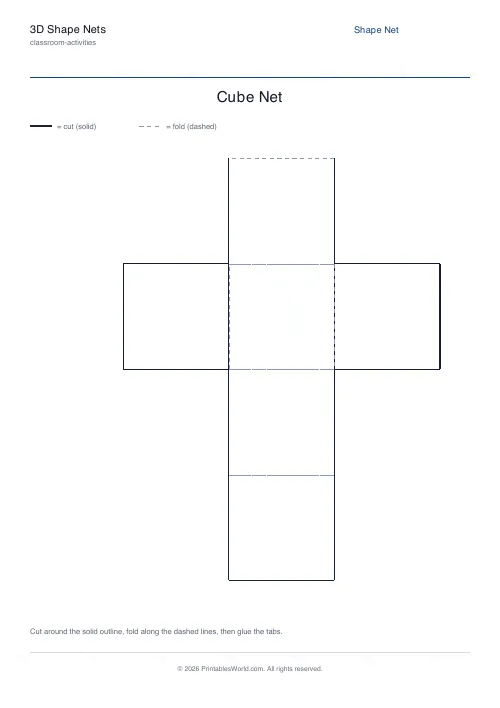
Printable 3D shape nets ready to cut, fold and glue. A cube, a cuboid, a square pyramid or a triangular prism, each drawn with solid cut outlines, dashed fold lines and glue tabs along the joining edges. Face labels and name and date fields can be switched on or off depending on the year group.
People also used
Bingo Card Generator
Generate unique printable bingo cards with custom words, FREE centre toggle, call sheet, and seeded shuffles.
Coloring Page Maker
Create printable coloring pages with mandala, geometric, and animal templates in any line thickness.
Color by Number Generator
Make printable color-by-number sheets. Numbers, sums, or sight words, with an answer key.
Feedback
Spotted something off with this tool?
Flat on the page, solid in the hand
A net is what a solid looks like unfolded. Cut it out, fold the creases, glue the tabs, and the flat pattern becomes a shape you can hold.
Four solids are available. A cube, six equal squares laid out as a cross. A cuboid, a box with three pairs of matching faces. A square pyramid, one square base and four triangles. A triangular prism, three rectangles closed off by two triangular ends.
Each net is scaled to fill the page, so the finished model is big enough for small hands to assemble without frustration.
Solid means cut, dashed means fold
The legend at the top of the sheet says so, and it is worth reading aloud to the class before anyone picks up scissors, because the single commonest failure is cutting along a fold line and turning a cube into six squares.
Cut the whole outline first, glue tabs included. Then score and fold every dashed line before any glue appears. Folding first is not a suggestion: pre-creased edges assemble squarely, and a model glued before folding ends up rounded at the corners and will not sit flat.
Tabs and labels, on or off
Glue tabs are on by default. Turn them off for older pupils and the net becomes noticeably harder to assemble, which is sometimes the point: working out where the tape has to go is itself a spatial problem.
Face labels are the other switch. On, they tell you what each face is. Off, you have a prediction task, and that is the better lesson: show a child a net and ask which solid it will make before they fold it. Most get the cube. Fewer get the prism.
What to do once it is built
Count the faces, then the edges, then the vertices, and write the three numbers down. Do that for all four solids and a pattern starts to show up that is worth noticing.
Then unfold one. Going back from the solid to the flat net is harder than going forwards and it is where the understanding actually lands. Print several shapes at once for a sorting task, or hand out nets with the labels hidden and let the room argue about which is which before anybody folds anything.
FAQs
Quick answers
What is a net in maths?
A net is a two-dimensional pattern that folds up into a three-dimensional solid. This tool prints the net with cut lines, fold lines and glue tabs so pupils can build the solid by hand.
Which shapes can I make?
You can print a net for a cube, a cuboid, a square pyramid or a triangular prism. Choose the shape from the settings before you download.
What do the solid and dashed lines mean?
Solid lines are cut lines. Cut around the whole outline, including the glue tabs. Dashed lines are fold lines. Fold along each one before gluing the tabs to assemble the model.
Do I need to print on card?
Standard paper works, but printing on thin card gives a sturdier model that holds its shape better. Score the fold lines with a ruler for the cleanest edges.
Related tools
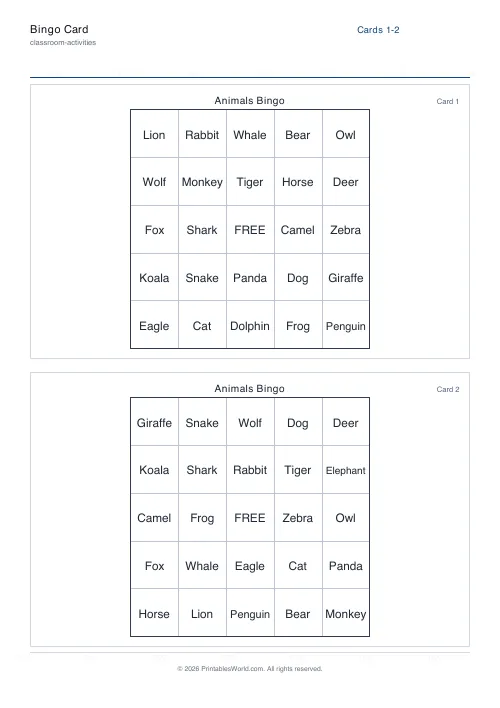
Bingo Card Generator
Generate unique printable bingo cards with custom words, FREE centre toggle, call sheet, and seeded shuffles.
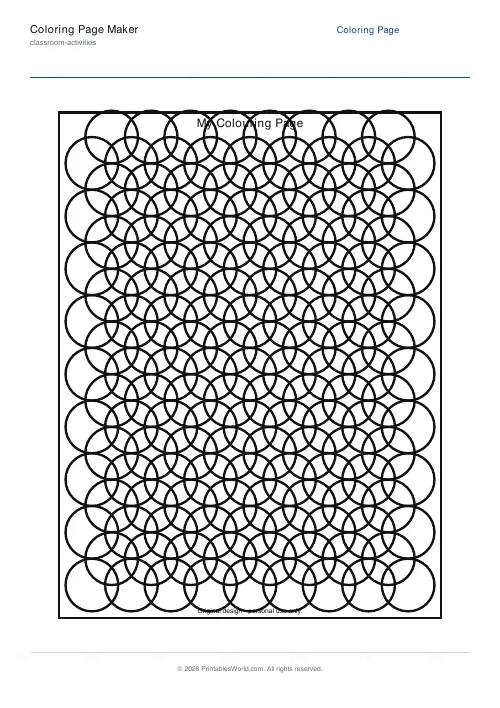
Coloring Page Maker
Create printable coloring pages with mandala, geometric, and animal templates in any line thickness.
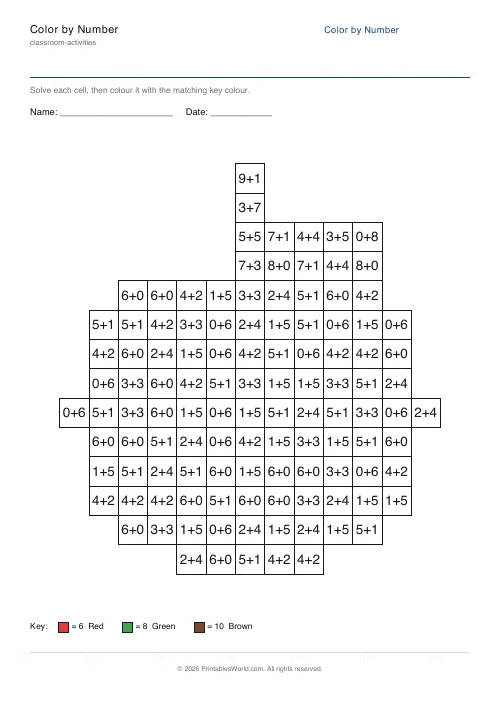
Color by Number Generator
Make printable color-by-number sheets. Numbers, sums, or sight words, with an answer key.
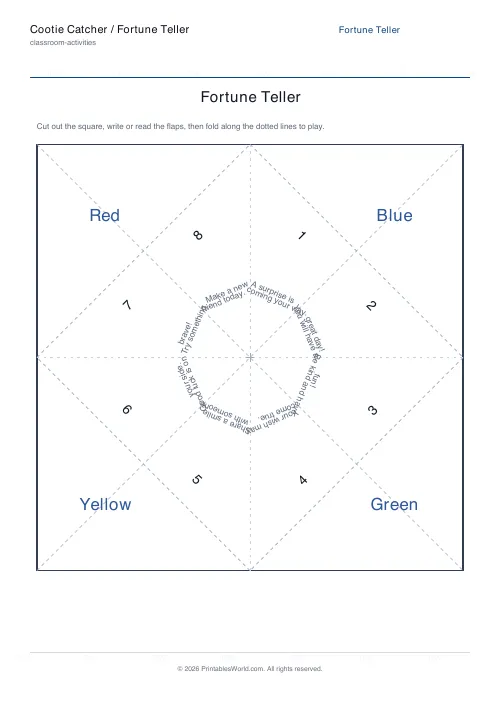
Cootie Catcher / Fortune Teller
Fold-and-play paper fortune teller template.
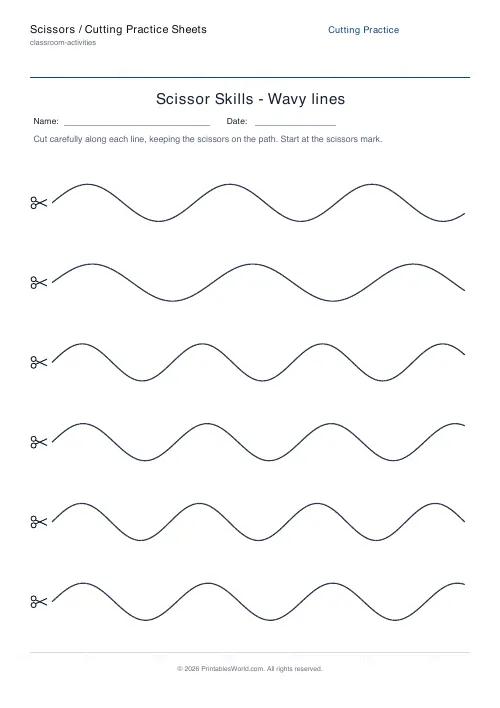
Scissors / Cutting Practice Sheets
Printable scissor-skills sheets with straight, zig-zag, wavy, curved, spiral and shape cut lines.