What this tool does
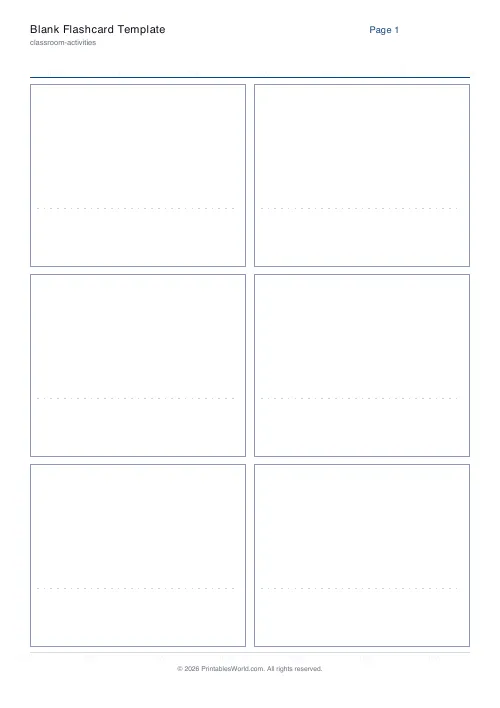
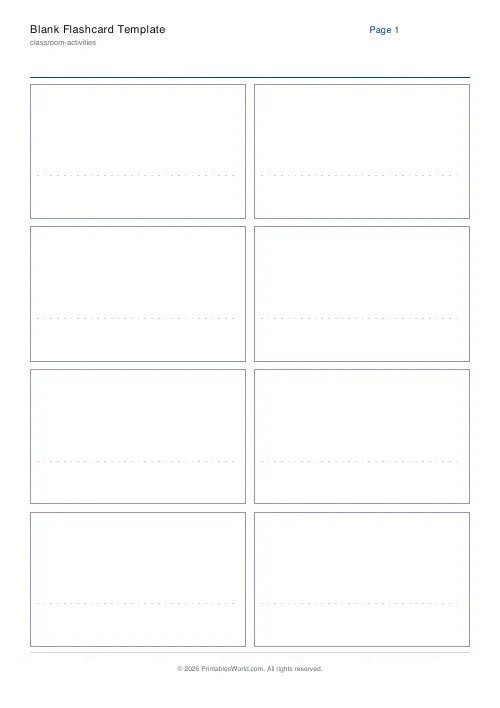
A grid of empty flashcards with a faint writing guide, ready to cut out and fill in by hand. Four, six or eight to a page, and up to 200 cards in one download.
People also used
Feedback
Spotted something off with this tool?
Blank cards, cut lines, and a faint guide line
The page prints a grid of empty cards, each with a light writing guide so handwriting stays level. Choose four, six or eight to a page and how many you need in total, up to 200.
That is all it does, and it is worth having for the same reason a pad of index cards is worth having: cutting evenly spaced rectangles out of blank paper by hand takes longer than you expect and the results are never quite square.
When handwritten beats typed
The typed version is better when you already have the list, want it neat, and expect to reprint the deck.
Blank cards win in three situations. When the content is going to be drawn rather than written — a diagram, a chemical structure, a map. When the list is being generated as you go, in a lesson, from what people are struggling with. And when the writing itself is the point: making a card by hand is an encoding step, and a pupil who writes their own deck remembers more of it than one handed a printed set, before they have revised at all.
Cards per page and what fits
Four is generous. A diagram, a full sentence, a child's large handwriting.
Six is the default and roughly index-card sized.
Eight is a pocket deck, and it is small for anything longer than a few words in adult handwriting — fine for a language deck, cramped for definitions.
The guide line
Faint, so it does not compete with what is written over it. It is there to stop handwriting sloping, which it does on an entirely blank card within about four words, and it disappears well enough that the finished card does not look like a worksheet.
What is under your control
A title, cards per page, and the total number of cards. A4 or US Letter.
Ask for 200 and you get the pages needed to hold them, so the count is the thing to set rather than the number of sheets.
Printing and cutting
Card if the deck is going to survive a term. Paper is fine for a single lesson.
Print at 100% so every card comes out the same size. A guillotine gets through a stack quickly; scissors work but the edges wander, and a deck of slightly different-sized cards does not shuffle cleanly.
If the deck will be used double-sided, print on card heavy enough that the back does not show through — 160gsm upward is safe.
FAQs
Quick answers
How many cards fit on a page?
Four, six, or eight. The engine adjusts card size automatically.
Does it print a faint writing line?
Yes. A dotted guide line sits in the lower third so handwritten text stays level after cutting.
Can I print lots of cards at once?
Set the card count up to 40 and the PDF will spread them across as many pages as needed.
Which paper size is best?
A4 or Letter both work. Either gives the same number of cards per page.
Related tools

Custom Flashcards
Double-sided printable flashcards from your own list of pairs.

Matching Cards
Pairs of identical cards for a concentration-style match game.

Bingo Card Generator
Generate unique printable bingo cards with custom words, FREE centre toggle, call sheet, and seeded shuffles.
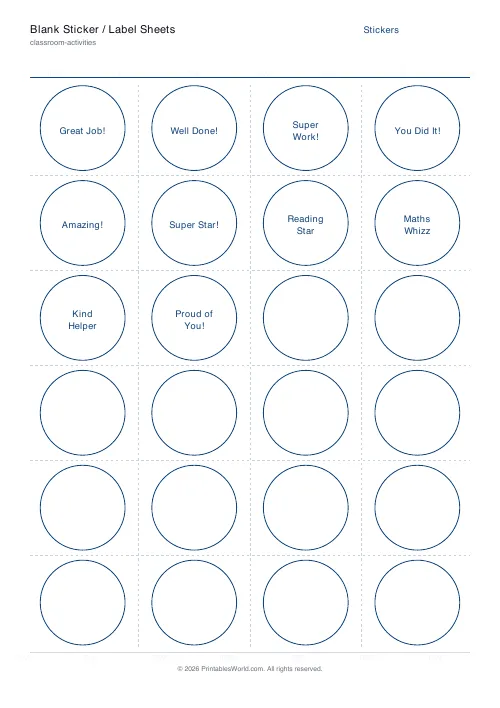
Blank Sticker / Label Sheets
Printable blank sticker, label and reward sheets you fill in yourself.
Further reading