
What this tool does
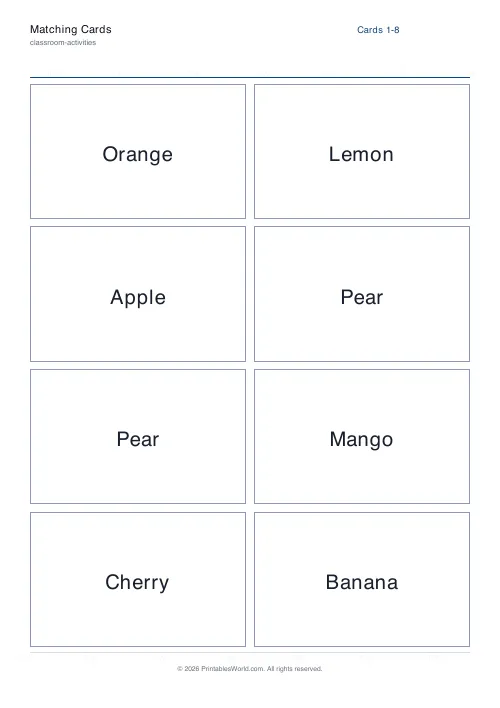
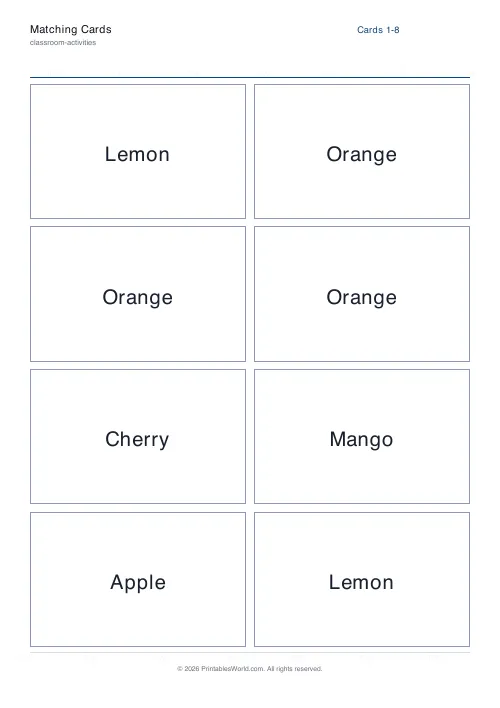
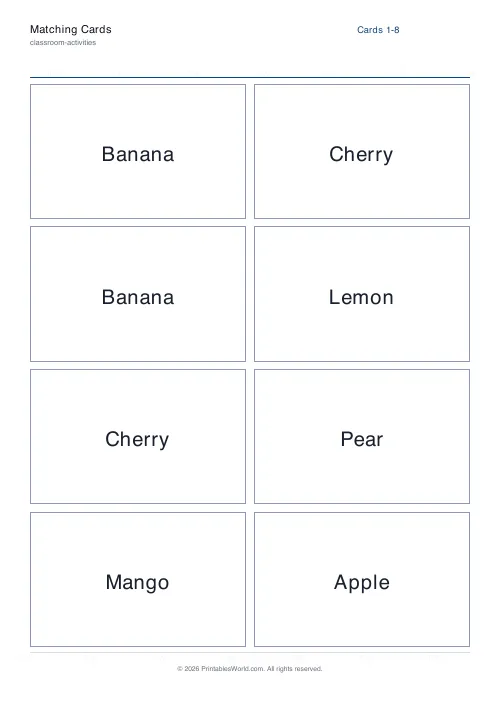
Type a list and get shuffled cards with each item repeated two to four times, ready to cut out. Four, six, eight or twelve cards a page.
People also used
Feedback
Spotted something off with this tool?
Your own list, turned into a shuffled deck
Type the items, choose how many copies of each and how many cards fit on a page, and the tool prints them shuffled and ready to cut.
Two copies gives you a pairs game. Three or four copies gives you a set-collecting game, or enough cards for a group to each hold one of everything.
Card size is the real decision
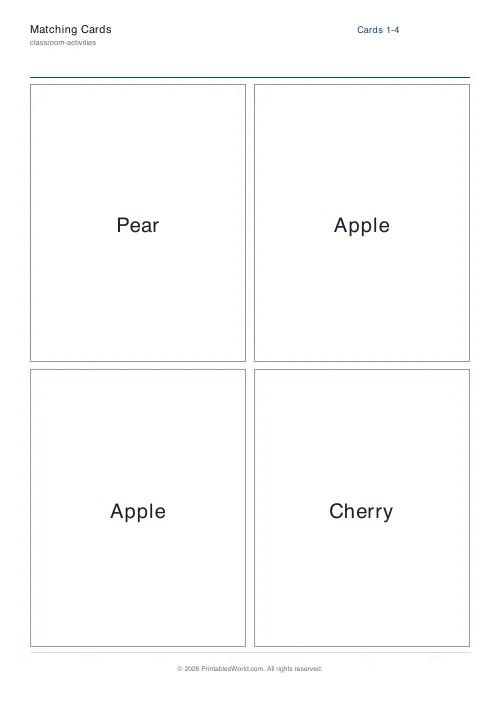
Four to a page is large: about a quarter of a sheet each, easy for small hands and readable across a table. Twelve to a page is small, and suits a deck you will actually shuffle rather than lay out.
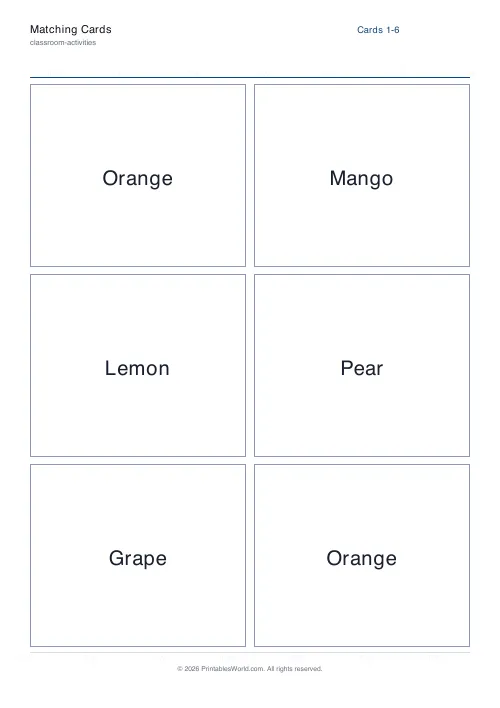
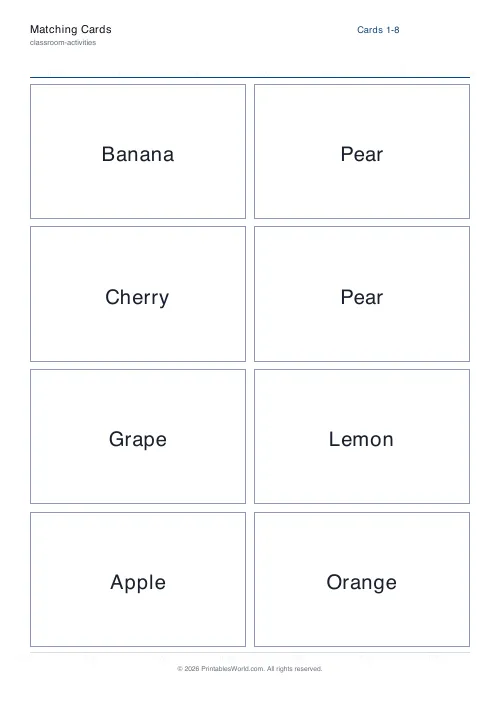
Six and eight sit between. Eight is the default and is roughly playing-card sized on A4, which is the size most people picture when they think of cards.
What to put on the list
The default is fruit, which is there to show the format rather than to be used.
The version that earns its place is subject vocabulary. Key words from a topic, so a group can sort them. French nouns for a matching game. The bones of the arm. Characters in a book the class is reading. Anything where you want a physical, shufflable set and would otherwise be writing on index cards by hand.
Two copies of a word list also makes a straightforward snap or pairs game, which is a better ten minutes of revision than reading the list again.
Games this deck supports
With two copies: pairs (all face down, find the matches), snap, or a simple race to match.
With three or four: go fish, or a sorting game where a group has to collect a complete set. Four copies of eight items is thirty-two cards, which is enough for four players.
You can also print two decks with different lists — words on one, definitions on the other — and use them together, since nothing stops you mixing sheets.
Options on the form
Title, your item list, copies per item from 2 to 4, and cards per page at 4, 6, 8 or 12. A4 or US Letter.
The whole deck is shuffled before printing, so identical cards are not adjacent and a cut sheet does not need reshuffling before the first game.
Printing
Card if you have it. On plain paper the print shows through from the back, which matters for any face-down game. Print at 100% so every card is the same size — a deck where one card is a millimetre taller is a deck with a marked card in it.
FAQs
Quick answers
How is this different from a memory game?
Memory Game uses a fixed set of symbols and a single page layout; Matching Cards lets you bring your own word list and print any deck size.
Can I print more than two copies per item?
Yes. Set 3 or 4 copies to play variants like “Old Maid” or grouped matching.
Do the cards shuffle each time?
Yes, the deck order is randomised on every PDF generation so no two printouts are identical.
What card counts per page are supported?
4, 6, 8, or 12 cards per page. Bigger counts mean smaller cards. Shorten labels if they look cramped.
Related tools



Further reading
Classroom Activities
20 classroom games that need zero prep
Games organised by the gap they fill: two minutes at the end of a lesson, ten minutes before assembly, or a whole wet lunchtime. Almost all need nothing but a voice.
6 min read
Classroom Activities
Bingo in the classroom: 10 subjects, one game
Bingo works in almost every subject because the mechanic never changes. Only the call does. Ten variations, and the one rule that turns it from a filler into retrieval practice.
4 min read