
What this tool does
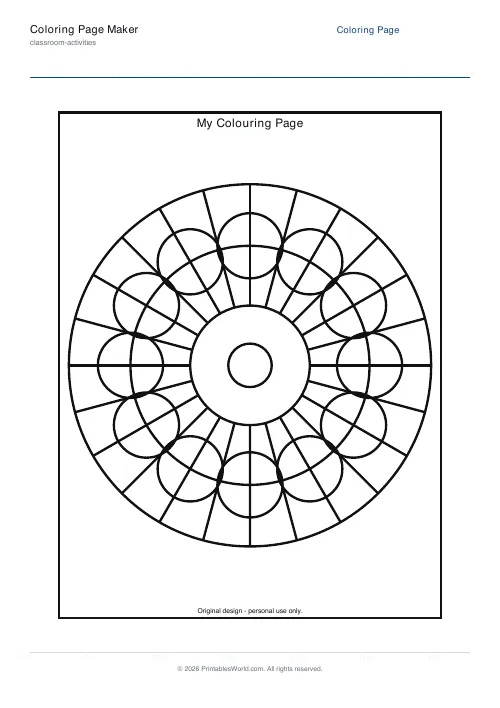
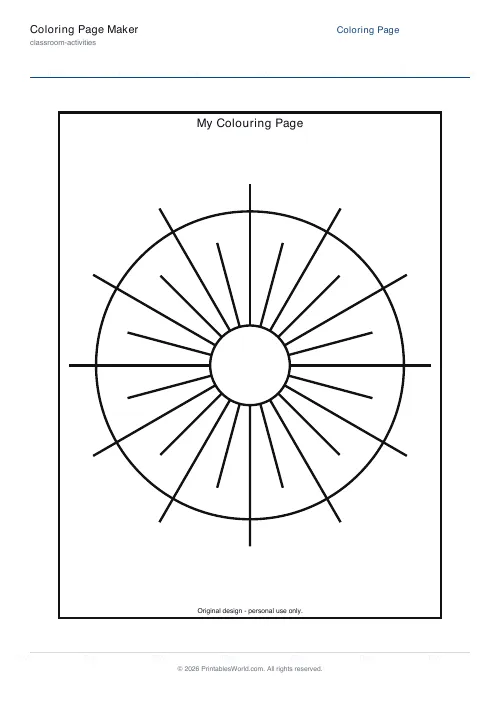
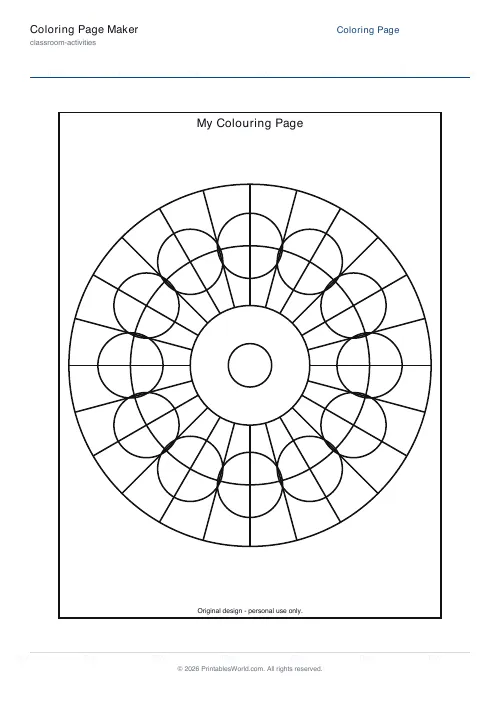
Single-page colouring sheets from forty-one templates. Five are drawn mathematically in the PDF and stay crisp at any size: two mandalas, a geometric grid, a sun burst, fish scales. The other thirty-six are line-art pictures, sixteen flowers and twenty animals. Three line weights, from thick enough for a three-year-old to fine enough for adult colouring, plus paper size, orientation, margin and an optional title and footer.
People also used
Bedtime Story Maker
Create custom bedtime stories with vocabulary, morals, and questions for children aged 3 to 10.
Bingo Card Generator
Generate unique printable bingo cards with custom words, FREE centre toggle, call sheet, and seeded shuffles.
Paper Airplane Templates
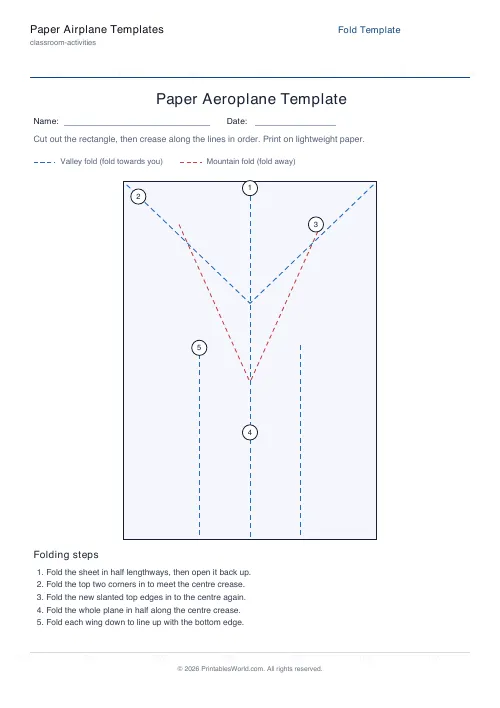
Printable fold-line templates for a dart or glider paper aeroplane.
Feedback
Spotted something off with this tool?
Forty-one designs, in two families
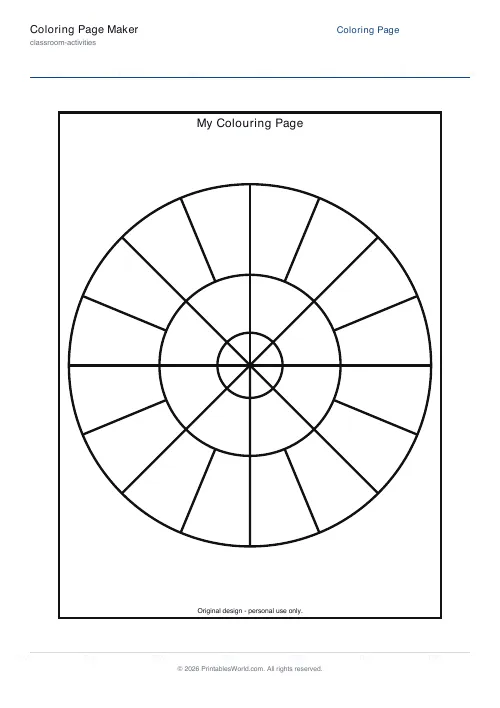
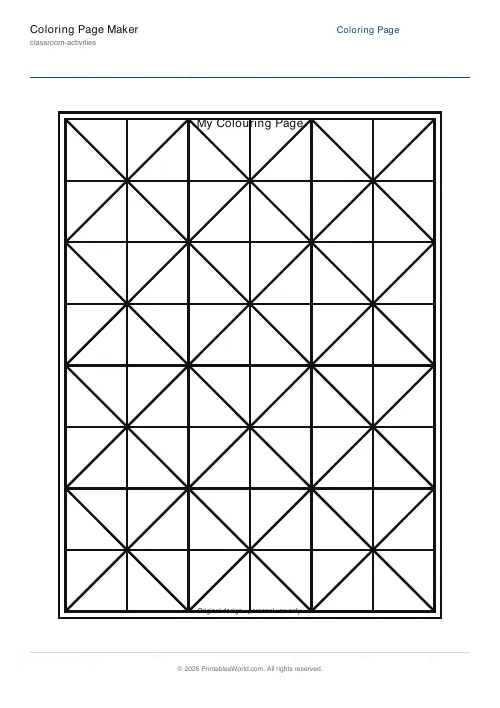
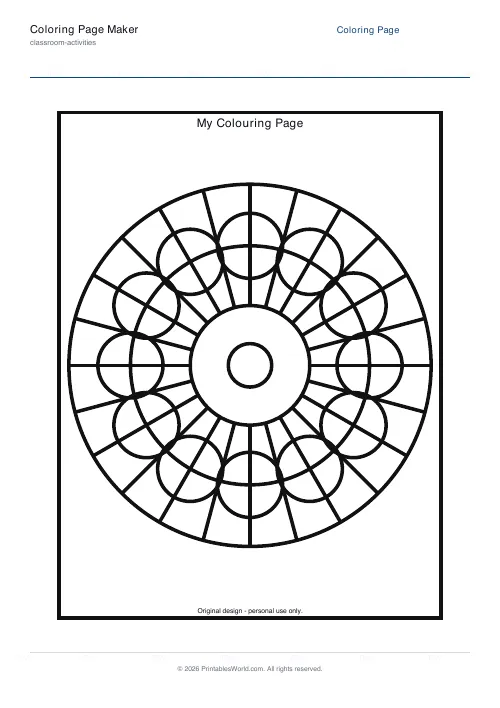
Five templates are procedural, meaning the PDF draws them from geometry at generation time: a flower mandala, a star mandala, a geometric grid, a sun burst, and fish scales. Because they are vector maths rather than pictures, they stay perfectly crisp however large you print them, which matters if a sheet is going on a wall.
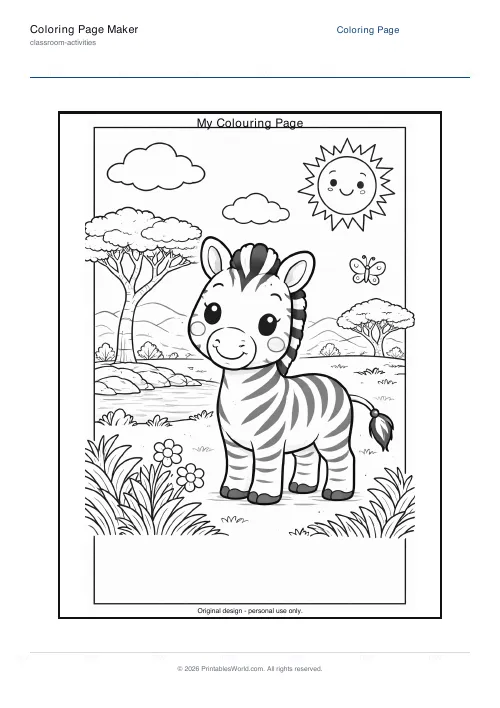
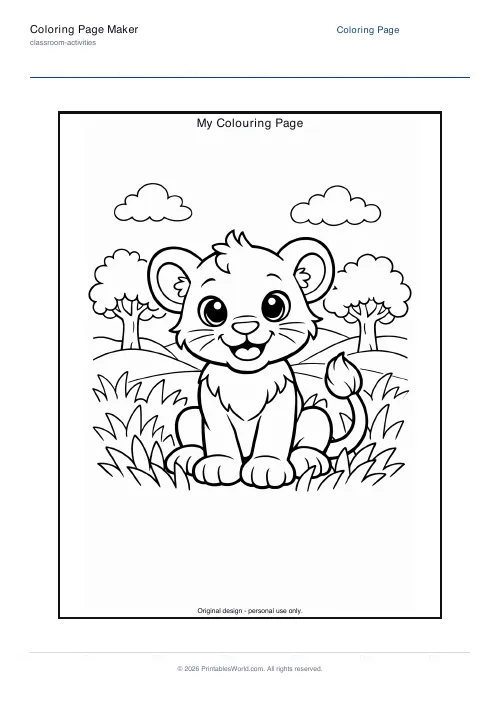
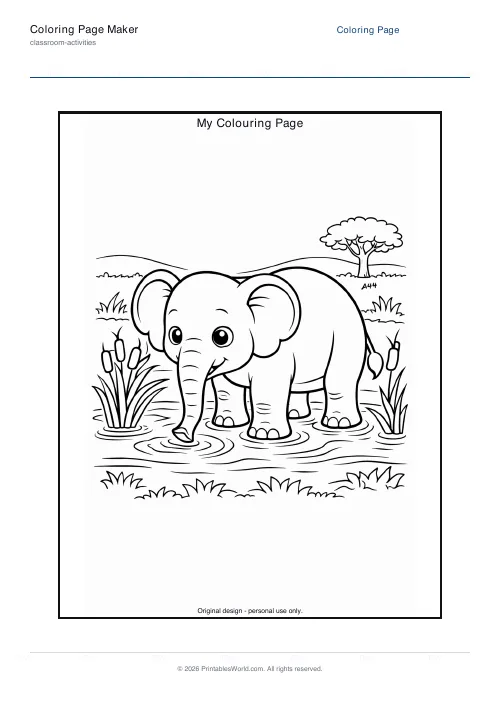
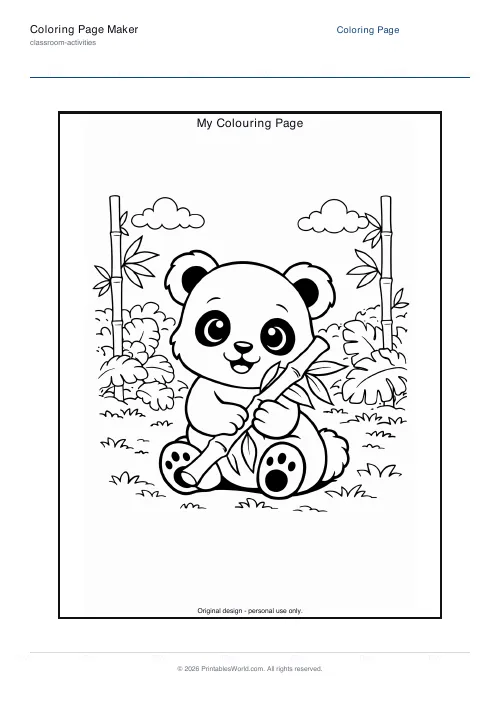
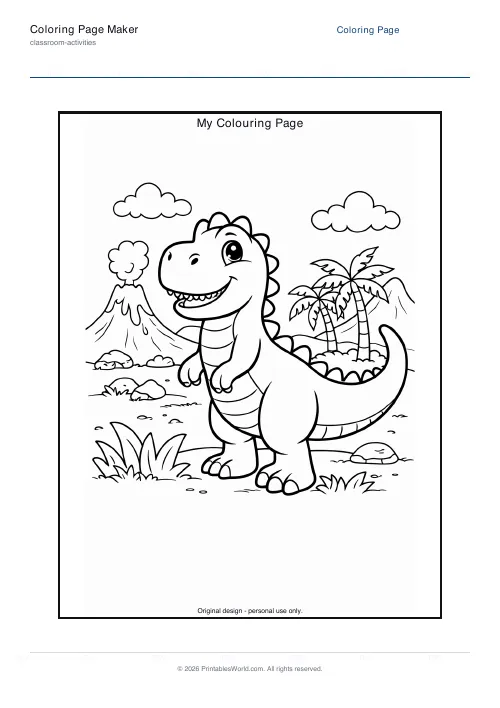
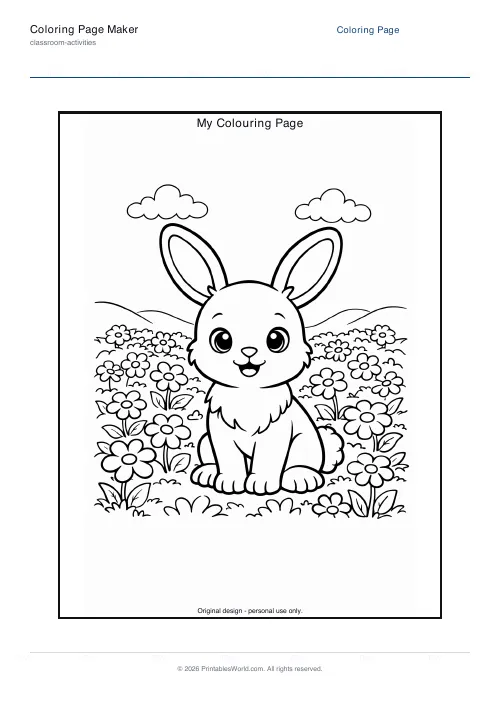
The other thirty-six are line-art pictures. Sixteen flowers, including a daisy, a sunflower, a tulip, a rose, a poppy, an iris, a daffodil, a calla lily and a bird of paradise. Twenty animals: zebra, lion, elephant, panda, dinosaur, bunny, plus cats and dogs and farm animals down to a turkey.
That flower set is the part people miss. If you arrived here wanting a printable flower to colour in, there are sixteen of them.
Line thickness is an age setting
Three weights, and they are not a matter of taste.
Kids is 4.2 point, which is a thick line that a three-year-old with a fat crayon can stay inside. Standard is 2.8 point and suits roughly six to ten. Detailed is 1.8 point, and that is where mandalas become adult colouring: fine markers, coloured pencils, and an hour.
Getting this wrong is the commonest way a colouring sheet fails. A detailed mandala handed to a four-year-old is a page of grey mush within a minute, and a kids-weight line on an adult sheet looks like a mistake.
Page, margins, and a name at the bottom
A4 or US Letter. Portrait or landscape, and portrait for almost everything: landscape earns its place on the geometric grid and on a few of the wider animals, and nowhere else.
Margins come at 8, 12 or 16 millimetres. Small maximises the design. Large leaves room for a hole punch, which is what you want if the sheets are going into a folder rather than onto a fridge.
The title prints above the design and the footer below it, and the footer is where a name line goes. Keep the title short: it renders at a fixed size and a long one will wrap awkwardly.
A savanna lesson
Zebra template, standard weight, A4 portrait. Title set to Stripes, footer set to a name line. Fifteen copies.
The science lesson on habitats happens first, then the sheets come out with a tray of crayons, then the finished pages go on the display. Two minutes to make the PDF and three at the photocopier, which is the entire preparation.
For a themed unit, put the theme in the title so the display labels itself. African Animals over the elephant, and the wall does the rest.
Where it stops
- One page per PDF. For a class set, print multiple copies of the same file or photocopy one.
- The picture templates are fixed line art. The zebra has one pose. You cannot add a second fish to the fish scales.
- Black line on white, always. No greyscale shading and nothing pre-filled.
- Title and footer render in the brand font at a fixed size. Under fifty characters is safe.
- The footer watermark and QR code are always present.
FAQs
Quick answers
Which line thickness should I choose for a five-year-old?
Use kids mode (4.2 pt). The thicker lines are easier for small hands to stay inside, and the wider gaps between lines reduce frustration. Standard mode (2.8 pt) works well from age six upward.
Can I print the same design multiple times from one PDF?
Yes. Generate the PDF once, then print as many copies as you need. Your printer or photocopier can handle bulk runs from the same file.
Do the animal templates work in landscape orientation?
They do, but most animal line art is drawn in a portrait aspect ratio. If you select landscape, the image will centre with empty space on the sides. Landscape works best for the geometric-grid and sun-burst templates.
What is the difference between procedural and animal templates?
Procedural templates (mandala, geometric, sun-burst, fish-scales) are drawn with vector maths at generation time, so they scale perfectly and look identical every time. Animal templates embed pre-drawn PNG images of specific animals, so you get recognisable subjects like a zebra or panda rather than abstract shapes.
Can I remove the watermark or QR code?
No. The PrintablesWorld watermark and QR code are part of the free service. They sit in the footer and do not overlap the coloring area.
Will the mandala designs look pixelated if I print them large?
No. Procedural templates are vector-based, so they remain crisp at any size or zoom level. Animal templates are raster PNGs and may show slight softness if printed above A4 or Letter size.
How do I add a custom title to my coloring page?
Tick the title checkbox in the generator options, then type your text into the title field. The text will appear centred above the design. Keep it under fifty characters to avoid wrapping.
Related tools

Bedtime Story Maker
Create custom bedtime stories with vocabulary, morals, and questions for children aged 3 to 10.

Bingo Card Generator
Generate unique printable bingo cards with custom words, FREE centre toggle, call sheet, and seeded shuffles.
Paper Airplane Templates
Printable fold-line templates for a dart or glider paper aeroplane.
Further reading
Classroom Activities
How to make learning stations work in any classroom
Stations fail for two predictable reasons: the independent tasks are not truly independent, and the timing is wrong. Both are fixable before the lesson starts.
5 min read
Teaching & Classroom
How to make a custom spelling word search
Turn any spelling list into a printable class set in minutes. A practical guide to making a custom spelling word search, with a worked example and difficulty tips.
7 min read