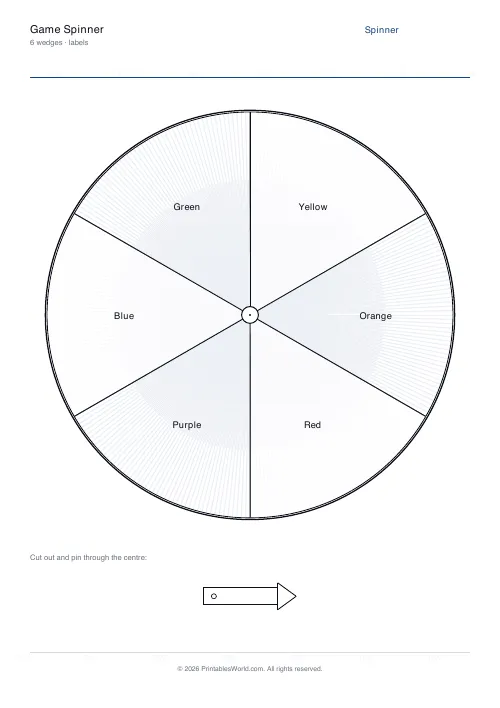
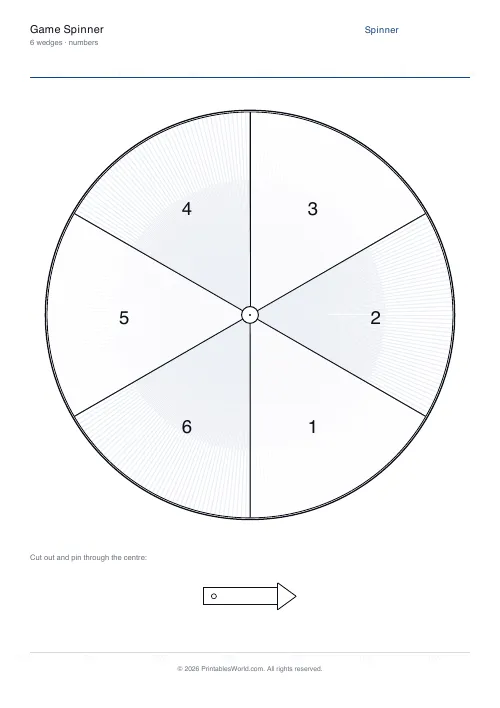
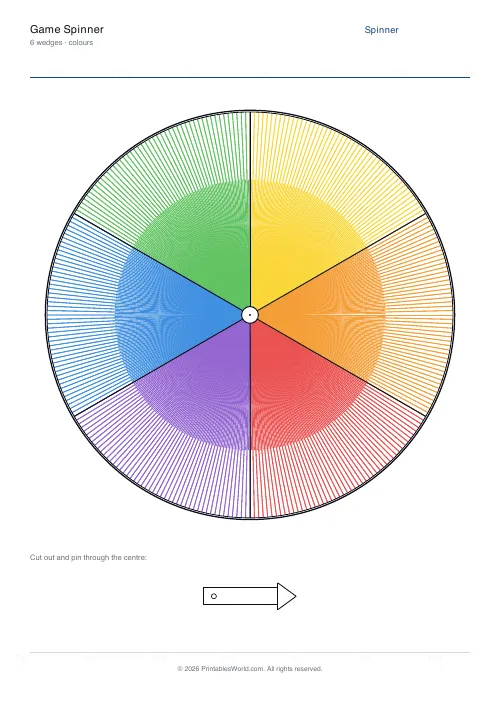
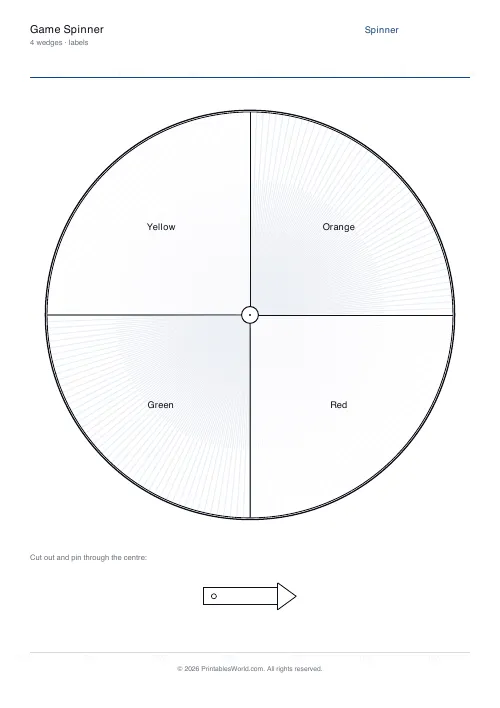
What this tool does
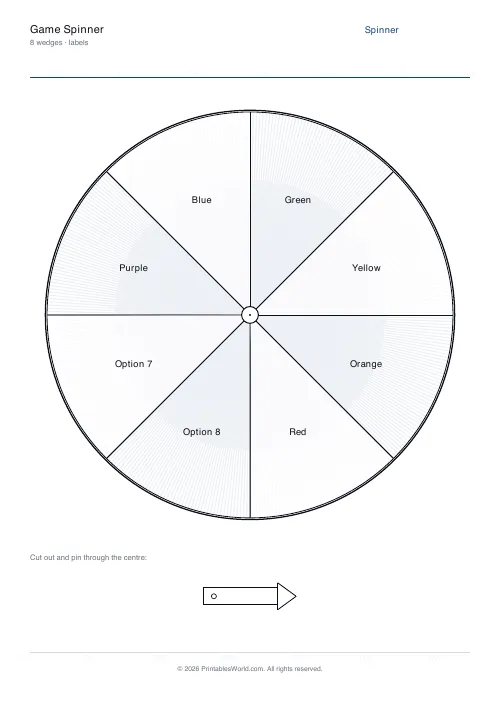
A printable spinner with 3 to 8 wedges, showing your own labels, plain numbers, or just colours. An arrow to cut out and pin through the centre prints alongside it.
People also used
Feedback
Spotted something off with this tool?
A spinner, plus the arrow to go with it
The page prints a circle divided into three to eight equal wedges, and an arrow template beside it. Cut both out, push a split pin through the arrow and the centre of the circle, and it spins.
Three display modes: your own labels in each wedge, plain numbers, or coloured wedges with no text at all.
Choosing the mode
Labels is the general-purpose one. Chores, activities, names, choices, question types.
Numbers makes it a random number generator, which is genuinely useful when you want a spread other than a die's — a six-wedge spinner and a die both give 1 to 6, but an eight-wedge spinner gives 1 to 8, which no ordinary die does.
Colours works for the youngest children, for a game where the wedges mean something the players already know, and for anyone who cannot yet read the labels.
Equal wedges, and why that matters
Every wedge is the same size, so every outcome is equally likely. On a five-wedge spinner each has a one-in-five chance, which is 20%.
That makes it a better probability teaching tool than dice, because the chances are visible. A child can see that the wedge is a fifth of the circle in a way they cannot see that a die face is a sixth of a cube, and predicted versus actual results over forty spins is a whole lesson with no equipment beyond this sheet and a pin.
If you want unequal probabilities, put the same label on two wedges. Two "green" wedges out of six is a third, and asking a class to work out why is a better question than any worksheet on fractions of a circle.
Making it spin properly
Print on card, or glue the sheet to card first. A paper arrow bends rather than spins.
A split pin through the centre works best. If you have not got one, a pencil point held through a pinhole works, and so does a paperclip straightened into a hook. The arrow needs to turn freely without flopping, which means the hole should be slightly larger than the pin and the arrow should be stiff.
If the arrow keeps stopping in the same place, the pin is too tight or the card is bent. Loosen it and flatten the circle.
Adjustments
Wedge count from 3 to 8, the mode, and your labels. A4 or US Letter.
Labels are read while spinning, so keep them to a word or two — eight wedges leaves each one narrow, and a long phrase will be set small.
Print at 100% on A4 or US Letter.
FAQs
Quick answers
How do I assemble the spinner?
Print the page, cut out the arrow template, and pin it through the centre of the spinner with a split-pin or a paper fastener so the arrow rotates freely.
What modes can I choose?
Labels (your own words), numbers (1 to N), or colours (solid coloured wedges). Pick whichever suits the game.
How many wedges can the spinner have?
Between 3 and 8. More wedges means thinner slices and smaller labels, so keep wedge text short.
Can I use this for chores or decisions?
Yes. Set the mode to labels, enter the options you want to randomise between, and use the spinner to pick.
Related tools

Further reading
Classroom Activities
20 classroom games that need zero prep
Games organised by the gap they fill: two minutes at the end of a lesson, ten minutes before assembly, or a whole wet lunchtime. Almost all need nothing but a voice.
6 min read
Classroom Activities
Bingo in the classroom: 10 subjects, one game
Bingo works in almost every subject because the mechanic never changes. Only the call does. Ten variations, and the one rule that turns it from a filler into retrieval practice.
4 min read












