
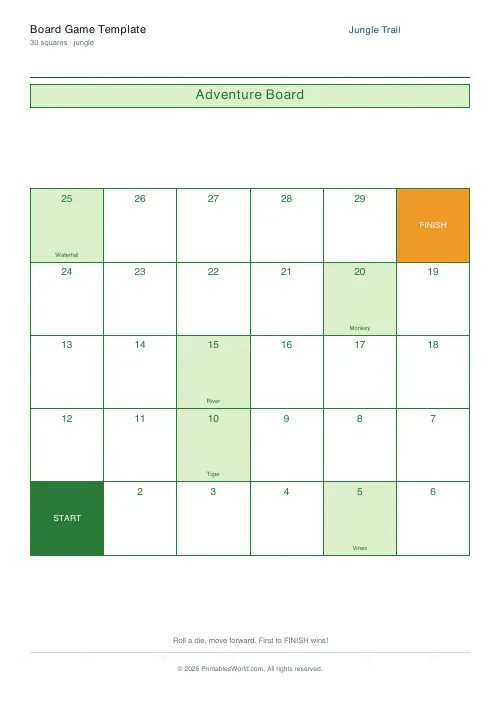
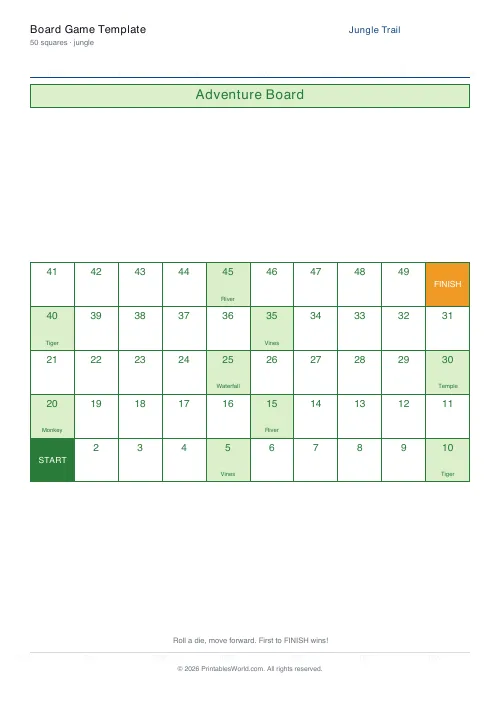
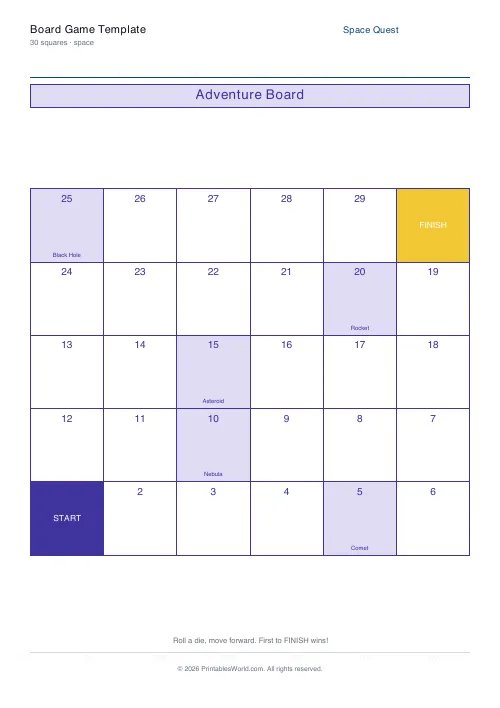
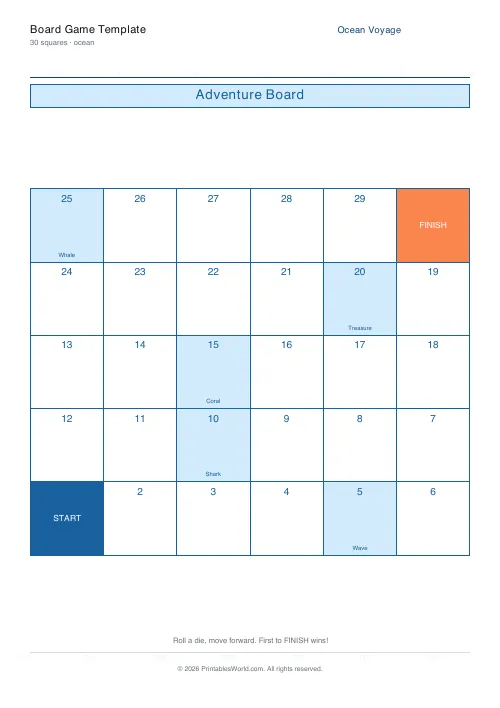
What this tool does
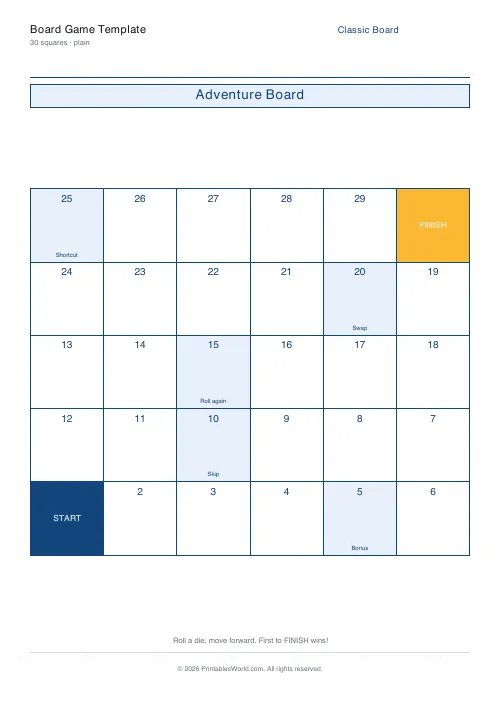
A printable board game with a numbered path, a clear Start and Finish, and themed milestone squares. Paths of 20, 30 or 50 squares, in four looks including a plain one to decorate.
People also used
Game Spinner Generator
Printable spinner with 3–8 wedges plus a cut-out arrow template.
Printable Dice (Standard)
Foldable six-sided dice nets with pips or numbers, 1–6 per page.
Bingo Card Generator
Generate unique printable bingo cards with custom words, FREE centre toggle, call sheet, and seeded shuffles.
Feedback
Spotted something off with this tool?
A track to play on, with the squares already numbered
The path winds across the page from a clear Start to a Finish, with every square numbered and a handful of themed milestone squares along the way. Choose a length and a look.
- Small — 20 squares, 5 milestones. Five minutes.
- Medium — 30 squares and 6 milestones. The default, and the length that suits most classroom uses without anybody getting restless.
- Large — 50 squares, 10 milestones.
Four looks are available. Three of them are themed — space, or jungle, or ocean — and the fourth is plain, which is what to print if the children are going to decorate the board themselves. That is usually the better activity anyway.
The board is only half a game
What arrives is a track. The rules are yours, and that is deliberate — the same board serves a dozen different games depending on what you decide the squares mean.
The simplest version needs one die and a counter each: roll, move, first to the end wins. That works with a four-year-old and takes no explaining.
Everything after that is a question of what happens when you land somewhere.
Making the milestone squares do something
This is where the board earns its place in a lesson.
Answer a question to stay put, or move back three. Draw a card from a pile of times-table questions. Read the word on the square aloud. Spell it. Name a country beginning with that letter.
Because the questions live off the board, one printed sheet covers a whole term of different content. Print it once, laminate it, and swap the question pile each week.
Have the class design the rules
Hand out a plain board and ask what the milestone squares should do. It is one of the better thinking tasks available for the effort, because a game has to be balanced — a rule that sends you back ten squares will get discovered as unfair within one playtest, by the children, without you saying anything.
Playtesting their own rules and arguing about fairness is more mathematics than most worksheets manage.
Practical notes
Counters can be anything: coins, buttons, torn paper, a rubber. A die is the only piece you genuinely need, and the dice net generator prints one if you have lost yours.
Laminate a board you intend to reuse. Two boards taped end to end make one very long game, which children ask for and enjoy far more than the length warrants.
Print at 100% on A4 or US Letter.
FAQs
Quick answers
How many squares can the board have?
Pick 20 (small), 30 (medium), or 50 (large) squares. The path snakes from the bottom-left Start to the Finish square.
What themes are available?
Space, jungle, ocean, or plain. Each theme changes the colour palette and the labels on milestone squares.
What do I need to play?
A single die and a token per player. Roll the die and move forward. The first player to reach Finish wins.
Can I use this in the classroom?
Yes. The generator is free and the PDF prints clean at 100% scale, which works well as a shared class activity.
Related tools
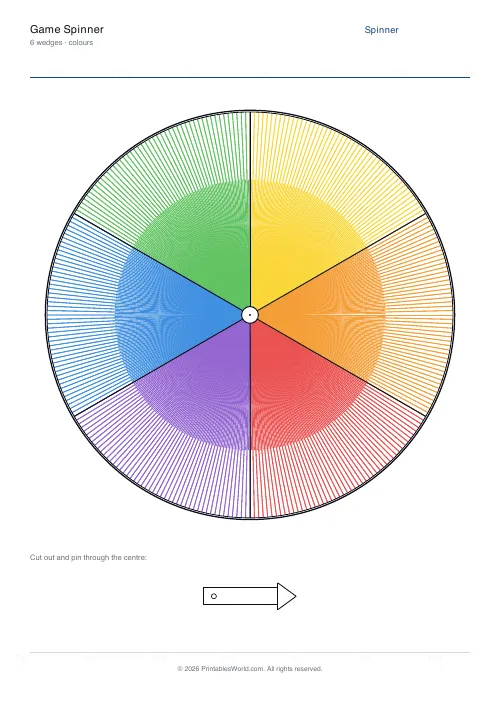
Game Spinner Generator
Printable spinner with 3–8 wedges plus a cut-out arrow template.
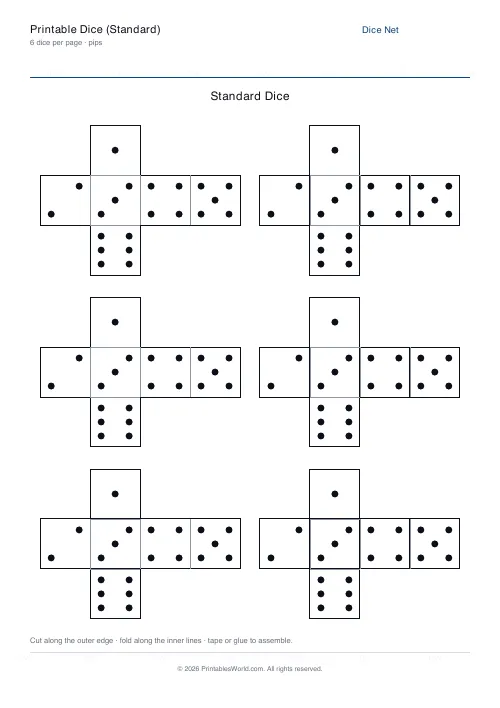
Printable Dice (Standard)
Foldable six-sided dice nets with pips or numbers, 1–6 per page.

Bingo Card Generator
Generate unique printable bingo cards with custom words, FREE centre toggle, call sheet, and seeded shuffles.
Further reading
Classroom Activities
Escape room activities for the classroom: a how-to
A classroom escape room is a sequence of puzzles with a story on top. The design decision that matters most is whether groups work through them in order or all at once.
5 min read
Classroom Activities
20 classroom games that need zero prep
Games organised by the gap they fill: two minutes at the end of a lesson, ten minutes before assembly, or a whole wet lunchtime. Almost all need nothing but a voice.
6 min read
Classroom Activities
Bingo in the classroom: 10 subjects, one game
Bingo works in almost every subject because the mechanic never changes. Only the call does. Ten variations, and the one rule that turns it from a filler into retrieval practice.
4 min read











