


 Scan to get


 Scan to get



 Scan to get






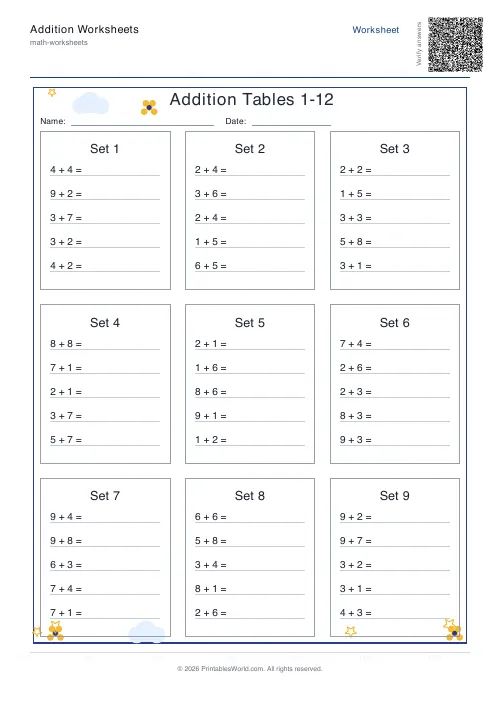
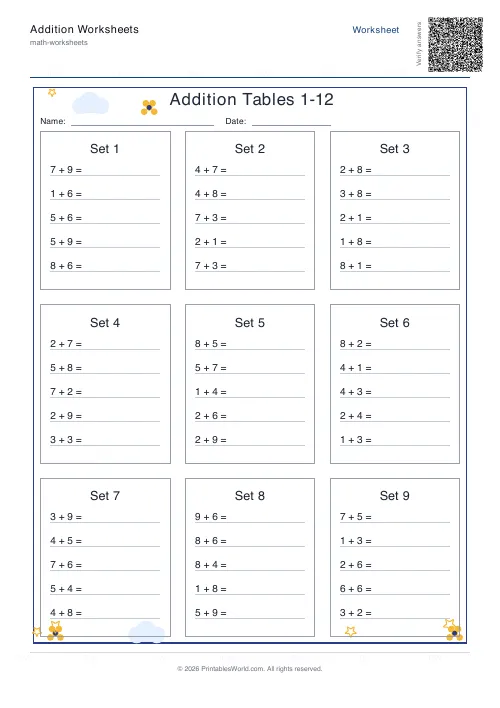
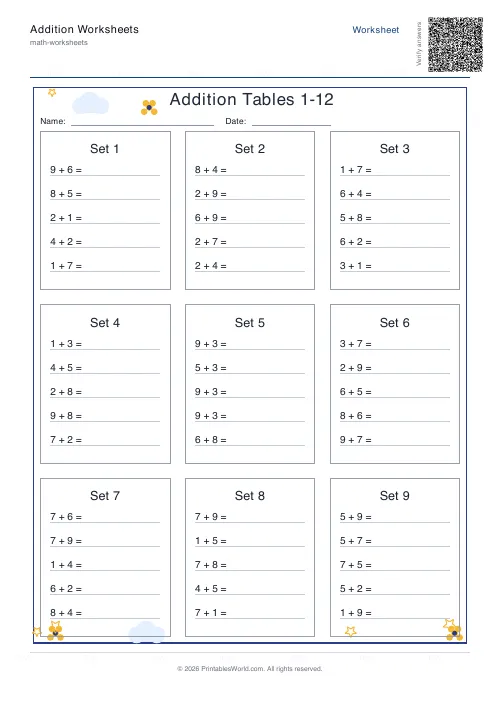
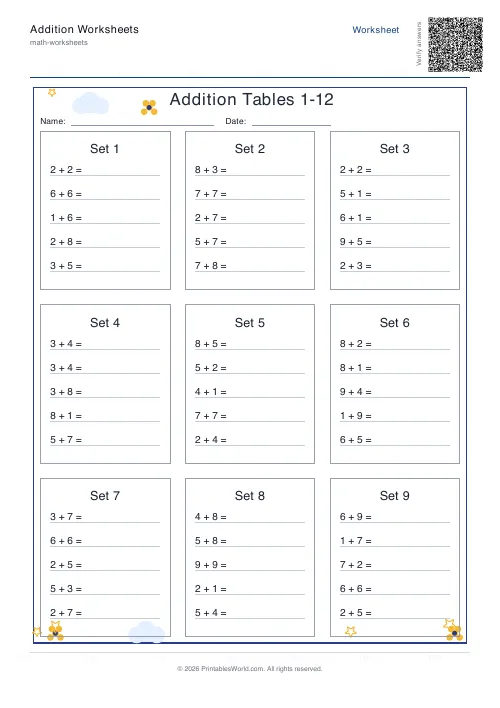
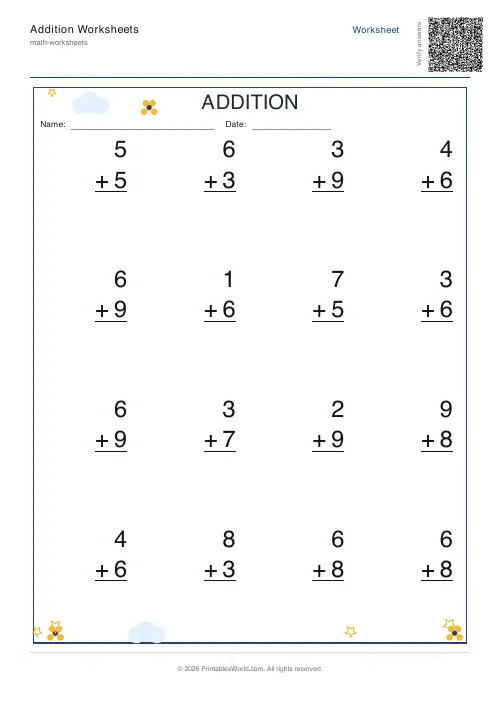
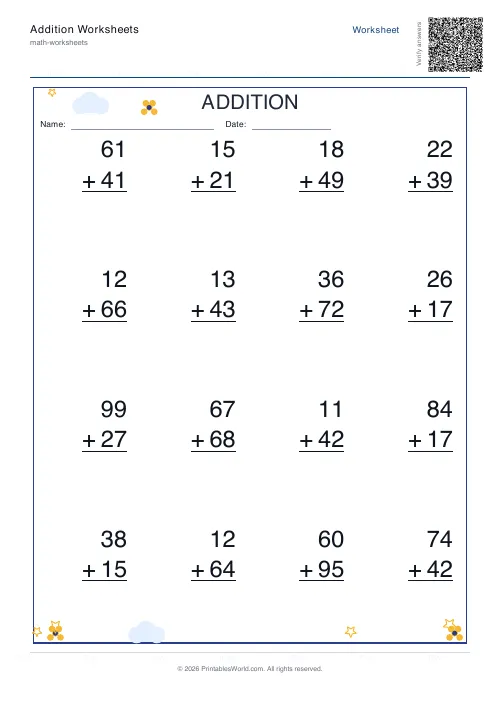
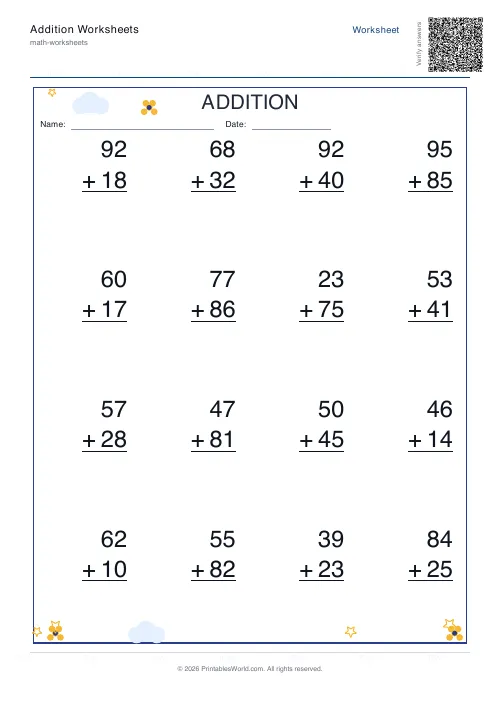
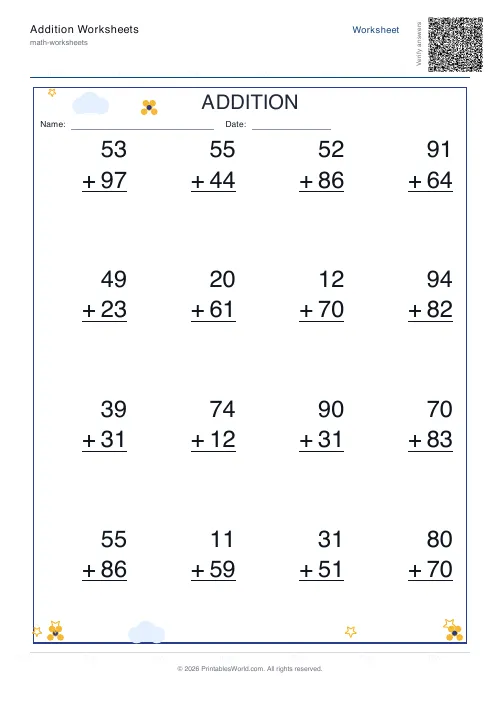
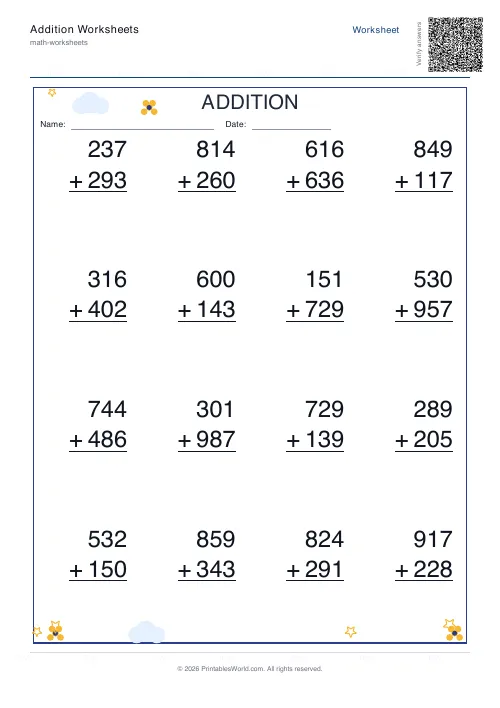
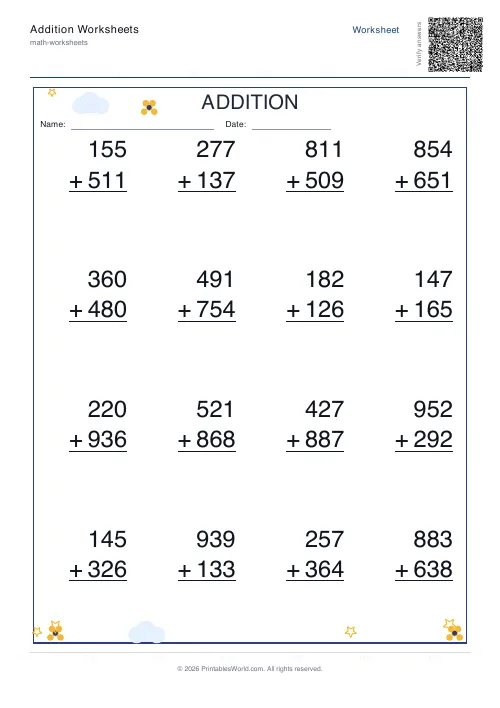
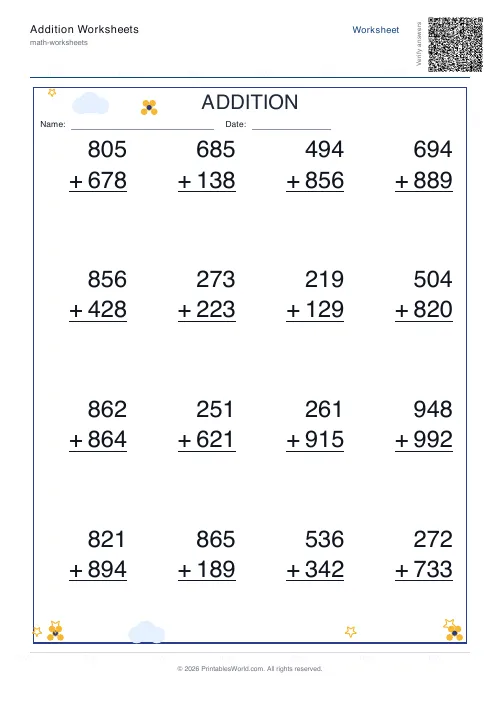
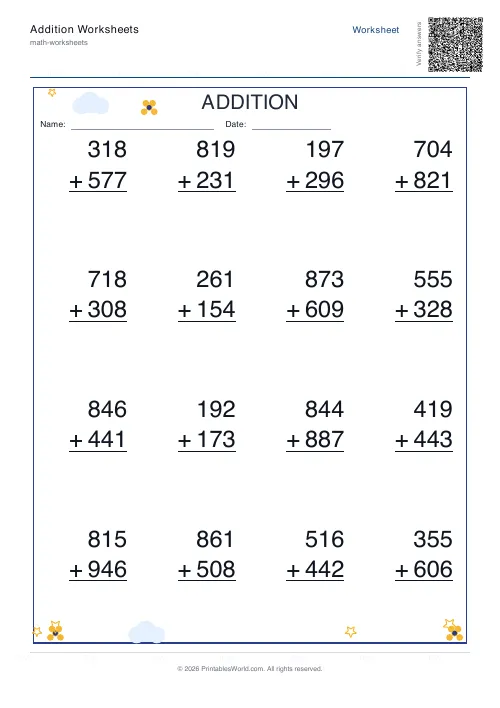
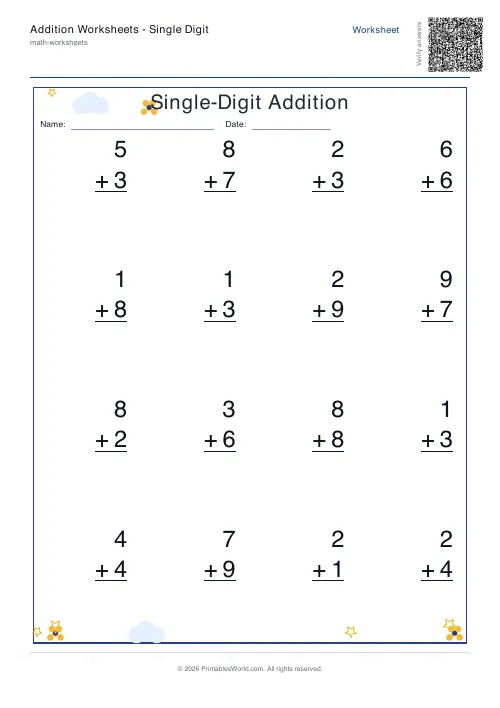
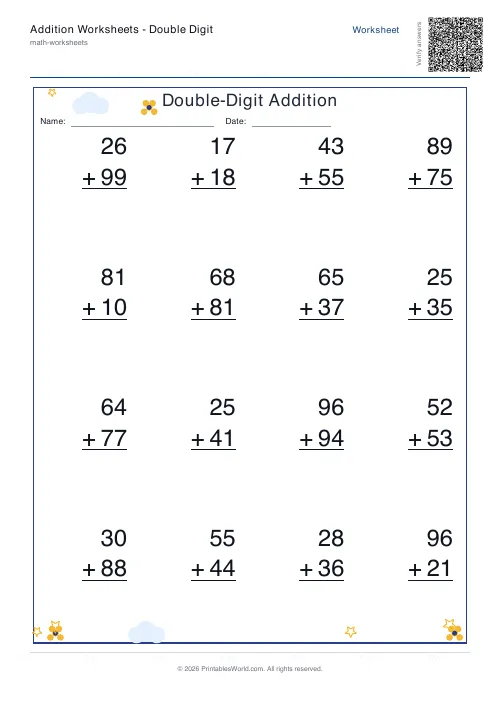
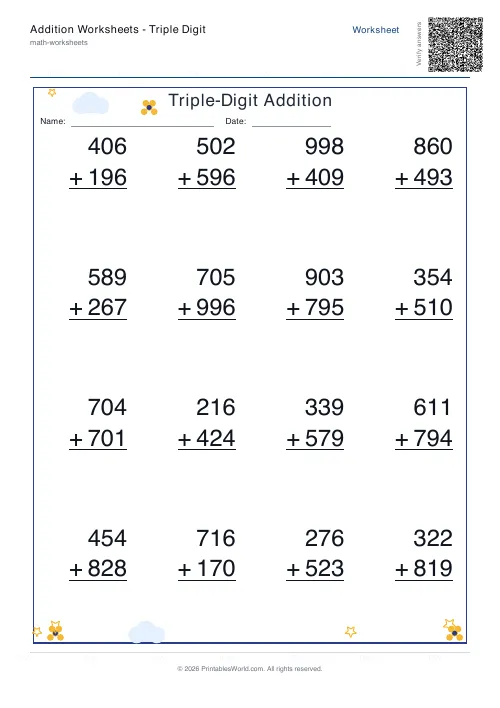
What this tool does
Addition practice in two layouts. Table style groups sums into organised sets. Vertical style gives the column layout children are actually taught to write in. Digit count sets how big the numbers get, one through three, and you can print blank sheets or answer sheets or both in a single file. There is a missing-addend mode for number-bond work.
People also used
Subtraction Worksheets Generator
Free printable subtraction worksheets in tables or line-by-line layouts.
Multiplication Table Generator
Create free printable multiplication tables in table or line-by-line format with custom ranges and themes.
Mixed Tables Generator
Print mixed-operations worksheets combining addition, subtraction, multiplication and division on one page.
Feedback
Spotted something off with this tool?
Two layouts, and they teach different things
Table style groups sums into organised blocks, up to nine to a page. The repetition is the point: a child sees the pattern across a set rather than working through unrelated questions.
Vertical style puts each sum in the column layout they are actually taught to write, one problem laid out properly with the digits aligned. This is the one to print when the lesson is about carrying rather than about recall.
Print it blank. Or with the answers. Or both stacked into one file.
Digit count is the progression, in one control
In vertical style the digit count sets both operands directly. One digit gives sums from 1 to 9. Two digits gives 10 to 99, which is where carrying is introduced. Three digits gives 100 to 999 and column addition with two carries.
Three separate pages used to cover that progression. It is one number now, and moving a child from single to double digits is a single click rather than a hunt for a different worksheet.
Worth knowing: both numbers in a vertical sum share the digit count, so this will not produce a two-digit plus one-digit problem. If that intermediate step is what you want, the table style with a low range gets closer to it.
Missing-addend mode
Switch it on and the sheet shows the total with one addend hidden. 8 + __ = 15.
That is a different task from adding, and a child fluent at sums will often stall on it, because finding a missing part means subtracting. It is the inverse relationship that all of later arithmetic rests on, and this is the cheapest way to find out whether it is there.
It works in both layouts. Note that it forces the answer version, because the total has to be on the page for the question to make any sense at all.
Zero, and why it is off by default
Include zero adds sums like 7 + 0. It is off to begin with, and it is worth turning on deliberately at some point rather than never.
Adding zero is a fact children get wrong for a surprisingly long time after they are fluent everywhere else, because it looks like a trick and because it almost never appears in practice. A sheet with a few of them scattered through is a two-minute fix for something that otherwise sits unnoticed.
A first practice sheet
Table style, a small range, missing-addend off, blank output. Sixteen problems.
What comes out is a clean page of straightforward sums with nothing to decode. If you also want a marking copy, switch the output to Both and the answer version prints behind it in the same file rather than needing a second generation.
Making the practice stick
- Short and often. Five minutes daily beats half an hour on a Sunday.
- Start below where you think they are, because a sheet finished confidently does considerably more for a child than one abandoned two-thirds of the way down.
- Regenerate rather than reprint. Random mode builds a fresh set every time.
- Print at full scale. Browser margins vary and fit-to-page will quietly shrink the column alignment that vertical style exists to teach.
FAQs
Quick answers
Are these addition worksheets free to print?
Yes. You can generate and download printable addition worksheets for free.
Can I choose A4 or US Letter?
Yes. The tool supports both A4 and US Letter PDF output.
Can I download answer sheets too?
Yes. You can choose a blank worksheet, an answer version, or both.
Can I make worksheets for beginners?
Yes. Choose a smaller number range and the worksheet style that best suits the learner.
Which worksheet style is better for young learners?
That depends on the child. Some learners prefer Line-by-line because it is simple and familiar, while others do better with Table style because it feels more structured.
Can teachers use these in class?
Yes. The worksheets are suitable for classwork, homework, warm-ups, revision, and extra fluency practice.
Can I create missing question worksheets?
Yes. Turn on Missing question mode to show the answer and hide one addend for students to complete.
Do I need to sign up?
No. The tool works without sign-up.
Related tools
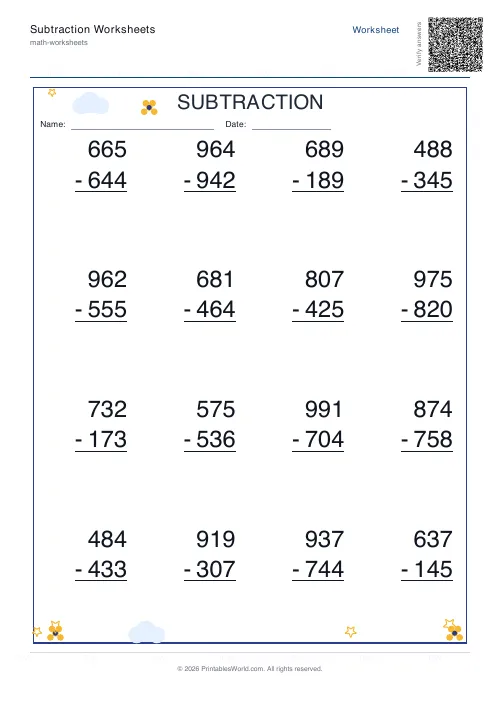
Subtraction Worksheets Generator
Free printable subtraction worksheets in tables or line-by-line layouts.
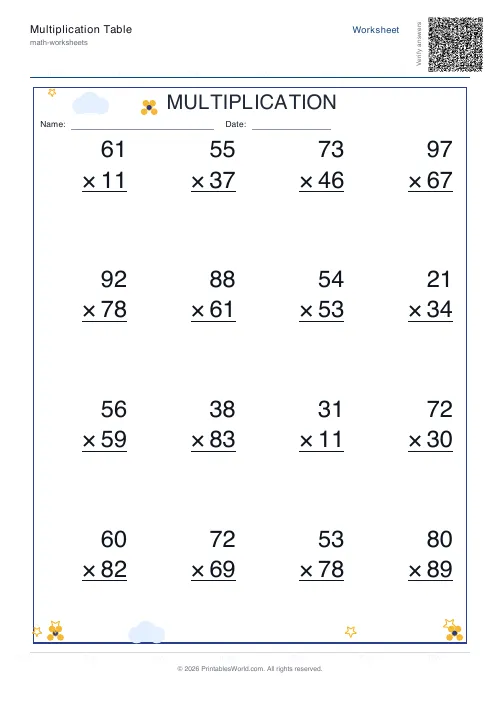
Multiplication Table Generator
Create free printable multiplication tables in table or line-by-line format with custom ranges and themes.
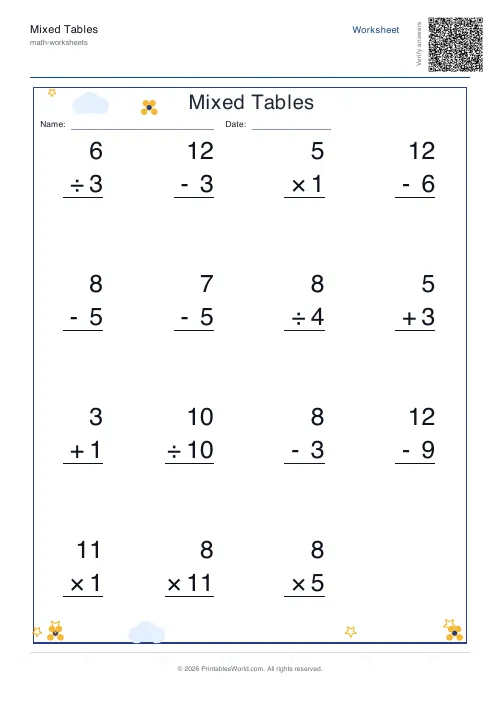
Mixed Tables Generator
Print mixed-operations worksheets combining addition, subtraction, multiplication and division on one page.
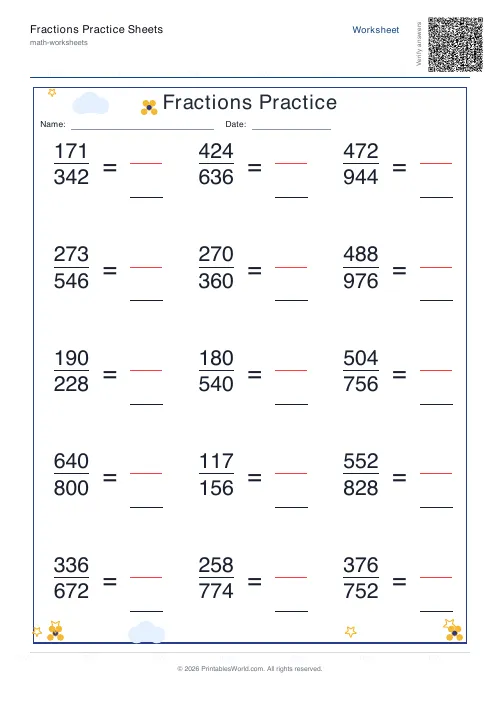
Fractions Practice Sheets Generator
Generate printable fraction simplification worksheets with custom ranges, layouts, and answer keys.
Further reading
Math Worksheets
How many maths worksheets per day? A parent's guide
The honest answer is less than most parents assume. And the number of questions matters less than whether the session ends well.
5 min read
Math Worksheets
Fractions made simple: teaching fractions at home
Fractions go wrong when the rules arrive before the meaning. Here is the order that works, the four misconceptions to head off early, and how to use everyday objects before any worksheet.
6 min read
Math Worksheets
Making maths fun: 15 ways to practise without tears
Maths tears are usually about difficulty, length or fear of being wrong, not about maths. Fifteen practical changes, grouped by which of those three problems they actually solve.
6 min read
More like this
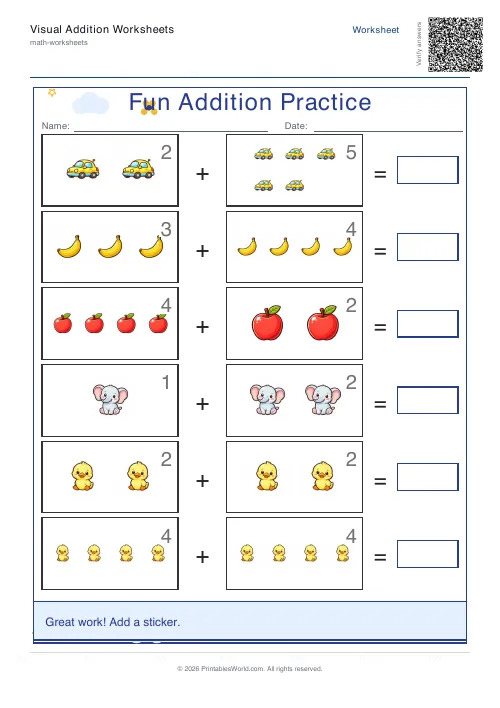 Visual Addition Worksheets Generator
- Subtraction Worksheets Generator
- Multiplication Table Generator
- Mixed Tables Generator
- Fractions Practice Sheets Generator
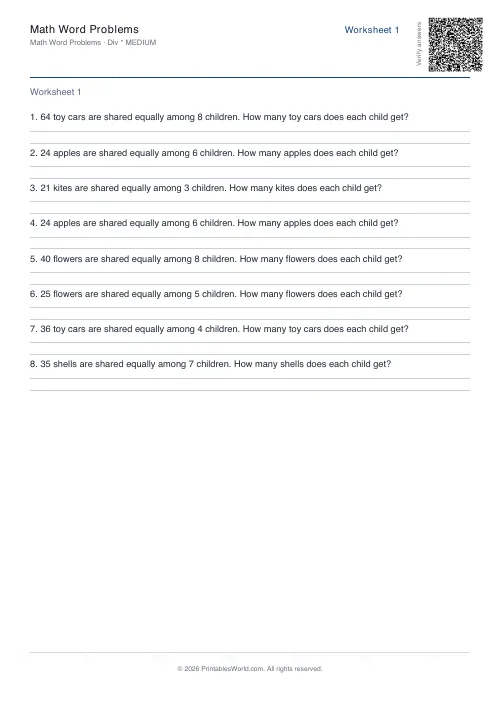 Math Word Problems Generator
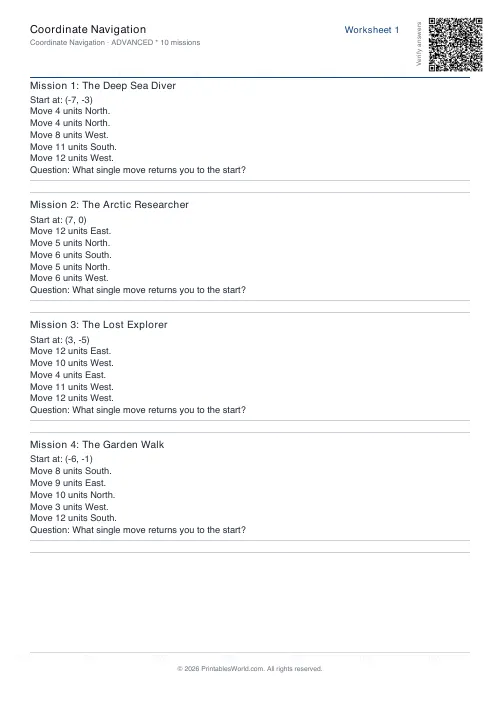 Coordinate Navigation Generator
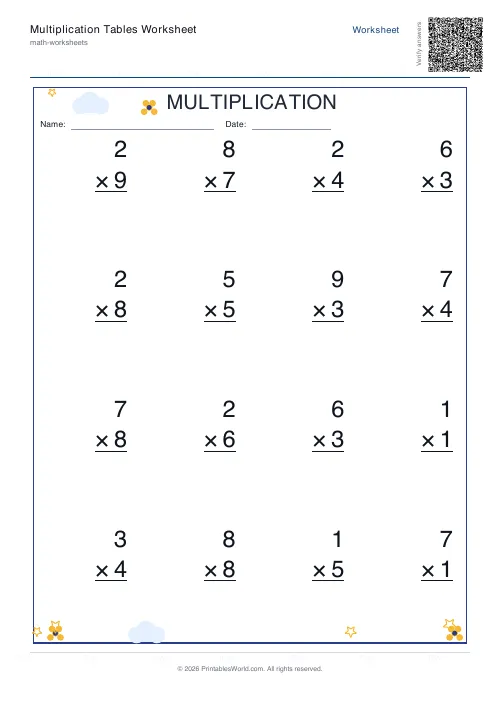 Multiplication Tables Worksheet
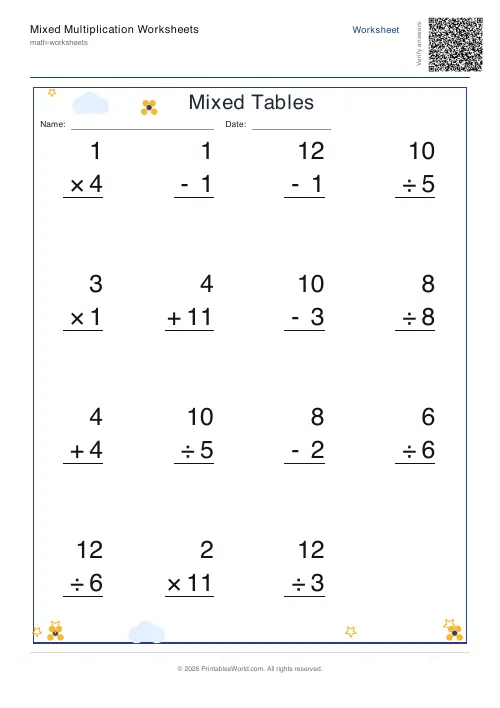 Mixed Multiplication Worksheets
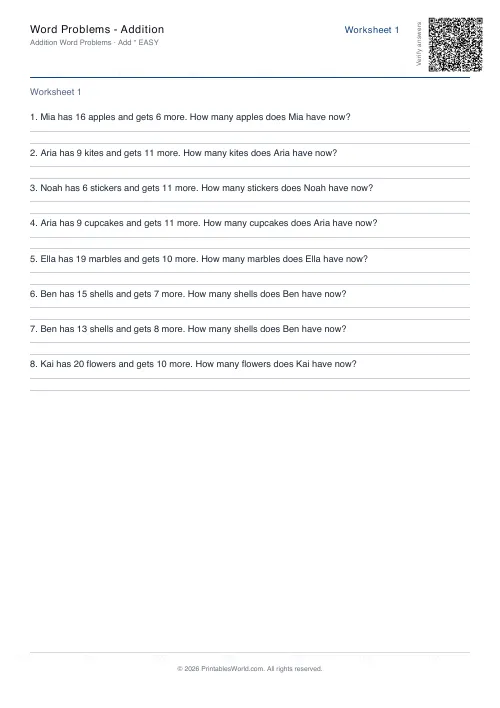 Word Problems: Addition
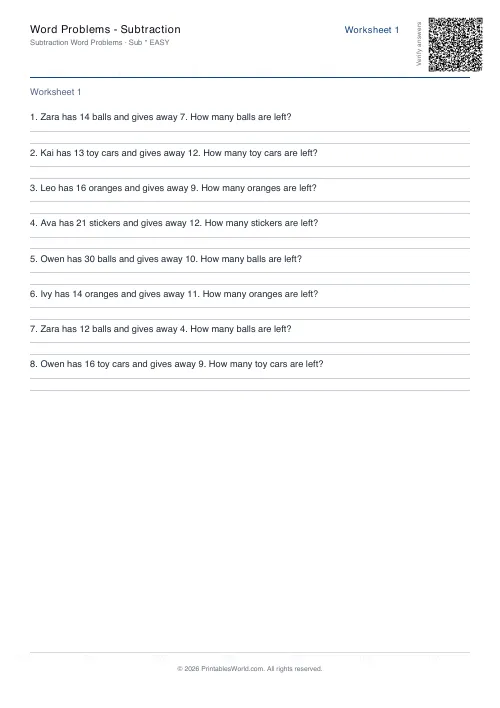 Word Problems: Subtraction
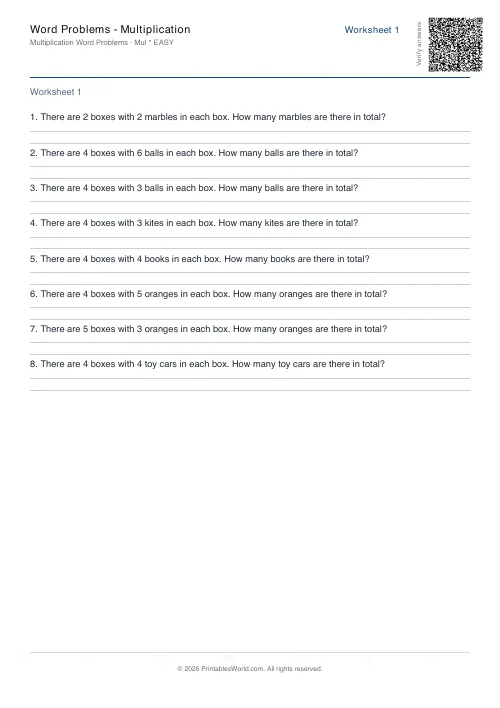 Word Problems: Multiplication
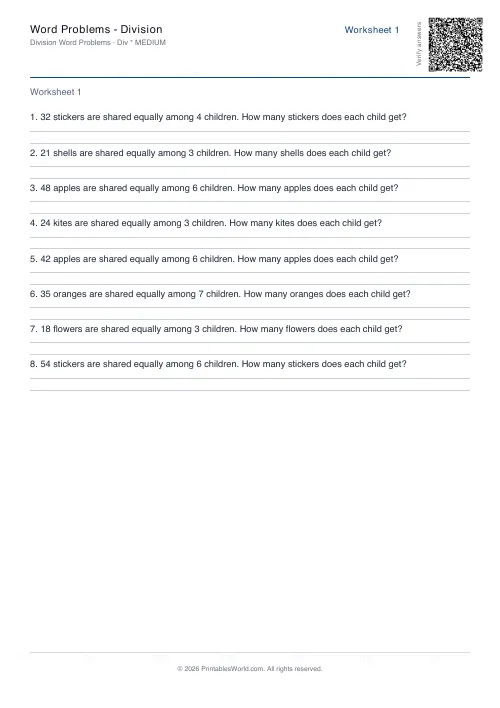 Word Problems: Division
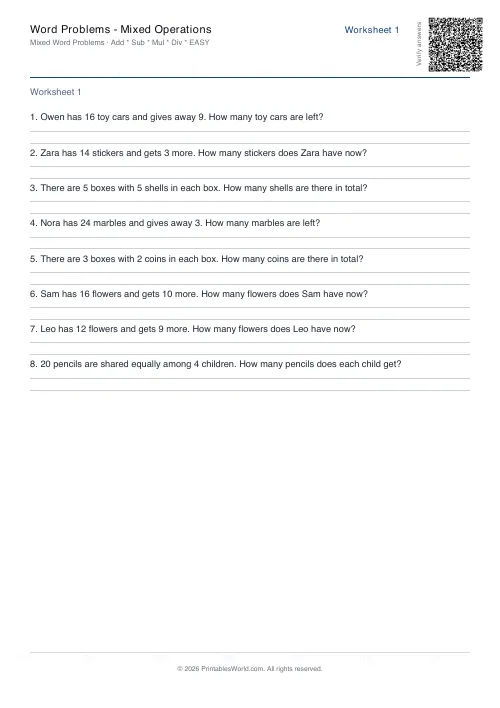 Word Problems: Mixed Operations