


 Scan to get


 Scan to get



 Scan to get






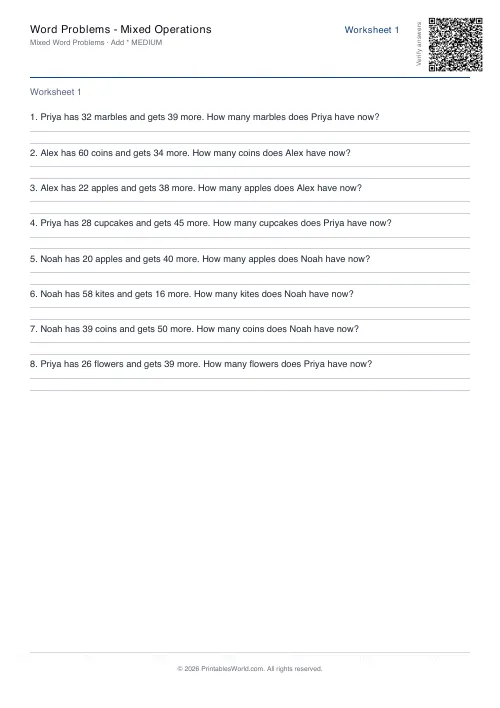
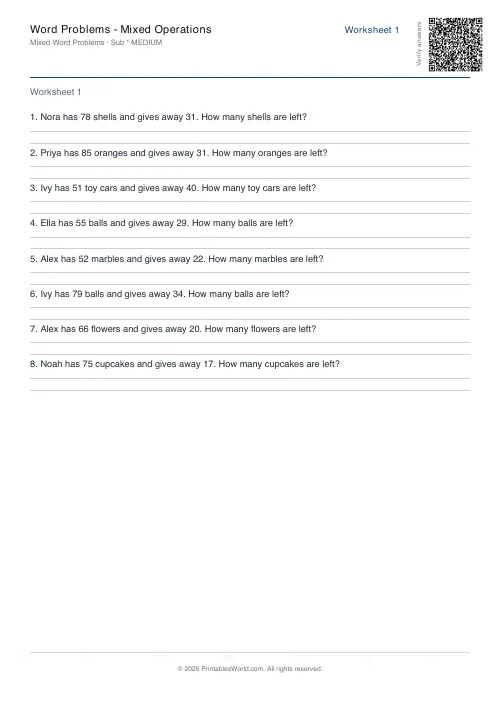
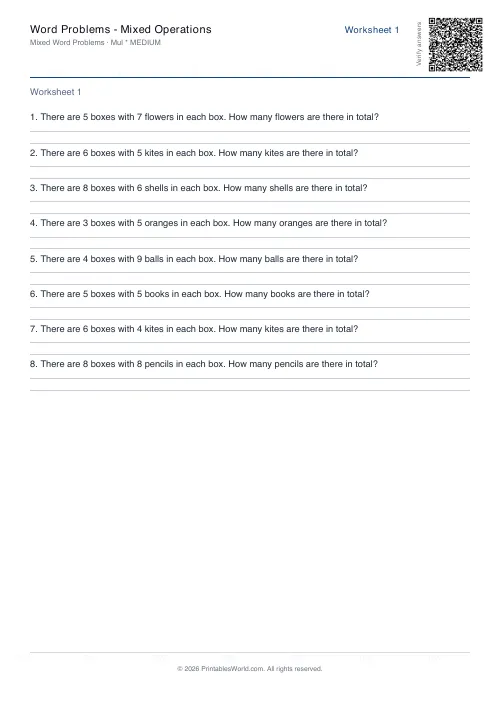
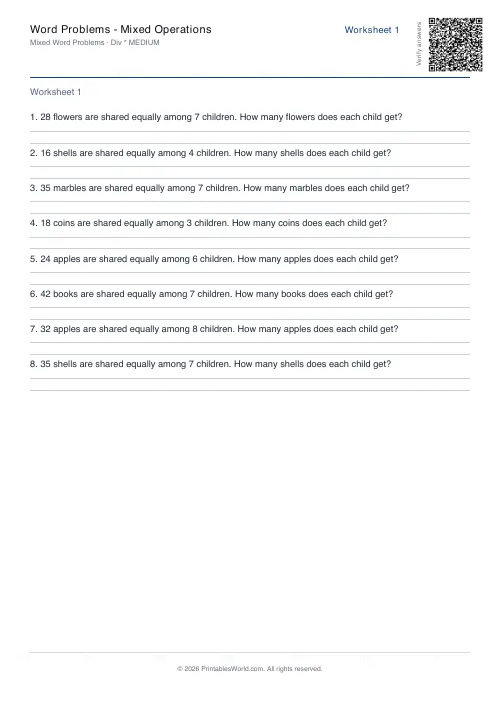
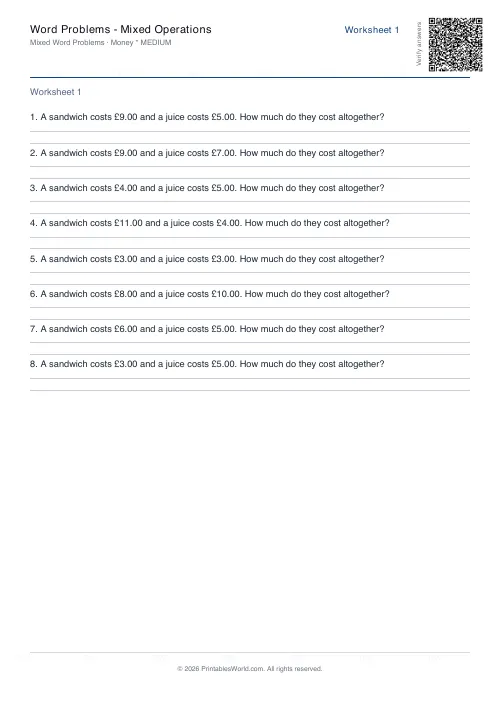
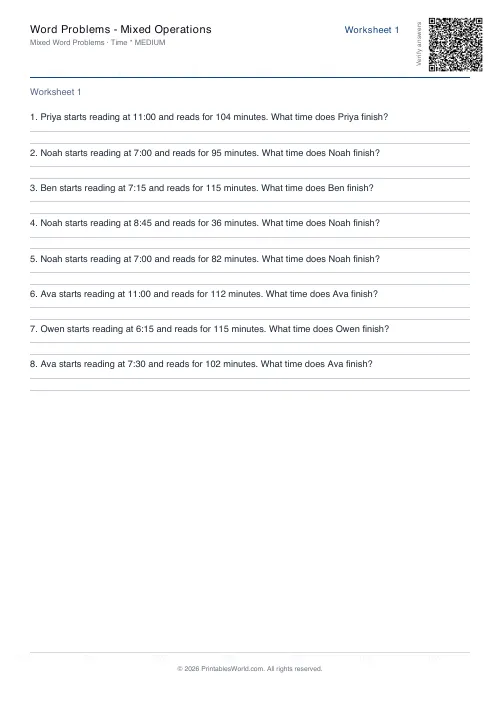
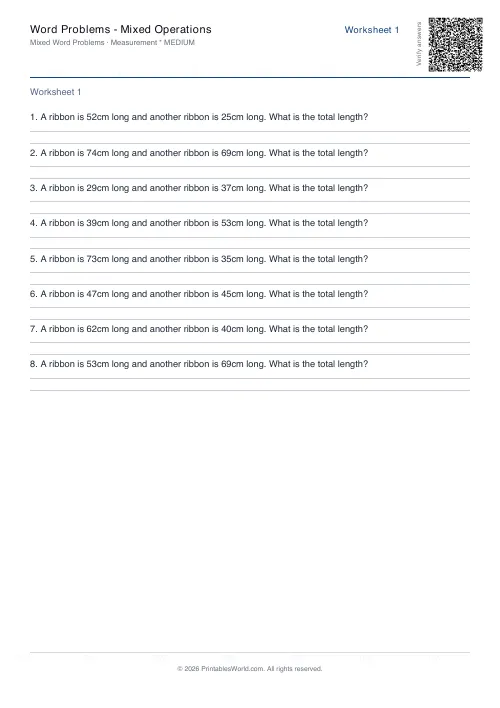
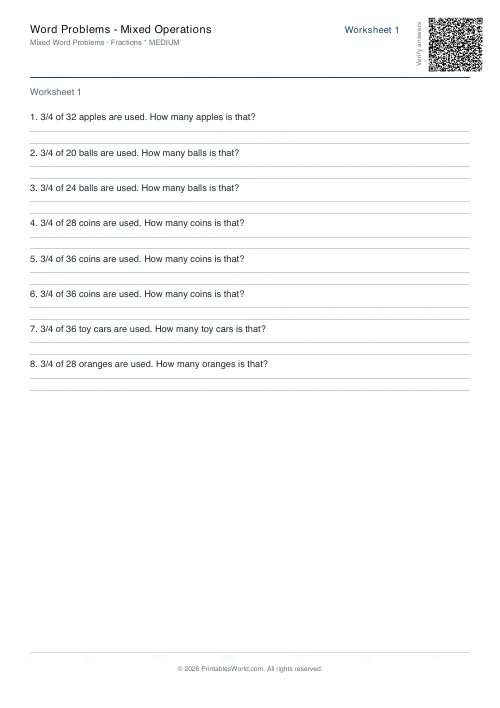
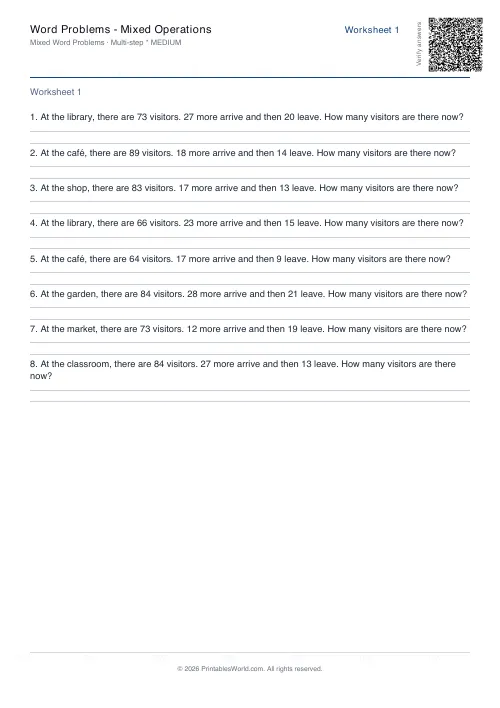
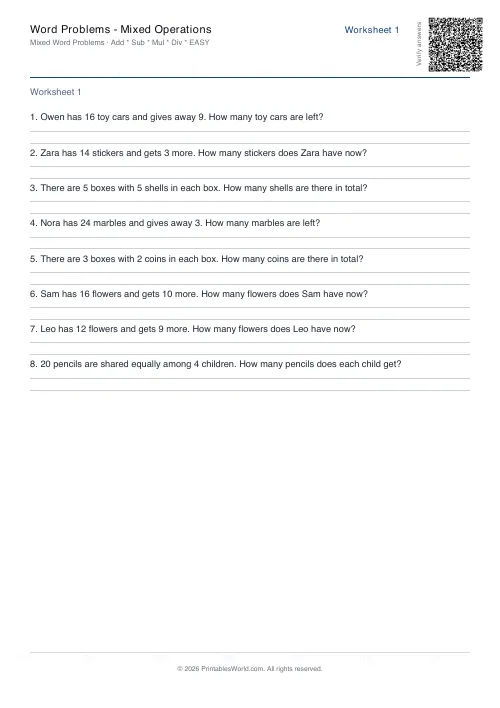
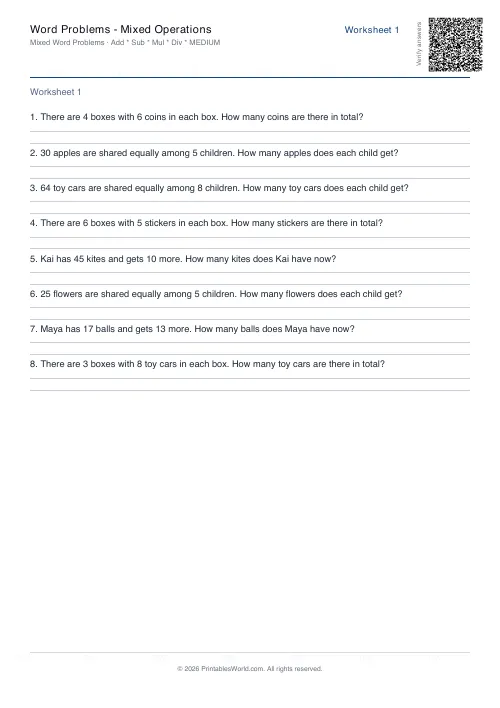
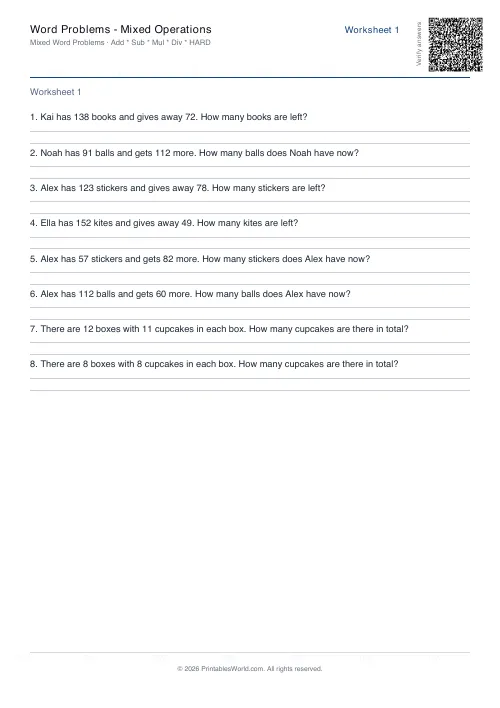
What this tool does
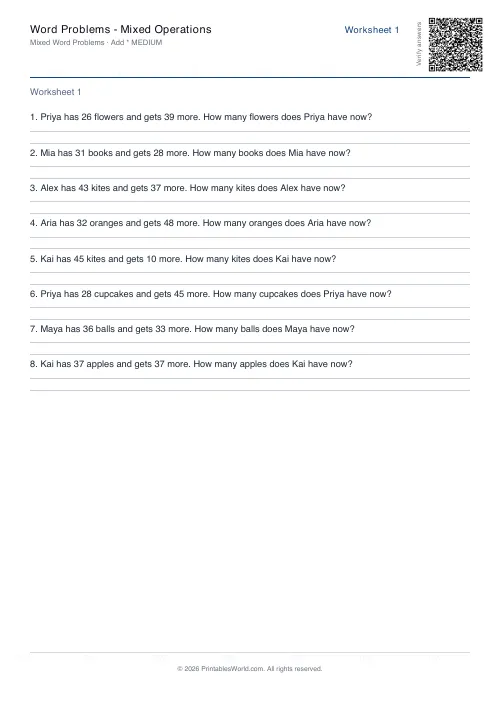
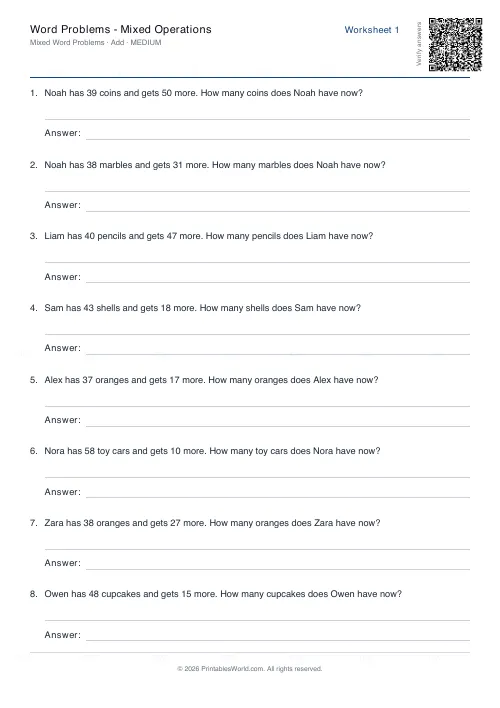
Mixed-operation word problems on one sheet. Each question is a scenario rather than a sum, so the pupil has to work out whether it wants adding, or subtracting, or a multiplication, or a division, before they can start. Three difficulty bands, a problem count you set, several worksheet versions in one go, and an answer key on the last page.
People also used
Word Problems: Addition
Generate printable addition word problems with real-world contexts and adjustable difficulty.
Word Problems: Subtraction
Free printable subtraction word problems with answer keys. Adjustable difficulty, real-world contexts.
Word Problems: Multiplication
Free printable multiplication word problems with groups, arrays and repeated-addition contexts.
Feedback
Spotted something off with this tool?
Deciding which operation, before doing any of it
Every question here is a scenario. Someone has a number of things, something happens, and the pupil works out what the question is actually asking.
All four operations appear on the same page, which is the entire point. Sharing between children. Totals. Working out how much is left over. Nothing on the sheet signposts which is which, so a child cannot lift the method from question one and apply it to the rest.
Out comes a PDF with your worksheets and an answer key on the final page.
Why keywords are a trap
Children are taught that altogether means add and left over means subtract, and it works right up until it does not.
On a page where every problem is addition, a child can score full marks without reading a single sentence properly, and everybody involved concludes they understand addition. Mix the operations and that strategy collapses immediately, which is uncomfortable in the moment and exactly what you want to find out in February rather than in June. Real maths carries no signpost either: nothing at the top of a problem tells you it is a division.
So this is as much an assessment as a practice sheet. It separates the children who understand what each operation means from the ones executing a remembered procedure.
The three difficulty bands
Easy stays under thirty and single-step. Medium moves into two-digit numbers with larger products, and hard runs into the hundreds while asking the pupil to carry something from one step of the problem into the next.
Pick by what the class can read, not only by what they can calculate. A word problem is a reading comprehension task wearing a maths costume, and a child who can do the arithmetic in the hard band may still be defeated by the sentence it arrives in.
Several versions at once
Ask for three worksheets and you get three. Each with its own problems, all in one PDF.
That is how you hand out a different sheet to each group, or to each child sitting next to each other, and it is why the copying problem largely disappears. The answer key covers all of them in order at the back, so marking three different sheets is still one page of answers.
A Year 4 Tuesday
Medium difficulty, eight problems, three worksheets, answer key on.
The pages come back mixing Sam with 42 stickers who gets 27 more, Priya with 58 marbles who gives 19 away, five boxes with nine pencils in each, and 36 cupcakes shared between four children. Group A gets the first sheet, Group B the second, and the third goes to whoever finishes early. Marking runs off the single key page, and the conversation afterwards is about which operation each question wanted and how you could tell, which is the lesson.
What is on the sheet and what is not
- Adding and subtracting. Multiplying and dividing. Nothing else: time and money live on their own pages, and so do measurement, fractions, decimals.
- Problems are deterministic for a given seed and difficulty. A lost worksheet is therefore reproducible exactly, and a fresh one needs a new seed or a larger worksheet count.
- The key gives bare numbers. No working, and no note of which operation was wanted, because that part is the teaching conversation and printing it would end the conversation.
- Names and objects come from a fixed pool. Expect repeats across a big batch.
FAQs
Quick answers
How many problems fit on one page?
Six to ten problems typically fit comfortably on A4 or US Letter, depending on the length of each question. The generator wraps text sensibly and leaves space for working, so you can choose the count that suits your lesson length.
Can I print multiple worksheets at once?
Yes. Set the worksheet count to the number of unique sheets you need. Each worksheet draws a fresh set of problems, and all pages are combined into one PDF with the answer key appended at the end.
What does the answer key show?
The answer key lists the numerical answer for each problem in order, matching the question numbers on the worksheets. It does not include step-by-step working or explanations of which operation was used.
How do I make sure students don't get identical questions?
Increase the worksheet count so each learner receives a different page, or change the seed value between batches. The generator uses deterministic randomisation, so the same settings produce the same questions.
What difficulty level should I choose?
Easy uses numbers under 30 and straightforward one-step reasoning, suitable for Year 2 or Year 3. Medium raises the range to two-digit numbers and light inference, fitting Year 4 or 5. Hard uses larger numbers and occasionally requires multi-step thinking, appropriate for upper primary or lower secondary revision.
Do the questions include keywords that hint at the operation?
The generator writes questions in natural language rather than relying on signal words like "altogether" or "left." Learners must read the scenario and decide which operation makes sense, building comprehension alongside arithmetic.
Can I change the title on the worksheet?
Yes. The custom-title field lets you rename the worksheet to match your lesson topic, student name or date. The new title appears at the top of every page in the PDF.
Related tools
Word Problems: Addition
Generate printable addition word problems with real-world contexts and adjustable difficulty.
Word Problems: Subtraction
Free printable subtraction word problems with answer keys. Adjustable difficulty, real-world contexts.
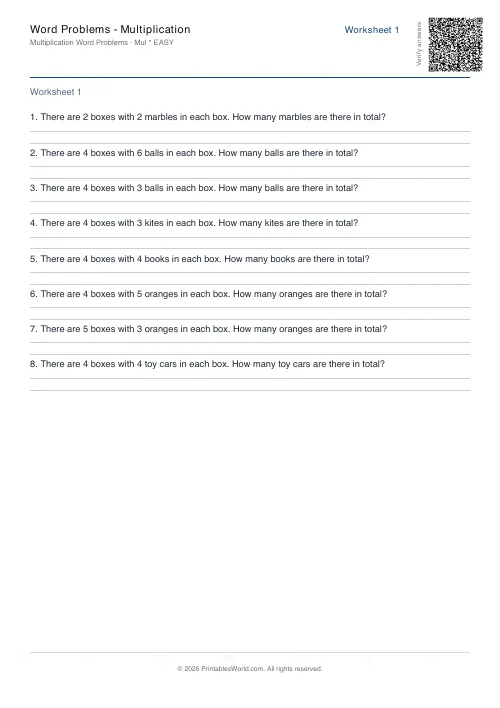
Word Problems: Multiplication
Free printable multiplication word problems with groups, arrays and repeated-addition contexts.
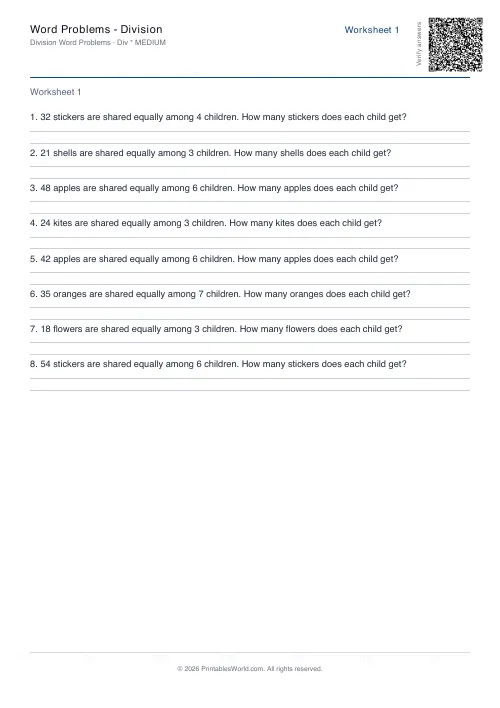
Word Problems: Division
Print division word problems with sharing and grouping scenarios in real-world contexts.
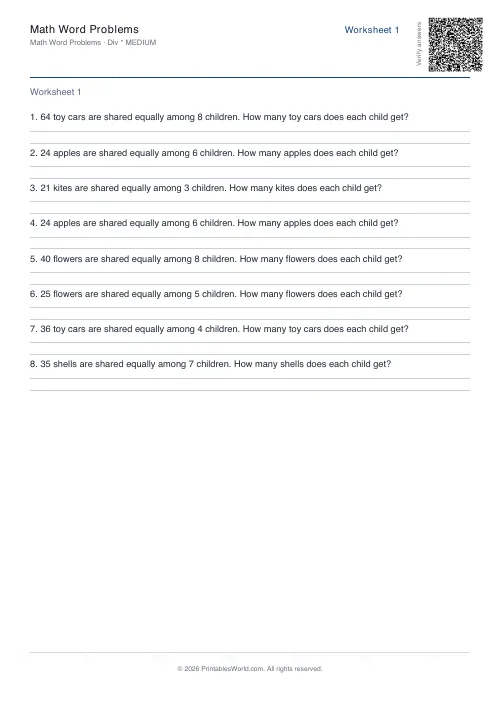
Math Word Problems Generator
Generate printable math word problem worksheets with customisable topics, difficulty, and answer keys.
Further reading
Math Worksheets
Understanding BODMAS and PEMDAS: order of operations explained
BODMAS and PEMDAS describe the same rule in different words. The trouble is that both hide two facts the acronym cannot express. Which is where nearly every mistake comes from.
5 min read
Math Worksheets
Addition strategies: number lines, regrouping and more
Column addition is the destination, not the route. Here are the strategies that come before it, why each matters, and how to tell which one a child is actually using.
5 min read
Math Worksheets
Making maths fun: 15 ways to practise without tears
Maths tears are usually about difficulty, length or fear of being wrong, not about maths. Fifteen practical changes, grouped by which of those three problems they actually solve.
6 min read
More like this
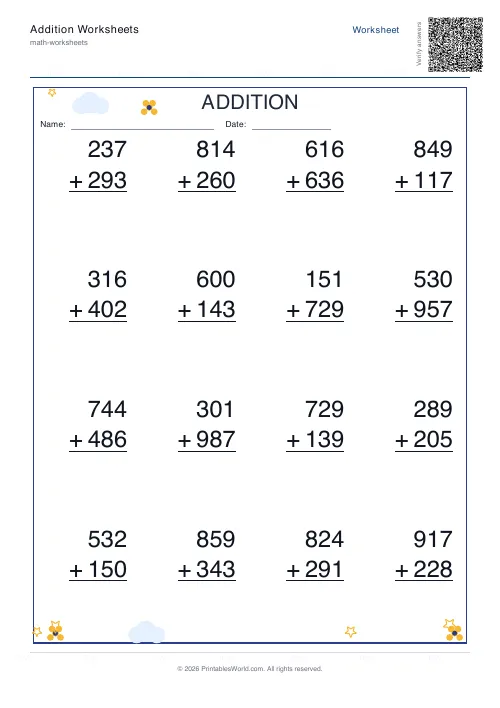 Addition Worksheets Generator
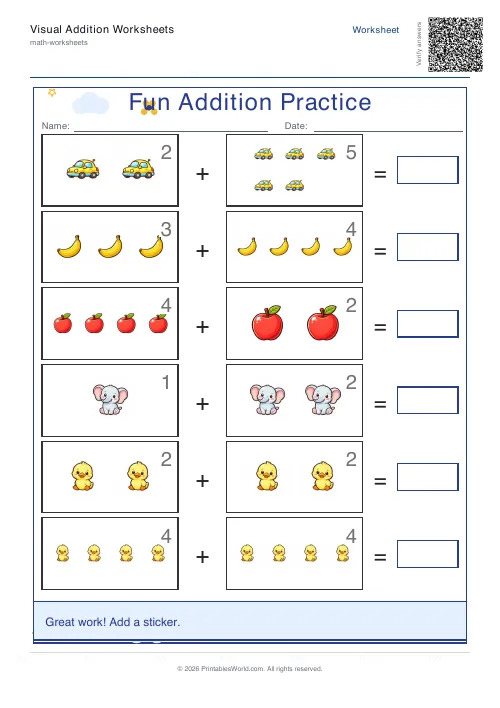 Visual Addition Worksheets Generator
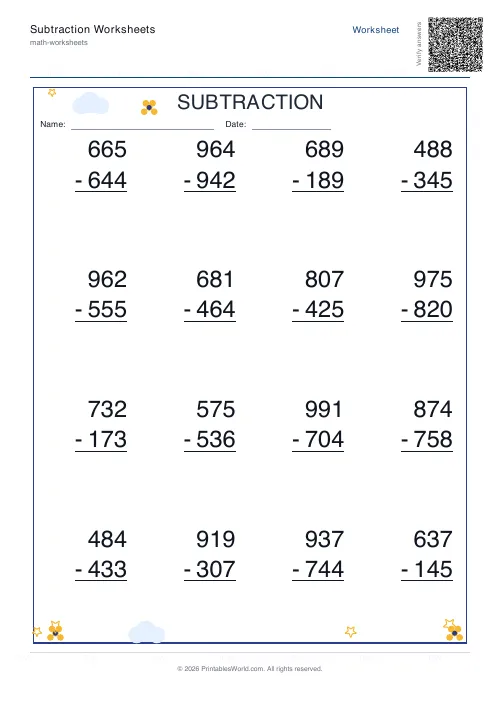 Subtraction Worksheets Generator
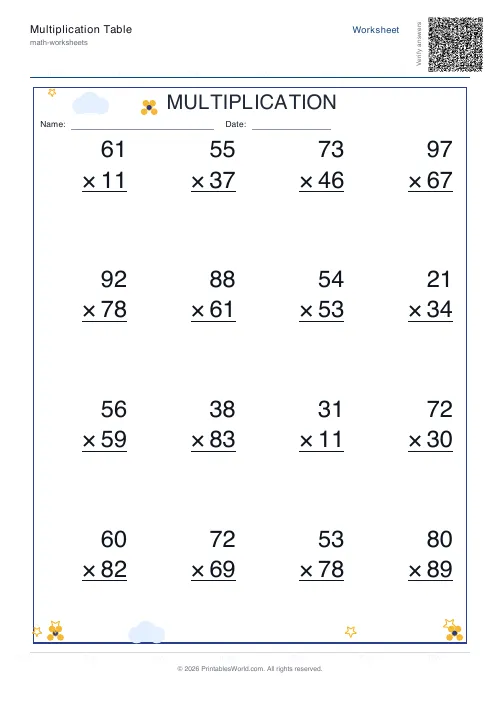 Multiplication Table Generator
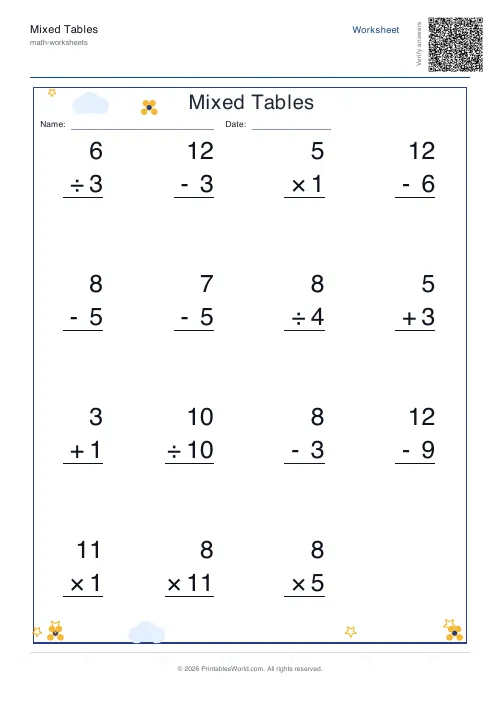 Mixed Tables Generator
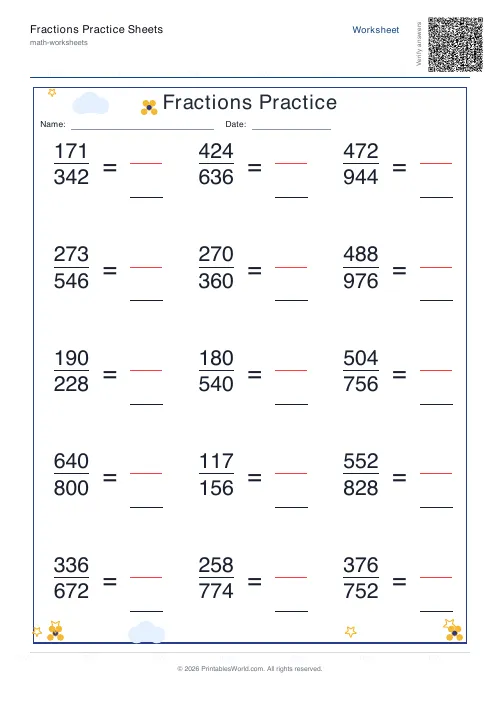 Fractions Practice Sheets Generator
- Math Word Problems Generator
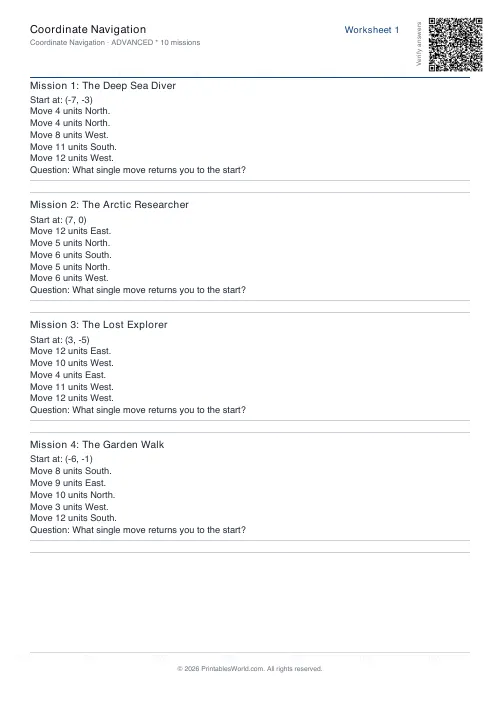 Coordinate Navigation Generator
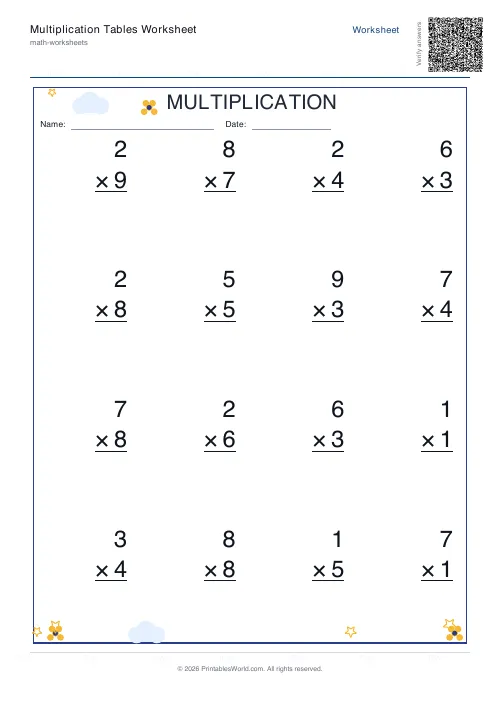 Multiplication Tables Worksheet
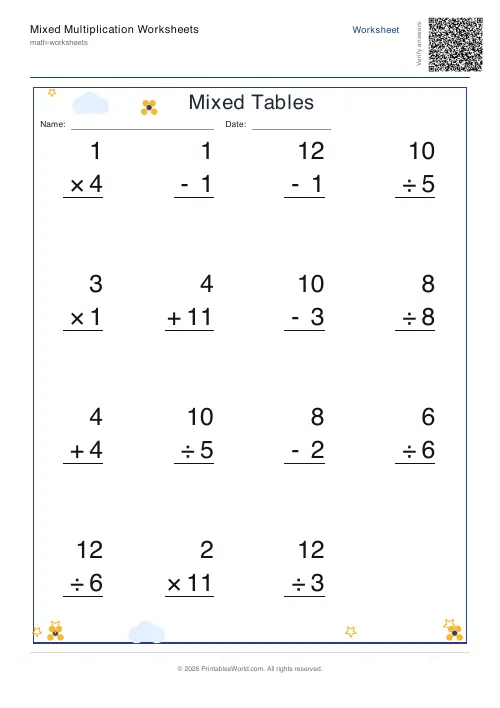 Mixed Multiplication Worksheets
- Word Problems: Addition
- Word Problems: Subtraction
- Word Problems: Multiplication
- Word Problems: Division