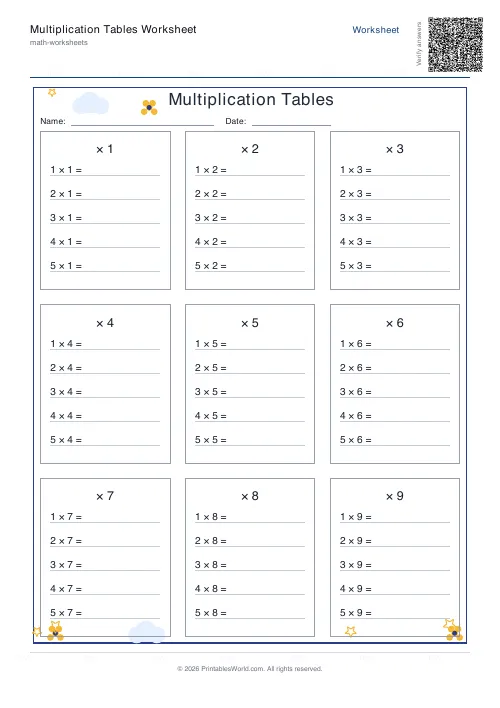
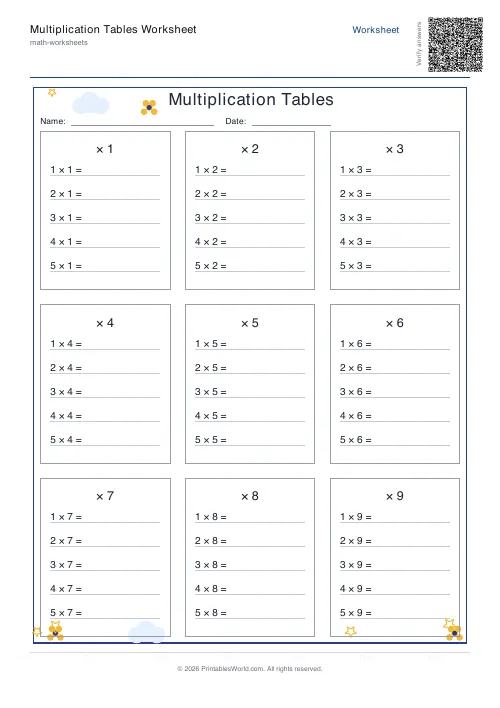
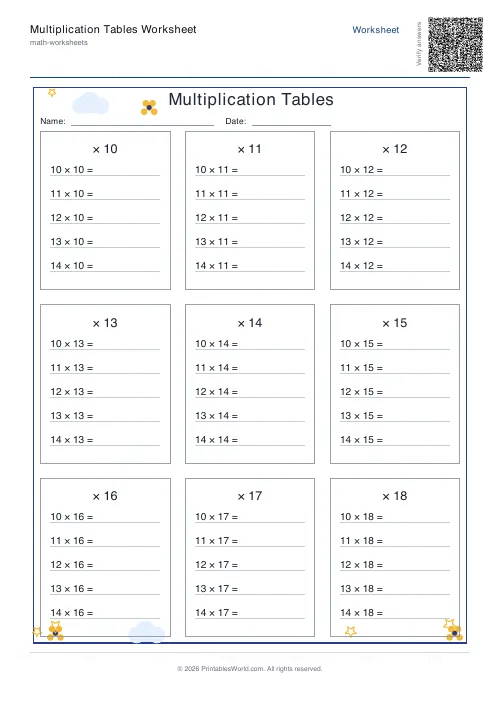
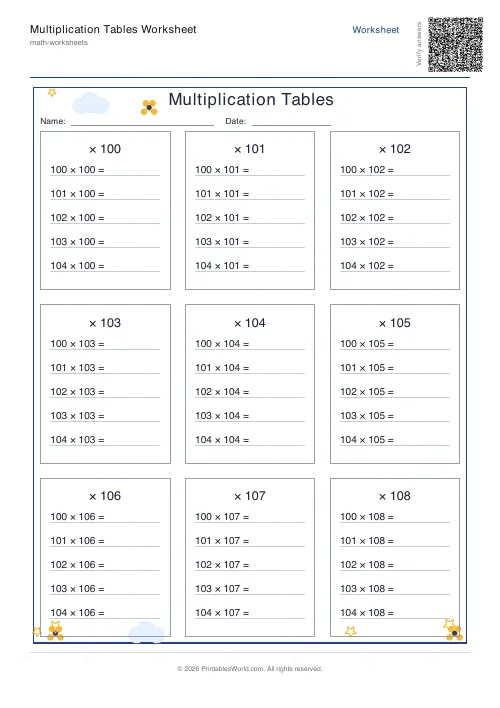
What this tool does
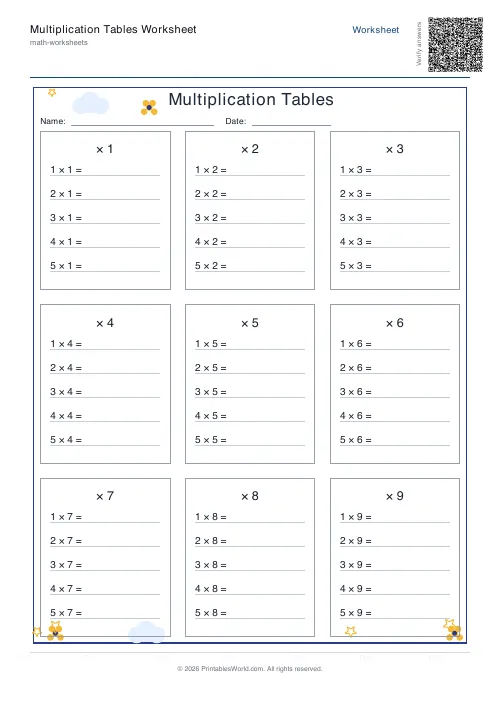
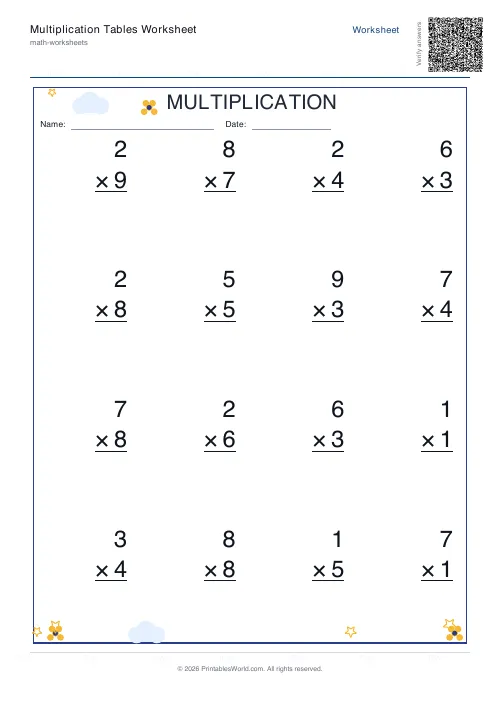
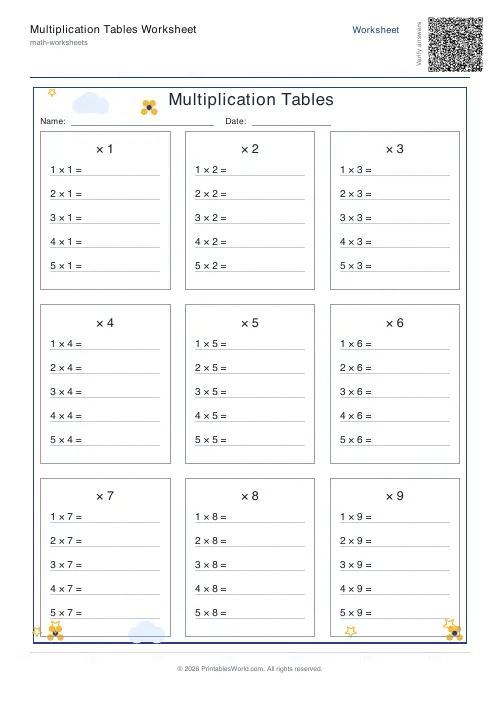
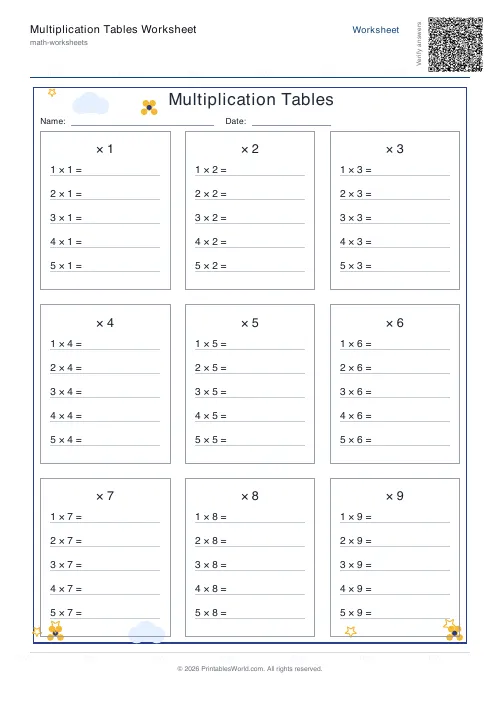
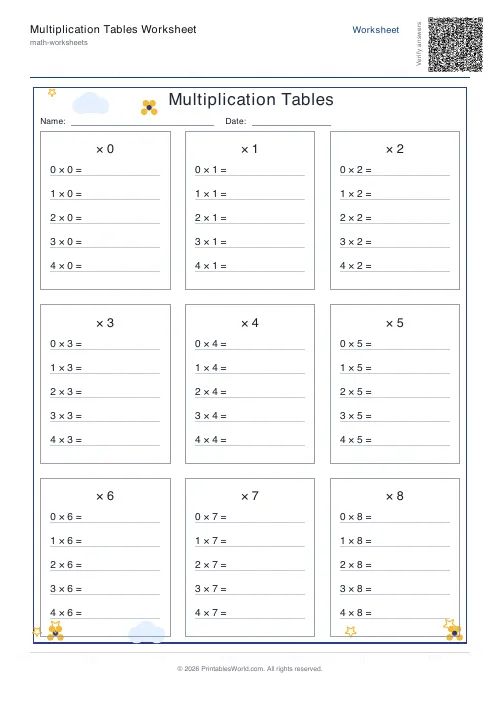
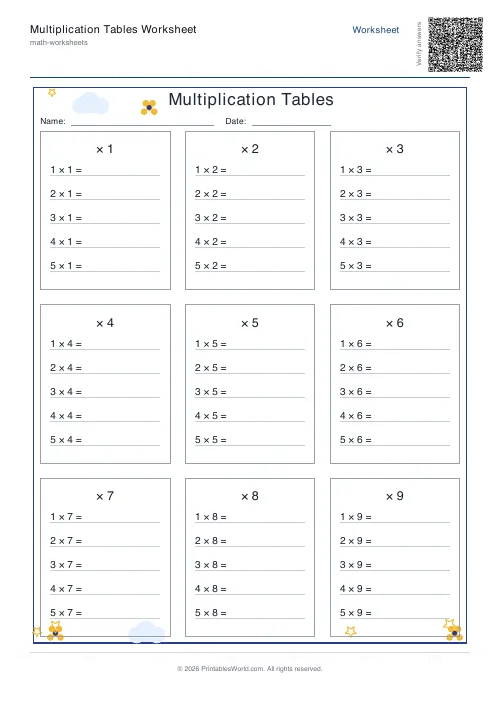
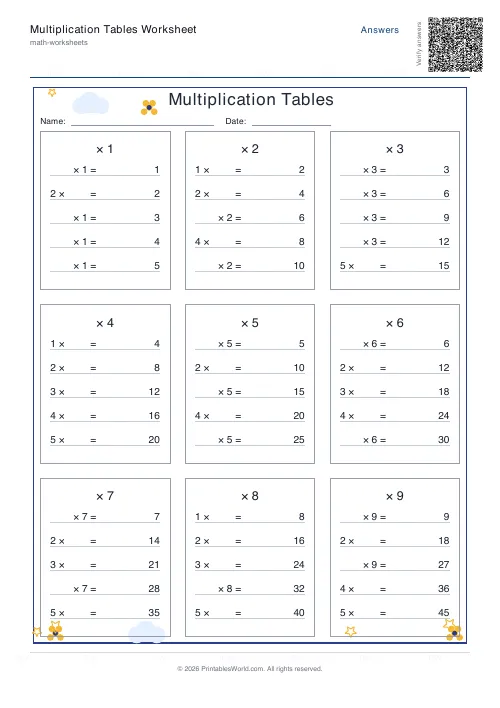
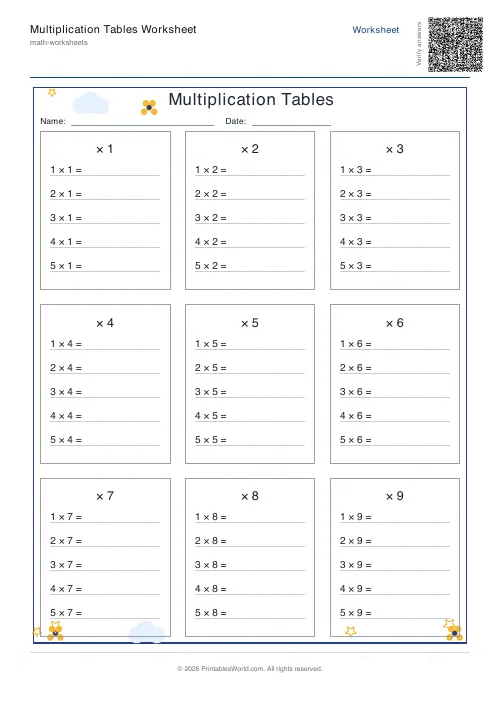
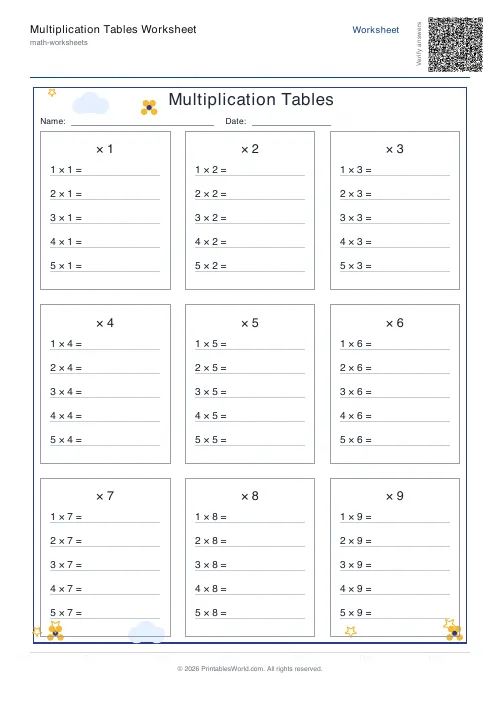
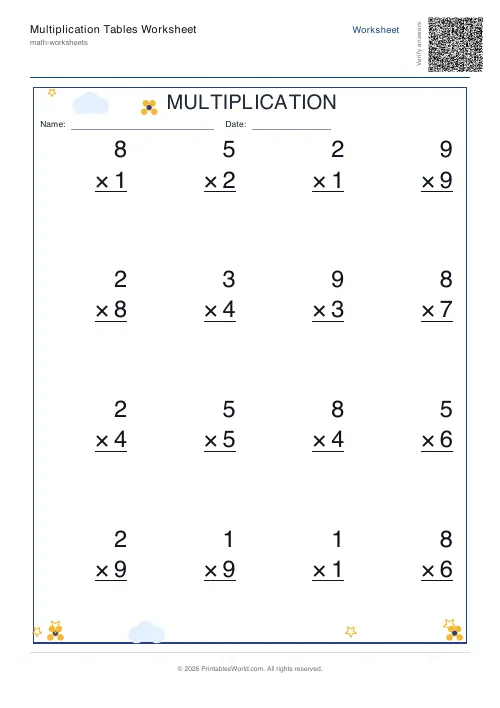
Times-tables practice printed in order, from 1 × 1 up to 12 × 12. A grid layout for seeing a whole table at once, or line-by-line for working through it with room to write. Shuffle mode turns ordered practice into recall practice. Blank sheets, answer sheets, or both in one file.
People also used
Mixed Multiplication Worksheets
Random multiplication worksheets mixing questions from the times tables you choose, ready to print.
Multiplication Table Generator
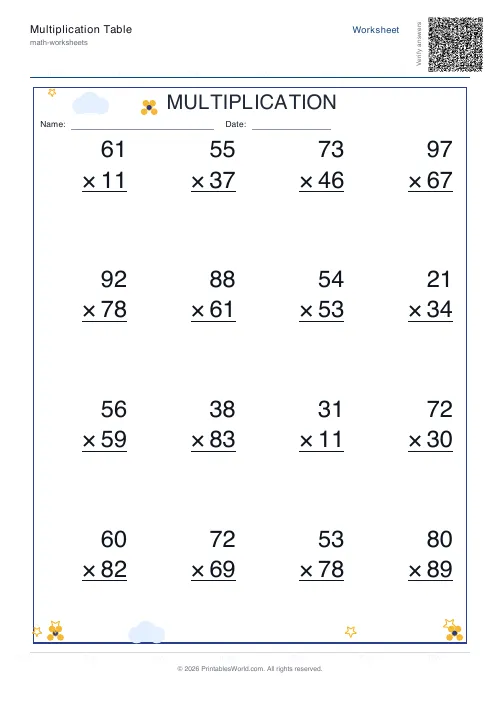
Create free printable multiplication tables in table or line-by-line format with custom ranges and themes.
Mixed Tables Generator
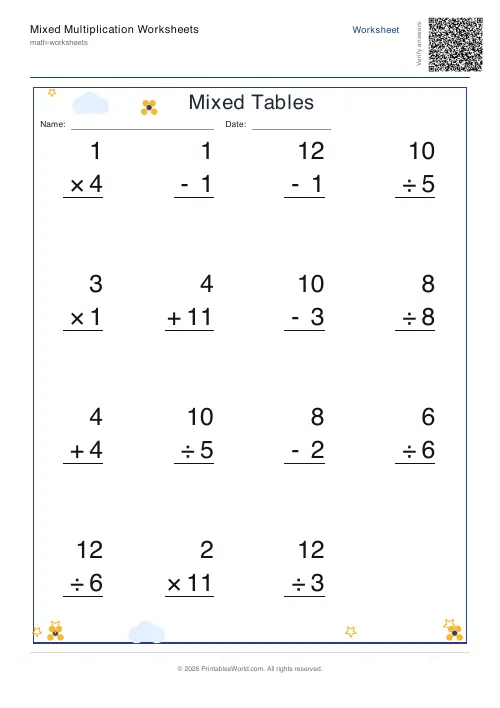
Print mixed-operations worksheets combining addition, subtraction, multiplication and division on one page.
Feedback
Spotted something off with this tool?
In order first, shuffled second
By default the problems print in sequence. That is deliberate: a child meeting the four times table needs to see 4, 8, 12, 16 running down the page, because the pattern is the thing being learned and a shuffled sheet hides it entirely.
Once the table is secure, turn shuffling on. The sequence can no longer be leaned on, so the sheet tests recall instead of counting. Same content, different exercise.
That switch is the single most useful control here, and knowing when to flip it matters more than any of the others.
Grid or line-by-line
Table style packs the sums into a grid, up to nine to a page. Good for seeing a whole table at once and for spotting that the sevens column and the seven row hold the same numbers.
Line-by-line gives each problem its own row with room to write. Slower, and the right choice for a child who needs space or who is still forming digits.
The end number sets how far the table runs. Twelve is the UK expectation; ten is the common US one; anything from five to thirty is accepted.
What the tables actually predict
Fluent recall of the tables is the strongest single predictor of how the rest of primary maths goes, and the reason is mechanical rather than mysterious.
A child who computes 7 × 8 by counting up in eights gets the right answer and has spent every bit of their working memory doing it. Faced with a two-step problem, there is nothing left over to hold the second step in. The child who simply knows 56 has that capacity free, and that is the whole difference.
Which is why the ordered sheets come first. Nobody recalls what they have not yet noticed a pattern in.
The tables that cause trouble
Twos go in without much teaching. So do fives and tens, because the last digit follows a rule a child spots for themselves.
Threes and fours are the first without a visual crutch. Then comes the hard middle: sixes, then sevens, then eights, and the sevens are reliably the last table any child learns because they have no helpful property whatsoever. Nines do, though: the digits of every answer sum to nine, which is worth showing rather than leaving to be discovered.
Print one table at a time in that order, rather than working sequentially from one to twelve. A child who has mastered the twos and the fives is not ready for the threes; they are ready to be told the threes are harder and that this is expected.
Preparing for a tables check
Ordered sheets while the table is being learned. Shuffled sheets once it is. Then mixed practice across tables, which is a different tool on this site and the right last step before any timed assessment.
Print blank for the child and answers for yourself, or Both stacked in one file when the class marks its own work. Print at full scale so the digit spacing stays consistent, which matters more on a timed sheet than it sounds.
FAQs
Quick answers
Which tables does it cover?
By default, the full 1-12 times tables. Use the end-number control to limit the range.
Can I show the answers?
Yes. Switch the output to "Answers" or "Both" to print a filled version alongside the blank one.
Grid layout or line-by-line?
Either. The "Table style" lays out grouped facts; "Line-by-line" gives a long vertical column of problems.
Is there a Name and Date area?
Yes. Toggle "Show Name & Date fields" to include a header row at the top of each sheet.
Related tools
Mixed Multiplication Worksheets
Random multiplication worksheets mixing questions from the times tables you choose, ready to print.
Multiplication Table Generator
Create free printable multiplication tables in table or line-by-line format with custom ranges and themes.
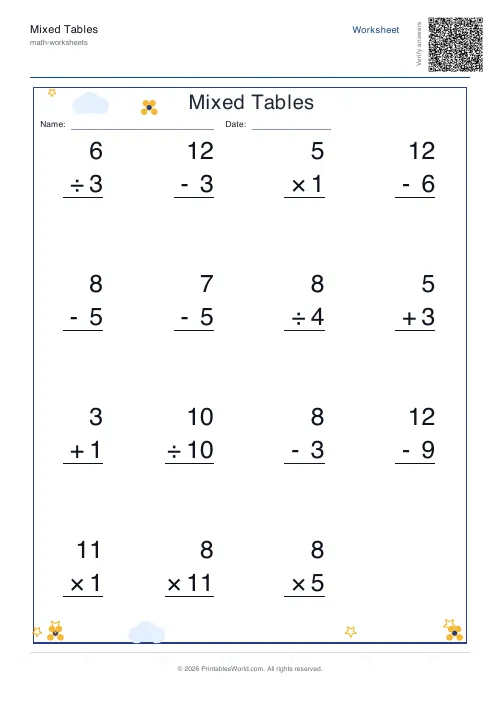
Mixed Tables Generator
Print mixed-operations worksheets combining addition, subtraction, multiplication and division on one page.
Further reading
More like this
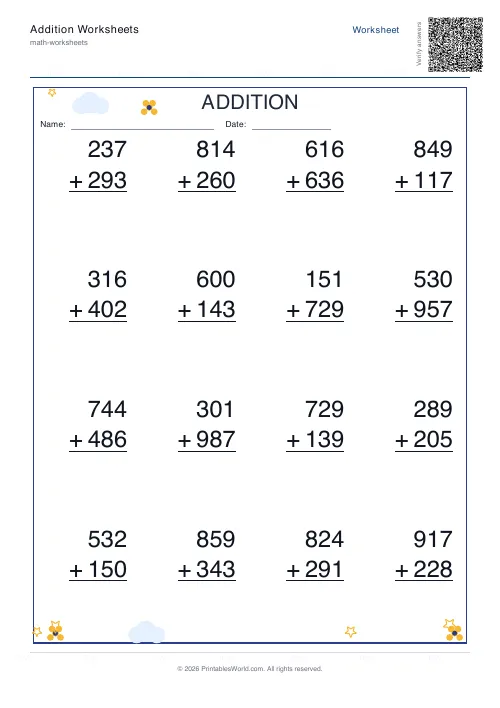 Addition Worksheets Generator
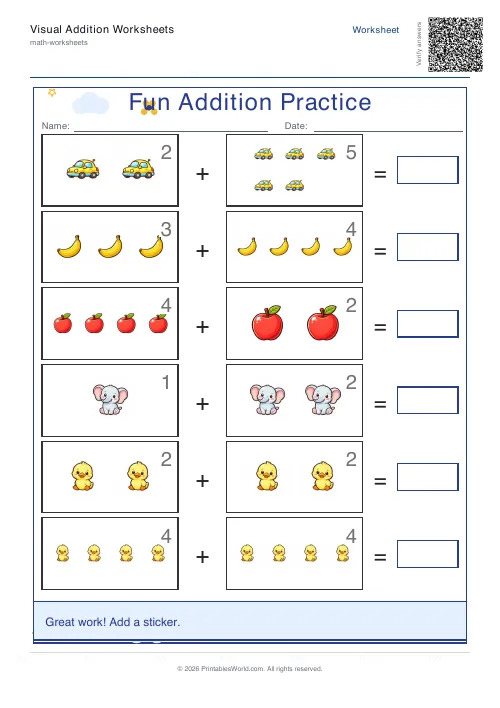 Visual Addition Worksheets Generator
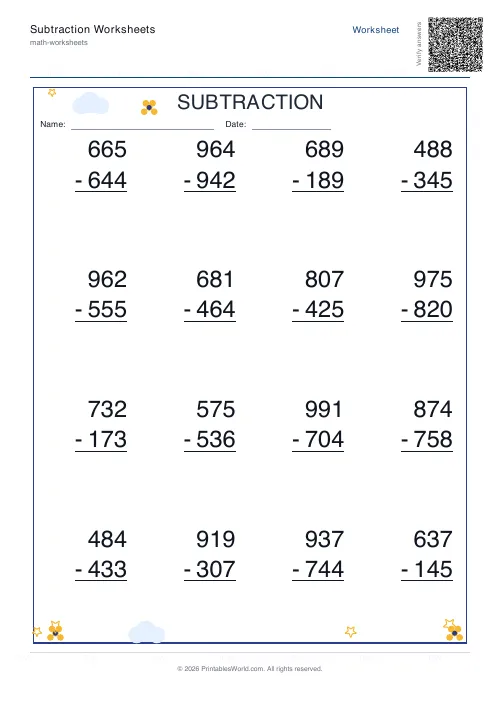 Subtraction Worksheets Generator
- Multiplication Table Generator
- Mixed Tables Generator
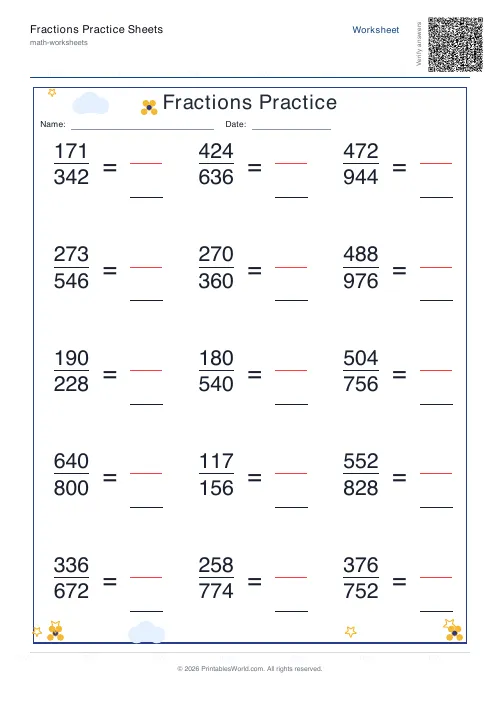 Fractions Practice Sheets Generator
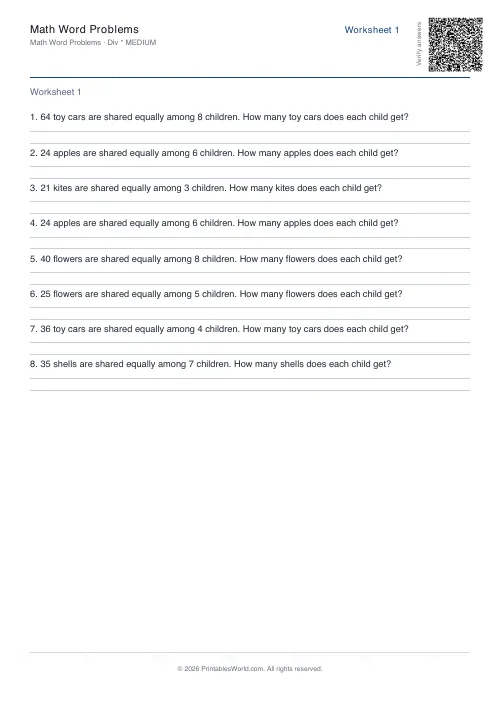 Math Word Problems Generator
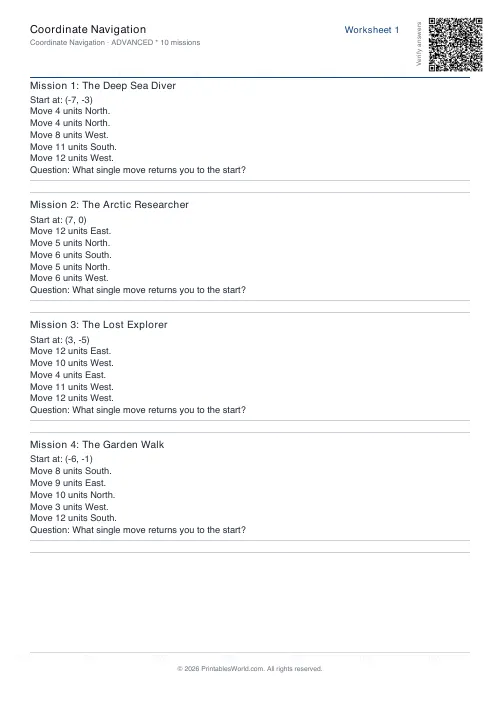 Coordinate Navigation Generator
- Mixed Multiplication Worksheets
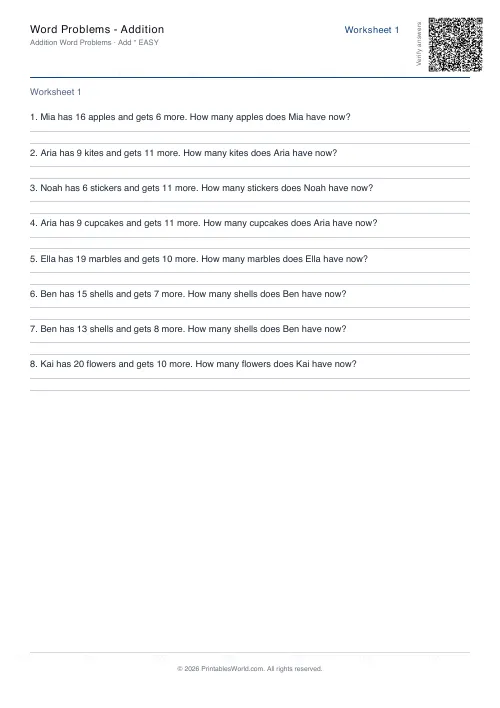 Word Problems: Addition
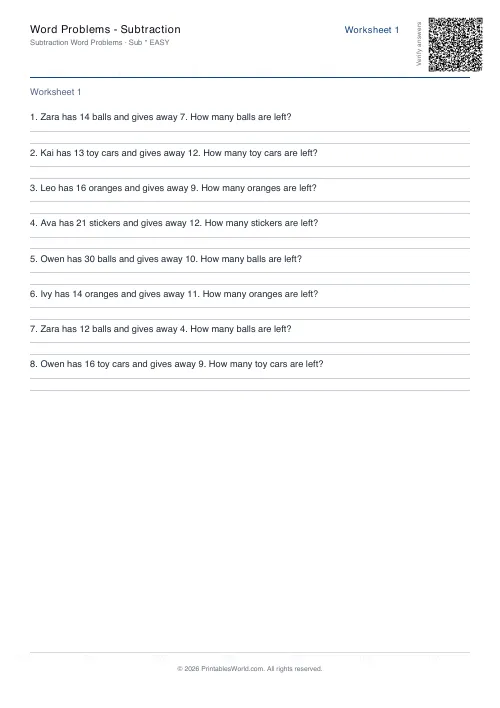 Word Problems: Subtraction
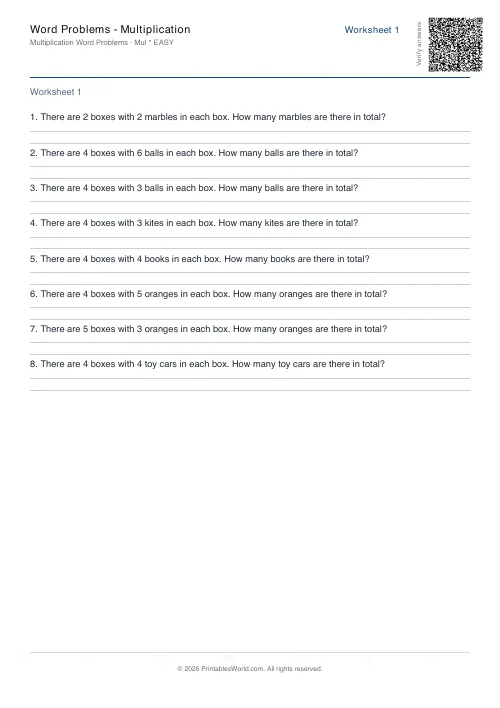 Word Problems: Multiplication
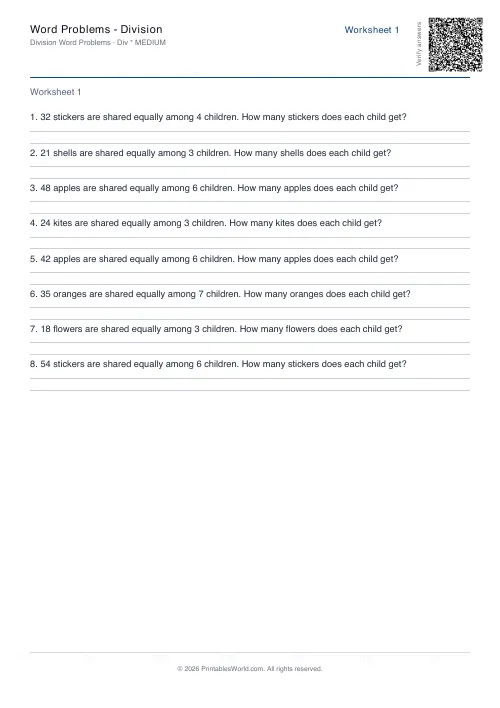 Word Problems: Division
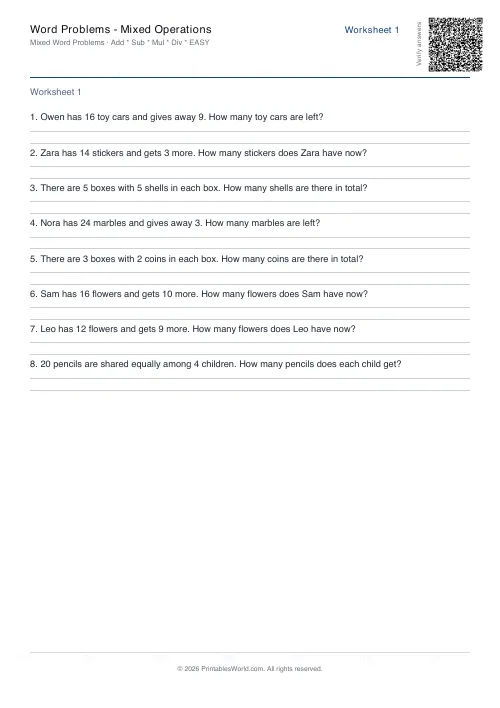 Word Problems: Mixed Operations