


 Scan to get


 Scan to get



 Scan to get






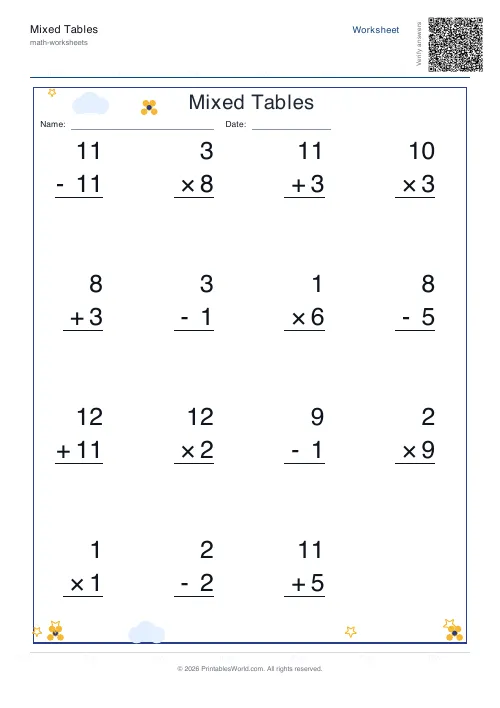
What this tool does
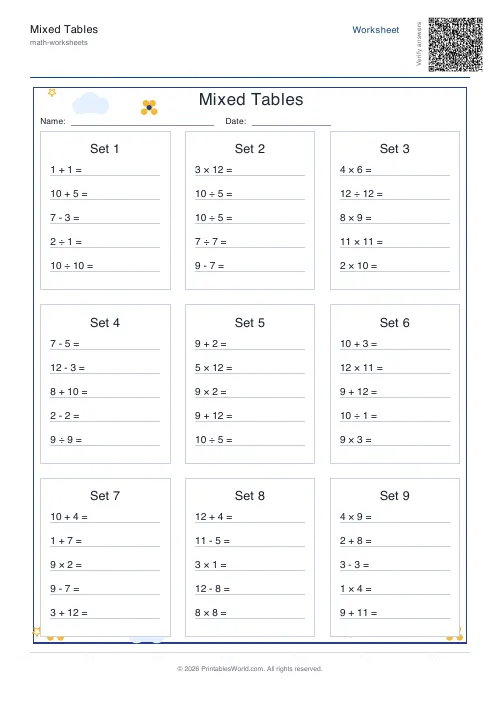
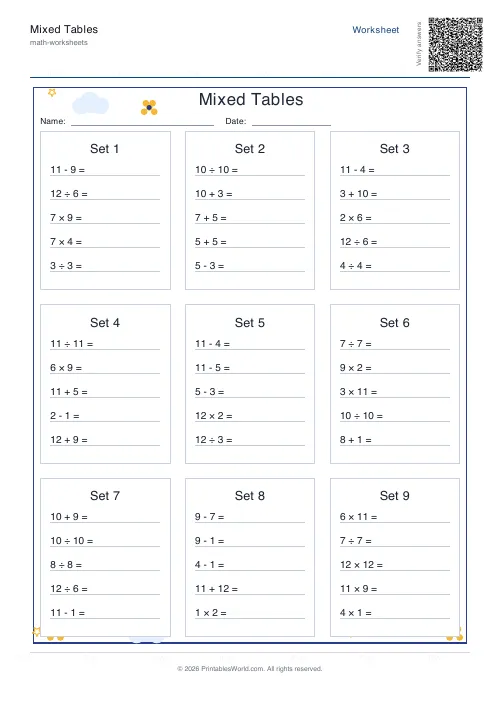
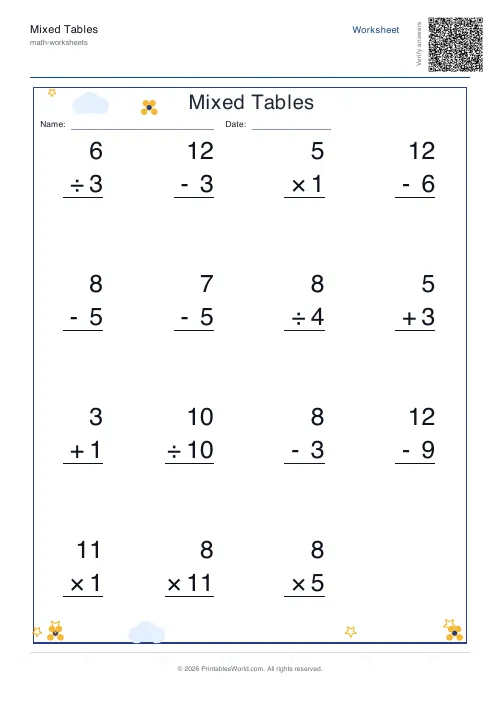
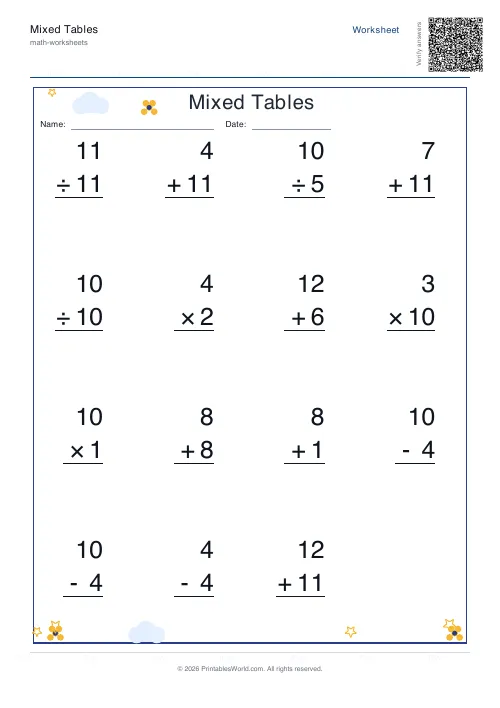
All four operations on one sheet — addition, subtraction, multiplication, division — in card or vertical layout, with the same themes and blank/filled options.
People also used
Addition Worksheets Generator
Free printable addition worksheets in tables or line-by-line layouts.
Subtraction Worksheets Generator
Free printable subtraction worksheets in tables or line-by-line layouts.
Multiplication Table Generator
Create free printable multiplication tables in table or line-by-line format with custom ranges and themes.
Feedback
Spotted something off with this tool?
Four operations, one page
Problems drawn across all four operations rather than drilling one at a time. Addition. Subtraction, multiplication, division, all shuffled together on the page. Card layout groups them, twelve to a card by default. Vertical layout stacks them as column sums.
Fifteen problems a sheet as standard, with the same six themes as the single-operation sheets, and the same choice of blank, filled, or the pair.
Mixing is a separate skill
This is the argument for the sheet, and it is not obvious.
A page of nothing but multiplication lets a child stop reading the operator after the second question. They fall into a rhythm, the sign becomes decoration, and the sheet comes back full of correct answers that prove very little.
Mixing breaks that. Every question forces the pupil to look at the symbol and decide what to do with it, which is what any real problem demands and what a single-operation sheet never once tests.
Do it after, not instead
The order matters. Drill each operation separately until it is fluent, then mix.
Handing mixed problems to a child who is still working out their tables tests two things at once and tells you about neither — a wrong answer could be the wrong operation or the wrong fact, and you cannot tell which from the page. Get the facts secure first, then use this to check the discrimination.
What errors on a mixed sheet mean
Look at whether the wrong answer is right for a different operation.
A pupil who answers 12 for 8 + 4 has added. A pupil who answers 32 has multiplied, and that is not an arithmetic error at all — it is an operator error, and it needs a completely different intervention from more tables practice. Mixed sheets are the only ones that surface it.
Range and zero
Up to 12 by default. The random preset spreads problems across the whole range, which is the setting these sheets are really for.
Zero is excluded by default and worth leaving out at first: zero behaves differently in all four operations, and division by it is undefined, so introducing it deserves its own conversation rather than an appearance halfway down a mixed sheet.
Related
For each operation on its own: the addition, subtraction and multiplication generators. For the same discrimination inside written problems, word problems.
FAQs
Quick answers
Can I print answer keys separately from the blank worksheets?
Yes. The output-type dropdown lets you choose blank only, answer key only, or both pages in one PDF. If you select blank only, the PDF contains just the worksheet with empty answer spaces. Choose answer key only to print solutions for marking. Pick both to get a two-page document with the worksheet on page one and answers on page two.
What does the include-zero option do?
When include zero is turned on, 0 can appear as an operand in any problem. For example, 0 + 5, 7 − 0, or 0 × 8. Turn it off if you want all numbers to be positive integers starting from 1. This is useful for younger learners who are still mastering zero rules or for drills focused on non-zero facts.
How does the generator ensure division problems have whole-number answers?
The engine picks a divisor and a factor, then multiplies them to create the dividend. For example, if it chooses divisor 4 and factor 3, the problem becomes 12 ÷ 4 = 3. Because the dividend is always a multiple of the divisor, the quotient is guaranteed to be a whole number with no remainder.
Can I use this tool for timed maths drills?
Absolutely. Set the number of problems to match your time limit. 20 problems for a five-minute drill, 40 for ten minutes. Print the blank worksheet, run a timer, then use the answer key to mark quickly. Many teachers laminate a set and use dry-erase markers so students can repeat the same sheet to track speed improvements over weeks.
What is the difference between table and vertical layout?
Table layout arranges problems in rows and columns across the page, fitting more expressions per sheet. Vertical layout stacks problems one below the other with space underneath each for working and answers. Vertical is easier for younger children to follow and leaves room for carrying or borrowing notes. Table is better for older students and fast-paced drills.
Will the worksheet print correctly on US Letter and A4 paper?
Yes. The generator sizes margins and fonts to fit both standards without clipping. You do not need to adjust print scaling or margins. Send the PDF to any printer and it will come out correctly on either paper size.
Can I change the number range to something higher than 12?
The range-preset dropdown offers 10, 12 and random. If you select random or enter a custom maximum in the end-number field, the generator will use that upper limit for all operands. This lets you create harder worksheets for older students or easier ones capped at 5 or 6 for early learners.
Related tools
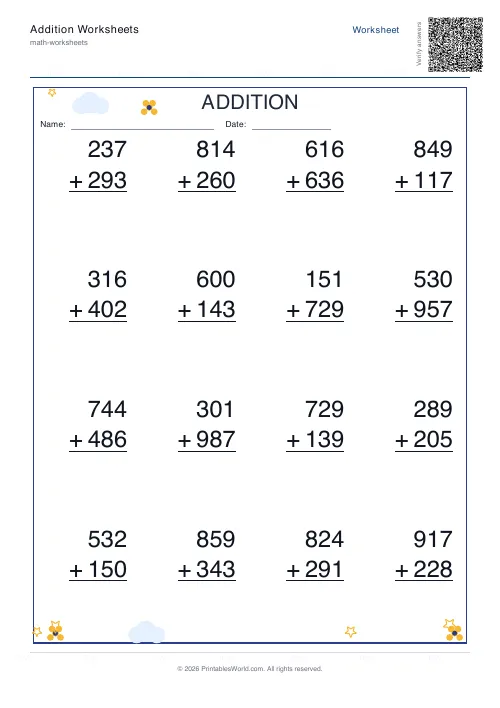
Addition Worksheets Generator
Free printable addition worksheets in tables or line-by-line layouts.
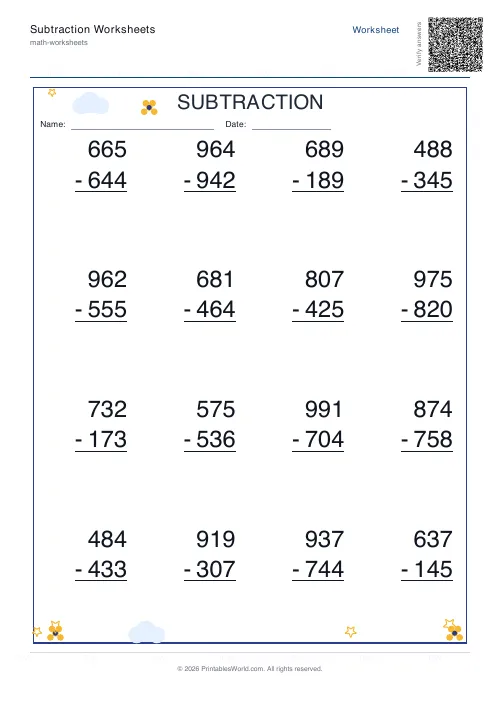
Subtraction Worksheets Generator
Free printable subtraction worksheets in tables or line-by-line layouts.
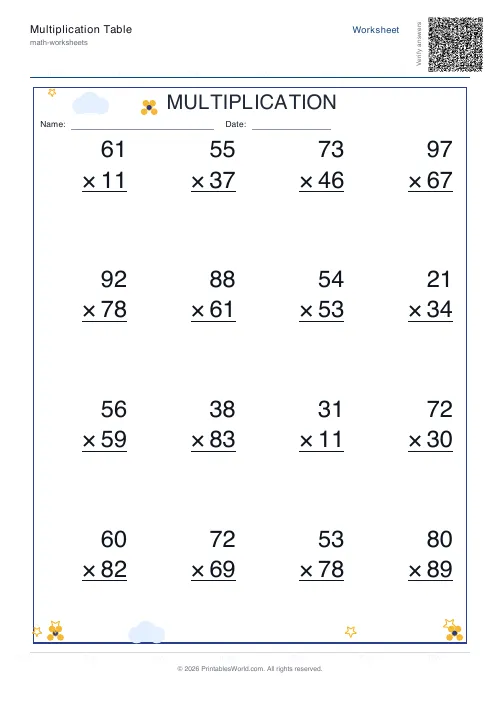
Multiplication Table Generator
Create free printable multiplication tables in table or line-by-line format with custom ranges and themes.
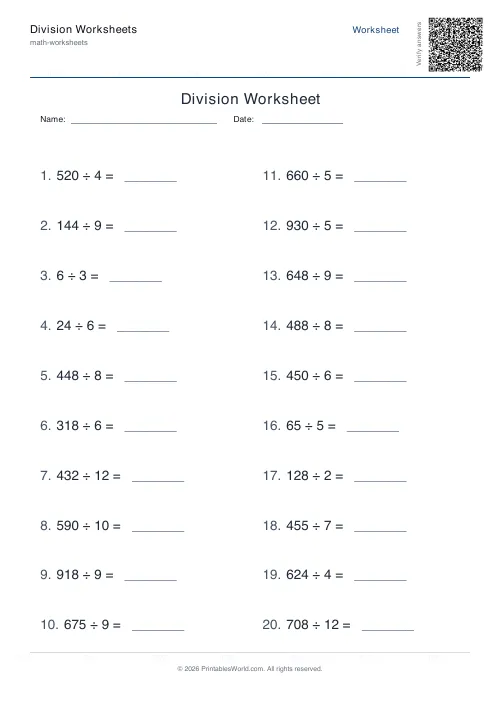
Division Worksheets Generator
Free printable division worksheets with optional remainders.
Further reading
Math & Numeracy
How to help a child who's stuck on times tables
A simple two week plan to help child with times tables, using short daily practice and free printable multiplication grids you can customise and print.
7 min read
Math Worksheets
Addition strategies: number lines, regrouping and more
Column addition is the destination, not the route. Here are the strategies that come before it, why each matters, and how to tell which one a child is actually using.
5 min read
Math Worksheets
Understanding BODMAS and PEMDAS: order of operations explained
BODMAS and PEMDAS describe the same rule in different words. The trouble is that both hide two facts the acronym cannot express. Which is where nearly every mistake comes from.
5 min read
More like this
- Addition Worksheets Generator
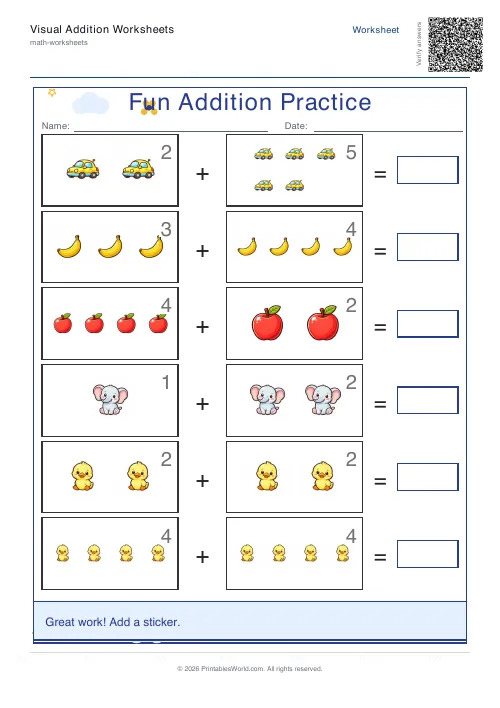 Visual Addition Worksheets Generator
- Subtraction Worksheets Generator
- Multiplication Table Generator
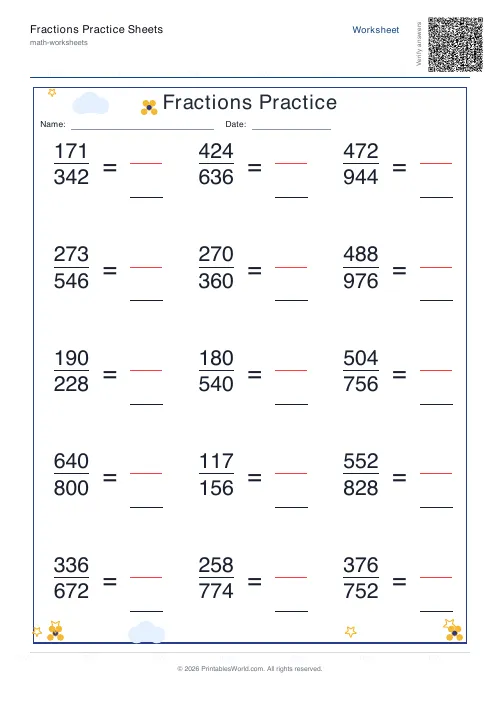 Fractions Practice Sheets Generator
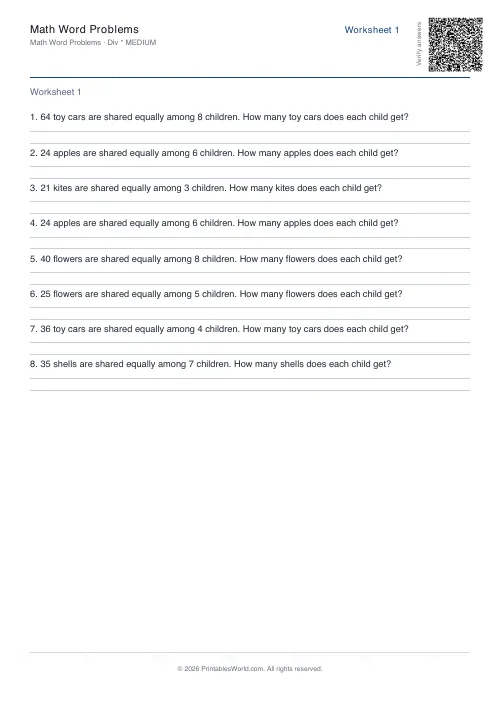 Math Word Problems Generator
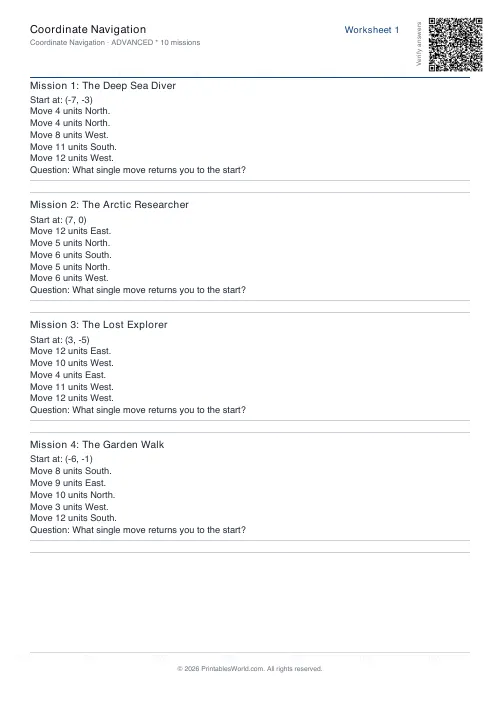 Coordinate Navigation Generator
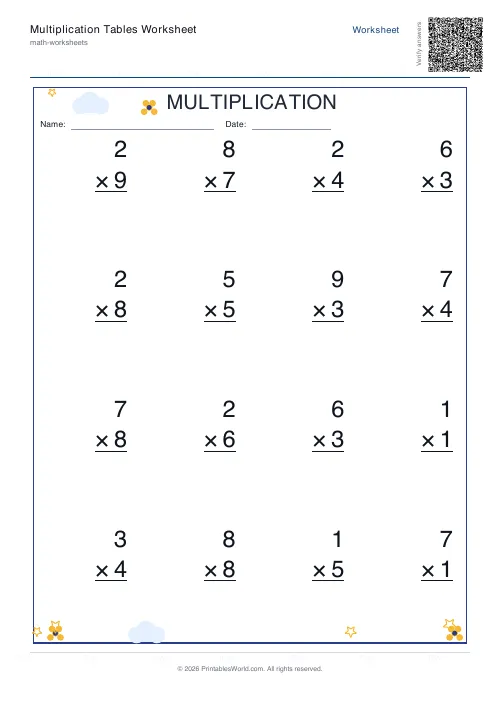 Multiplication Tables Worksheet
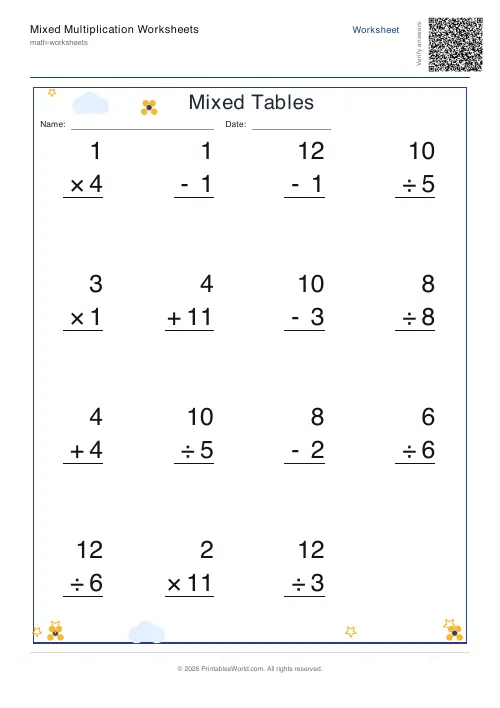 Mixed Multiplication Worksheets
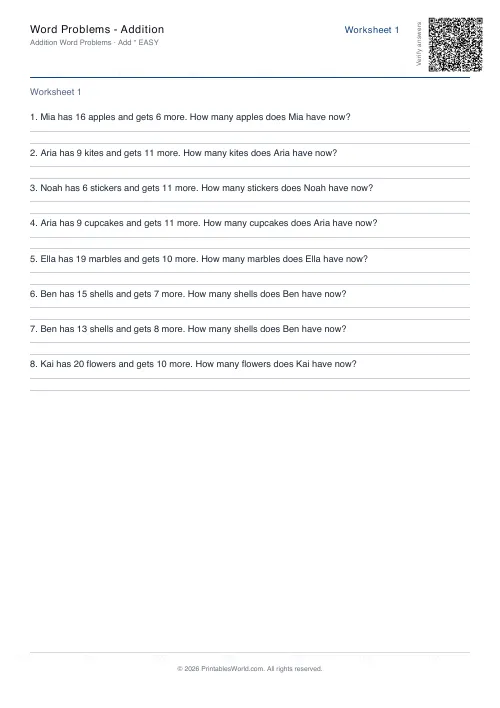 Word Problems: Addition
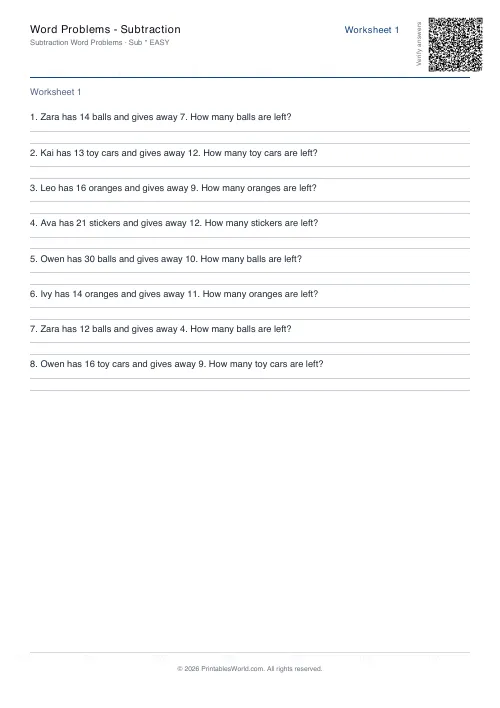 Word Problems: Subtraction
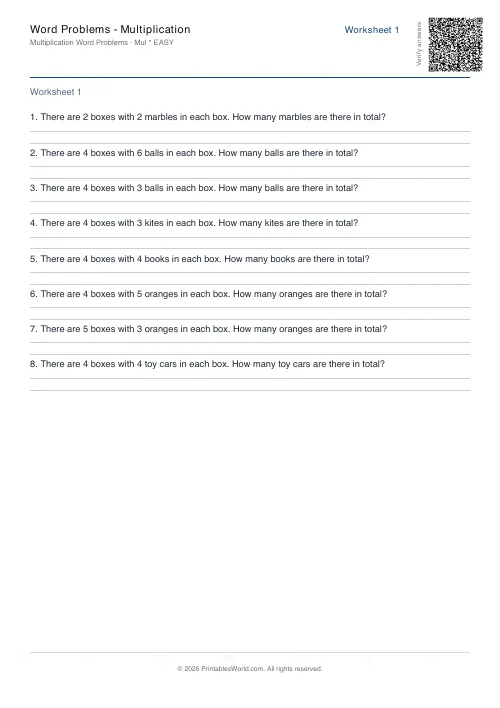 Word Problems: Multiplication
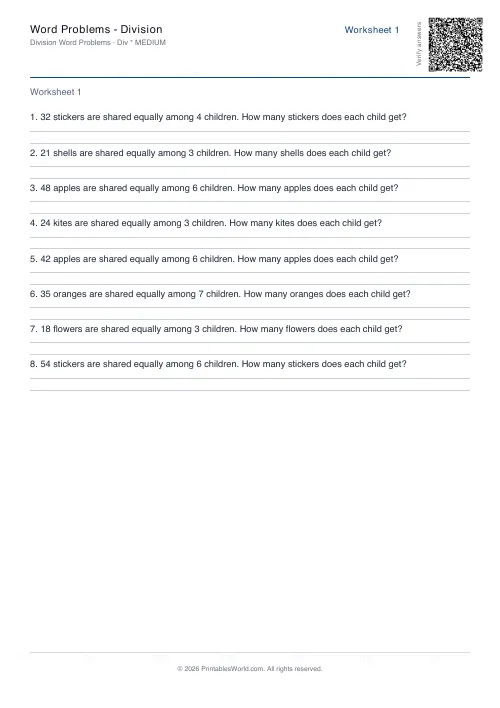 Word Problems: Division
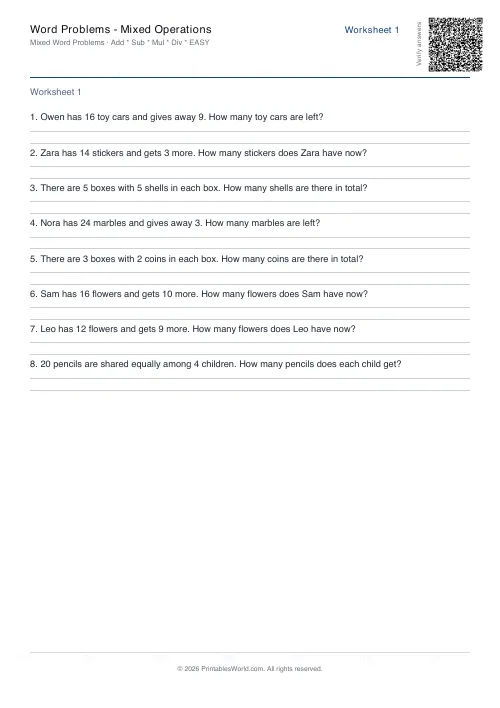 Word Problems: Mixed Operations