


 Scan to get


 Scan to get



 Scan to get






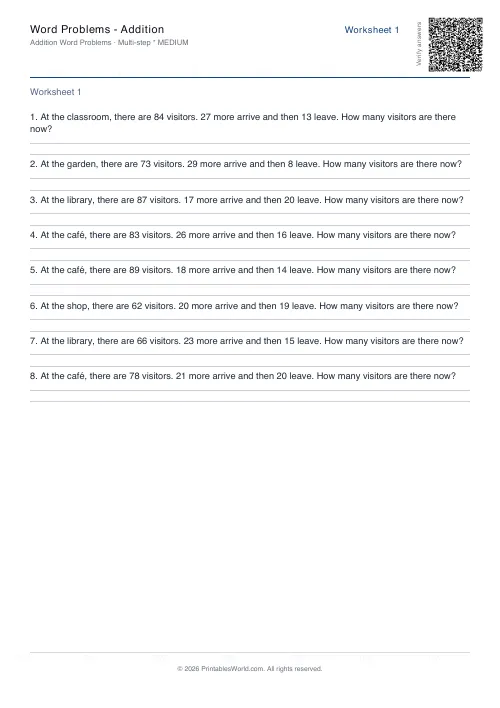
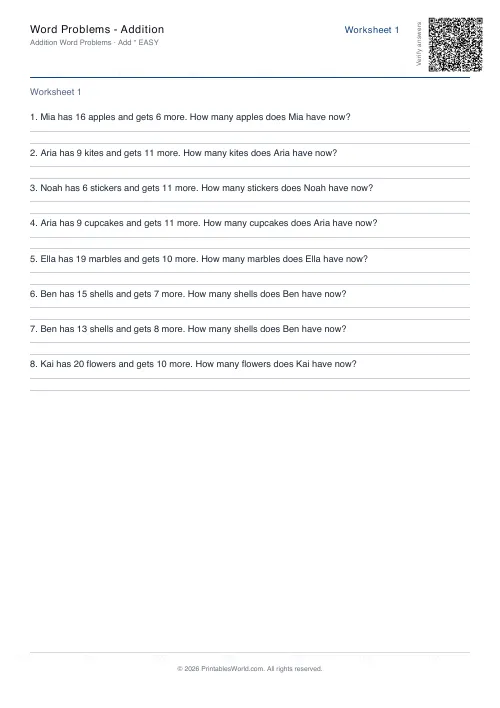
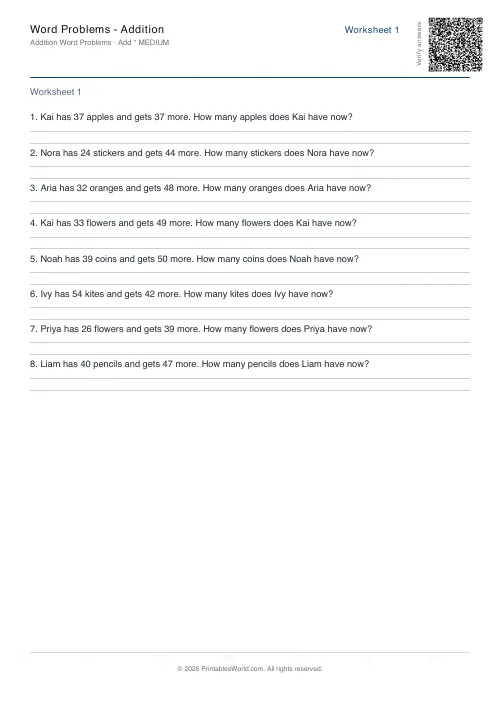
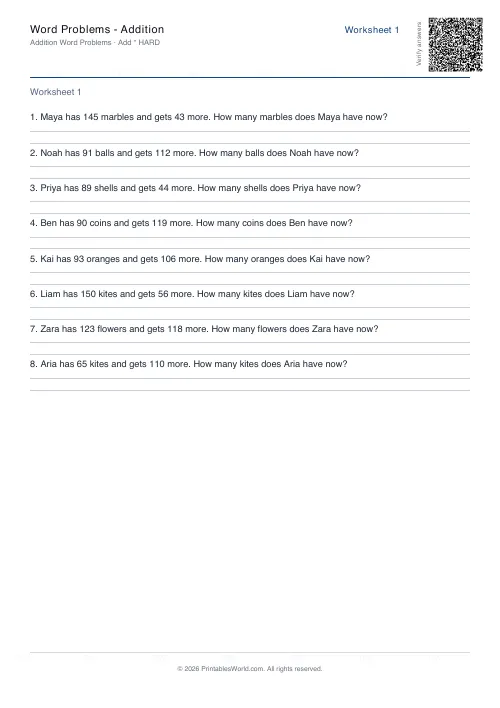
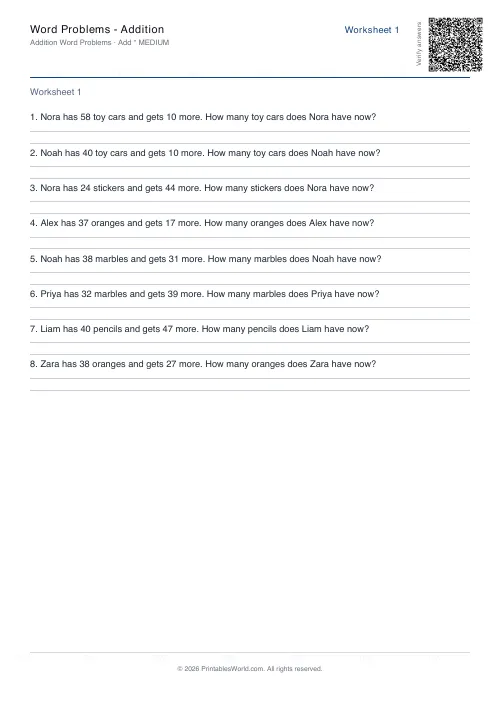
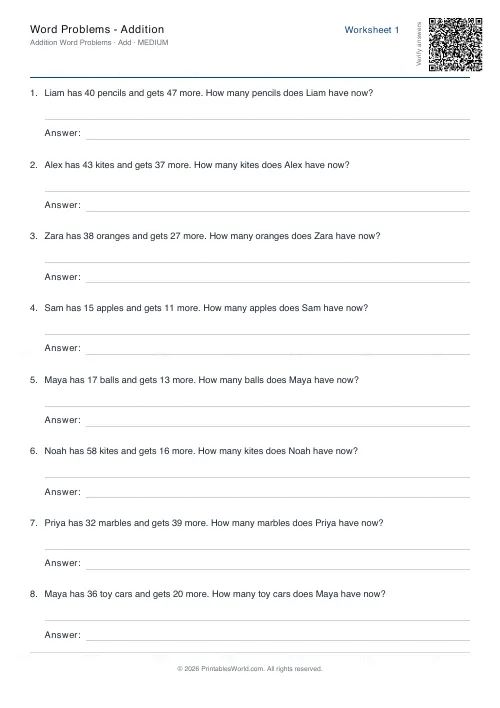
What this tool does
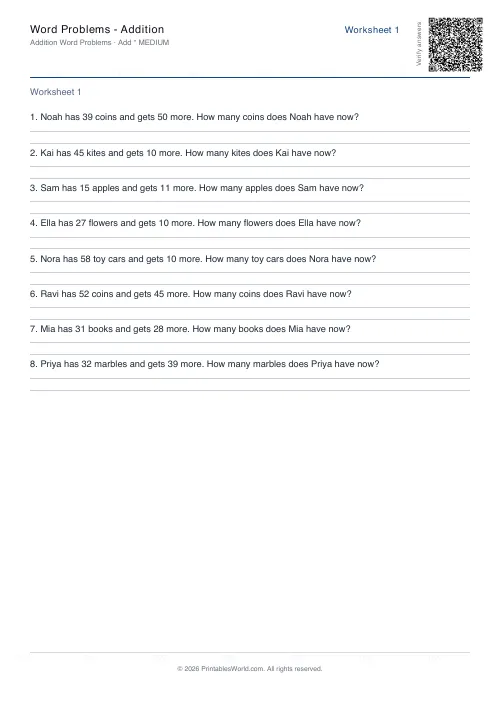
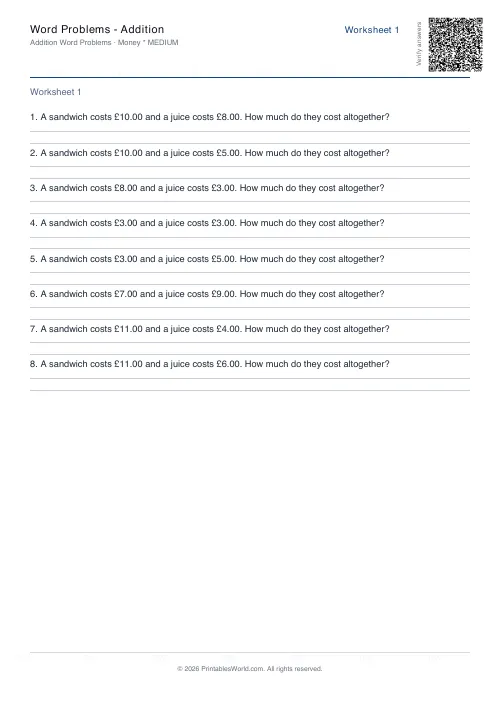
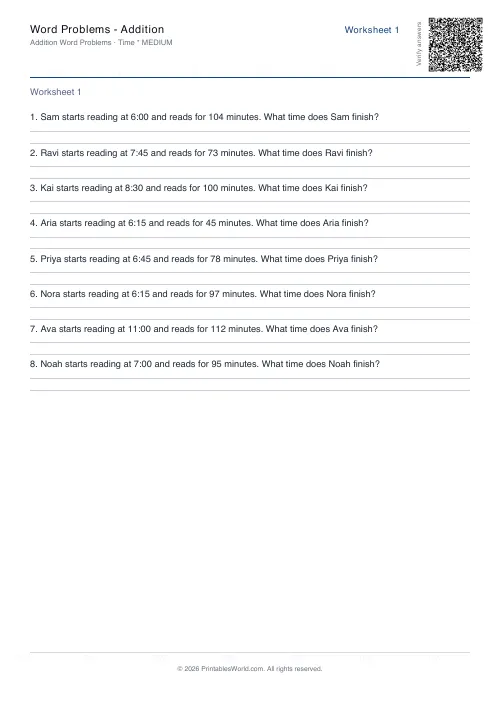
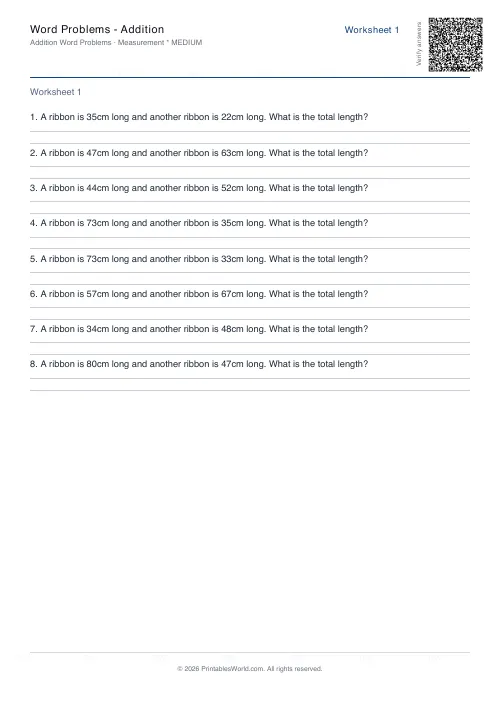
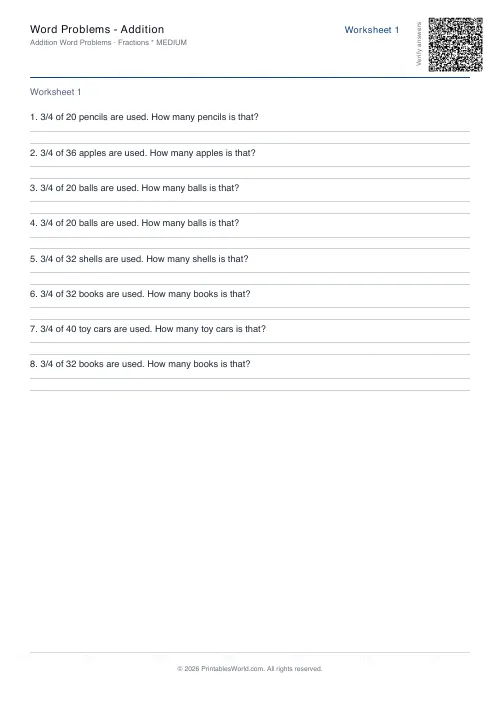
Addition word problems with names and everyday objects rather than bare sums. Three difficulty bands change the size of the numbers; answer key included.
People also used
Word Problems: Subtraction
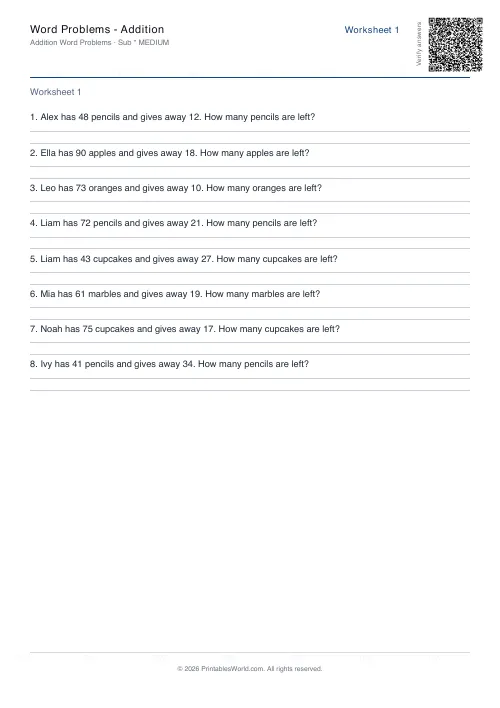
Free printable subtraction word problems with answer keys. Adjustable difficulty, real-world contexts.
Word Problems: Multiplication
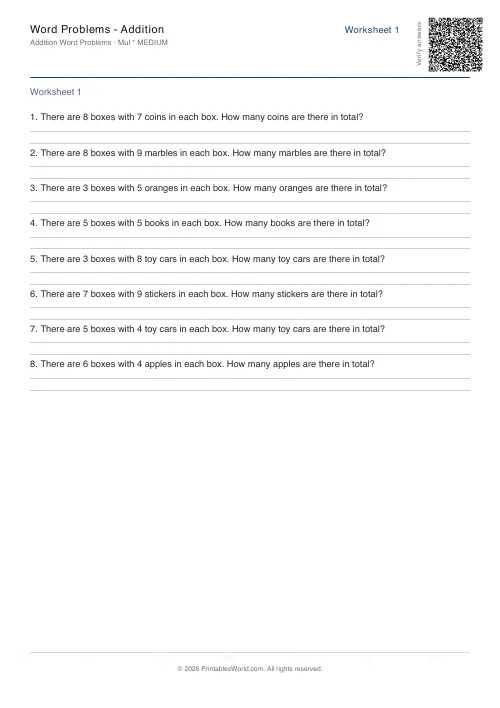
Free printable multiplication word problems with groups, arrays and repeated-addition contexts.
Word Problems: Division
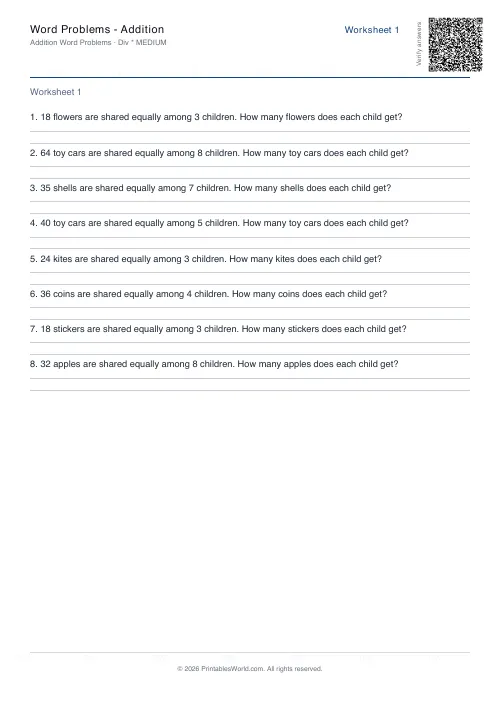
Print division word problems with sharing and grouping scenarios in real-world contexts.
Feedback
Spotted something off with this tool?
Addition, in sentences
Every question is a small scenario: someone has a number of something and gets more, and the child works out how many there are now.
The numbers change with difficulty. Easy stays under twenty on each side, medium runs into the sixties, hard goes to a hundred and fifty — which is where carrying becomes unavoidable.
Why this is harder than a column of sums
A page of vertical additions asks one thing: can you add. A word problem asks three. Can you read it, can you work out that it is an addition, and can you add.
Children who are fluent on the first are regularly stuck on the second, and it goes unnoticed for a long time because the arithmetic sheets keep coming back correct. This is the sheet that finds it.
Three difficulty bands
The bands change the size of the numbers and leave the sentence alone.
That is deliberate. A child struggling here is nearly always struggling with the reading and the choosing rather than the adding, so dropping the numbers while keeping the wording intact isolates one difficulty at a time and tells you which of the two is actually the problem. Move up once the sentences are being decoded reliably.
Reading is the obstacle
Very few children get these wrong because they cannot add.
They get them wrong after scanning for two numbers and guessing at an operation, which works often enough to become a habit. The fix is a routine: read the whole thing once with the pencil down, say aloud what is happening, work out what is being asked, and only then go looking for numbers.
Underlining the question sentence helps far more than underlining the numbers — which is what most children do unprompted, and which trains them to skip the part that decides the answer.
Keywords are a trap
"Altogether means add" carries a child through a page of matched examples and collapses the first time a question is worded sideways.
Ask what is physically happening instead. Combined, removed, repeated in equal groups, or shared out? Four questions, and they hold up against any phrasing an exam paper can produce.
Practicalities
Twelve problems and an answer key by default. Names and objects are drawn from a pool, so two sheets on identical settings are not identical sheets, which is useful for a retake and for the child sitting next door.
Print several at once for a week's set.
Companion sheets: subtraction, multiplication and division. For bare sums, the addition worksheet generator.
FAQs
Quick answers
How many problems fit on one page?
The layout adapts to the number of problems you request. Typically 6–10 problems fit comfortably on a single page depending on question length and margins. If you generate more, the tool automatically flows them across multiple pages.
Can I print the same worksheet again later?
Yes. Copy the seed value from the inputs before generating, then paste it back in next time. The same seed with the same settings will produce identical problems, so you can reproduce a worksheet for a second student or reprint if the original is lost.
What's the difference between easy, medium, and hard?
Easy uses addends in the 5–20 range (e.g., 12 + 8), medium uses 15–60 (e.g., 37 + 24), and hard uses 50–150 (e.g., 89 + 67). The difficulty setting also adjusts the second addend proportionally, so hard problems require carrying and larger mental arithmetic.
Does the answer key show working out?
No, the answer key lists the final numeric answers only. It's designed for quick marking rather than step-by-step solutions. If you want to model working, project or annotate the student worksheet page yourself.
Can I customise the names or items in the problems?
Not directly. The generator uses a built-in list of names (Alex, Priya, Noah, etc.) and items (apples, stickers, books, etc.) to create diverse scenarios. The combinations vary with each generation, but you cannot supply your own vocabulary list.
Will the problems repeat if I generate multiple worksheets?
Each worksheet in a single PDF uses a different part of the random sequence, so problems within one generation are always unique. If you generate a new PDF with a different seed (or no seed), you'll get an entirely new set.
Can I use this for timed tests?
Yes. Set the problem count to match your test length (e.g., 10 problems for a 10-minute quiz), print without the answer key for students, and keep the answer key page for marking. The consistent difficulty within a worksheet makes it fair for timed assessment.
Related tools
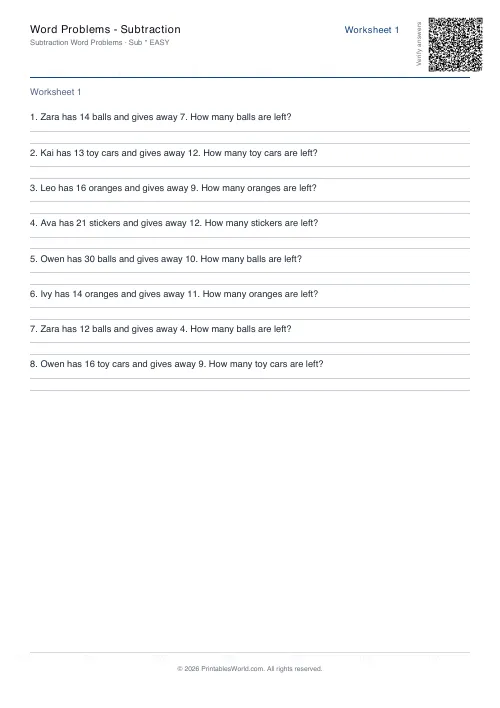
Word Problems: Subtraction
Free printable subtraction word problems with answer keys. Adjustable difficulty, real-world contexts.
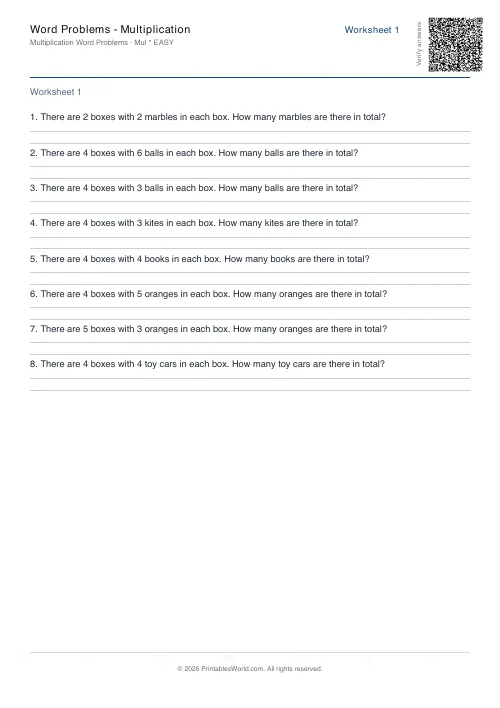
Word Problems: Multiplication
Free printable multiplication word problems with groups, arrays and repeated-addition contexts.
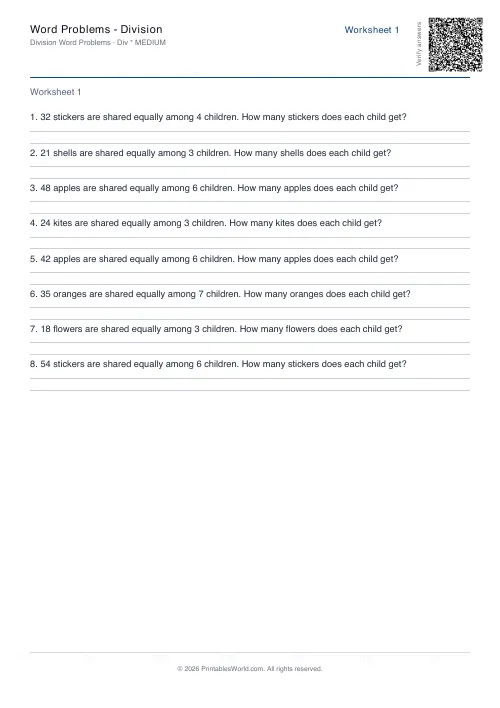
Word Problems: Division
Print division word problems with sharing and grouping scenarios in real-world contexts.
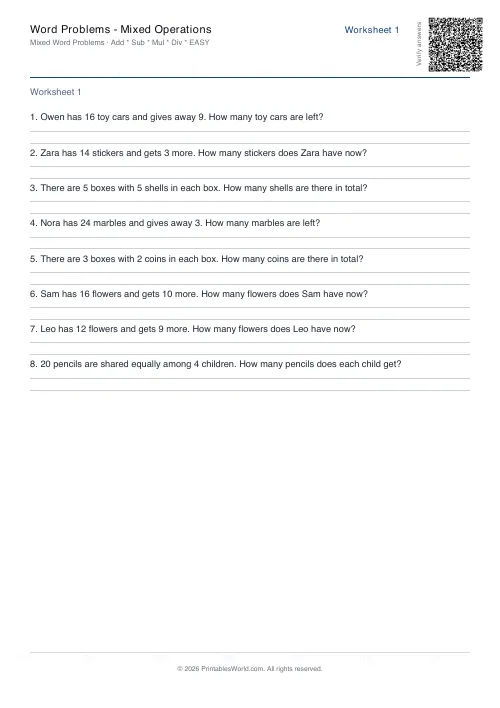
Word Problems: Mixed Operations
Print word problems that mix addition, subtraction, multiplication and division on one worksheet.
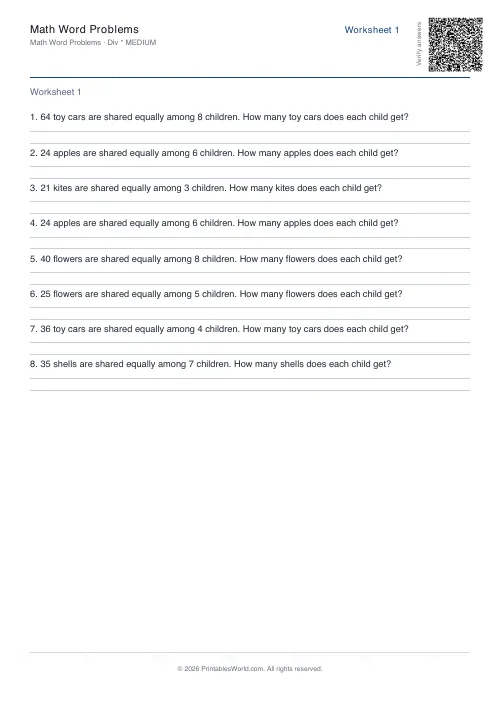
Math Word Problems Generator
Generate printable math word problem worksheets with customisable topics, difficulty, and answer keys.
Further reading
Math Worksheets
Addition strategies: number lines, regrouping and more
Column addition is the destination, not the route. Here are the strategies that come before it, why each matters, and how to tell which one a child is actually using.
5 min read
Math Worksheets
Making maths fun: 15 ways to practise without tears
Maths tears are usually about difficulty, length or fear of being wrong, not about maths. Fifteen practical changes, grouped by which of those three problems they actually solve.
6 min read
Math Worksheets
Understanding BODMAS and PEMDAS: order of operations explained
BODMAS and PEMDAS describe the same rule in different words. The trouble is that both hide two facts the acronym cannot express. Which is where nearly every mistake comes from.
5 min read
More like this
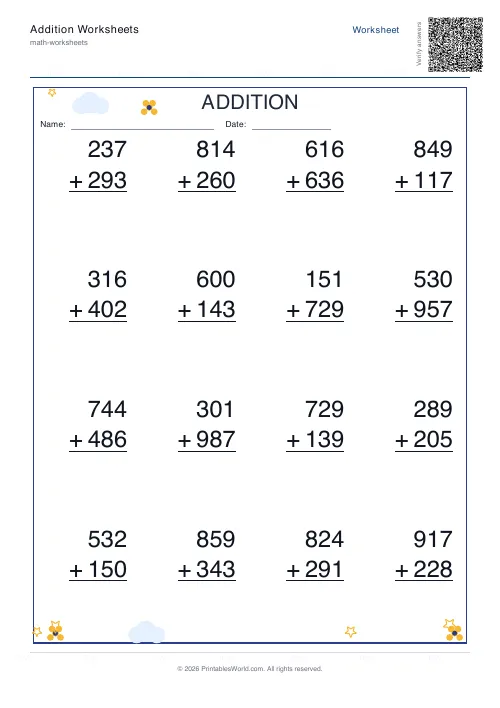 Addition Worksheets Generator
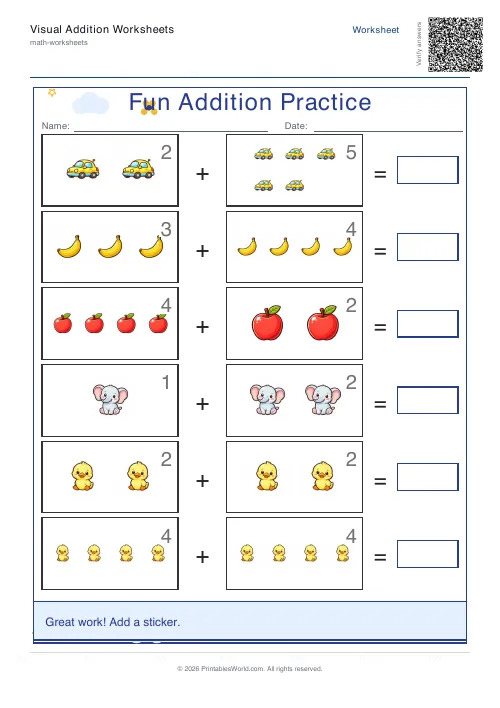 Visual Addition Worksheets Generator
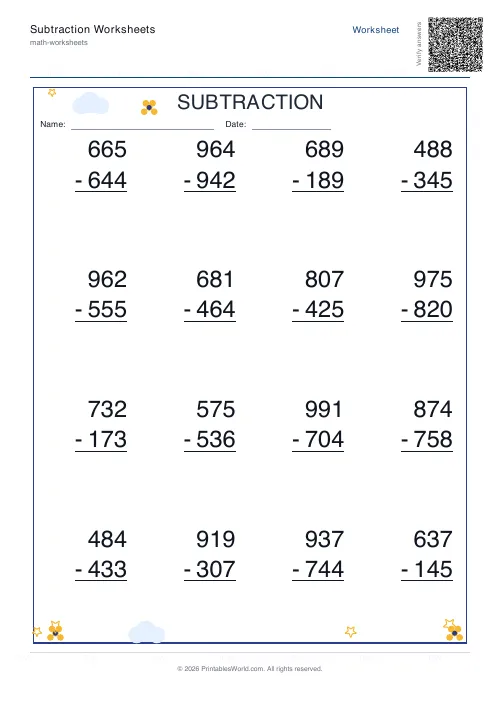 Subtraction Worksheets Generator
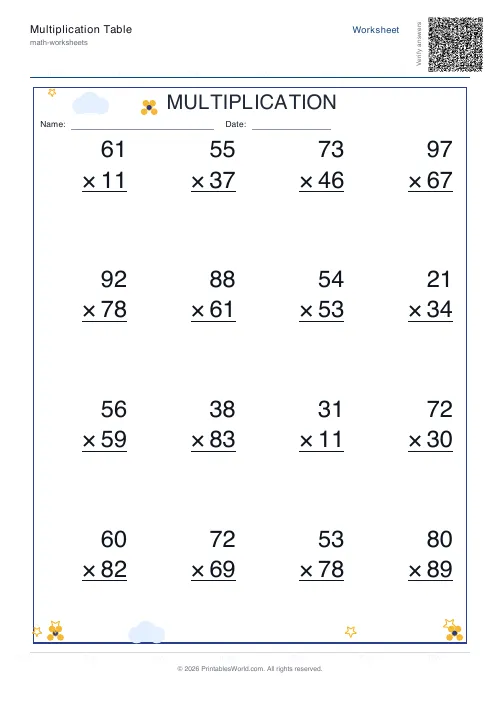 Multiplication Table Generator
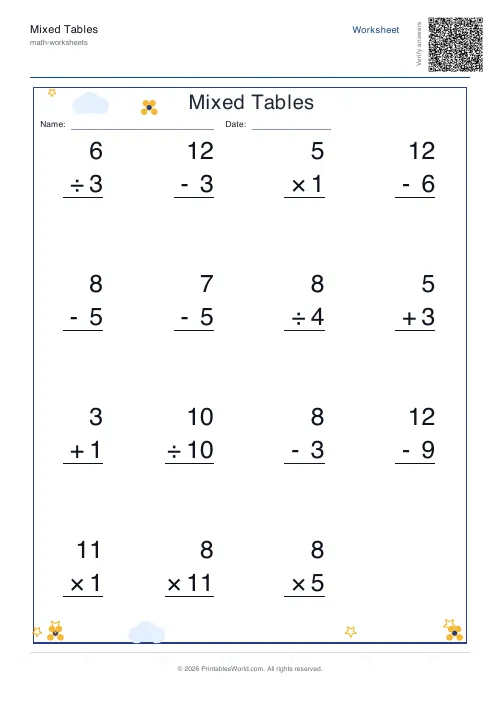 Mixed Tables Generator
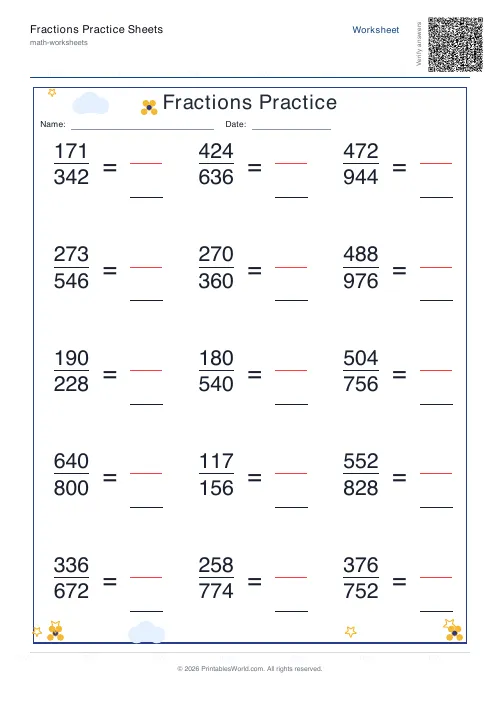 Fractions Practice Sheets Generator
- Math Word Problems Generator
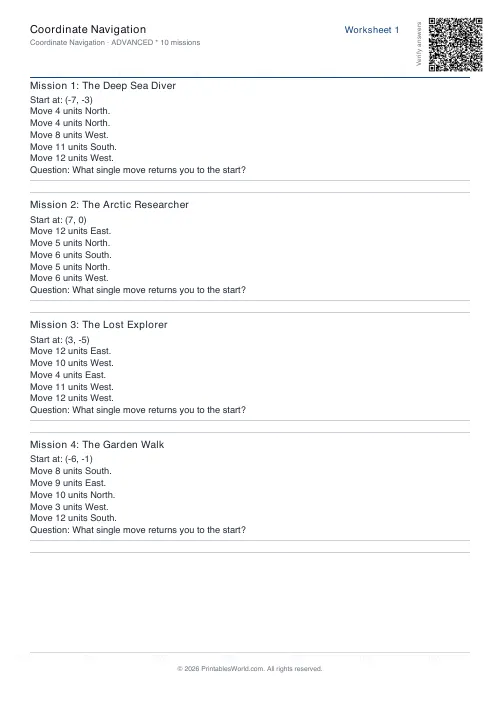 Coordinate Navigation Generator
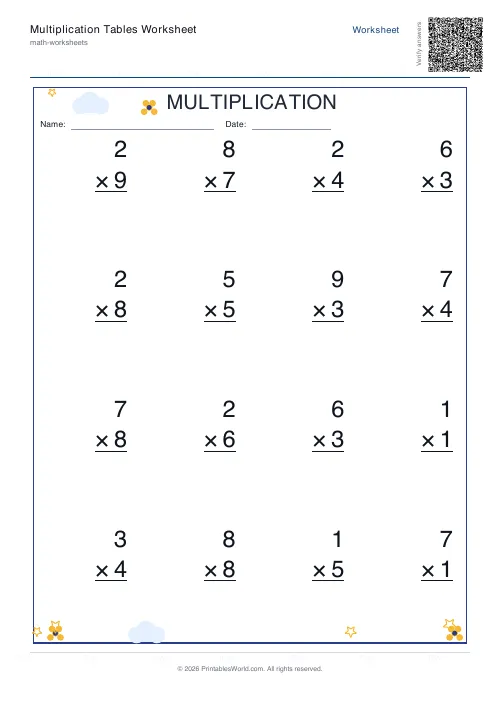 Multiplication Tables Worksheet
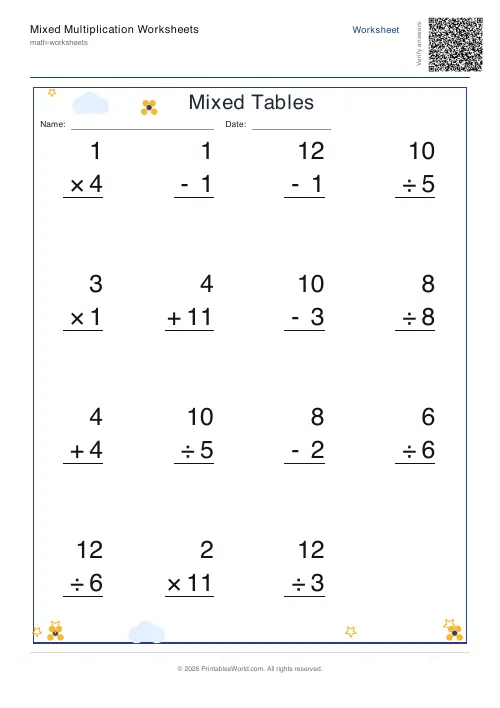 Mixed Multiplication Worksheets
- Word Problems: Subtraction
- Word Problems: Multiplication
- Word Problems: Division
- Word Problems: Mixed Operations