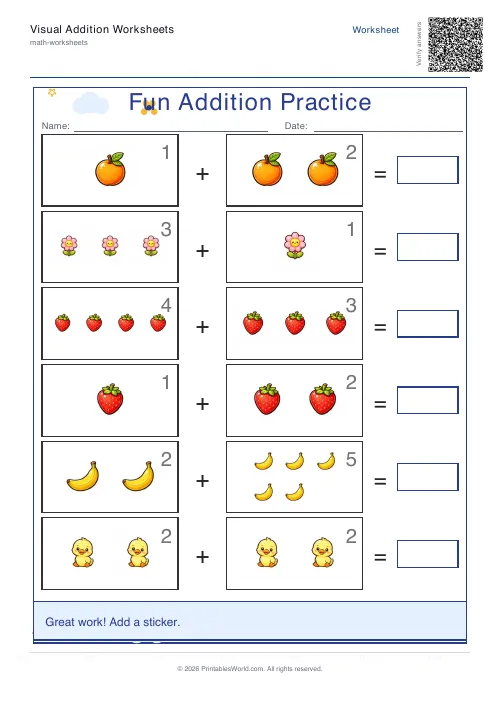
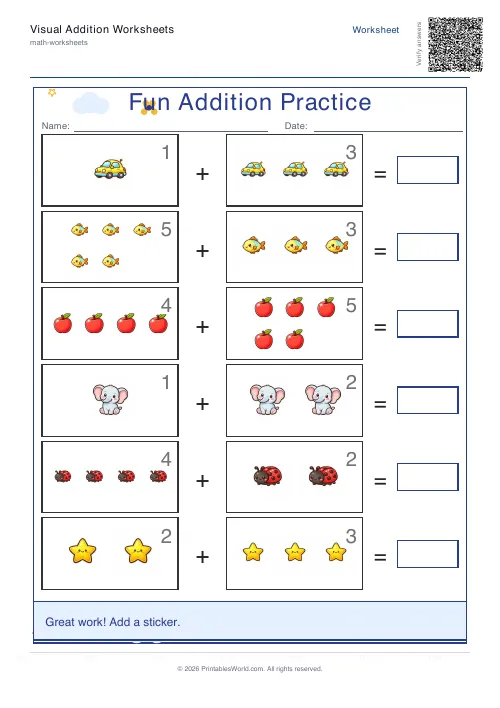
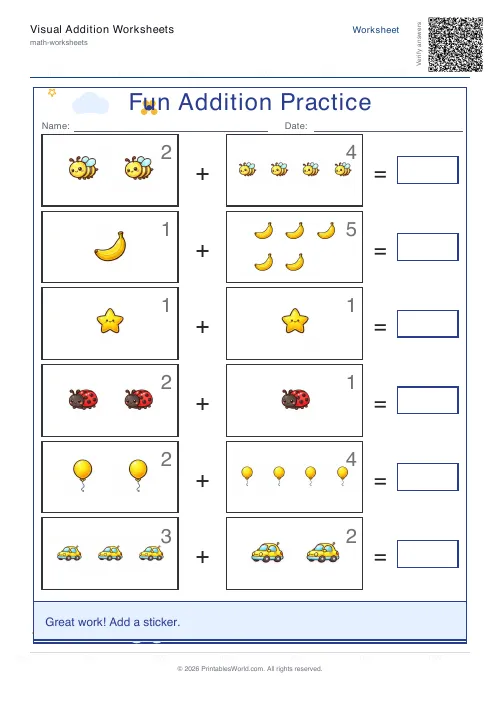
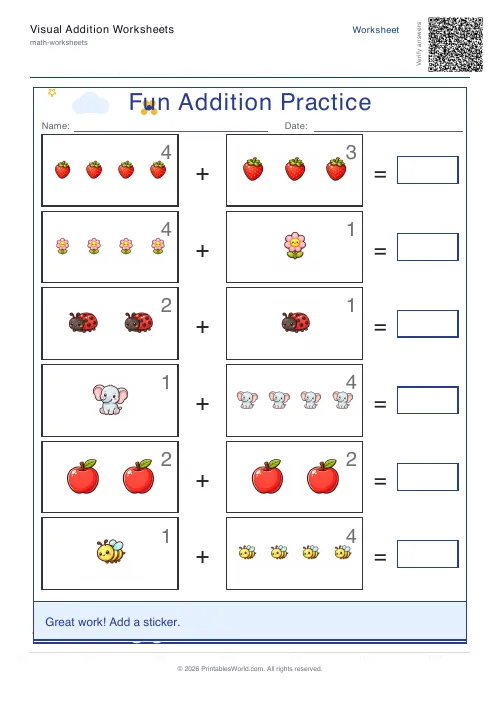
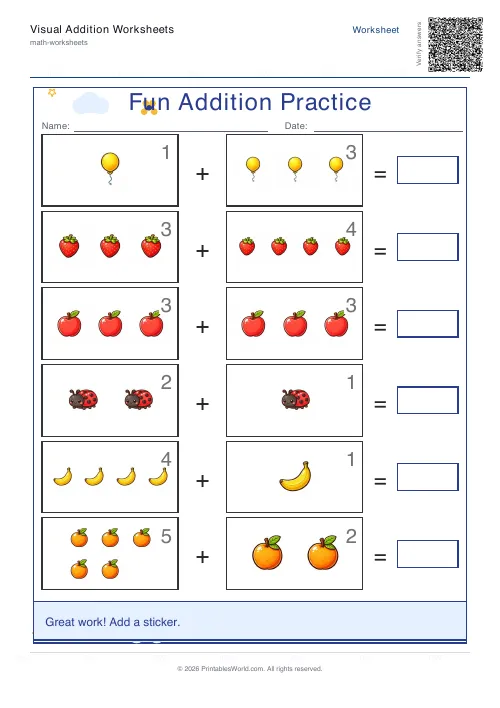
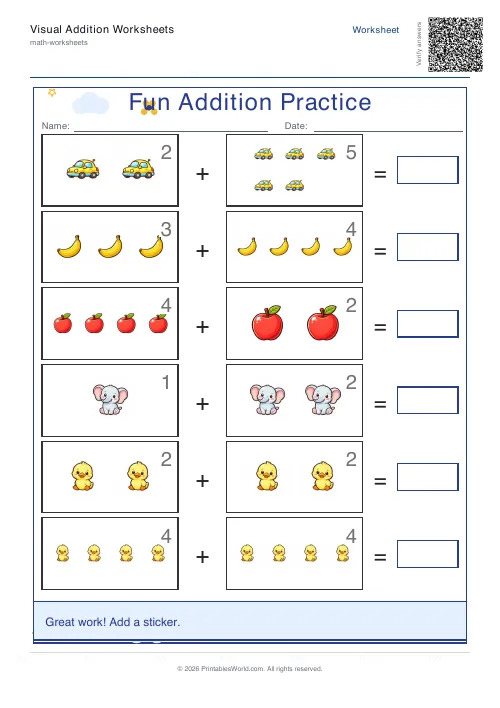
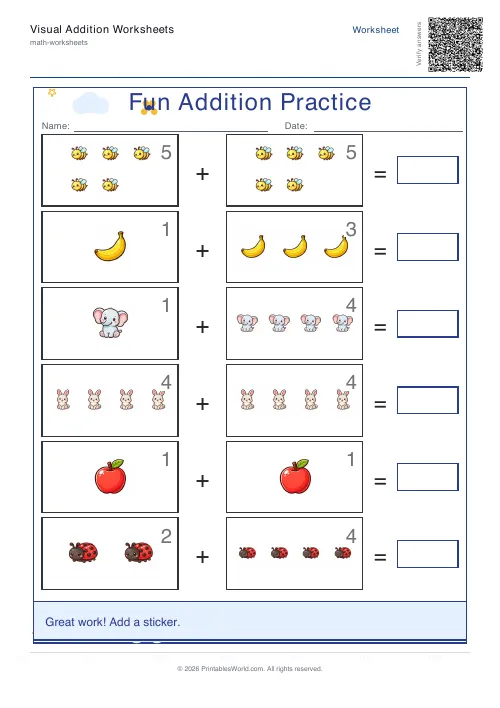
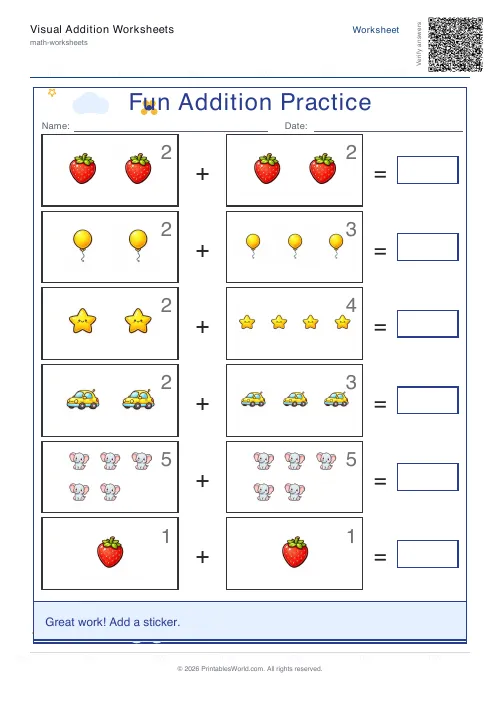
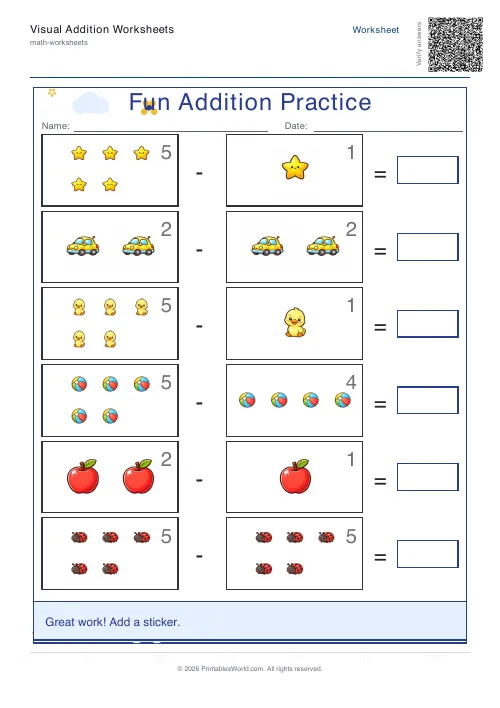
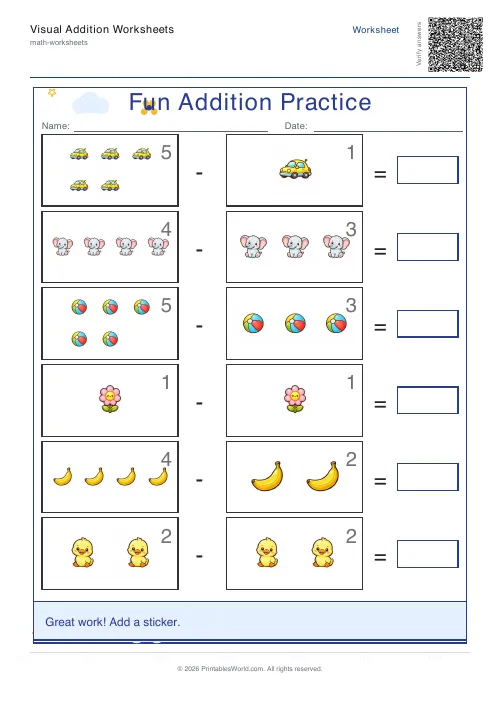
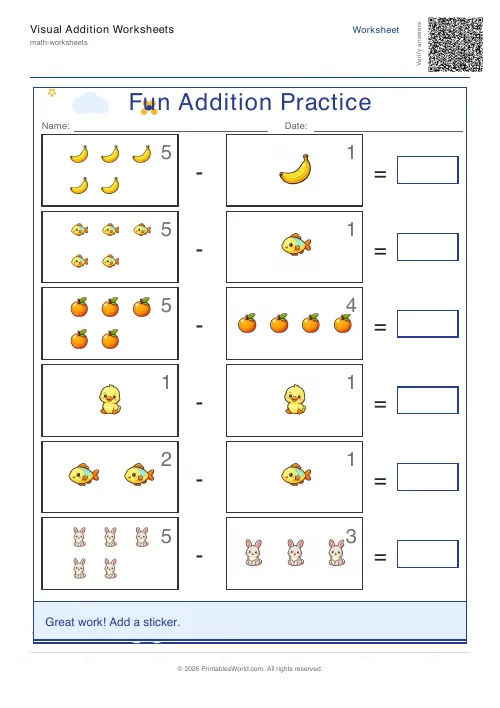
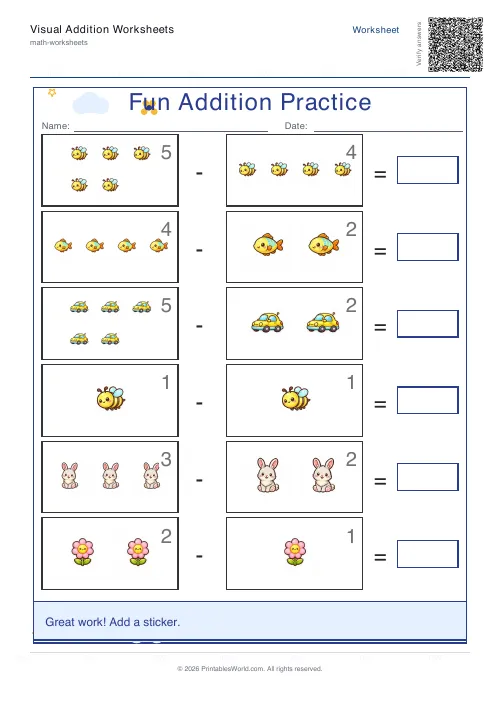
What this tool does
A worksheet generator for the stage before fluency. Each side of the sum is capped at five, so the hardest question it will ever print is 5 + 5. Pick addition or subtraction, choose picture counters or the icon-key format, set four to eight questions, and download a print-ready PDF with answer boxes sized for a five-year-old's pencil control. Seven themes and an optional reward square. The download comes blank or marked, and both versions can stack into one file.
People also used
Addition Worksheets Generator
Free printable addition worksheets in tables or line-by-line layouts.
Subtraction Worksheets Generator
Free printable subtraction worksheets in tables or line-by-line layouts.
Math Word Problems Generator
Generate printable math word problem worksheets with customisable topics, difficulty, and answer keys.
Feedback
Spotted something off with this tool?
Sums that never go above ten, on purpose
This one is built for the stage before fluency, and the constraint that defines it is easy to miss. Each side of the sum is capped at five. Not five by default: five as a hard limit, so whatever you type, the biggest question this generator will ever print is 5 + 5.
That was a decision, not a shortcut. A child counting pictures cannot count sixty of them, and a page of 8 + 7 is a different worksheet for a different year group and a different tool.
Four to eight questions fit a page, six unless you say otherwise. Given how much room the answer boxes take and how many counters sit above them, eight already reads as a full sheet.
Counters, or a key to decode first
Two formats. They teach different things and it is worth knowing which one you are handing over.
Picture counters draw the quantity above each sum, so 3 + 2 arrives as three objects, a plus sign, two more objects. The child counts what is there and writes a number in the box. Nothing on the page is abstract until they decide to stop counting, which is exactly the moment you are waiting for.
Icon key sums puts a key at the top giving each picture a value, then writes the questions in pictures rather than numerals, so the child has to translate before they can add anything. It is a real extra step. Once counting is secure it is a useful one, and children who have gone quiet on plain number sheets quite often re-engage with the same arithmetic in disguise.
Counters can also be switched off completely. What is left is a large-print number worksheet with the friendly layout intact.
Subtraction is in here too
The name says addition. The tool does both. Switch the operation and everything else behaves identically: same cap of five a side, same counters, same page. If anything the counter format earns its keep more here, because taking away is far easier to picture than it is to abstract.
What a theme actually changes
Seven of them: none, space, garden, ocean, sunset, forest, candy. A theme swaps the colour palette and adds decorations around the edge of the page.
It does not touch the maths. It does not touch the number range or the layout of the questions either, and that is worth saying plainly, because the child working on the Space sheet is doing precisely the sums the child on the plain sheet is doing.
What it changes is whether the page gets picked up at all, and at five years old that is not a small thing. There is also a reward box, on by default, which is an empty square at the foot of the sheet for a sticker or a drawn star.
The picture pack is a separate control and decides what the counters actually are. Animals, plants, toys, a mix of all three, or one specific object throughout if you want a page of nothing but rabbits.
Which version comes out of the download
Downloads come as blank by default, which is the version the child works on. Switch to answers for a marking copy. Switch to both and the PDF carries the worksheet followed by the completed version, which is the setting to use when you are printing for someone else to supervise: they get the sheet and the key without needing to come back here.
A first addition sheet
Addition, picture counters on, garden theme, six questions, blank output. What comes out is six sums with a ceiling of 5 + 5, each one drawn in flowers and leaves above a large answer box, and a reward square at the bottom of the page. A child who cannot yet read the numerals can still finish it by counting. That is the entire point.
A week later, run the identical settings with counters switched off. Same arithmetic, no pictures. If that page goes well the child has moved from concrete to abstract on the same ten facts, and you are holding the evidence in two sheets rather than an impression.
Printing and pictures
A4 and US Letter, both out of one file. Keep the printer at full scale, because the answer boxes are sized for a five-year-old's pencil control and shrinking them defeats the point of using this rather than a normal worksheet.
Counter artwork is fetched at the moment the PDF is built. If it cannot be reached, the generator quietly falls back to drawn vector shapes instead of failing, so an offline preview still gives you a usable sheet. Plainer, but usable.
FAQs
Quick answers
Is this visual worksheet tool good for ages 4 to 7?
Yes. It is designed for younger learners and works well for early number practice, especially when children benefit from a larger answer space and visual support.
Can I print blank and answer versions?
Yes. The generator offers Blank, Filled (answers), or Both as download types.
What themes are available?
Space, Garden, Ocean, Sunset, Forest and Candy theme styles are available to make the page feel more playful.
Can I include picture counters?
Yes. Turn the picture-counters toggle on to draw quantity icons next to each problem.
Does it work for A4 and US Letter?
Yes. The worksheet supports both A4 and US Letter paper sizes.
What should I use after this tool?
A natural next step is the Addition Worksheets Generator or Subtraction Worksheets Generator for more standard fact practice. For a more game-style option, try the Math Maze Generator.
Related tools
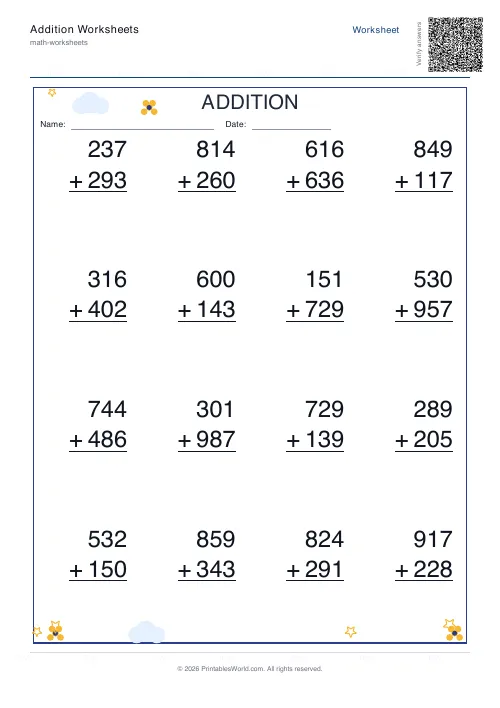
Addition Worksheets Generator
Free printable addition worksheets in tables or line-by-line layouts.
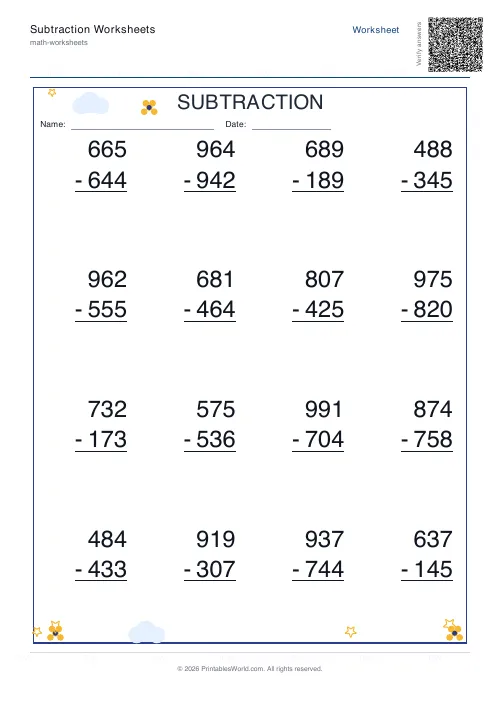
Subtraction Worksheets Generator
Free printable subtraction worksheets in tables or line-by-line layouts.
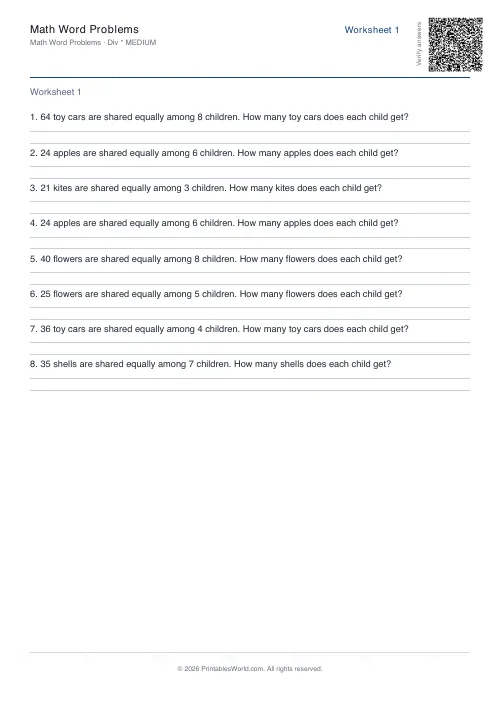
Math Word Problems Generator
Generate printable math word problem worksheets with customisable topics, difficulty, and answer keys.
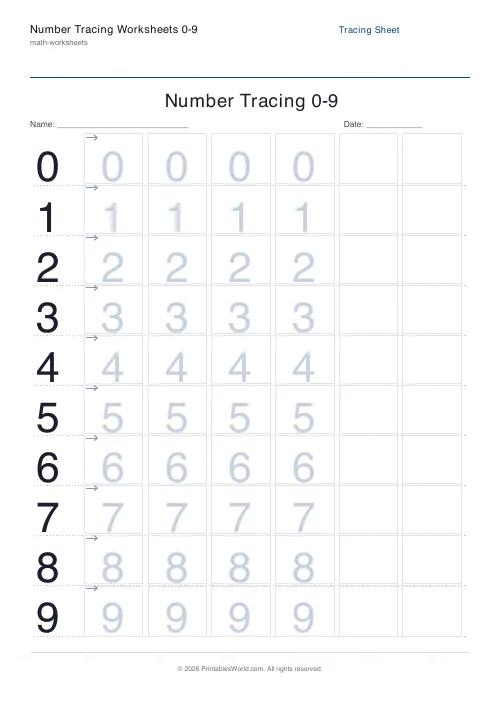
Number Tracing Worksheets 0–9
Printable number tracing practice for early-years learners (0 to 9).
Further reading
Math Worksheets
Addition strategies: number lines, regrouping and more
Column addition is the destination, not the route. Here are the strategies that come before it, why each matters, and how to tell which one a child is actually using.
5 min read
Math Worksheets
Ten frames and number bonds: early maths foundations
A ten frame is two rows of five. That arrangement does something a row of counters cannot. It makes quantities visible without counting, which is where number sense starts.
5 min read
Math Worksheets
Fractions made simple: teaching fractions at home
Fractions go wrong when the rules arrive before the meaning. Here is the order that works, the four misconceptions to head off early, and how to use everyday objects before any worksheet.
6 min read
More like this
- Addition Worksheets Generator
- Subtraction Worksheets Generator
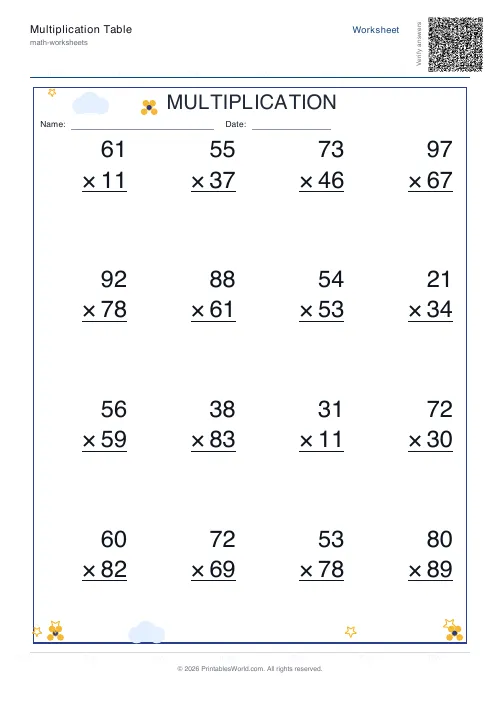 Multiplication Table Generator
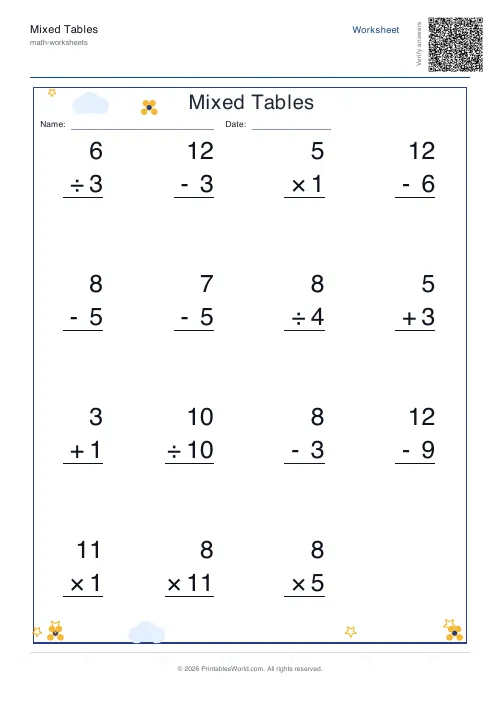 Mixed Tables Generator
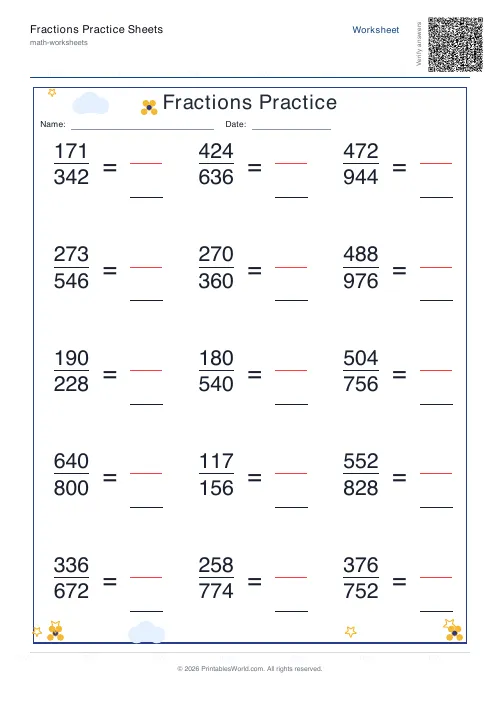 Fractions Practice Sheets Generator
- Math Word Problems Generator
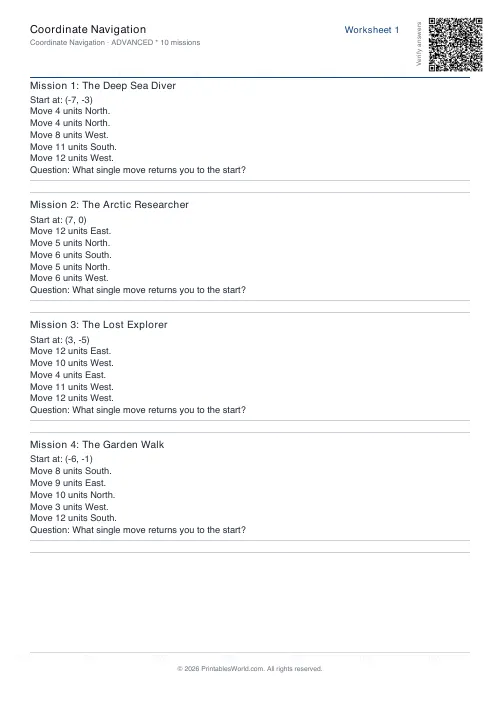 Coordinate Navigation Generator
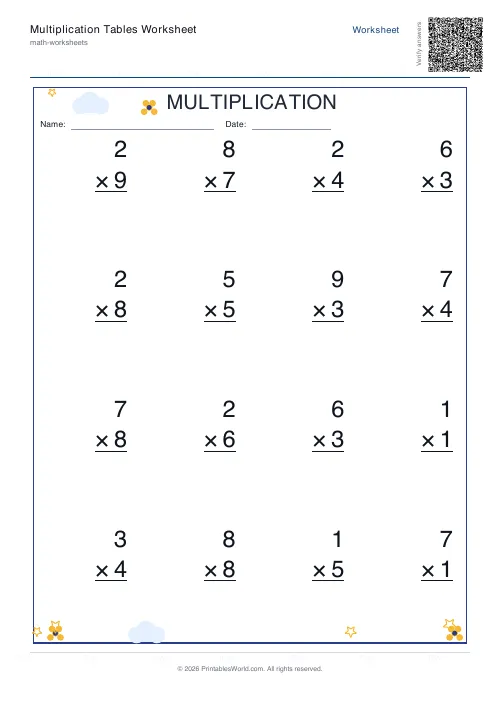 Multiplication Tables Worksheet
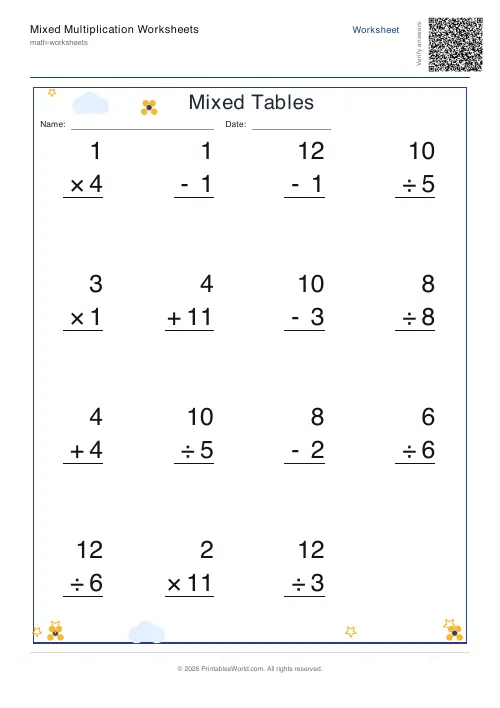 Mixed Multiplication Worksheets
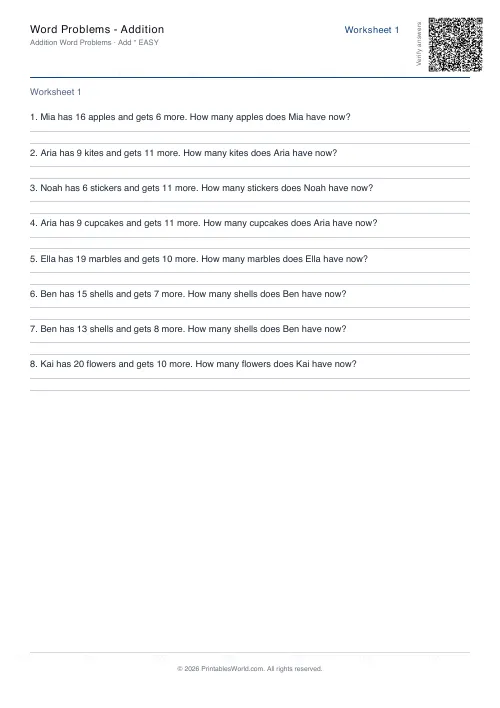 Word Problems: Addition
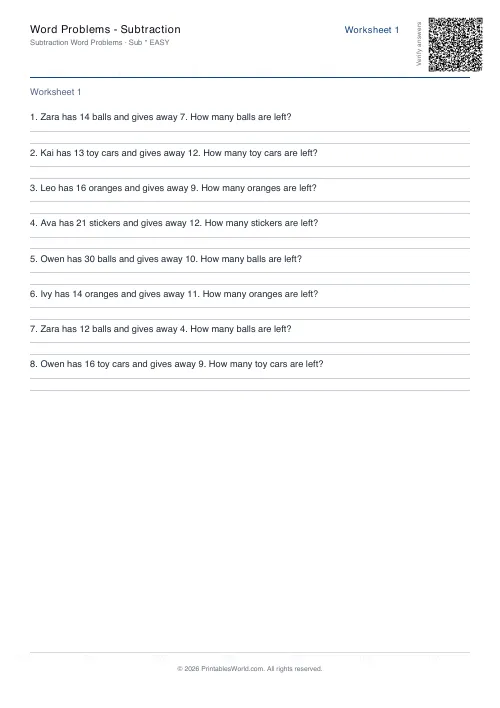 Word Problems: Subtraction
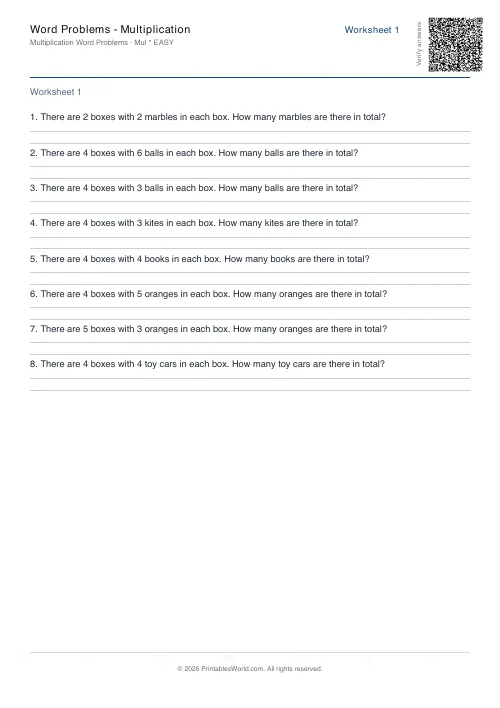 Word Problems: Multiplication
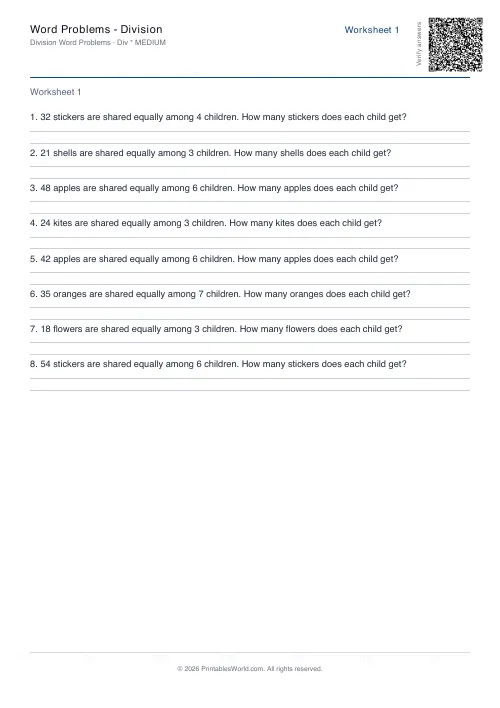 Word Problems: Division
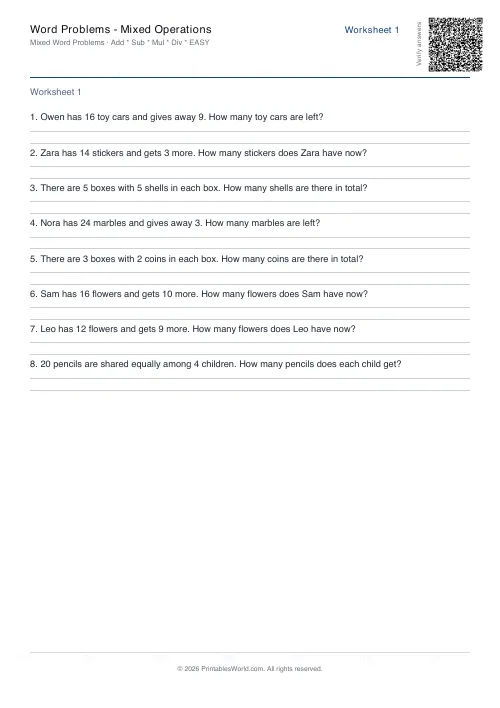 Word Problems: Mixed Operations