


 Scan to get


 Scan to get



 Scan to get






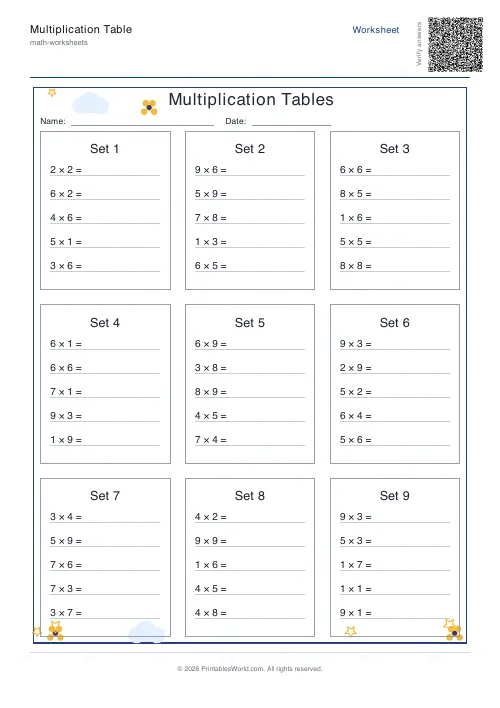
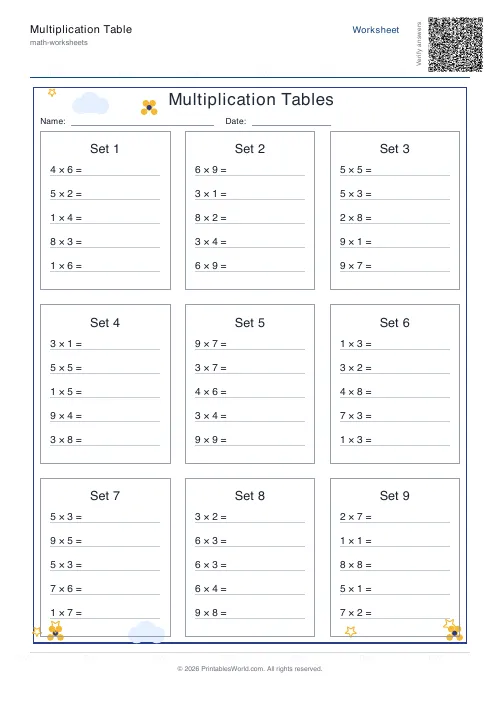
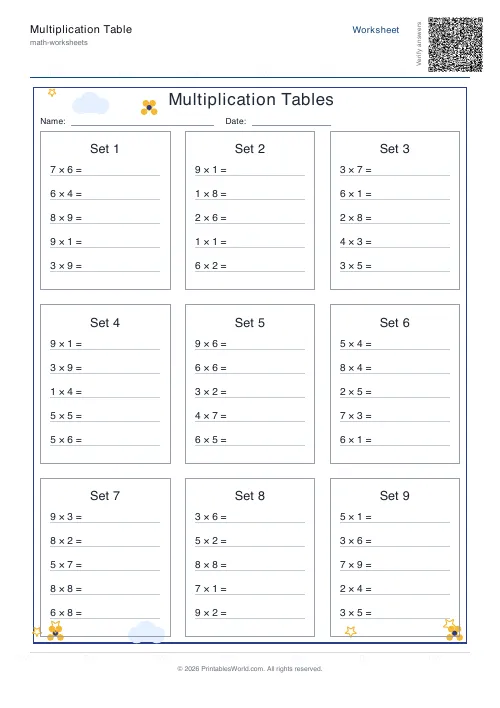
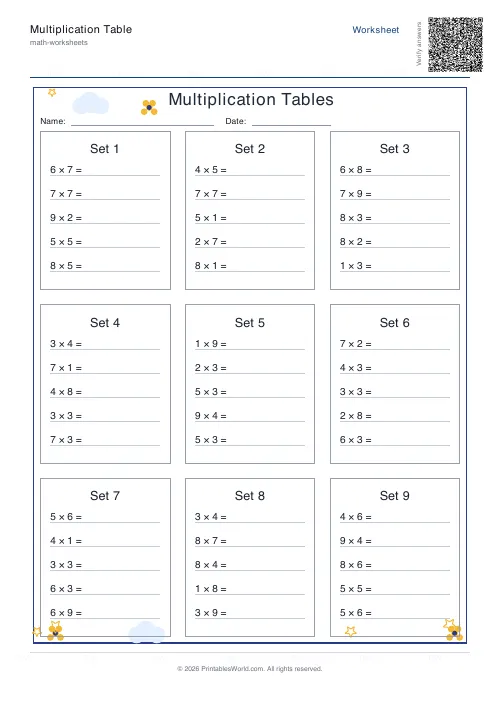
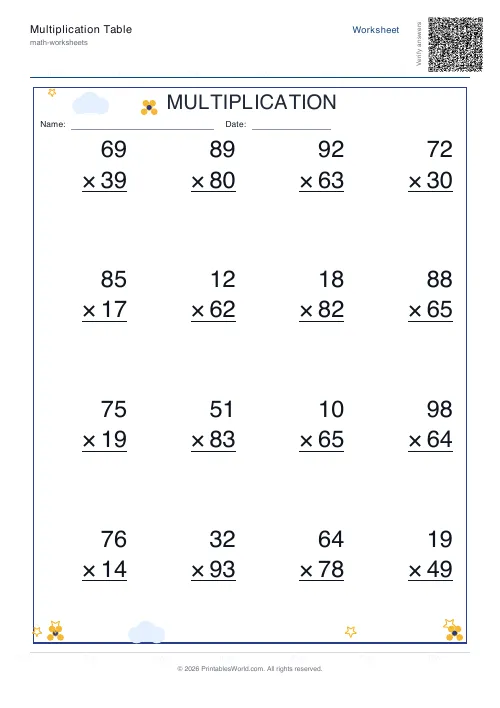
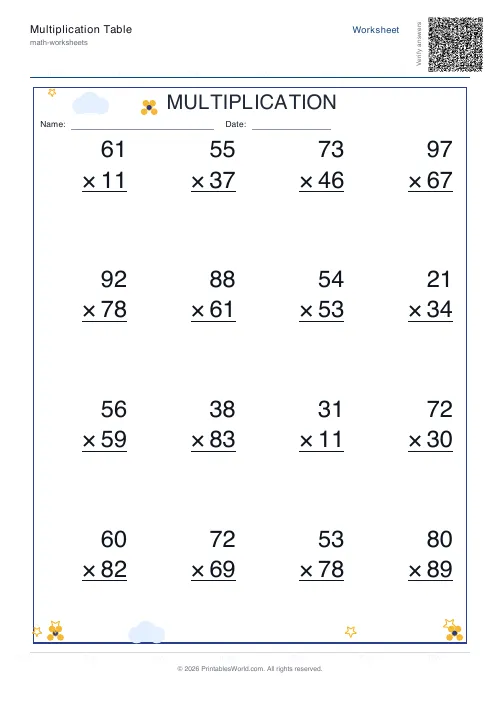
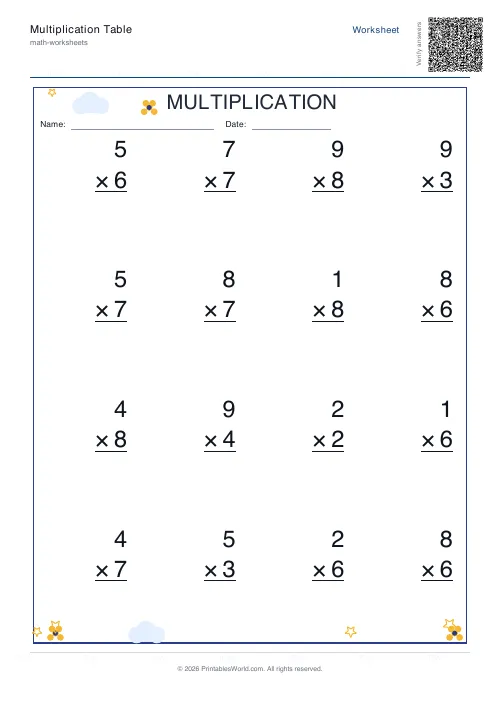
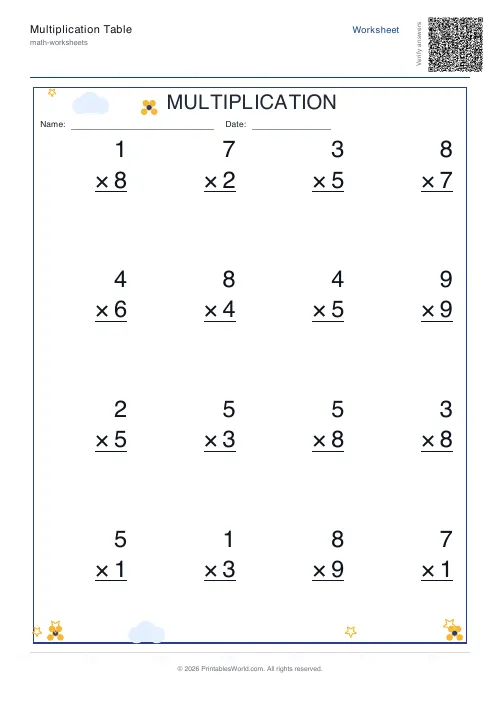
What this tool does
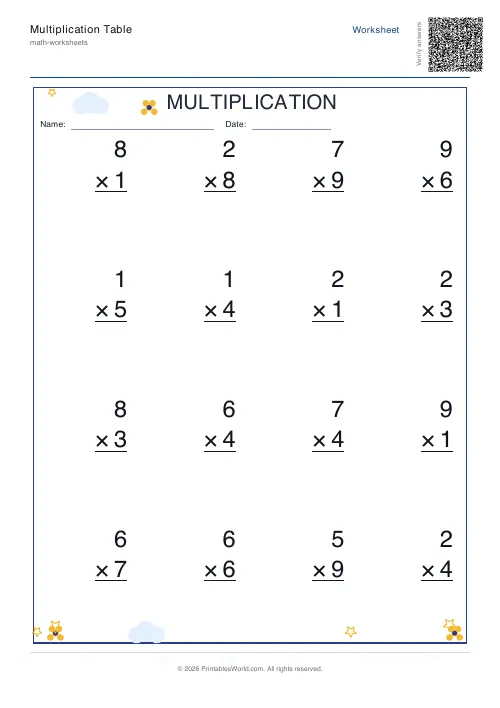
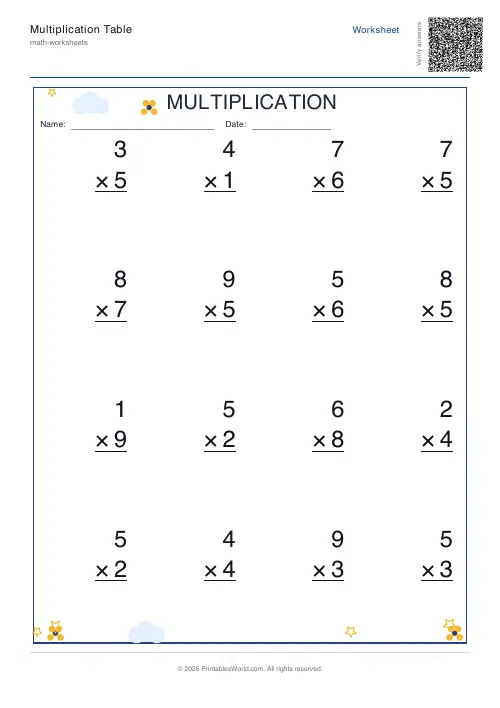
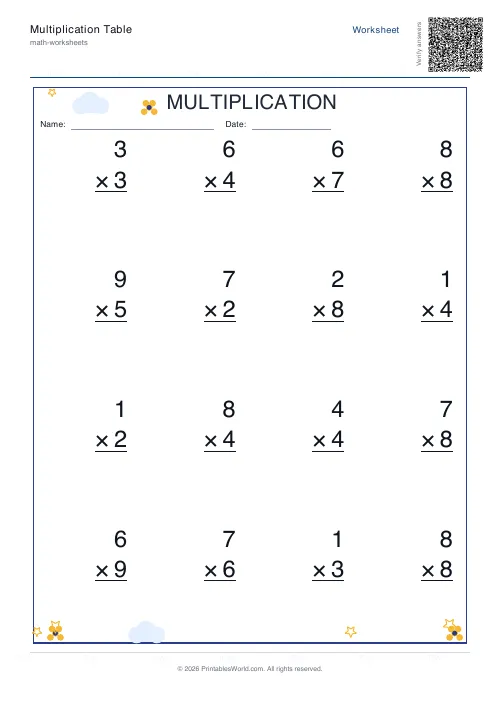
Times tables as grouped cards or vertical sums, with a missing-number mode, six decorative themes. Print blank, or filled, or both together.
People also used
Addition Worksheets Generator
Free printable addition worksheets in tables or line-by-line layouts.
Subtraction Worksheets Generator
Free printable subtraction worksheets in tables or line-by-line layouts.
Mixed Tables Generator
Print mixed-operations worksheets combining addition, subtraction, multiplication and division on one page.
Feedback
Spotted something off with this tool?
Two layouts
Tables groups the problems into cards, five to a card by default, which reads like a set of exercises. Vertical stacks each sum in column form, one above the other with a line to work under.
Sixteen problems a sheet as standard, eight to thirty available. Print blank for the pupil, filled as a reference, or both together.
Missing-number mode
The setting worth knowing about. Instead of 7 × 8 = ___, it gives you 7 × ___ = 56.
That is a genuinely different question. Answering it requires either division or a recalled fact used backwards, and a child fluent on the forward direction is very often stuck here — which is exactly the gap you want to find, because it is the one that makes division feel like a new subject rather than the same one reversed.
Range and digits
Up to 12 by default, which matches the usual tables ceiling. Ten if you follow that convention instead.
The random preset draws across the range rather than working through one table, and that is the setting to use once single tables are secure — a child who is fluent going down the sevens in order may simply have got into a rhythm, and shuffled problems test whether the facts are actually recalled.
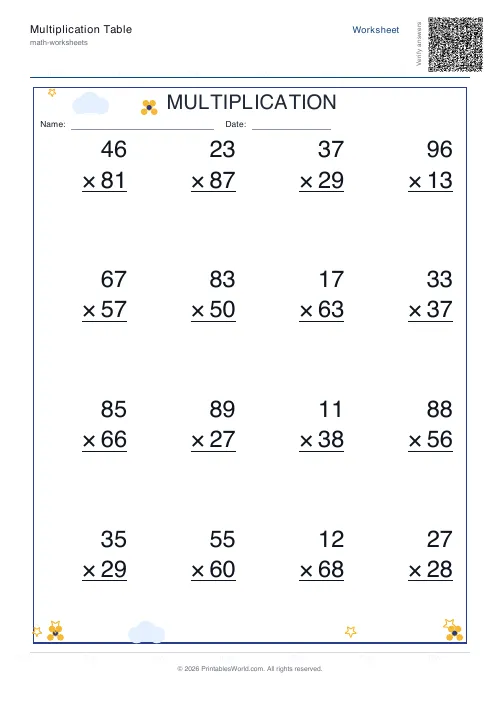
The digit count goes beyond one for longer multiplication, and zero can be included or excluded. Excluding it is the default and is usually right: multiplying by zero is a separate idea and it dilutes tables practice.
The themes
Six decorative sets: space, garden, ocean, sunset, forest, candy. Or none at all.
They are cosmetic and they are not pointless. A reluctant seven-year-old will attempt a sheet with rockets on it and refuse the identical sheet without, and that is a real effect worth using. Turn them off for older pupils, for whom decoration reads as condescension, and for anything going into an exercise book.
Which version to print
Blank is the worksheet. Filled is a reference, or an answer key. Ask for both and you get the pair, which is what self-marking wants, and what a child working alone at home needs.
Related
For a whole times-table square, the blank multiplication grid. For circular drills that break the row-order habit entirely, multiplication wheels. For all four operations mixed, the mixed tables generator.
FAQs
Quick answers
What is the difference between table and vertical layout?
Table layout prints grouped cards, one per factor (for example, a single card showing 7×1, 7×2, up to 7×12). Vertical layout lists all problems line-by-line down the page in a single column, useful for mixed practice or timed drills.
Can I print larger multiplication problems with multiple digits?
Yes. Increase the digit count setting from 1 (single digits like 3×8) up to 6 (problems such as 234567×891234). The generator calculates bounds so that, for example, digit count 3 produces factors between 100 and 999.
How does missing-question mode work?
When enabled, the generator hides one operand on the blank sheet, leaving a line for students to fill in (for example, 7×___ = 56 or ___×9 = 63). The answer key shows the complete problem. This mode is useful for inverse practice and mental-maths drills.
How many problems fit on one page?
You can set between 8 and 30 problems per sheet. In table layout, the generator arranges cards in three columns and scales fonts automatically. In vertical layout, problems stack in a single column with spacing adjusted to fit your chosen count on A4 or US Letter paper.
What does the range preset control?
Range preset determines the end number for your factors. Preset 10 creates tables from 1× to 10×, preset 12 extends to 12×, and random shuffles a selection of factors within your digit-count bounds. The generator always starts at 1 (or 0 if you toggle include zero for single-digit problems).
Can I include zero in the times-tables?
Yes, but only when digit count is set to 1. Toggle <strong>include zero</strong> to add 0× problems. For multi-digit ranges (digit count 2 or higher), the generator excludes zero because the lower bound is 10, 100, or higher.
Do I get both the worksheet and the answer key?
Choose from three output options: blank only (just the worksheet), filled only (answers visible), or both (two PDFs—one blank, one with answers). Select both if you want to print student copies and a teacher marking guide in one download.
Related tools
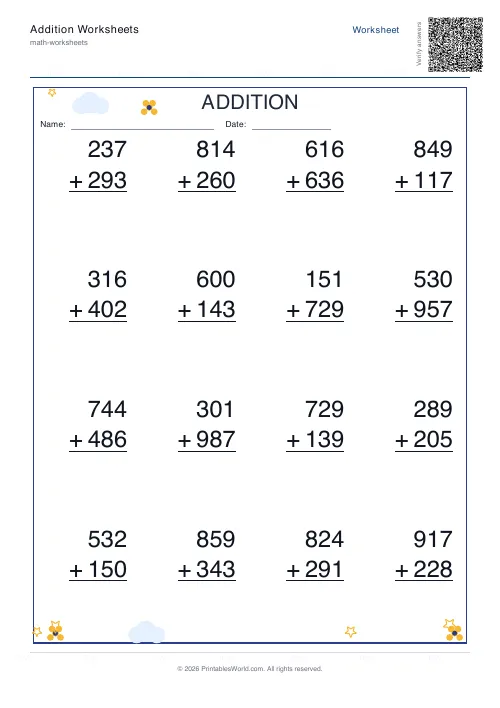
Addition Worksheets Generator
Free printable addition worksheets in tables or line-by-line layouts.
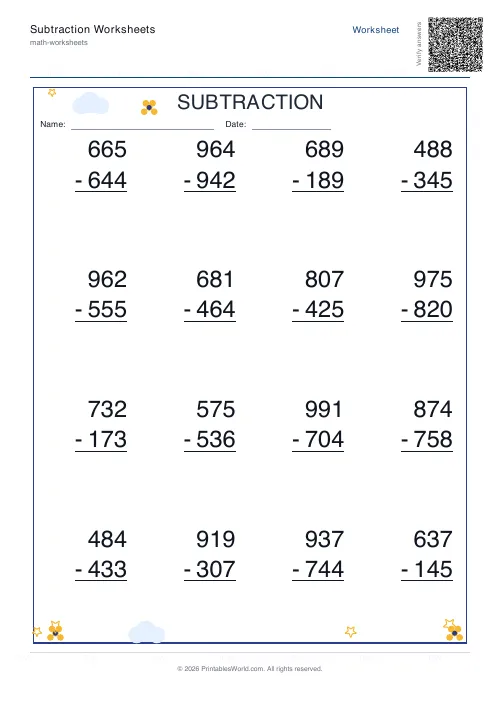
Subtraction Worksheets Generator
Free printable subtraction worksheets in tables or line-by-line layouts.
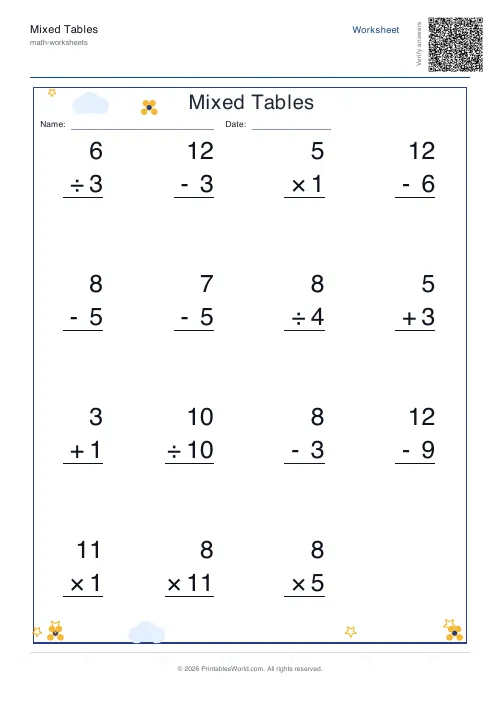
Mixed Tables Generator
Print mixed-operations worksheets combining addition, subtraction, multiplication and division on one page.
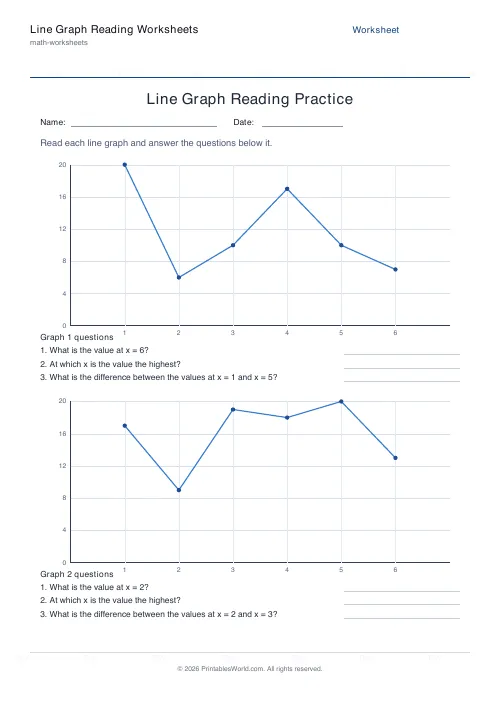
Line Graph Reading Worksheets
Read values, peaks and differences off a line graph.
Further reading
Math Worksheets
Ten frames and number bonds: early maths foundations
A ten frame is two rows of five. That arrangement does something a row of counters cannot. It makes quantities visible without counting, which is where number sense starts.
5 min read
Math & Numeracy
How to help a child who's stuck on times tables
A simple two week plan to help child with times tables, using short daily practice and free printable multiplication grids you can customise and print.
7 min read
Math Worksheets
Addition strategies: number lines, regrouping and more
Column addition is the destination, not the route. Here are the strategies that come before it, why each matters, and how to tell which one a child is actually using.
5 min read
More like this
- Addition Worksheets Generator
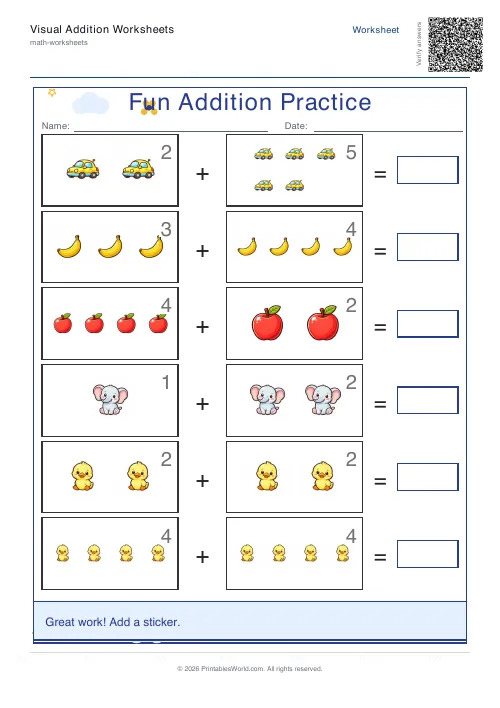 Visual Addition Worksheets Generator
- Subtraction Worksheets Generator
- Mixed Tables Generator
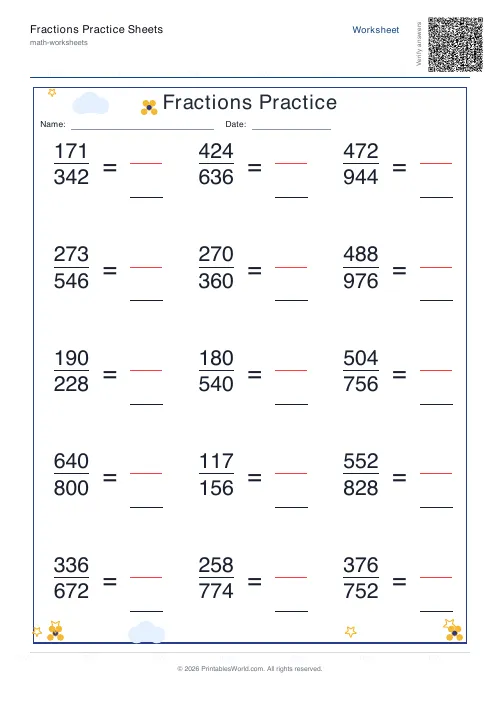 Fractions Practice Sheets Generator
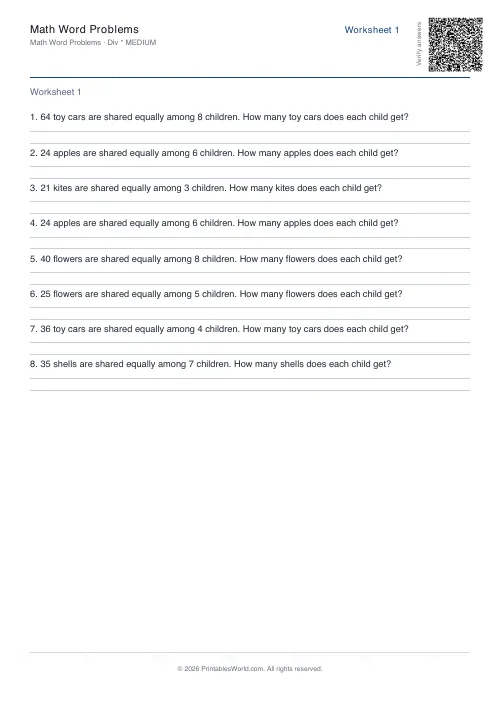 Math Word Problems Generator
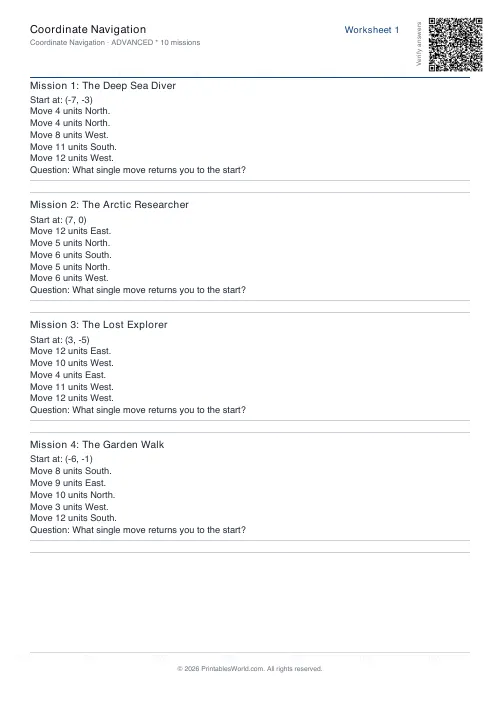 Coordinate Navigation Generator
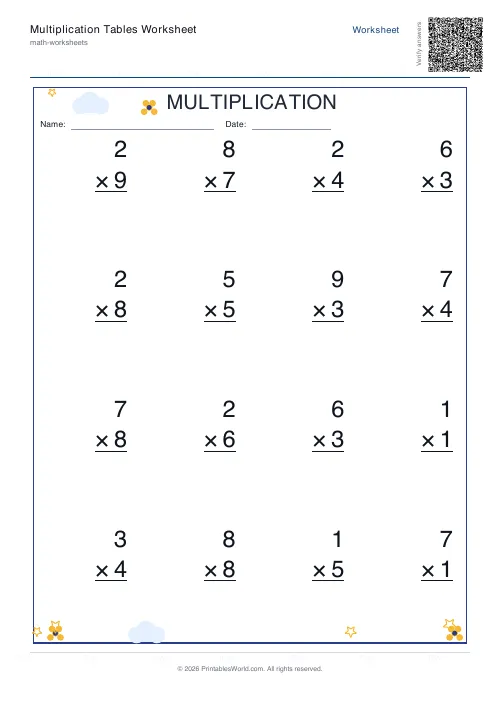 Multiplication Tables Worksheet
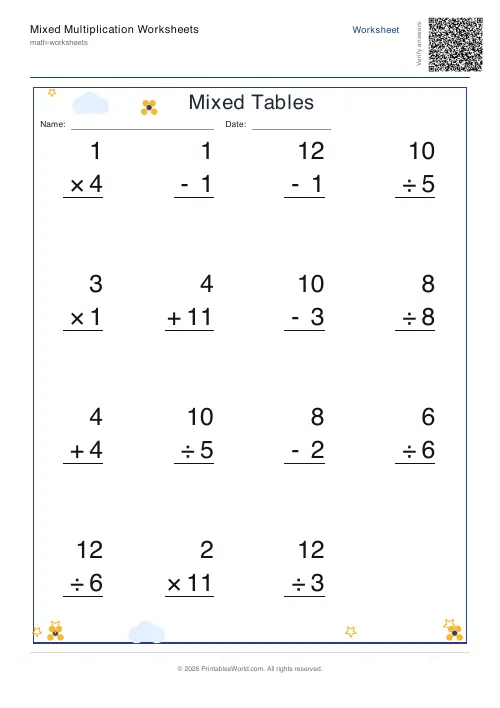 Mixed Multiplication Worksheets
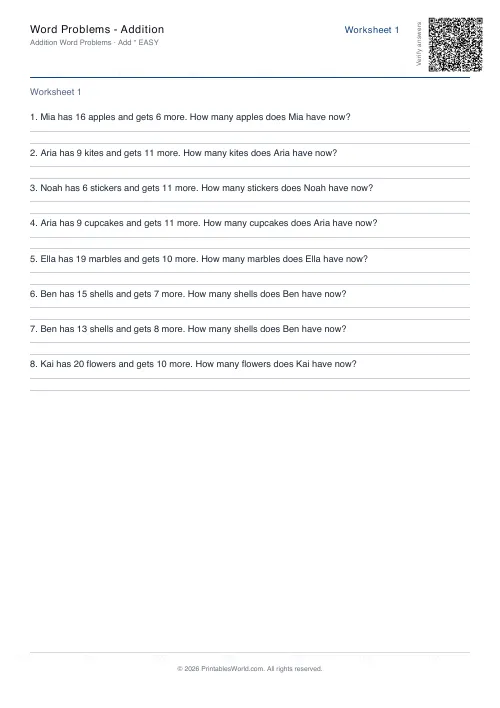 Word Problems: Addition
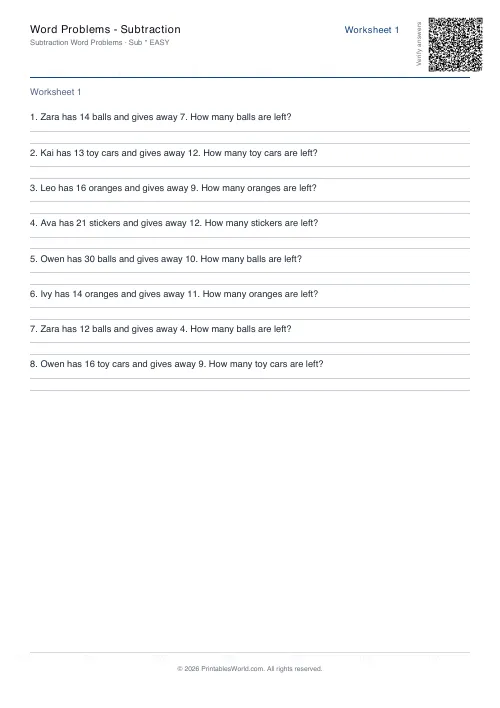 Word Problems: Subtraction
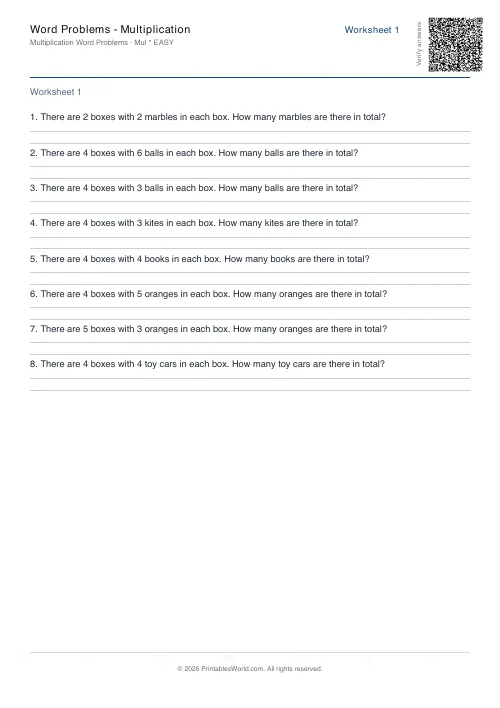 Word Problems: Multiplication
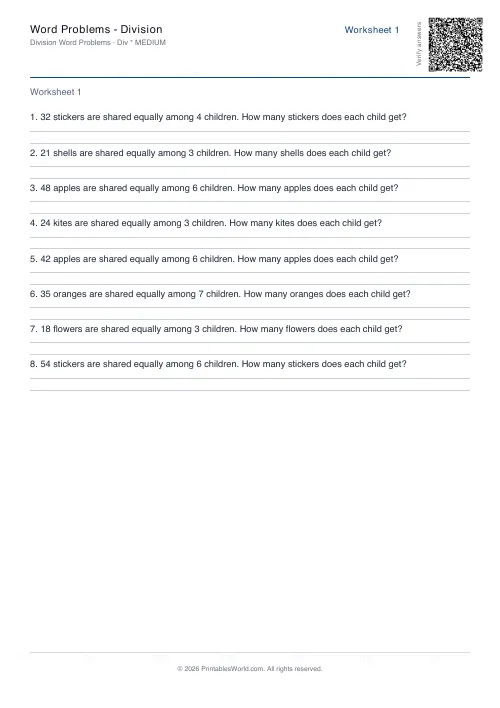 Word Problems: Division
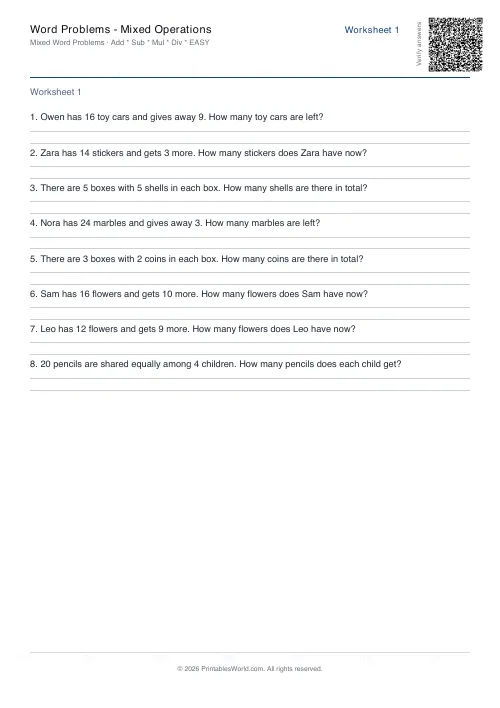 Word Problems: Mixed Operations