


 Scan to get


 Scan to get



 Scan to get






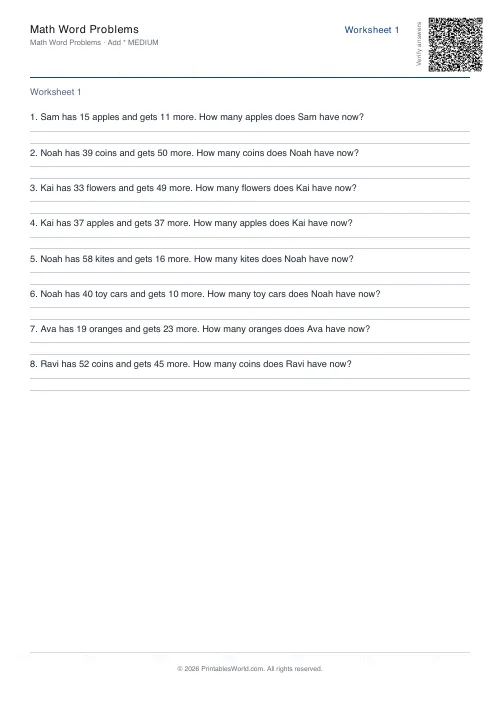
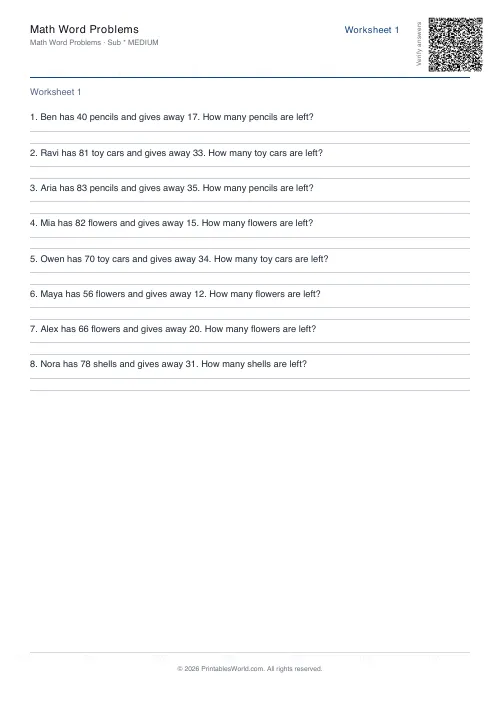
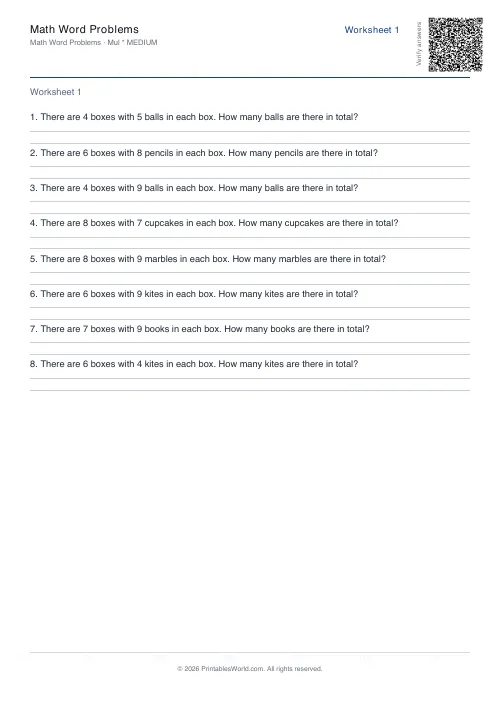
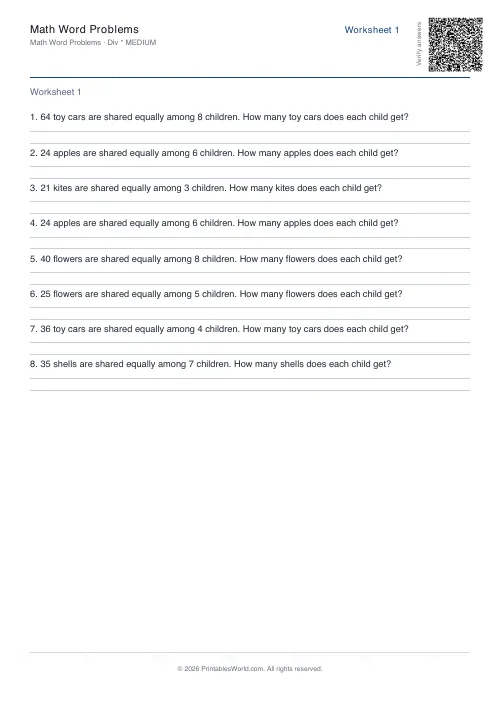
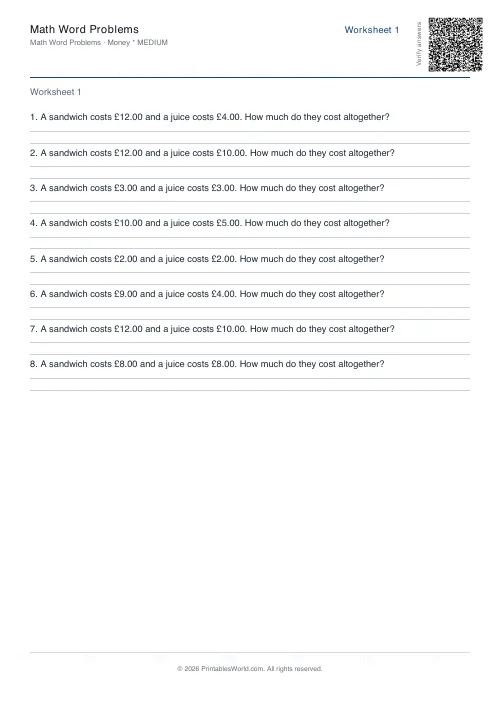
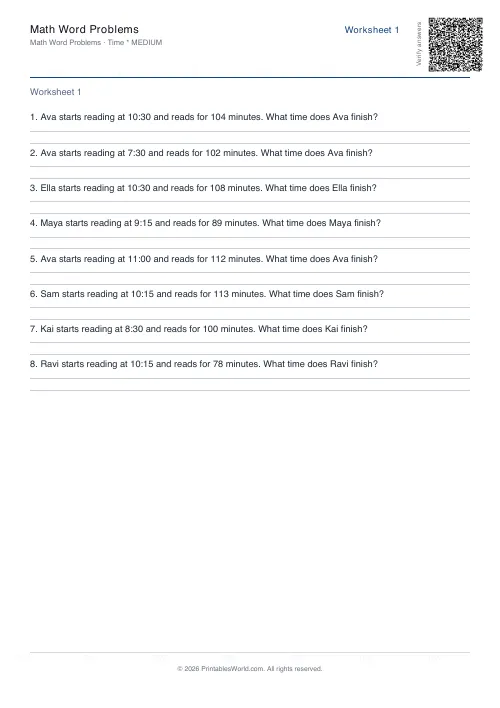
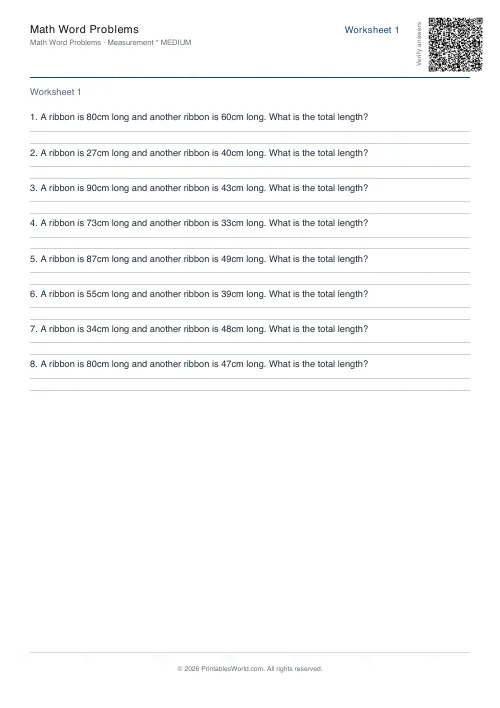
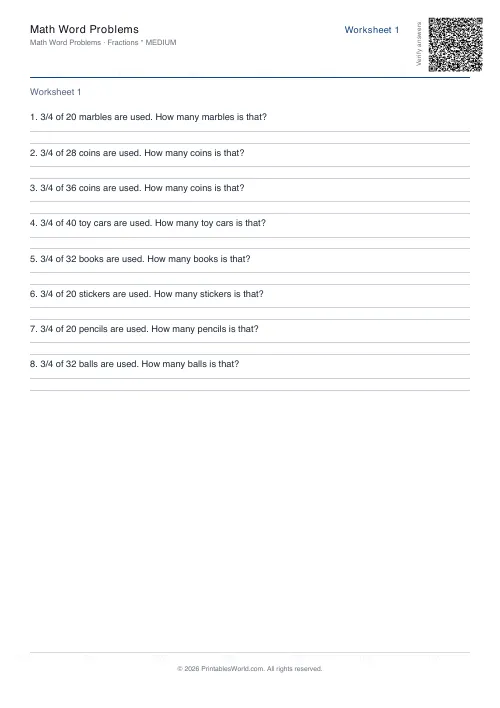
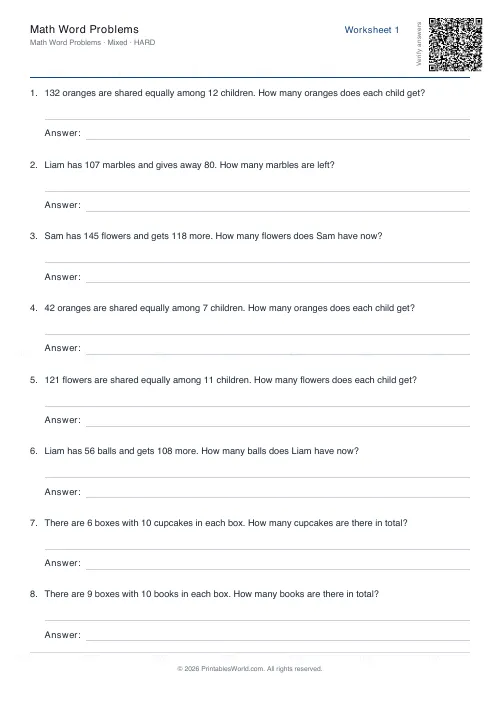
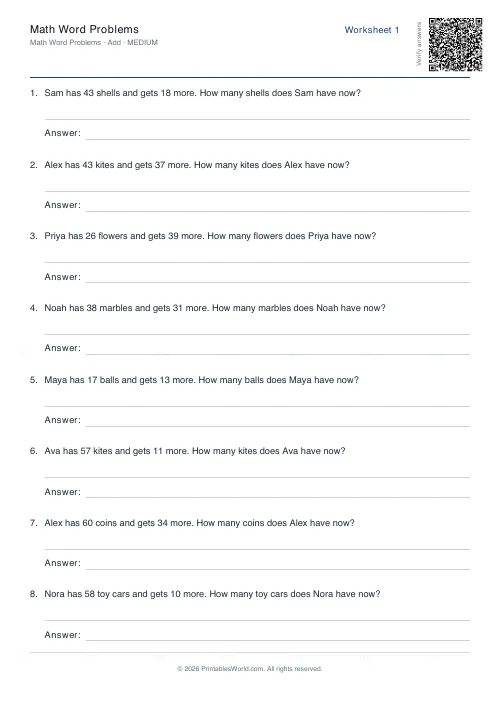
What this tool does
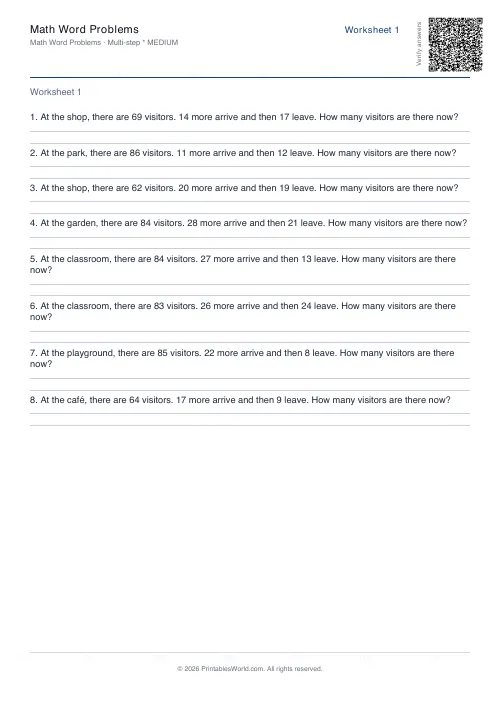
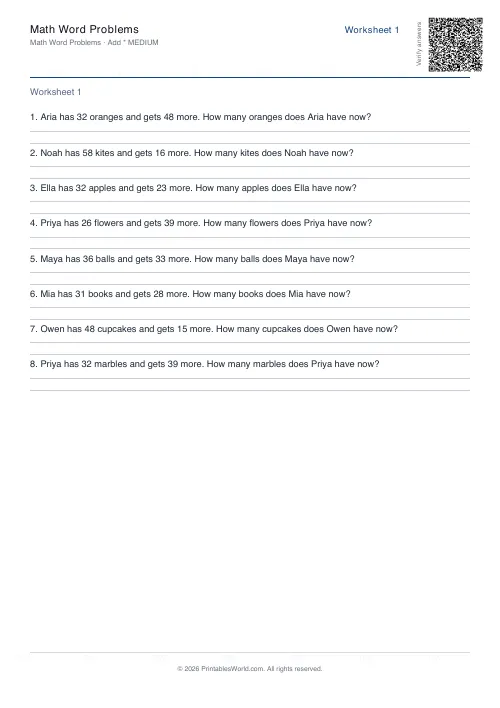
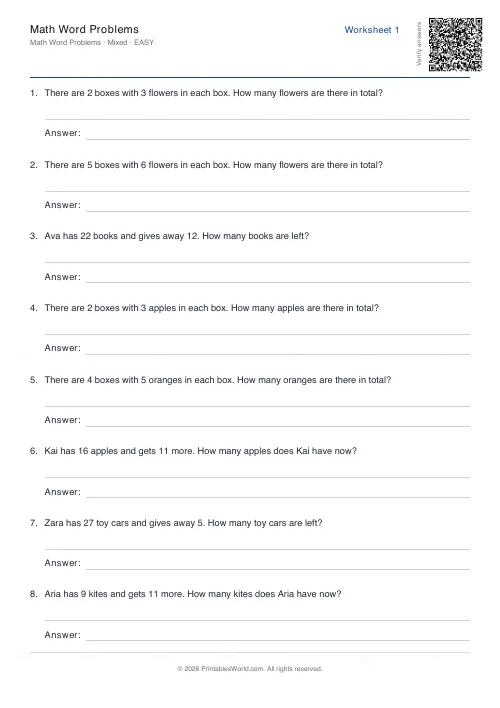
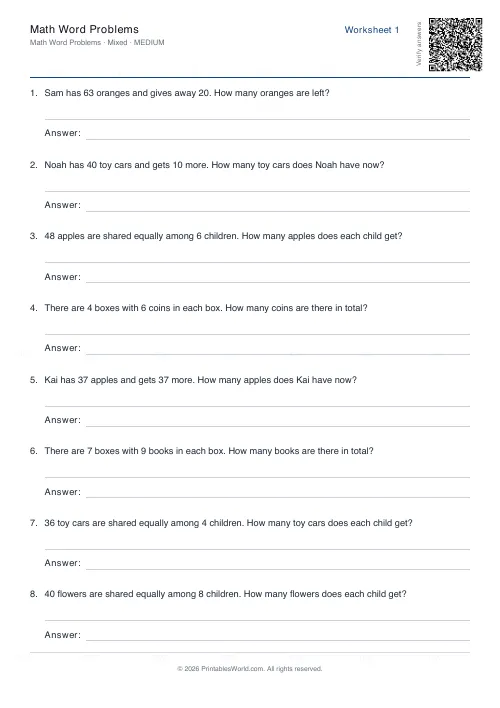
Word-problem worksheets across eleven topics: the four operations and mixed operations, then time and money, then measurement, then fractions, then decimals, then multi-step reasoning. Tick one topic for focused practice or several for a mixed review. Three difficulty bands, a problem count you set, several unique worksheets in a single PDF, and an answer key at the back.
People also used
Addition Worksheets Generator
Free printable addition worksheets in tables or line-by-line layouts.
Fractions Practice Sheets Generator
Generate printable fraction simplification worksheets with custom ranges, layouts, and answer keys.
Coordinate Navigation Generator
Create printable coordinate navigation missions with compass directions and step-by-step grid movement.
Feedback
Spotted something off with this tool?
Eleven topics, and you choose how many are on the page
Tick one topic and you get a focused sheet. Tick six and you get a mixed review where the pupil has to work out what kind of question they are looking at before they can answer it, which is a different and harder task.
The eleven: the four operations, then mixed operations. Time. Money. Measurement. Fractions and decimals, and questions that need more than one step before an answer appears. Every one of them is on by default, so the very first sheet you generate is the mixed review; narrow it down deliberately.
Twelve problems a sheet unless you change it, with the answer key on.
Difficulty is about the numbers, not the reading
Easy stays on single digits. Medium works in two-digit ranges, and hard uses larger numbers along with questions that need more than one step before an answer appears.
Worth separating in your head from reading difficulty, which the setting does not touch. A word problem is a comprehension task with arithmetic inside it, and a child who can handle hard numbers may still be defeated by the sentence carrying them. If a class is failing a sheet, read one of the questions aloud to them before concluding the maths was too hard.
Several sheets at once, and why that matters
Ask for three worksheets and one PDF comes back with three, each carrying its own set of questions and all their answers collected at the back.
Three different sheets round a room removes the copying problem entirely, and it costs one generation rather than three. It is also how you build a bank: generate five, file four, and Friday is already prepared.
Same seed, same questions
Question generation is seeded, so identical settings produce an identical PDF. Names and objects, places, numbers, all of them chosen at run time from procedural templates, which is what keeps the questions from repeating, but the seed pins the whole thing down.
That matters on the Monday you discover a child was away and their sheet is gone. Same seed, same settings, same paper.
A Year 4 week
Addition ticked, subtraction ticked, money ticked. Medium difficulty, twelve problems, three worksheets, answer key on.
Sheet one is Monday's warm-up. Sheet two is Tuesday's exit ticket. Sheet three is Friday's quiz. Nothing repeats between them, and the marking runs off one page of answers at the back rather than three.
Getting more out of the answer key
Use it as a teaching object rather than only as a mark scheme. Ask a pupil to explain why an answer makes sense before they move on: a child who has arrived at 47 apples costing £3 has done the arithmetic correctly and understood nothing.
Start with one topic at easy until the routine is secure, then add a second at medium. And for timed work, print without the key and hand the solutions out only after collection, because a key on the desk is a key that gets read.
When someone finishes early, generate the next difficulty band rather than more of the same. It takes about ten seconds and it is a better use of their remaining fifteen minutes.
FAQs
Quick answers
Can I mix multiple topics in one worksheet?
Yes. Tick as many topics as you like, and the generator will draw problems from each selected category. The questions appear in a shuffled order, creating a mixed-review worksheet.
How many problems can I put on one worksheet?
You control the problem count using the slider or input field. The generator will paginate automatically if the number of questions exceeds what fits on a single page.
What makes easy, medium, and hard different?
Easy uses small whole numbers (single-digit or low teens). Medium steps up to two-digit ranges and introduces more complex scenarios. Hard uses larger numbers, compound steps, and trickier logic.
Will the same settings always produce the same questions?
Yes, when you use the same seed. The generator is deterministic, so identical inputs yield identical worksheets. Change the seed or any setting to get fresh problems.
Can I print the answer key separately?
The answer key always appears on its own pages at the end of the PDF. Print only the first pages if you want to withhold solutions, or print the entire document and separate them manually.
Does the generator check for duplicate questions?
The procedural templates and random-number algorithm make exact duplicates extremely rare within a single worksheet, but the generator does not enforce uniqueness across all possible outputs.
Can I edit the question text after generating the PDF?
No. The PDF is final once generated. If you need different wording, adjust the topics or difficulty and regenerate, or use the custom title field to add context at the top of each sheet.
Related tools
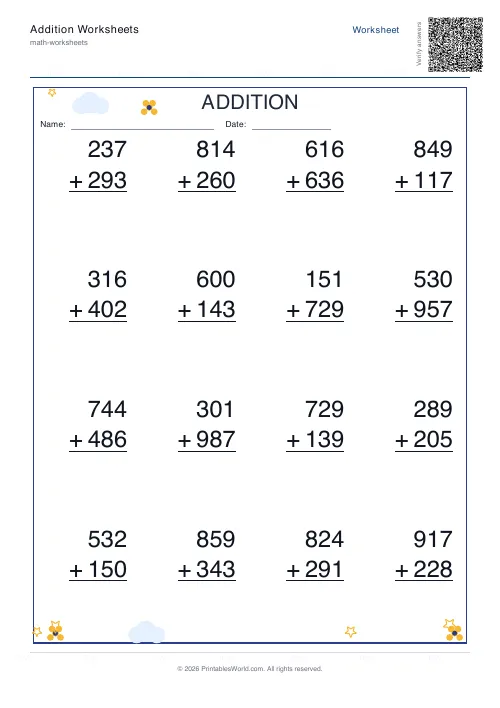
Addition Worksheets Generator
Free printable addition worksheets in tables or line-by-line layouts.
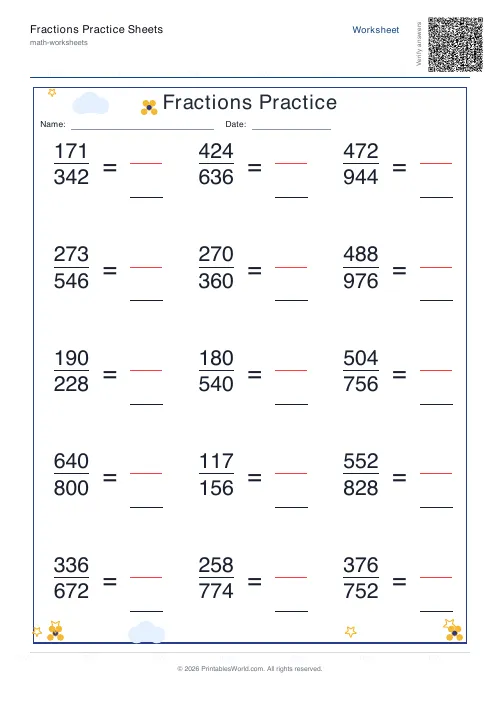
Fractions Practice Sheets Generator
Generate printable fraction simplification worksheets with custom ranges, layouts, and answer keys.
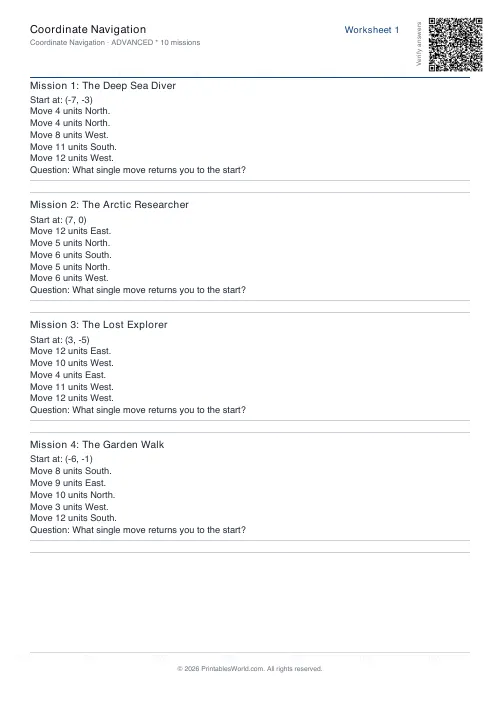
Coordinate Navigation Generator
Create printable coordinate navigation missions with compass directions and step-by-step grid movement.
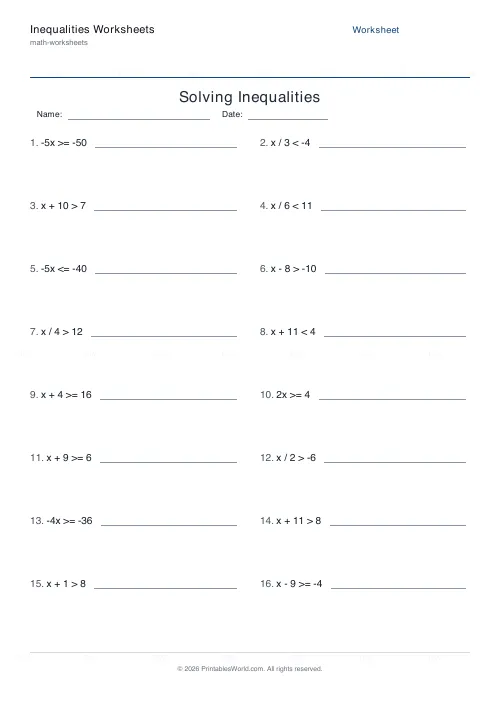
Inequalities Worksheets
Generate printable worksheets for solving one-step and two-step linear inequalities, with answer keys.
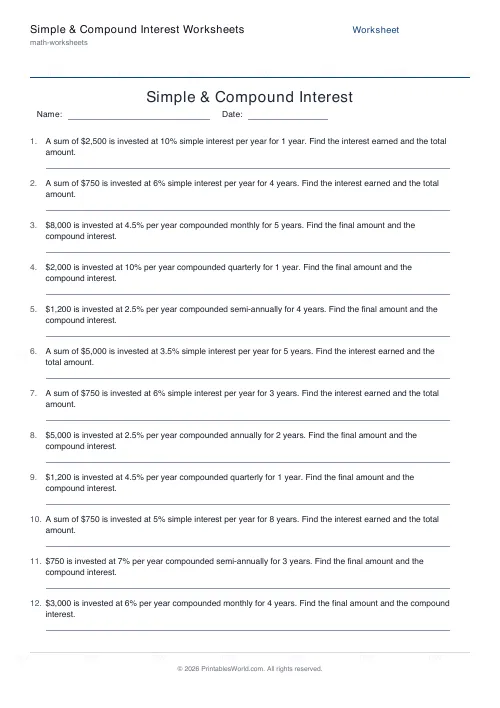
Simple & Compound Interest Worksheets
Generate word problems on simple interest (I = PRT) and compound interest (A = P(1 + r/n)^nt) with worked answer keys.
Further reading
Math Worksheets
Fractions made simple: teaching fractions at home
Fractions go wrong when the rules arrive before the meaning. Here is the order that works, the four misconceptions to head off early, and how to use everyday objects before any worksheet.
6 min read
Math Worksheets
Making maths fun: 15 ways to practise without tears
Maths tears are usually about difficulty, length or fear of being wrong, not about maths. Fifteen practical changes, grouped by which of those three problems they actually solve.
6 min read
Math Worksheets
How many maths worksheets per day? A parent's guide
The honest answer is less than most parents assume. And the number of questions matters less than whether the session ends well.
5 min read
More like this
- Addition Worksheets Generator
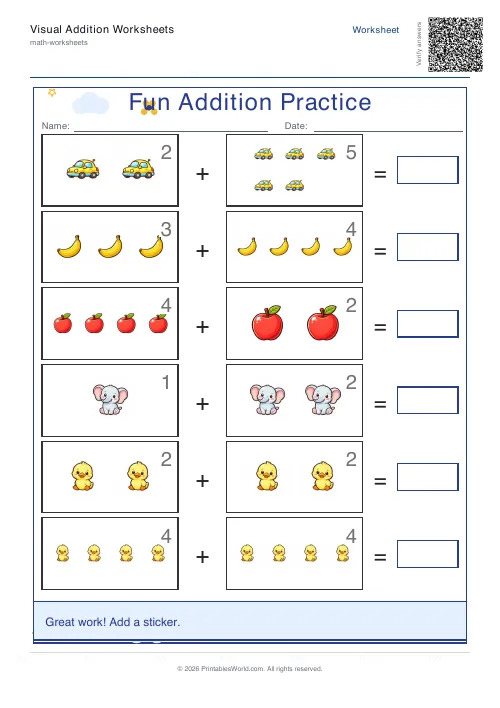 Visual Addition Worksheets Generator
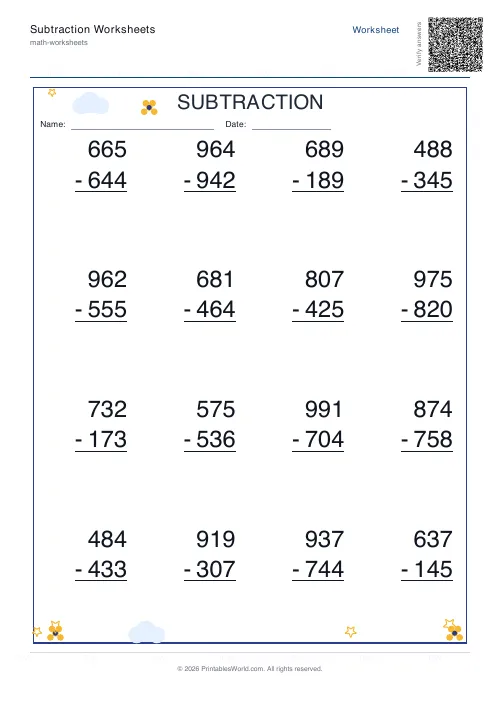 Subtraction Worksheets Generator
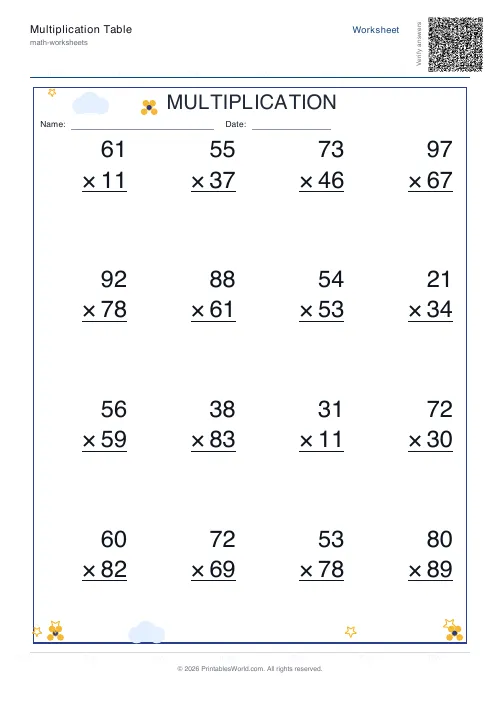 Multiplication Table Generator
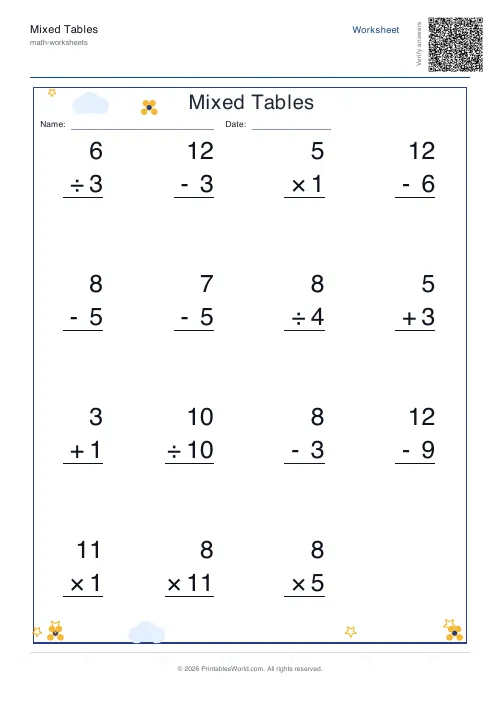 Mixed Tables Generator
- Fractions Practice Sheets Generator
- Coordinate Navigation Generator
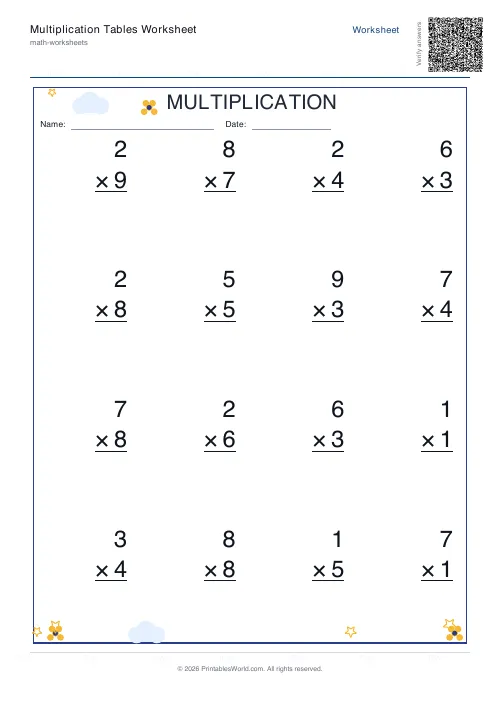 Multiplication Tables Worksheet
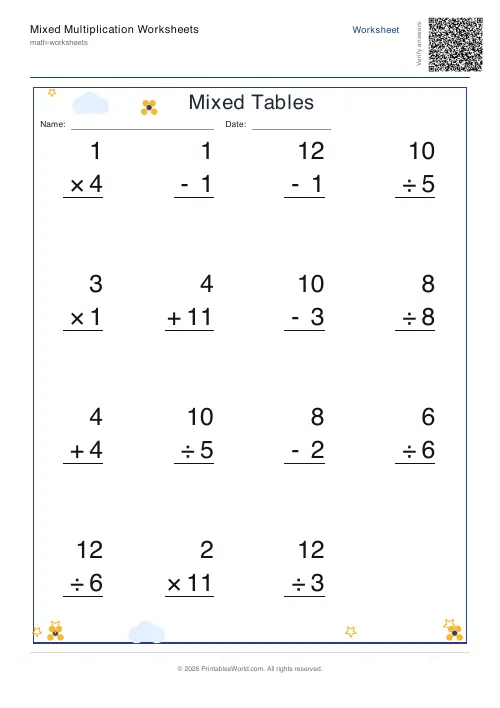 Mixed Multiplication Worksheets
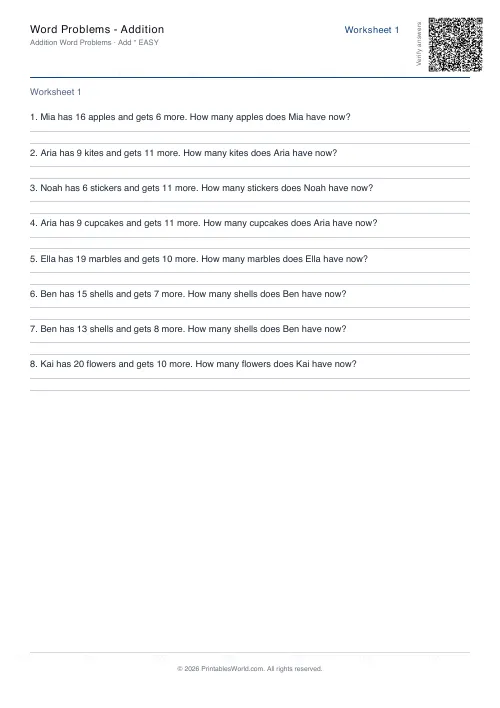 Word Problems: Addition
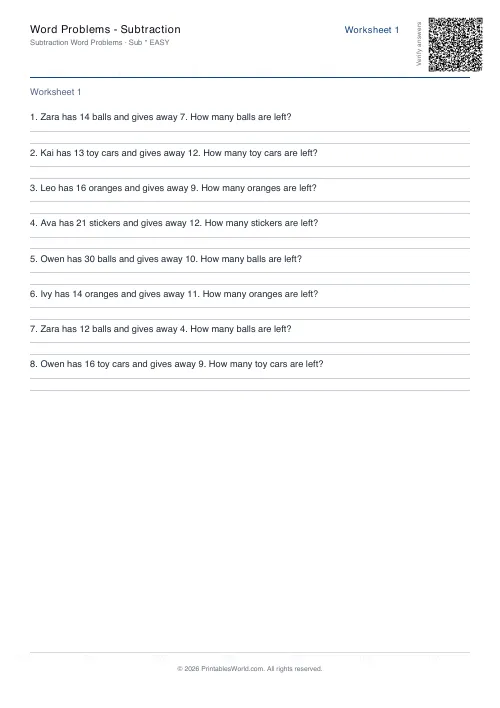 Word Problems: Subtraction
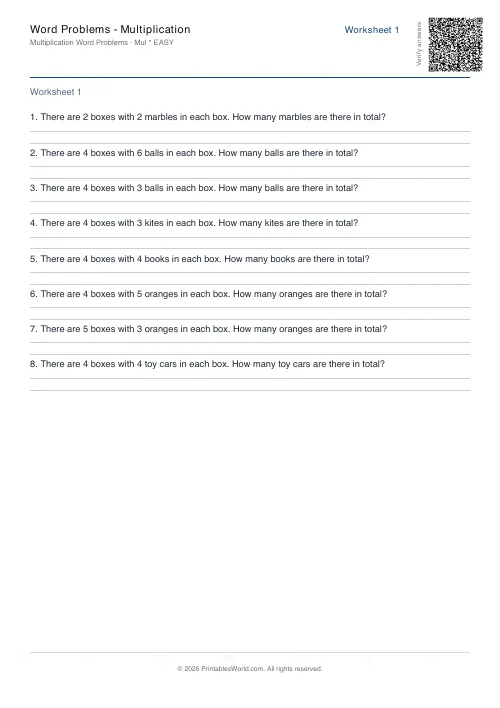 Word Problems: Multiplication
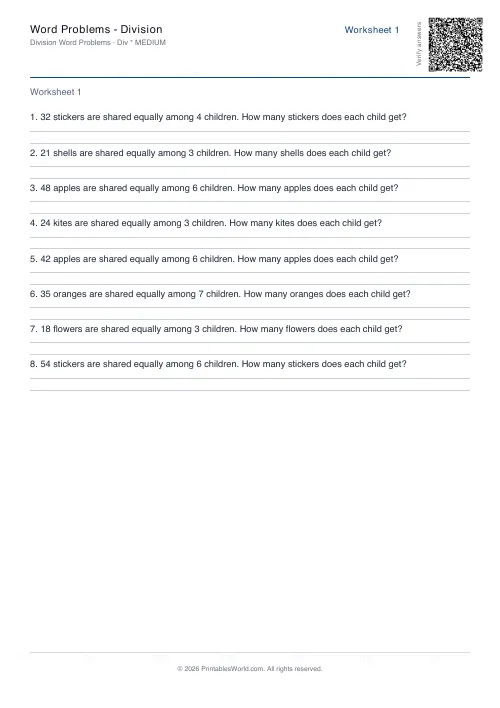 Word Problems: Division
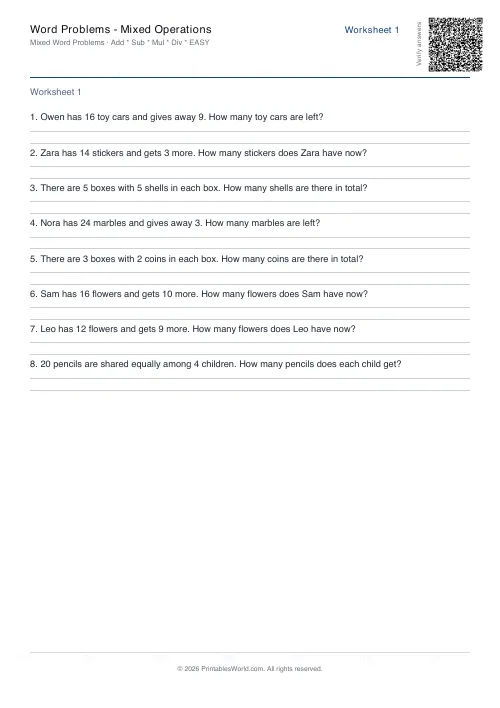 Word Problems: Mixed Operations