
What this tool does
A completely plain page with a light border round the edge. No rules, no grid, nothing to work around.
People also used
Dot Grid Paper
Subtle 5 mm dot grid. Perfect for bullet journalling and notes.
Lined Paper Generator
Generate custom ruled paper PDFs with adjustable line spacing, colours, margins, and primary ruling styles.
Graph Paper Generator
Create custom graph paper PDFs with square or rectangular grids, dot styles, and axis numbering.
Feedback
Spotted something off with this tool?
Nothing on it but a border
An empty page with a thin outer border and the site's usual header and footer. No lines, no grid, no dots.
It sounds like the least useful thing on this site and it gets printed a surprising amount, because unruled paper is oddly hard to get hold of — most pads are lined, and a printer full of plain A4 gives you a sheet with no edge to it at all.
What the border is for
It defines the page. A drawing on truly edge-to-edge blank paper tends to drift towards a corner and stop, whereas a border gives the eye a boundary to compose against, which is why sketchbooks and picture frames both have one.
It also survives being photocopied or scanned. A bordered page reads as a page; an unbordered one reads as a scanning error.
What it is good for
Free drawing, obviously. Also brainstorming, where lines actively get in the way — a mind map or a rough diagram has to run in whatever direction the thinking does, and ruled paper quietly pushes everything into rows.
Storyboarding, before you know how many panels you need. Handwriting practice for an older student working on layout rather than letter formation. Any maths where the working is spatial — a geometry sketch, a tree diagram, a rough graph.
And the back of a worksheet, for children who finish early and want to draw.
Lines or no lines
Not a matter of preference so much as of task.
Ruled paper is for text, where consistent line spacing makes writing legible and comparable. Blank paper is for anything two-dimensional, where the position of a mark carries meaning. Asking a child to draw a diagram on lined paper is asking them to ignore the lines, and younger children genuinely cannot.
If you want something in between, the graph paper generator and the lined paper generator cover the range, and a dot grid is often the right compromise — enough structure to align to, faint enough to ignore.
Adjustments
Paper size A4, US Letter or US Legal. That is the whole configuration, which is appropriate for a blank page.
Print at 100%. Any scaling will move the border in from the edge, which is visible and looks like a mistake.
FAQs
Quick answers
Is the page completely blank?
There are no inner rules. Just a subtle outer border, the header, and the footer.
What is it for?
Free sketching, mind maps, brainstorming, planning. Any time you want plain paper.
Can I print multiple copies?
Yes. Generate the PDF and send as many sheets as you need to the printer.
Will it work on US Letter?
Yes. A4, US Letter, and US Legal are all supported.
Related tools
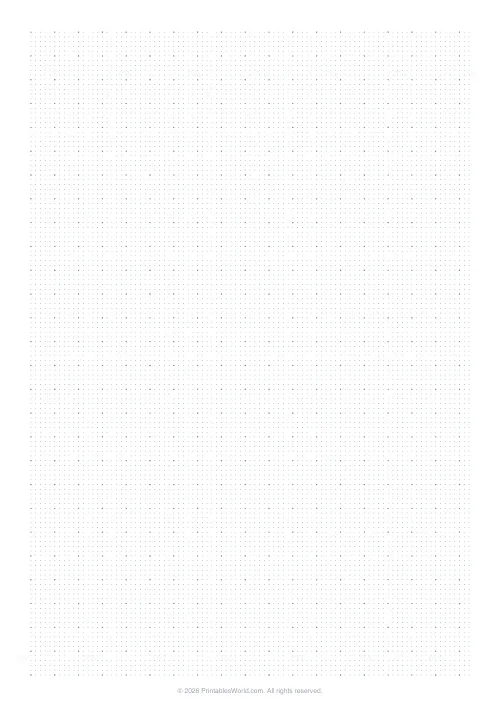
Dot Grid Paper
Subtle 5 mm dot grid. Perfect for bullet journalling and notes.
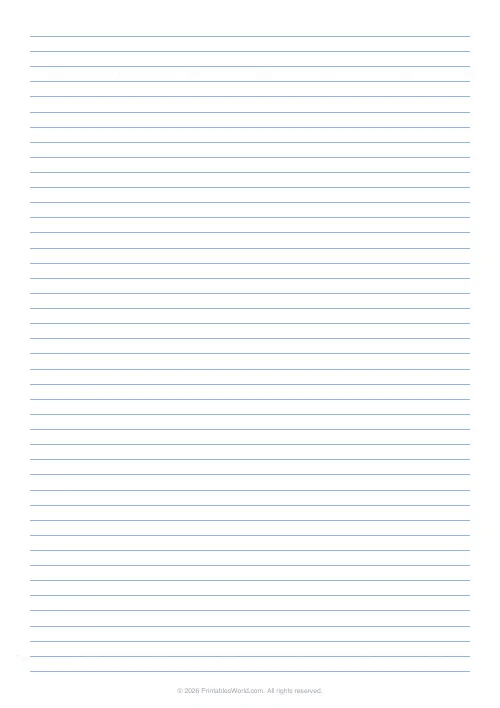
Lined Paper Generator
Generate custom ruled paper PDFs with adjustable line spacing, colours, margins, and primary ruling styles.
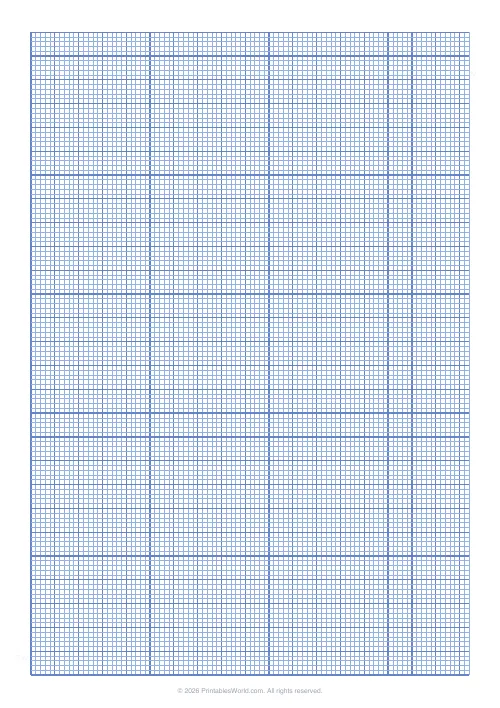
Graph Paper Generator
Create custom graph paper PDFs with square or rectangular grids, dot styles, and axis numbering.
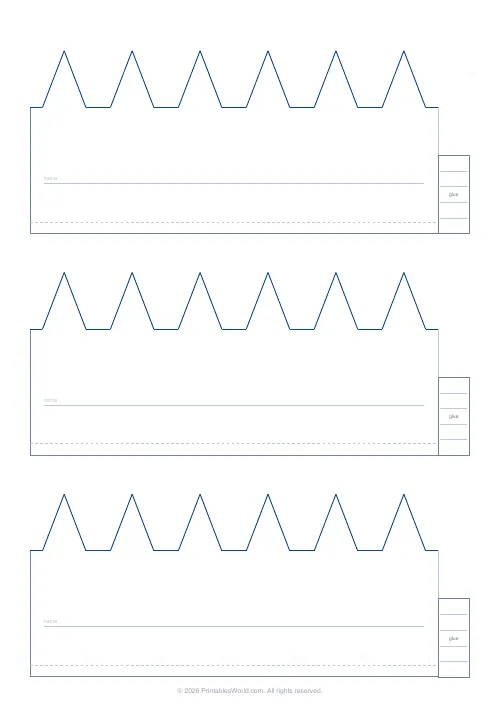
Printable Crown Band (Plain)
Plain paper crown strips to cut out and tape into a wearable crown.
Further reading
Printable Paper
Bullet journalling with dot grid paper: a starter guide
The bullet journal was designed to be fast, not beautiful. Here is the original system, why dot grid suits it better than lines or blank, and the four pages you actually need.
5 min read
Printable Paper
Music manuscript paper: a guide for musicians
The number of staves on a page is not a style choice. It decides how much music fits and how legible it is at a music stand.
4 min read
Printable Paper
Graph paper sizes: which grid for which task
What graph paper sizes and grid spacings mean, how to match a grid to maths, art or design, and how to set it all in the free graph paper generator.
7 min read