







What this tool does
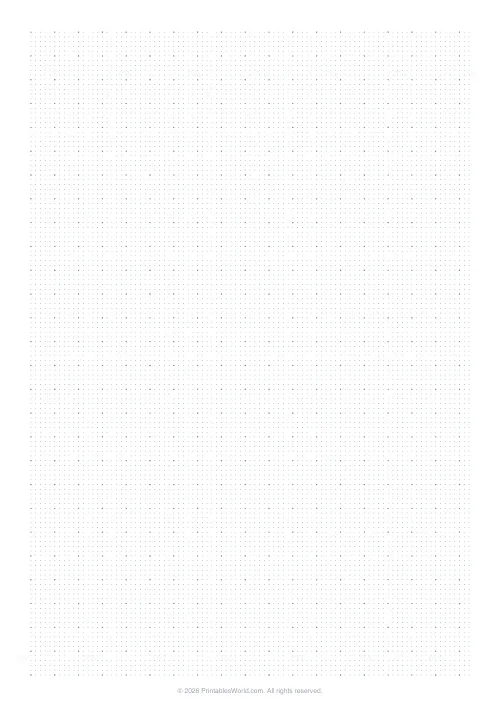
A 5 mm dot grid with slightly bolder dots every five, for guidance without the visual noise of ruled lines.
People also used
Feedback
Spotted something off with this tool?
Guides you can ignore
Dots at 5 mm, with every fifth one printed a little heavier so you can find your place without counting along the row.
That is the entire appeal. Ruled lines are always visible in a finished page; dots recede as soon as something is drawn over them, so a diagram sits on the paper rather than inside a grid.
Where dots beat lines and where they do not
Dots win for anything mixed. A page that is part writing, part diagram, part list is exactly what a dot grid is for — you can rule a line where you want one and leave the rest open.
Lines win for sustained handwriting, where a baseline every row genuinely helps and having to imagine one is a nuisance. Solid graph paper wins for anything measured, where you follow the line rather than joining dots by eye.
The honest summary: dot grid is the compromise, and compromises are worse than the specialist at each end and better than both across a mixed page.
The every-fifth-dot rhythm
It is doing navigation. A page of identical dots is genuinely hard to count across. You lose your place somewhere around the twelfth and start again.
With a heavier dot every five, the page has landmarks. Five dots is 25 mm, so ten of them is a quarter of a metre, and laying out a box of a known size stops being a counting exercise.
Bullet journalling, since that is what most people want it for
The format grew up on this paper because a bullet journal changes shape constantly: a list one day, a tracker the next, a calendar the week after. Pre-printed lines fight all of that and a dot grid fights none of it.
Practical note: 5 mm is the spacing commercial dot-grid notebooks use, so any layout or spread designed for one of those transfers here without adjustment.
Other things it suits
Sketching and thumbnails, where the dots give proportion without appearing in the drawing. Wireframing an interface. Hand-drawn tables, where you rule the lines you want and nothing else. Knitting and cross-stitch charts, at a push, though a proper chart paper with ruled cells is better.
Also handwriting, for anyone who finds ruled lines constraining and yet writes crookedly on a blank page. The dots are enough of an anchor without being a rule.
Printing
100% scale, or the 5 mm is no longer 5 mm and any layout you copy from elsewhere will not fit.
Dots print faint by design. If they vanish on your printer, the graph paper generator is the same engine with the line weight and colour exposed. Paper size A4, US Letter or US Legal.
FAQs
Quick answers
How far apart are the dots?
5 mm horizontally and vertically. Print at 100% to keep the spacing accurate.
Is this good for bullet journals?
Yes. The dot pattern is the standard layout used by most bullet journal templates.
Can I make the dots more visible?
Yes. Switch the line weight to medium or dark.
Can I get a square grid instead?
Yes. Try the regular Graph Paper tool for solid line grids.
Related tools
Further reading
Printable Paper
The best note-taking paper for students (Cornell, grid, lined)
The paper you take notes on quietly decides how you review them. Here is what each format is actually for, and which subjects each suits.
4 min read
Printable Paper
Bullet journalling with dot grid paper: a starter guide
The bullet journal was designed to be fast, not beautiful. Here is the original system, why dot grid suits it better than lines or blank, and the four pages you actually need.
5 min read
Printable Paper
Graph paper sizes: which grid for which task
What graph paper sizes and grid spacings mean, how to match a grid to maths, art or design, and how to set it all in the free graph paper generator.
7 min read
More like this
 Graph Paper Generator
 Lined Paper Generator
 Engineering Paper
 Knitting / Crochet Grid
 Cross Stitch Grid
 Pixel Art Grid: Small (16×16)
 Pixel Art Grid: Large (32×32)
 Classroom Seating Chart Grid
 Floor Plan Grid
 Map Grid Paper
 Blank Notebook Page
 Multiplication Grid: Blank
 Times Table Grid: Fill In
 Isometric Dot Paper