
What this tool does
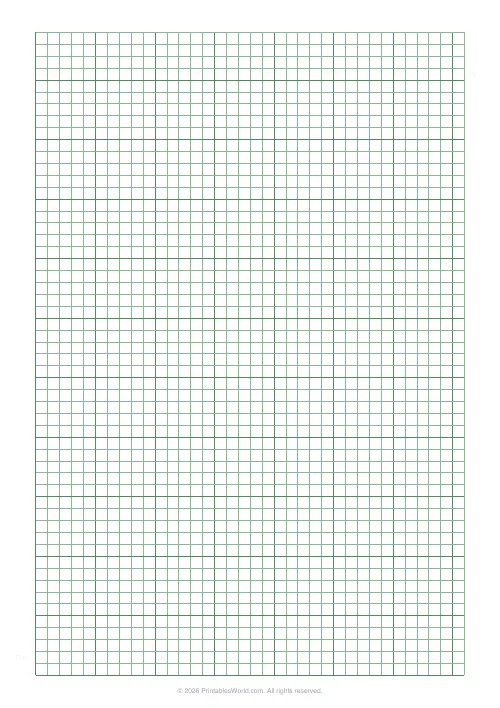
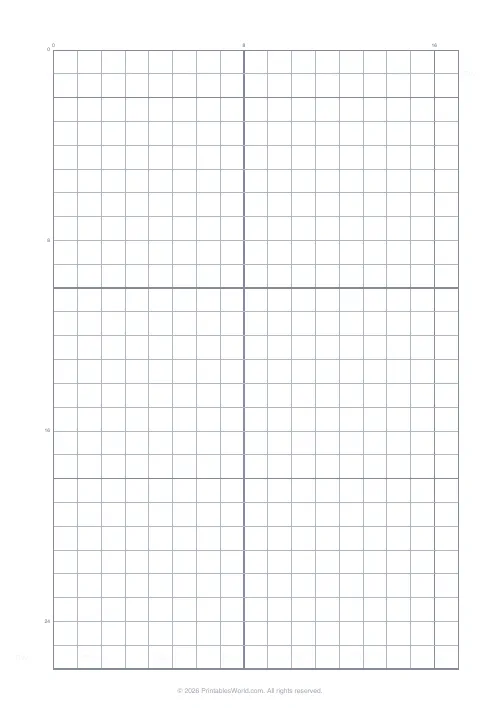
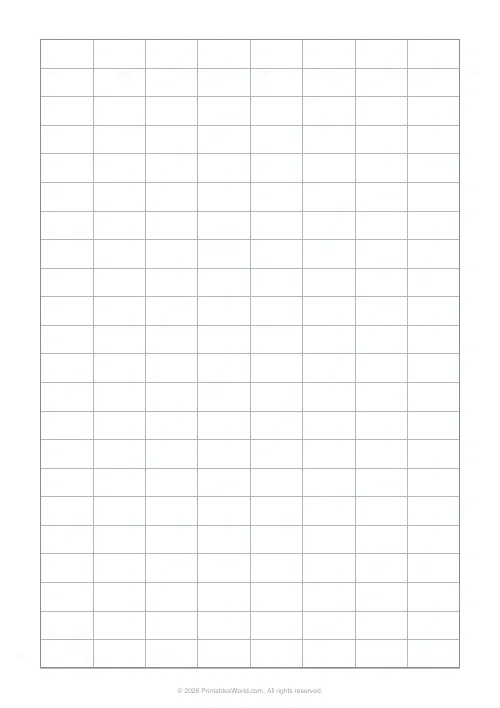
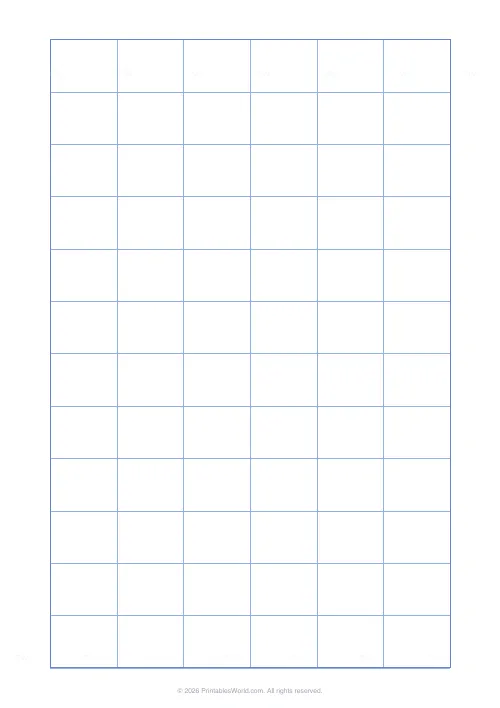
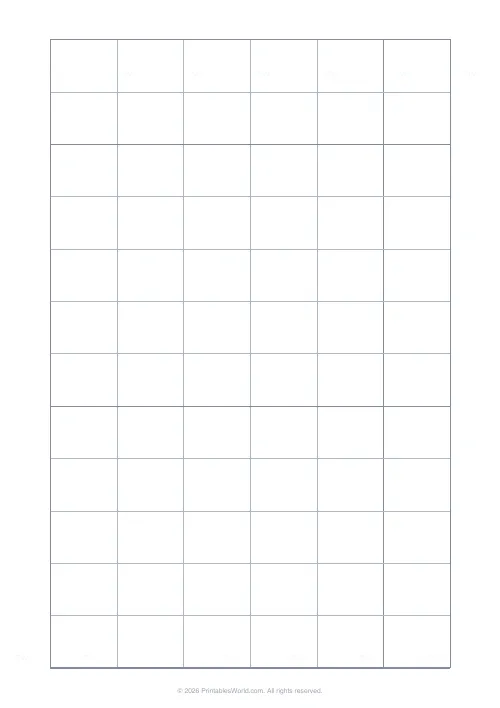
A grid of 28 × 22 mm boxes with a border — one box per desk, big enough to write a name in.
People also used
Floor Plan Grid
Architectural-style grid for sketching room layouts.
Graph Paper Generator
Create custom graph paper PDFs with square or rectangular grids, dot styles, and axis numbering.
Planner Maker: Custom Printable Planner Pages
Build custom printable planner pages with lines, boxes, text and checklists in precise millimetre layouts.
Feedback
Spotted something off with this tool?
Boxes sized for names
Cells of 28 by 22 millimetres, grey, inside a border. Deliberately not square. A name written horizontally wants width rather than height, and a square grid throws away a third of the page.
That size takes a first name comfortably and a first name plus an initial at a squeeze.
Draw the room, not the grid
The grid is a starting point, not a floor plan. Cross out the cells that are not desks. Mark where the front is.
Marking the front is the step people skip and then regret. A chart handed to a supply teacher without it is a chart they will read backwards, and every name will be on the wrong side of the room.
What a seating plan is actually for
Three things. Only one of them is discipline.
Learning names, which for a new class of thirty is a fortnight's work and is halved by a chart. Handing over — a cover teacher with a plan can address a child by name in the first minute, which changes the whole hour. And deliberate pairing, which is the part that affects learning: who sits beside whom is one of the few classroom variables a teacher fully controls.
Pair on purpose
Front and centre for anyone with a hearing or sight difficulty, and for anyone who drifts. Not a punishment, and it should not be presented as one.
Mixed-attainment pairs help both children when the task suits explanation, and hinder both when it does not, so vary it rather than fixing it for a year. Separating a pair that talks is sometimes necessary and often less effective than moving one of them next to somebody they will listen to.
Write it in pencil and date it
Plans change in the first fortnight. Several times, usually, and the changes are the point: you are learning the class as you go, and a chart that never moved is one nobody was paying attention to.
Date each version and keep the old ones. When a parents' evening question arrives about who a child sits near, or when a pattern of behaviour needs explaining, a dated sequence of plans is a considerably better answer than a memory.
Beyond the classroom
Wedding and event tables. Exam halls, meeting rooms, any training course where somebody has a single day in which to learn twenty names.
It also holds personal data once it has names on it, so treat a completed chart accordingly and shred it rather than binning it.
FAQs
Quick answers
How many desks can I fit?
Roughly 6 across × 11 down on A4 portrait. Enough for a typical classroom.
Can I rotate to landscape?
Print the PDF on A4 landscape from your printer dialog if you prefer wider rows.
Are the cells big enough for a name?
Yes. Each cell is approximately 28×22 mm, fits a first name and a short note.
Will it print on US Letter?
Yes. Both A4 and US Letter are supported.
Related tools
Floor Plan Grid
Architectural-style grid for sketching room layouts.
Graph Paper Generator
Create custom graph paper PDFs with square or rectangular grids, dot styles, and axis numbering.

Planner Maker: Custom Printable Planner Pages
Build custom printable planner pages with lines, boxes, text and checklists in precise millimetre layouts.
Chord Chart Sheets
Blank chord-diagram boxes for guitar and ukulele.
Further reading
Printable Paper
Bullet journalling with dot grid paper: a starter guide
The bullet journal was designed to be fast, not beautiful. Here is the original system, why dot grid suits it better than lines or blank, and the four pages you actually need.
5 min read
Printable Paper
Graph paper sizes: which grid for which task
What graph paper sizes and grid spacings mean, how to match a grid to maths, art or design, and how to set it all in the free graph paper generator.
7 min read
Printable Paper
The best note-taking paper for students (Cornell, grid, lined)
The paper you take notes on quietly decides how you review them. Here is what each format is actually for, and which subjects each suits.
4 min read