What this tool does
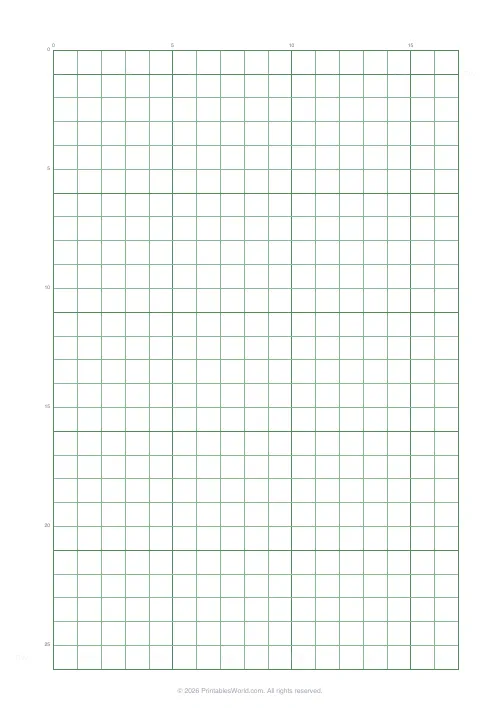
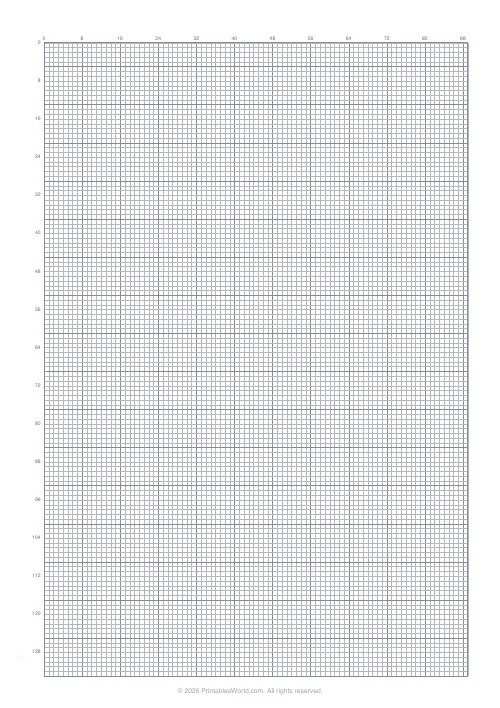
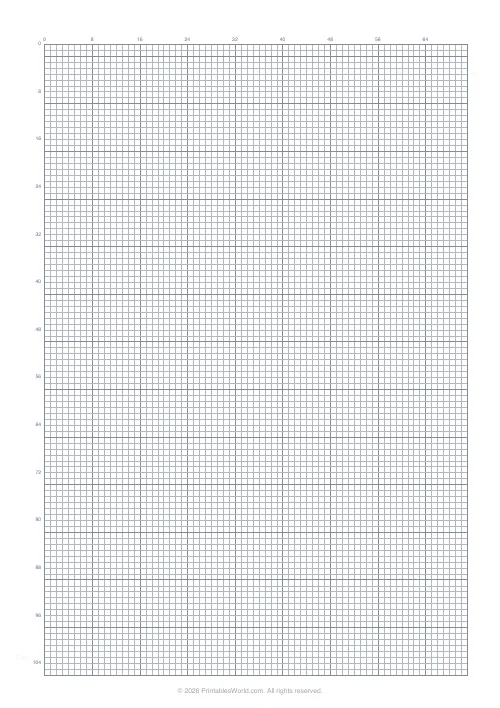
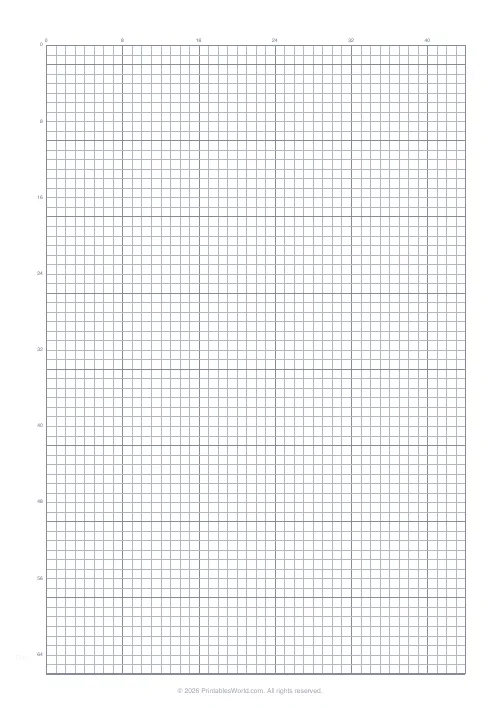
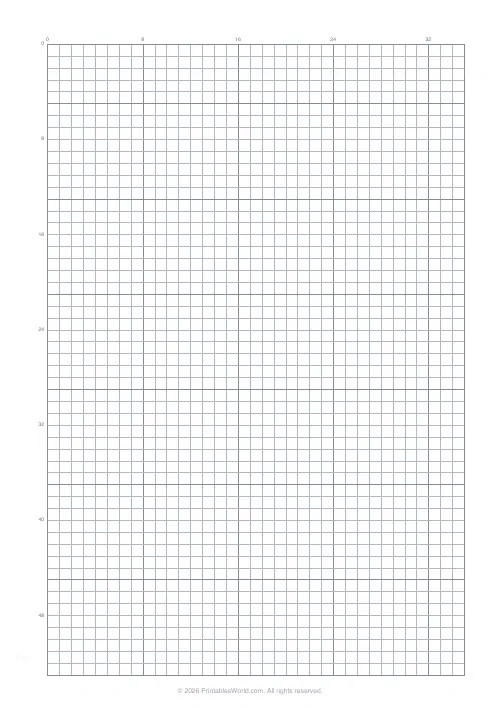
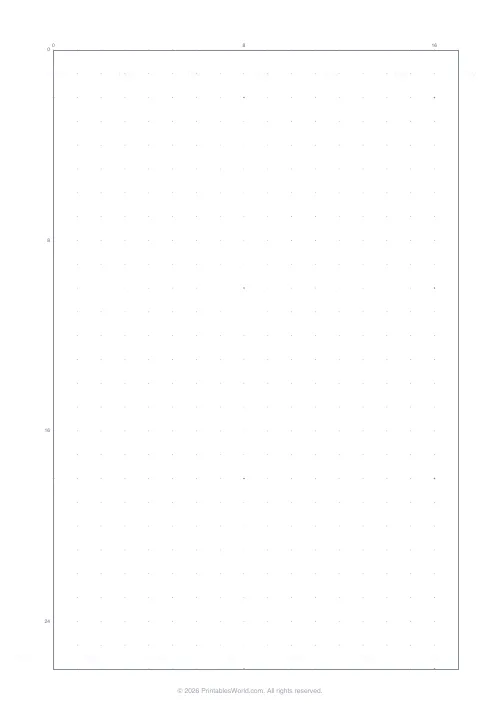
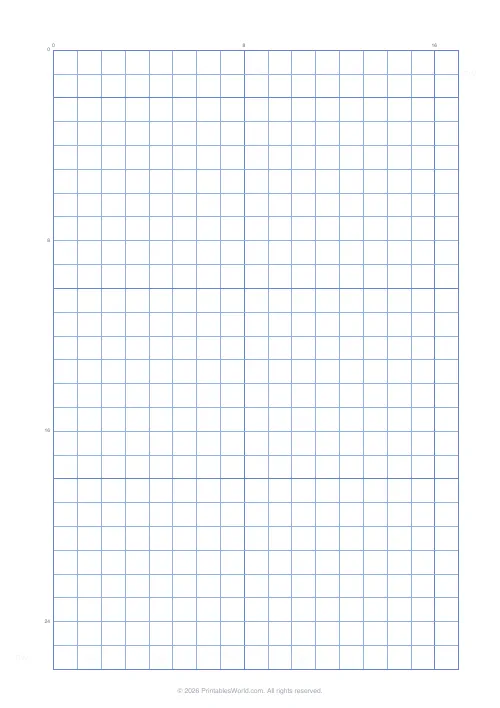
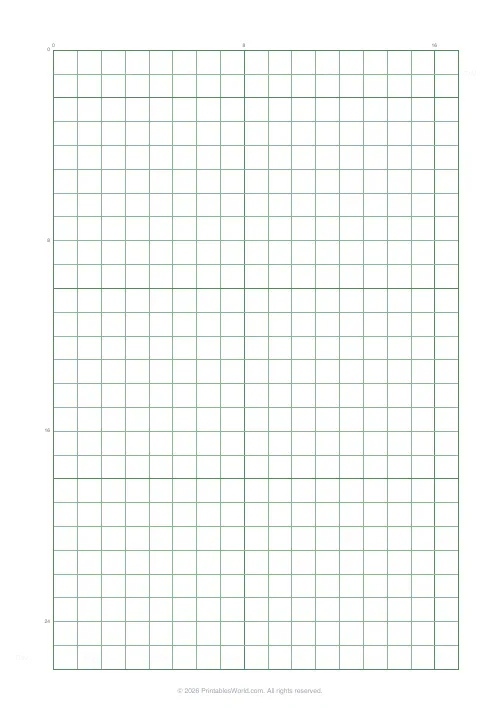
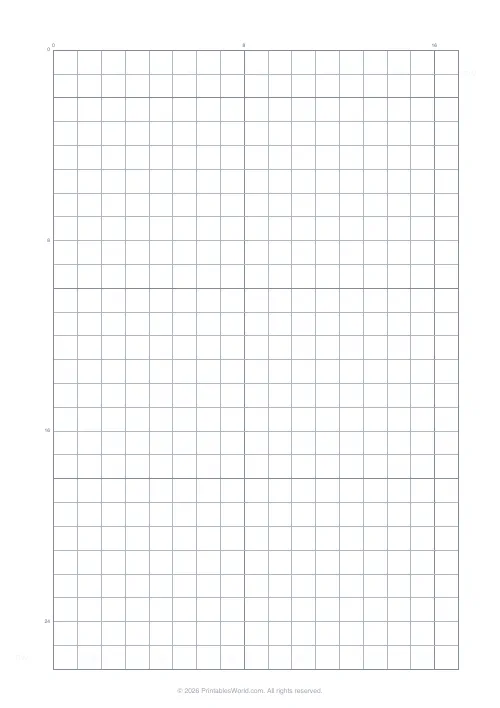
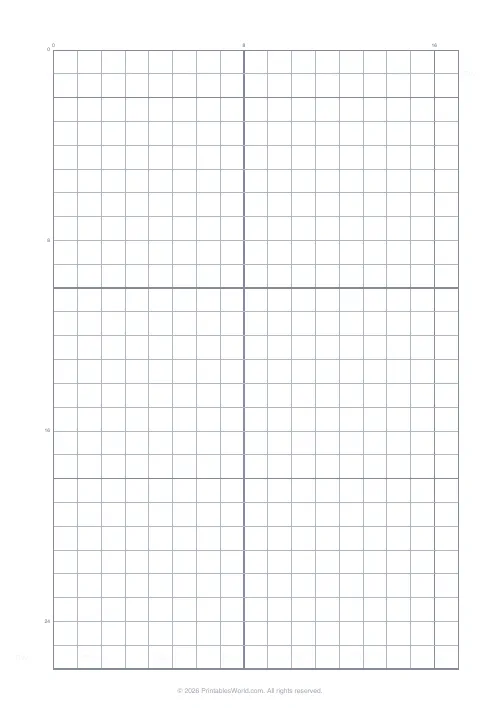
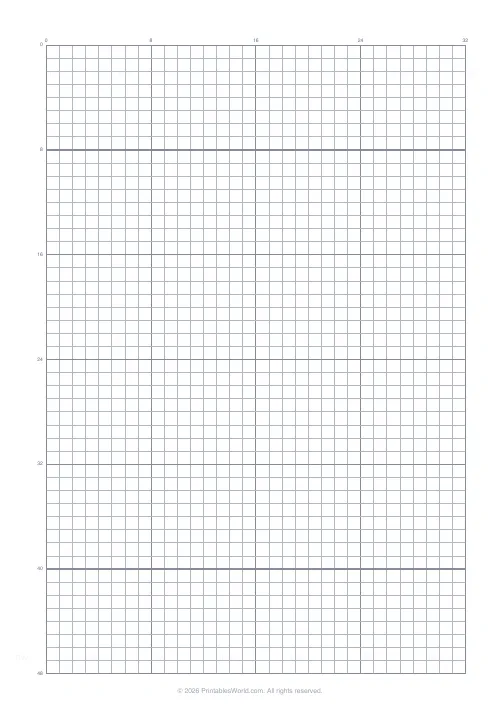
A numbered 10 mm grid with a bold line every eighth square and a border — sized for sprite work on an 8, 16 or 32 pixel canvas.
People also used
Feedback
Spotted something off with this tool?
Numbered squares, bold every eight
Ten-millimetre cells with the rows and columns numbered down the margins, a heavier line every eighth square, and a border round the whole grid.
Eight, not five. Ordinary graph paper bolds every fifth line, and that one detail is why this is a separate sheet.
Why eight
Because sprite work is done in powers of two, and the blocks have to line up with the canvas you are actually drawing for.
An 8×8 sprite is one block. A 16×16 is four. A 32×32 is sixteen. Bold lines every five squares cut straight across all of those, which means constant recounting and a design that turns out to be 17 wide. Blocks of eight let you see the canvas boundaries without counting anything.
The numbering
Coordinates matter here more than on most grids. A sprite is edited pixel by pixel, and being able to say "row 12, column 5" is what makes a paper design transcribable into an editor without errors.
It also makes the sheet usable by two people — one reading, one entering — which is how a class transfers designs quickly.
Working small
The instinct is to start at 32×32 because it allows detail. Start at 16×16 instead, and preferably at 8.
Constraint is what makes pixel art readable: at 8×8 every pixel has to earn its place, and the discipline of choosing which four pixels make a face is the entire skill. A 32×32 first attempt usually ends up as a small blurry drawing rather than a sprite.
Colour on paper first
Limit yourself to a handful of colours and write the key in the margin. Classic hardware palettes were small for technical reasons and the aesthetic came out of that limit, so working with four or eight colours is not a compromise — it is the medium.
Shade with a darker version of the same hue rather than with grey, and keep the light coming from one direction. Both of those are easier to plan on paper than to fix later in an editor.
Other uses for the same sheet
Beading and perler patterns, where one square is one bead and the numbering helps enormously. Mosaic and tile layouts. Minecraft builds planned from above. Any tile-based game map.
Print at 100% on A4, US Letter or US Legal.
FAQs
Quick answers
How many pixels does a sheet contain?
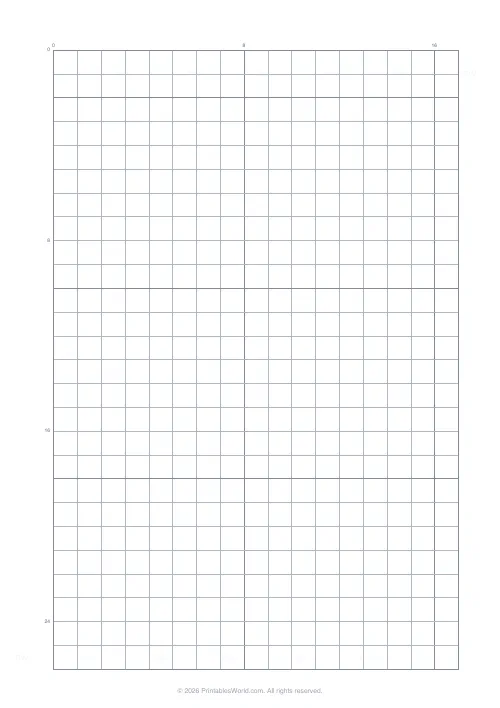
A single 16×16 grid centred on the page, sized so each cell is large enough to hand-fill.
Is there a numbered axis?
Yes. Rows and columns are numbered every 8 cells so you can find a coordinate quickly.
Can I get a bigger canvas?
Yes, try Pixel Art Grid, Large (32×32).
What pen works best?
Any fine-tip pen or pencil. Filling cells fully gives the cleanest sprite preview.
Related tools
Further reading
Printable Paper
Graph paper sizes: which grid for which task
What graph paper sizes and grid spacings mean, how to match a grid to maths, art or design, and how to set it all in the free graph paper generator.
7 min read
Printable Paper
Bullet journalling with dot grid paper: a starter guide
The bullet journal was designed to be fast, not beautiful. Here is the original system, why dot grid suits it better than lines or blank, and the four pages you actually need.
5 min read
Printable Paper
The best note-taking paper for students (Cornell, grid, lined)
The paper you take notes on quietly decides how you review them. Here is what each format is actually for, and which subjects each suits.
4 min read