
What this tool does
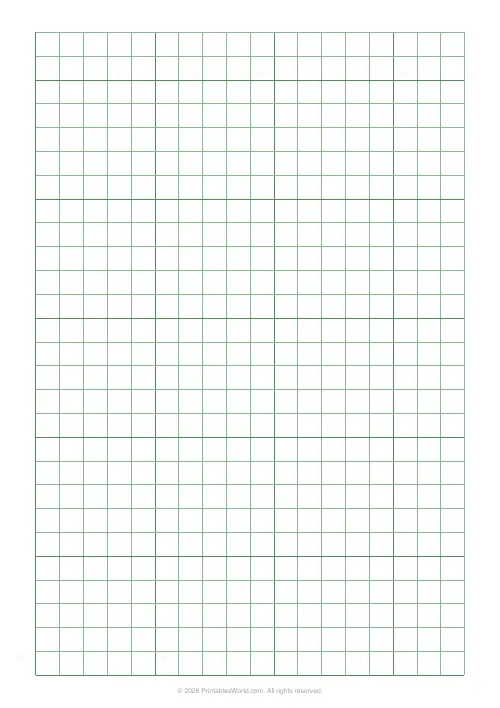
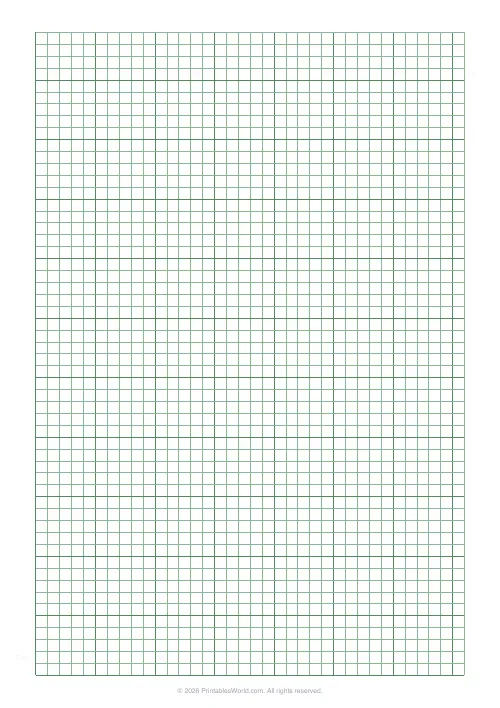
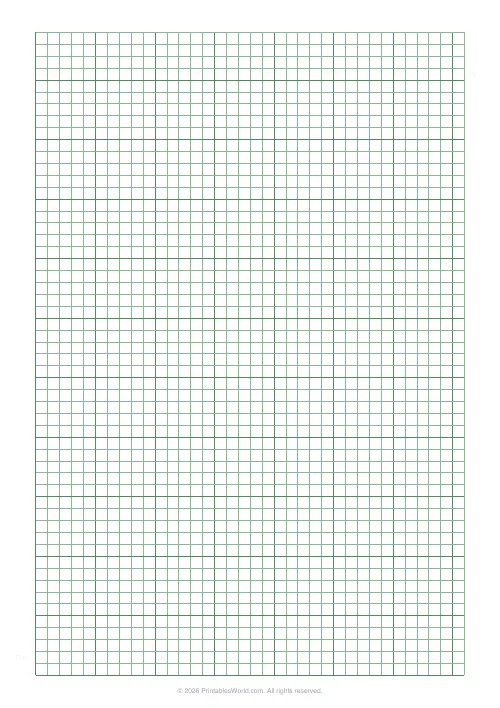
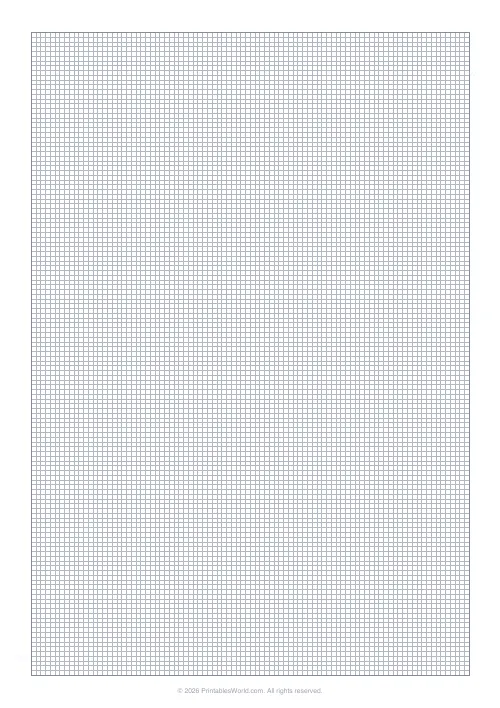
The green-tinted 5 mm grid used in technical drafting, with darker lines every centimetre. A4, US Letter or US Legal.
People also used
Graph Paper Generator
Create custom graph paper PDFs with square or rectangular grids, dot styles, and axis numbering.
Floor Plan Grid
Architectural-style grid for sketching room layouts.
French Ruled (Séyès) Paper
The classic French cahier Séyès grid. 2 mm rules, 8 mm baselines, and an optional red margin.
Feedback
Spotted something off with this tool?
Green grid, 5 mm cells, bold every centimetre
Five-millimetre squares in the pale green that engineering and drafting courses have used for decades, with a heavier line every two cells so a centimetre is visible without counting.
That bold rhythm is the part that makes the paper usable. Counting individual 5 mm squares across a page is slow and error-prone; counting centimetres and adding a half is not.
Why the green
It is not decoration. A pale green grid photocopies and scans much more weakly than a black one, so the drawing comes through and the grid mostly does not.
That mattered enormously when technical drawings were reproduced by machine, and it still matters if the sheet is going to be scanned, photographed for a hand-in, or copied for a report. Draw in black or dark blue and the grid recedes.
What 5 mm is good for
It is the standard metric working size, and it maps onto scales cleanly. At 1:100 each square is half a metre. At 1:50 each square is 25 cm. At 1:20 each square is 10 cm.
Those are the scales you actually use for a room, a component or a small assembly, and having a grid that divides into them means you can lay out a drawing without a scale rule for the first pass.
Working on it
Draw along the bold lines wherever you can. A rectangle whose corners sit on centimetre intersections is easy to measure later; one that starts halfway across a small square is not, and you will be adding half-millimetres for the rest of the sheet.
Put dimensions on as you go rather than at the end. The grid makes it tempting to leave them off, since anyone can count the squares, and then the drawing gets photocopied at 94% and nobody can.
What is adjustable
The 5 mm green grid is the preset. Paper size A4, US Letter or US Legal.
If you want a different cell size, a different colour or a dot grid, the graph paper generator is the same engine with all the controls exposed.
Printing
At 100% scale, always. On most printables a scaled print is untidy. On this one it is wrong. The entire value of the sheet is that a square measures 5 mm, and a page printed at 97% carries 4.85 mm squares that look identical and are not.
Check it with a ruler the first time you print on a new printer. It takes ten seconds and it has caught more than one misconfigured driver.
FAQs
Quick answers
Why is engineering paper green?
The green tint is easier on the eyes during long technical drafting sessions and gives diagrams a clean, neutral background.
What is the grid spacing?
5 mm squares with a heavier line every 5 squares (1 cm).
Can I print on US Letter?
Yes. A4, US Letter and US Legal are all supported.
Can I switch the colour back to blue?
Yes. Pick any of the available line colours from the Line colour control.
Related tools
Graph Paper Generator
Create custom graph paper PDFs with square or rectangular grids, dot styles, and axis numbering.
Floor Plan Grid
Architectural-style grid for sketching room layouts.
French Ruled (Séyès) Paper
The classic French cahier Séyès grid. 2 mm rules, 8 mm baselines, and an optional red margin.
Further reading
Printable Paper
Graph paper sizes: which grid for which task
What graph paper sizes and grid spacings mean, how to match a grid to maths, art or design, and how to set it all in the free graph paper generator.
7 min read
Printable Paper
Bullet journalling with dot grid paper: a starter guide
The bullet journal was designed to be fast, not beautiful. Here is the original system, why dot grid suits it better than lines or blank, and the four pages you actually need.
5 min read
Printable Paper
The best note-taking paper for students (Cornell, grid, lined)
The paper you take notes on quietly decides how you review them. Here is what each format is actually for, and which subjects each suits.
4 min read
More like this
- Graph Paper Generator
 Lined Paper Generator
 Dot Grid Paper
 Knitting / Crochet Grid
 Cross Stitch Grid
 Pixel Art Grid: Small (16×16)
 Pixel Art Grid: Large (32×32)
 Classroom Seating Chart Grid
- Floor Plan Grid
 Map Grid Paper
 Blank Notebook Page
 Multiplication Grid: Blank
 Times Table Grid: Fill In
 Isometric Dot Paper