What this tool does
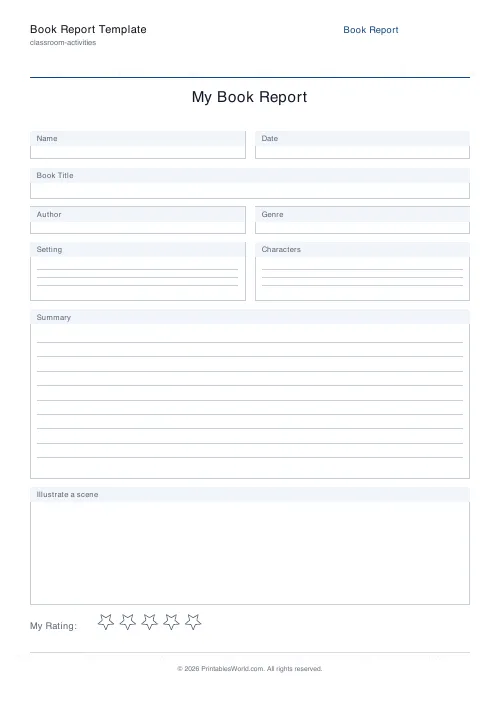
A one-page book report with labelled boxes for the title and author, the genre, where it is set and who is in it, plus a large summary area. The illustration box and the star rating can each be switched off.
People also used
Reading Comprehension Worksheet
Paste any passage and print it with numbered comprehension questions and ruled answer lines.
Bedtime Story Maker
Create custom bedtime stories with vocabulary, morals, and questions for children aged 3 to 10.
Bookplates (This Book Belongs To)
Printable "This Book Belongs To" labels in a choice of frames.
Feedback
Spotted something off with this tool?
A book report that fits on one page
Small boxes run across the top for the title and author, the genre, the setting, the characters. Below them sits a large area for the summary. An illustration box and a star rating can each be switched off.
The small boxes are small on purpose. Give half a page to recording an author's name and the thinking gets squeezed out of whatever is left.
The summary box is where it succeeds or fails
Left alone, most children retell the plot from the beginning and keep going until the space runs out. What you get is a careful summary of the first three chapters and nothing at all about the rest.
One rule fixes it. The summary has to say what the character wanted, what got in the way, and how it ended. Three sentences in that shape. The retelling problem vanishes, and the child starts thinking about structure instead of sequence — which is the whole difference between summarising a book and listing what happened in it.
Say explicitly whether spoilers are allowed. A child hedging around the ending writes a much worse summary, and half of them will hedge unless told not to.
The star rating is not decoration
It is the only part of the sheet that asks for an opinion, and it is the part children fill in first.
Use it. "Why three stars and not four?" is the most productive question you can ask about a book report. It demands a reason and there is no right answer to guess at. A child who cannot defend the rating has not thought about the book. One who defends it well has done more than the summary box shows.
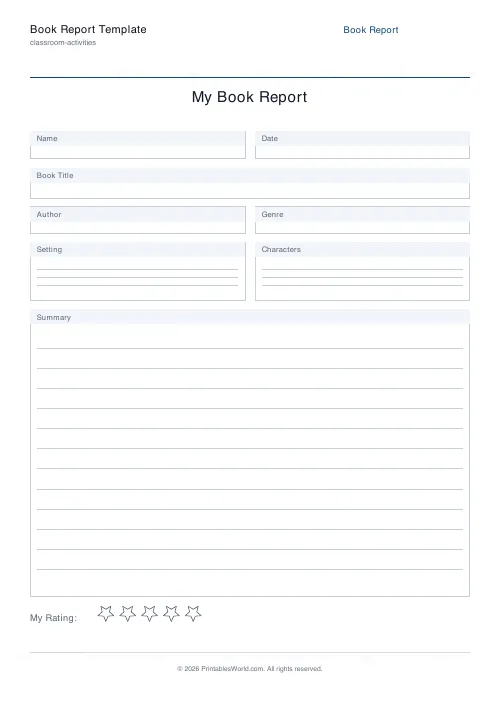
Turn it off for a formal assessment where a rating would be beside the point.
The illustration box
Ask for a specific moment rather than "a picture from the book". A drawing of the cover tells you nothing; a drawing of the scene where the character makes their decision tells you they know which scene that was.
It is also the escape route for the child who reads well and writes reluctantly. The box needs no sentences, so comprehension can still be shown. Worth having on the page for that alone.
Controls and printing
A title, the illustration box on or off, and the star rating on or off. A4 or US Letter.
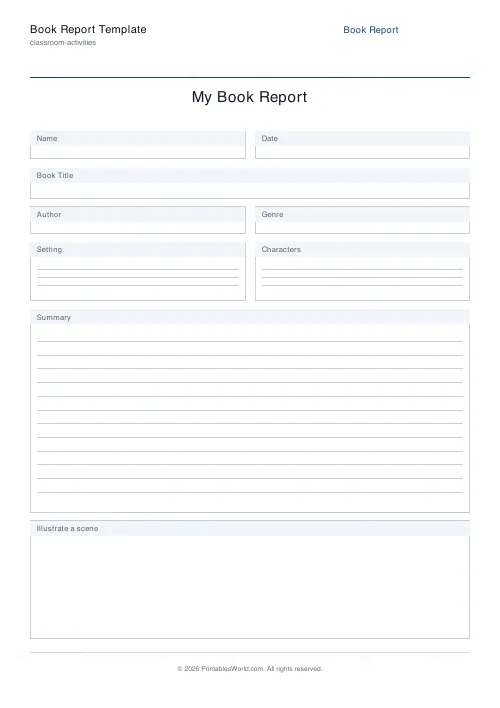
Turning both off leaves a plain text-only report, which suits older students and takes the whole page for the writing.
Using a stack of them
Print a set at the start of term and leave them where children can take one. One report written the day a book is finished beats several written a fortnight later from memory, and the difference comes down almost entirely to whether a sheet was within reach.
Print at 100% on A4 or US Letter.
FAQs
Quick answers
What grade level is this book report template for?
It works from upper primary through middle school. Younger students can skip the summary box and use the illustration area; older students can write a detailed summary on the ruled lines.
Can I turn off the star rating?
Yes. Toggle the "Include rating" option before exporting and the five-star row will be removed, leaving more space for the summary and illustration.
How is the PDF laid out?
One page, A4 or US Letter. The page has Name and Date fields at the top, book details underneath, a large summary box in the middle, an optional illustration box, and optional rating stars at the bottom.
Can I use it for any book?
Yes. The template is generic. You choose the book, so it works for picture books, novels, non-fiction and classroom reading assignments.
Related tools
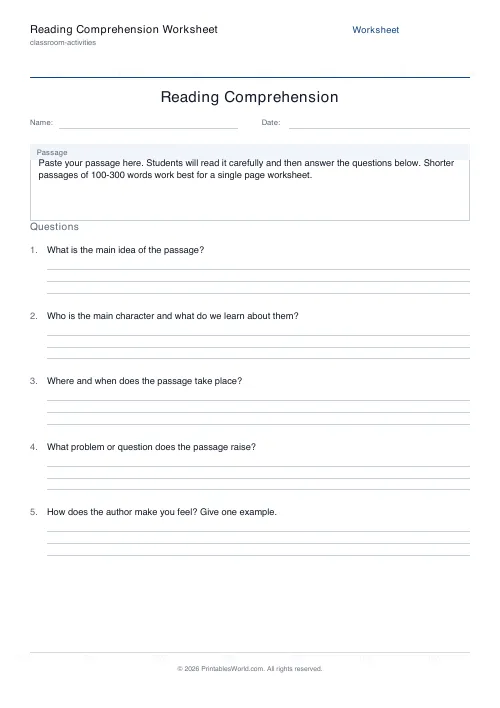
Reading Comprehension Worksheet
Paste any passage and print it with numbered comprehension questions and ruled answer lines.

Bedtime Story Maker
Create custom bedtime stories with vocabulary, morals, and questions for children aged 3 to 10.
Bookplates (This Book Belongs To)
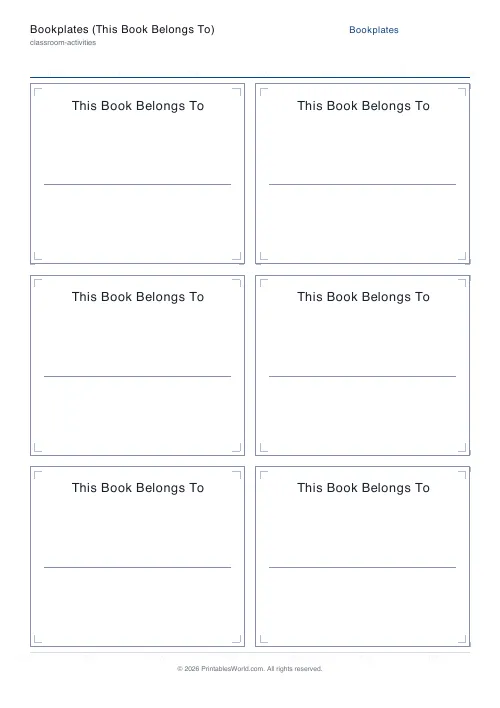
Printable "This Book Belongs To" labels in a choice of frames.












