Scan to get


 Scan to get



 Scan to get






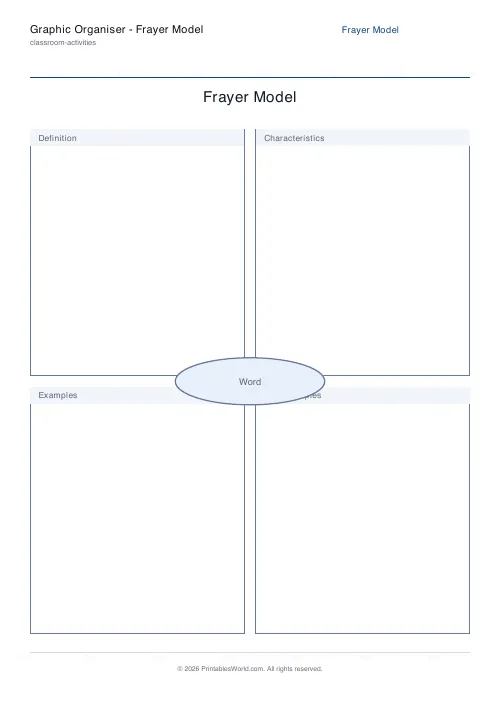
What this tool does
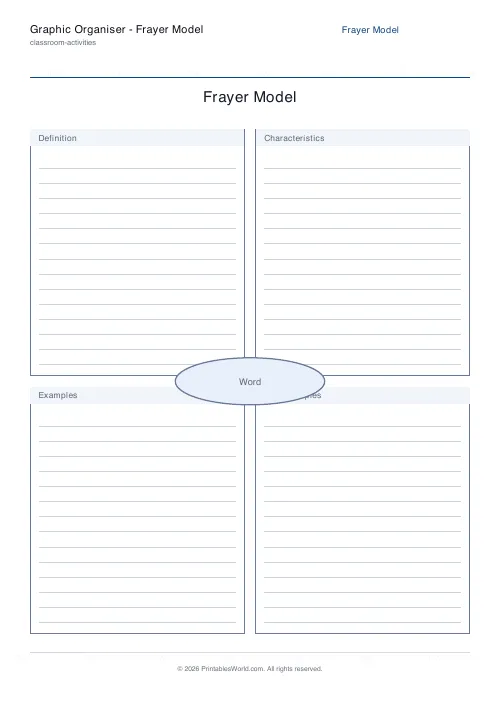
A printable Frayer model. The target word sits in a central oval with four labelled quadrants around it: definition, characteristics, examples, non-examples. Every label is editable, the central word can be left blank for pupils to fill in, and faint ruled lines can be turned on for tidier answers.
People also used
Concept Map Template
Root concept with hierarchical linked boxes in a tidy tree layout.
Bingo Card Generator
Generate unique printable bingo cards with custom words, FREE centre toggle, call sheet, and seeded shuffles.
Coloring Page Maker
Create printable coloring pages with mandala, geometric, and animal templates in any line thickness.
Feedback
Spotted something off with this tool?
Four angles on one word
The word goes in the oval at the centre. Four boxes around it ask what it means, what its features are, what counts as an example, and what does not.
That last box is the one doing the work. A dictionary definition tells you what something is; a non-example forces a pupil to decide where the concept stops, and that boundary is where the actual understanding lives. Ask a class for non-examples of a mammal and you find out in ninety seconds who thinks a whale is a fish.
The quadrants, and changing them
- Definition. The meaning in the pupil's own words, which is not the same as the meaning copied from a glossary.
- Characteristics. Key features, properties, facts.
- Examples. Clear cases that fit.
- Non-examples. Near misses that do not.
All four are editable text, which is what makes the same sheet work outside vocabulary. Swap them for formula, units, when to use it and when not to, and you have a maths organiser. Swap them for causes, effects, key figures and dates and you have a history one.
Leave the oval empty
Typing the word in is the obvious thing to do and it is often the wrong one.
A blank oval lets you print one class set and hand different words to different groups, or give the same sheet to everybody at the start of a unit and again at the end so the two can be compared. It also means a pupil writes the word themselves, which is a small thing that makes the sheet theirs rather than yours.
The ruled lines are on by default. Turn them off for a class that will want to draw in the boxes, which younger pupils reliably do.
When to reach for it
At the start of a unit, on the three or four words the whole topic depends on. Not on every word, because the model takes twenty minutes and is wasted on vocabulary a glossary would settle.
As revision before an assessment, where the non-examples box surfaces misconceptions that have quietly survived the teaching. And as a paired activity, where two pupils compare their examples and have to justify the disagreements, which is the version that produces the best conversation in the room.
FAQs
Quick answers
What is a Frayer model used for?
It is a vocabulary and concept graphic organiser. A word sits in the centre and four quadrants prompt pupils to give a definition, list characteristics, and provide examples and non-examples, building deeper understanding than a single definition.
Can I change the four quadrant labels?
Yes. The default labels are Definition, Characteristics, Examples and Non-examples, but you can rename any of the four boxes to match your subject. For example Picture, Synonyms, Sentence and Antonyms.
Do I have to fill in the central word first?
No. Leave the word blank and the oval shows a faint prompt, so pupils can write the target word themselves. Type a word and it is printed in the centre for you.
Can I add writing lines to the boxes?
Yes. Turn on ruled lines and each quadrant gets faint writing guides so answers stay neat. Turn them off for a blank version that suits drawings or mind-mapping.
Related tools
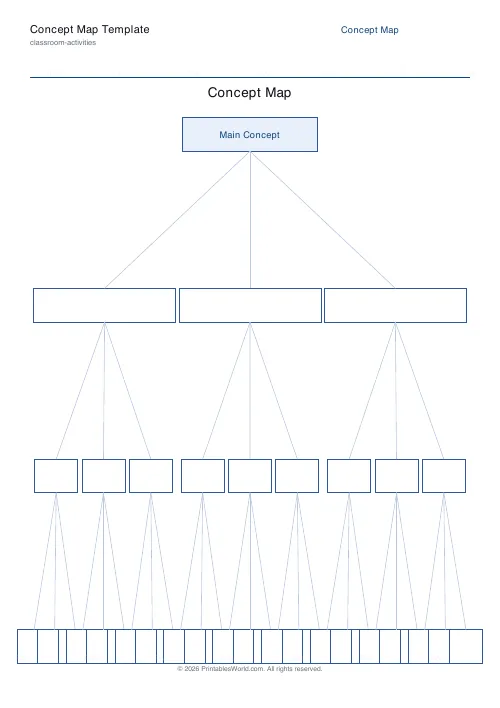
Concept Map Template
Root concept with hierarchical linked boxes in a tidy tree layout.
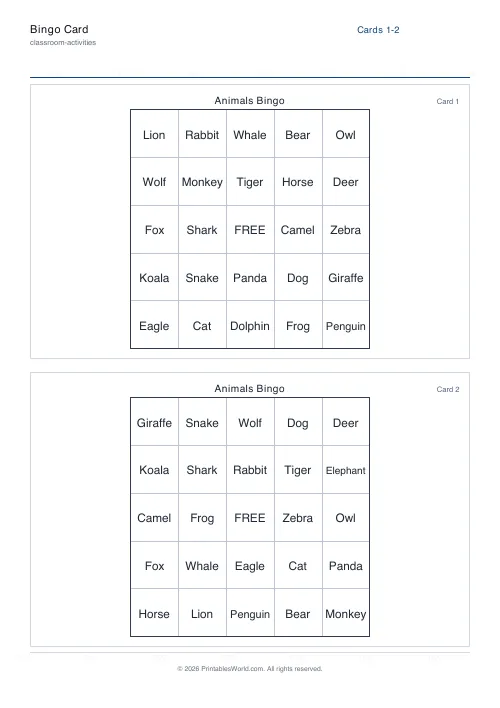
Bingo Card Generator
Generate unique printable bingo cards with custom words, FREE centre toggle, call sheet, and seeded shuffles.
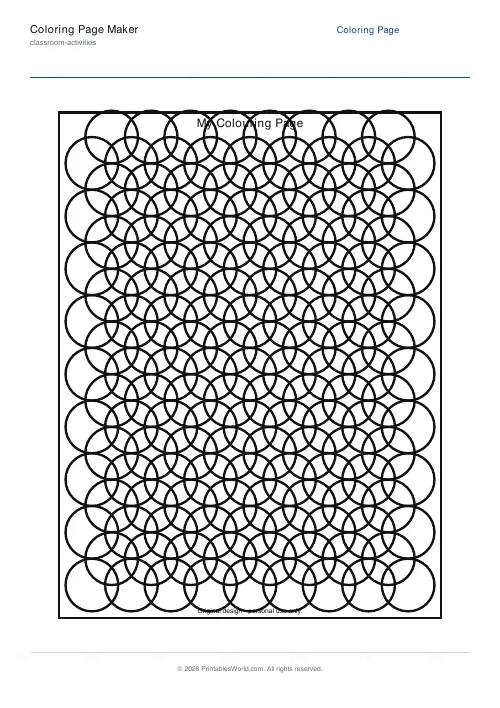
Coloring Page Maker
Create printable coloring pages with mandala, geometric, and animal templates in any line thickness.
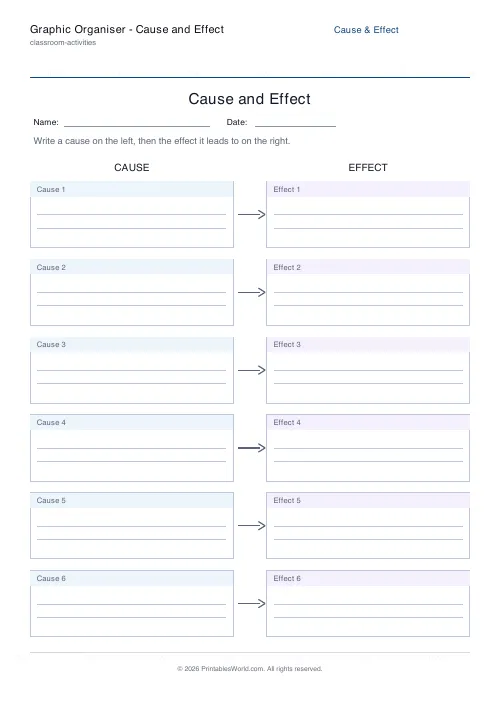
Graphic Organiser: Cause and Effect
Link causes to the effects they lead to.
Further reading
Teaching & Classroom
How to make a custom spelling word search
Turn any spelling list into a printable class set in minutes. A practical guide to making a custom spelling word search, with a worked example and difficulty tips.
7 min read
Classroom Activities
How to run a classroom economy (free printables)
A classroom economy teaches money, work and choice at once. But it collapses if the maths is wrong. Here is how to set the numbers, and the four pitfalls to avoid.
5 min read