Classroom Activities
Concept Map Template
Root concept with hierarchical linked boxes in a tidy tree layout.
Last updated:
What this tool does
A hierarchical concept map where a root concept at the top branches down through two or three levels of child boxes. Configure depth (2 or 3) and branches per node (2 to 4), and the tool lays out a balanced tree with connector lines.
Settings
Configure your concept map
Depth 2, 3 branches per node
Paper size
Preview
Sample sheet
On-screen mock of the layout. The PDF prints at exact millimetre spacing.
People also used
Create a Printable Concept Map Template
A concept map turns a single topic into a tidy hierarchical diagram — the root concept at the top branches down through child concepts and, if you need more depth, into grandchildren. This printable concept map generator lays out a balanced tree of empty boxes connected by clean lines, ready for students to fill in by hand as they summarise a topic, plan an essay, or revise for a test.
Configure the depth of the tree (2 or 3 levels) and the number of branches per node (2, 3, or 4), and the generator does the geometry for you. Output is available in A4 or US Letter PDF format.
This concept map template is free, has no sign-up, and uses the shared branded PrintablesWorld layout so a class set looks uniform and tidy.
Why use this concept map template?
A concept map is one of the simplest visible ways to show what a student understands about a topic — and where the gaps are. Unlike a mind map, which is a radial blob of associated ideas, a concept map has a direction: the big idea branches into component ideas, and those branch into details. That structure is exactly what supports essay planning, exam revision, and summarising. Use it for:
- summarising a topic at the end of a unit
- planning a piece of writing before drafting
- revising for a test by reconstructing a topic from memory
- group-work activities where teams fill in a shared map
- guided-reading comprehension (what was the text really about?)
- SEN and EAL visual-organiser support
- homeschool unit-study summarisers
- tutoring sessions that need to diagnose understanding
A well-constructed concept map is also a great revision aid that the student actually produces, rather than passively re-reads.
What you can customise
- Title — a custom heading for the worksheet
- Root concept — pre-label the top-of-tree box with the topic (or leave it blank for students to fill in)
- Depth — 2 levels (root + children) or 3 levels (root + children + grandchildren)
- Branches per node — 2, 3, or 4 child boxes under each parent
- Paper size — A4 or US Letter PDF output
The tree's geometry — where each box sits, how connector lines route between parents and children — is laid out automatically so the map is balanced regardless of the depth and branch settings you choose.
Notes and limitations
- Depth is capped at three levels below the root — beyond that, a single portrait page cannot fit the boxes legibly.
- Only the root concept can be pre-labelled. Child boxes print empty so students fill them in by hand.
- The current template is portrait orientation. For very wide 3x4 trees, print portrait and rotate the sheet after printing if needed.
- The generator does not insert linking words ("includes", "causes", "is a kind of") on the connector lines — students can write these in as part of the thinking exercise.
- Print at 100% scale so the tree fits neatly inside the printable area.
Who concept maps are for
Parents
A revision tool the student fills in themselves — print once, ask them to summarise a topic from memory into the tree, and the gaps become visible.
Teachers
Use concept maps for end-of-unit recaps, pre-writing planners, and diagnostic checks. Because every student's map is filled out by hand, you can see who understands the hierarchy of a topic and who is just memorising facts.
Homeschool families
Fold a weekly concept map into your routine — the cumulative folder becomes a visible record of topics covered.
Tutors
A fast way to assess a learner's grasp of a topic. If they can fill in the tree confidently, they understand the structure; if they cannot, that is where the teaching focuses.
SEN / EAL specialists
Visual organisers are particularly helpful for learners who struggle to hold a linear text in mind — the spatial layout supports recall.
Structure options
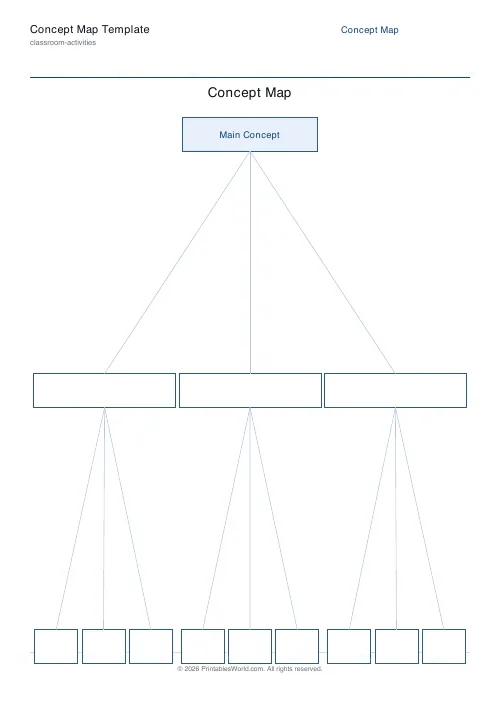
Depth 2, 3 branches
The default. One root, three child boxes — a clean, readable map for primary learners.
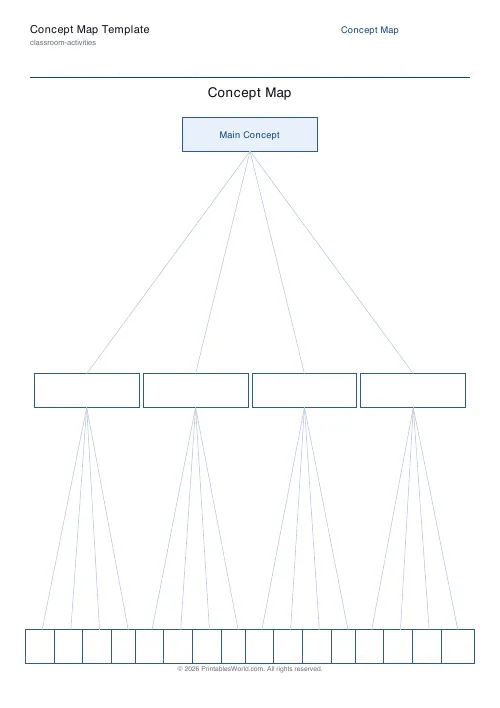
Depth 2, 4 branches
One root, four children. Good when the topic has four clear sub-areas (for example "The four tissues of the human body").
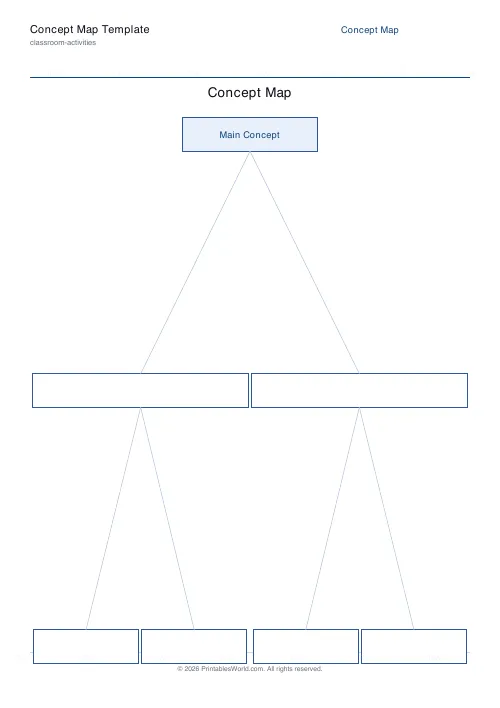
Depth 3, 2 branches
A binary-tree map — root with two children, each with two grandchildren. Totals 7 boxes. Compact and balanced.
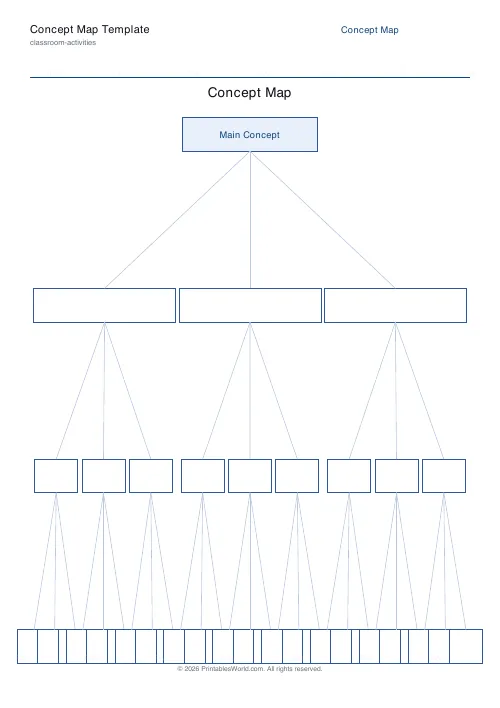
Depth 3, 3 branches
A fuller map — 1 + 3 + 9 = 13 boxes. The most detailed layout that still prints legibly on a single A4 page.
How to use the tool
- Type a worksheet title.
- (Optional) Enter the root concept, or leave blank for students to fill in.
- Pick depth (2 or 3).
- Pick branches per node (2, 3, or 4).
- Choose A4 or US Letter.
- Click Generate.
- Preview and download the PDF.
- Print and distribute.
Worked example
For a Year 6 Science review on ecosystems, set the title to "Concept Map: Ecosystems", enter "Ecosystems" as the root concept, choose depth 3 and branches per node 3. The PDF prints with Name and Date fields, the title, and a balanced tree: "Ecosystems" at the top, three child boxes below (students might write "Producers", "Consumers", "Decomposers"), and under each child three grandchild boxes (for example under Producers they might write "plants", "algae", "phytoplankton"). Connector lines are drawn automatically between each parent and child.
Methodology
The engine computes a balanced tree layout for the chosen depth and branch count, positions the root at the top centre, and spaces child boxes evenly across each level. Connector lines are routed between each parent box's bottom edge and each child box's top edge. The layout is fully deterministic — the same inputs always produce an identical map — so a class set is uniform and a lost sheet can be regenerated exactly.
Helpful preset ideas
- Depth 2, 3 branches — quick end-of-lesson recap
- Depth 2, 4 branches — four-sub-area topics (seasons, directions, food groups)
- Depth 3, 2 branches — binary topic hierarchies
- Depth 3, 3 branches — detailed end-of-unit summariser
- Root pre-filled with the topic — gives weaker writers a clearer start
- Root left blank — for open-ended diagnostic use
Best ways to use a concept map
- Start with the root and work downwards — the hierarchy matters.
- Encourage students to write a linking word on each connector line ("includes", "causes", "is a kind of"). The linking words are where the thinking lives.
- Compare maps across a table — different students branch the same topic in revealing ways.
- Fold completed maps into a revision folder for end-of-year review.
- Use the same map again at the end of term for the student to update — visible proof of learning.
Designed for A4 and US Letter Printing
The concept map template prints cleanly on both A4 and US Letter paper. Print at 100% scale so the balanced tree fits neatly inside the margins of whichever paper size your printer is loaded with.
Related reading and thinking tools
FAQs
Quick answers
How is this different from a mind map?
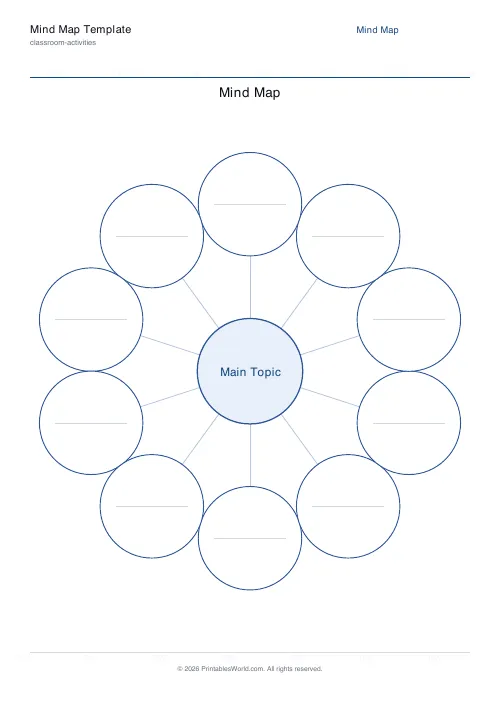
A concept map is hierarchical (root → children → grandchildren) and uses directed links, while a mind map is a single-level radial bubble. Both are useful; concept maps scale better to structured topics.
How deep can the tree go?
Up to three levels below the root. Going deeper than that rarely prints legibly on a single page.
Can I label the boxes in advance?
Only the root concept can be pre-labelled. Child boxes print empty so students can fill them in by hand.
Does it work in landscape?
The current template prints in portrait orientation. For landscape layouts, rotate the sheet after printing.
Related tools