What this tool does
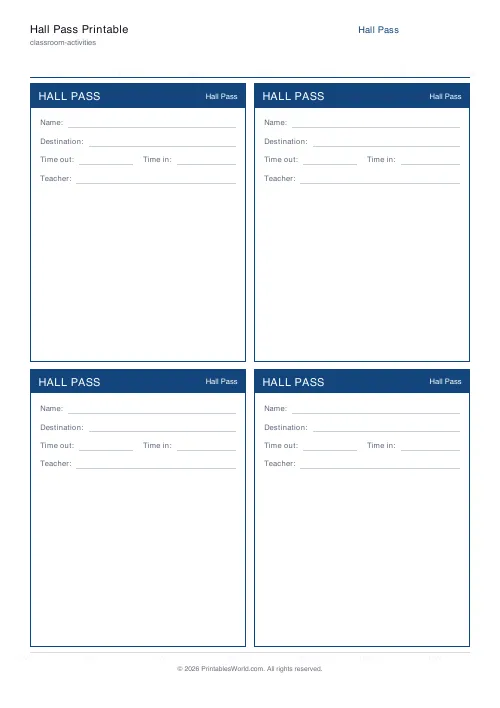
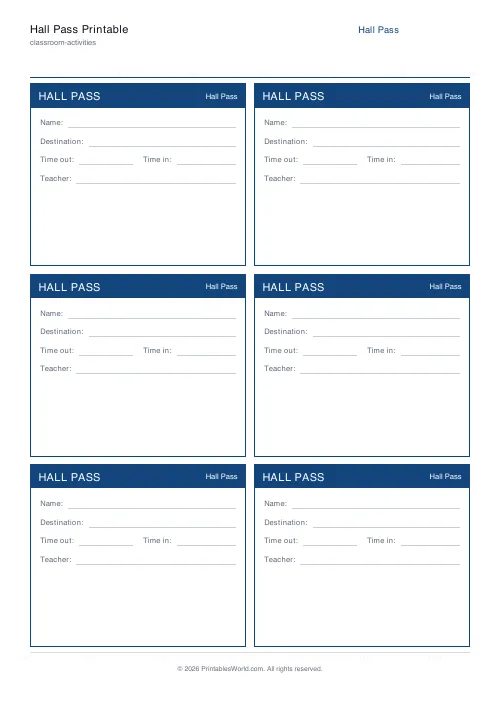
A sheet of hall-pass tickets with fields for the student's name, where they are going, the time out, the time back, and the teacher's initials. Four or six to a page.
People also used
Classroom Seating Chart
Printable seating plan grid with configurable rows, columns, teacher desk, and door.
Exit Ticket Generator
Three exit tickets per A4 page for quick end-of-lesson reflection.
Bingo Card Generator
Generate unique printable bingo cards with custom words, FREE centre toggle, call sheet, and seeded shuffles.
Feedback
Spotted something off with this tool?
Tickets you print once and use all term
Each pass carries five fields: name, destination, time out, time in, teacher's initials. Four or six to a page, with your school or classroom name across the top.
Print a stack at the start of term, cut them, and keep them in a tray by the door.
Why the two time fields matter
Time out on its own tells you when somebody left. The pair tells you how long they were gone, and that is the number that is actually useful.
A pass with both filled in is also a record. If a student's five-minute trip to the office is regularly taking twenty, the passes say so, in their own handwriting, with dates — which is a considerably better basis for a conversation than a teacher's impression.
Most of the time nothing comes of it, and that is fine. The cost of the second field is three seconds.
Initials, not a signature
The last field is deliberately small. A pass is a thirty-second transaction and asking for a full signature slows the door down without adding anything.
What the initials do is establish that an adult authorised it, which is the entire point of a hall pass as a safeguarding measure rather than a piece of classroom theatre.
Four or six to a page
Six gives smaller tickets and more of them per sheet, which is what most classrooms want.
Four gives a larger pass with more writing room, worth it if younger children are filling them in themselves or if you want the destination field big enough for a full sentence.
Making them last
Card, if the passes are going to be carried around a building. Paper ones come back creased and eventually illegible.
A different colour of paper per week or per class is a cheap trick that works: an old pass is instantly recognisable, and a pass that has been through the wash and reappears in October is obvious.
Laminating and using a wipe-clean pen is the other approach, though you lose the record, which is half of what the fields are for.
Adjustments
Passes per page (4 or 6) and the name printed at the top. A4 or US Letter.
Put the actual room number in the name field rather than the school name if the passes are yours. It is more useful information for whoever reads the pass in a corridor.
Print at 100% so all the tickets come out the same size.
FAQs
Quick answers
How many passes do I get per page?
Choose 4 or 6 per A4/Letter page. Four is roomier for handwriting; six uses less paper.
Can I put our school name on them?
Yes. Type a school or class name and it prints inside the header band on every pass.
Can I laminate them for re-use?
Yes. Print, laminate, and write with a dry-wipe pen. The fields are designed to be filled in repeatedly.
Are the tickets easy to cut?
Tickets are arranged in a 2-column grid with clear borders, so a guillotine or scissors cut cleanly between them.
Related tools
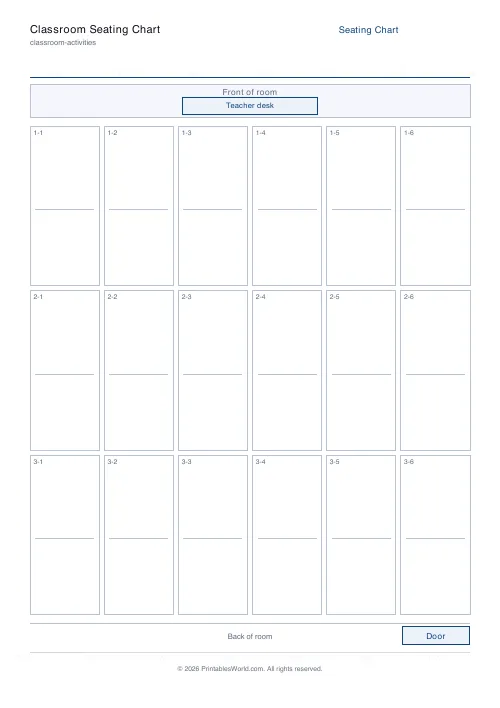
Classroom Seating Chart
Printable seating plan grid with configurable rows, columns, teacher desk, and door.
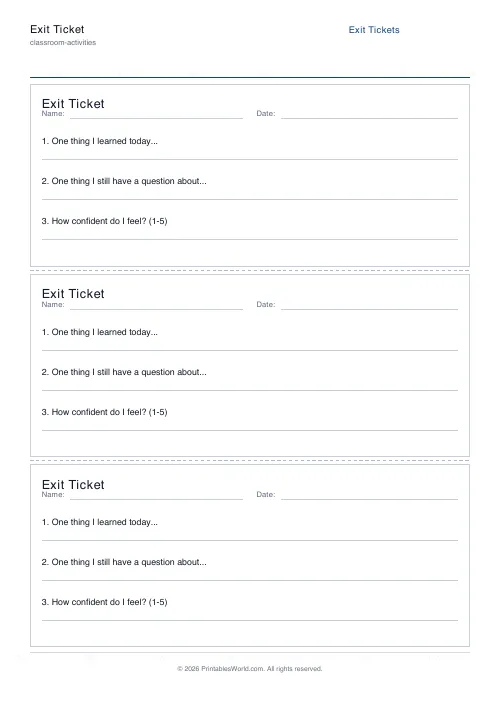
Exit Ticket Generator
Three exit tickets per A4 page for quick end-of-lesson reflection.

Bingo Card Generator
Generate unique printable bingo cards with custom words, FREE centre toggle, call sheet, and seeded shuffles.
Further reading
Classroom Activities
Escape room activities for the classroom: a how-to
A classroom escape room is a sequence of puzzles with a story on top. The design decision that matters most is whether groups work through them in order or all at once.
5 min read
Classroom Activities
20 classroom games that need zero prep
Games organised by the gap they fill: two minutes at the end of a lesson, ten minutes before assembly, or a whole wet lunchtime. Almost all need nothing but a voice.
6 min read












