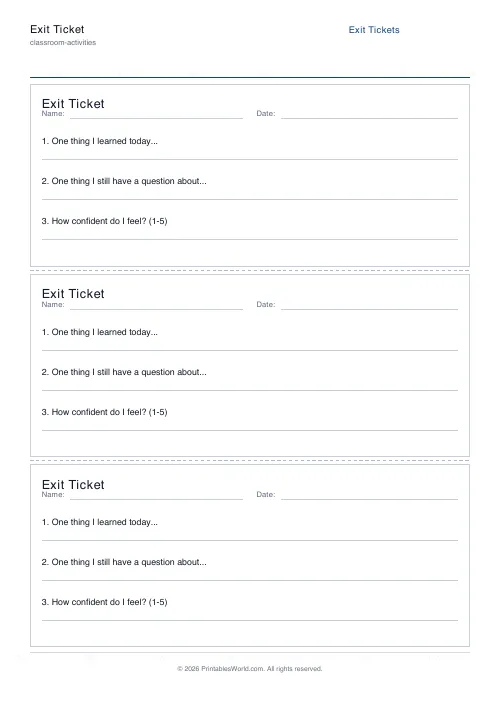
What this tool does
Three exit tickets to an A4 page, separated by dashed cutting lines. Each carries your lesson title, Name and Date fields, and the two or three reflection questions you write.
People also used
Quiz Template Generator
Blank numbered quiz template with configurable question count and answer-line style.
Short Answer Test Generator
One question per item with 2-8 ruled response lines.
Bingo Card Generator
Generate unique printable bingo cards with custom words, FREE centre toggle, call sheet, and seeded shuffles.
Feedback
Spotted something off with this tool?
Exit tickets, three to a page
An exit ticket is the small slip a class fills in during the last two minutes of a lesson and hands to you on the way out. This prints three of them per sheet, divided by dashed lines so one cut down the page and two across gives you a stack.
Each ticket carries the lesson title, a Name and Date line, and the questions you set.
Two or three questions, and no more
The default three are the standard set: something learned, something still unclear, and a confidence rating from 1 to 5. They are a reasonable starting point and you should replace them as soon as you have a lesson in mind.
What you should not do is add a fourth and a fifth. An exit ticket is answered in ninety seconds by a child who has already packed their bag, and a longer one gets one-word answers to every question rather than a real answer to two. The format's usefulness comes entirely from being short enough that everyone actually completes it.
The middle question is the one worth having
"What are you still unsure about" is the question that changes what you do tomorrow, and it is the one most often dropped for something more cheerful.
Ask it plainly. A class that has learned their exit tickets are read and acted on will tell you the truth on them, and thirty honest answers to that question is a better guide to the next lesson than any amount of watching faces during this one.
The confidence rating is useful mainly as a cross-check. A child who writes a good answer and rates themselves 2 is a different case from one who writes nothing and rates themselves 5, and both are worth a word.
How to make them cheap enough to actually use
Print a stack at the start of term with a generic title. Sort them into three piles as they come in — got it, nearly, lost — which takes under two minutes for a class of thirty and gives you your starter for the next lesson.
The failure mode is not the printing. It is collecting thirty tickets and never reading them, which teaches a class that the exercise is a ritual, after which the answers stop being worth reading and the whole thing is self-fulfilling.
On the form
Lesson title, your list of questions, and paper size A4 or US Letter. Three tickets per page is fixed.
Print at 100% so the dashed cutting lines land where they should. A guillotine does a page in one pass; scissors work fine.
FAQs
Quick answers
How many tickets print per page?
Three tickets per A4 or US Letter page. Dashed cut lines between tickets make it quick to separate them.
Can I change the reflection questions?
Yes. Enter 2 or 3 prompts in the settings panel and every ticket on the page will use them.
Do tickets include Name and Date fields?
Yes. Each ticket has labelled Name and Date lines at the top so students can identify their response.
Is there a teacher copy or answer key?
No. Exit tickets are formative checks, so only a blank student version is printed.
Related tools
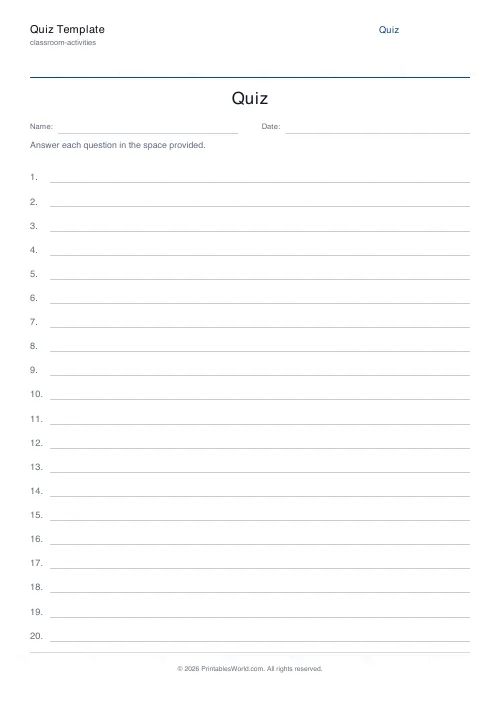
Quiz Template Generator
Blank numbered quiz template with configurable question count and answer-line style.
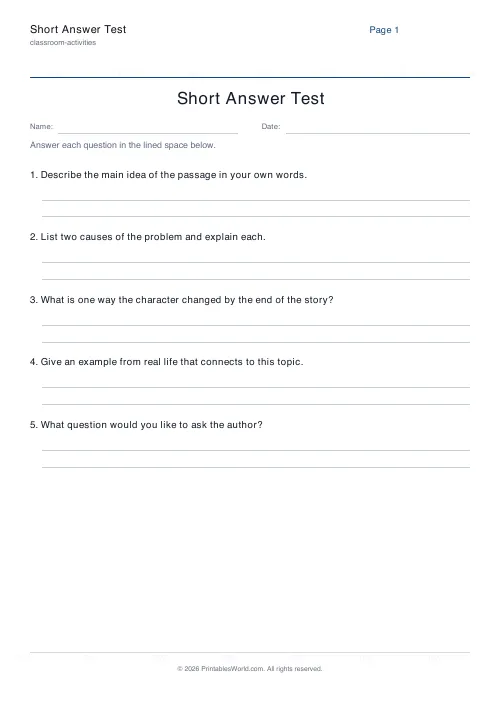
Short Answer Test Generator
One question per item with 2-8 ruled response lines.

Bingo Card Generator
Generate unique printable bingo cards with custom words, FREE centre toggle, call sheet, and seeded shuffles.
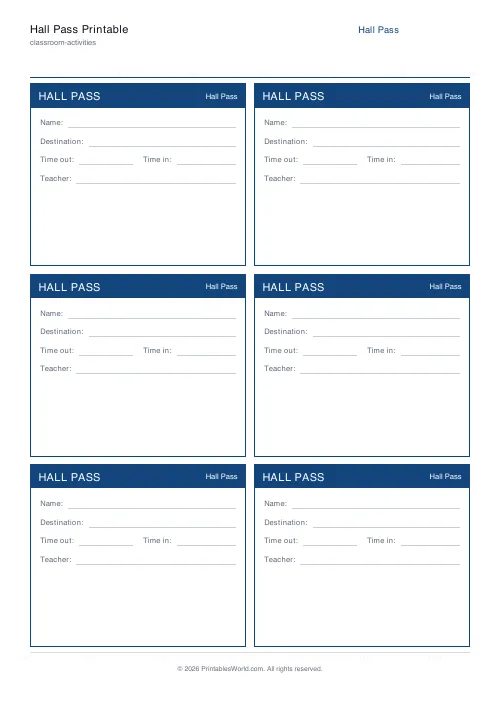
Hall Pass Printable
Reusable hall-pass tickets. 4 or 6 per A4 page, with all the right fields.
Further reading
Classroom Activities
How to make learning stations work in any classroom
Stations fail for two predictable reasons: the independent tasks are not truly independent, and the timing is wrong. Both are fixable before the lesson starts.
5 min read
Classroom Activities
20 classroom games that need zero prep
Games organised by the gap they fill: two minutes at the end of a lesson, ten minutes before assembly, or a whole wet lunchtime. Almost all need nothing but a voice.
6 min read












