What this tool does
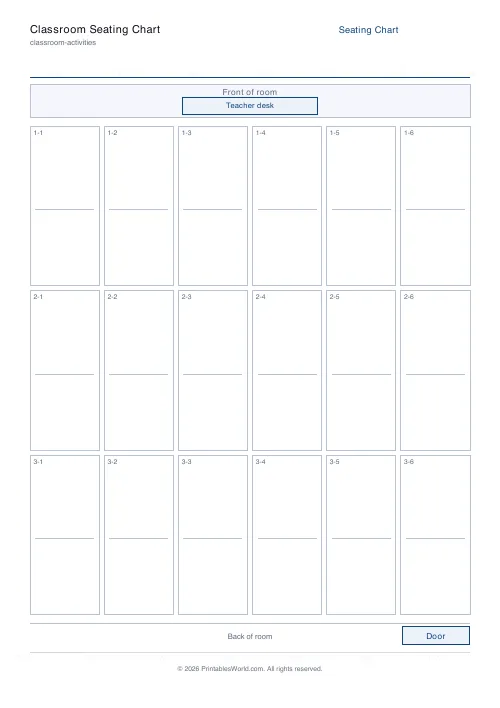
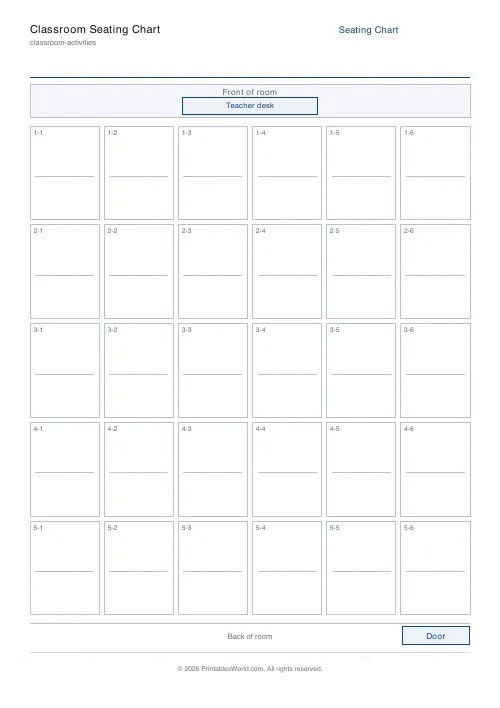
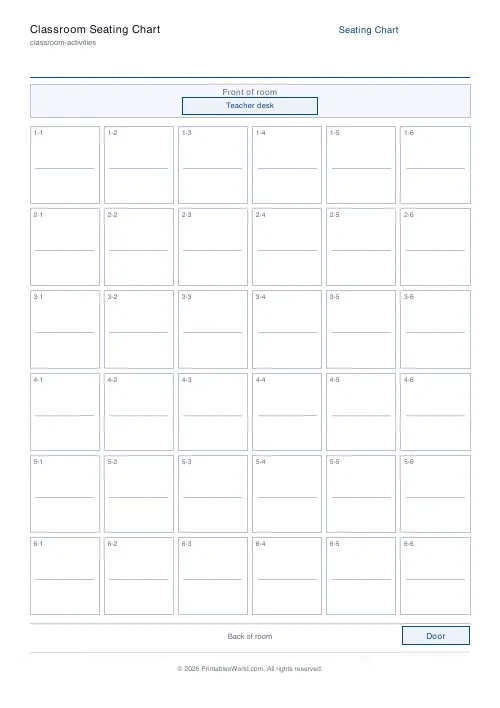
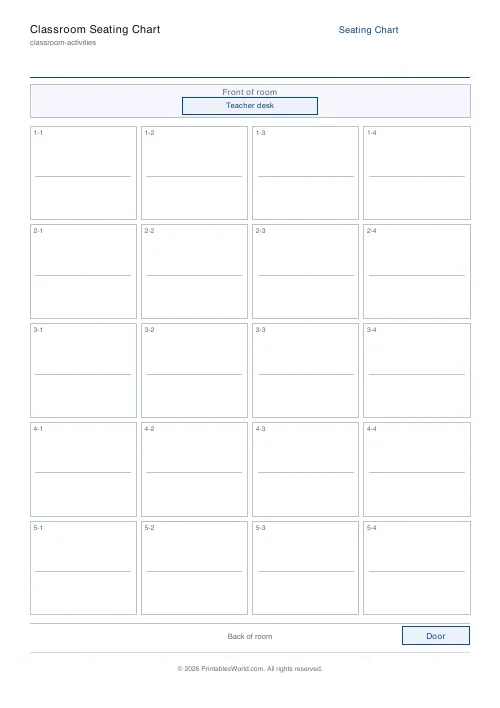
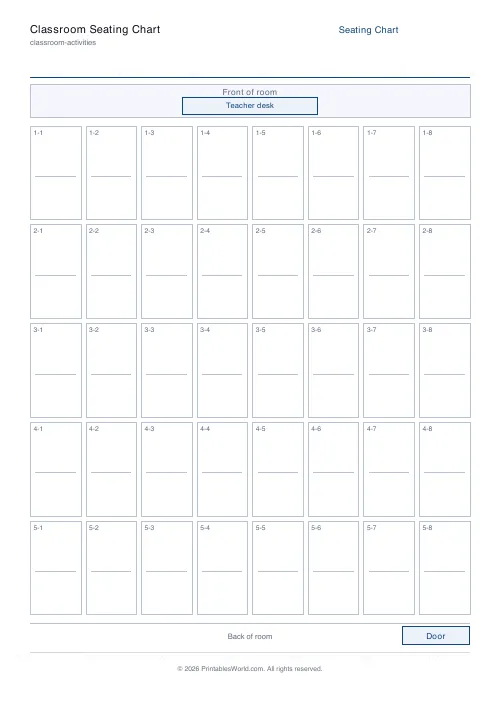
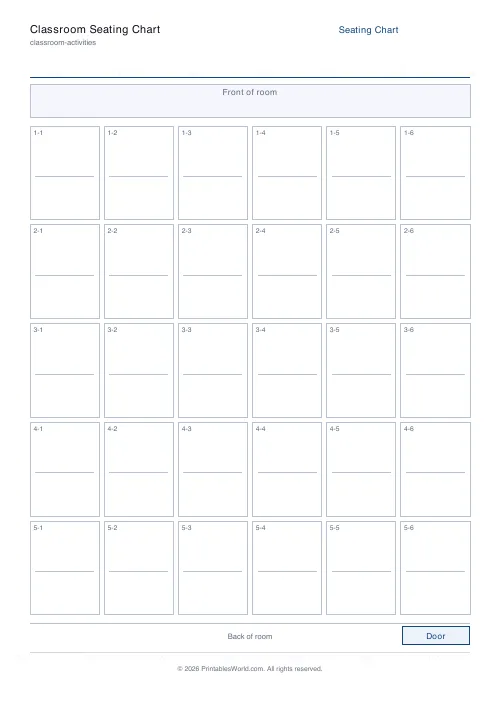
A blank seating grid: pick the rows and columns, toggle a teacher desk at the front, and each desk prints as a box with a name line in it.
People also used
Feedback
Spotted something off with this tool?
A grid of desks with a line to write a name on
Choose the rows and columns — up to 8 by 10 — and the sheet prints that many desks, each as a labelled box with a writing line. A teacher desk can be printed at the front or left off.
Nothing is filled in. This is a chart to write on, not a chart to configure.
The use that justifies keeping one
Cover. A supply teacher walking into an unfamiliar room with thirty children and no names is at a real disadvantage, and one filled-in sheet left on the desk changes the whole day — being able to say a child's name across a room is the single most useful piece of information a stranger can have.
Keep a completed copy in the cover folder and update it when you rearrange. It takes two minutes and it is the difference between a cover lesson that works and one that does not.
Other things it does
Exam layouts, where the chart becomes a record of who sat where.
Trips and fire registers, where a printed grid is easier to check against than a list.
Parents' evening, marked up with who you need to speak to. And, less cheerfully, a record of who was sitting next to whom on a particular day, which is occasionally needed and impossible to reconstruct afterwards.
Rows and columns are not the room
The grid is regular. Most classrooms are not: desks get grouped in fours, pushed into a horseshoe, or arranged round a practical area.
Set the grid to the largest arrangement you need and cross out or ignore the boxes that do not exist. A 5×6 grid covers a room of thirty in any arrangement if you are willing to write on it, and a chart that is roughly right and actually printed beats an exact one that never gets made.
The teacher desk toggle
On by default, and it is doing one job: telling a stranger which way the room faces. A seating chart without a front is ambiguous, and getting it backwards means calling every child by the wrong name for the first ten minutes.
On the form
A title, rows (2–8), columns (2–10), and the teacher desk. A4 or US Letter.
Landscape rooms fit better on US Letter than A4 at the wider settings; at 8 by 10 the boxes get small on either.
Print at 100% on A4 or US Letter.
FAQs
Quick answers
What is the maximum class size this supports?
Up to 6 rows × 8 columns = 48 seats, which covers nearly every UK classroom. Shrink the grid for smaller rooms.
Does it fit on one page?
Yes. The grid auto-sizes to fill the printable area, so everything fits on a single A4 or Letter sheet.
Can I write names directly on the print?
Each seat has a faint underline for the student name. Write names by hand or pencil them in so you can rearrange later.
Is the front of the room labelled?
Yes. The top of the sheet shows "Front of room" (and an optional teacher desk); the bottom shows "Back of room" with a door marker.
Related tools
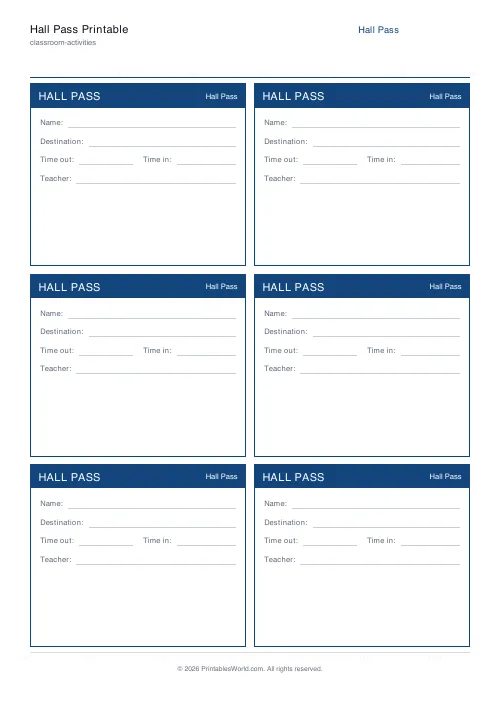
Hall Pass Printable
Reusable hall-pass tickets. 4 or 6 per A4 page, with all the right fields.
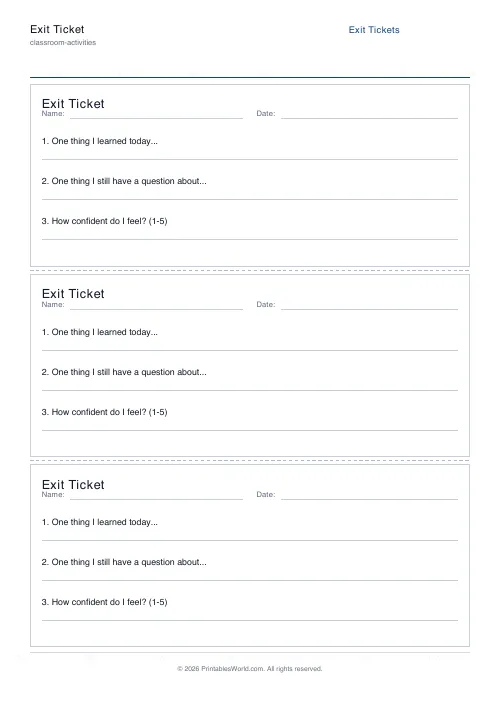
Exit Ticket Generator
Three exit tickets per A4 page for quick end-of-lesson reflection.
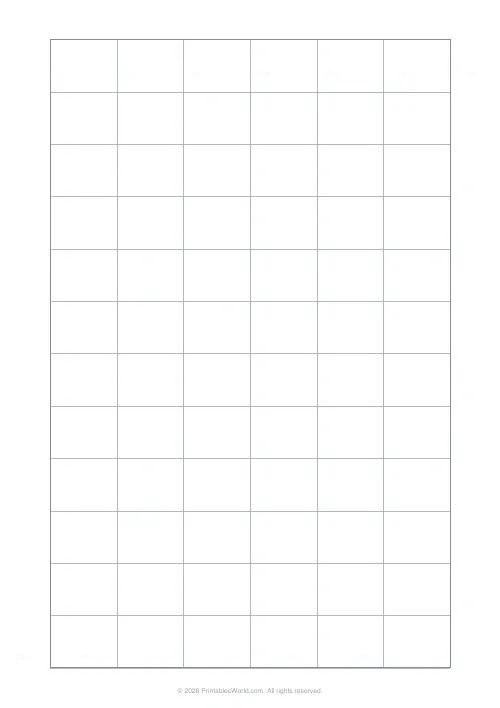
Classroom Seating Chart Grid
Blank desk grid for planning classroom seating arrangements.
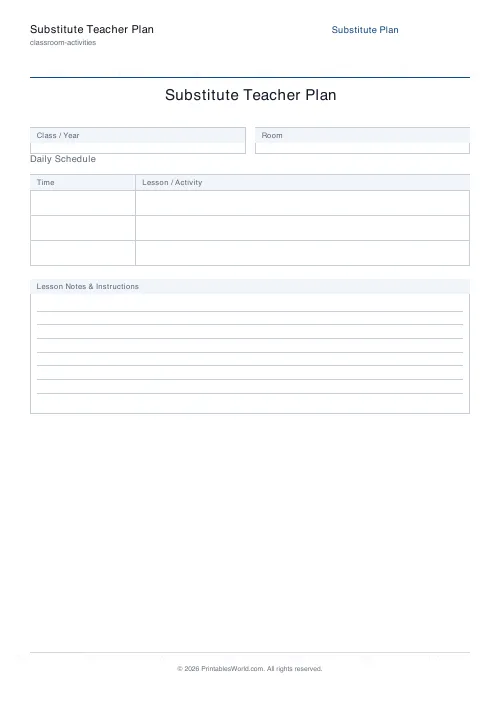
Substitute Teacher Plan
A clear hand-off form for cover teachers.
Further reading
Classroom Activities
Positive reinforcement in the classroom: charts that work
Reward charts work when they name a specific behaviour and fade over time. They backfire when they rank children publicly. Here is the difference in practice.
5 min read
Classroom Activities
How to run a classroom economy (free printables)
A classroom economy teaches money, work and choice at once. But it collapses if the maths is wrong. Here is how to set the numbers, and the four pitfalls to avoid.
5 min read
Classroom Activities
Escape room activities for the classroom: a how-to
A classroom escape room is a sequence of puzzles with a story on top. The design decision that matters most is whether groups work through them in order or all at once.
5 min read













