Scan to get


 Scan to get



 Scan to get






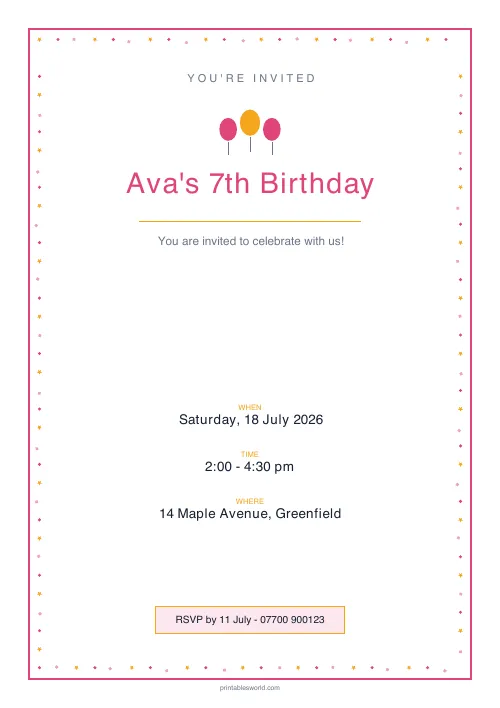
What this tool does
A one-page party invitation in ten typographic designs. Type the event, the intro line, the date, the time, the place and an RSVP line, and download it print-ready. No sign-up.
People also used
Feedback
Spotted something off with this tool?
Ten invitation designs, six lines of your text
Fill in the event title, an opening line, the date, the time, the location and an RSVP message. Pick a design. Download.
The ten designs are typographic rather than illustrated — Confetti Bright, Sky Balloons, Mint Fresh, Sunshine, Lavender, Classic Navy, Rose Elegant, Bunting Party, Minimal Mono and Teal Modern — each with its own palette, frame treatment and small motif. Five are aimed squarely at children's parties; the rest work for a milestone birthday, an engagement or a housewarming without any adjustment.
The page is clean, and that is on purpose
Every other printable on this site carries a header, a footer and a watermark, because they are worksheets. An invitation is not a worksheet. This one opts out of that chrome entirely and prints a single discreet line at the bottom, so you can put it in an envelope without explaining it.
Getting the details right
The date field is free text, which means you decide the format. Write it the way your guests read it: Saturday, 3 October rather than 03/10, which means two different things depending on which side of the Atlantic it is opened on.
Include the day name. It is redundant information and it is the single most useful thing on the card, because it is what people check against their week.
Give an end time as well as a start. Parents planning around a party need to know when to come back, and an invitation without one gets a text message asking, from every guest.
The RSVP line
Put a deadline on it and a way to reply. "RSVP by 20 September to 07700 900123" gets answered. "RSVP" on its own does not, and you will be counting heads the night before.
If food or allergies matter, this is the line to say so on.
Printing
One invitation per page at full size, printed at 100% scale.
For a stack, card stock at 160gsm or heavier makes a noticeable difference and most home printers handle it. If you want two to a sheet, use your printer's own two-up setting rather than expecting the tool to do it — the layout is designed for a full page and shrinking it is your choice to make, not one to be made for you.
Beyond birthdays
The fields are generic, so the same sheet handles a class assembly, a leaving do, a fundraising quiz or a christening. Minimal Mono and Classic Navy in particular have nothing childish about them.
Print at 100% on A4 or US Letter.
FAQs
Quick answers
Can I print more than one invitation?
Yes. One invitation prints per PDF, but you can print as many copies of the same PDF as you need, one per guest. To change the wording for a different event, just edit the fields and regenerate.
How long can the event title be?
The title fits comfortably on one or two lines. Shorter titles print largest, so keep it to the celebrant and occasion where you can, for example "Ava's 7th Birthday".
Can I change the colours and style?
Yes. Pick from ten designs, each pairing a colour palette with a border and a celebratory motif. From bright confetti and balloons to elegant rose, classic navy, or minimal mono.
What paper is best for printing?
Standard 80 gsm works for hand-outs, but 120–160 gsm card feels much more like a keepsake invite. Print at 100% scale for the best margins.
Related tools
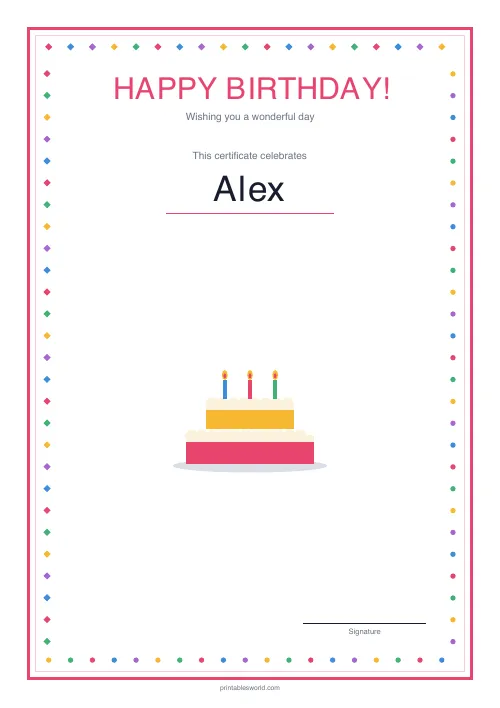
Birthday Certificate
A cheerful "Happy Birthday!" certificate with a colourful border.
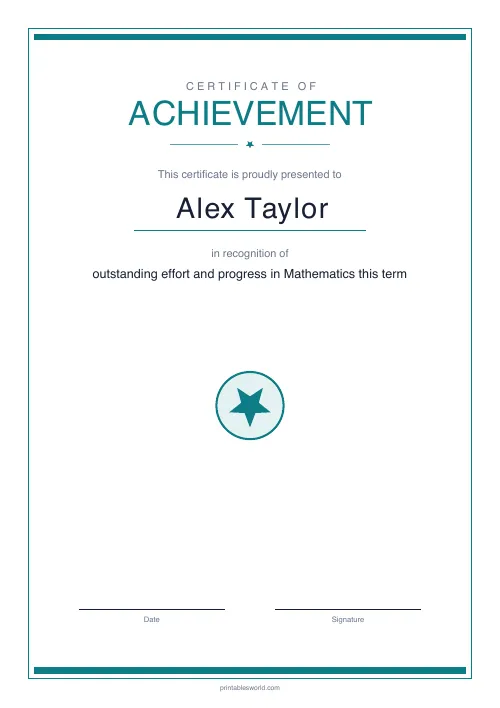
Certificate of Achievement
Formal classroom certificate with name, reason, date, and signature line.
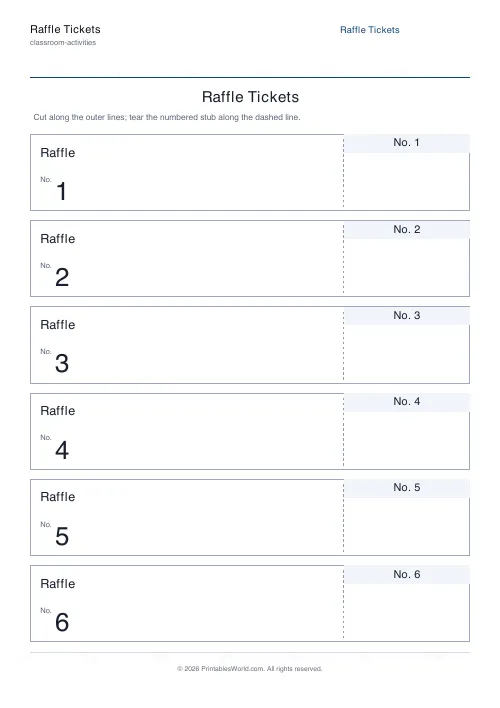
Raffle Tickets
Sequentially numbered tear-off raffle tickets with matching stubs.
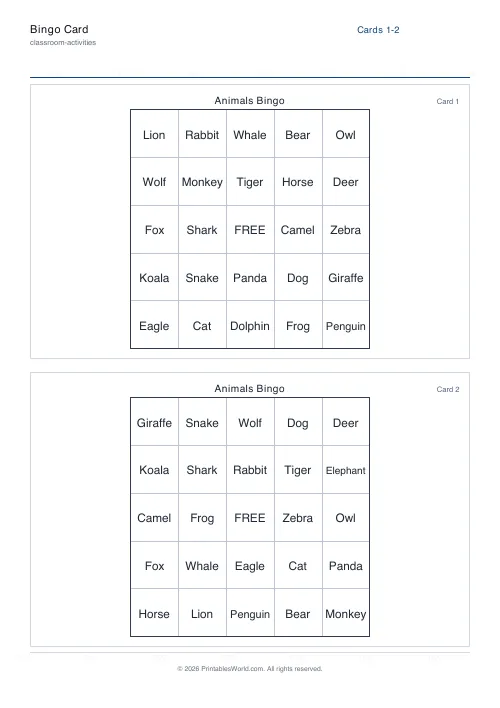
Bingo Card Generator
Generate unique printable bingo cards with custom words, FREE centre toggle, call sheet, and seeded shuffles.
Further reading