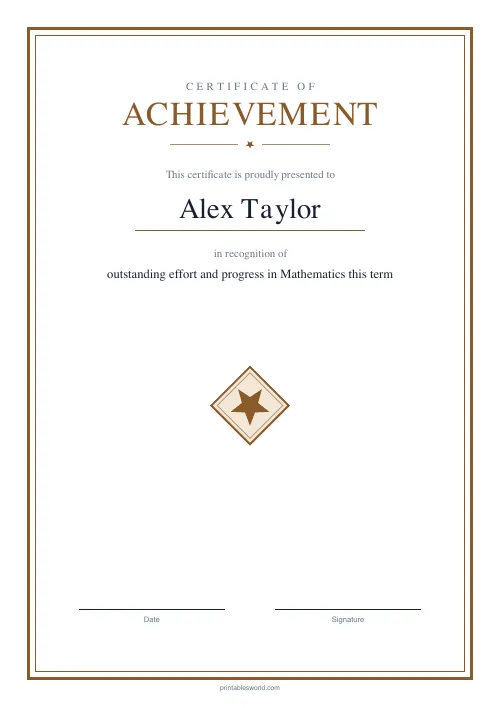
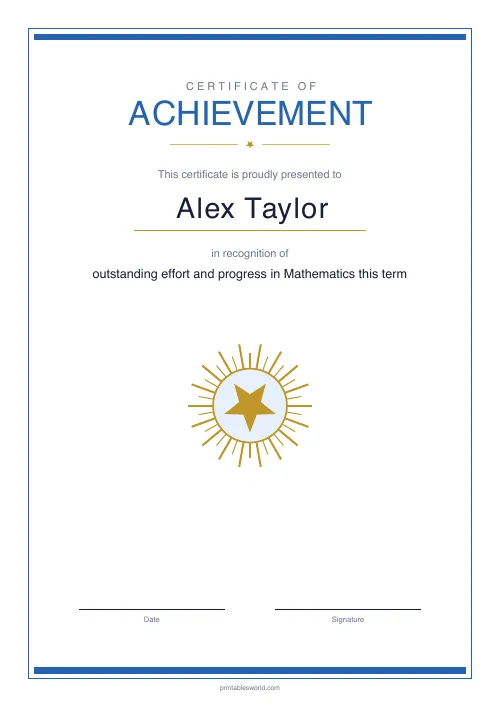
What this tool does
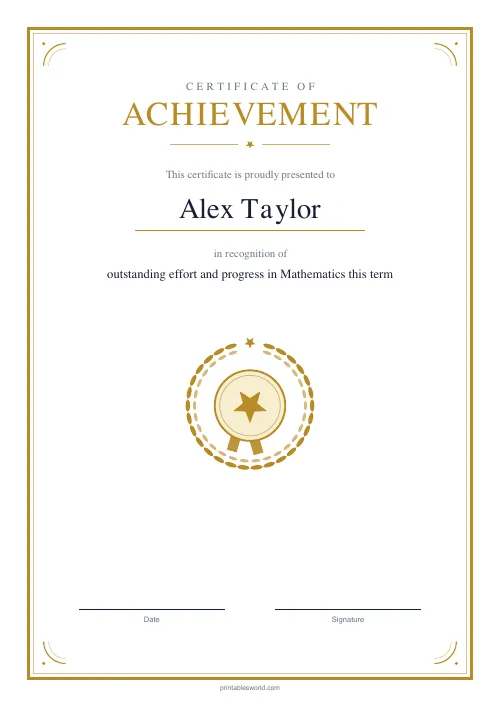
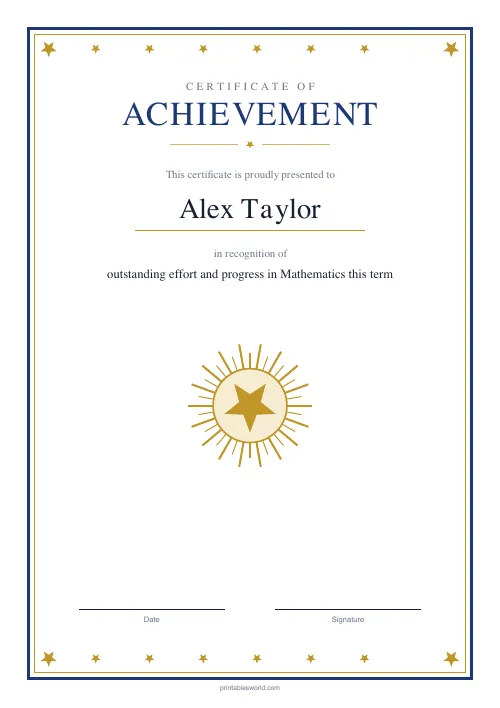
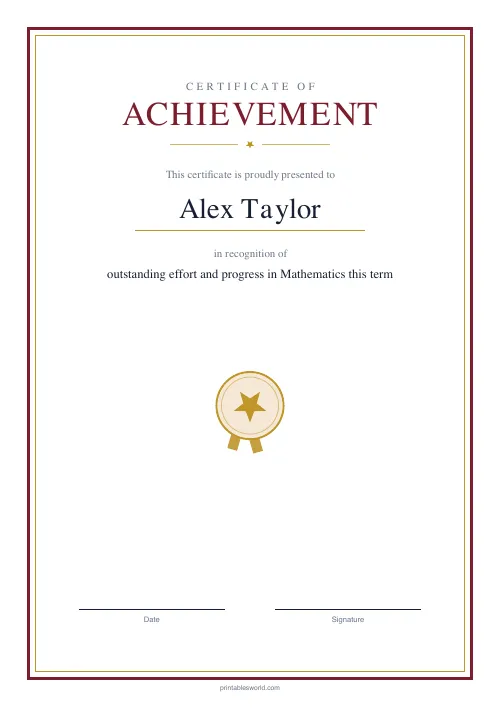
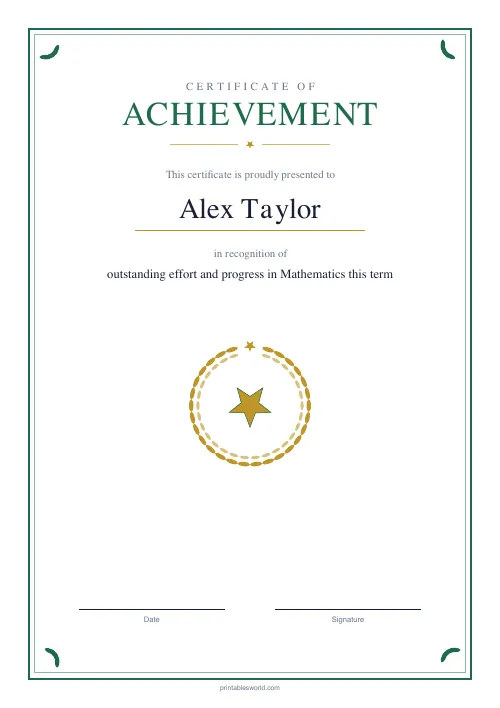
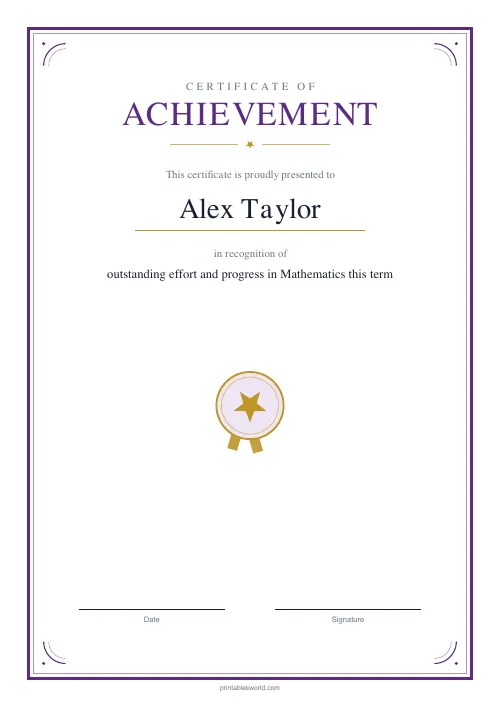
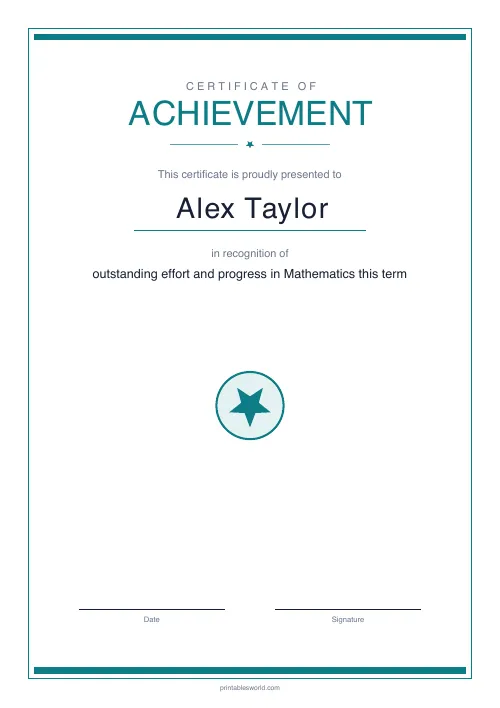
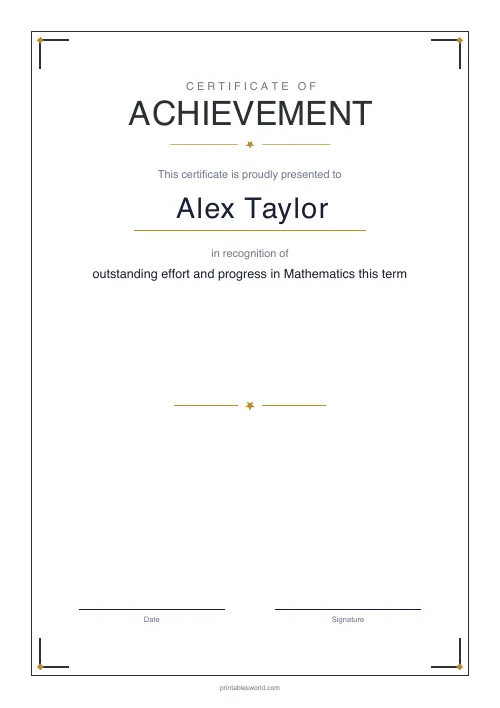
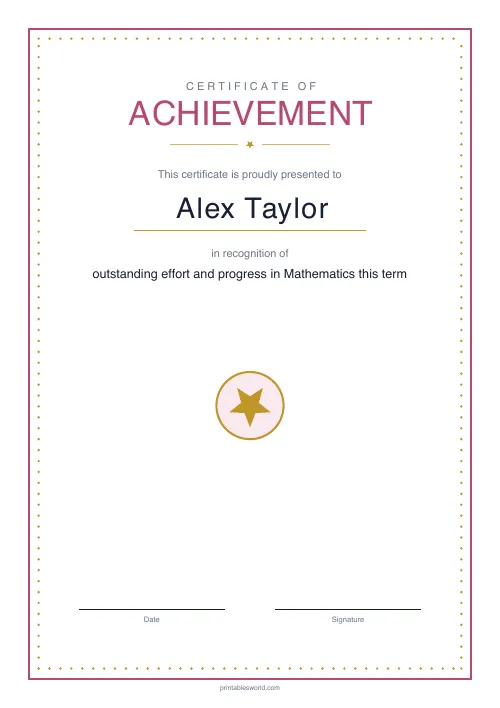
A Certificate of Achievement in ten designs. Type the name, the reason it is being given, the date and a signature name, and print. One per page.
People also used
Feedback
Spotted something off with this tool?
Ten designs, four fields
Name, reason, date, signature name. Pick a design and print.
They run from formal to modern: Classic Gold, Royal Navy, Burgundy, Emerald, Royal Purple, Modern Teal, Minimal Mono, Rose Blush, Bronze Classic, Sky Blue Modern. Each carries its own frame, its own palette and its own emblem. The serif designs read as traditional. The sans ones deliberately do not.
The reason field is the one that matters
Everything else on the page is admin. What the certificate is for is the line people read, the line they remember, and the reason it ends up on a fridge.
"Outstanding effort" is a phrase. "For finally cracking long division after three weeks of trying" is a description of something that happened, and the difference in how the certificate lands is not small. A specific reason also tells the reader what the school actually values, which a generic one does not.
Write it as a sentence about the person rather than a category. It takes twenty seconds longer and it is the entire point of the document.
Choosing a design for the occasion
Formality should match the event. Classic Gold and Royal Navy are the ones that look like a certificate somebody's parent will keep, and they suit an end-of-year prize or a leaving award.
Minimal Mono and Modern Teal are quieter and read as contemporary rather than institutional, which suits a workplace, a club, or a school that would rather not look Victorian.
Rose Blush and Sky Blue Modern are the softest, and they suit younger children.
Printing
Standard paper is fine for a display board. For anything going home, 160gsm card is a small cost for a large difference — a certificate on ordinary paper arrives creased and gets thrown away, and one on card does not.
Print at 100% so the border stays centred. A scaled print shifts the frame in a way that is obvious once you have noticed it.
Sign it by hand even if you typed the name. Two seconds, and it is the difference between a printed thing and a given thing.
Who else uses these
Not only schools. Sports clubs, scout groups, workplaces, music teachers, courses that end and want to mark it.
They also work for the small domestic occasions nobody prints certificates for: finishing a reading challenge, learning to swim, a first week at a new school. The star of the week and birthday certificates cover two more.
Print at 100% on A4 or US Letter.
FAQs
Quick answers
Can I reuse the template for different students?
Yes. Change the name and reason and regenerate. The border and layout stay consistent, so a stack of certificates looks uniform.
How long can the reason be?
Up to about 180 characters fits comfortably on three lines. Keep it specific and concrete for the most meaningful impact.
Does it include a signature line?
Yes. The bottom of the certificate has separate lines for date and signature, and your signature name prints above the line automatically.
What paper is best for printing?
Standard 80 gsm works, but 120–160 gsm card feels much more like an award. Print at 100% scale for best margins.
Related tools
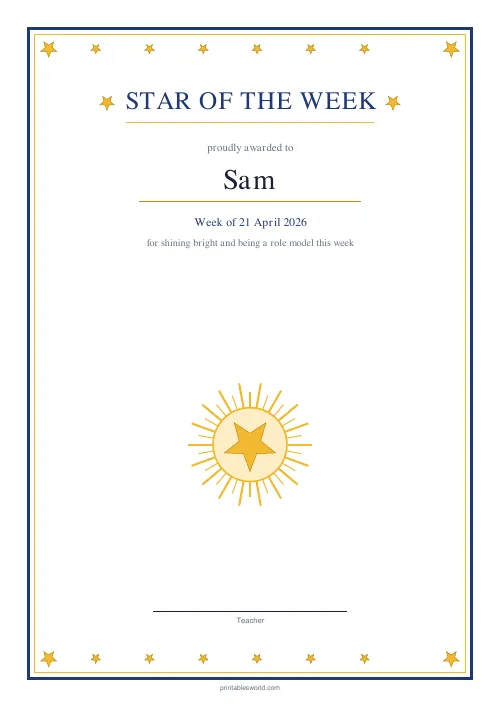
Star of the Week Certificate
A bright "Star of the Week" certificate with a golden star frame.
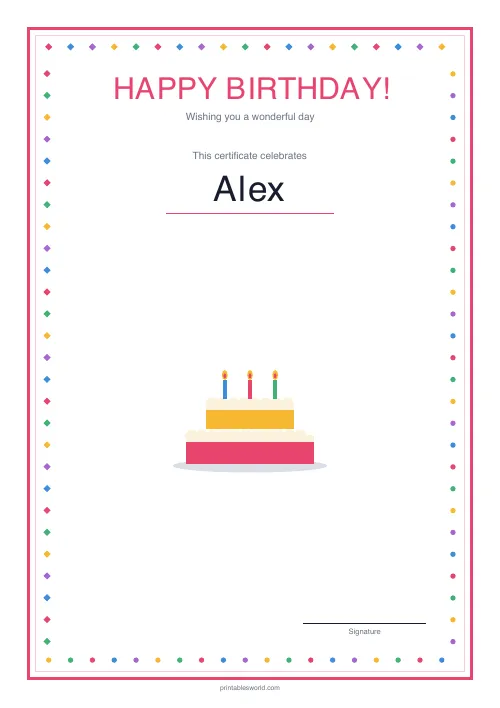
Birthday Certificate
A cheerful "Happy Birthday!" certificate with a colourful border.
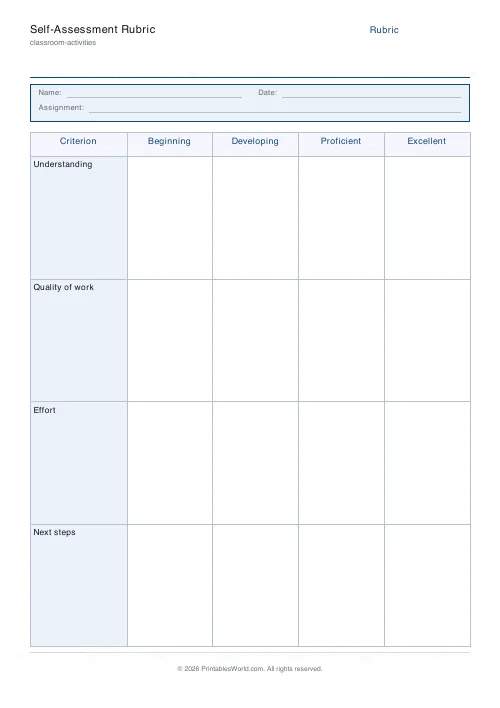
Self-Assessment Rubric
Four criteria, four levels. A printable rubric students fill in themselves.
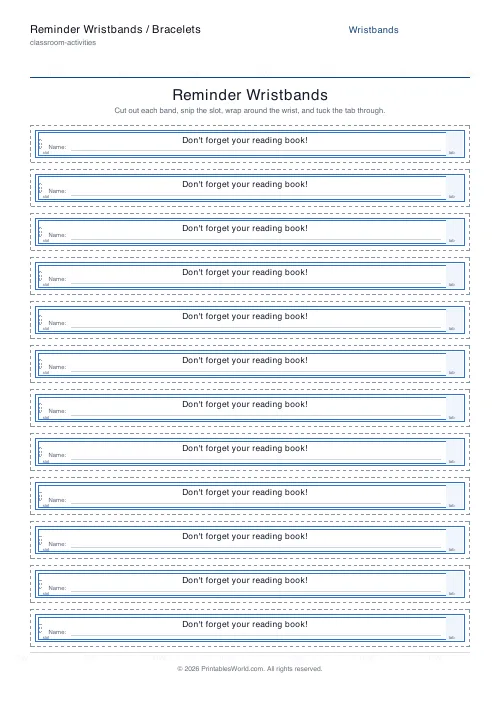
Reminder Wristbands / Bracelets
Printable paper wristbands with your own reminder message, a slot-and-tab fastener, and a name line.
Further reading
Classroom Activities
How to run a classroom economy (free printables)
A classroom economy teaches money, work and choice at once. But it collapses if the maths is wrong. Here is how to set the numbers, and the four pitfalls to avoid.
5 min read
Classroom Activities
Escape room activities for the classroom: a how-to
A classroom escape room is a sequence of puzzles with a story on top. The design decision that matters most is whether groups work through them in order or all at once.
5 min read
Classroom Activities
Positive reinforcement in the classroom: charts that work
Reward charts work when they name a specific behaviour and fade over time. They backfire when they rank children publicly. Here is the difference in practice.
5 min read













