Scan to get


 Scan to get



 Scan to get






What this tool does
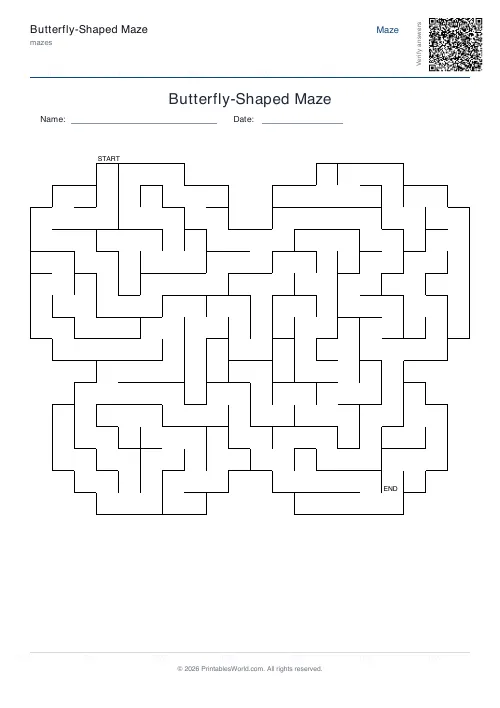
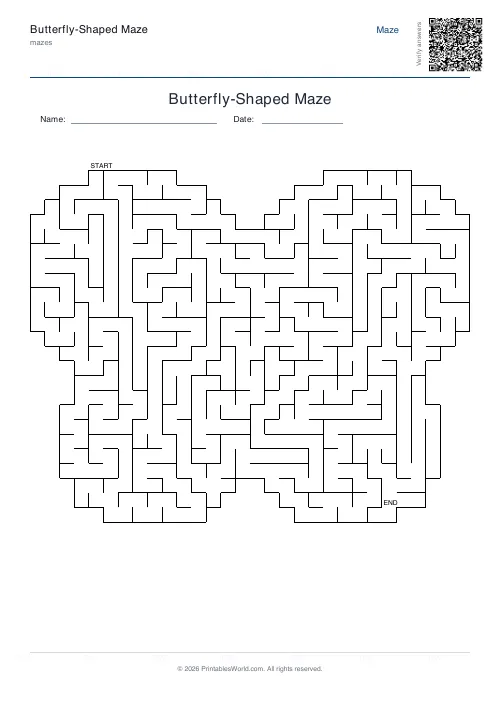
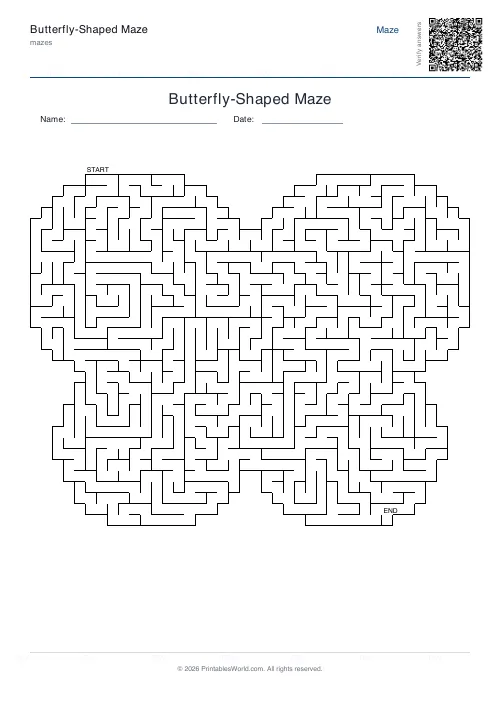
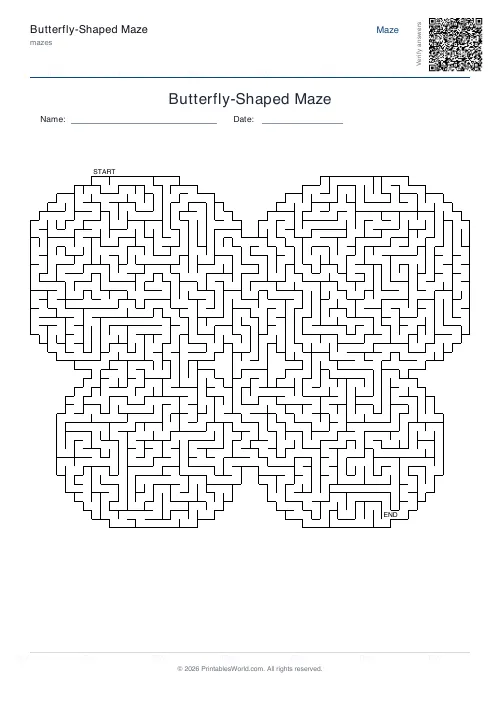
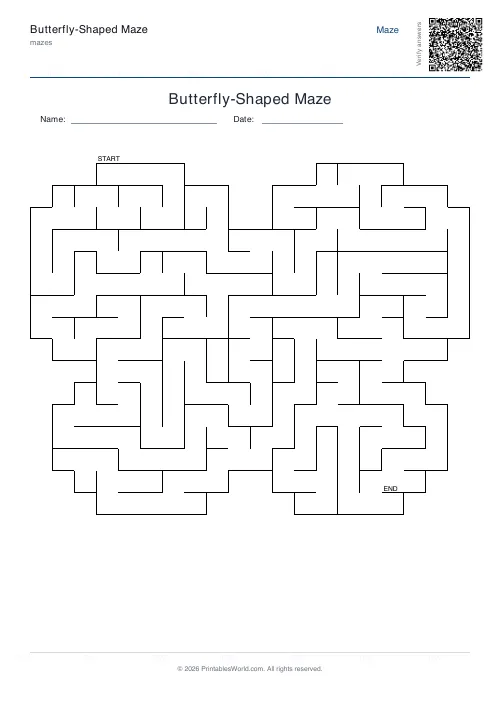
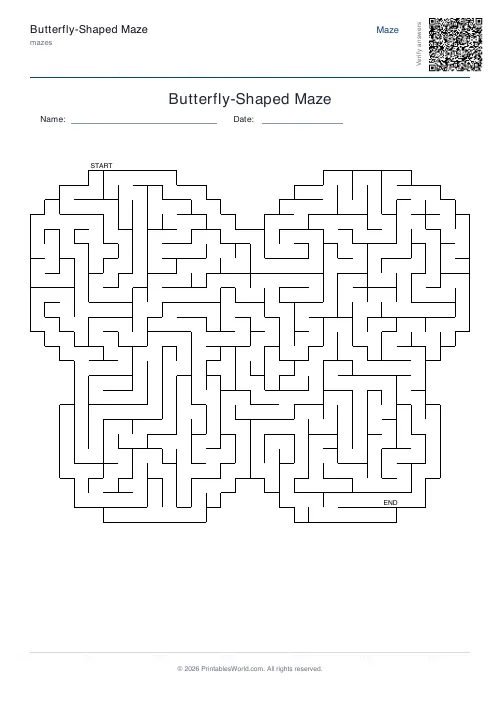
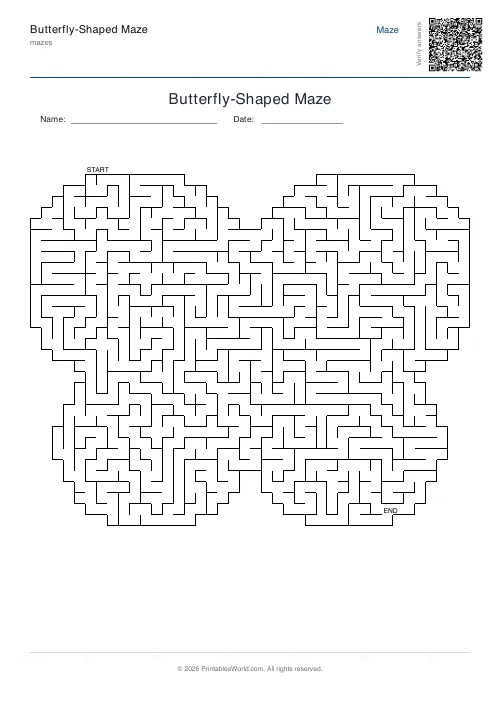
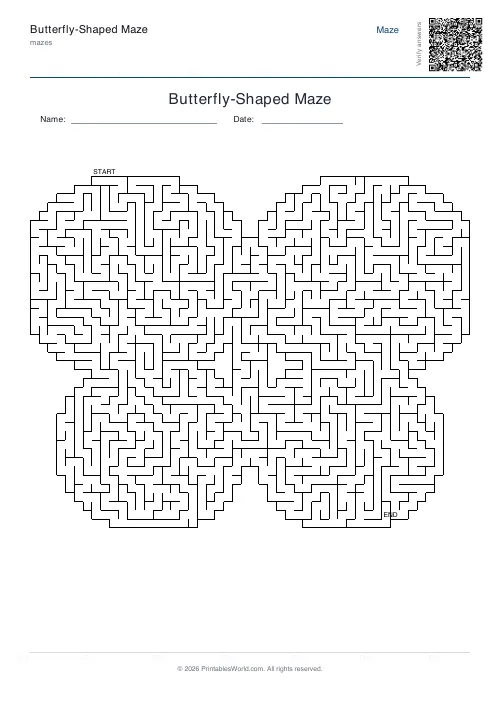
A maze carved into a symmetrical butterfly outline rather than a rectangle, with an optional solution page. Grid resolution is adjustable.
People also used
Feedback
Spotted something off with this tool?
A maze in a silhouette
The passages are carved inside a butterfly-shaped mask of two wings and a body, not into a rectangle. Cells outside the outline do not exist at all, so the maze is the shape. It is not a square maze with a butterfly printed over it.
Thirty cells across by default. A solution page prints after it unless you turn it off.
How it is generated
A recursive-backtracker carve, bounded by the mask. From a starting cell it walks to a random unvisited neighbour, then does it again, and again, reversing whenever it hits a dead end.
The result is a perfect maze: exactly one path between any two points, no loops anywhere, nothing unreachable. It also gives long winding corridors instead of the short branching ones that some other algorithms produce, and that difference is most of why a backtracker maze feels like a maze rather than a grid of choices.
The shape changes the difficulty
Not only decoration.
A rectangular maze has a uniform texture, and an experienced solver works it systematically from one edge. A silhouette does not. It has narrow regions — the body, the wing tips — where the passage count falls to one or two and the geometry forces a channel, so the maze acquires a rhythm: open sections where you have to choose, pinch points where you cannot.
It also makes the maze harder to solve backwards from the exit, which is the standard shortcut.
Setting the resolution
Thirty is a reasonable adult puzzle. Drop to fifteen or twenty for a young child, where finishing is the point rather than being challenged by it.
Raising it makes the passages narrower rather than the maze longer in any interesting sense, and past a certain point the constraint becomes pencil width rather than reasoning. Print at 100% and on A4 at least; a shape maze reduced to fit is a maze nobody can draw a line through.
Where it suits
Spring and summer topics, minibeast work, life-cycle lessons. Party bags, rainy afternoons. It suits anyone who finds a plain grid maze unappealing, and that is a fair number of children.
Colouring the wings afterwards is the obvious extension and worth mentioning to a class, since it turns a five-minute activity into a twenty-minute one.
Related
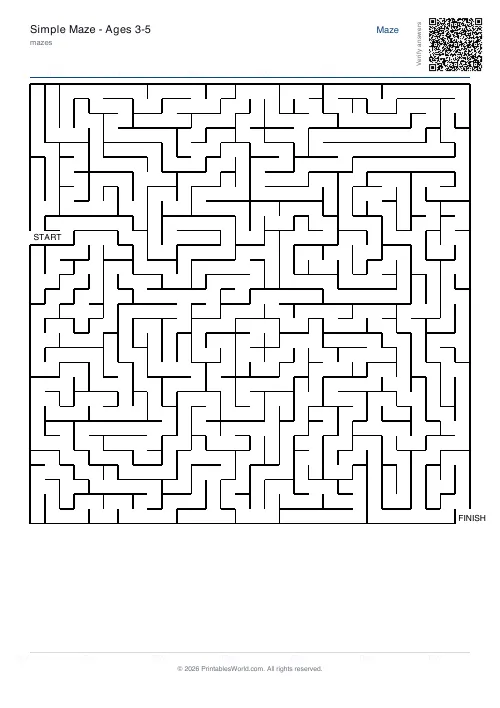
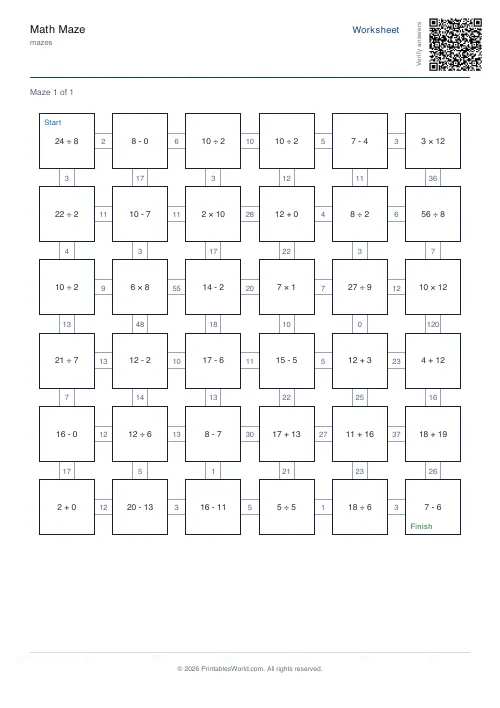
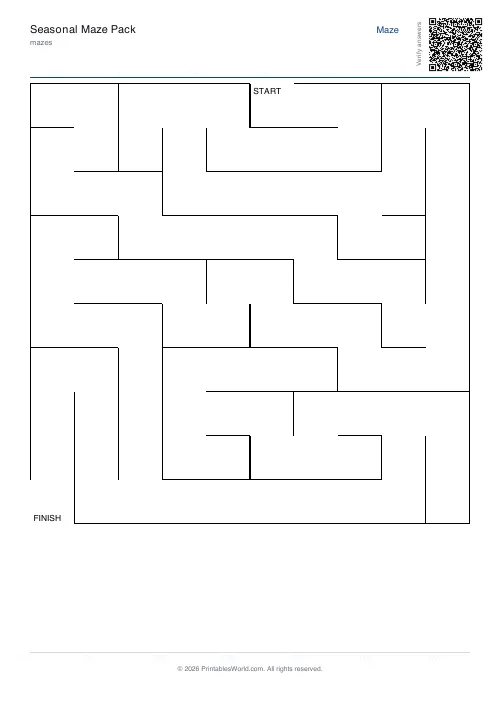
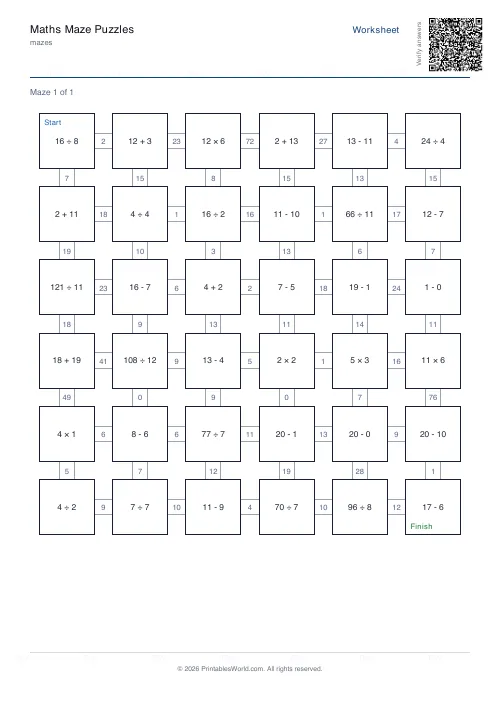
The maze generator for rectangular mazes at any difficulty, and the math maze if you want the route to depend on getting sums right.
FAQs
Quick answers
How is the butterfly shape generated?
A hand-made butterfly silhouette, two upper wings, two lower wings, and a slim central body, is rasterised into a binary mask at your chosen resolution. The maze backtracker then walks only the cells inside that mask.
What does the resolution setting do?
It sets the number of cells along each side of the bounding square. A higher resolution means more cells fit inside the wings, giving a denser and more challenging maze.
Can I print the solution?
Yes. Toggle the solution option on and the PDF adds a second page with the route from start to finish drawn over the butterfly maze.
When would I print this?
It is ideal for spring and summer activity packs, minibeast or lifecycle topics, symmetry lessons, and nature-club worksheets.
Related tools
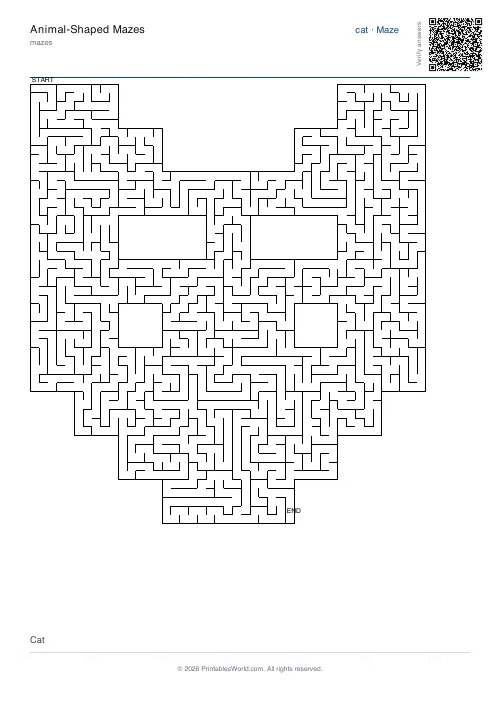
Animal-Shaped Mazes
Maze within the outline of an animal. Cat, fish, or bird.
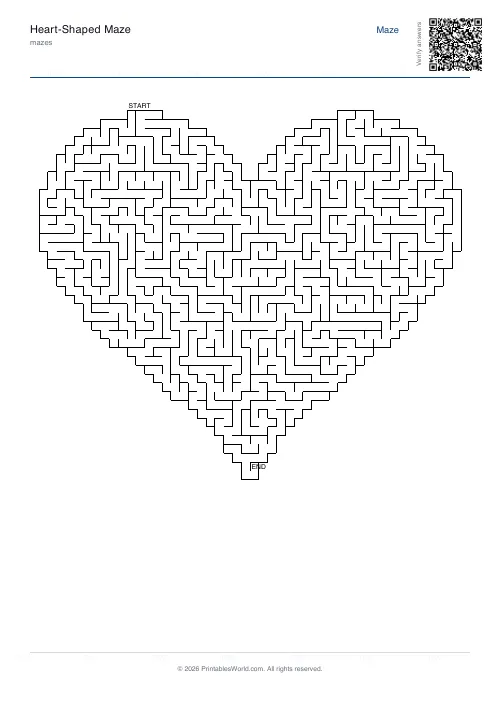
Heart-Shaped Maze
Maze contained within the outline of a heart. Perfect for Valentine's Day.
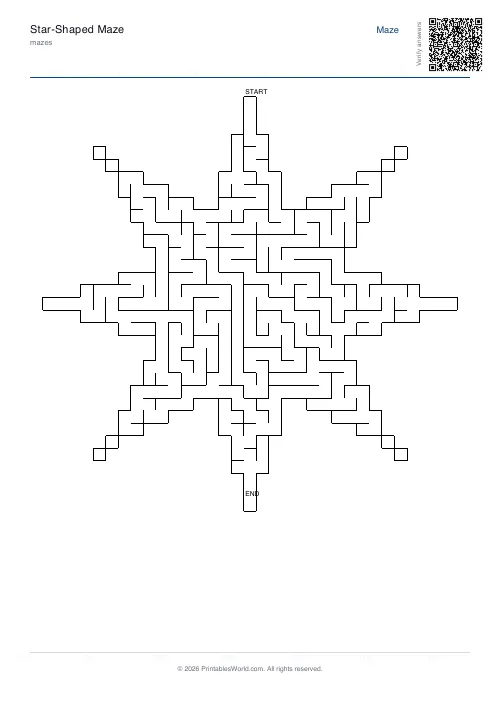
Star-Shaped Maze
Maze pathway within a five-pointed star outline.
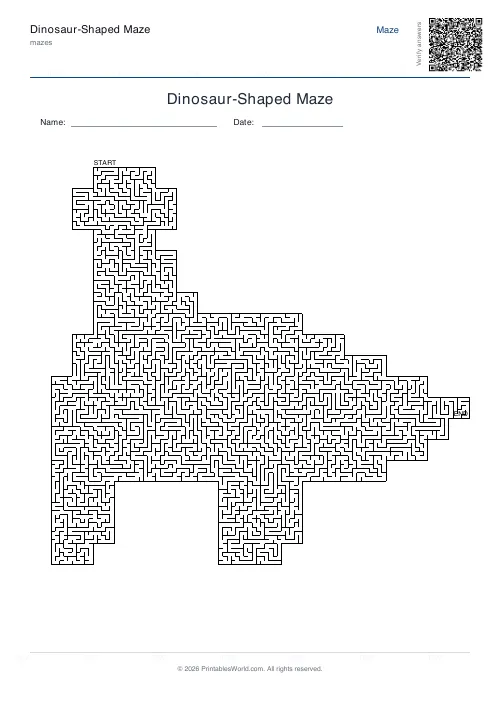
Dinosaur-Shaped Maze
A printable maze carved inside a friendly dinosaur silhouette.
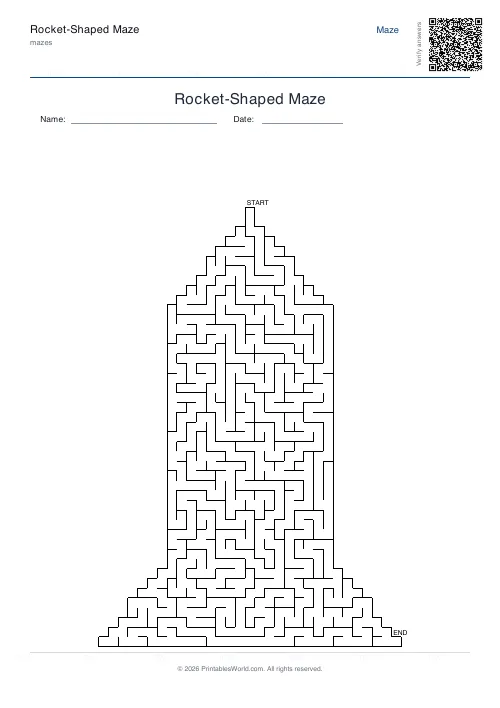
Rocket-Shaped Maze
A maze carved inside a blast-off rocket silhouette.
Further reading
Mazes
Why mazes are great for kids' development
Mazes are one of the few activities that exercise pencil control and forward planning at the same time. Which is why they suit the years just before formal handwriting.
4 min read
Mazes
Printable maze difficulty: matching mazes to ages
Maze difficulty has two independent dials, and confusing them is why a maze is either too fiddly or too easy. Here is which to turn for which child.
4 min read