Scan to get


 Scan to get



 Scan to get






What this tool does
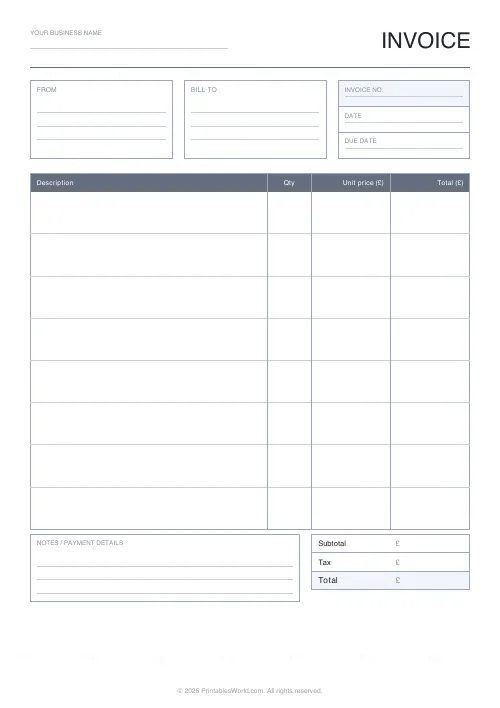
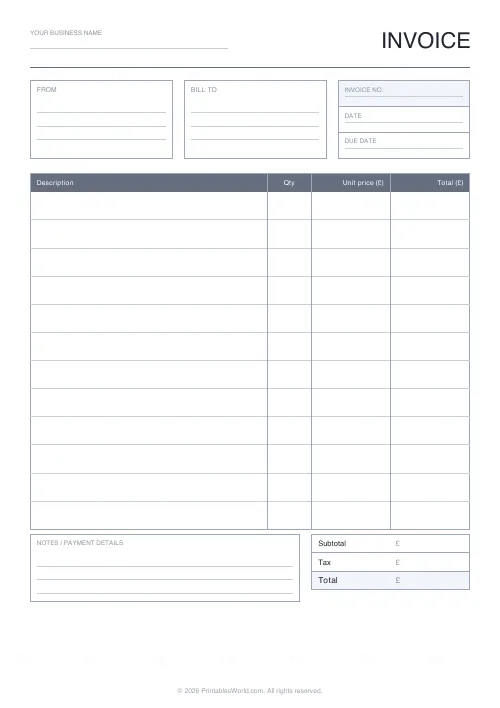
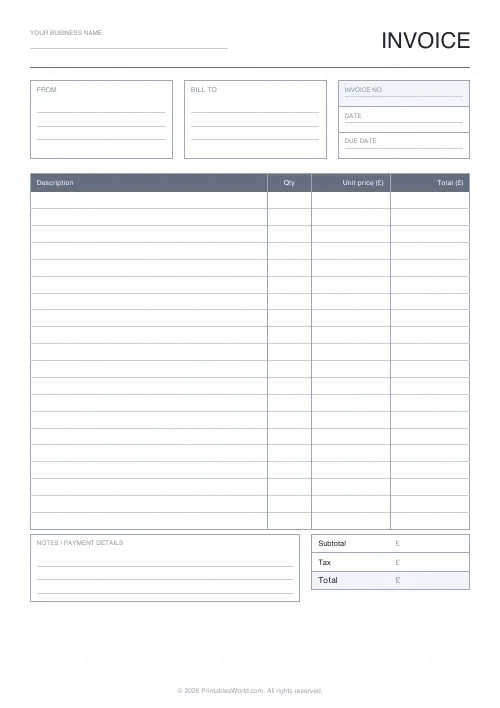
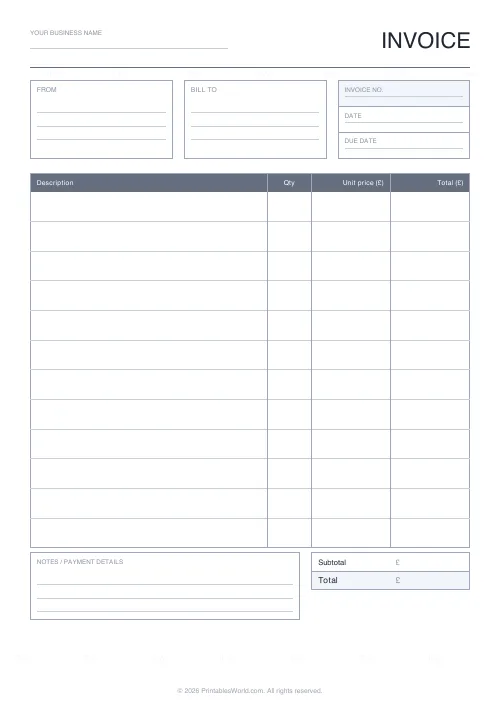
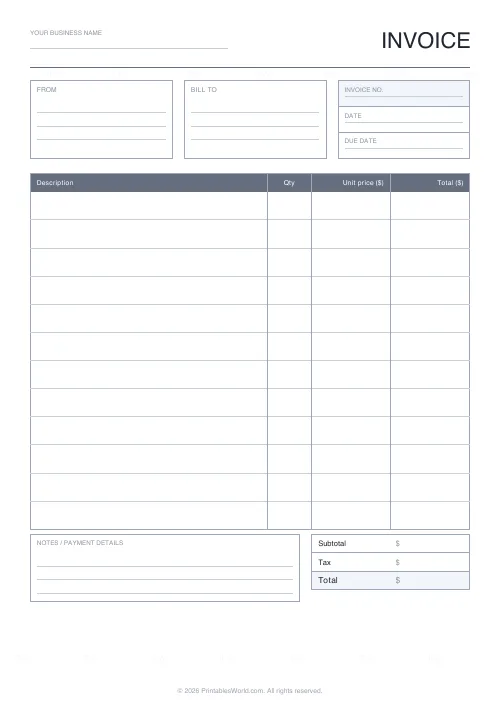
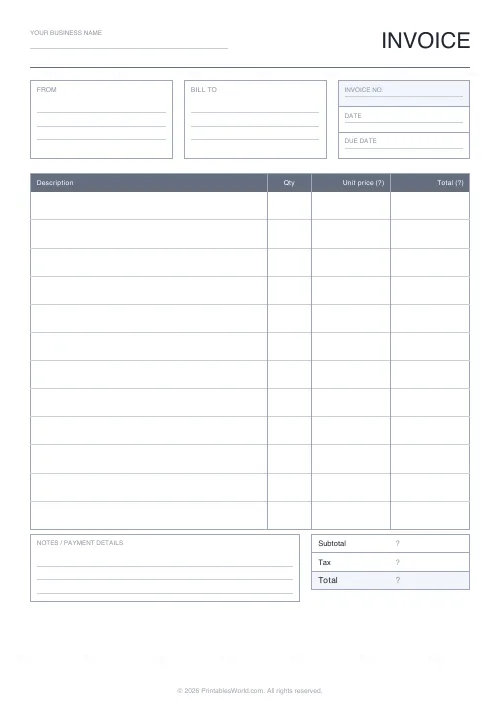
A fill-in-by-hand invoice: from and bill-to boxes, invoice number and date, a line-item table of 5 to 24 rows, and subtotal, tax and total. Your own currency symbol and business name.
People also used
Lined Paper Generator
Generate custom ruled paper PDFs with adjustable line spacing, colours, margins, and primary ruling styles.
Graph Paper Generator
Create custom graph paper PDFs with square or rectangular grids, dot styles, and axis numbering.
Two-Column Notes Template
Split-page note layout. Left for key points, right for detail.
Feedback
Spotted something off with this tool?
What is on the page
An INVOICE heading with a strip for your business name. From and Bill To address boxes side by side. Fields for the invoice number and the date. Then the line-item table — description, quantity, unit price, total — with twelve blank rows by default, and anywhere from five to twenty-four.
Underneath: subtotal, tax and total boxes, and a notes or payment strip. The tax row and the notes strip can each be switched off, and the currency symbol is yours to set.
The invoice number is not decoration
The field people leave blank, then regret.
Every invoice needs a unique, sequential reference. It is how you and your client both find a specific one later, it is how you spot a gap when something has gone unpaid, and in most jurisdictions it is a legal requirement for a valid invoice rather than a nicety. Pick a scheme — 2026-001 onwards is fine — and never reuse a number, even for a cancelled invoice.
Payment terms belong in the notes strip
An invoice with no due date gets paid whenever.
Write the terms explicitly: due on receipt, or 14 days, or 30. Add the actual date rather than only the interval, because "30 days" requires the reader to do arithmetic and they will do it generously. Put your payment details there too — account number and sort code, or whatever applies — since an invoice that does not say how to pay it invites a delay while somebody asks.
The tax row
Turn it off if you are not registered for VAT or sales tax. A zero tax line raises a question nobody needed to ask.
If you are registered, your number usually has to appear on the invoice as well — put it in the business name strip or the notes. Requirements differ by country, so check yours rather than assuming.
Why anyone wants a paper invoice
Market stalls, tradespeople, tutors, cash-in-hand work — anywhere the receipt is handed over at the point of the job. It also serves as a backup when the software is down, and for the deliberately low-tech business that has no intention of paying a monthly subscription simply in order to issue a bill.
Fill in one master copy with your own details, photocopy a stack, and complete the variable fields by hand. That is faster than printing each one and it is how most people actually use it.
Keep a copy
Photograph or scan each completed invoice before it leaves. Paper records are perfectly acceptable to a tax authority and a lost one is not, and most jurisdictions expect you to keep them for several years.
FAQs
Quick answers
Is this invoice template really blank?
Yes. It prints the headings, boxes and an empty line-item table so you fill in the customer details, items and amounts by hand. Nothing is pre-filled except your business name and currency symbol if you choose to add them.
Can I change the currency symbol?
Yes. Set any symbol, for example £, $, €, or another currency mark, and it appears in the unit price and total column headings and beside each total box.
How many line items can the table hold?
You choose between 5 and 24 blank rows. The table stretches to fill the available space, so fewer rows means taller, easier-to-write lines and more rows means a compact list.
What paper size does it print on?
The invoice fills a full A4 or US Letter page edge to edge, so it prints cleanly on either size from any home or office printer.
Related tools

Lined Paper Generator
Generate custom ruled paper PDFs with adjustable line spacing, colours, margins, and primary ruling styles.
Graph Paper Generator
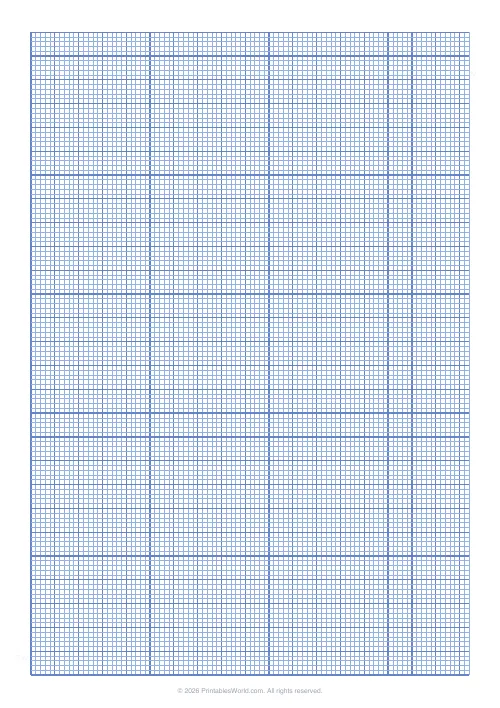
Create custom graph paper PDFs with square or rectangular grids, dot styles, and axis numbering.
Two-Column Notes Template
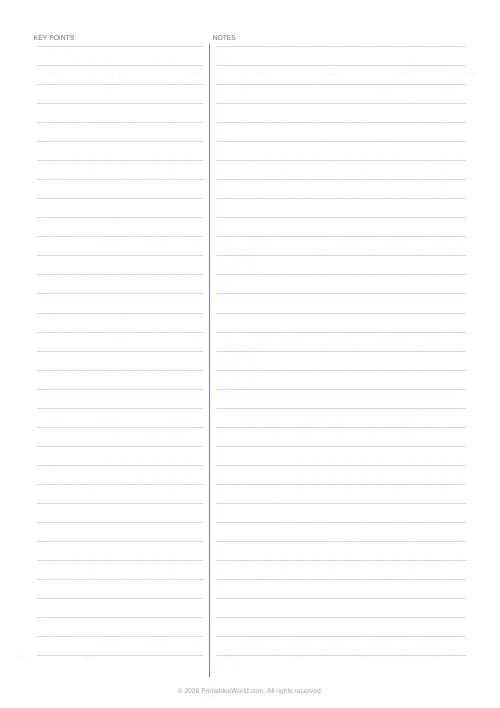
Split-page note layout. Left for key points, right for detail.
Further reading