What this tool does
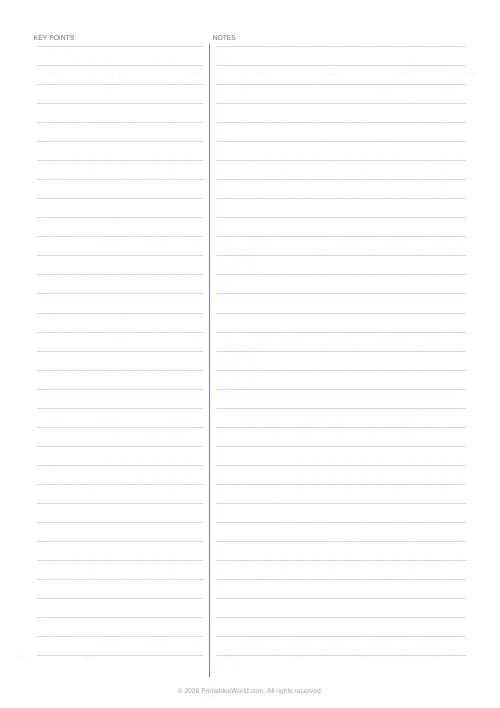
A split-page notes sheet. The narrower left column, headed KEY POINTS, takes cues and questions; the wider right one, headed NOTES, takes the detail. Both are ruled at 8 mm so writing lines up across the divider. Cover the right column at revision time and rebuild it from the left. A4, US Letter or US Legal.
People also used
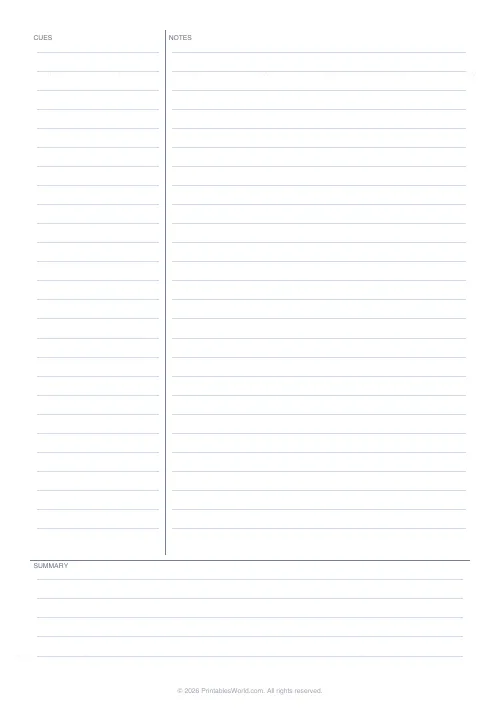
Cornell Notes Template
Classic Cornell note-taking layout with cue column and summary.
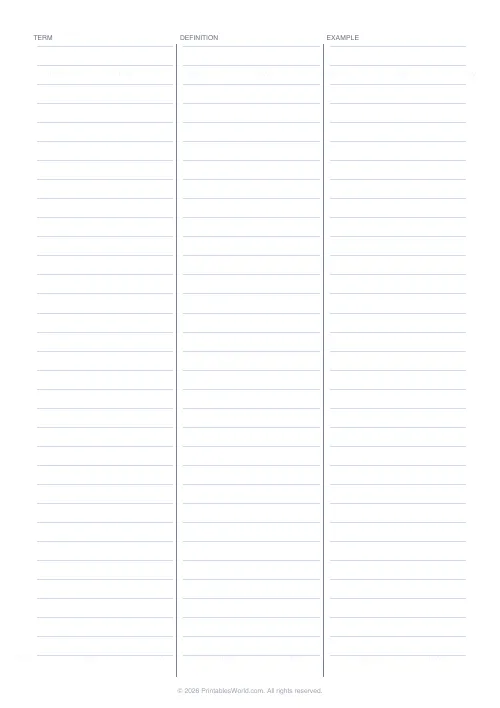
Three-Column Notes Template
Term, definition, example. Three equal columns for vocabulary.
Lined Paper Generator
Generate custom ruled paper PDFs with adjustable line spacing, colours, margins, and primary ruling styles.
Feedback
Spotted something off with this tool?
Two columns, and the left one is the point
The page is split 40/60 by a printed vertical divider, with KEY POINTS heading the narrow left column and NOTES heading the wide right one. Both sides are ruled at 8 mm, so a line on the left sits level with its line on the right.
The detail goes on the right during the lecture. The cues go on the left afterwards. Then, at revision, you cover the right column and try to rebuild it from the cues alone, and the gaps are exactly where the re-reading needs to happen.
It is a lighter version of the Cornell system, doing most of the same work without the summary strip along the bottom.
Why notes in prose are hard to revise from
A page of continuous notes offers two options at revision time. Read it again, or copy it out. Both feel like work and neither tests anything.
The two-column layout builds active recall into the paper itself. The cue is a prompt you can cover the answer to, which means the page is a self-test from the moment the left column is filled in, with no flashcards to make and nothing to type up.
The format is content-agnostic, which is why it survives contact with lecture notes, GCSE and A-level revision, textbook reading, conference sessions, meeting minutes with the actions on the left, medical case summaries, and legal study with citations in the cue column.
Filling it in, in the right order
- Print a stack. Put a subject and a date at the top of each.
- During the lecture or the reading, write in the right column only. Do not touch the left.
- Within about a day, go back and fill the left column with short cues. Keywords, or questions.
- At revision, cover the right column with a sheet of paper and work down the cues.
- Star every cue you could not answer. Those are the only ones worth reviewing next time.
Step two is the one people get wrong. Writing cues live during a lecture produces cues in the lecturer's words rather than yours, and a cue in somebody else's language does not prompt anything.
What makes a good cue
- One to four words. A full sentence gives the answer away and the self-test stops working.
- Questions beat labels, every time. Why did the alliance system fail? prompts far more than alliance system does.
- Three passes is enough. The evening you wrote it, then a week later, then a month later, and that spacing alone does most of the work of getting something into long-term memory.
A history lecture
Causes of the First World War. During the hour, the right column fills with dates, names, a couple of quotations and some definitions.
That evening the left column gets four cues: the alliance system, the Balkan crisis of 1908, the assassination in June 1914, the blank cheque from Germany to Austria. A week later, with the right side covered, three of those four prompt the detail and one produces nothing at all. That one is the reading for tomorrow, and it took ten seconds to identify.
Printing
Vector output, so it stays sharp at any zoom. Print at full scale with fit-to-page off, because the 8 mm spacing only stays 8 mm at 100 per cent, and that matters if a stack of these is going into a folder alongside ruled paper.
The 40/60 split is preserved across all three paper sizes. US Legal is the one to pick if you habitually take long reading notes and keep running out of page.
FAQs
Quick answers
How is this different from Cornell notes?
Cornell notes add a summary strip at the bottom. Two-column notes are simpler. Just the two writing areas.
What goes in each column?
Conventionally: key points and questions on the left, full notes on the right.
Are the columns ruled?
Yes. Both columns have faint horizontal rules at 8 mm spacing.
Will it print on A4?
Yes. A4, US Letter, and US Legal are supported.
Related tools
Cornell Notes Template
Classic Cornell note-taking layout with cue column and summary.
Three-Column Notes Template
Term, definition, example. Three equal columns for vocabulary.

Lined Paper Generator
Generate custom ruled paper PDFs with adjustable line spacing, colours, margins, and primary ruling styles.
Steno / Shorthand Paper
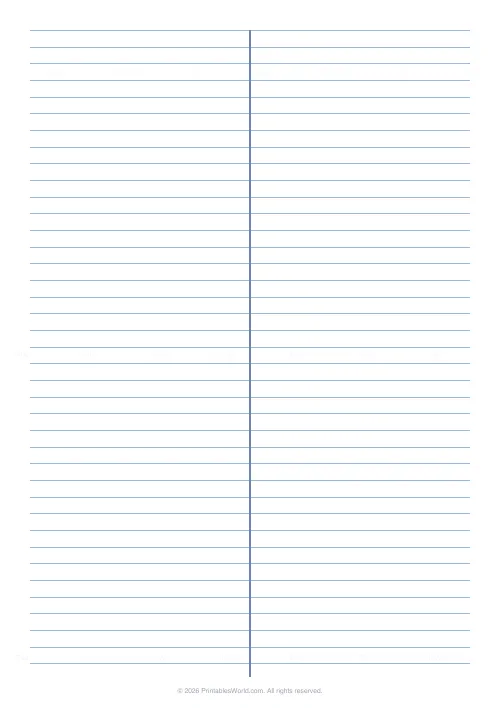
Two-column steno pad ruling with a centre rule for Gregg shorthand and fast note-taking.
Further reading
Printable Paper
The best note-taking paper for students (Cornell, grid, lined)
The paper you take notes on quietly decides how you review them. Here is what each format is actually for, and which subjects each suits.
4 min read
Printable Paper
Bullet journalling with dot grid paper: a starter guide
The bullet journal was designed to be fast, not beautiful. Here is the original system, why dot grid suits it better than lines or blank, and the four pages you actually need.
5 min read
Printable Paper
Music manuscript paper: a guide for musicians
The number of staves on a page is not a style choice. It decides how much music fits and how legible it is at a music stand.
4 min read