Scan to get


 Scan to get



 Scan to get






What this tool does
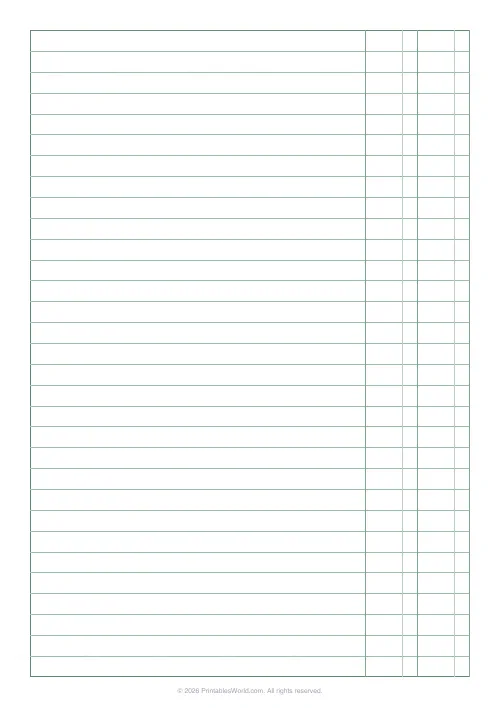
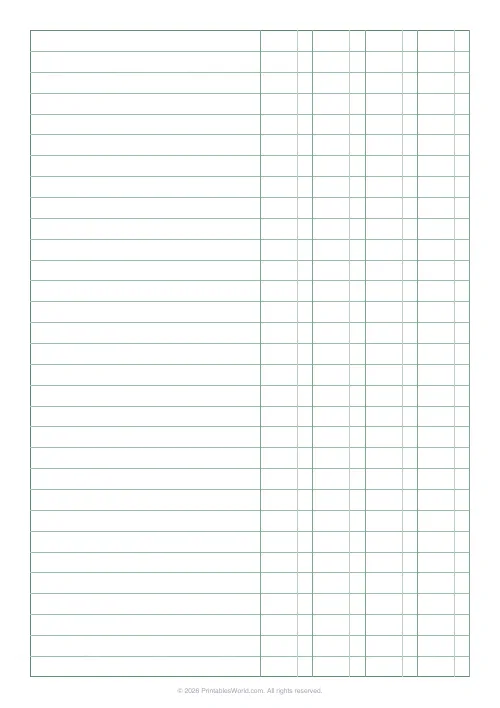
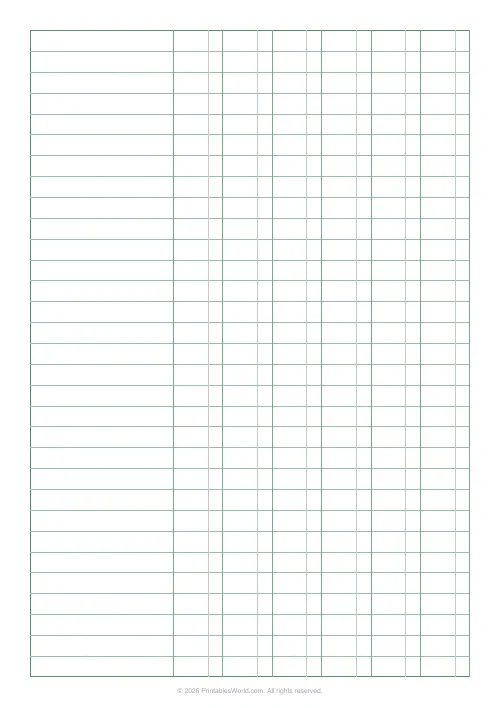
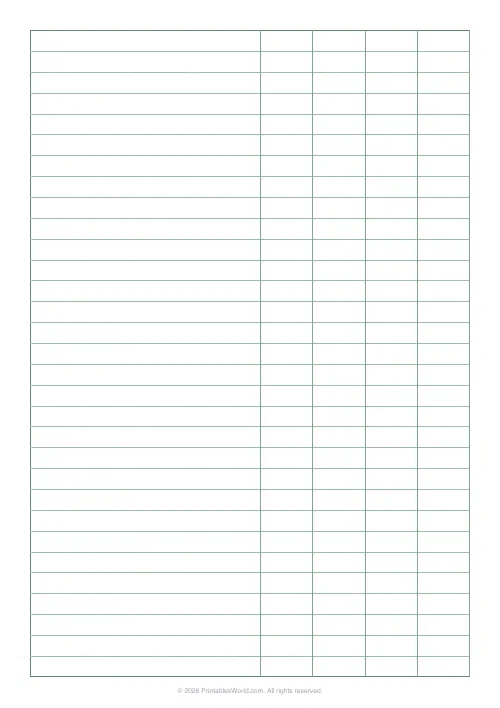
Printable ledger and columnar accounting paper. Set how many money columns you want, from one to twelve, and how wide each of them is. Ruled rows either fill the page automatically or come in a fixed count you choose. A faint divider splits each money column so pounds sit left and pence sit right, and it can be hidden when you would rather rule your own decimal point.
People also used
Graph Paper Generator
Create custom graph paper PDFs with square or rectangular grids, dot styles, and axis numbering.
Lined Paper Generator
Generate custom ruled paper PDFs with adjustable line spacing, colours, margins, and primary ruling styles.
Monthly Budget Planner
One-page printable budget: income, categorised expenses, balance summary.
Feedback
Spotted something off with this tool?
Ruled rows on the left, money columns on the right
Columnar paper. Accounting paper. The pad your bookkeeping tutor made you buy.
It is ruled writing paper with a block of narrow money columns down the right-hand side, and it is the classic format for a cash book, a petty-cash log, a simple ledger, or any running list of figures that has to stay aligned down the page. This generator builds the sheet to whatever shape the job in front of you needs, and you can print it as many times as you like.
Between one and twelve money columns, four unless you change it. Each is between 12 and 40 millimetres wide, at 22 by default, which is enough for a five-figure sum without crowding.
The pence divider
A faint line splits each money column, pounds to the left of it and pence to the right. That is what keeps decimals aligned down a column without anyone drawing a ruler line, and it is the single feature that separates real ledger paper from squared paper.
You can hide it. Do that if you are practising for an exam whose answer paper has plain columns, because rehearsing on a more helpful layout than the one you will actually sit is a small trap that catches people every year.
Rows, or as many as fit
Leave the row count at zero and the sheet fills the page with as many ruled rows as it can hold. Set a number instead and you get exactly that many, spaced further apart.
Fewer, taller rows are the right choice when entries carry long descriptions or when the sheet will be written on with a thick pen. More, tighter rows suit a cash analysis where each line is a date and a figure. The sheet runs edge to edge either way, so there is no wasted margin.
What people keep on it
Trial balances, day books, cash analysis sheets. One money column per account or per category, so a glance down any column gives its subtotal and a glance across any row gives one transaction.
Outside accountancy it does perfectly well as a household budget sheet, an expenses log, or the accounts of a club that has outgrown a notebook but is nowhere near needing software. Twelve columns is a year of months across a single page, which is a use the format was not designed for and handles well.
Keeping the books legible
One transaction per row. No exceptions, however tempting.
Keep a running total in the last column, because an error is far easier to find when you can see where the total stopped being right. And start a fresh sheet at a period boundary rather than carrying on down the page: a month that begins halfway down a sheet is a month you will misread in six months' time.
FAQs
Quick answers
What is ledger or columnar paper?
It is ruled accounting paper with a block of narrow money columns down the right-hand side. Each row keeps entries aligned across the columns, and each money column is split for pounds and pence so figures add up neatly.
How many money columns can I add?
You can set anywhere from one to twelve money columns. The columns sit on the right, leaving the rest of the page as a wide writing area for descriptions and dates.
Can I change the number of rows?
Yes. Set a fixed number of ruled rows, or leave it on automatic and the generator fills the page with evenly spaced rules.
Does it print on A4 and US Letter?
Yes. The sheet fills the printable area on both A4 and US Letter, so it prints edge to edge with no wasted margins.
Related tools
Graph Paper Generator
Create custom graph paper PDFs with square or rectangular grids, dot styles, and axis numbering.

Lined Paper Generator
Generate custom ruled paper PDFs with adjustable line spacing, colours, margins, and primary ruling styles.
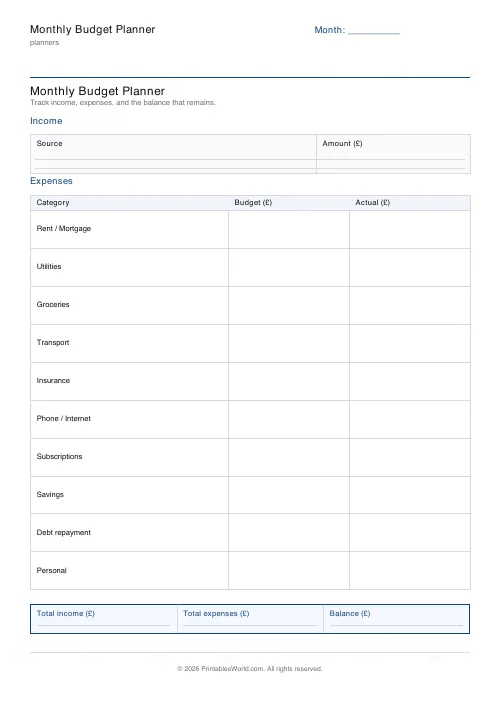
Monthly Budget Planner
One-page printable budget: income, categorised expenses, balance summary.