What this tool does
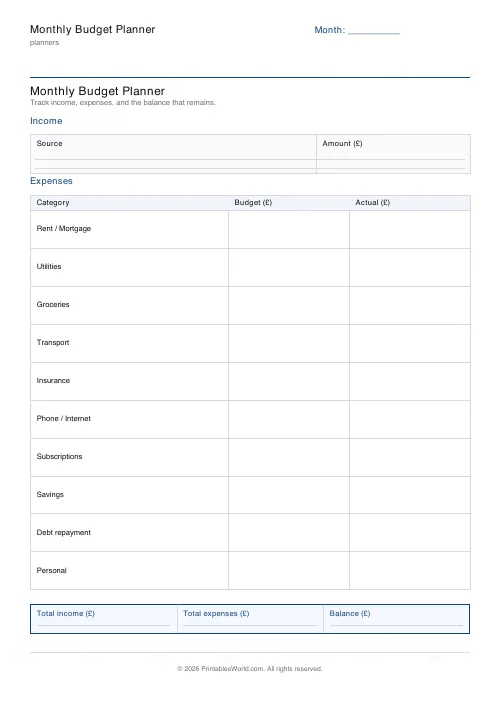
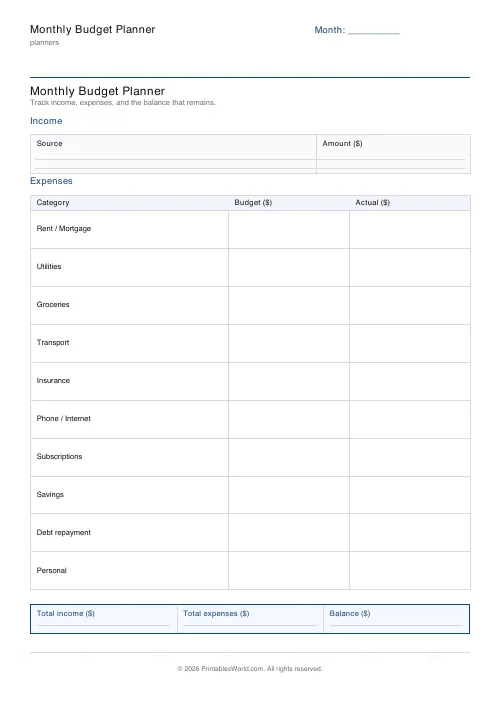
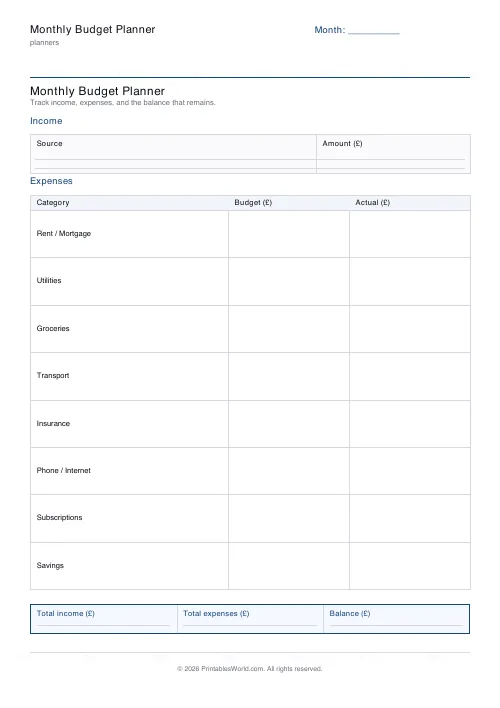
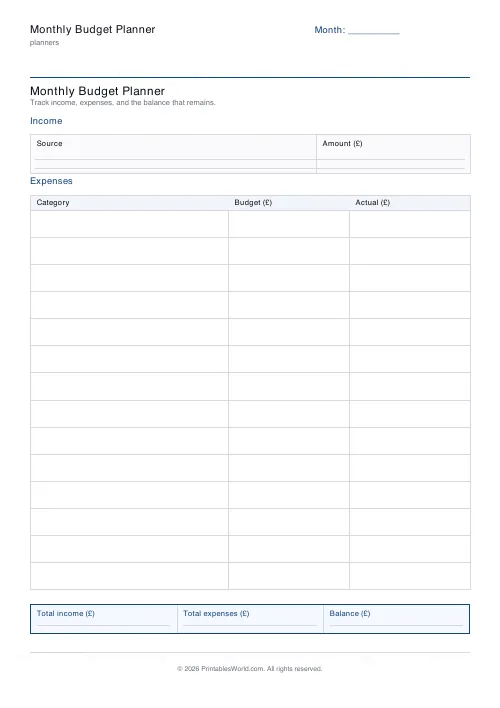
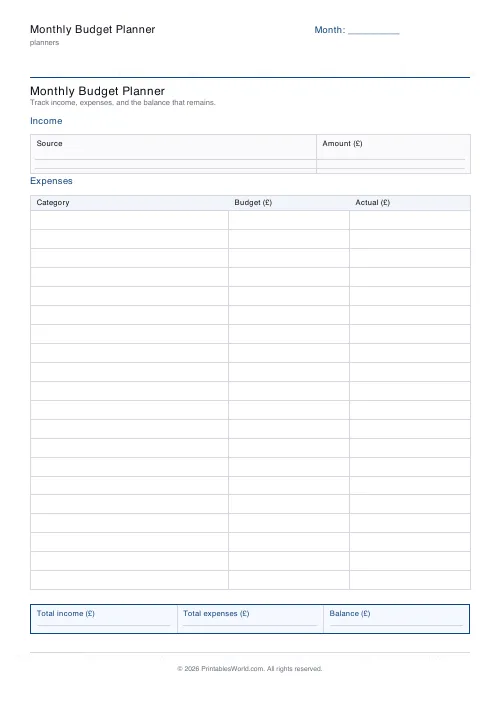
A one-page monthly budget with income at the top, 5 to 20 expense rows, and a totals strip showing what came in, what went out, and the difference. GBP, USD or EUR.
People also used
Monthly Bill Tracker
Printable bill tracker: due date, amount, paid check, payment method, notes.
Savings Goal Tracker
Goal-based printable savings tracker with 10-segment progress bar and month-by-month deposits.
Debt Payoff Tracker
Debt snowball chart: starting balances, minimum payments, monthly progress, running total.
Feedback
Spotted something off with this tool?
Income, outgoings, difference
Income across the top, a block of expense rows through the middle, and a summary strip at the foot holding the two totals and the difference between them. Five to twenty rows, in your choice of three currencies.
The whole sheet resolves to one number, and that number is the point.
Fill it in for the month that just happened
Most budgets are written forwards, as a plan, and most of those are fiction — a set of numbers you would like to be true rather than a description of anything.
The first useful sheet is backwards. Take last month's statement and write down where the money actually went. Duller exercise, considerably more informative. Almost everybody finds at least one category they would have guessed wrong by a factor of two.
Plan the second month once you know what the first one cost.
The category that is always missing
The irregular ones. Car tax, insurance renewals, a birthday, the dentist, Christmas — none of them happen monthly, so none of them appear on a monthly sheet, and then they blow it up.
Add a row for them and put a twelfth of the annual total in it every month. It is the single change that turns a budget from something that works in ordinary months into something that survives December.
Savings as a row, not a leftover
If savings is what remains at the bottom, it will be nothing. Put it in the expense list, near the top, and treat it as a bill.
That is not a mindset trick. It is ordering. Money allocated before you spend behaves differently from money allocated afterwards.
Why paper for this specifically
Budgeting apps read your bank feed and categorise for you, which is genuinely better at recording and worse at noticing.
Writing a figure by hand makes you look at it. People consistently report finding the subscription they forgot about while filling a sheet in and not while scrolling a categorised list, because the app had quietly filed it as normal.
A sheet of paper is also private in a way a linked bank feed is not, and for some people that outweighs the convenience entirely.
Choices
A title, the month label, currency, and how many expense rows (5 to 20). A4 or US Letter, printed at 100%.
Ten rows is enough for most households. Twenty is for splitting broad categories into real ones, which is where the useful surprises live.
The bill tracker handles the due dates and the paid ticks; this sheet handles the totals.
FAQs
Quick answers
How many expense categories can I track?
Between 5 and 20 rows per page. The default (10) covers rent, utilities, food, transport, savings and the usual household lines.
Which currencies are supported?
GBP (£), USD ($), and EUR (€). The chosen symbol is printed in every amount column header.
Is this a fillable PDF?
No. It prints as a clean worksheet you fill in by hand. That keeps it universal, works offline, and needs no PDF editor.
Can I use it for a zero-based budget?
Yes. Set your total income, allocate every pound (or dollar/euro) into a category row, and aim for a balance of zero in the summary strip.
Related tools
Monthly Bill Tracker
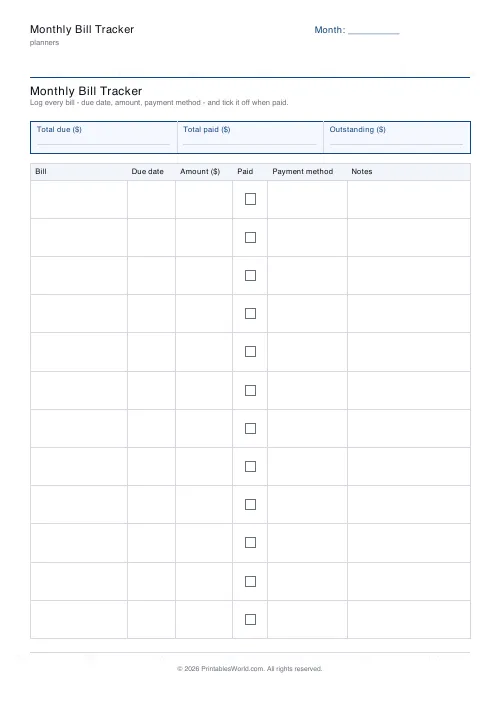
Printable bill tracker: due date, amount, paid check, payment method, notes.
Savings Goal Tracker
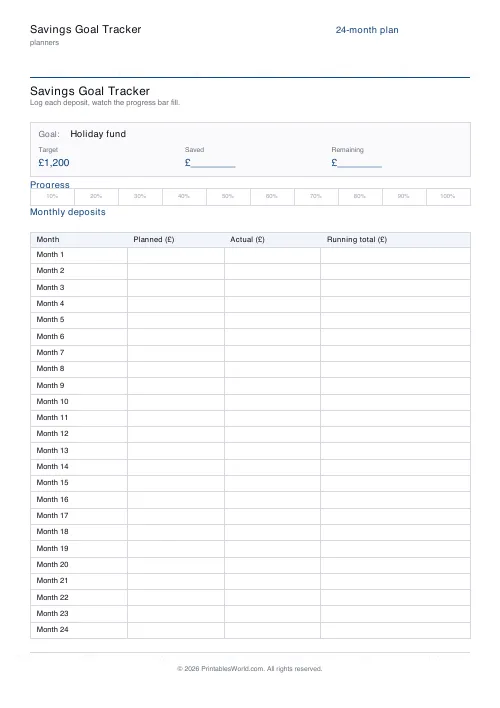
Goal-based printable savings tracker with 10-segment progress bar and month-by-month deposits.
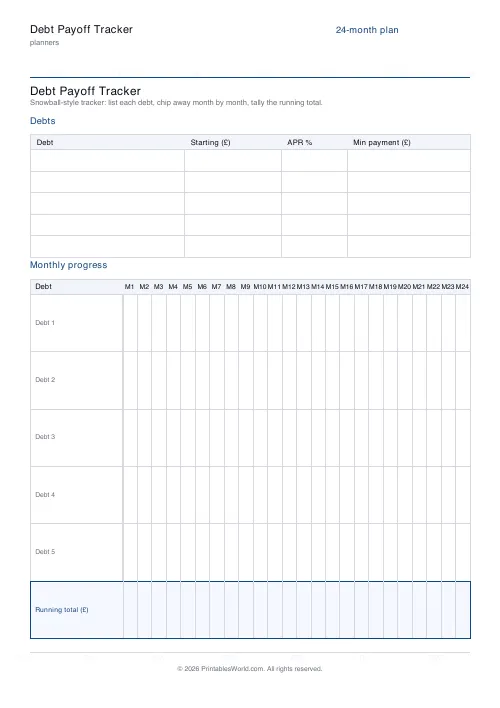
Debt Payoff Tracker
Debt snowball chart: starting balances, minimum payments, monthly progress, running total.

Planner Maker: Custom Printable Planner Pages
Build custom printable planner pages with lines, boxes, text and checklists in precise millimetre layouts.
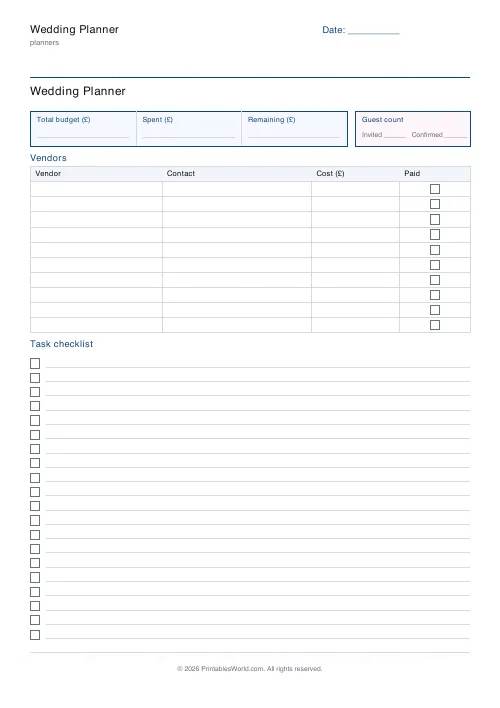
Wedding Planner
Printable wedding organiser: budget summary, guest count, vendor table and task checklist.
Further reading
Planners
Budgeting for beginners: the 50/30/20 rule explained
Half to needs, 30% to wants, 20% to savings and debt. A useful starting frame. And this covers what actually counts as which, plus what to do when the numbers do not fit.
5 min read
Planners
How to pay off debt faster with a payoff tracker
One method costs less; the other is easier to stick to. Here is how to choose between them honestly, and why a visual tracker changes the odds either way.
5 min read
Planners
Meal planning 101: save time and money every week
A weekly meal plan saves money mainly by changing how you shop. Here is a thirty-minute method, the shortcuts that keep it going, and the mistake that ends most plans in week three.
5 min read












