What this tool does
Sentences printed with no capitals and no marks at all, and a line to rewrite each one properly. Covers sentence ends, capital letters, the comma after an opening clause, apostrophes in contractions, and speech marks. Five to ten problems a sheet.
People also used
Feedback
Spotted something off with this tool?
Rewrite the sentence, correctly punctuated
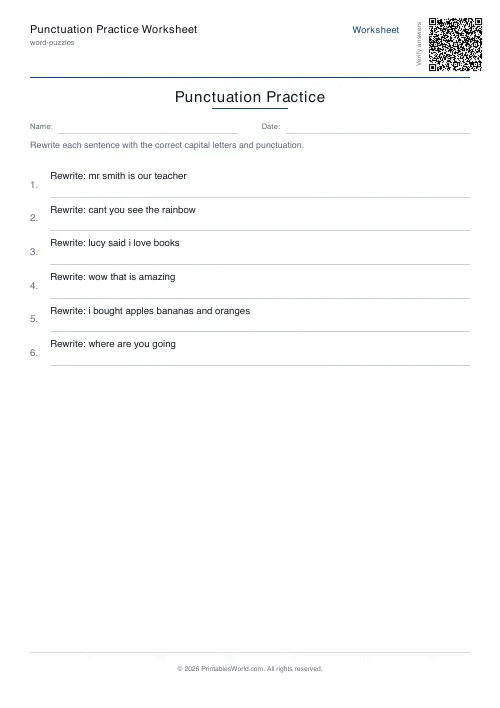
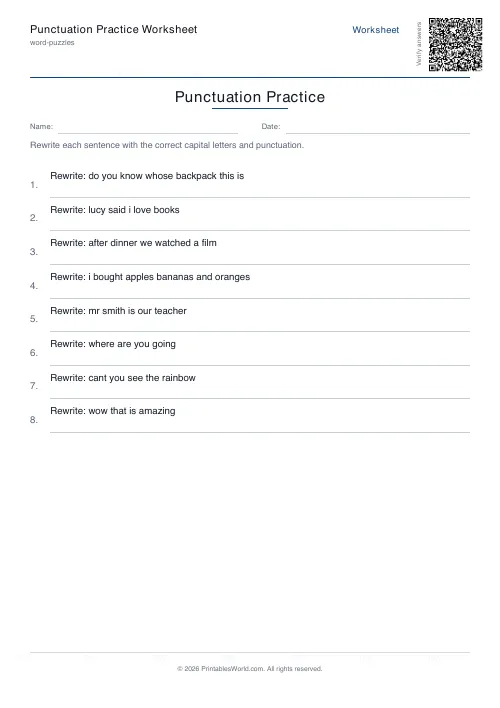
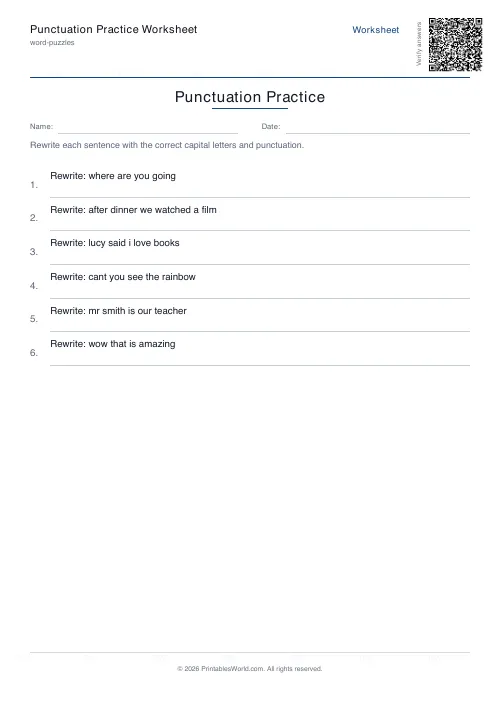
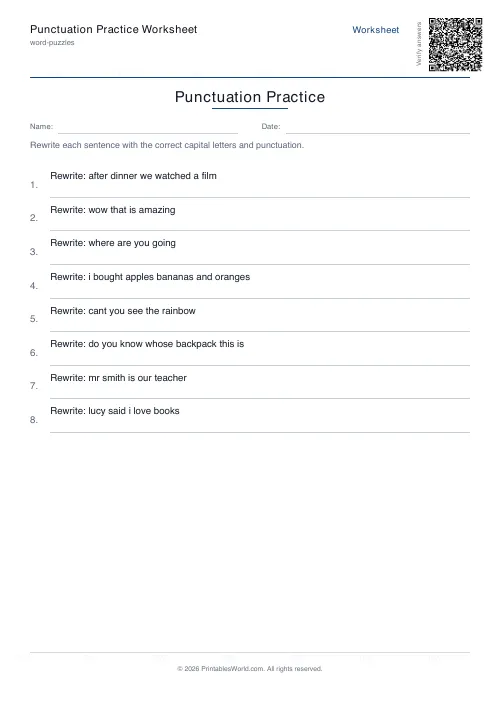
Each row prints a sentence stripped of every capital letter and every mark: where are you going. The child rewrites it properly on the line beneath.
Five to ten problems a sheet, taken from a bank of fourteen and shuffled each time. The answer key prints on its own page.
What the sentences cover
- Sentence ends — full stop, question mark or exclamation mark.
- Capital letters at the start of the sentence, and on proper nouns of three kinds: Sarah, Paris, Saturdays.
- Commas after an opening clause. "After dinner, we watched a film."
- Apostrophes in contractions, where cant has to become can't and the child has to work out which letter the mark is standing in for.
- Speech marks, including the comma that goes before them: Lucy said, "I love books."
Stripping the capitals is the part that makes it work
Most punctuation worksheets leave the capital letters in place and ask only for the marks. That is a much easier task, because the capital tells you where the sentence starts and often what kind of word each one is.
Removing them means the child has to identify the sentence boundary and the proper nouns for themselves, which is where the real errors live. Plenty of children who can place a full stop reliably will still write "i" and "paris".
How to mark it
One mark per element rather than one mark per sentence.
A sentence with the right question mark and a missing capital is not a failure. Scoring it as one hides which rule went missing. Mark the elements separately and a page of eight sentences becomes a fairly precise diagnostic. Within a minute you can normally see whether the gap is sentence ends, or capitals, or the comma rule, or apostrophes — and those want four different lessons.
The apostrophe is the one that will not stick
Expect it back. Contractions are learned quickly enough. The trouble is that the same mark also does possession, and the two rules collide the moment a child meets its beside it's.
This sheet stays on contractions deliberately. Mixing possession in before contractions are automatic tends to produce a child who sprinkles apostrophes wherever an s appears, which is harder to undo than never having taught it.
What you set
Problem count from 5 to 10, a worksheet title, a rewritable instruction line, optional Name and Date fields, and the answer key toggle. A4 or US Letter.
Print at 100%.
FAQs
Quick answers
Which punctuation marks are covered?
The standard set: full stops, question marks, exclamation marks, commas, apostrophes and quotation marks.
How many sentences per page?
Five to ten sentences per sheet. Eight is the comfortable default.
Is there an answer key?
Yes. Toggle the answer-key option for a second page with the corrected sentences.
Can students add their own punctuation marks?
Yes. The worksheet leaves a blank line under each sentence; learners are free to use whichever punctuation makes sense.
Related tools
Further reading
More like this
 Crossword Generator: Printable PDF
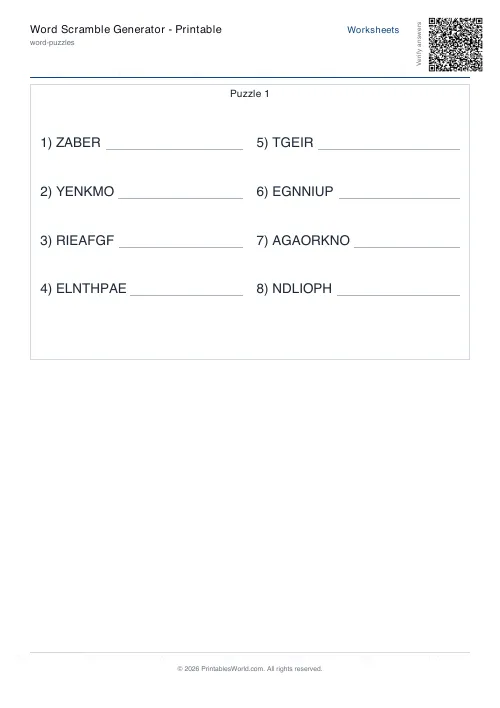 Word Scramble Generator: Printable
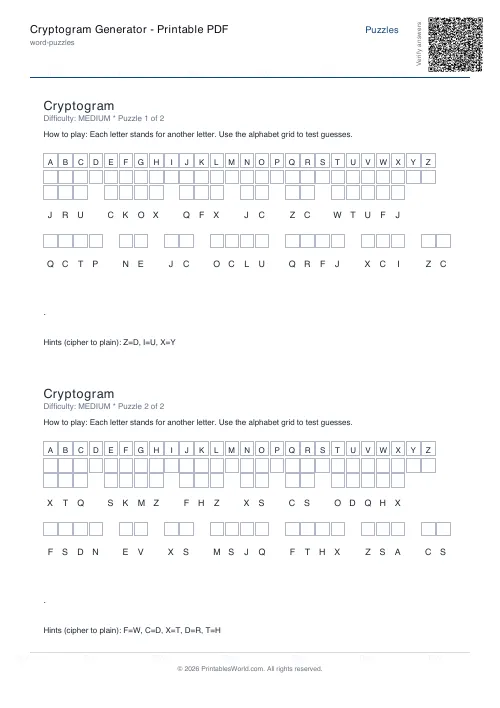 Cryptogram Generator: Printable PDF
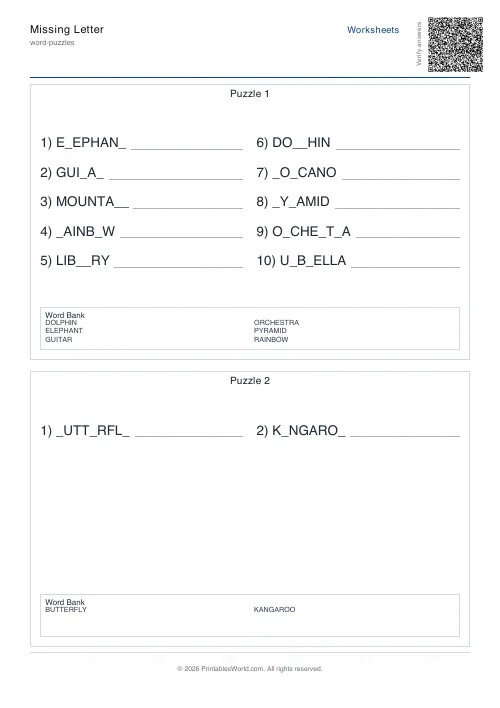 Missing Letter Generator
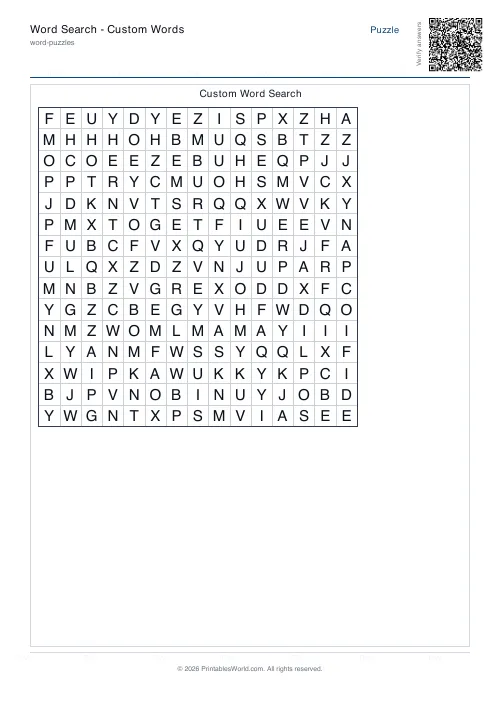 Word Search: Custom Words
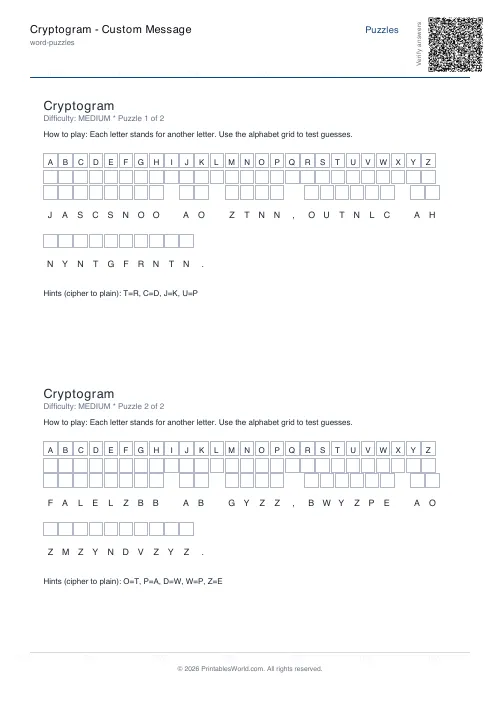 Cryptogram: Custom Message
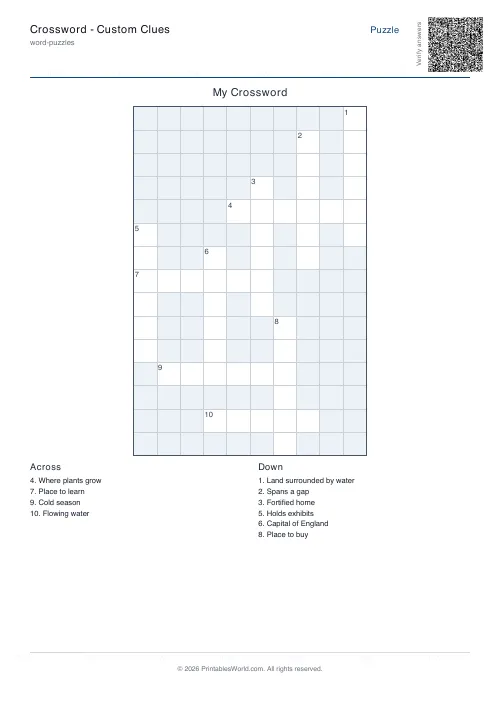 Crossword: Custom Clues
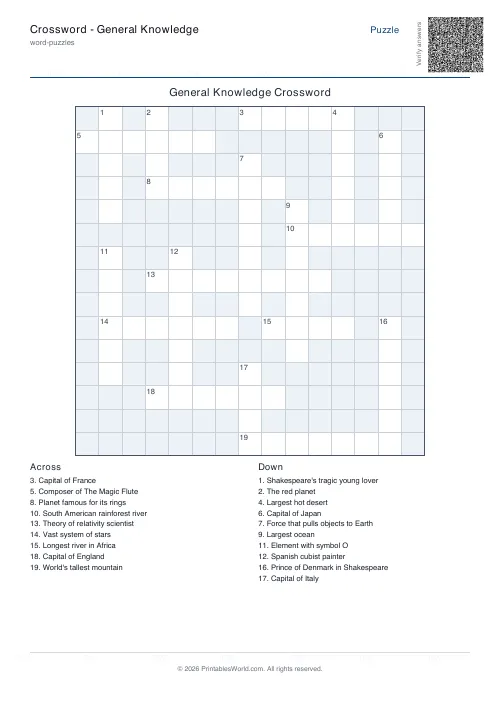 Crossword: General Knowledge
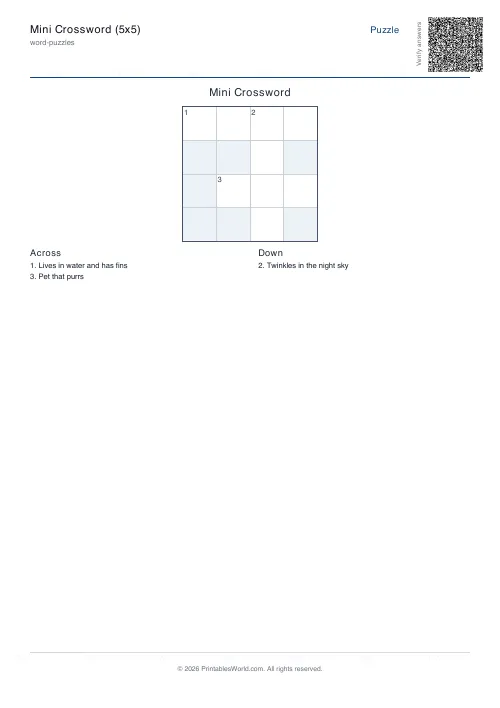 Mini Crossword
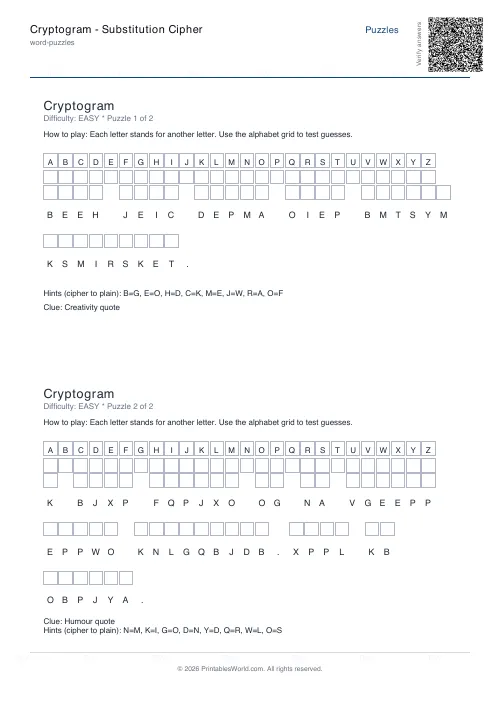 Cryptogram: Substitution Cipher
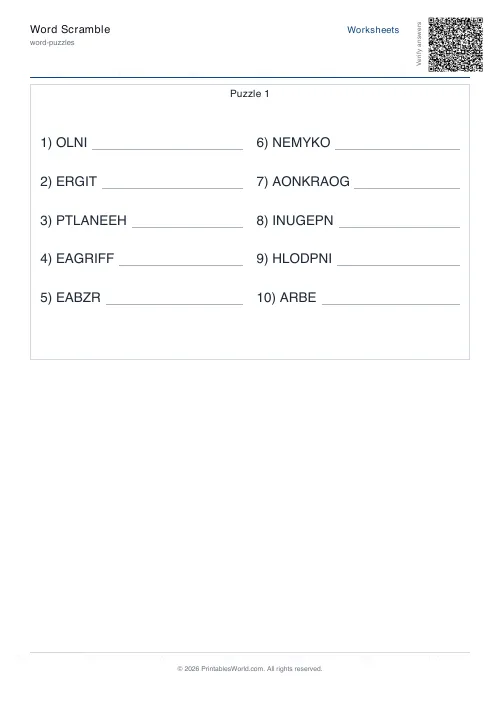 Word Scramble Generator
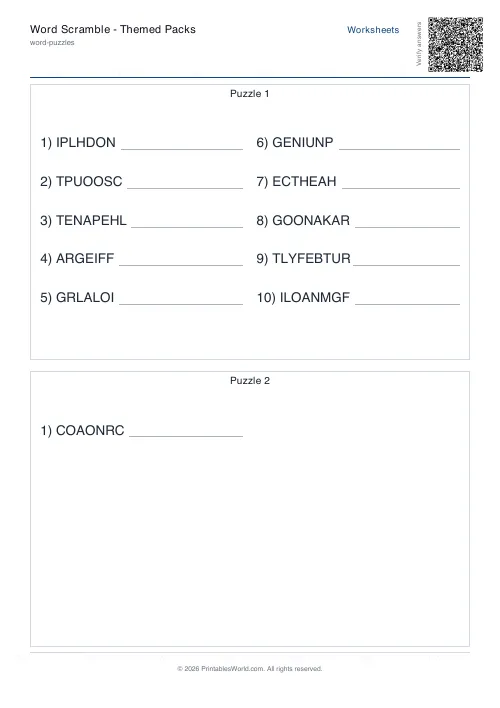 Word Scramble: Themed Packs
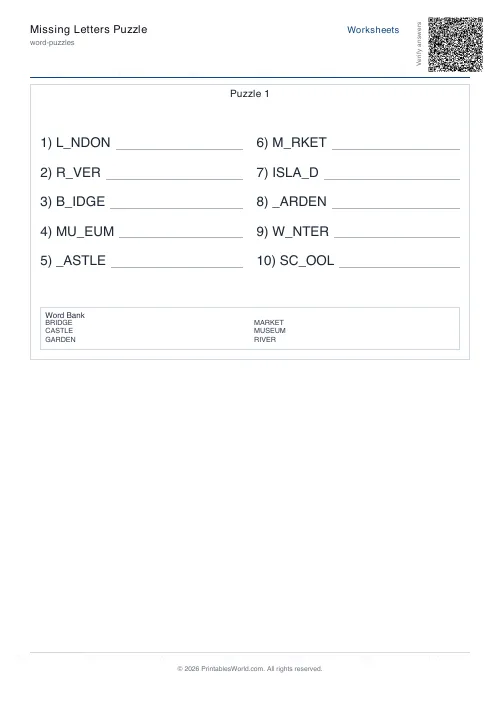 Missing Letters Puzzle
 Acrostic Poem Template