What this tool does
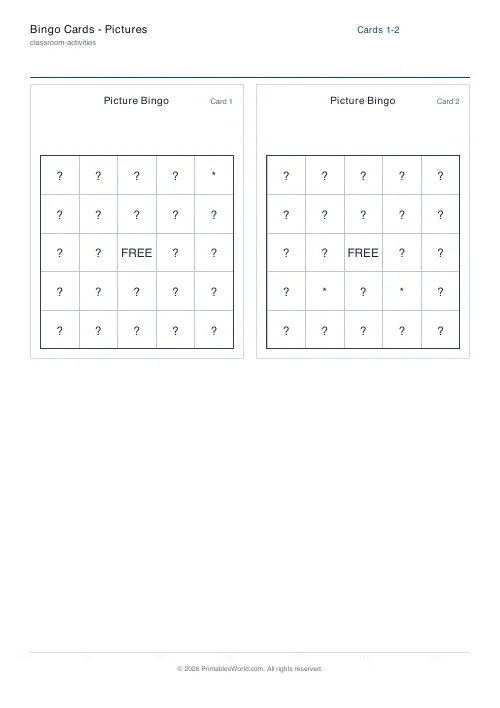
Picture bingo for children who cannot read yet, built from colour icons of animals, fruit and weather. Every card is shuffled differently, with a call sheet for the adult running it.
People also used
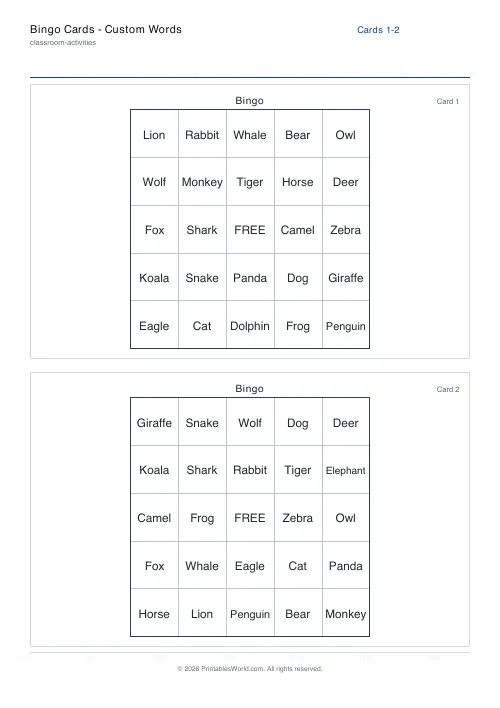
Bingo Cards: Custom Words
Enter any word list and generate unique bingo cards for every player.
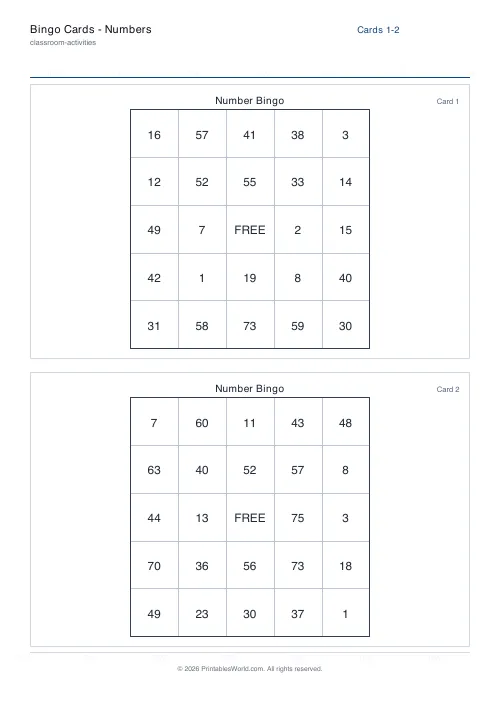
Bingo Cards: Numbers
Classic number bingo (1-75 or 1-90) with unique cards per player.
Bingo Card Generator
Generate unique printable bingo cards with custom words, FREE centre toggle, call sheet, and seeded shuffles.
Feedback
Spotted something off with this tool?
Bingo for players who cannot read the words
The item list comes pre-filled with colour icons instead of text — animals, some fruit, a few weather symbols. Each card is shuffled independently, and the call sheet lists the lot for whoever is calling.
The icons are drawn as pictures in the PDF rather than as characters, so they print in colour on any printer that supports it.
Why this version exists
Bingo is a good game for a three- or four-year-old — the rules take one sentence and there is no strategy to lose at — and every ordinary bingo card locks them out at the first number.
Picture bingo removes the reading and leaves the game. What is left is matching, taking turns, and scanning a grid for a target, which is exactly the right cognitive load for that age and is genuinely useful practice.
Say the word every time
Name each icon aloud as you call it. "Penguin." Holding the card up silently does half the job.
That turns the game into vocabulary work at no cost. A child hears the word, searches for the picture, and connects the two thirty times in a session, which is more repetitions than any flashcard routine will get you before somebody loses interest.
Be consistent about which word you use. If you call it a bunny once and a rabbit later, the confusion is real and it is yours.
Grid size for small children
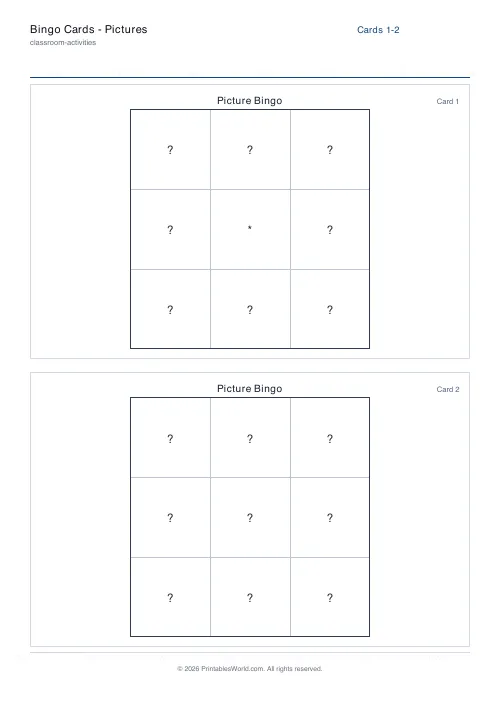
Three by three. Nine pictures is a card a four-year-old can actually scan.
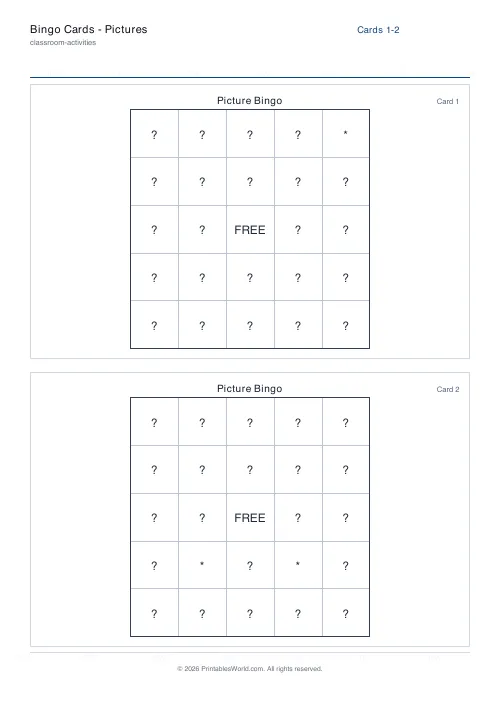
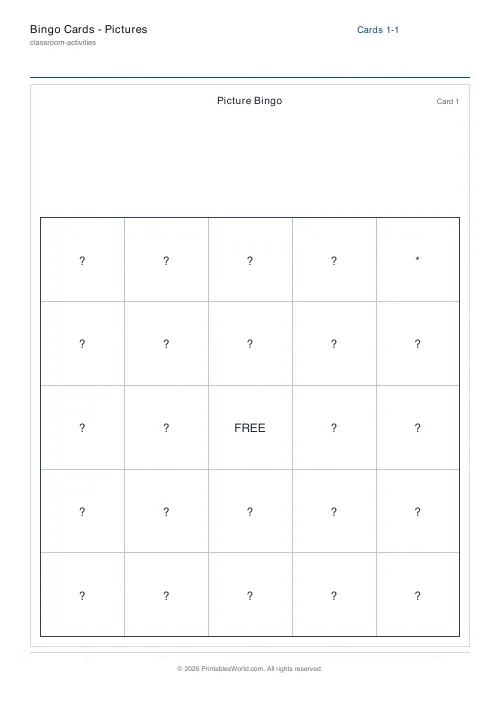
Five by five looks generous and is a mistake at this age: twenty-five images is more than a young child can search, and they will lose their place, miss calls, and stop enjoying it. Move up when they are finding nine easy.
Replacing the icons
The list is editable. Swap in a set that matches a topic: farm animals, transport, things that are red. Or paste in plain letters and short words for a child who has started reading.
Keep the set visually distinct. Two icons that look similar at card size will be confused, and the confusion looks like the child not knowing the word when it is really a printing problem.
Controls and printing
Item list, grid size, free centre, number of cards, cards per page, the call sheet, card numbering, font size and a seed. A4 or US Letter.
Print in colour if you can — the icons rely on it, and a greyscale print makes several of the animals hard to tell apart. Card and counters make a set that survives a term.
FAQs
Quick answers
How does picture bingo work here?
The bingo engine prints the items it is given, so the picture variant uses emoji-style icons (animals, fruit, weather) instead of words.
Can I add my own pictures?
You can add or remove emoji from the items list to suit your theme. True image upload is not supported in this variant.
Which grid size works best?
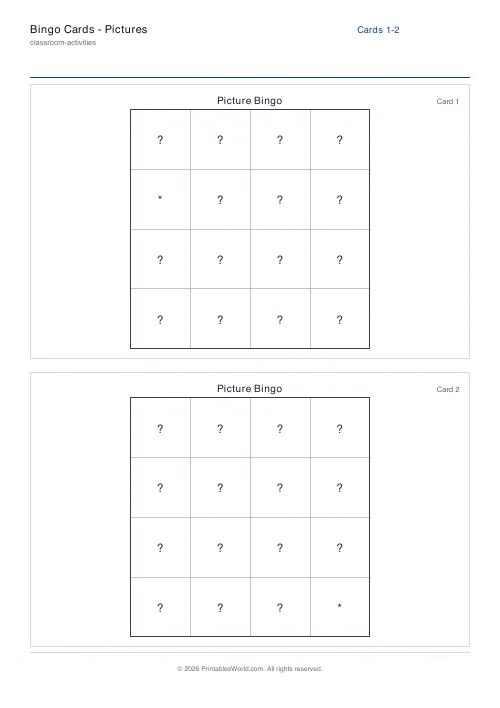
4×4 is friendly for very young children; 5×5 with a FREE square works well for ages 5+.
Are cards unique per player?
Yes. Each card uses a different shuffle and the call sheet lists every icon for the host.
Related tools
Bingo Cards: Custom Words
Enter any word list and generate unique bingo cards for every player.
Bingo Cards: Numbers
Classic number bingo (1-75 or 1-90) with unique cards per player.

Bingo Card Generator
Generate unique printable bingo cards with custom words, FREE centre toggle, call sheet, and seeded shuffles.
Further reading












