Scan to get


 Scan to get



 Scan to get






What this tool does
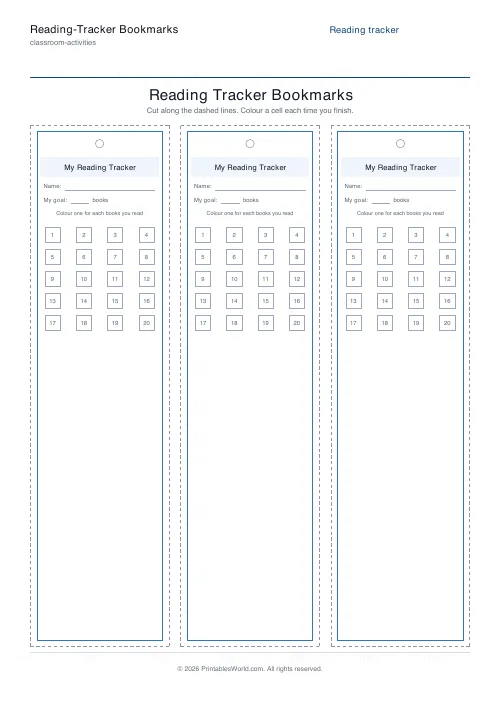
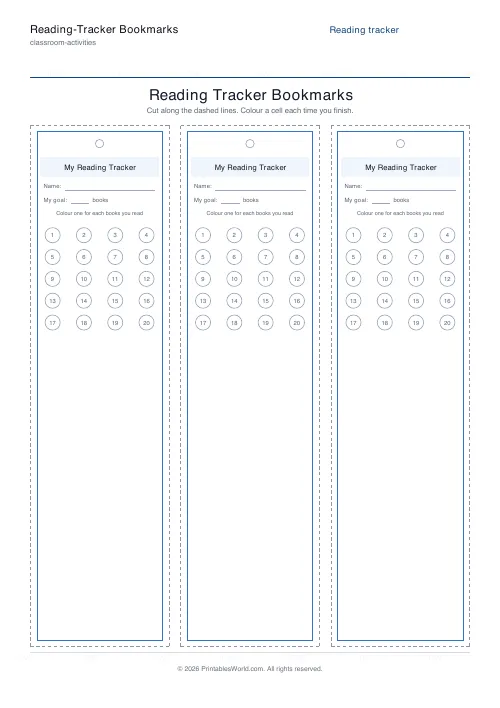
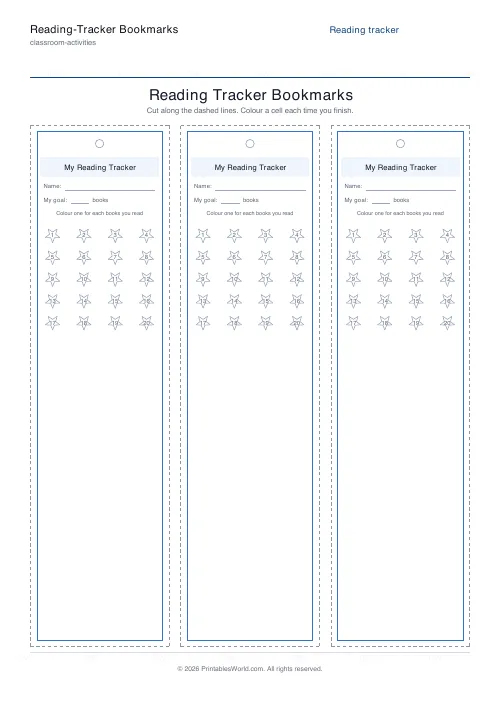
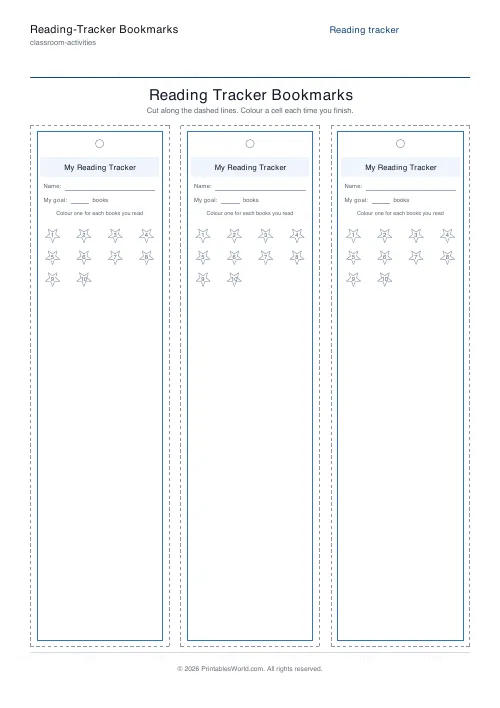
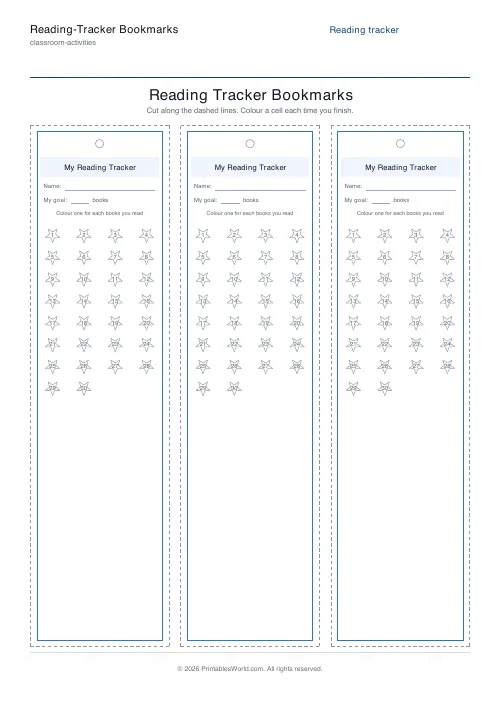
Print a page of reading-tracker bookmarks ready to cut out. Each one carries a title band, an optional name line, an optional goal line, and a numbered grid of cells that a child colours in every time they finish a book. Cells can be stars, or boxes, or circles. Set anything from 1 to 60 of them, choose how many bookmarks share the page, and print on A4 or US Letter from the same branded template.
People also used
Printable Bookmarks
Cut-out bookmarks with decorative borders and space for a name or quote.
Bookplates (This Book Belongs To)
Printable "This Book Belongs To" labels in a choice of frames.
Reading Comprehension Worksheet
Paste any passage and print it with numbered comprehension questions and ruled answer lines.
Feedback
Spotted something off with this tool?
The tracker goes where the reading happens
A wall chart records reading. A bookmark is in the book. That difference is most of the reason this works: the child does not have to remember to go and update anything, because the next empty cell is sitting on the page they just stopped at.
Each bookmark carries a title band, an optional name line, an optional goal line, and a grid of numbered cells. Finish a book and colour the next one. The grid fills left to right and the row visibly shortens, which is the whole psychological trick and it is not a subtle one.
You get several to a page with dashed cut lines between them.
Sixty cells, or four
The cell count runs from one to sixty and starts at twenty. Twenty is about a term of reading for a confident seven-year-old and about a year for a reluctant one, which is the range where this is worth doing at all.
Sixty is a summer library programme. Ten is a fortnight, and for a child who has never finished anything, ten is the right number: a tracker nobody completes teaches the opposite lesson to the one intended.
The unit label is yours to type. It says books unless you change it. Chapters work. So do pages. Minutes and nights work too, and minutes is the one to reach for when finishing a whole book is still too big an ask.
Cell shapes, and how many fit on a page
Three cell shapes. Stars are the default, and children colour them more readily than squares for reasons nobody has adequately explained; boxes tick more cleanly if an adult is doing the recording, and circles sit between the two.
Layout is set by columns and rows: up to five across and up to two down, so ten bookmarks on a sheet at the most. Five across gives narrow strips that sit inside a paperback without sticking out. One across gives a wide card with room for a longer goal line, which suits a class display better than it suits an actual book.
Numbering inside the cells is on by default, and it is worth keeping. A coloured cell tells you something is done. A numbered one tells you it was the fourteenth.
Classrooms, libraries, kitchen tables
A whole class on the same twenty-cell goal turns reading into something visible without turning it into a race, provided you never display the bookmarks side by side. Summer reading programmes work the other way round: a completed row earns the prize, and the bookmark is the receipt.
At home the useful property is that a reluctant reader can see the end. A bookmark with six cells left on it is a much more persuasive object than an adult saying you are nearly there.
Cutting and punching
Print at full scale. Not fit-to-page, which shifts the dashed cut lines by a few millimetres and leaves you trimming by eye across ten bookmarks.
Card stock rather than copier paper, if these are going to live in and out of books for a term. A punch-hole circle is marked at the top of each bookmark by default: cut first, punch second, then thread a ribbon so the thing cannot slide out of the book, which is how most bookmarks are lost.
FAQs
Quick answers
How does the reading tracker work?
Each bookmark carries a numbered grid of cells. Boxes, circles, or stars. Every time the reader finishes a book (or chapter, page count, or set of minutes, whatever unit you choose), they colour in the next cell. As the row fills up, progress toward the goal becomes easy to see at a glance.
Can I change what each cell counts?
Yes. Type any unit label you like, books, chapters, pages, or minutes, and choose how many cells the grid should hold, from ten for a short sprint to fifty for a year-long challenge. The caption and goal line update to match.
How many bookmarks fit on one page?
You choose. Set the number of columns (1 to 5) and rows (1 to 2). A common layout is three columns by one row for standard-width tracker bookmarks, but you can make narrow strips or a single wide card.
What paper should I use?
Plain paper is fine for a quick activity. For bookmarks that will be tucked into books all term, print on card stock and laminate them after cutting so the tracker survives daily use.
Related tools
Printable Bookmarks
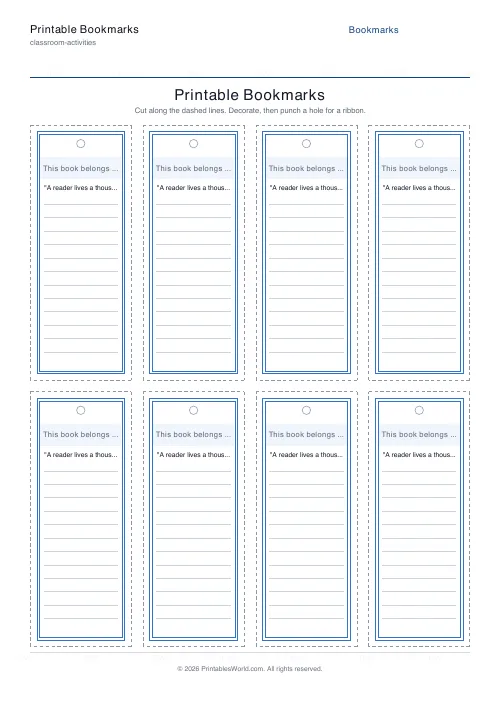
Cut-out bookmarks with decorative borders and space for a name or quote.
Bookplates (This Book Belongs To)
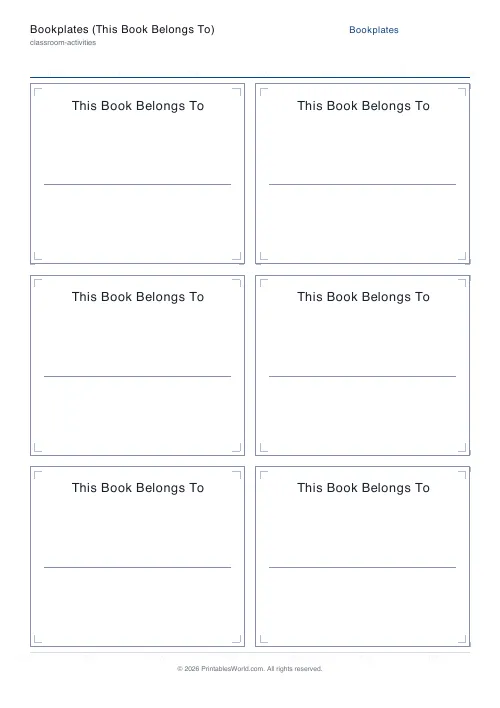
Printable "This Book Belongs To" labels in a choice of frames.
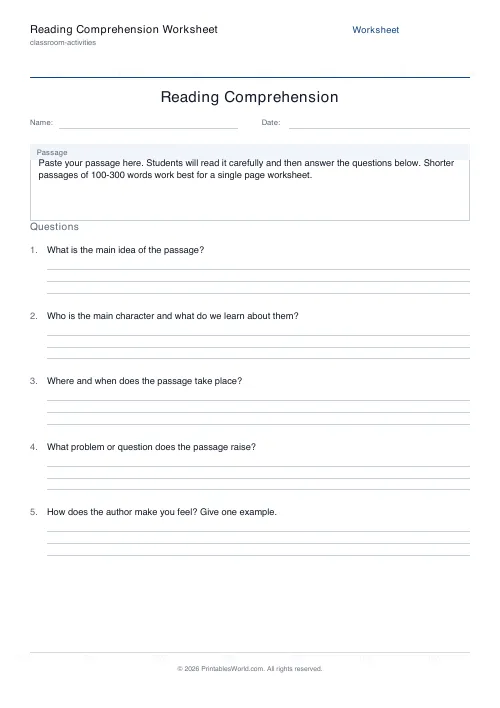
Reading Comprehension Worksheet
Paste any passage and print it with numbered comprehension questions and ruled answer lines.
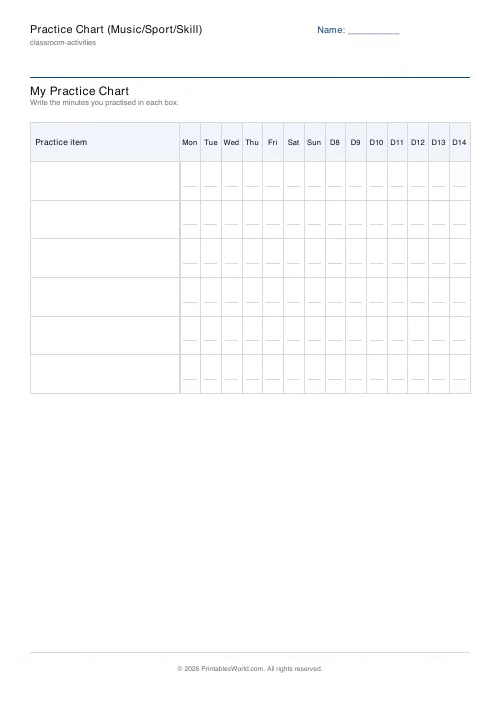
Practice Chart (Music/Sport/Skill)
Printable practice chart for music, sport and any skill. Items down the side, days across the top, a minutes box in every cell.
Further reading
Classroom Activities
20 classroom games that need zero prep
Games organised by the gap they fill: two minutes at the end of a lesson, ten minutes before assembly, or a whole wet lunchtime. Almost all need nothing but a voice.
6 min read
Classroom Activities
Positive reinforcement in the classroom: charts that work
Reward charts work when they name a specific behaviour and fade over time. They backfire when they rank children publicly. Here is the difference in practice.
5 min read