Scan to get


 Scan to get



 Scan to get






What this tool does
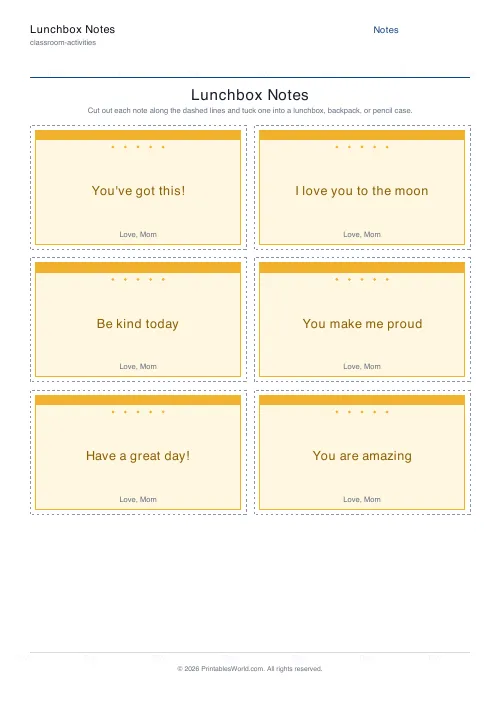
A sheet of printable lunchbox notes. Paste a list of short messages, one per line, and each card takes the next one, so a week of lunches comes off a single print run. Five colour themes, four border styles, an optional from line for the signature, and a layout from one to four columns by up to eight rows. Cut guides and a small motif can be switched off.
People also used
Feedback
Spotted something off with this tool?
A week of notes, printed on Sunday
Small cards with cut lines between them, and a different message on each. Paste your list one message per line and the generator deals them out across the sheet, adding pages by itself when the list runs longer than the page does.
Two columns by four rows is the default, which is eight notes. Push it to four columns by eight rows for a packed sheet of small cards, or drop to one by one for something closer to a card than a note.
Leave the list empty and type a single message instead, and every card carries the same thing.
Mix what the notes are for
Encouragement on a test day. Affection on an ordinary one. A reminder about the PE kit, which is not affectionate at all but does get read. A joke.
A sheet of eight identical you-can-do-it notes stops being noticed by about Wednesday, which rather defeats the point. Variety is why the list field exists, and it costs nothing to type eight different lines instead of one.
Themes, borders, and the signature
Five palettes: sunshine, sky, berry, mint, and a neutral option when the others feel like a lot. Four borders: rounded, dashed, a scalloped ring of dots, or plain.
The from line prints at the foot of every card and is where Love, Mum or Love, Dad goes. It is on by default and worth keeping, because a note without a name on it reads as a printed message and a note with one reads as being from a person.
The small motif and the cut guides can both come off. Keep the guides while you are working out the layout, then turn them off for the final run so the finished cards have no printed line along the edge.
Not only lunchboxes
The same cards go into a backpack. A pencil case. A book, as a bookmark. A packed bag on the first night of a residential trip, which is the one that matters most and the one people forget to do.
Teachers use them the week of an assessment, tucked into a desk before the room fills up. Grandparents put one in with a snack. And a handful left around a classroom as kindness drops is a five-minute activity that changes the temperature of a room for an afternoon.
Paper and cutting
Print at full scale rather than fit-to-page, or the cut guides drift away from the card edges and you end up trimming by eye.
Plain paper is right for a daily note that will be read once and lost. Card stock is for the one that gets kept, and children do keep them, which is worth knowing before you decide it does not matter.
FAQs
Quick answers
How many lunchbox notes fit on one page?
You choose. Set the columns (1 to 4) and rows (1 to 8) to fit anything from a couple of large notes to a full sheet of small ones. A 2 by 4 grid gives eight notes per page. About a week and a half of lunches.
Can I put a different message on each note?
Yes. Paste a list of messages, one per line, and each note uses the next message. Adding extra pages automatically if your list is longer than one page. Leave the list empty to repeat a single message everywhere.
Can I sign the notes?
Yes. Add a from line such as "Love, Mom" and it appears at the bottom of every note. Turn the from line off in the settings if you would rather keep the cards anonymous.
What paper should I use?
Plain paper is fine for a daily note. For a sturdier keepsake card, print on card stock. Print at 100% scale so the cut guides stay accurate when you snip the notes apart.
Related tools
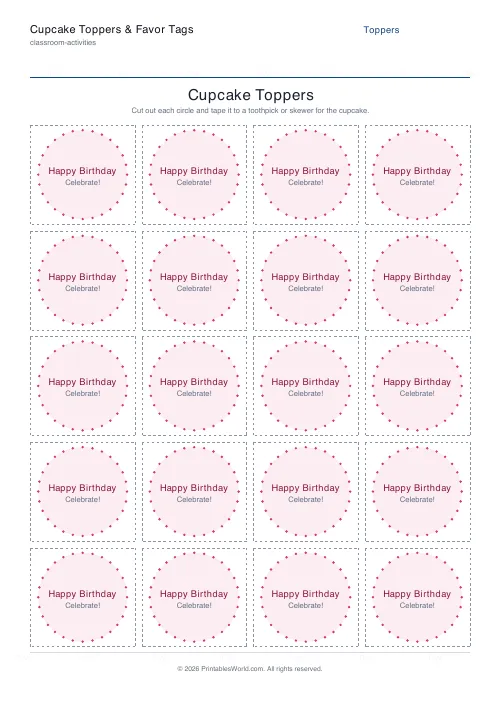
Cupcake Toppers & Favor Tags
Printable circle cupcake toppers and party favor tags you can personalise and cut out.
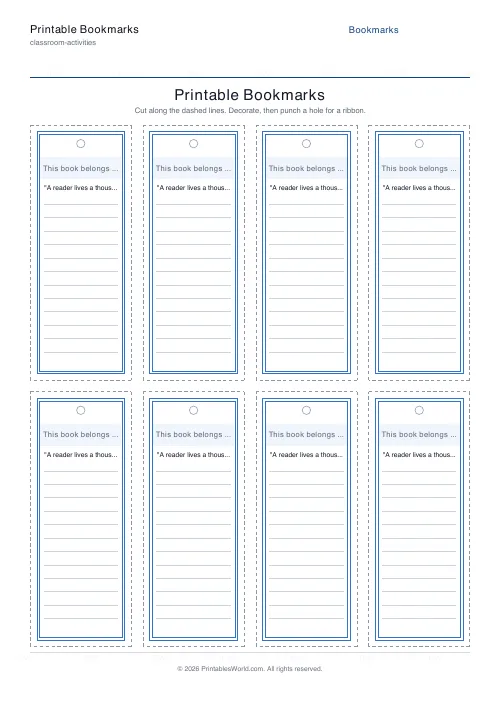
Printable Bookmarks
Cut-out bookmarks with decorative borders and space for a name or quote.
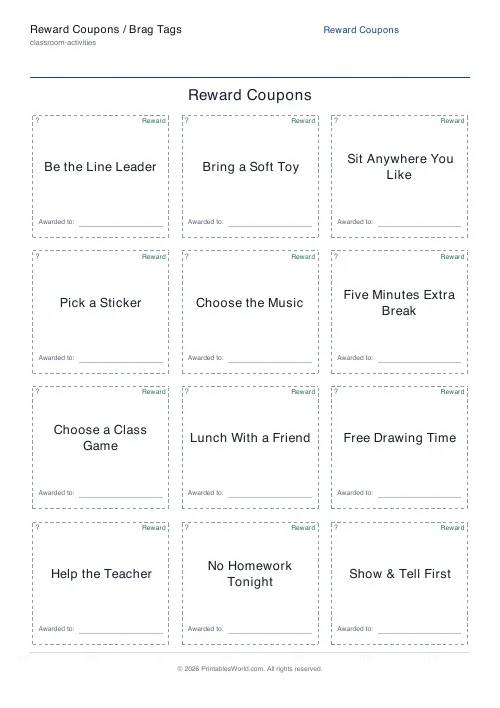
Reward Coupons / Brag Tags
Print a sheet of cut-out reward coupons and brag tags.
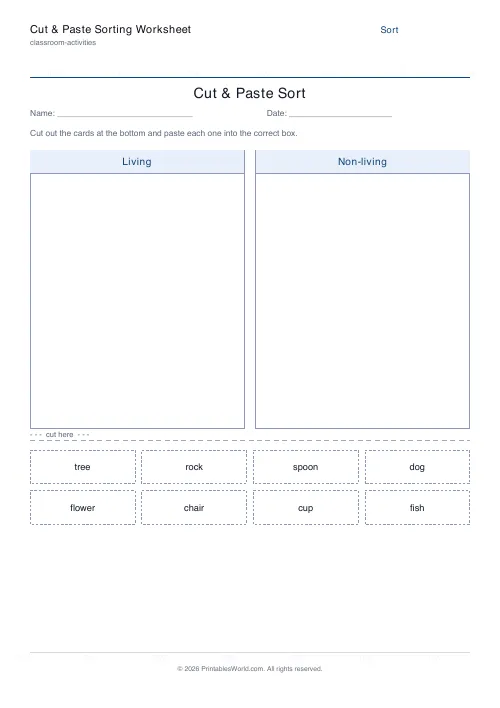
Cut & Paste Sorting Worksheet
Cut out the cards and paste each one into the right group.
Further reading
Teaching & Classroom
How to make a custom spelling word search
Turn any spelling list into a printable class set in minutes. A practical guide to making a custom spelling word search, with a worked example and difficulty tips.
7 min read
Classroom Activities
Bingo in the classroom: 10 subjects, one game
Bingo works in almost every subject because the mechanic never changes. Only the call does. Ten variations, and the one rule that turns it from a filler into retrieval practice.
4 min read