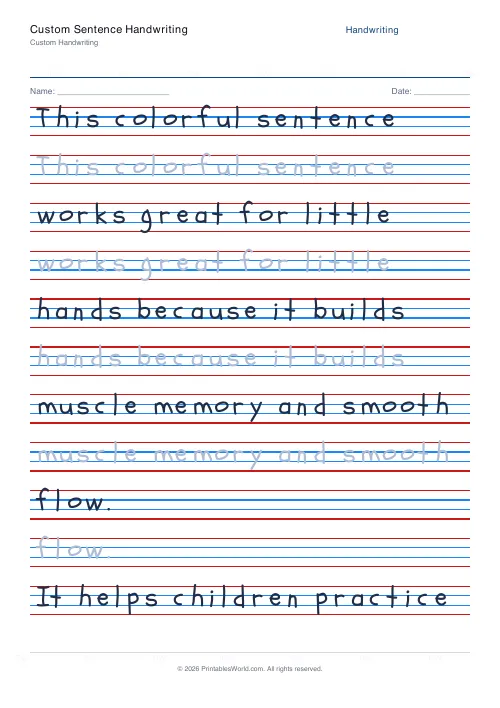
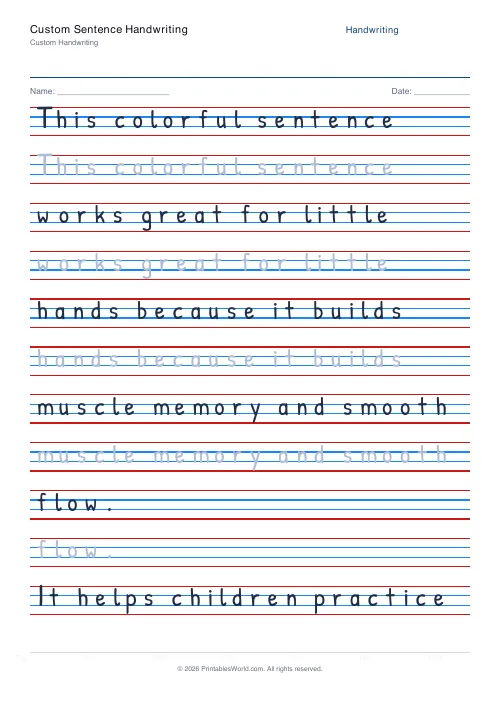
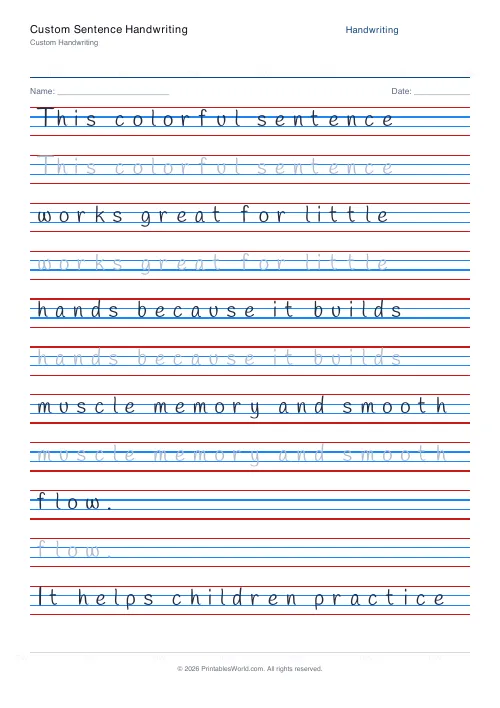
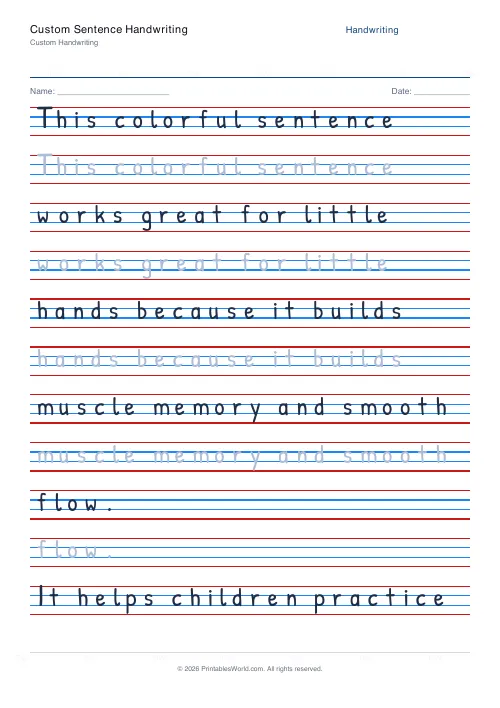
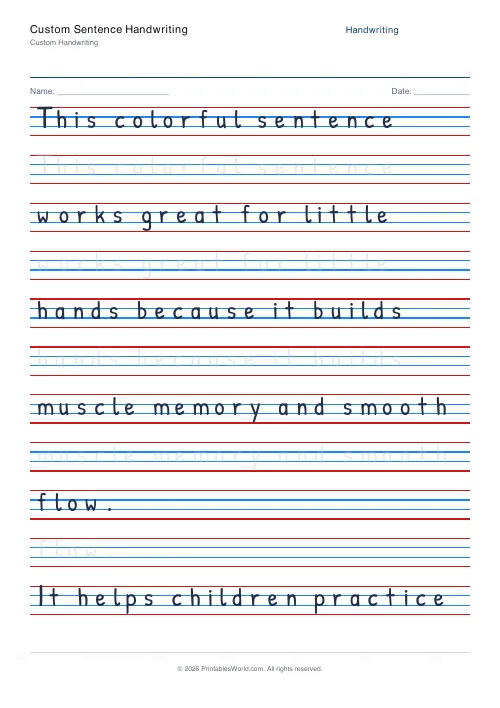
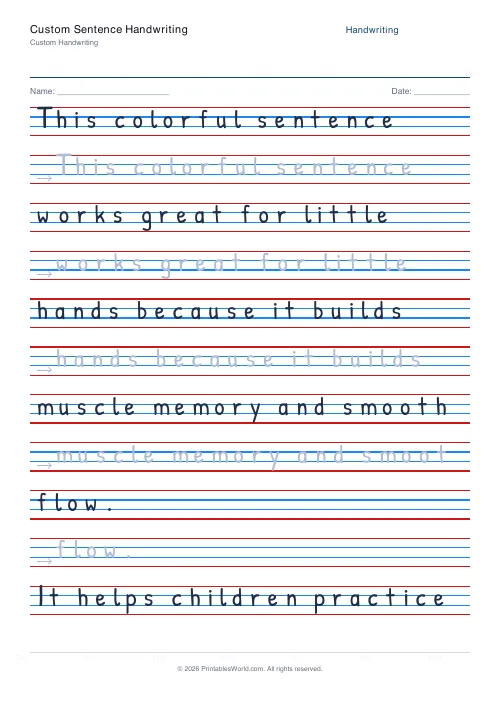
What this tool does
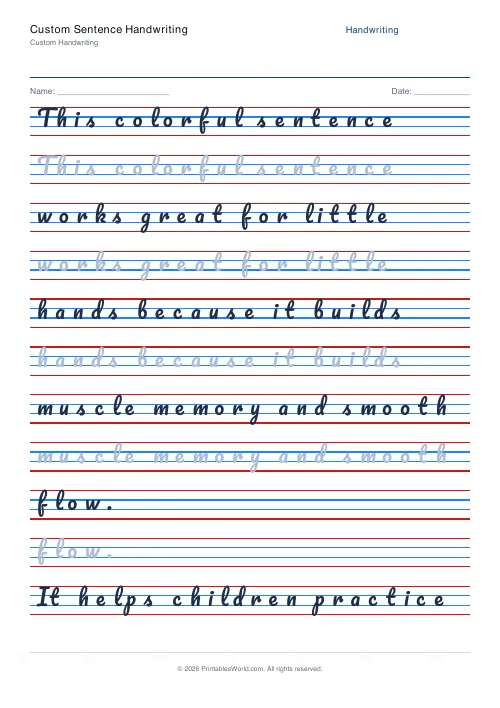
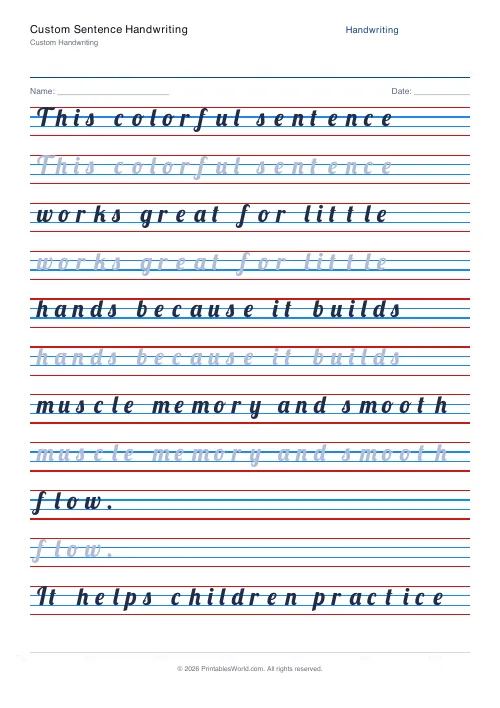
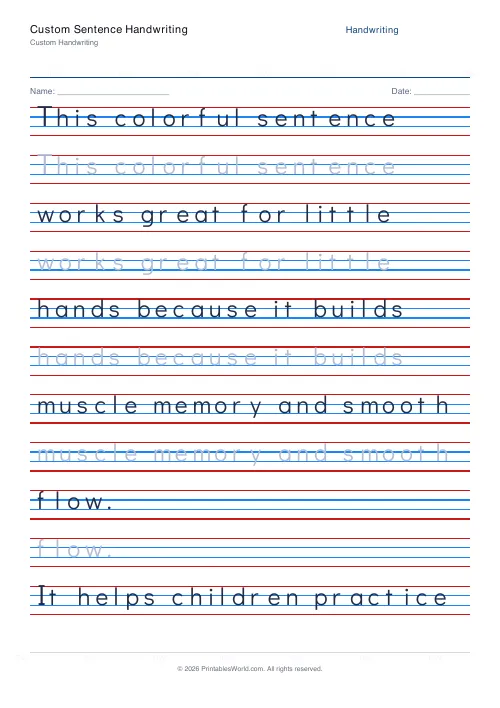
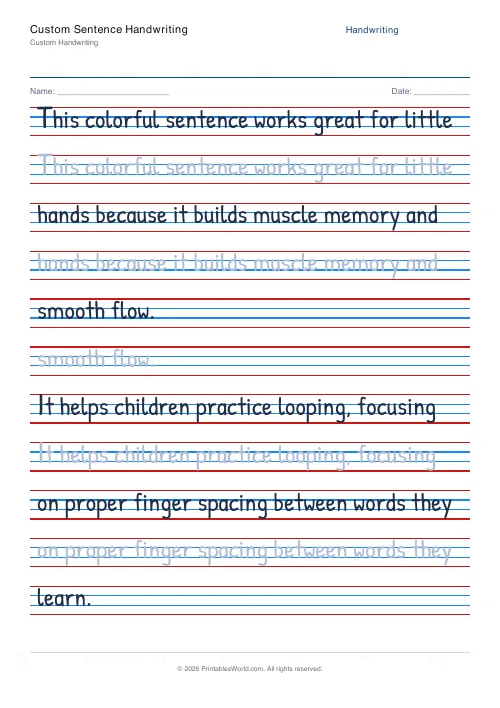
An empty handwriting sheet. Type in any sentence, a whole paragraph, or a list of words, and the engine lays it out as trace and copy rows.
People also used
Feedback
Spotted something off with this tool?
Whatever you type
The practice text starts empty. Paste in a sentence, a paragraph, a spelling list, a poem, a set of vocabulary, and the sheet builds trace-and-copy rows from it on four-line ruling.
Every other handwriting page on this site is this tool with the text already filled in. This is the one to use when none of those match what you need.
Content is free, so spend it
Handwriting practice is one of the few school activities where the subject matter costs nothing. A child writes the same number of letters whatever the words are.
Which makes the default choice — a generic sentence about writing neatly — a wasted opportunity. The same effort could be spent on this week's spellings, the key terms from a science topic, a line from the book they are reading, a fact worth knowing, or something they said that you wrote down.
The handwriting is identical. What ends up in their head is not.
Line length matters more than you would think
Text that runs past the width of the page wraps, and a wrapped line breaks the practice at an arbitrary point — usually mid-word, which is the worst place for a child working on spacing.
Keep lines to about eight or ten words. Put each on its own line rather than relying on the wrap, and the sheet will look deliberate rather than squeezed.
Rows per line is the difficulty dial
One trace row and one copy row is the standard shape. Two or three copy rows means more repetition of the same text, which suits a spelling list.
For older students, drop the trace row entirely by setting the trace style to none — then they are copying from a model rather than following one, which is a considerably harder task and the one that transfers to copying from a board.
Uses that are not handwriting practice
A spelling list with three copy rows each. A set of foreign-language vocabulary. Lines from a play being learned. The times tables, written out.
Also: an adult relearning handwriting after a stroke or an injury, where the content should be words that matter to them rather than a child's alphabet sheet. This is the tool for that, and it is the reason it takes arbitrary text.
Adjustments
The text, the font (six handwriting faces plus a print-tracing font and two genuine school cursives), joined or separate, trace style including stroke arrows, rows per line, character boxes, ruling colour and line height.
A4 or US Letter, printed at 100%.
FAQs
Quick answers
How do I use it?
Type your text into the practice text box. Each line of input becomes a row group with one trace row plus one copy row by default.
What if I leave it blank?
A safety placeholder ("Practice writing") prints so the sheet is never empty. Add your own text to replace it.
Can I switch fonts on the fly?
Yes. Pick any of the seven handwriting fonts in the settings panel before generating the PDF.
How long can my text be?
As long as you like. The engine paginates onto extra pages so even paragraphs are handled cleanly.
Related tools
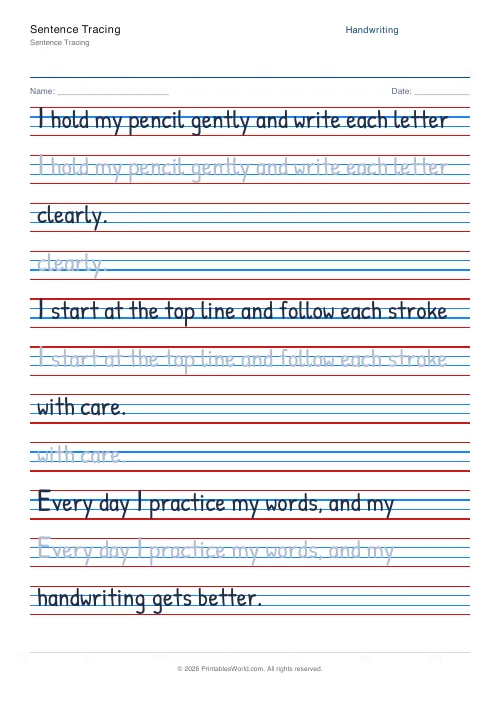
Sentence Tracing
Trace full sentences. Custom text or built-in presets.
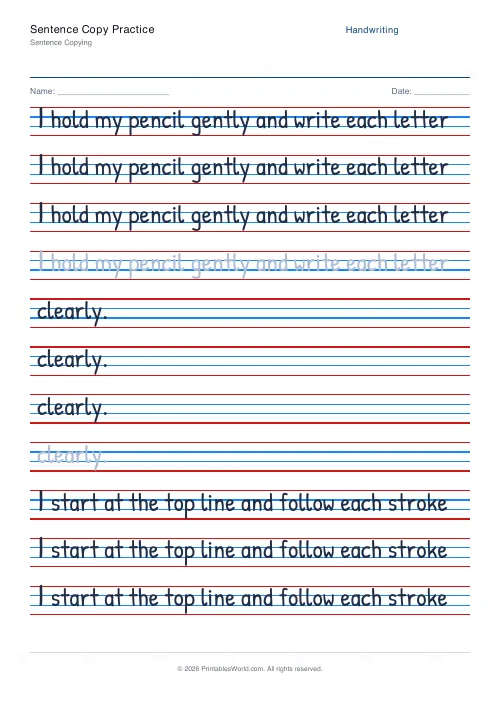
Sentence Copy Practice
Copy a sentence from the model line onto blank lines below.
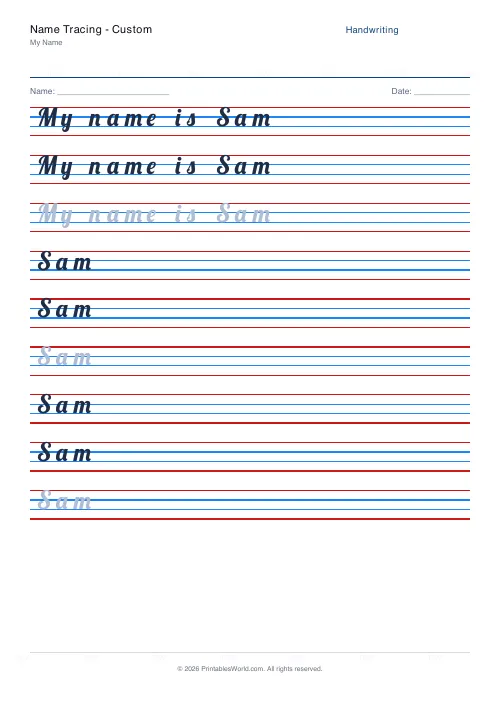
Name Tracing: Custom
Enter any name and generate a personalised tracing worksheet.
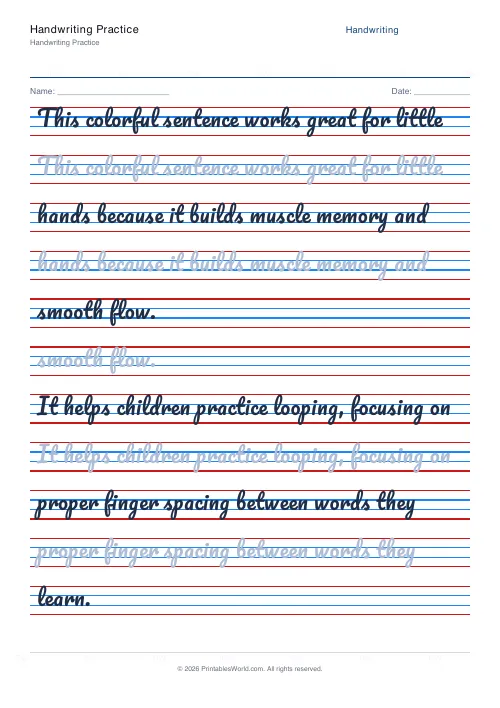
Handwriting Practice Generator
Create custom 4-line handwriting practice sheets with trace rows, adjustable guides, and your own text.
Further reading
Handwriting
Left-handed handwriting practice: free printable sheets
How to set up left-handed handwriting practice for comfort: paper angle, grip and page layout, plus free printable sheets designed for lefties.
7 min read
Handwriting
The best age to start handwriting practice
Age is the wrong question. Three readiness signs predict whether handwriting practice will help or frustrate. And what to do with the child who is not there yet.
5 min read
Handwriting
How to teach handwriting to kids: a step-by-step guide
A practical order for teaching handwriting: get the body and the pencil right first, then teach letters in stroke families rather than alphabetically, and keep sessions short enough that the hand never tires.
7 min read
More like this
- Handwriting Practice Generator
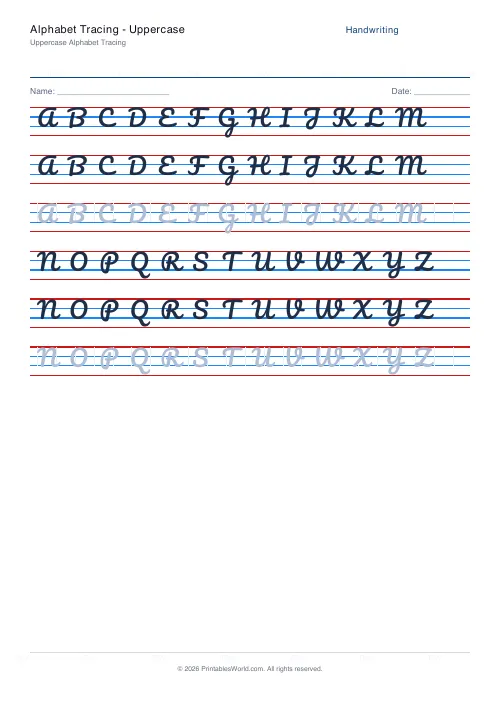 Alphabet Tracing: Uppercase
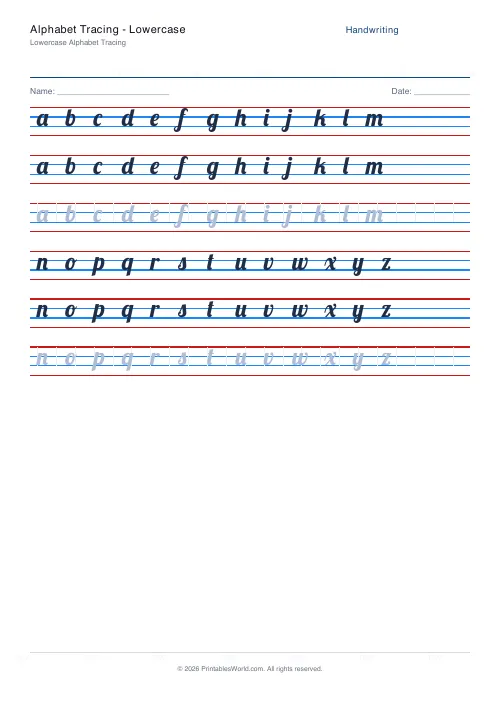 Alphabet Tracing: Lowercase
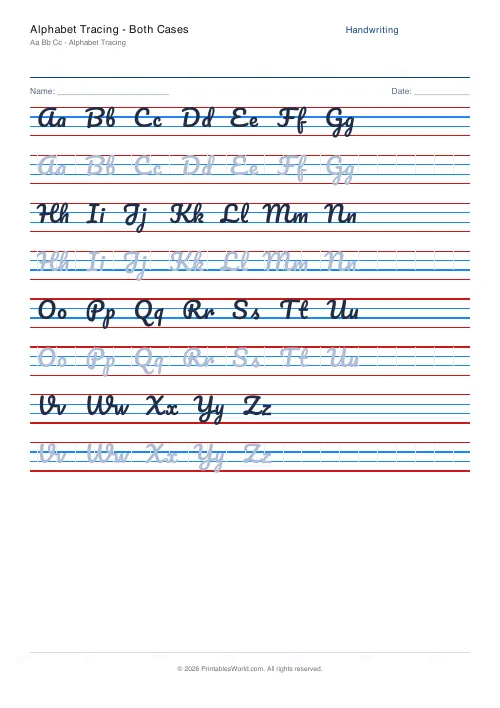 Alphabet Tracing: Both Cases
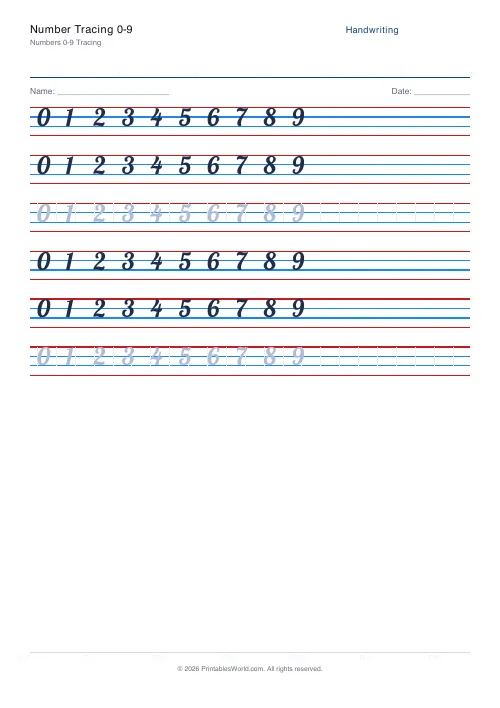 Number Tracing 0-9
- Name Tracing: Custom
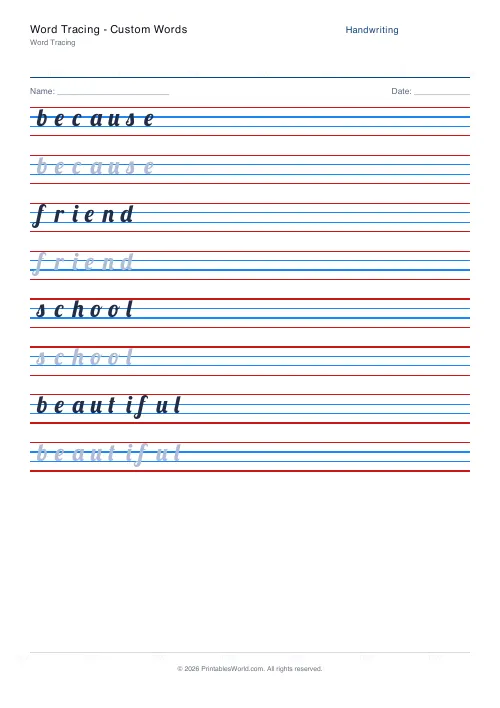 Word Tracing: Custom Words
- Sentence Tracing
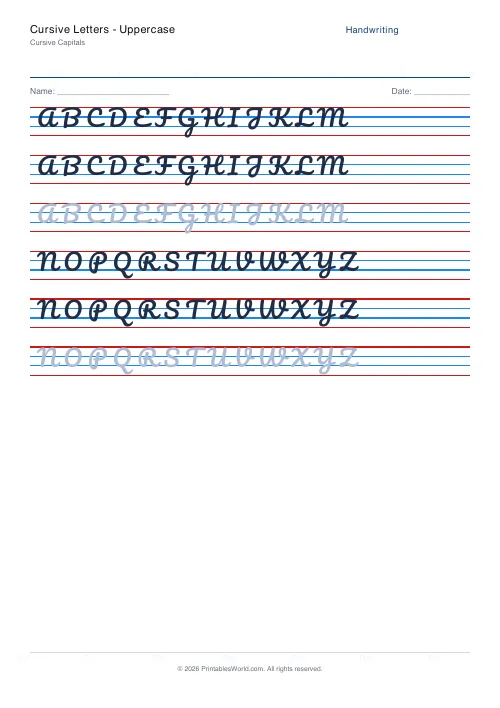 Cursive Letters: Uppercase
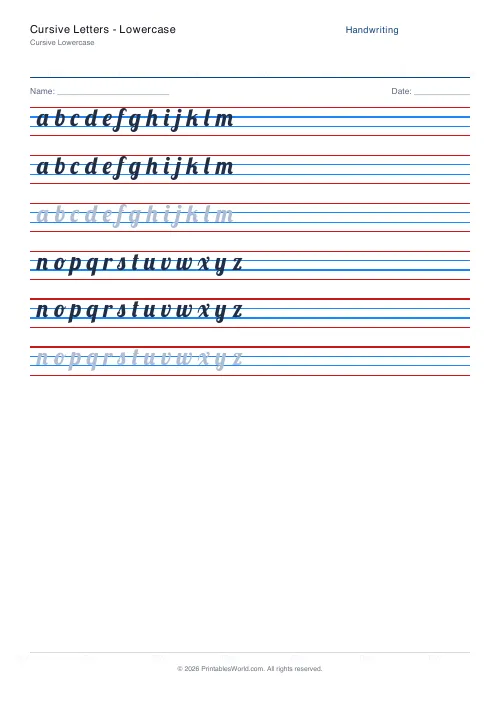 Cursive Letters: Lowercase
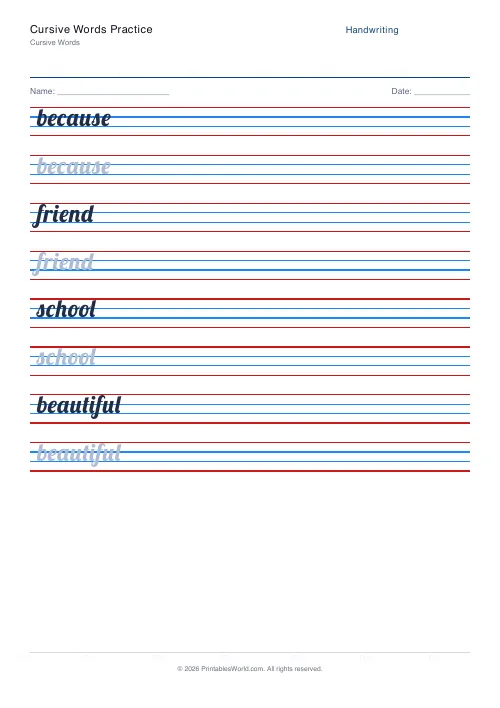 Cursive Words Practice
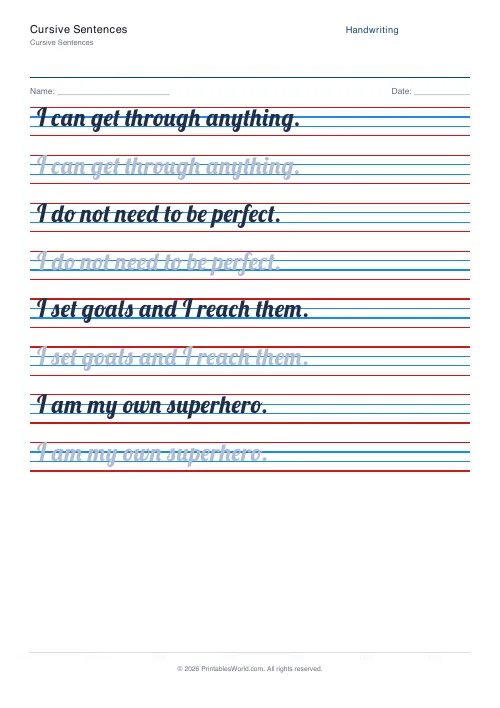 Cursive Sentences
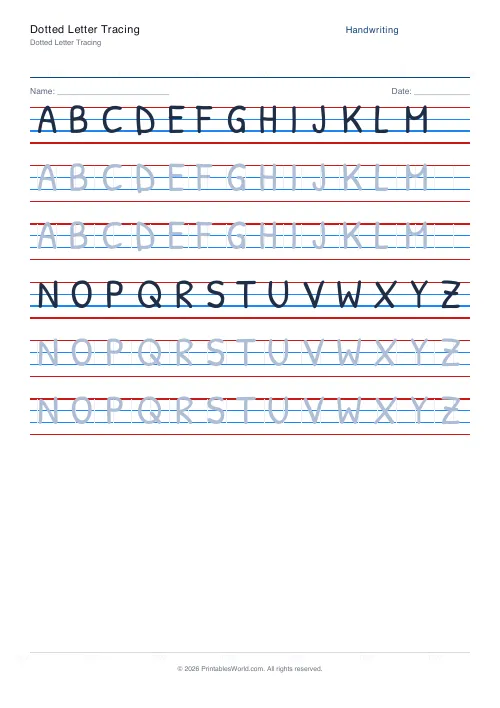 Dotted Letter Tracing
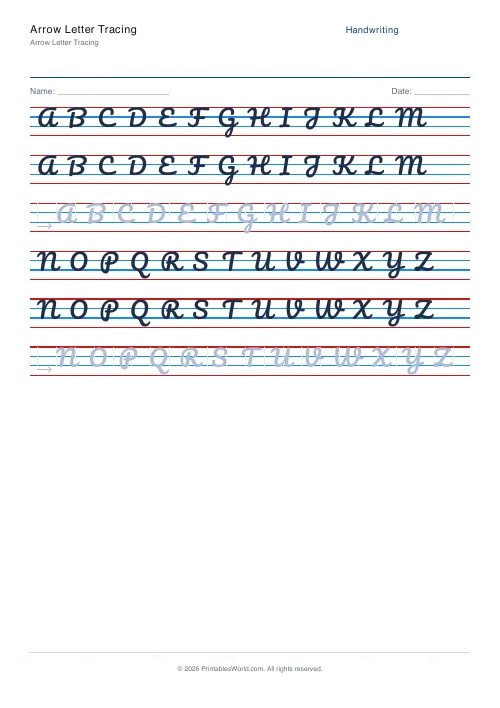 Arrow Letter Tracing