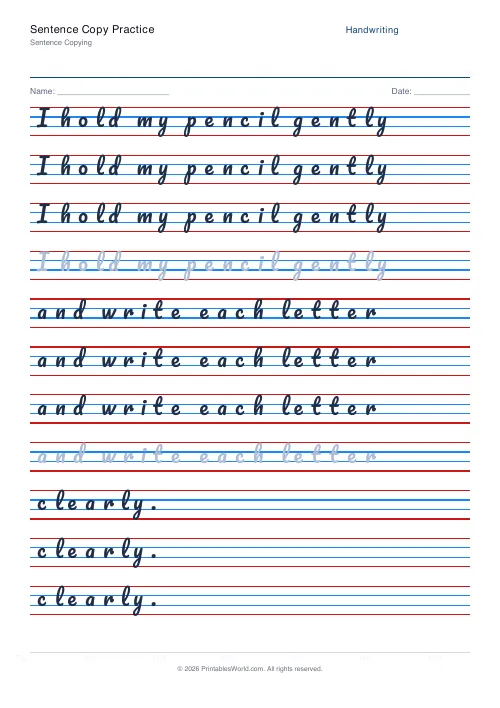
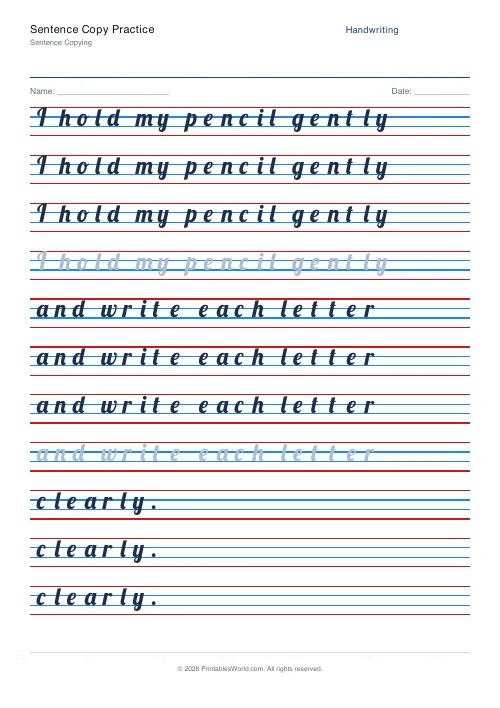
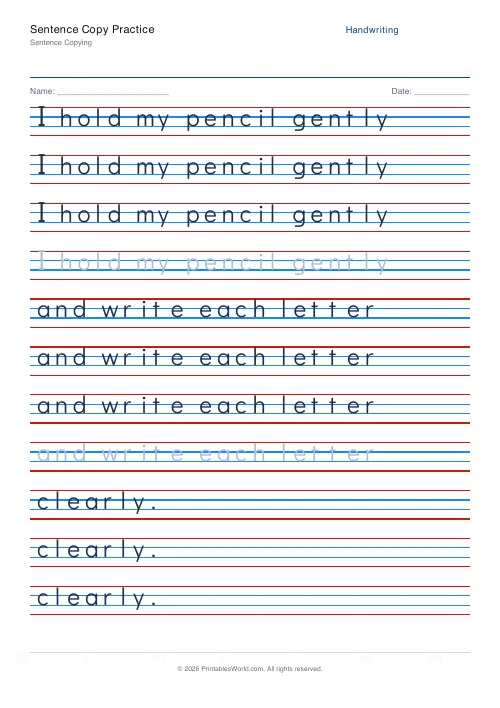
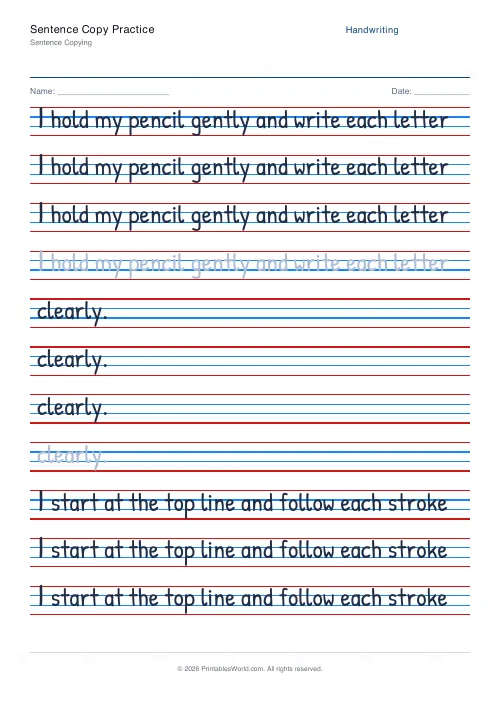
What this tool does
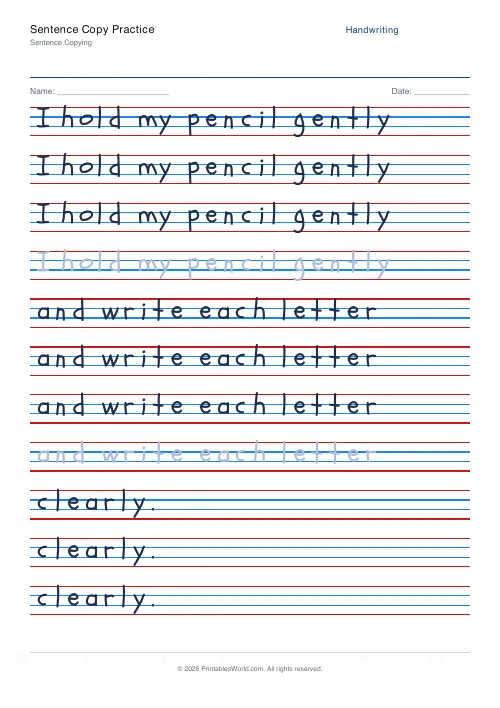
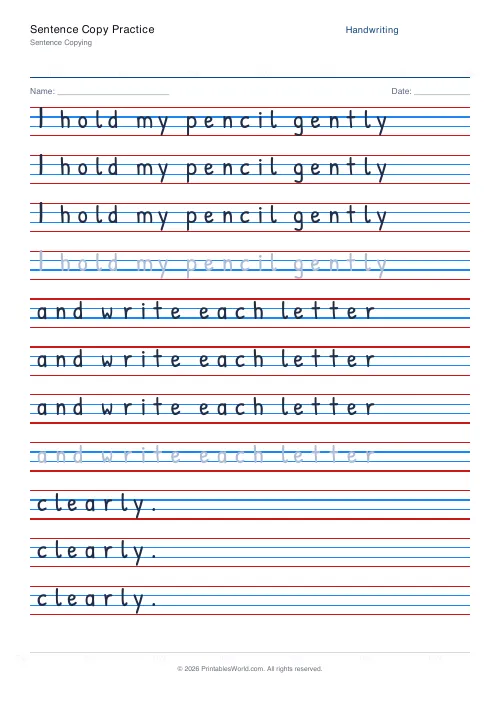
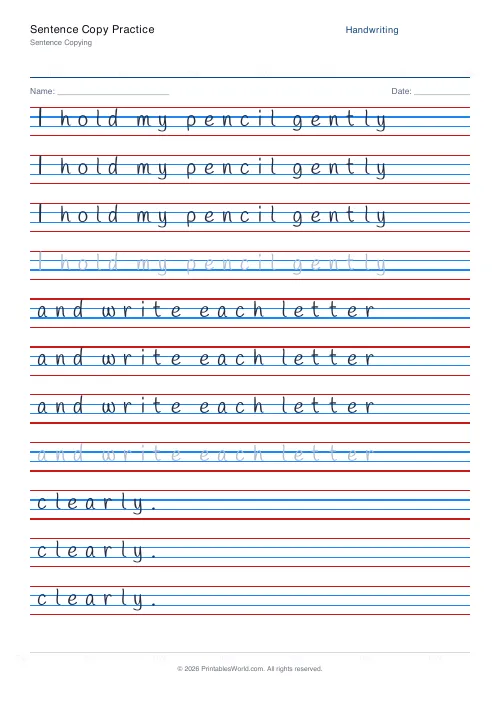
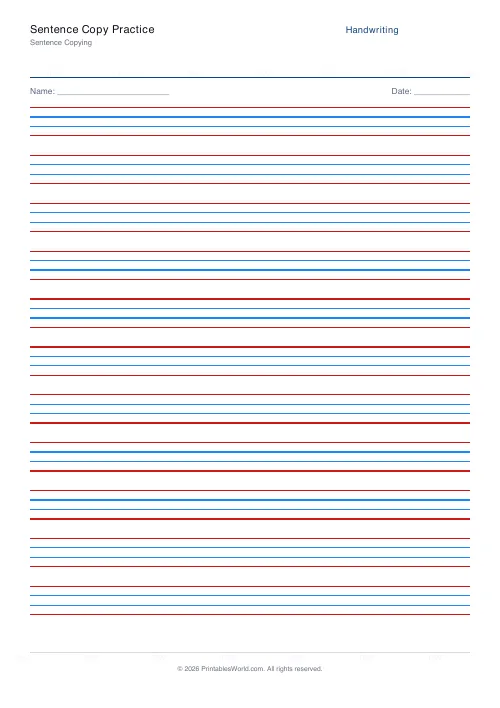
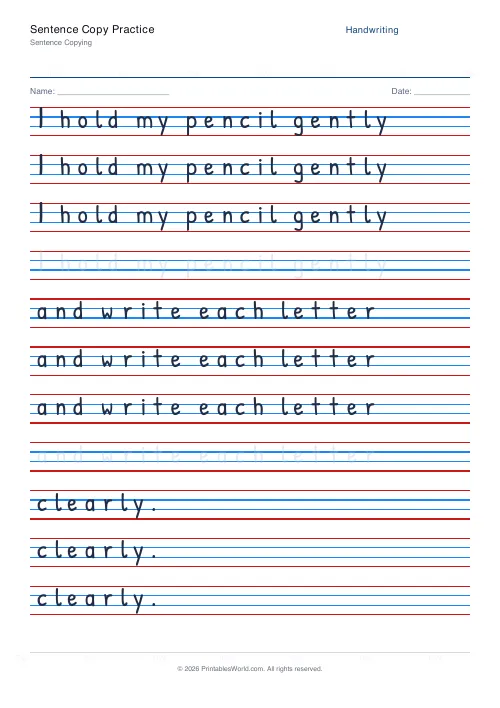
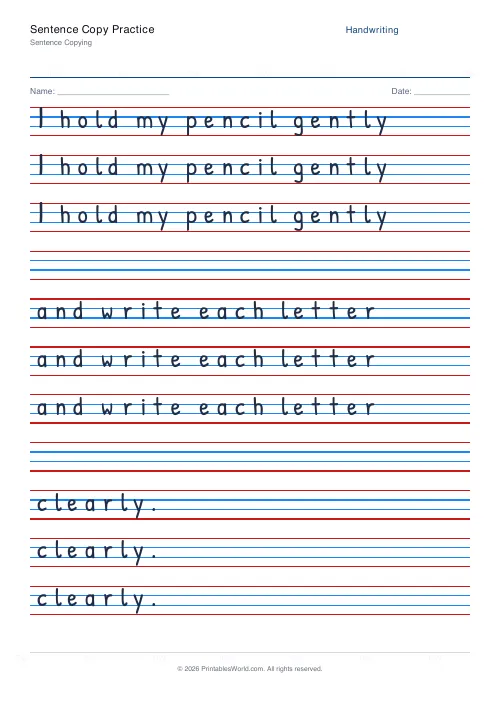
One solid model sentence at the top, then blank ruled rows to copy it onto. Nothing is traced, so the child has to read the model and reproduce it, which is a considerably harder task than it looks.
People also used
Feedback
Spotted something off with this tool?
Copy, do not trace
A model sentence prints once at the top in solid text. Below it are blank ruled rows on the standard four-line ruling. The child reads the model and writes it out.
Nothing is traced anywhere on this sheet, and that is the whole difference from the tracing version.
Why copying is much harder than tracing
Tracing is a motor task. The shape is under the pencil and the hand follows it.
Copying is a visual-memory task sitting on top of a motor one. Look at the model. Hold a chunk of it. Move your eyes back to your own line, write it, then find your place in the model again. Moving between two points on a page while carrying information across the gap is a genuine skill, and it is the one that transfers directly to copying from a board.
Which is why a child who traces beautifully can copy badly, and why the two sheets are not interchangeable.
Watch how much they hold at once
The diagnostic hiding in this exercise: how much of the sentence does the child carry per glance?
Letter by letter is slow, and it usually produces good letterforms with terrible spacing, because nothing about the shape of the word is being held. Word by word is normal. A whole phrase at a time is fluent and fast.
A child copying letter by letter in Year 4 will struggle badly with copying from a board, where the model is further away and cannot be leaned on. That is worth noticing here, where it is cheap to see.
Use a sentence worth having
It is going to be written three or four times. The preset loads affirmations about careful writing, which are serviceable and forgettable.
A line from the book they are reading is better. So is a fact from the topic they are studying, or a sentence they said themselves. Eight to ten words — long enough to need chunking, short enough to finish.
Setting the sheet up
The model sentence, the font, whether letters join, how many copy rows there are, the ruling colour and the line height. A4 or US Letter.
Three copy rows is usually right. Six produces a deteriorating third attempt and a worse fourth.
Print at 100% on A4 or US Letter.
FAQs
Quick answers
How does sentence copying differ from tracing?
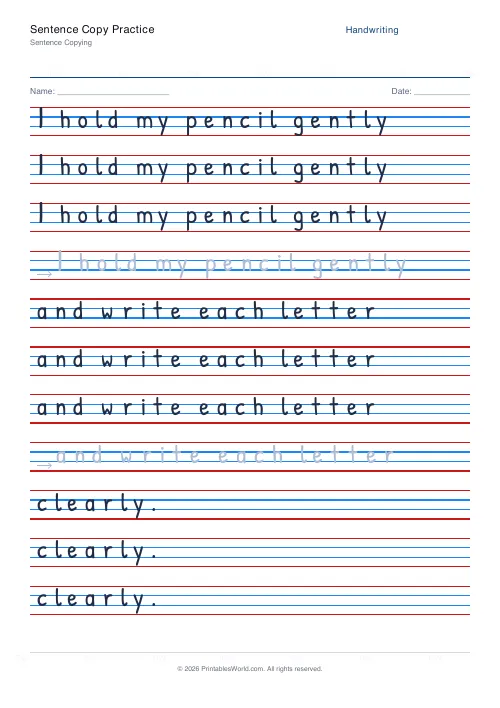
Tracing means writing on top of a faded letter. Copying means re-writing the sentence freehand on a blank line below the model. A harder skill that involves visual memory.
Why are there four rows per sentence?
One model row at the top plus three blank rows so the child can write the sentence three times. Adjust under Rows / sentence to suit your learner.
Can I use my own sentences?
Yes. Paste any sentences (one per line) into the practice text box. The worksheet will rebuild instantly.
Should the model be in the same font?
It is by default. The print fonts model good letter shapes. Switch to a cursive preset if your class is moving on to joined writing.
Related tools
Sentence Tracing
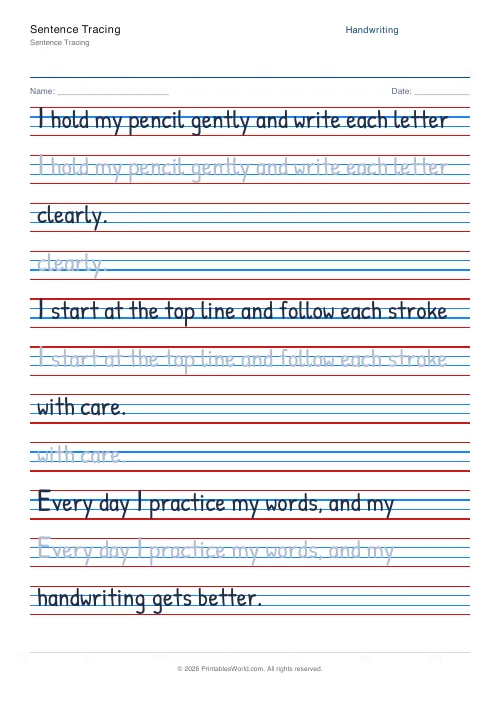
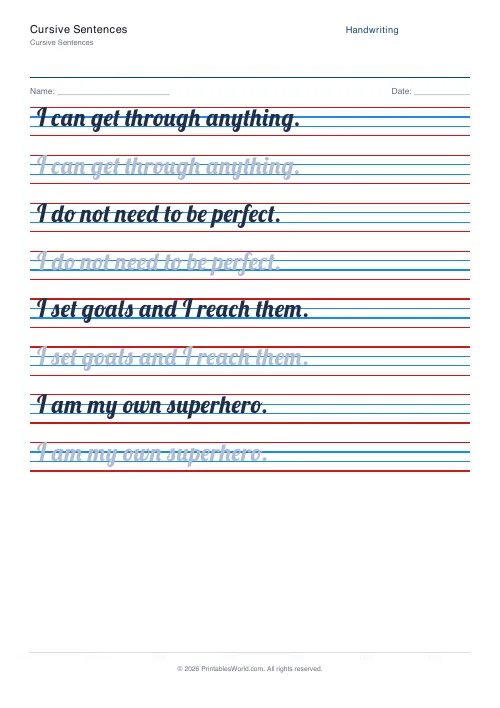
Trace full sentences. Custom text or built-in presets.
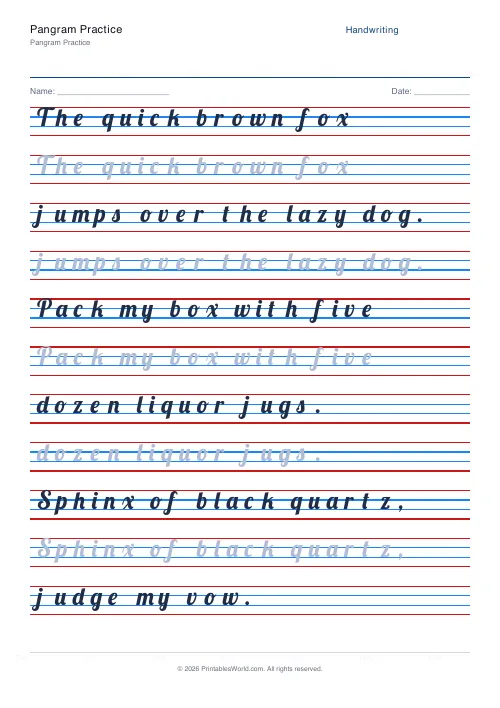
Pangram Practice
Practise sentences that contain every letter of the alphabet.
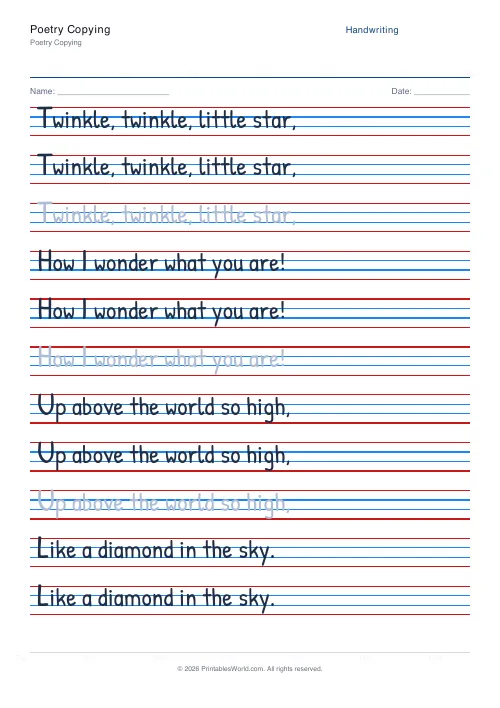
Poetry Copying
Copy short well-known poems with correct punctuation and layout.
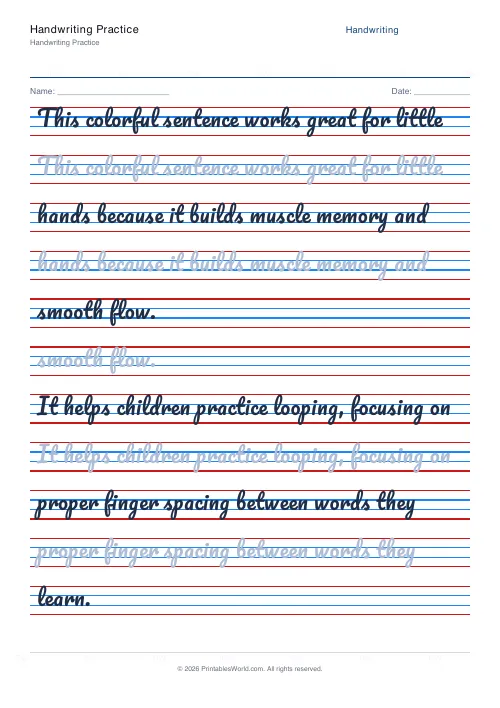
Handwriting Practice Generator
Create custom 4-line handwriting practice sheets with trace rows, adjustable guides, and your own text.
Further reading
Handwriting
Left-handed handwriting practice: free printable sheets
How to set up left-handed handwriting practice for comfort: paper angle, grip and page layout, plus free printable sheets designed for lefties.
7 min read
Handwriting
The best age to start handwriting practice
Age is the wrong question. Three readiness signs predict whether handwriting practice will help or frustrate. And what to do with the child who is not there yet.
5 min read
Handwriting
Dotted vs solid trace lines: what works best for beginners
Each trace style removes a different amount of support. The mistake is staying on one too long. Tracing feels productive and teaches less than copying.
4 min read
More like this
- Handwriting Practice Generator
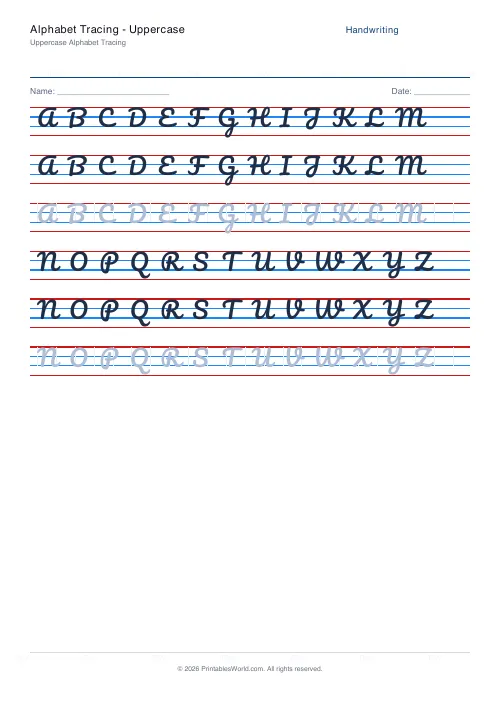 Alphabet Tracing: Uppercase
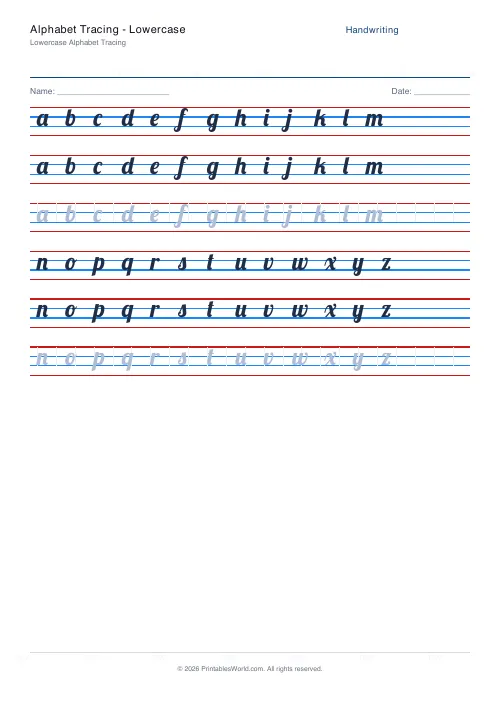 Alphabet Tracing: Lowercase
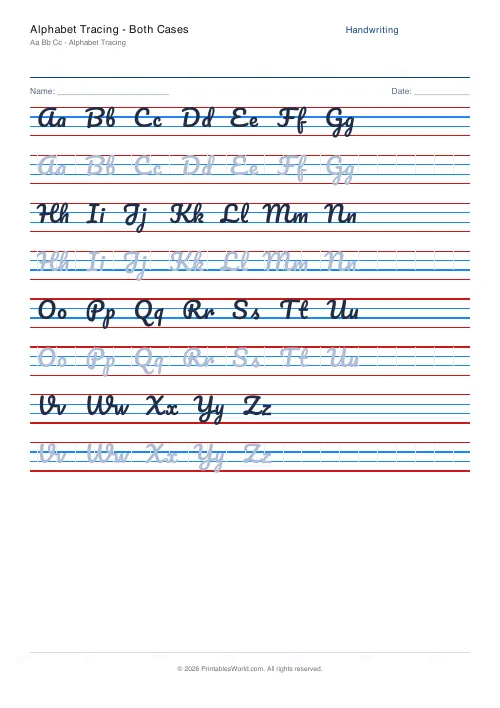 Alphabet Tracing: Both Cases
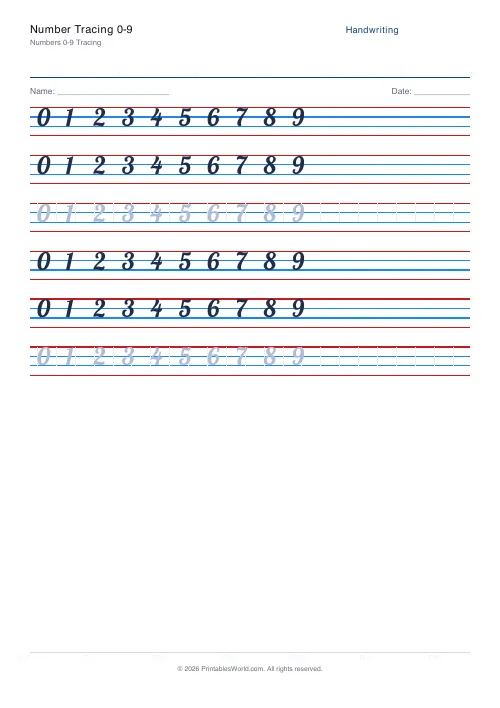 Number Tracing 0-9
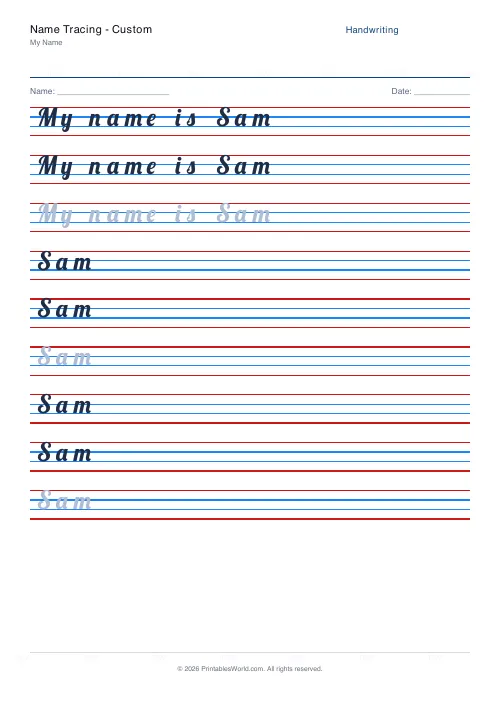 Name Tracing: Custom
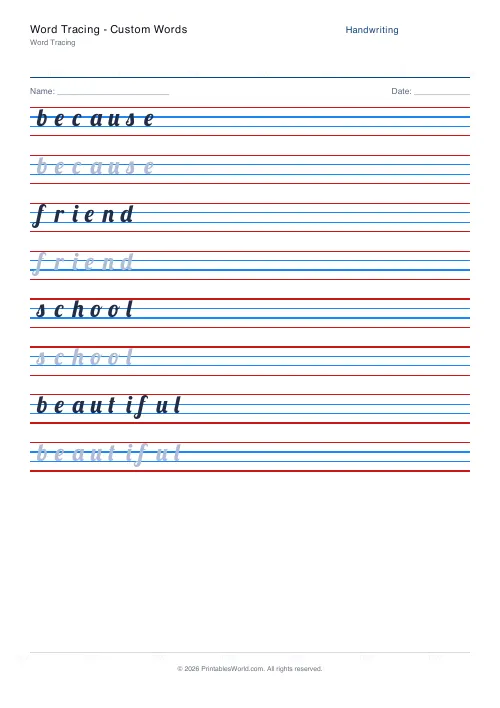 Word Tracing: Custom Words
- Sentence Tracing
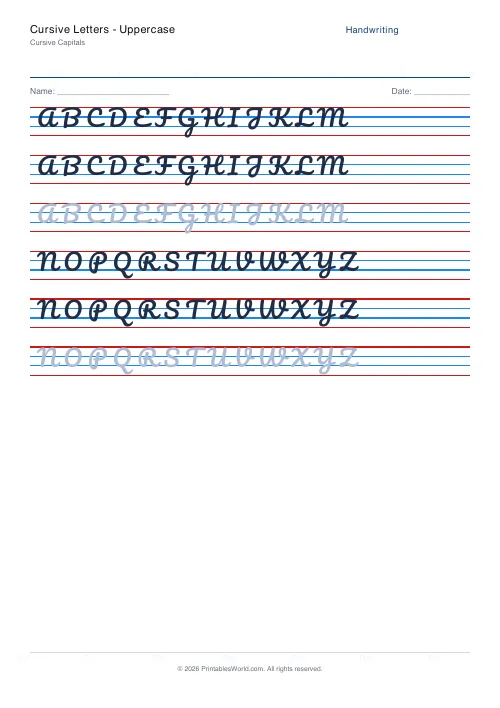 Cursive Letters: Uppercase
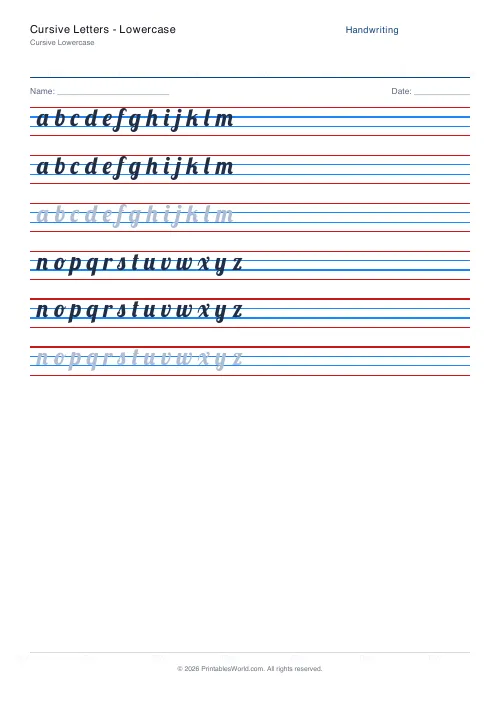 Cursive Letters: Lowercase
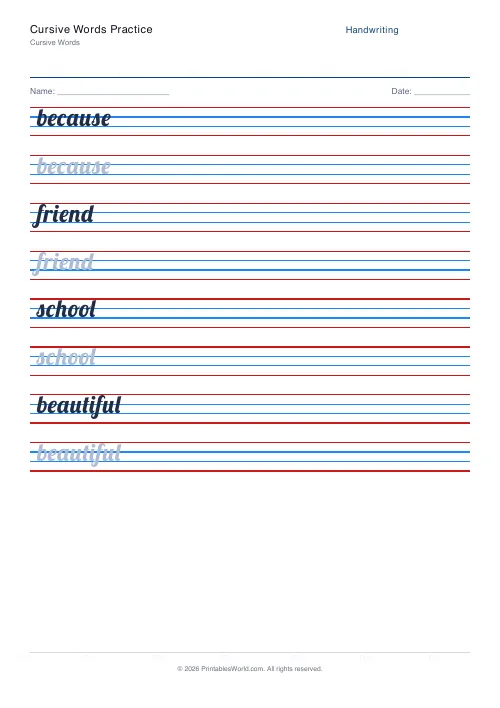 Cursive Words Practice
 Cursive Sentences
 Dotted Letter Tracing
 Arrow Letter Tracing