


 Scan to get


 Scan to get



 Scan to get






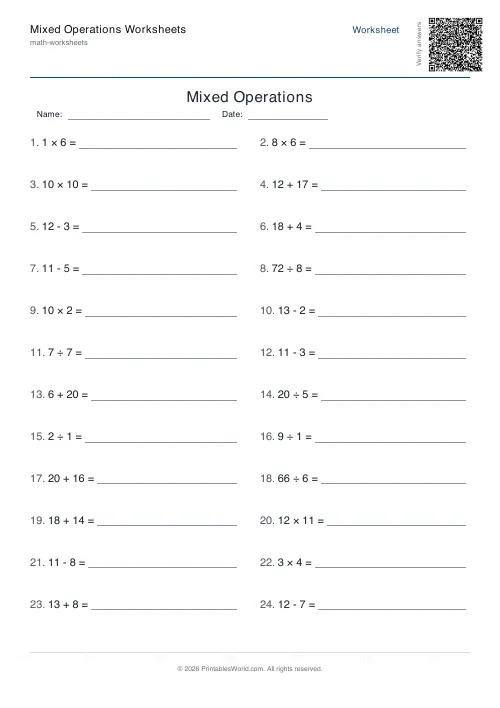
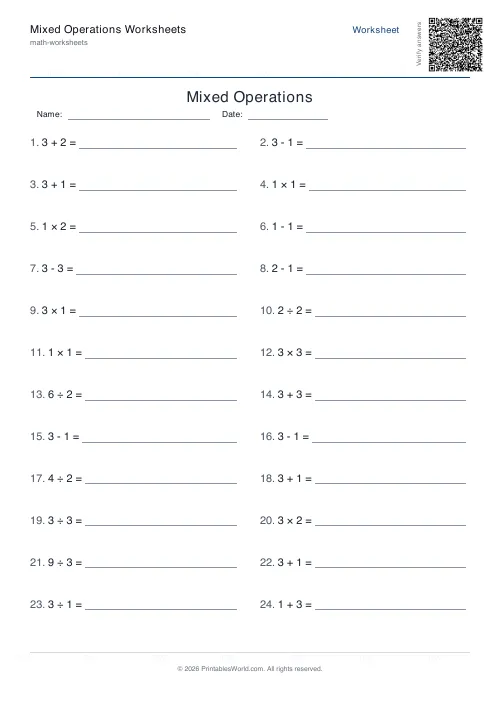
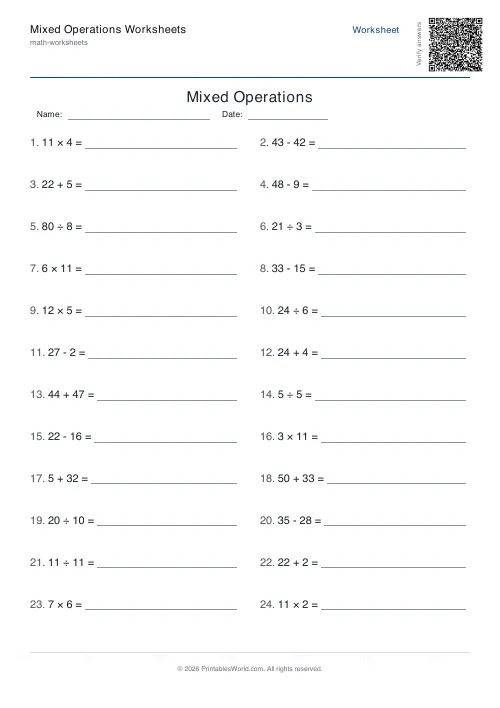
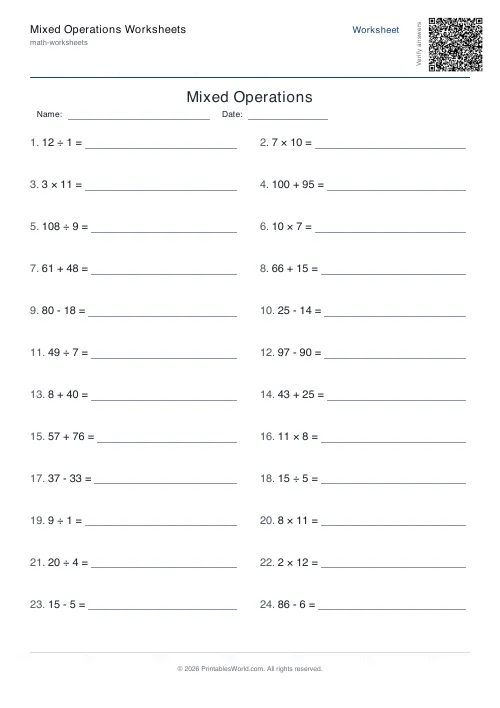
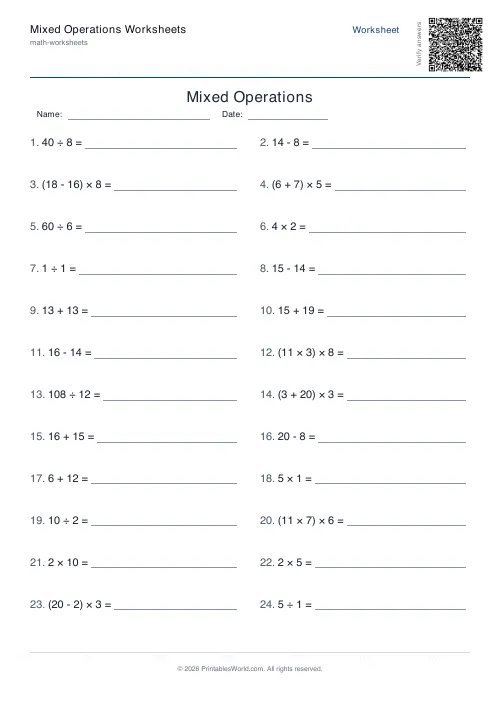
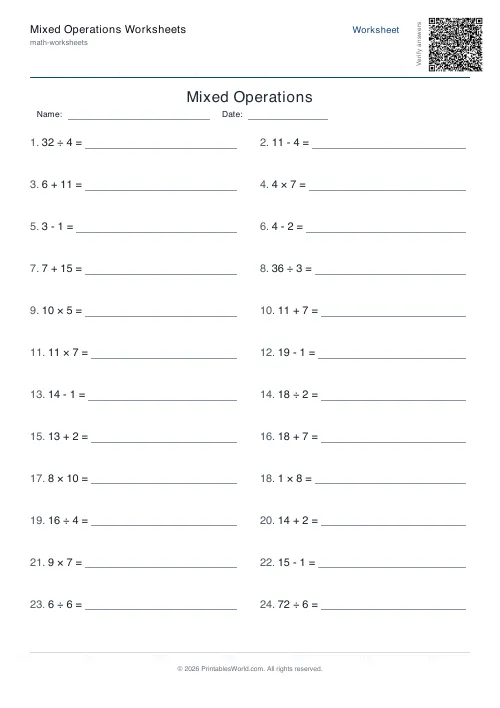
What this tool does
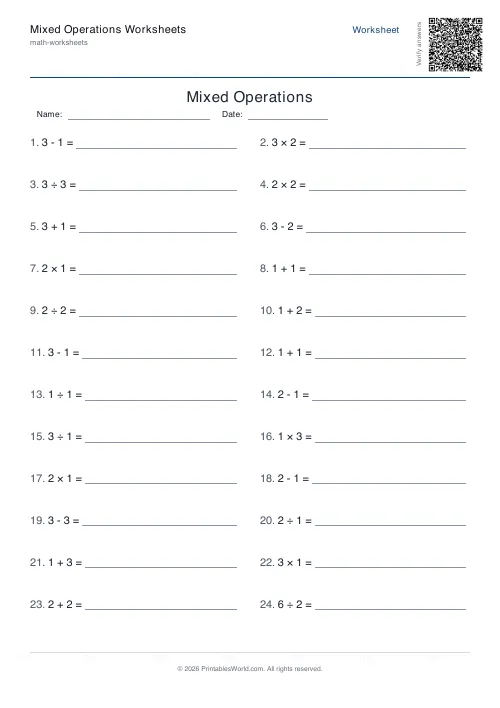
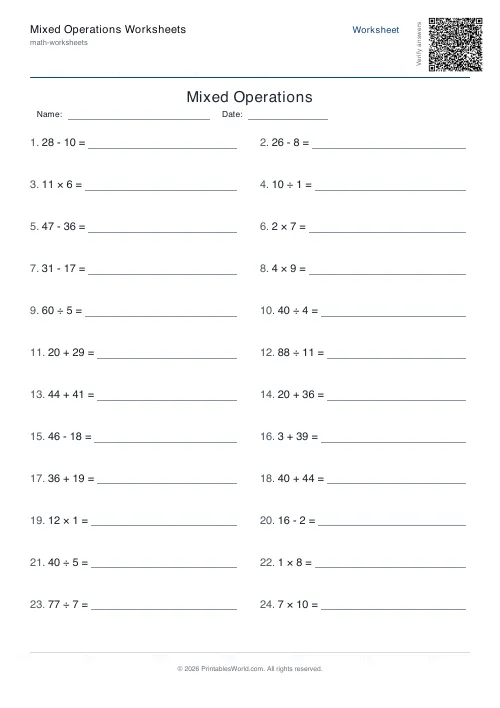
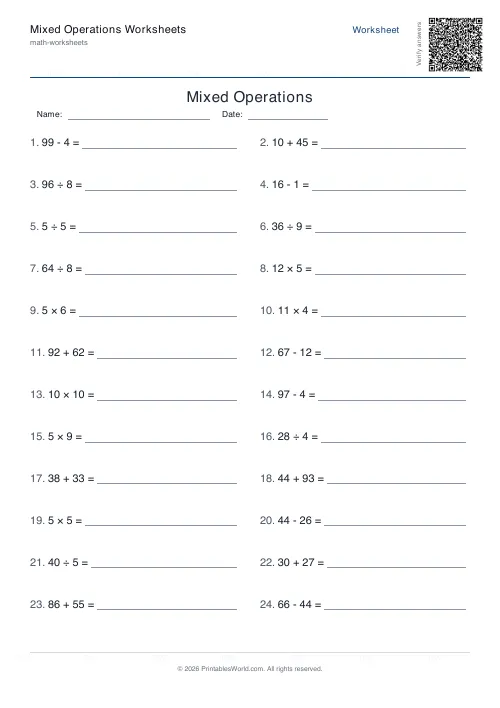
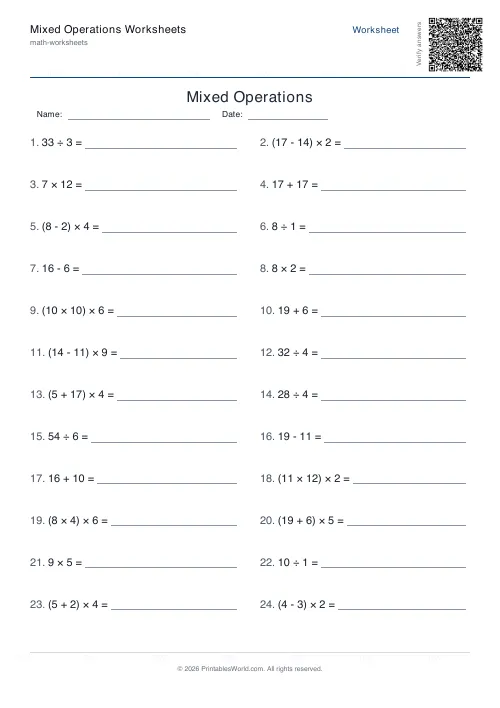
A single sheet blending all four operations, so the pupil has to recognise what a question wants before answering it. Four to sixty problems, a number ceiling from 3 to 100, and an optional bracket mode that wraps roughly a third of the problems in a bracketed term. Division always comes out whole and subtraction never goes negative.
People also used
BODMAS Order of Operations Generator
Order-of-operations practice with brackets, exponents and mixed arithmetic.
Mental Maths Warm-Up Generator
Quick 20–30 question warm-up drills across +, −, ×, ÷ for daily practice.
Timed Maths Drills Generator
Dense 50–100 question timed drills with a printed timer box and score line.
Feedback
Spotted something off with this tool?
Four operations, shuffled together
The sheet draws equally from all four operations, then shuffles the lot so the order gives nothing away.
That mixing is the entire point. On a page of one operation a child can stop reading after the first question and apply the same move down the sheet. Mix them and every problem has to be read, which is both harder and much closer to how arithmetic actually turns up.
All four are always present, in equal measure. There is no way to exclude one. So this is a tool for after the four operations have been taught separately, and not during.
Guardrails built into the problems
Division always comes out whole. The generator picks a divisor and a factor and multiplies them to make the dividend, so no remainder can appear by accident.
Subtraction never goes negative. The larger number is always placed first, which keeps the sheet usable for children who have not met negatives.
Multiplication and division stay inside twelve. Whatever ceiling you set, both operands for those two are capped at twelve, so a high number range widens the addition and subtraction without turning the times tables into long multiplication.
The bracket option
Off by default. Switch it on and roughly a third of the problems get wrapped, so something like 6 + 4 becomes (6 + 4) × 3.
It is a light primer on precedence rather than a lesson in it: brackets never appear on division, and there is only ever one pair. For proper order-of-operations work with nested terms and mixed precedence, the BODMAS tool is the one to reach for.
What this version is good for is the moment just before that lesson, when a child needs to notice that brackets change the answer at all.
The number ceiling
Three up to a hundred, at twenty by default. It caps the operands in addition and subtraction directly.
Twenty is right for a Year 3 warm-up. Push it to a hundred and the additions become two-digit work while the multiplication stays inside the tables, which is a useful combination: the sheet gets harder in the way you wanted without accidentally becoming a different topic.
Using it
Daily warm-ups, morning work, exit tickets, and revision after all four operations have been covered. It is the sheet that tells you which operation a child has quietly stopped being fluent in, because on a single-operation page that never shows.
Every generation reshuffles and redraws, so two downloads of the same settings will not match. Print blank for the class, keep the answer key, and regenerate rather than photocopying if you want the same lesson twice.
FAQs
Quick answers
Do the problems follow a set order?
No. The generator shuffles the problems so learners cannot predict which operation comes next.
What does the brackets option do?
When enabled, roughly a third of the problems include a bracketed term. Useful once learners are ready for simple order-of-operations practice.
Can I use this for timed practice?
Yes. For timed practice with a printed timer box, try the Timed Maths Drills tool.
Are division answers whole numbers?
Yes. Division problems are constructed to always have whole-number answers.
Related tools
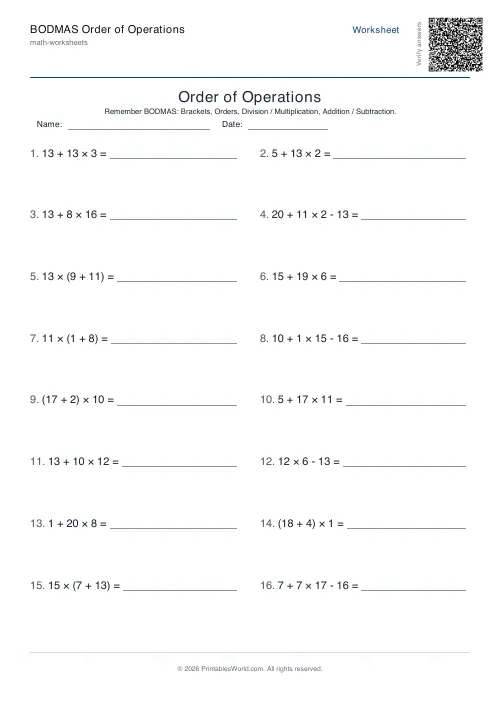
BODMAS Order of Operations Generator
Order-of-operations practice with brackets, exponents and mixed arithmetic.
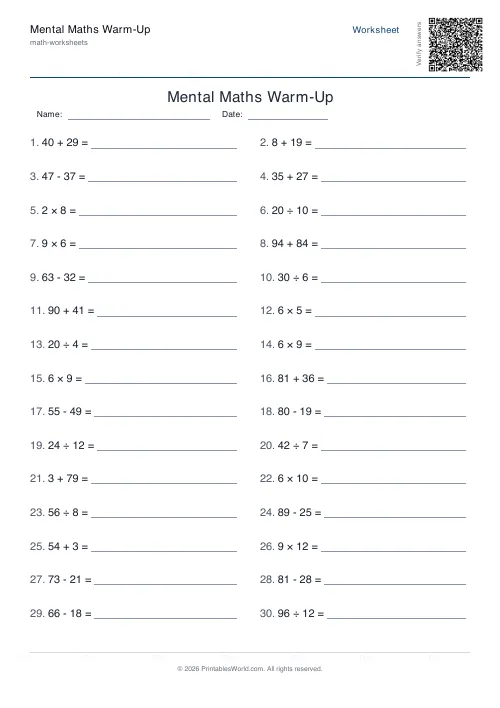
Mental Maths Warm-Up Generator
Quick 20–30 question warm-up drills across +, −, ×, ÷ for daily practice.
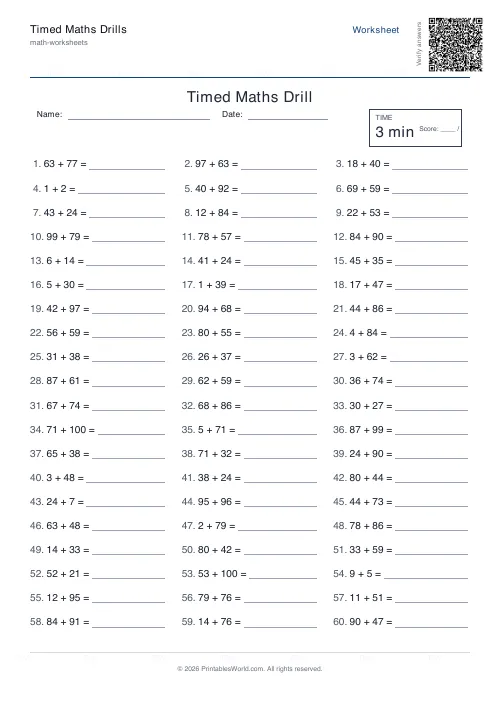
Timed Maths Drills Generator
Dense 50–100 question timed drills with a printed timer box and score line.
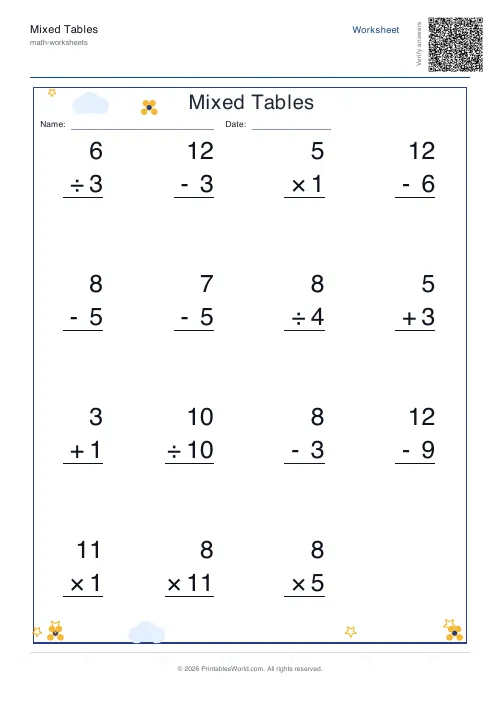
Mixed Tables Generator
Print mixed-operations worksheets combining addition, subtraction, multiplication and division on one page.
Further reading
Math Worksheets
Understanding BODMAS and PEMDAS: order of operations explained
BODMAS and PEMDAS describe the same rule in different words. The trouble is that both hide two facts the acronym cannot express. Which is where nearly every mistake comes from.
5 min read
Math Worksheets
How many maths worksheets per day? A parent's guide
The honest answer is less than most parents assume. And the number of questions matters less than whether the session ends well.
5 min read
Math Worksheets
Making maths fun: 15 ways to practise without tears
Maths tears are usually about difficulty, length or fear of being wrong, not about maths. Fifteen practical changes, grouped by which of those three problems they actually solve.
6 min read
More like this
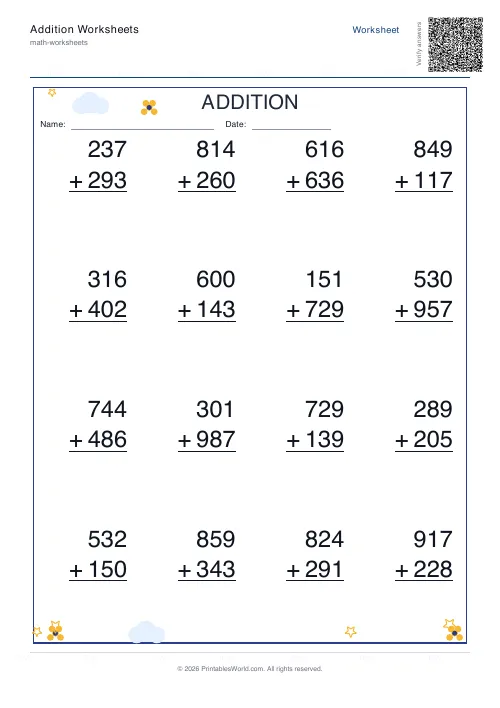 Addition Worksheets Generator
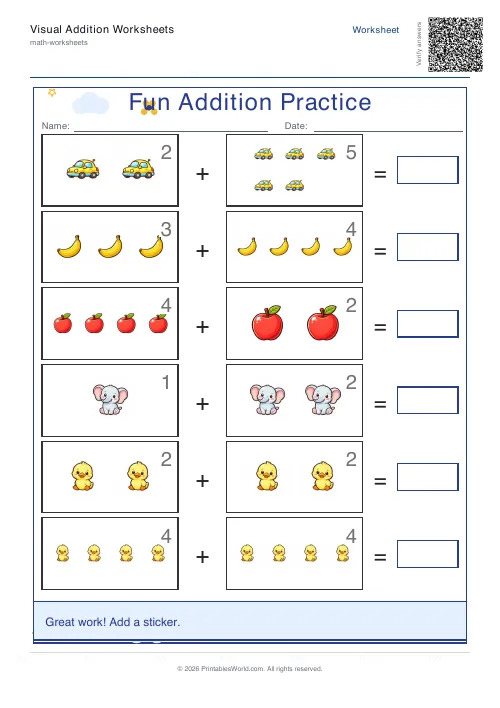 Visual Addition Worksheets Generator
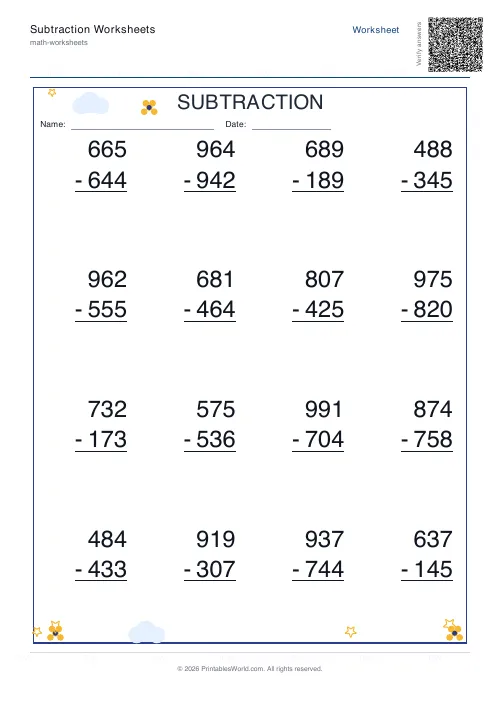 Subtraction Worksheets Generator
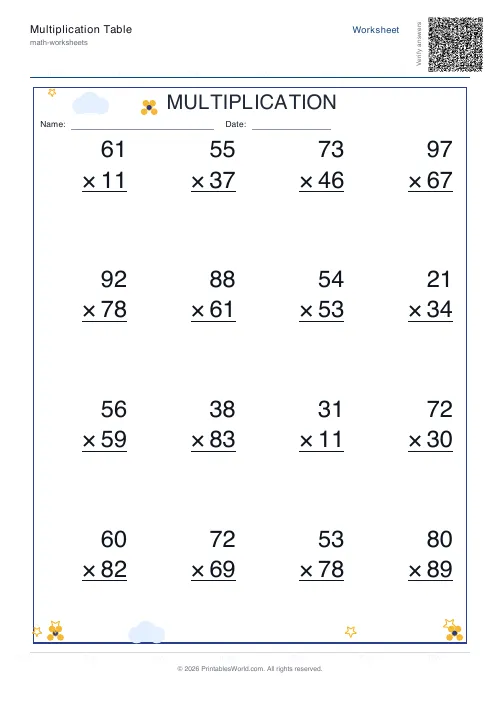 Multiplication Table Generator
- Mixed Tables Generator
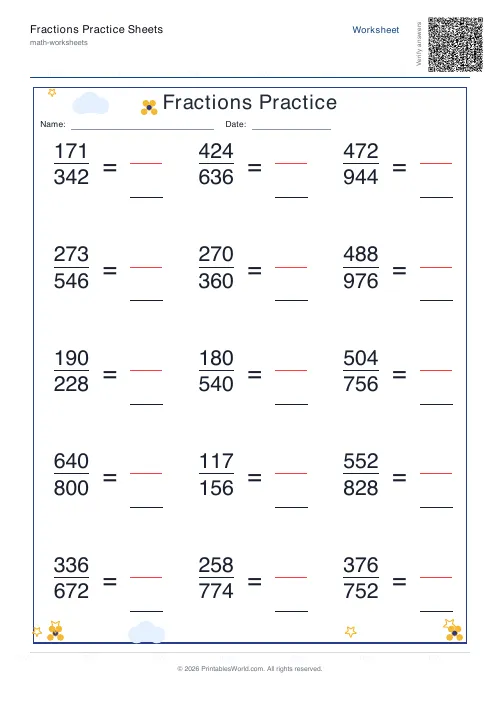 Fractions Practice Sheets Generator
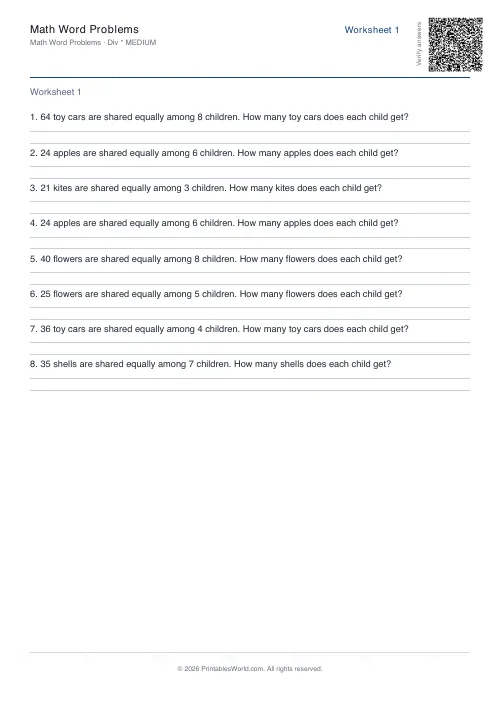 Math Word Problems Generator
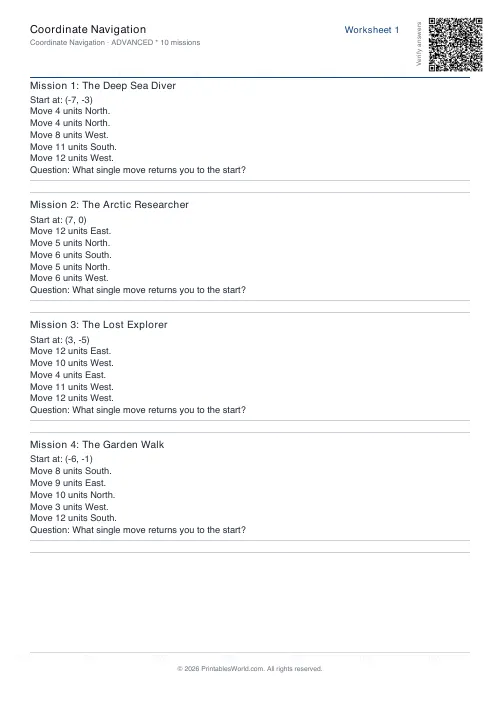 Coordinate Navigation Generator
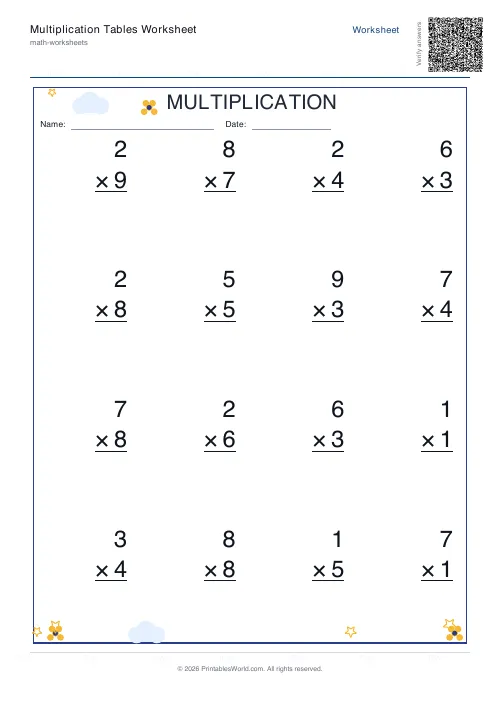 Multiplication Tables Worksheet
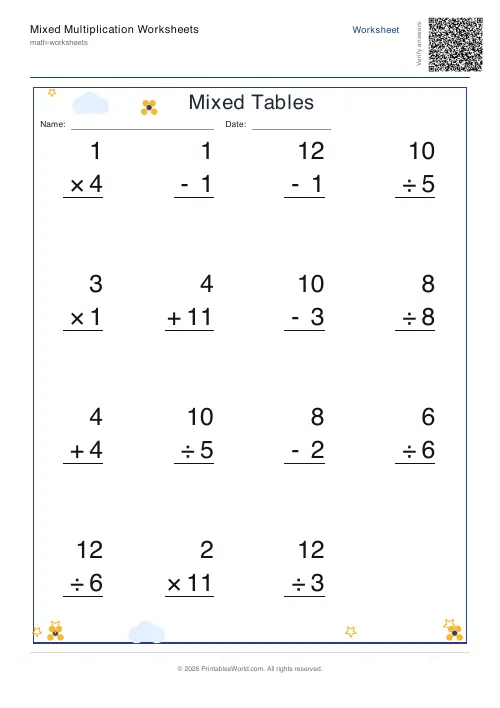 Mixed Multiplication Worksheets
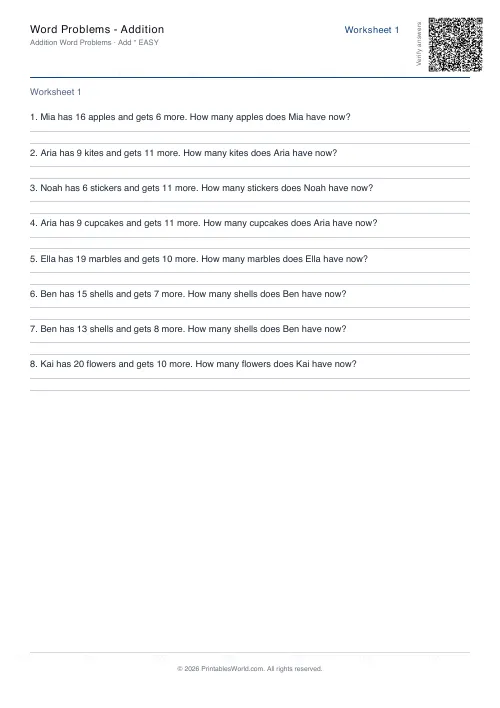 Word Problems: Addition
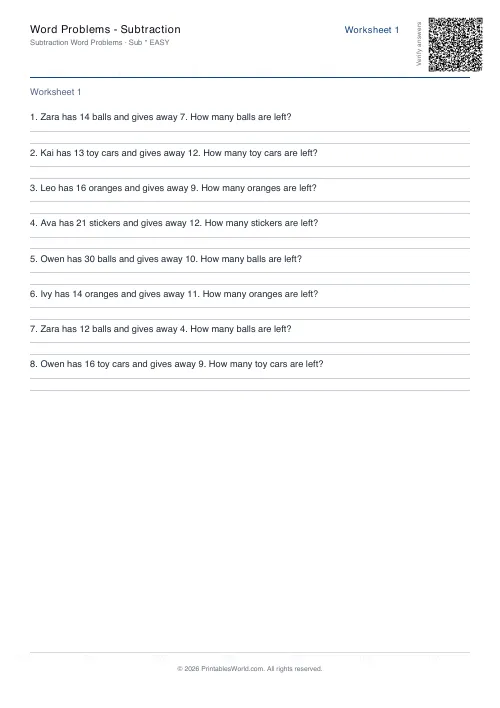 Word Problems: Subtraction
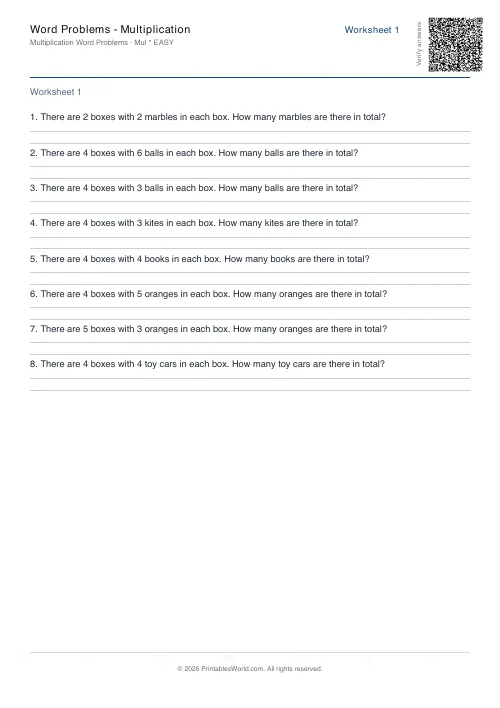 Word Problems: Multiplication
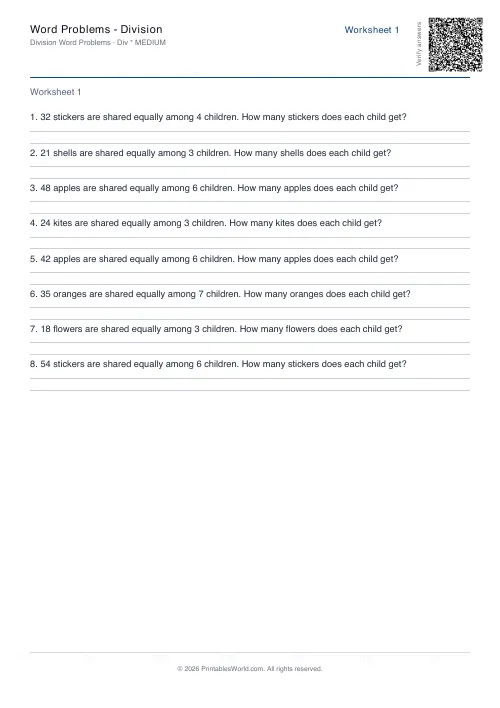 Word Problems: Division