What this tool does
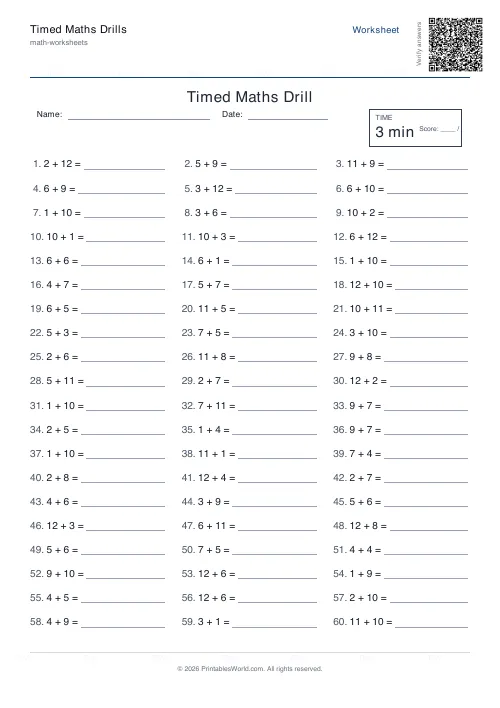
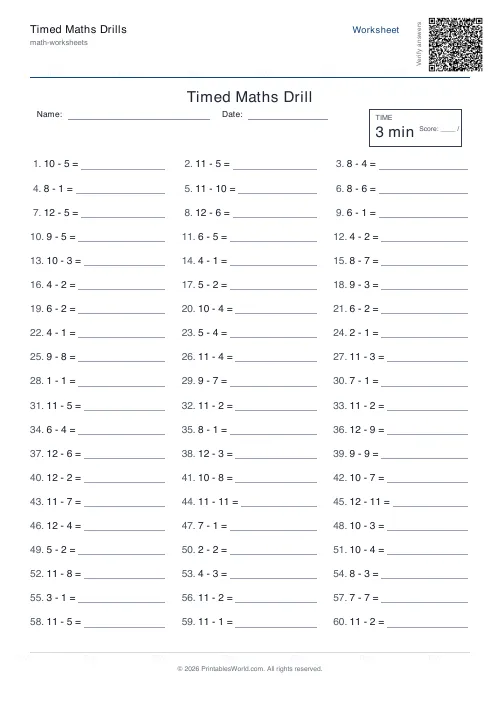
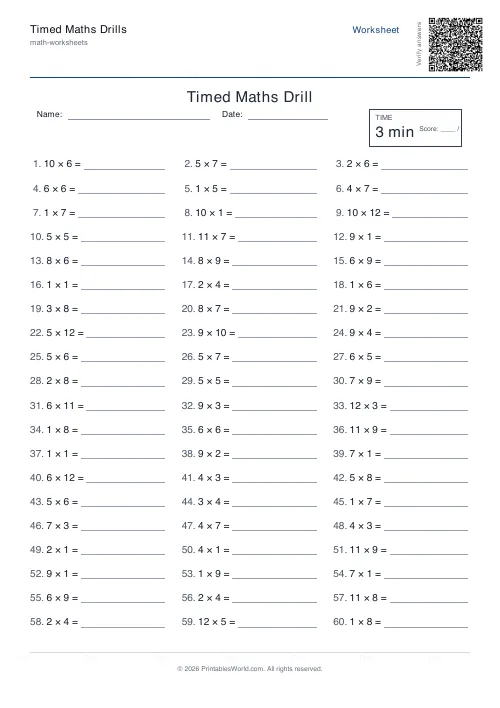
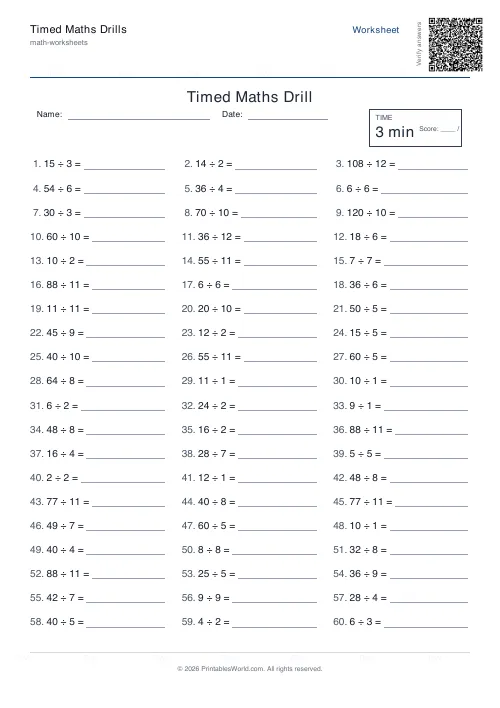
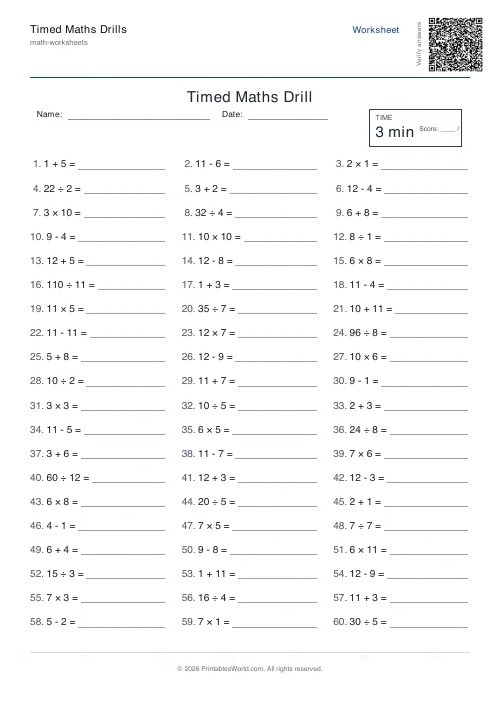
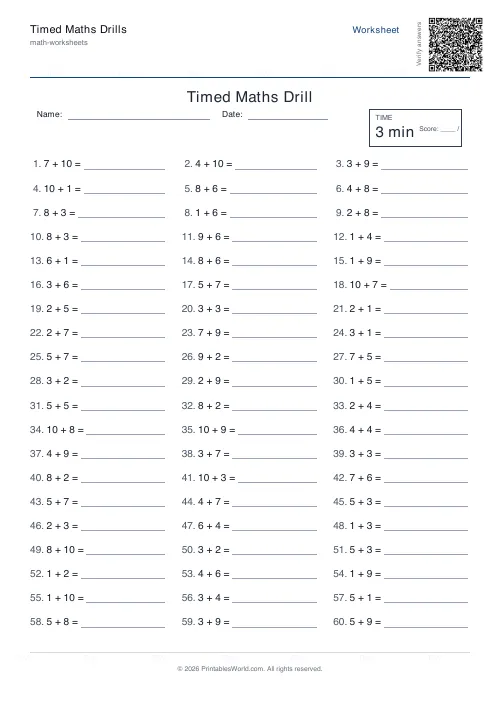
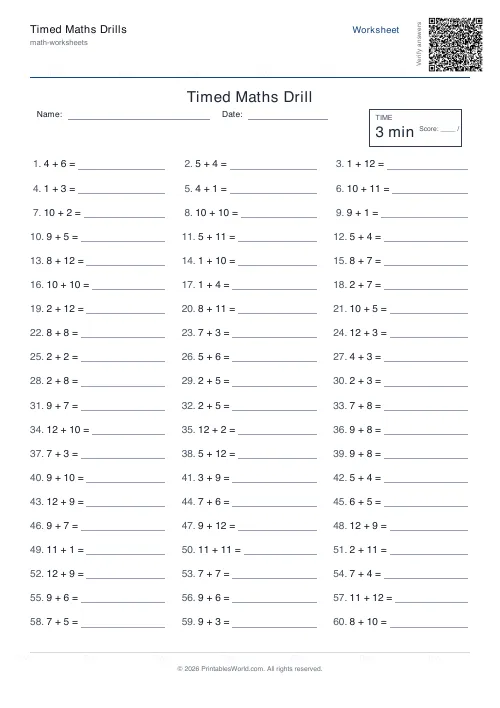
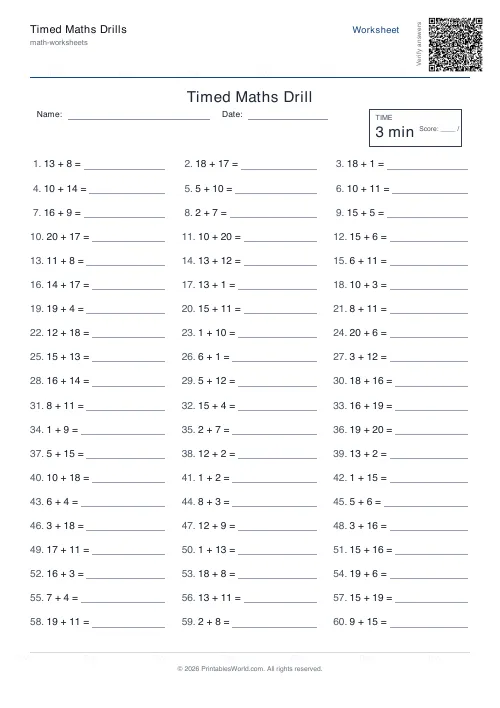
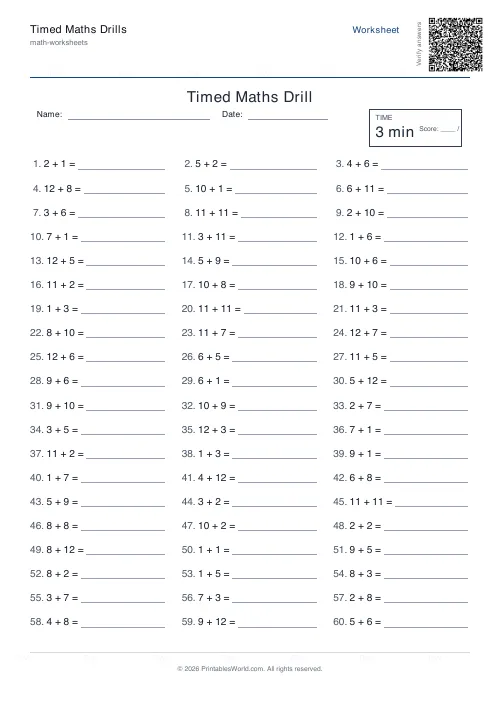
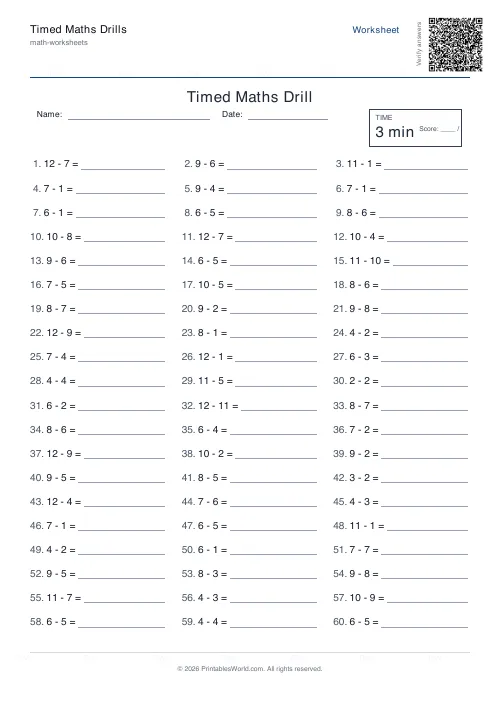
Dense speed-practice sheets: 10 to 120 problems in three columns, a printed timer box and a score line. One operation or a mix, numbers up to 100, time limit 1 to 30 minutes.
People also used
Mental Maths Warm-Up Generator
Quick 20–30 question warm-up drills across +, −, ×, ÷ for daily practice.
Mixed Operations Worksheets Generator
One printable sheet mixing +, −, ×, ÷ problems for combined-practice sessions.
Addition Worksheets Generator
Free printable addition worksheets in tables or line-by-line layouts.
Feedback
Spotted something off with this tool?
Timed drills, with the clock printed on the page
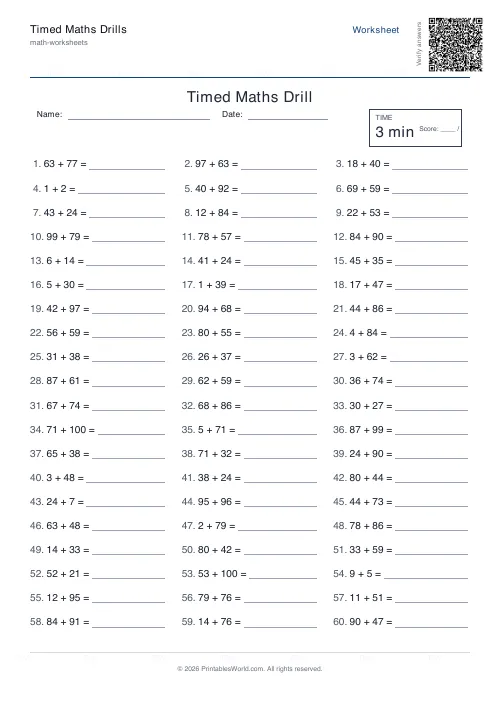
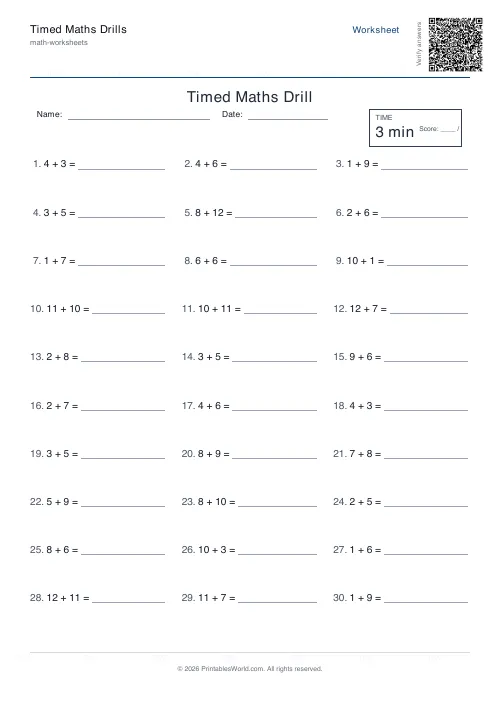
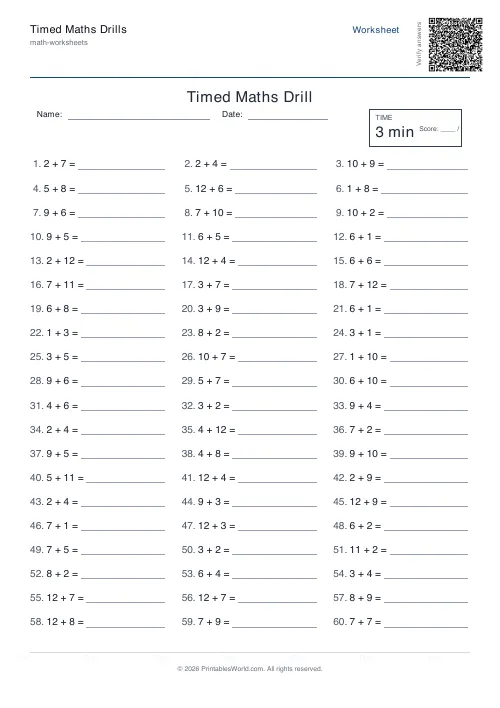
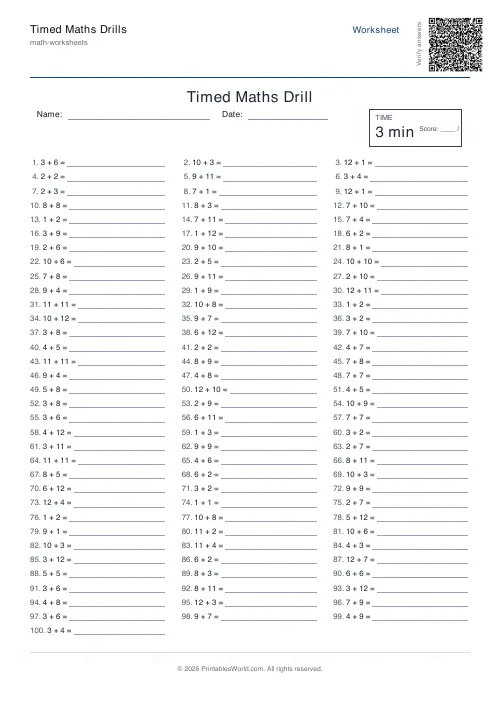
Up to 120 problems in a three-column grid, with a timer box and a score line across the top. The sheet is built for one thing: answering as many basic facts as possible before the time runs out.
The time limit you choose is printed on the sheet. It does not do anything — there is no countdown, this is paper — but a number in a box on the page is what turns a worksheet into a drill, and it means the pupil knows the target before they start rather than being told to stop.
What you set
- Operation: one of the four on its own, or a mixed sheet drawing from all of them.
- Number range, 2 to 100. This caps the operands.
- Problems, 10 to 120.
- Time limit, 1 to 30 minutes, printed in the timer box.
- Answer key, on or off. Plus a worksheet title and optional Name and Date fields.
Two details that keep the sheet honest
Subtraction never goes negative: the generator puts the larger number on top. Division always comes out whole, with divisors kept at 12 or below regardless of your range, so a division drill stays inside the times tables where automaticity actually lives.
That last constraint means the number-range setting does less to a division sheet than to an addition one, which is worth knowing before you raise it to 100 and expect harder divisions.
Choosing a count and a time together
These two settings only mean something in combination, and this is where most drill sheets are set up badly.
Sixty problems in three minutes is one every three seconds, which is a recall test: there is no time to work anything out, and a pupil who has to think will not finish. That is the right sheet for practising automaticity and the wrong one for practising a method. Sixty problems in ten minutes is ten seconds each, which leaves room for a strategy, and a pupil who counts on their fingers can still complete it. Decide which of those two you want before you print, because the same sixty problems measure different things.
Using the score line
Write the score as attempted over correct, not as a percentage. A pupil who answered 40 of 60 with 40 right has a very different week ahead from one who answered all 60 with 40 right, and a single percentage hides that completely.
Run the same settings weekly and the trend is the measurement. Absolute scores across different sheets mean less than they appear to, because a random draw of 60 addition facts is not always the same difficulty.
A caution
Timed drills work for facts that are already known and are being made fast. They are poor for teaching, and for an anxious child they can make arithmetic worse rather than better.
If a pupil freezes, the fix is usually a longer time limit and a smaller number range rather than more practice at the same setting. Both dials are here for that.
Print at 100% on A4 or US Letter.
FAQs
Quick answers
How long is the timer?
You choose. The time limit you set is printed on the sheet inside a timer box. The worksheet itself does not run a live timer.
How many problems fit on one page?
You can go up to 120. 60 is typical for a 3-minute drill.
Can I do just multiplication?
Yes. Pick any single operation or choose Mixed for a balanced blend.
Does it include an answer key?
Yes. Turn on the answer key option and a second page will be added.
Related tools
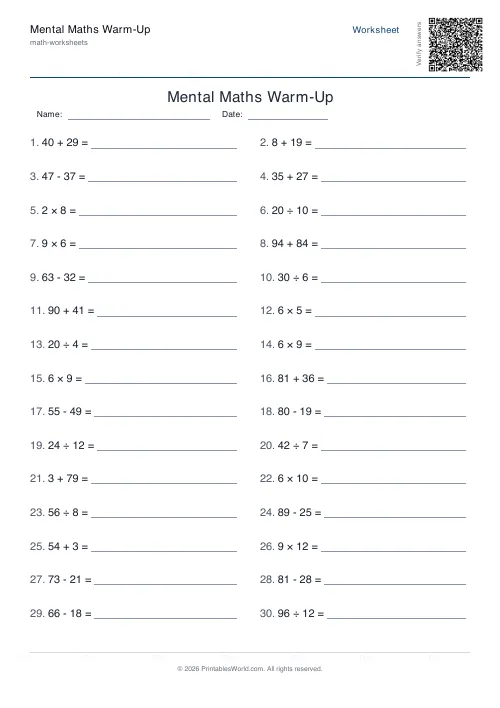
Mental Maths Warm-Up Generator
Quick 20–30 question warm-up drills across +, −, ×, ÷ for daily practice.
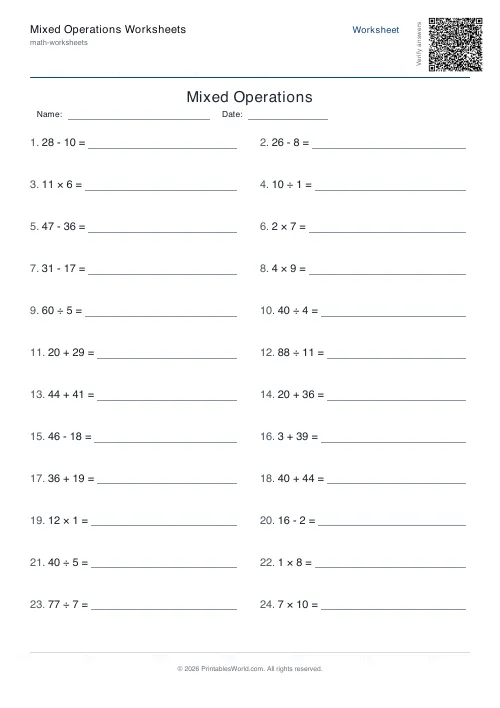
Mixed Operations Worksheets Generator
One printable sheet mixing +, −, ×, ÷ problems for combined-practice sessions.
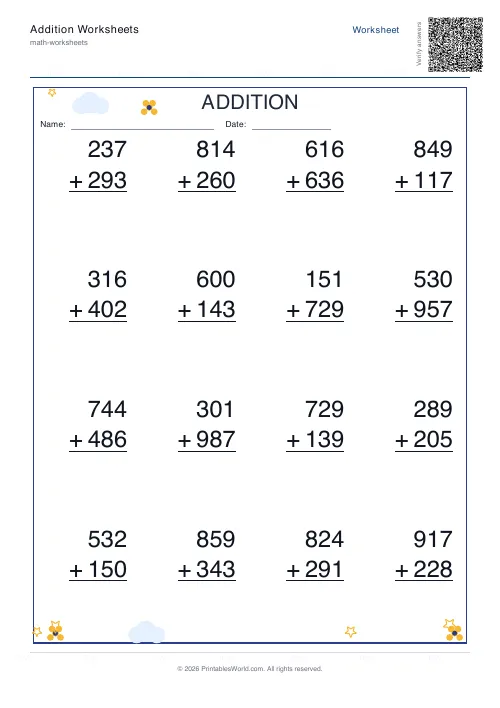
Addition Worksheets Generator
Free printable addition worksheets in tables or line-by-line layouts.
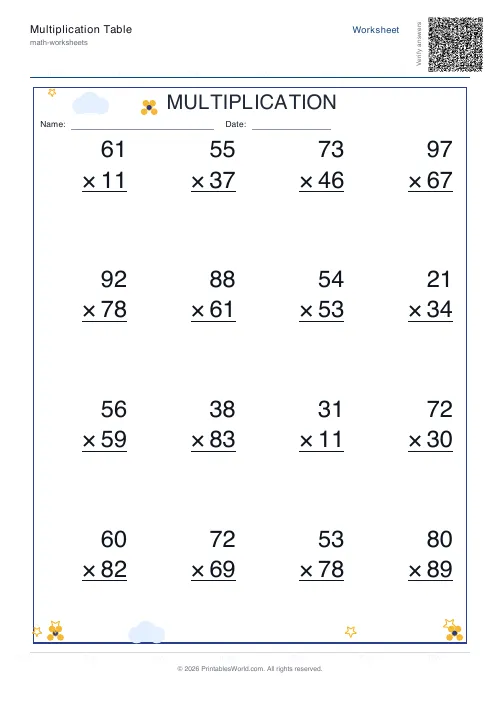
Multiplication Table Generator
Create free printable multiplication tables in table or line-by-line format with custom ranges and themes.
Further reading
Math Worksheets
Understanding BODMAS and PEMDAS: order of operations explained
BODMAS and PEMDAS describe the same rule in different words. The trouble is that both hide two facts the acronym cannot express. Which is where nearly every mistake comes from.
5 min read
Math Worksheets
How many maths worksheets per day? A parent's guide
The honest answer is less than most parents assume. And the number of questions matters less than whether the session ends well.
5 min read
Math Worksheets
Making maths fun: 15 ways to practise without tears
Maths tears are usually about difficulty, length or fear of being wrong, not about maths. Fifteen practical changes, grouped by which of those three problems they actually solve.
6 min read
More like this
- Addition Worksheets Generator
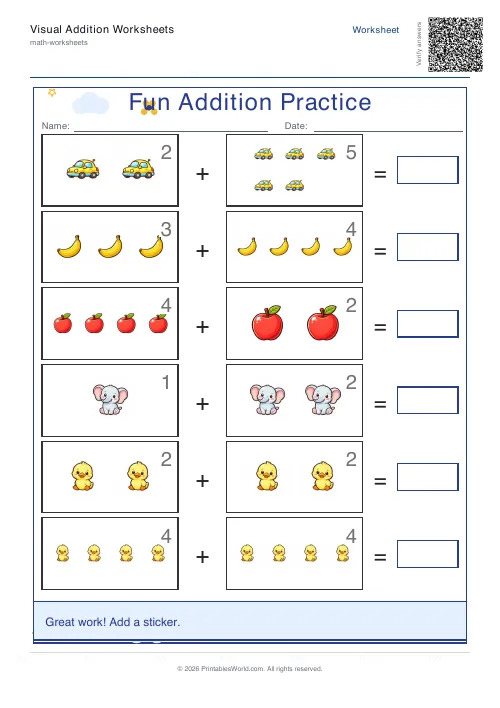 Visual Addition Worksheets Generator
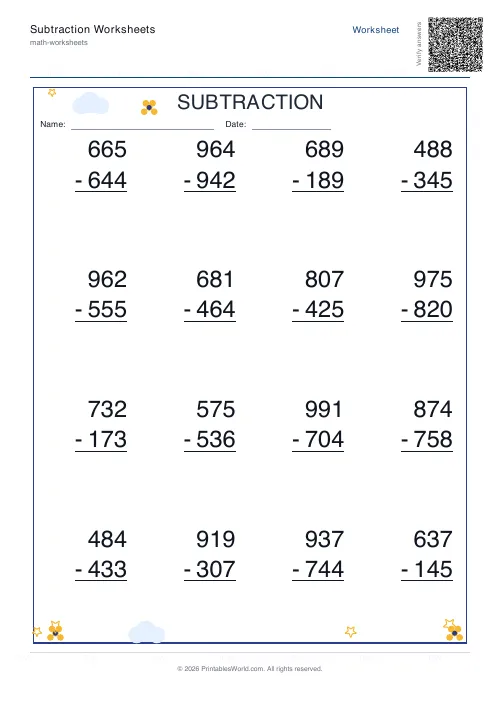 Subtraction Worksheets Generator
- Multiplication Table Generator
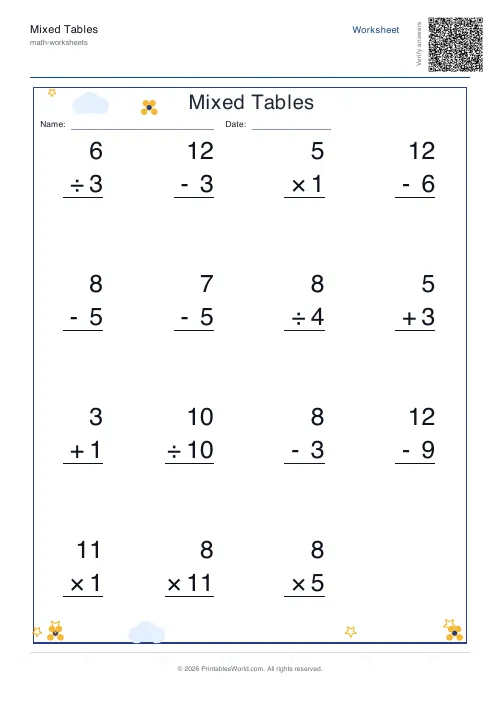 Mixed Tables Generator
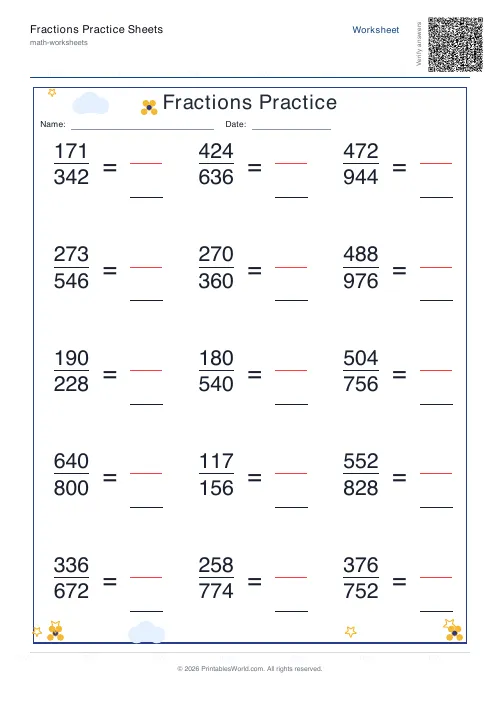 Fractions Practice Sheets Generator
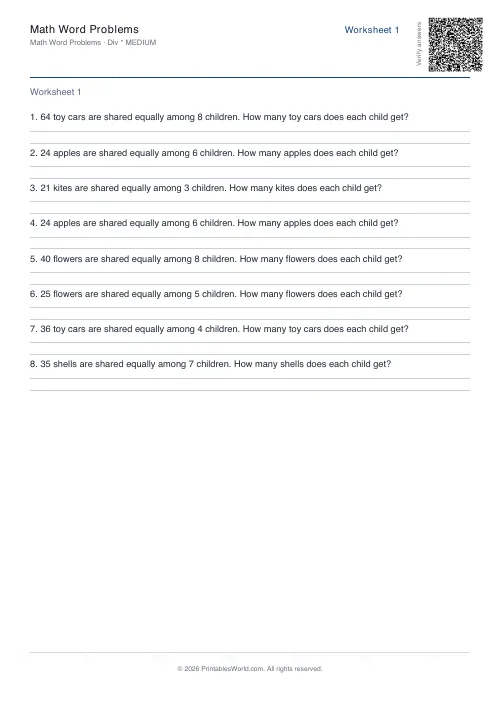 Math Word Problems Generator
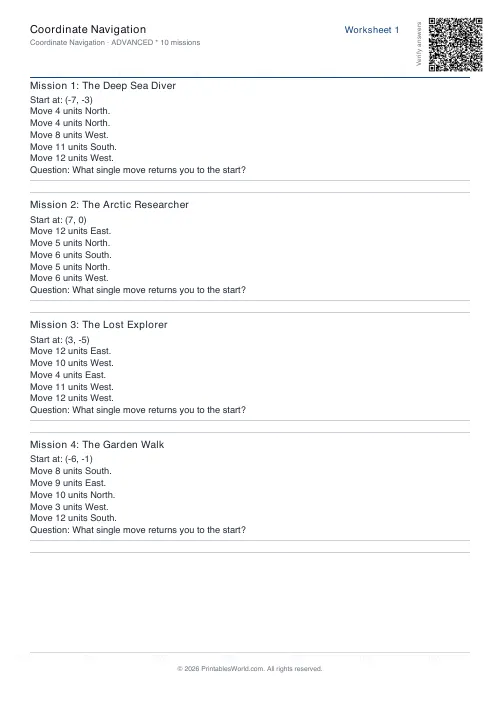 Coordinate Navigation Generator
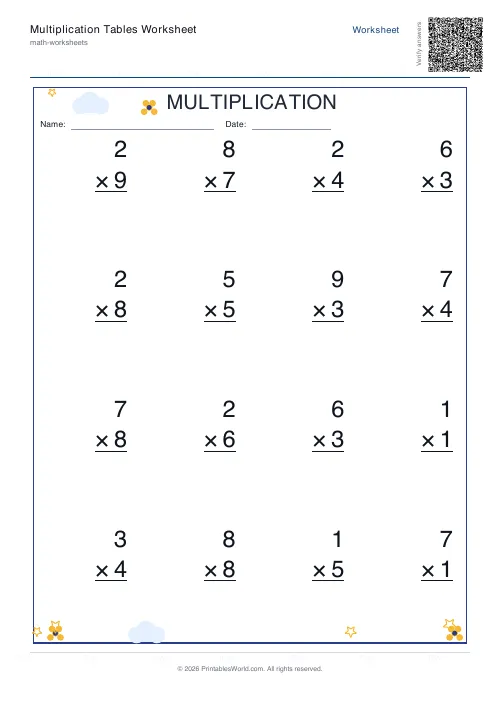 Multiplication Tables Worksheet
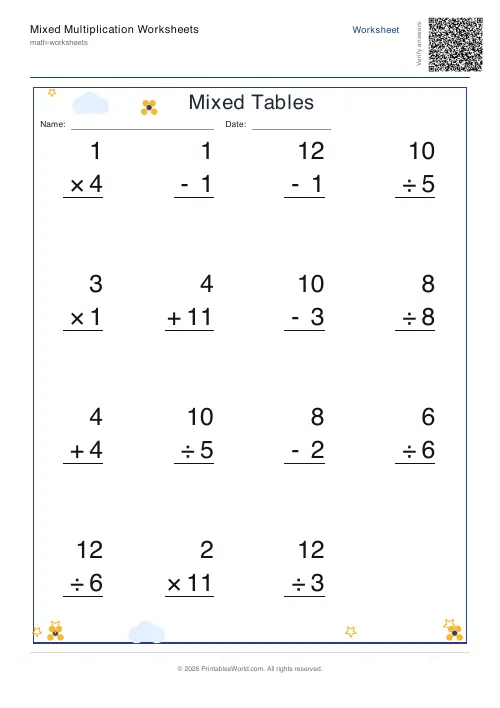 Mixed Multiplication Worksheets
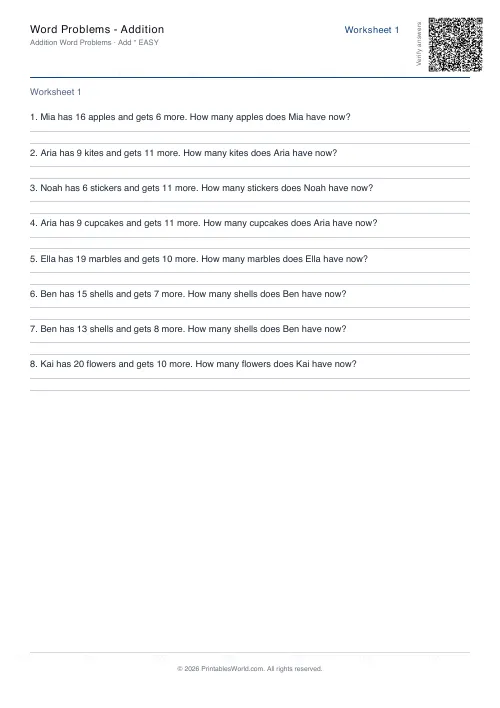 Word Problems: Addition
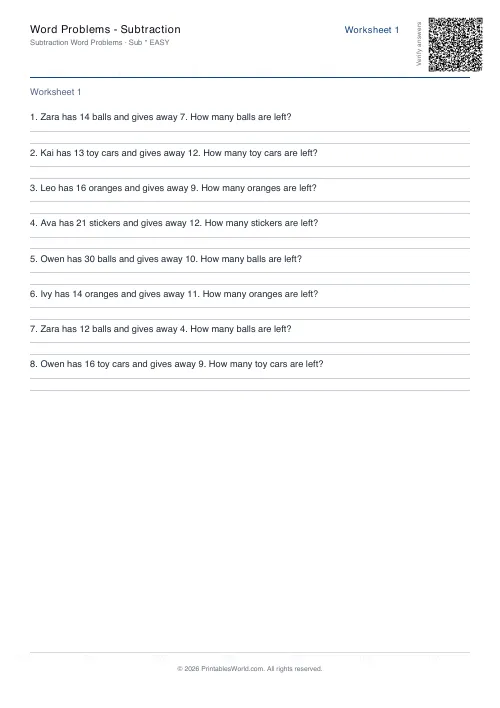 Word Problems: Subtraction
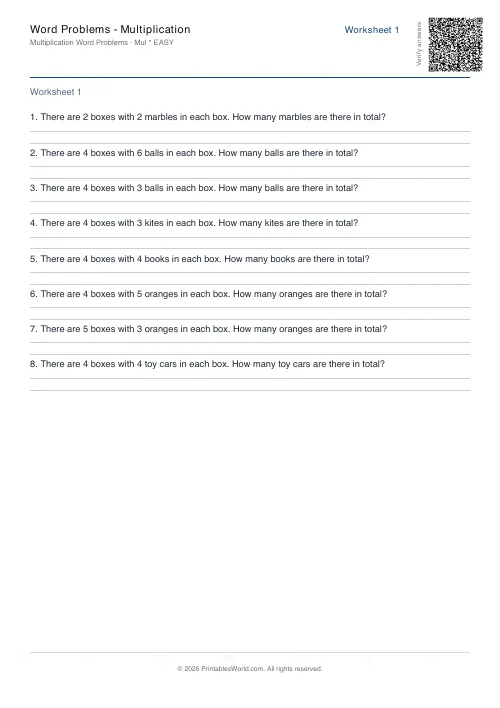 Word Problems: Multiplication
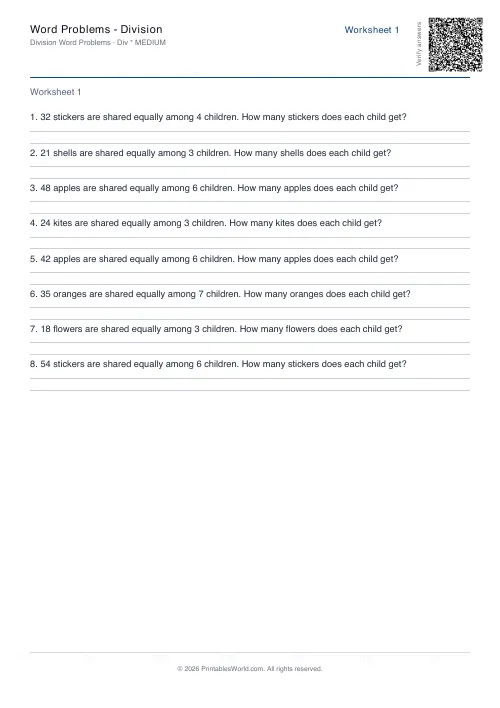 Word Problems: Division