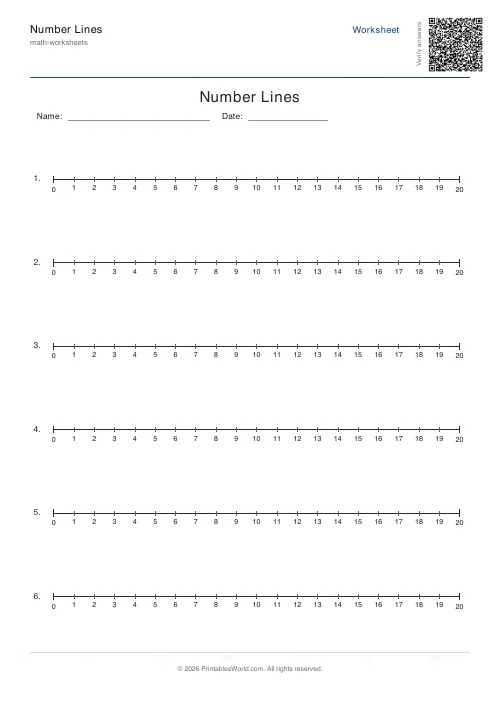
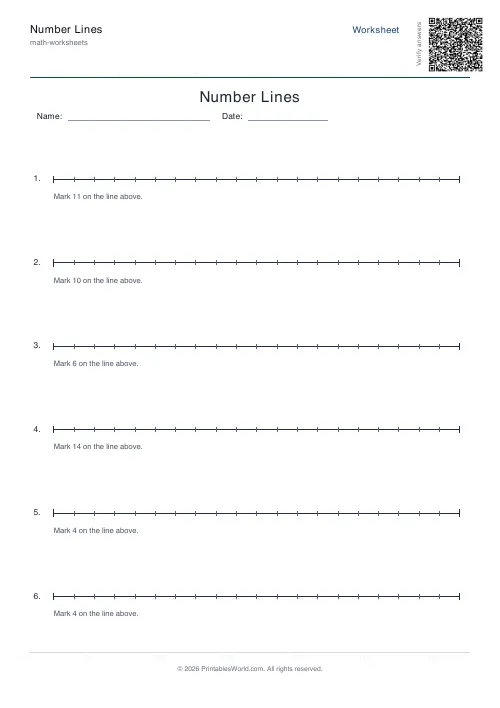
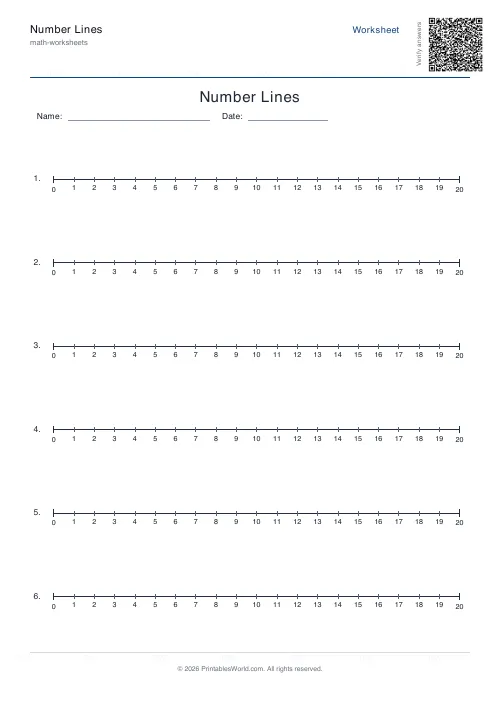
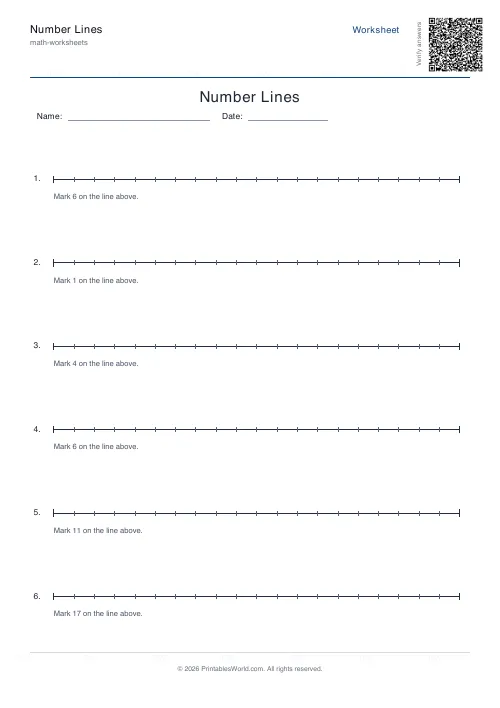
What this tool does
Printable number lines with the start, end and step you choose. Two to ten lines a sheet, tick marks either labelled or left blank, and an optional answer key for the marking questions.
People also used
Addition Worksheets Generator
Free printable addition worksheets in tables or line-by-line layouts.
Subtraction Worksheets Generator
Free printable subtraction worksheets in tables or line-by-line layouts.
Mental Maths Warm-Up Generator
Quick 20–30 question warm-up drills across +, −, ×, ÷ for daily practice.
Feedback
Spotted something off with this tool?
Number lines, built to your range
Set a start, an end and a step, and the sheet prints number lines to match. Two to ten lines per page, with the tick marks labelled or left blank.
Blank lines are the useful ones for assessment: the child has to work out what each tick is worth from the ends, which is a genuine piece of reasoning. Labelled lines are for teaching, where the line is a tool rather than the task.
The step is the whole difficulty of the sheet
Zero to twenty in ones is a counting line. Change it to 0–100 in tens and the drawing is identical while the job is not: each tick now stands for a group of ten, and a child who has only ever counted in ones has a real conceptual jump to make before they can read it.
Tenths between 0 and 1 are harder again, and that is the sheet most often skipped. Fluency to a hundred does not carry over. Between 0 and 1 the ticks sit closer together than the numbers they stand for feel, and children lose their footing there.
Negative ranges work too. Minus ten to ten in ones is the cleanest way to introduce negative numbers, because the symmetry around zero is visible rather than described.
What number lines are actually for
Not counting. Counting is what they look like they are for.
They are for making the structure of number visible: that the gaps are equal, that halfway between 20 and 30 is 25, that adding moves right and subtracting moves left by the same distance. A child who can picture a number line can estimate, and estimation is what catches an answer that is out by a factor of ten.
They also carry straight into other topics. A thermometer is a vertical number line, a ruler is a number line, a timeline is a number line, and a child who reads one reads all of them.
Setting the sheet up
- Start, end, step — any range you like, and negatives are allowed.
- Lines per sheet, 2 to 10. Fewer lines means longer lines, which means more room to write above the ticks.
- Show numbers — labelled ticks, or blank ones.
- Questions, 1 to 24, each asking the learner to mark or identify a particular value.
- Answer key, a title, and Name and Date fields. A4 or US Letter.
A practical note on spacing
A long range with a small step gives you a lot of ticks on one line, and past a point they stop being separable by a pencil. Zero to a hundred in ones is 101 ticks across an A4 page: about 1.8mm apart.
If you want that range, use a step of five or ten and let the intermediate values be worked out. That is better practice anyway.
Print at 100% on A4 or US Letter.
FAQs
Quick answers
Are these number lines free to print?
Yes. You can generate and download printable number lines for free.
Can I choose the range and step?
Yes. Set the start, end and step size to match the topic you are teaching.
What is the difference between blank and labelled lines?
Blank lines only show tick marks so learners can add the values themselves. Labelled lines show the numbers under each tick.
Can I print in US Letter as well as A4?
Yes. Both A4 and US Letter paper sizes are supported.
Related tools
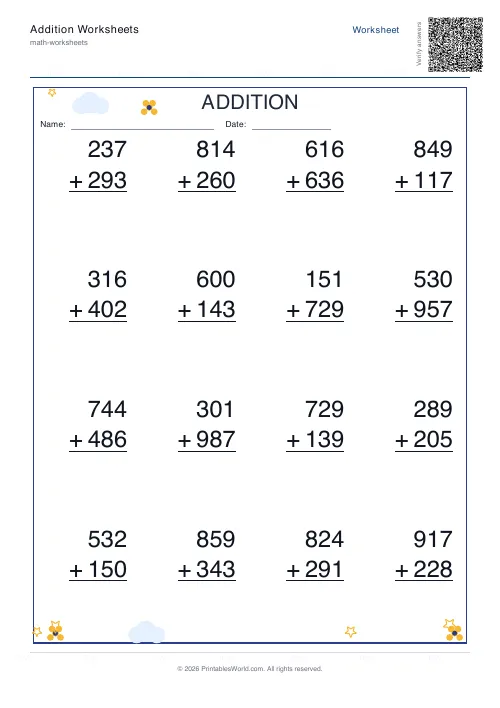
Addition Worksheets Generator
Free printable addition worksheets in tables or line-by-line layouts.
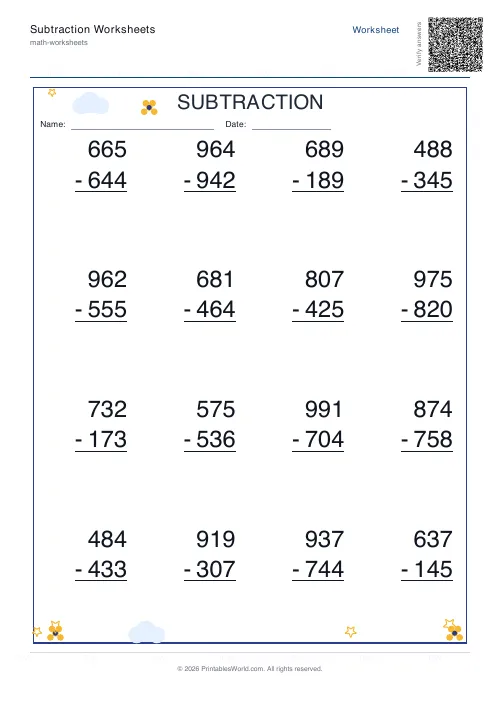
Subtraction Worksheets Generator
Free printable subtraction worksheets in tables or line-by-line layouts.
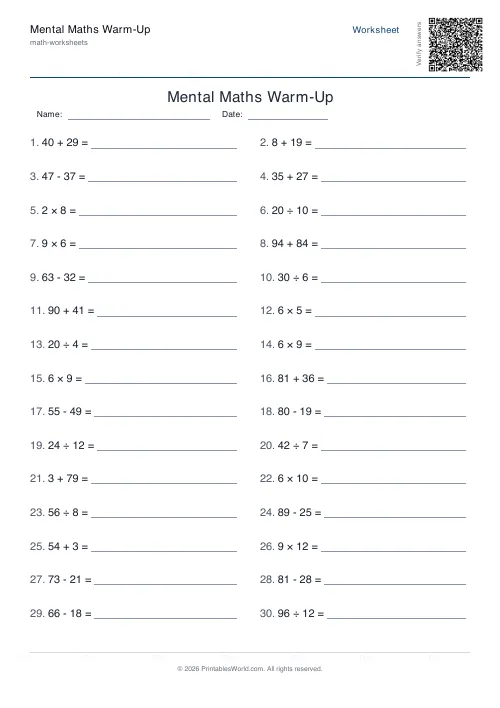
Mental Maths Warm-Up Generator
Quick 20–30 question warm-up drills across +, −, ×, ÷ for daily practice.
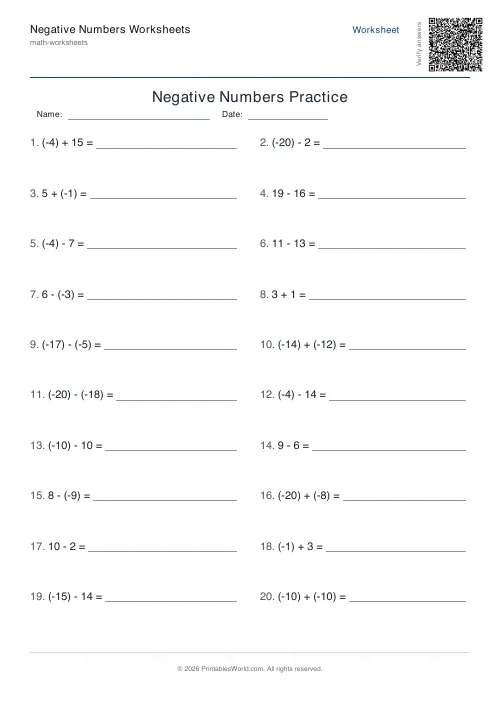
Negative Numbers Worksheets Generator
Generate printable worksheets for addition, subtraction and comparison practice with negative numbers.
Further reading
Math Worksheets
Addition strategies: number lines, regrouping and more
Column addition is the destination, not the route. Here are the strategies that come before it, why each matters, and how to tell which one a child is actually using.
5 min read
Math Worksheets
Ten frames and number bonds: early maths foundations
A ten frame is two rows of five. That arrangement does something a row of counters cannot. It makes quantities visible without counting, which is where number sense starts.
5 min read
Math Worksheets
How many maths worksheets per day? A parent's guide
The honest answer is less than most parents assume. And the number of questions matters less than whether the session ends well.
5 min read
More like this
- Addition Worksheets Generator
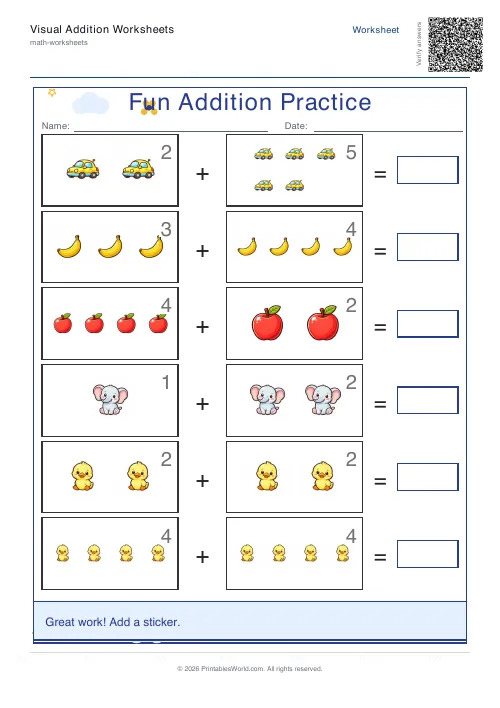 Visual Addition Worksheets Generator
- Subtraction Worksheets Generator
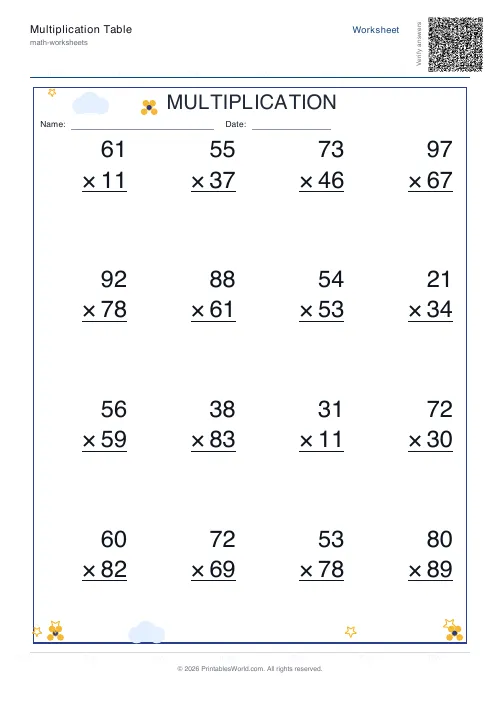 Multiplication Table Generator
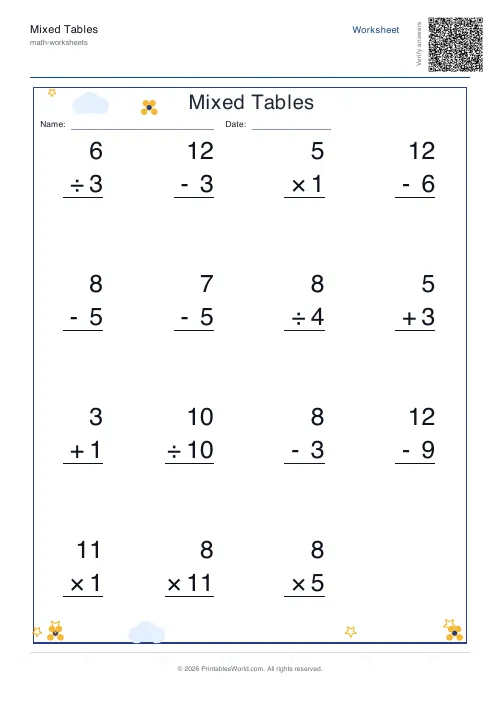 Mixed Tables Generator
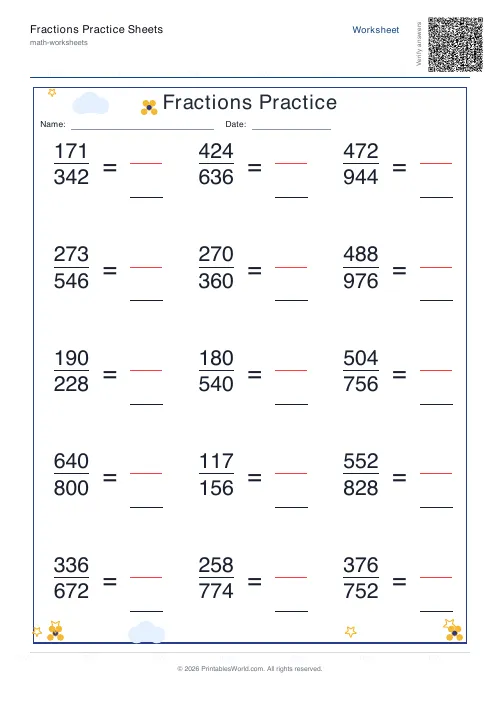 Fractions Practice Sheets Generator
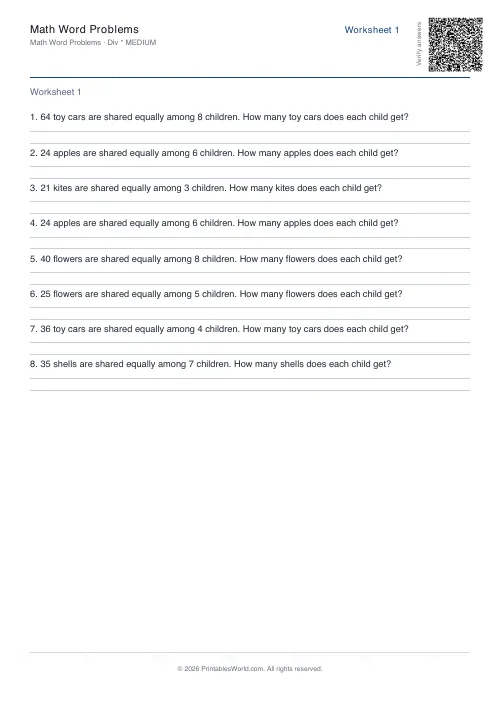 Math Word Problems Generator
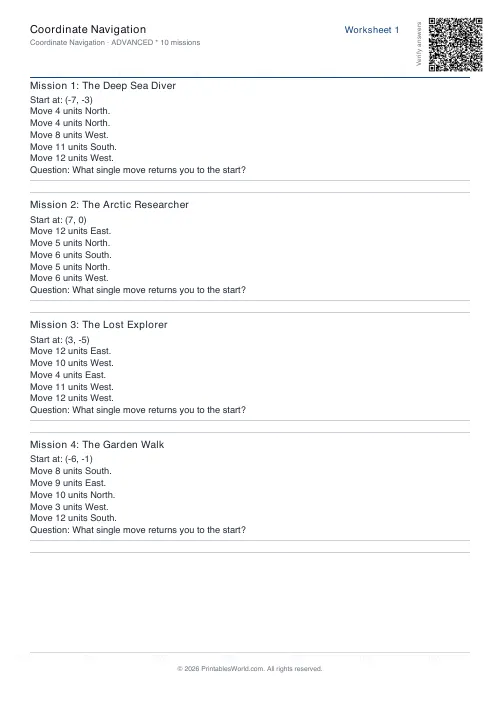 Coordinate Navigation Generator
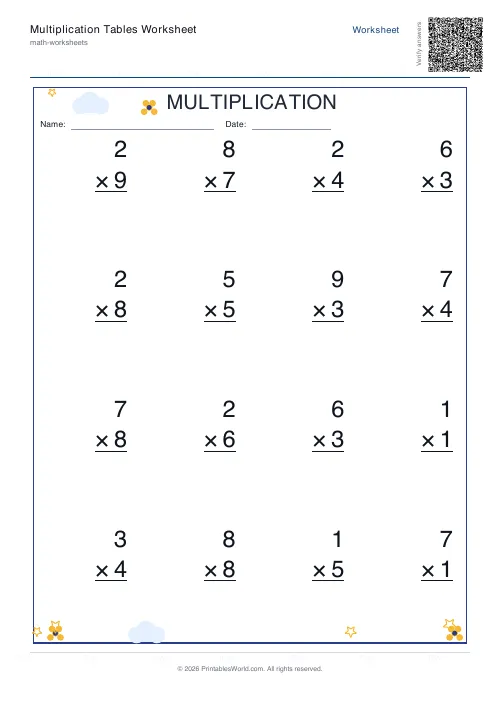 Multiplication Tables Worksheet
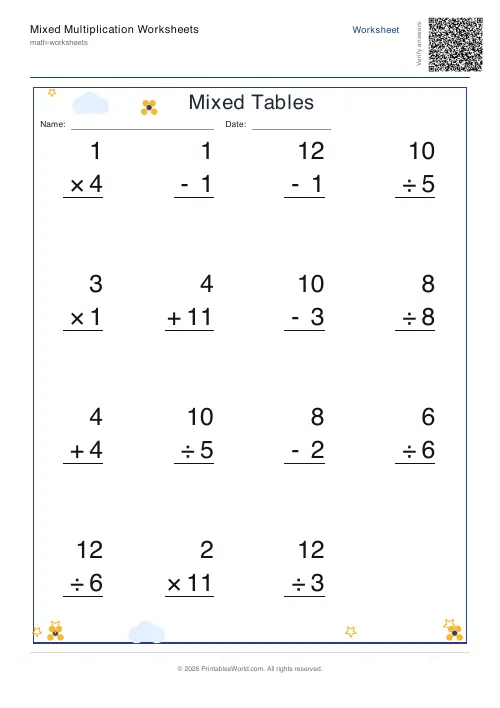 Mixed Multiplication Worksheets
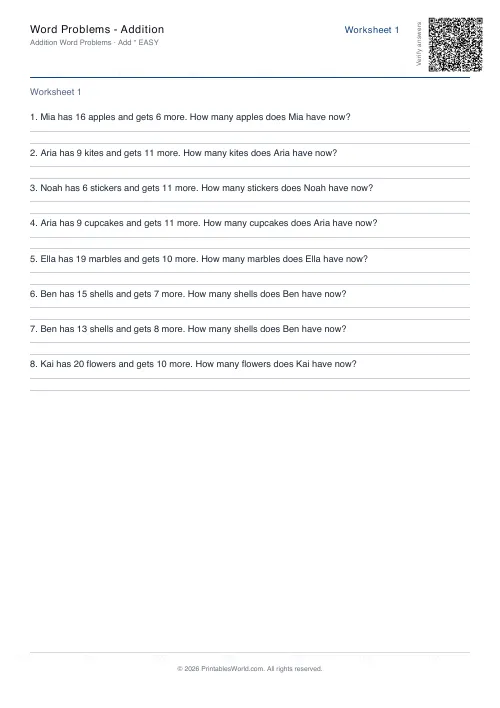 Word Problems: Addition
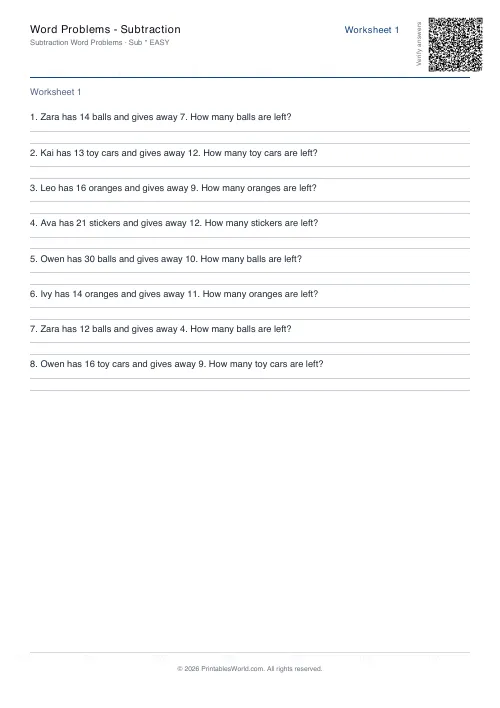 Word Problems: Subtraction
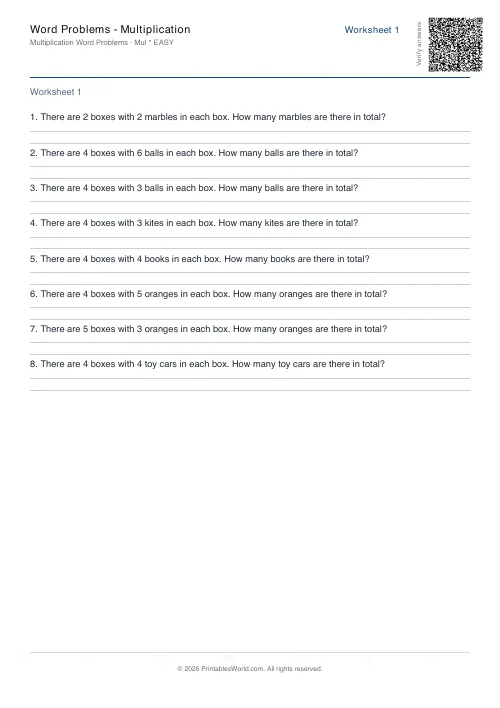 Word Problems: Multiplication
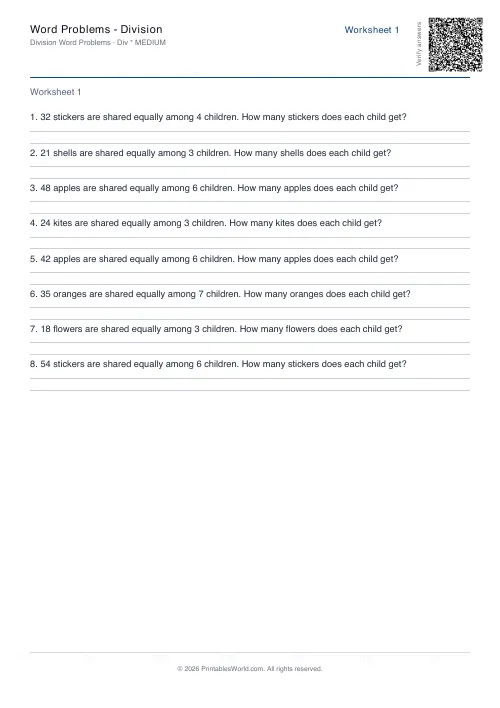 Word Problems: Division